

Start With a Clear Film Direction
Choose noir, direct flash, golden-hour film, period drama, underwater reverie, or another recognizable visual language instead of stacking random cinematic adjectives.
Prompt Guide
Model
Reference Image
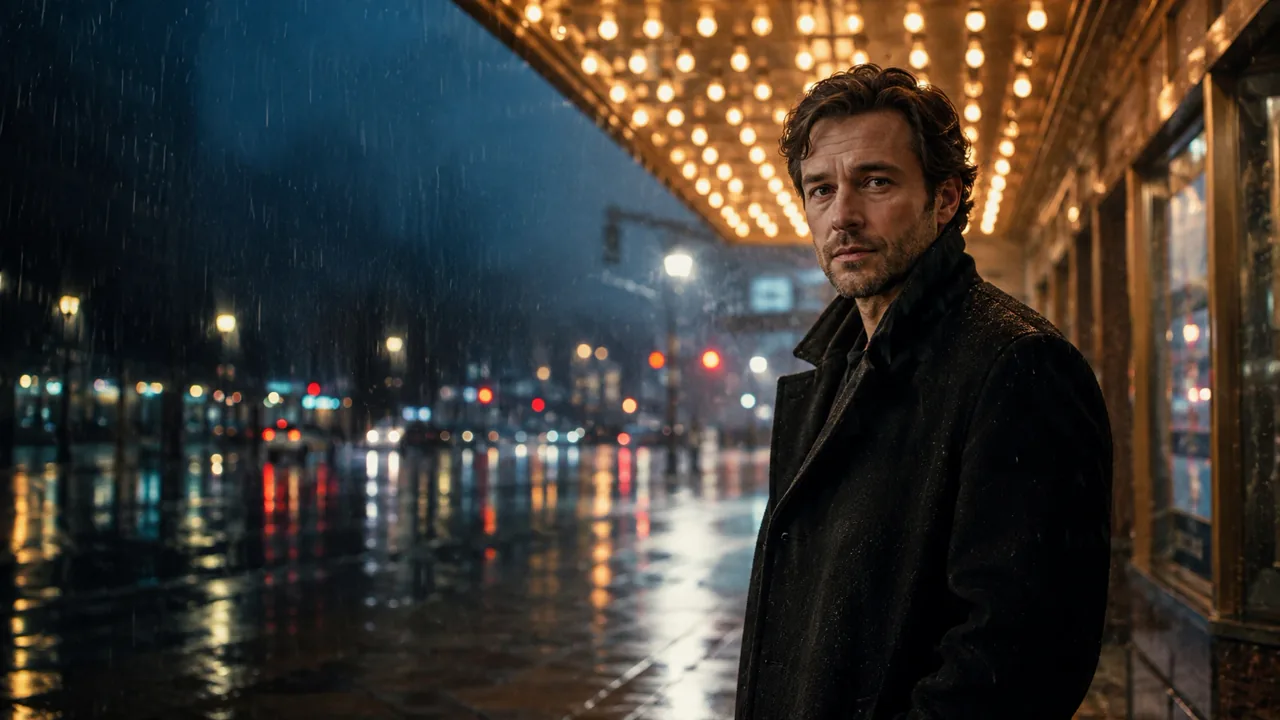
Turn a character idea or eligible reference portrait into a composed film still with deliberate lighting, camera language, color, atmosphere, and emotion.
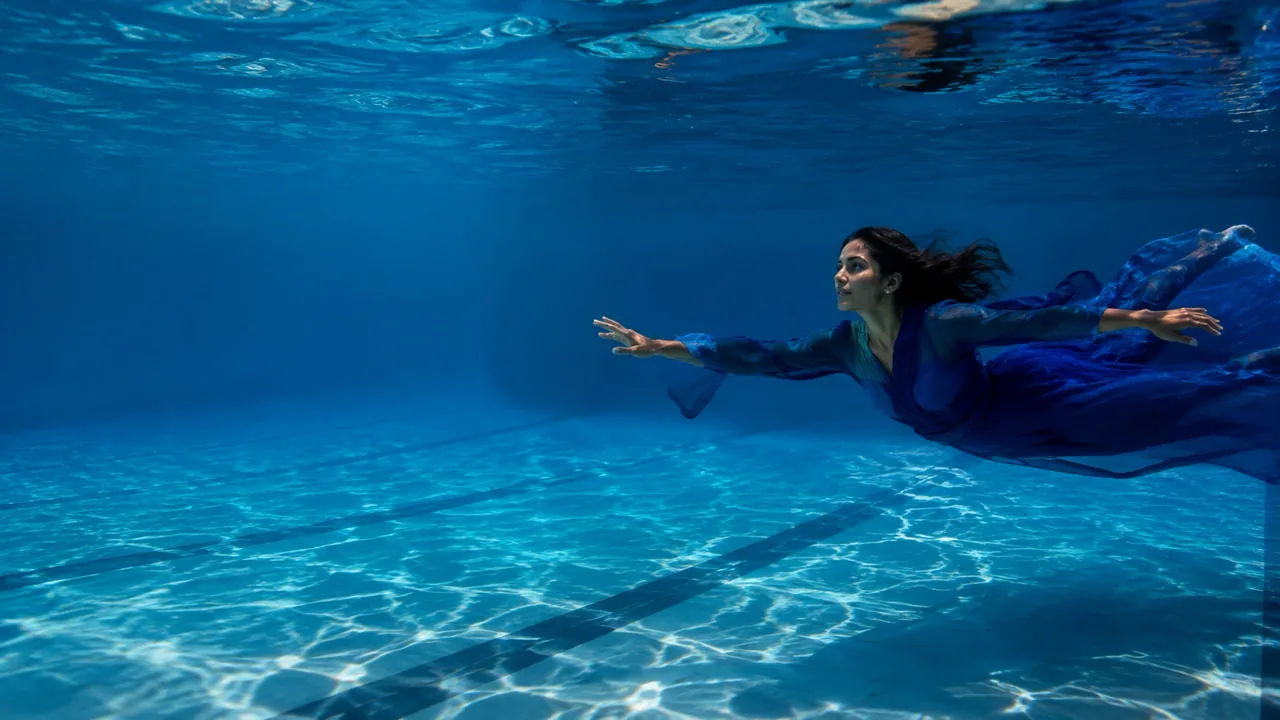
Build the image like a director: define one subject, one shot, one lighting plan, and one emotional beat before refining the details.
Choose noir, direct flash, golden-hour film, period drama, underwater reverie, or another recognizable visual language instead of stacking random cinematic adjectives.
Guide lens feel, camera distance, subject placement, practical light, weather, motion, film grain, and color treatment from one editable prompt.
Create a new adult character from text, or add an eligible reference image when the chosen model supports image-guided generation. Review identity details before using the result.
Use the cinematic portrait generator for square profiles, vertical story art, classic editorial frames, or widescreen banners without forcing every concept into one crop.
Explore eleven distinct film-inspired directions, then change the subject, wardrobe, setting, lens, light, and mood to make the prompt your own.
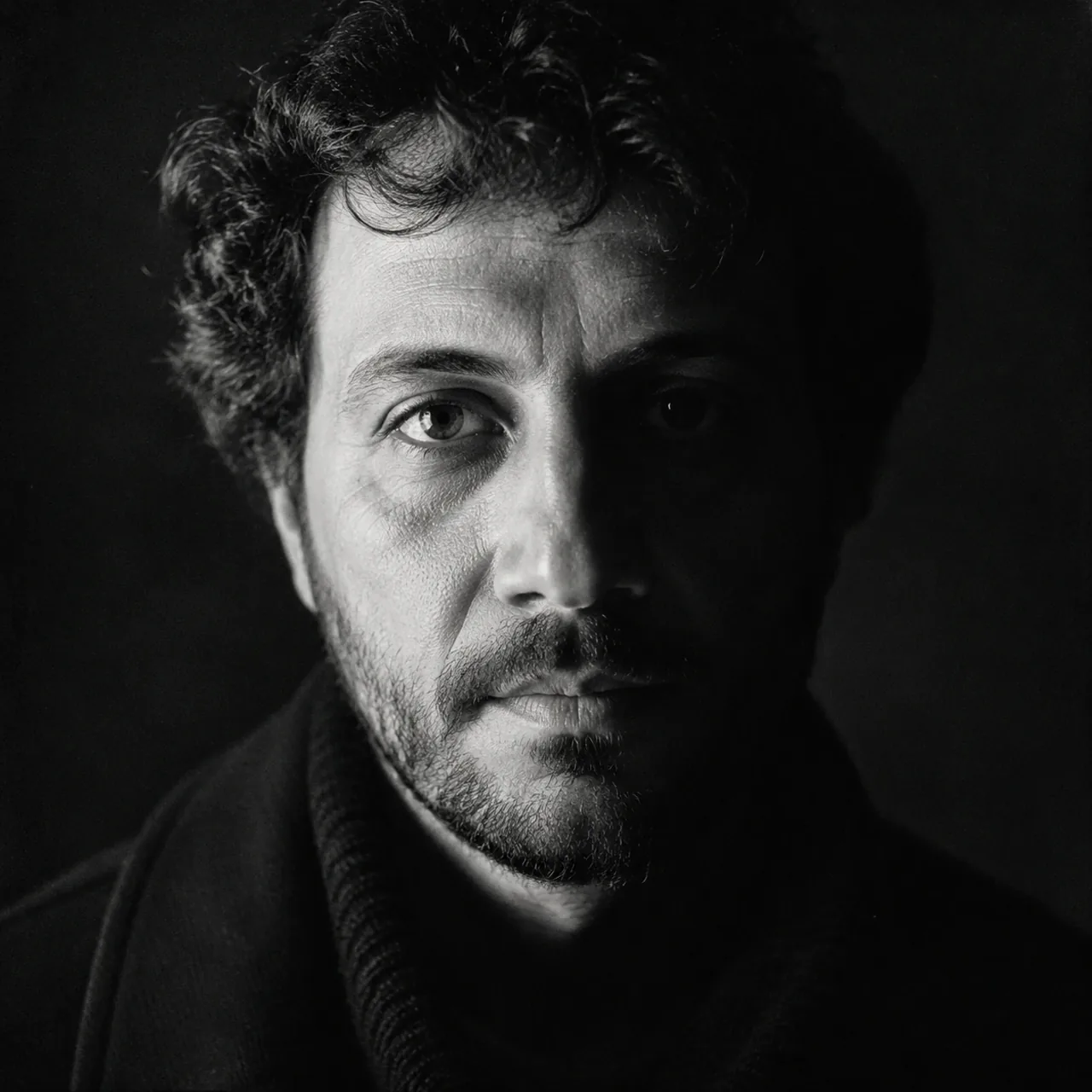 Noir & Low-Key
Use the cinematic portrait generator to create a black-and-white close portrait of one fully clothed adult. Use hard split lighting across the face, deep negative space, realistic skin texture, restrained contrast, an 85mm lens feel, and a quiet self-possessed expression. Keep both eyes anatomically correct and the tonal range rich rather than crushed. No text, logo, watermark, celebrity likeness, or beauty-filter skin.
Use This Prompt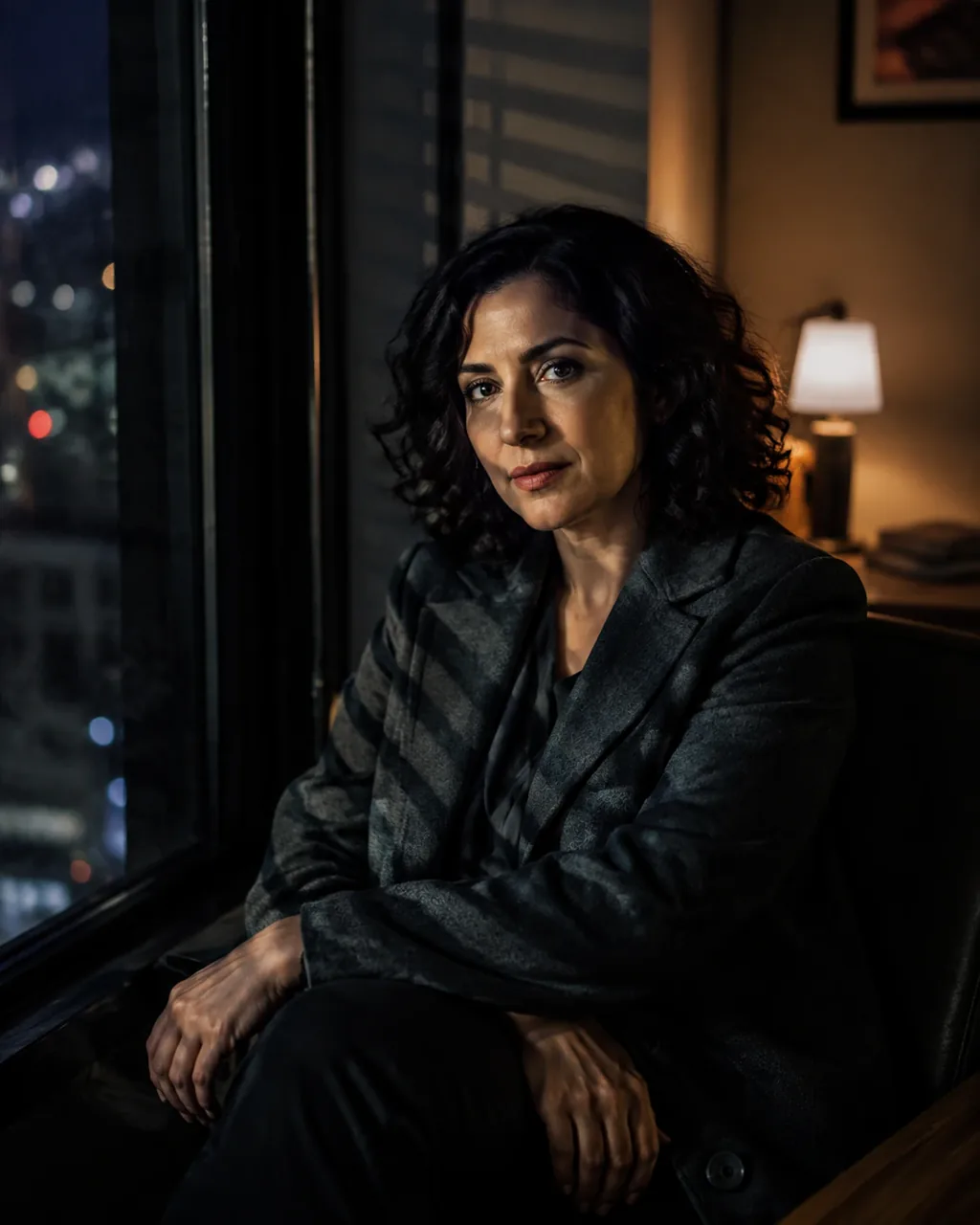 Noir & Low-Key
Use the cinematic portrait generator to create one fully clothed adult beside a dark interior window. Let narrow bands of practical window light shape the face and wardrobe while the room falls into soft shadow. Use a measured gaze, realistic skin, subtle grain, and a tense but elegant film-noir mood. No readable objects, logo, watermark, extra fingers, or distorted facial features.
Use This Prompt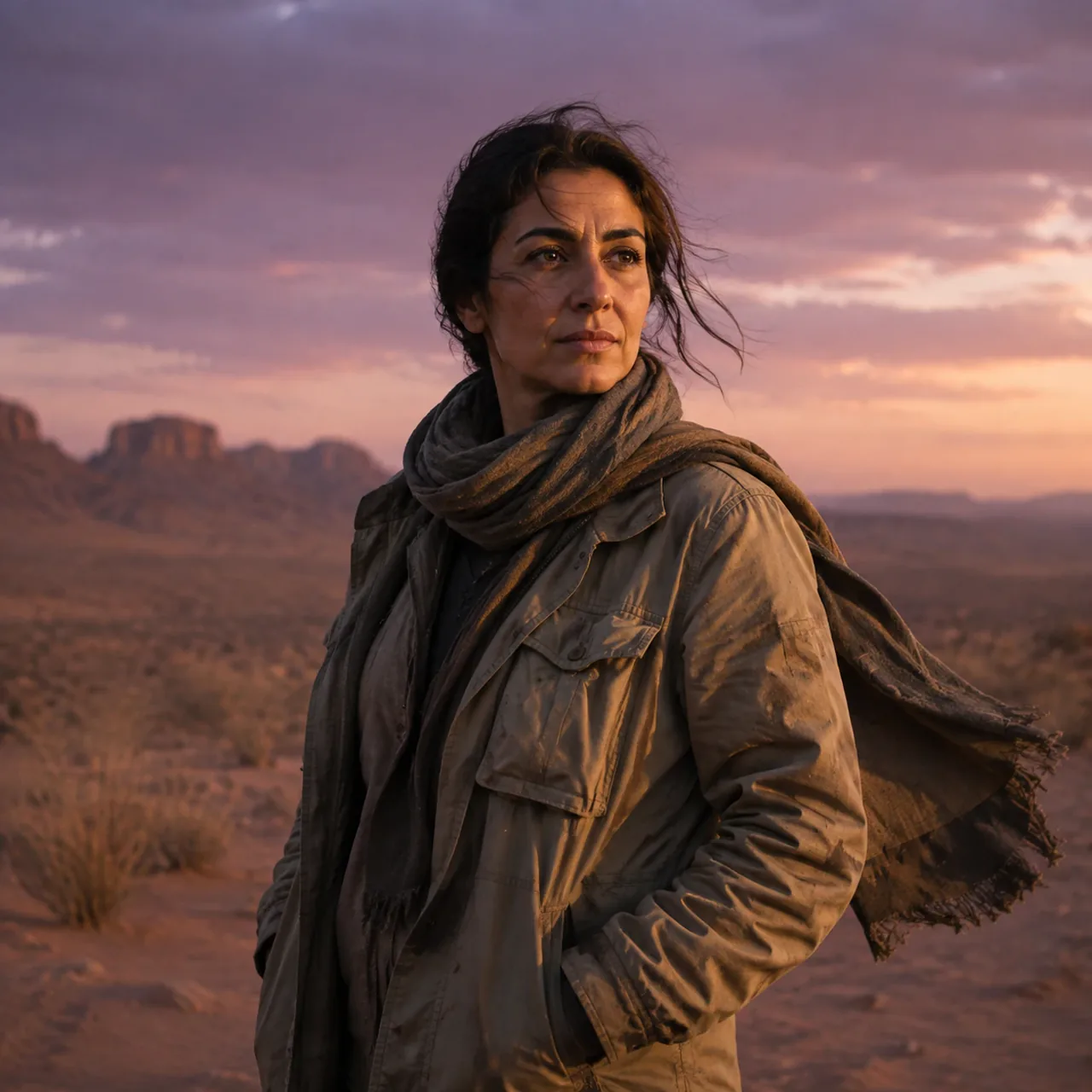 Atmosphere & Weather
Use the cinematic portrait generator to create one fully clothed adult traveler in the desert at dusk. Use a medium environmental frame, layered mesas, dusty rose and muted amber color, wind moving the coat, natural skin detail, and a calm resilient expression. The image should feel like a quiet dramatic film still, not a fantasy costume scene. No text, logo, watermark, or malformed hands.
Use This Prompt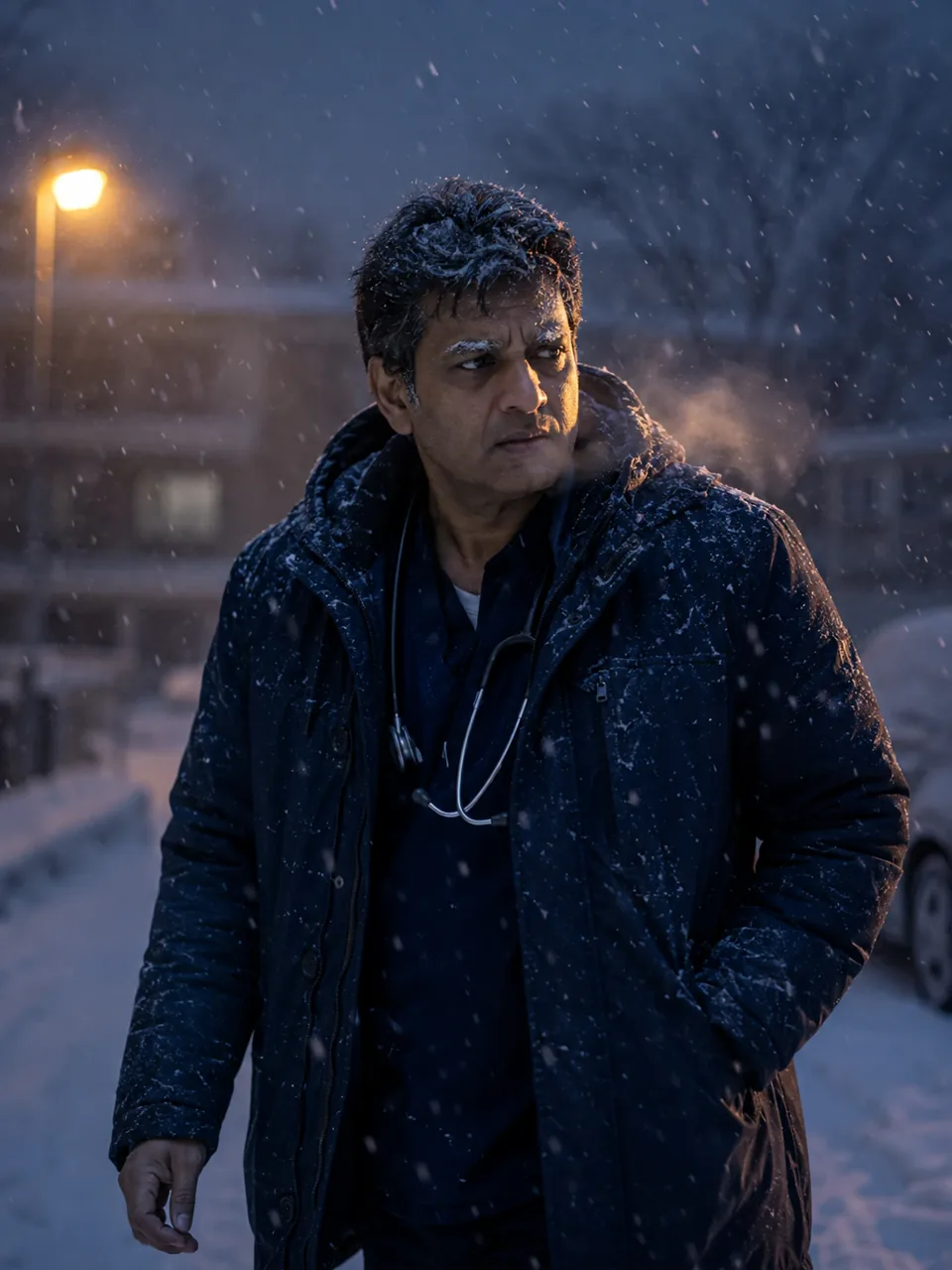 Atmosphere & Weather
Use the cinematic portrait generator to create one fully clothed adult moving through a controlled snowstorm at blue hour. Use visible snow depth, cold practical light, realistic wet fabric, subtle breath, a determined expression, and enough background separation to keep the face readable. Avoid disaster spectacle. No logos, readable signs, watermark, duplicated limbs, or plastic skin.
Use This Prompt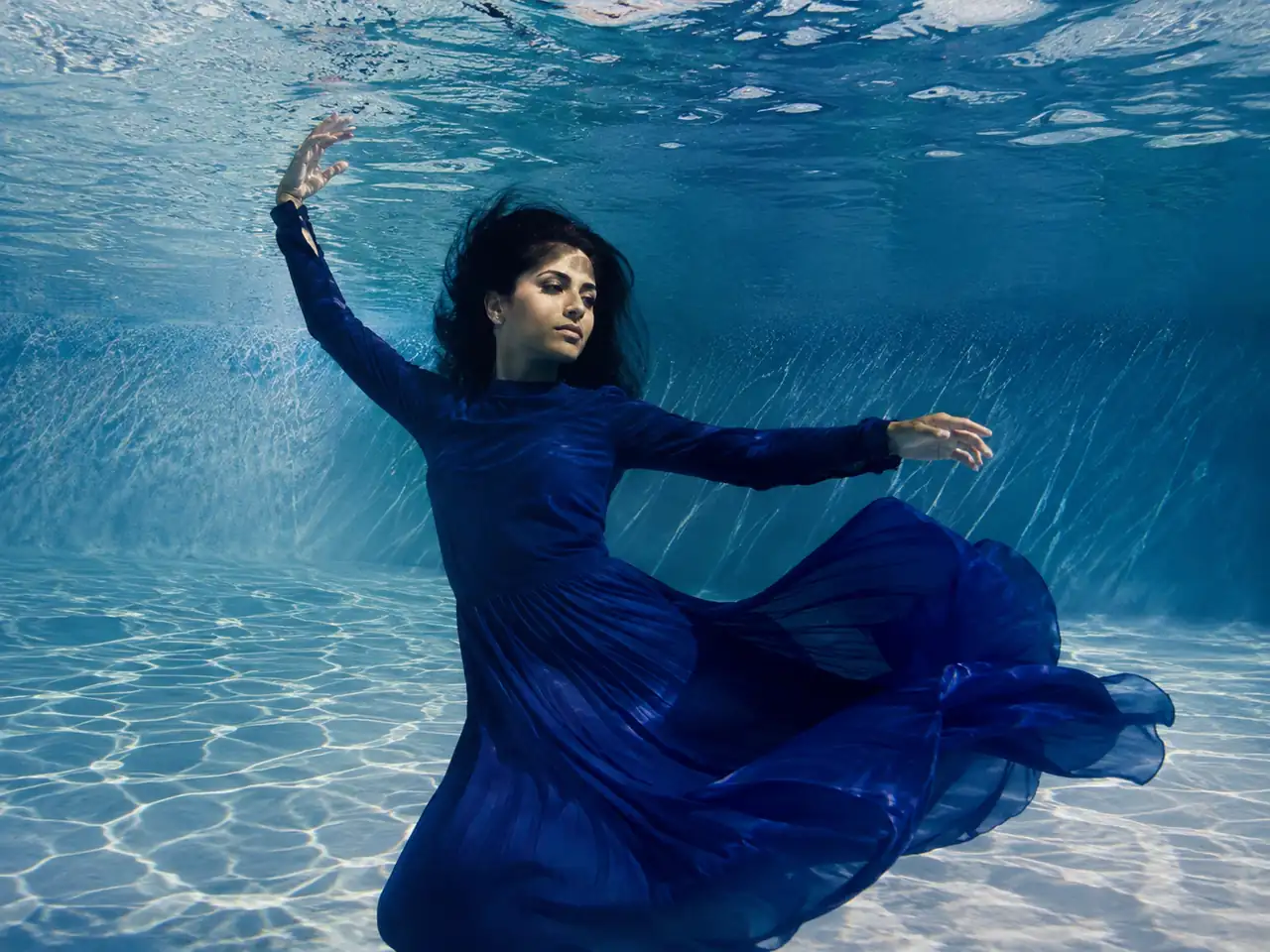 Atmosphere & Weather
Use the cinematic portrait generator to create one fully clothed adult underwater in a flowing sapphire-blue dress. Use clear pool water, natural caustic sunlight, drifting fabric and hair, a graceful suspended pose, realistic open eyes, and anatomically correct hands. Keep the mood serene and dreamlike with genuine water depth. No mermaid styling, text, logo, watermark, or duplicated limbs.
Use This Prompt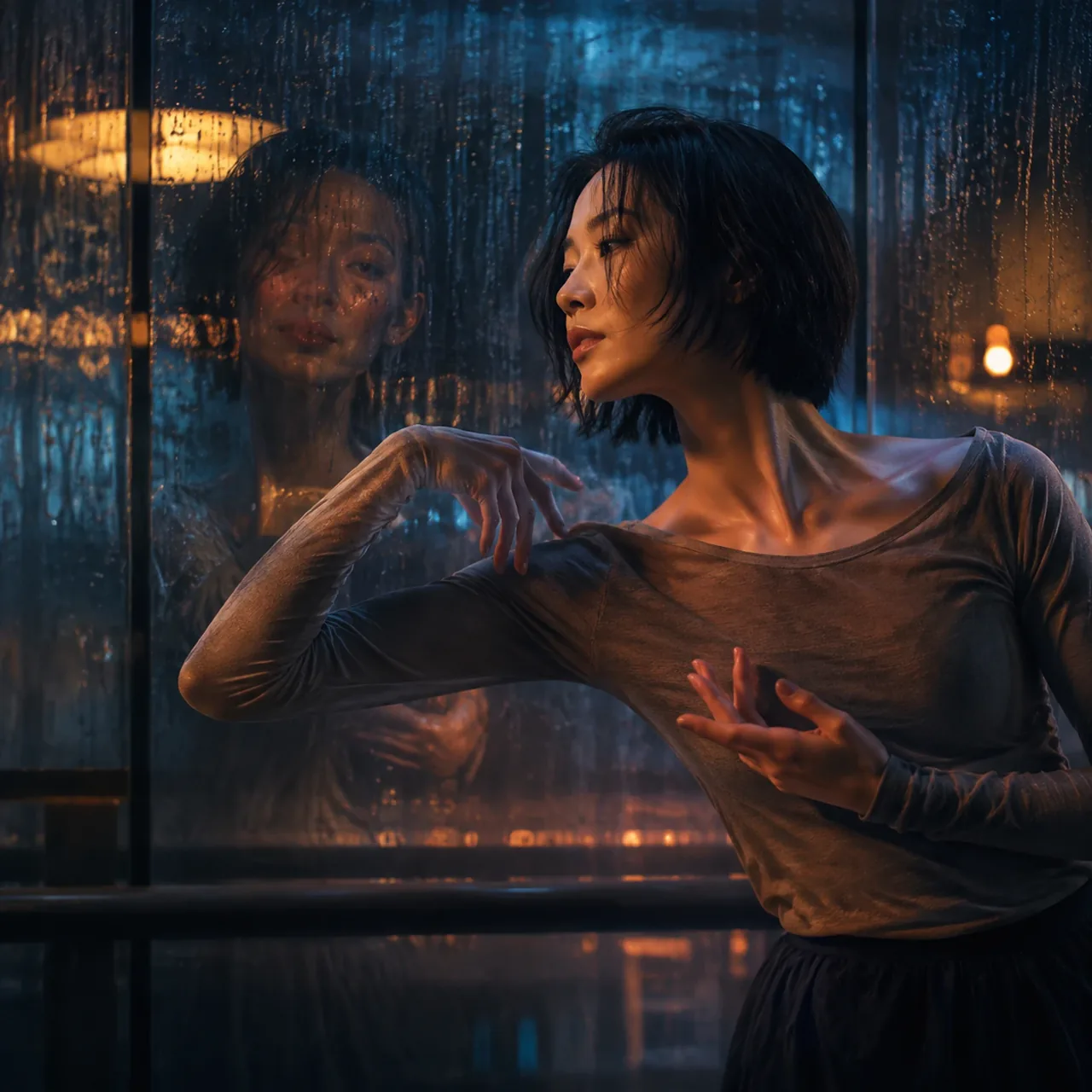 Surreal & Poster
Use the cinematic portrait generator to create one fully clothed adult seen through rain-streaked glass with a controlled reflection of the same person. Use practical amber light, cool shadow, layered depth, realistic droplets, and a poster-like composition while keeping the reflection optically believable. No duplicated body, readable text, logos, watermark, or distorted face.
Use This Prompt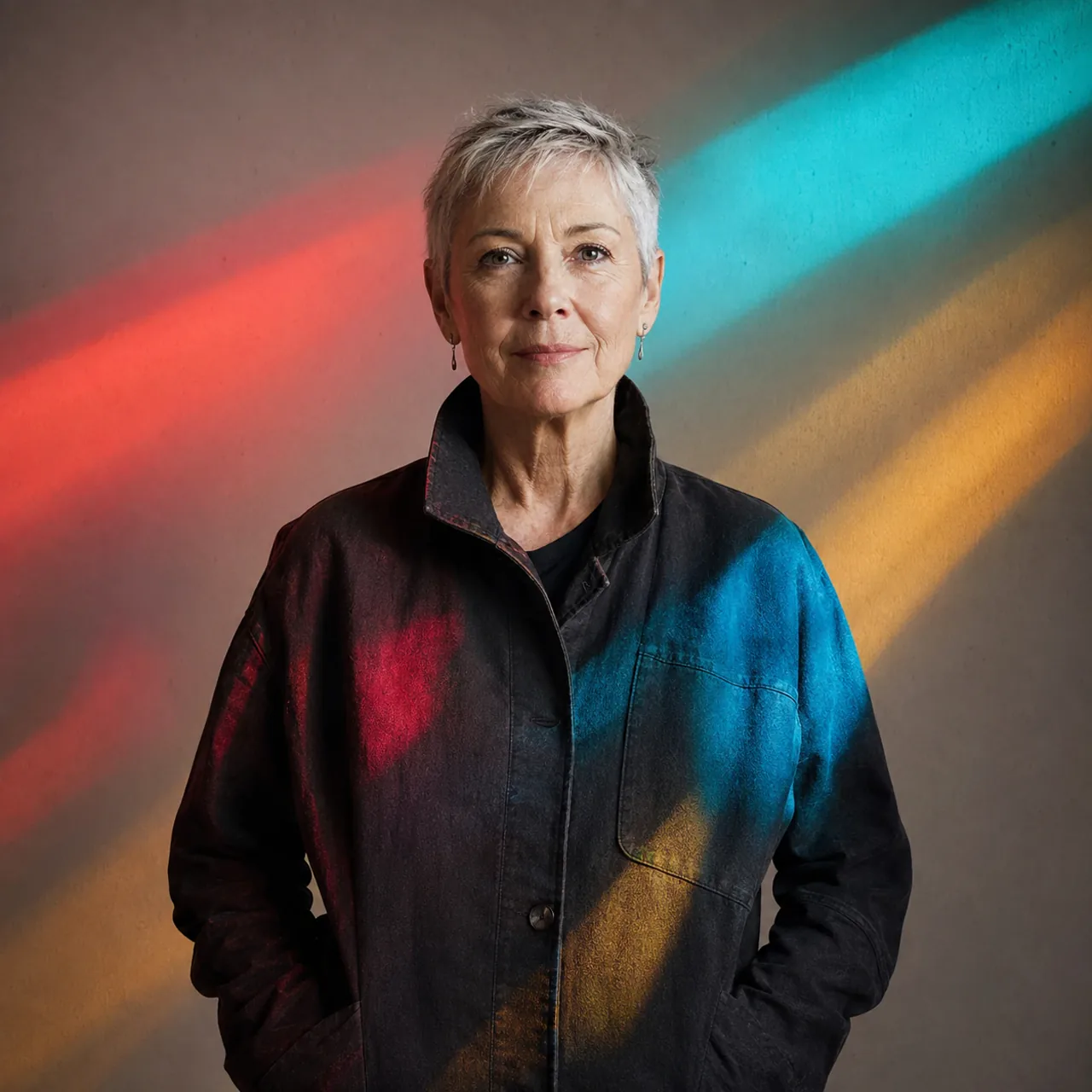 Surreal & Poster
Use the cinematic portrait generator to create one fully clothed older adult in a dark studio while clean bands of red, amber, and cyan projected light cross the subject and background. Preserve natural skin texture and a calm direct expression. Keep the projection abstract with no letters, symbols, logo, watermark, or malformed hands.
Use This Prompt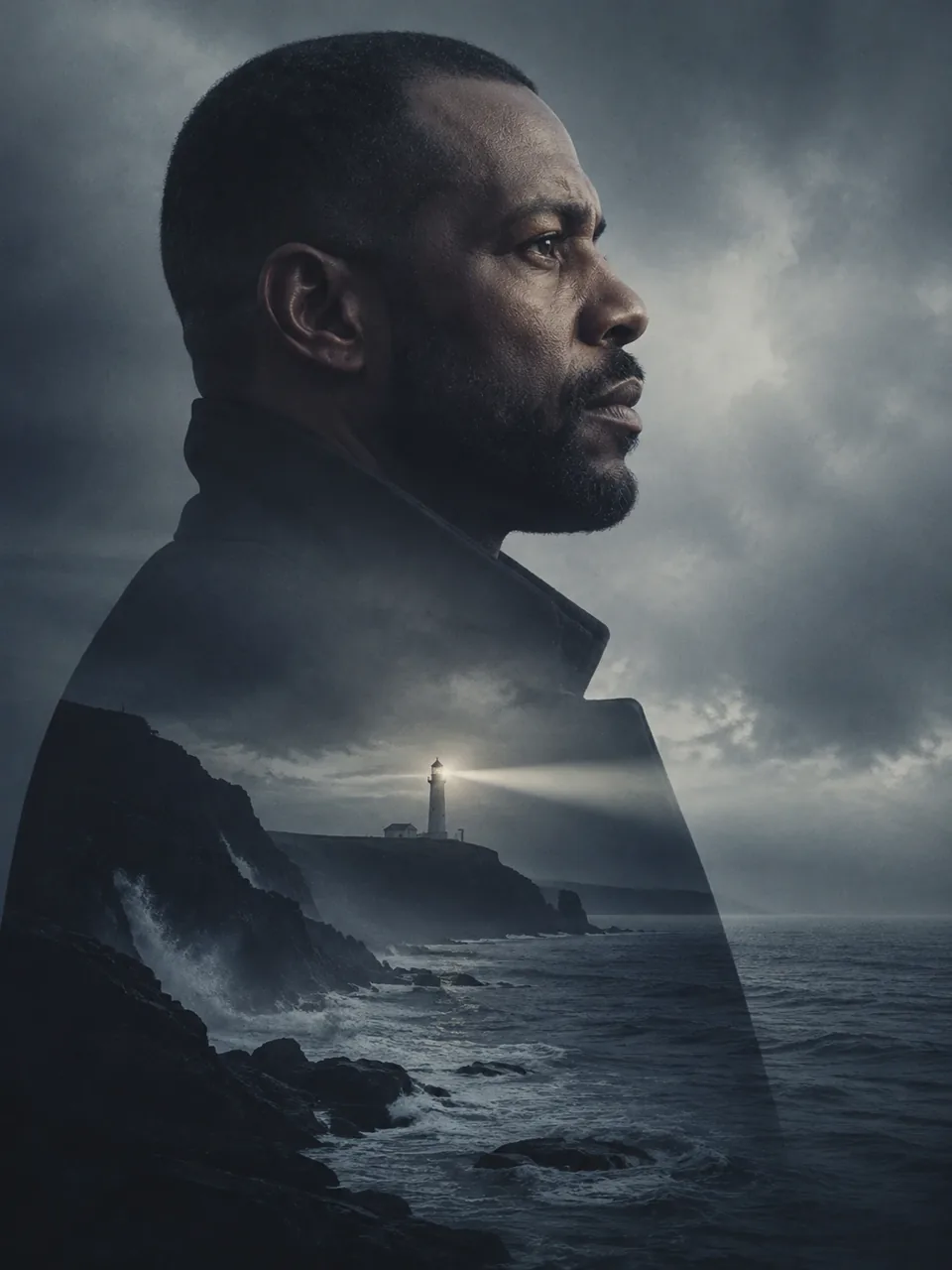 Surreal & Poster
Use the cinematic portrait generator to create one fully clothed adult in profile, blending the silhouette with a stormy coast and distant waves. Keep one readable face, controlled grayscale-blue color, realistic edge transitions, spacious poster composition, and subtle film grain. No second face, fantasy symbols, text, logo, or watermark.
Use This Prompt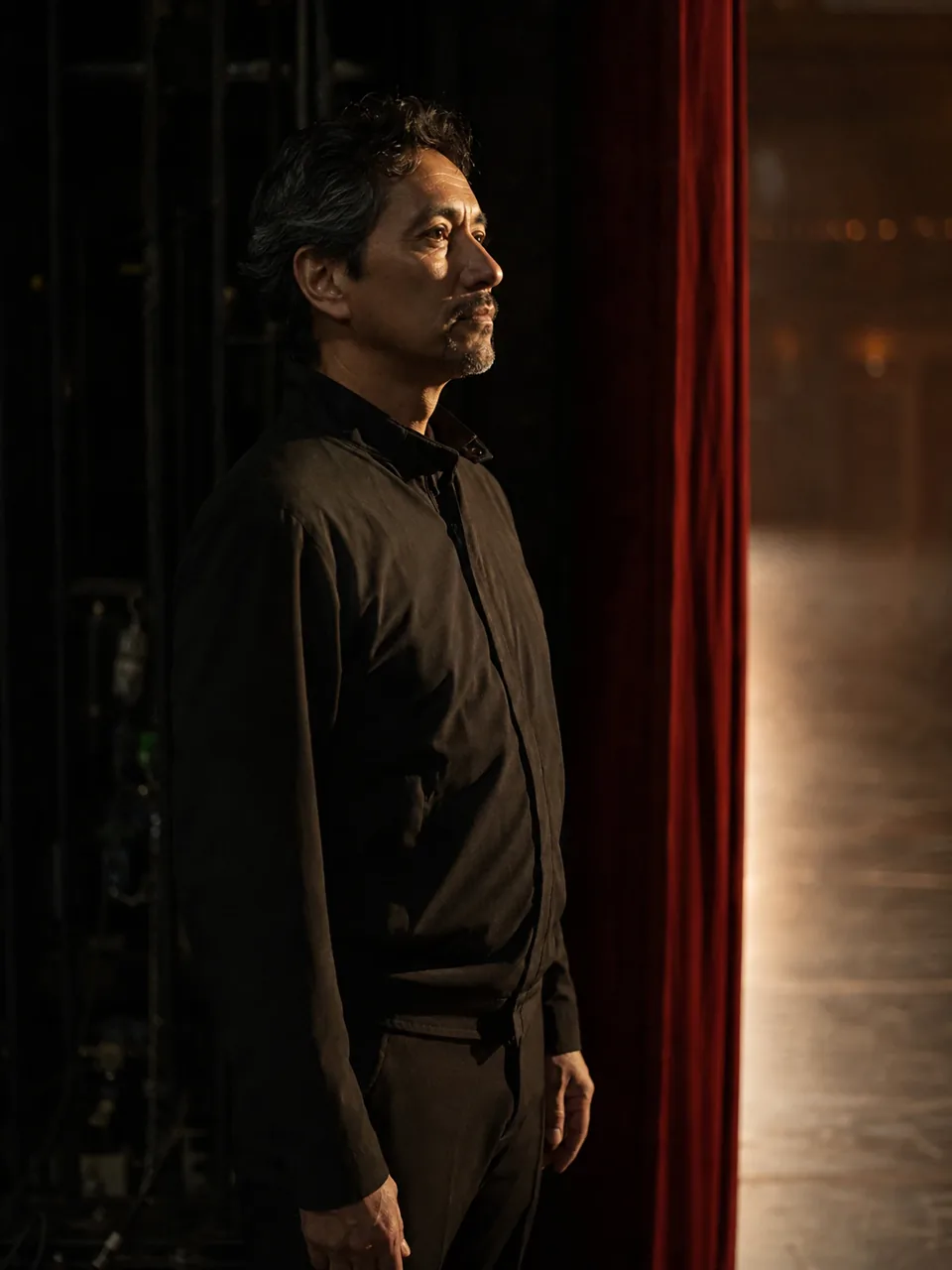 Film & Stage
Use the cinematic portrait generator to create one fully clothed adult performer waiting in a dark theater wing. Use a narrow warm spotlight from the stage, deep burgundy curtains, subtle haze, a reflective side profile, realistic fabric, and restrained theatrical contrast. No audience duplication, readable signage, logo, watermark, or fantasy costume.
Use This Prompt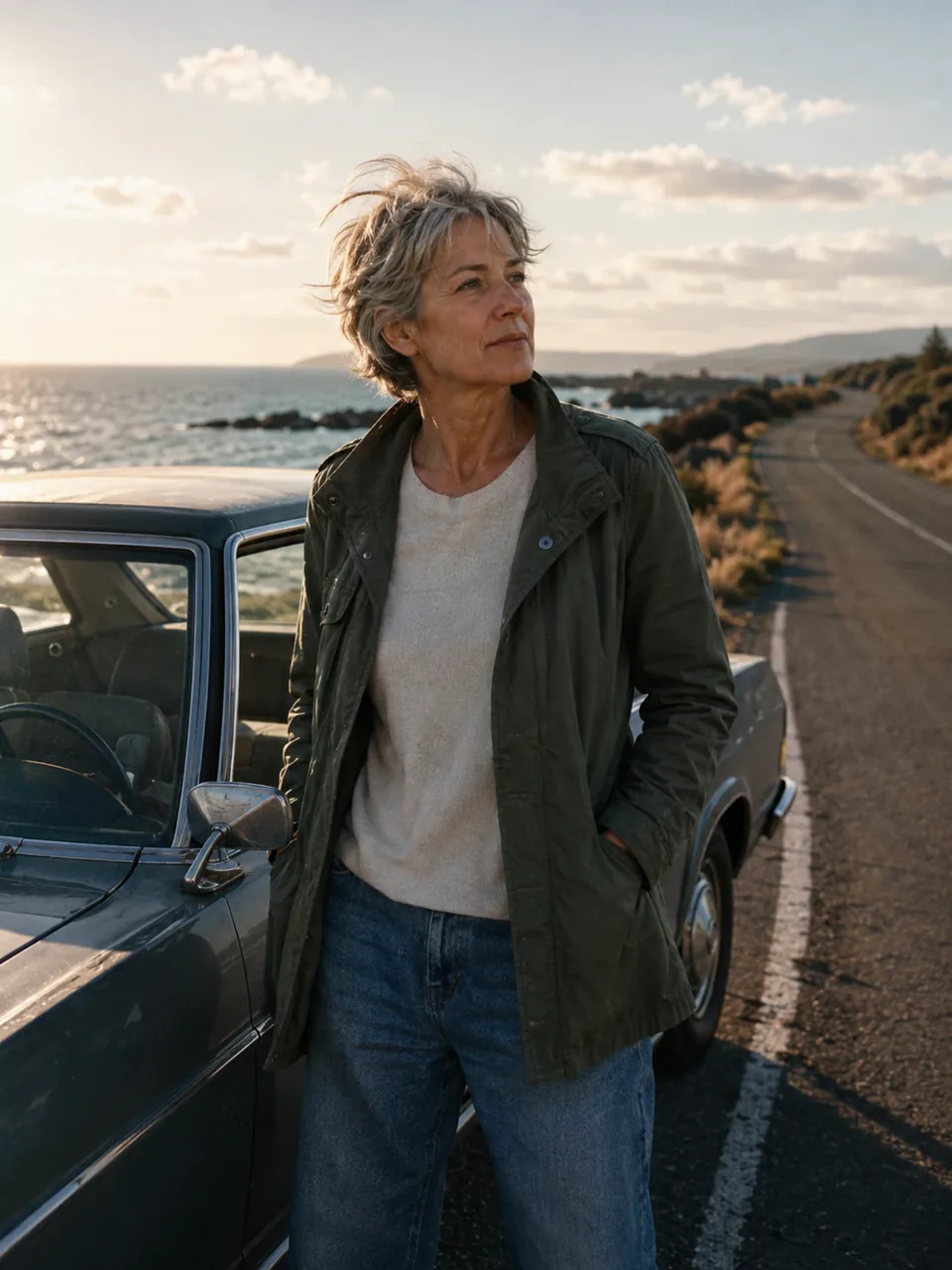 Film & Stage
Use the cinematic portrait generator to create one fully clothed older adult beside an unbranded vintage car on a quiet coast at golden hour. Use warm backlight, wind-touched clothing, realistic skin, muted film color, subtle grain, and a thoughtful gaze into the distance. No readable plate, logo, watermark, celebrity likeness, or malformed hands.
Use This Prompt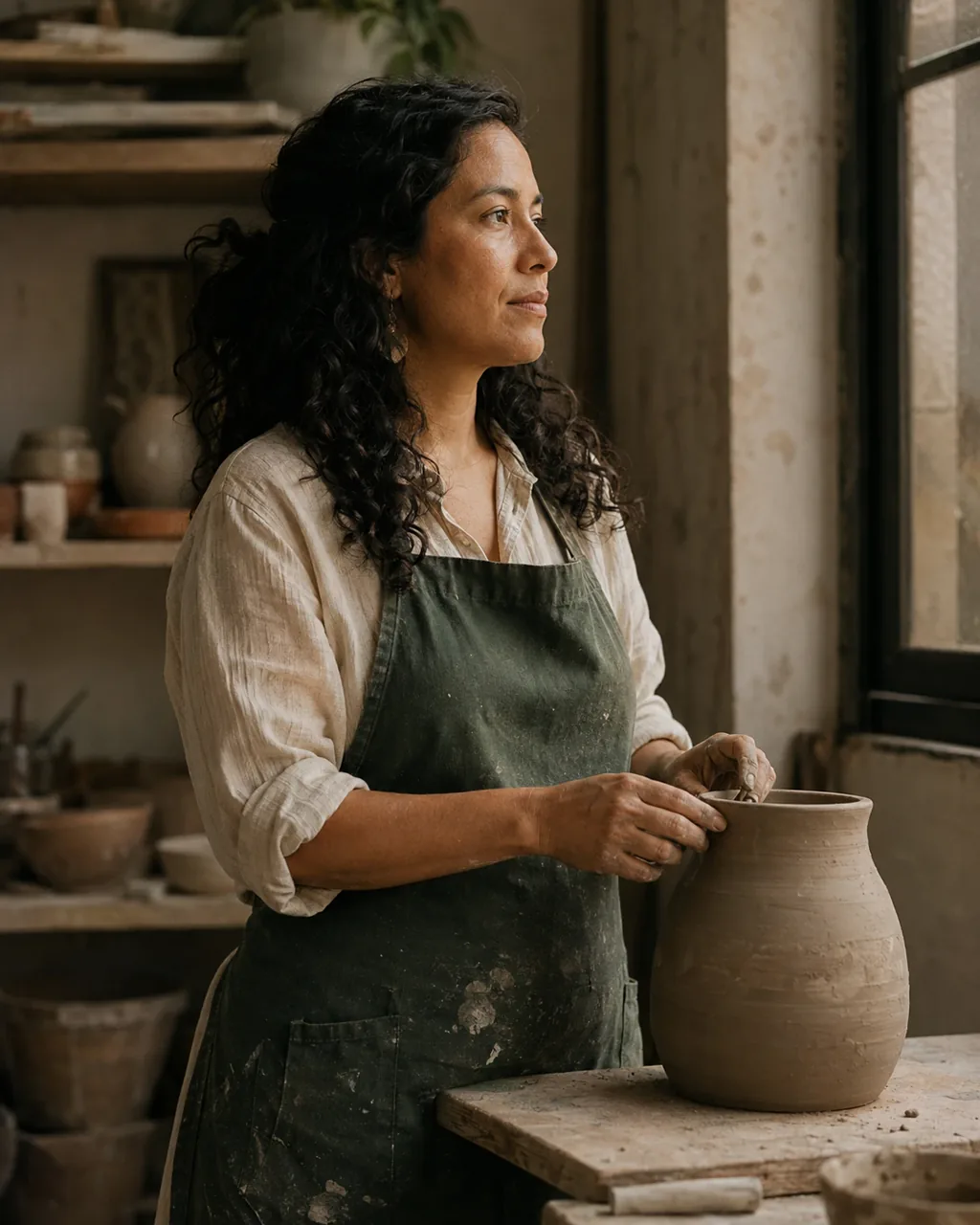 Film & Stage
Use the cinematic portrait generator to create one fully clothed adult artist near a large window in a practical studio. Use soft side light, natural skin and hands, muted warm film color, shallow depth of field, a candid pause between actions, and gentle 35mm grain. Keep the environment lived-in but uncluttered. No readable text, logo, watermark, or distorted anatomy.
Use This PromptStart with one strong visual idea, then refine the portrait like a shot instead of rewriting the entire prompt at once.
Start with a preset such as rainy noir, direct flash, candlelit drama, golden-hour film, or underwater reverie.
Set an adult subject, wardrobe, expression, action, camera distance, lens feel, and position inside the frame.
Specify practical light, time of day, weather, film grain, contrast, and a focused color direction. Keep each instruction compatible with the scene.
Review the face, eyes, hands, pose, clothing, background, and framing. Change one weak detail at a time, then generate again.
You can create film-still portraits, editorial character images, dramatic profile pictures, story covers, poster-style compositions, and visual concepts in square, vertical, classic, or widescreen formats.
Reference-image support depends on the model you select. When it is available, use a clear, well-lit image that you have permission to use, then review the generated identity and details before sharing the result.
Yes. Start with one of the preset prompts and change only the subject, setting, or mood. The examples already include camera, lighting, atmosphere, and quality constraints you can adapt.
Use 1:1 for profile images, 3:4 for editorial portraits, 4:3 for classic frames, 9:16 for stories, and 16:9 for banners or widescreen scenes. Compose for the target ratio instead of stretching a finished image.
Generation time varies by model, image complexity, and service load. Keep the prompt focused and wait for the current result before submitting another variation.
People commonly use cinematic portraits in profiles, concept boards, social posts, story art, editorial layouts, and campaign drafts. Check the current platform terms and any rights connected to your reference image before commercial use.
Use one shot type, one lighting plan, one subject action, and one color direction. Add realistic skin and fabric, practical light sources, subtle grain, and clear anatomy constraints instead of relying on words such as cinematic or 8K alone.