

Start with a ready-to-edit scene
Use relaxed preset scenes for work, travel, chats, gaming and everyday chaos, then change the setup without building a meme from scratch.
Prompt Guide
Model
Reference Image
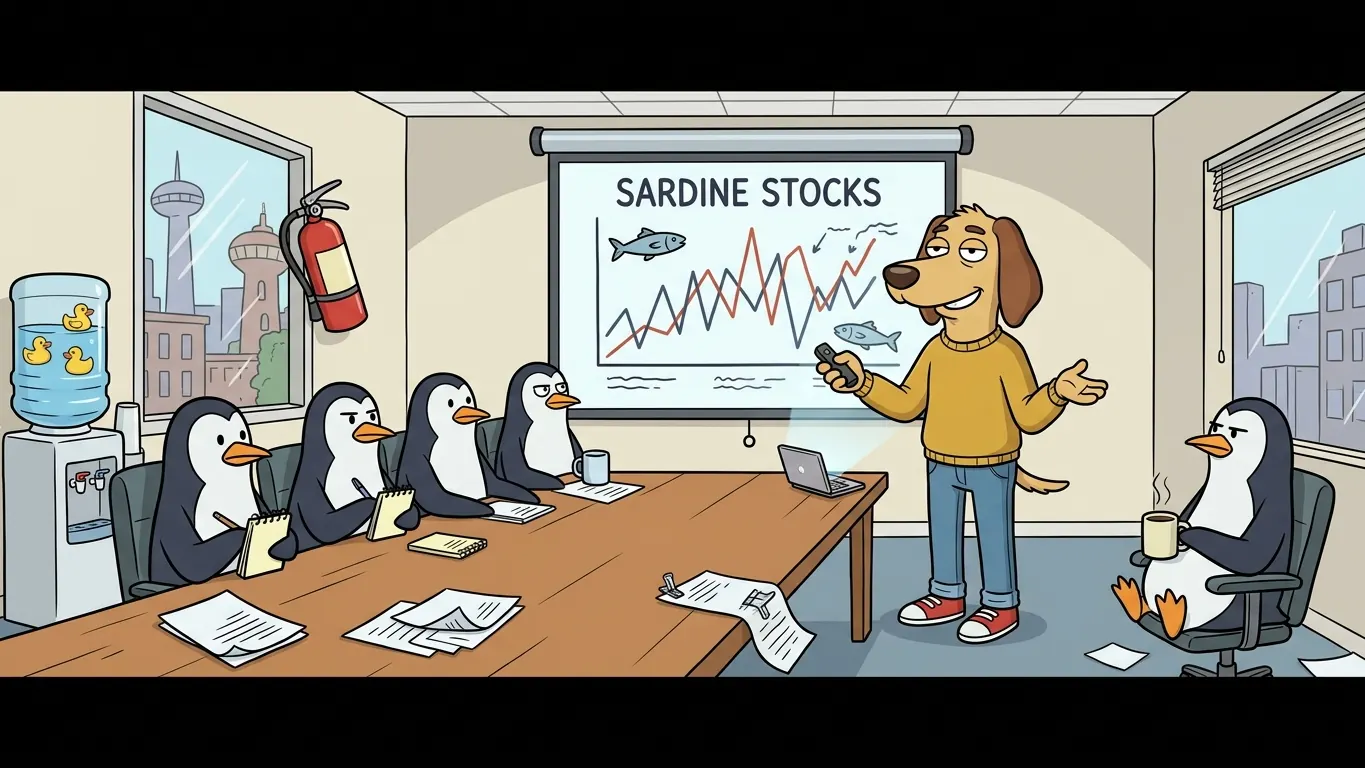
The chill guy meme generator for low-key reactions, relatable moments and custom captions. Start from a ready scene or upload your own image, then make a meme that feels effortlessly calm.
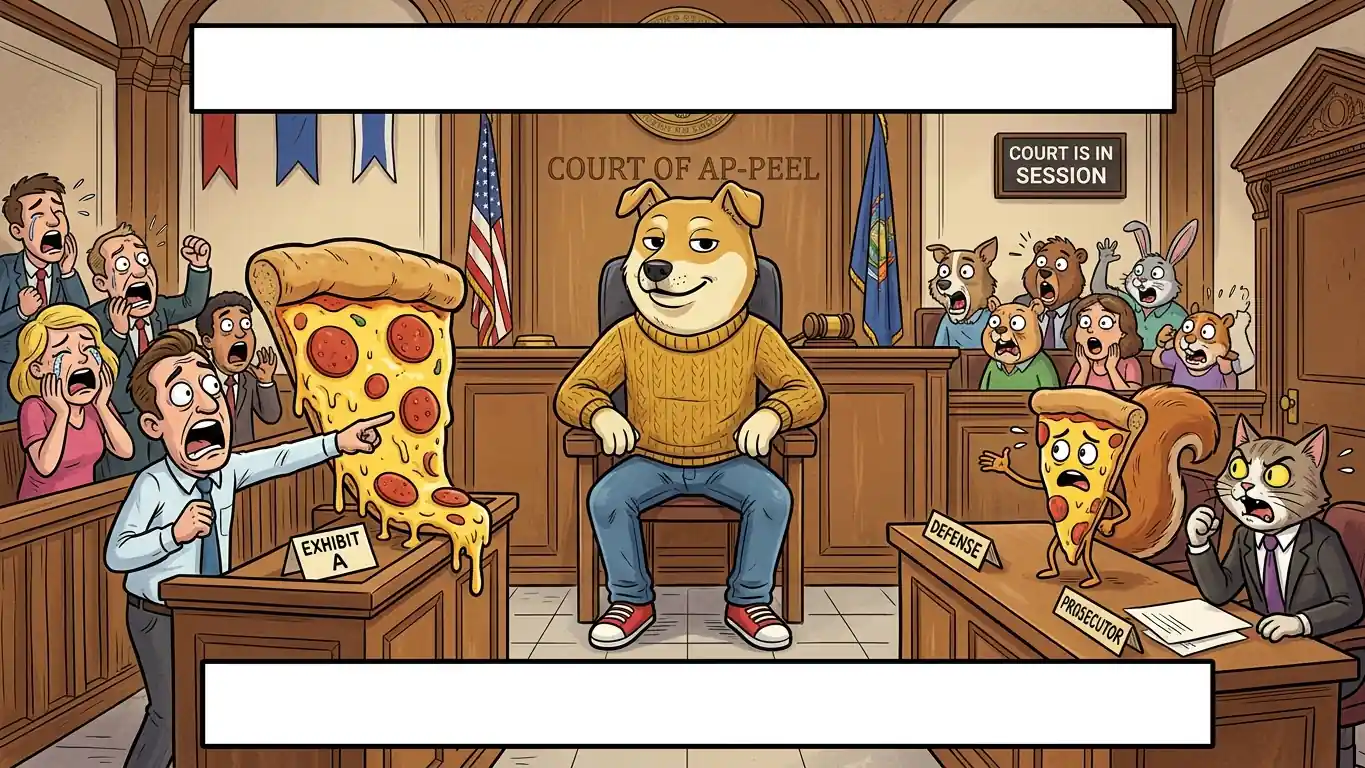
Go from a blank idea to a shareable reaction meme in three quick steps.
Start with a relaxed preset, upload a Chill Guy image you have permission to use, or describe the scene you want to create. Pick a square, classic, widescreen or vertical canvas.
Write a short top line and a punchy bottom line, or ask the workspace for caption ideas. Keep the setup specific and the reaction understated for a stronger meme beat.
Check the crop, contrast and text spacing, then generate a clean final image for group chats, social posts, comments or a personal meme collection.
Copy one of these caption setups, swap the situation and keep the reaction effortlessly calm.
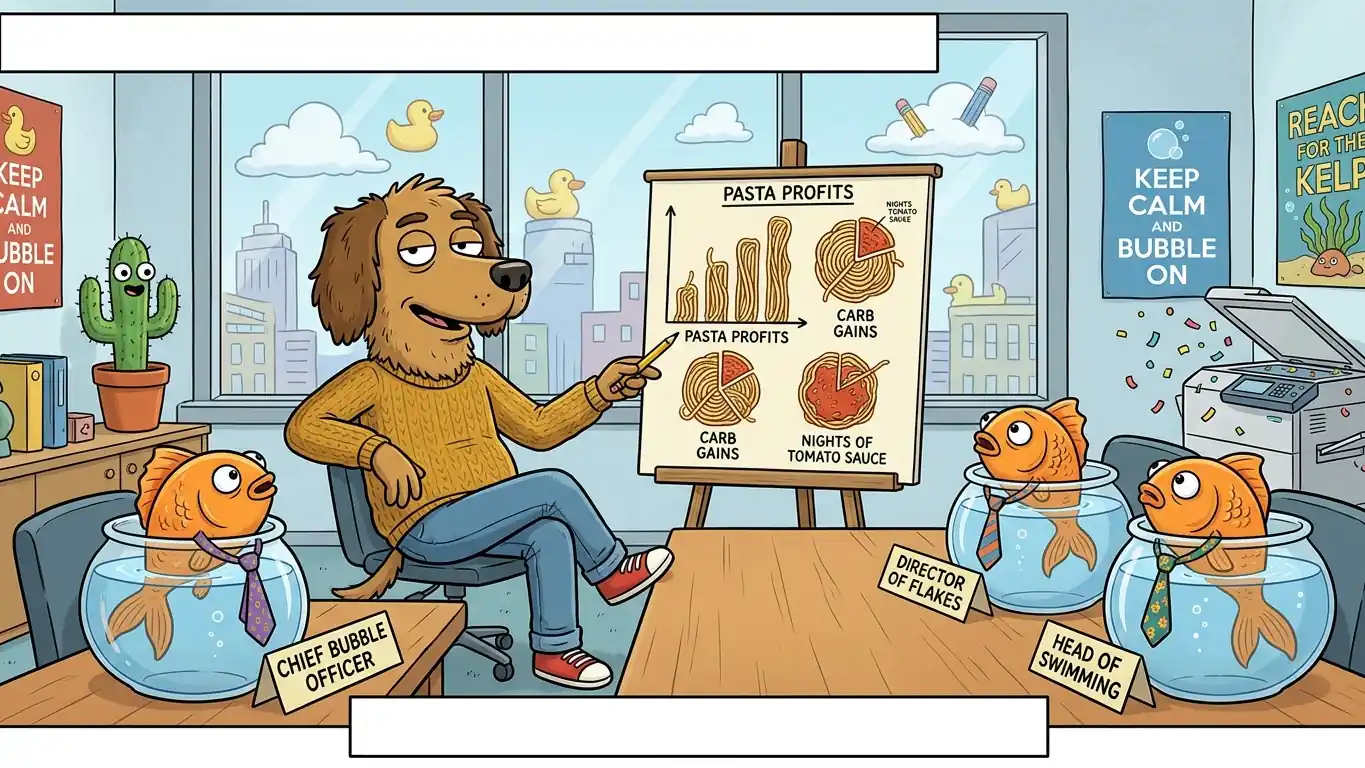 Workplace Absurdity
Use a relaxed dog meme character in a business meeting with goldfish wearing tiny ties. Add a short top caption about the meeting and a calm bottom punchline.
Try This Meme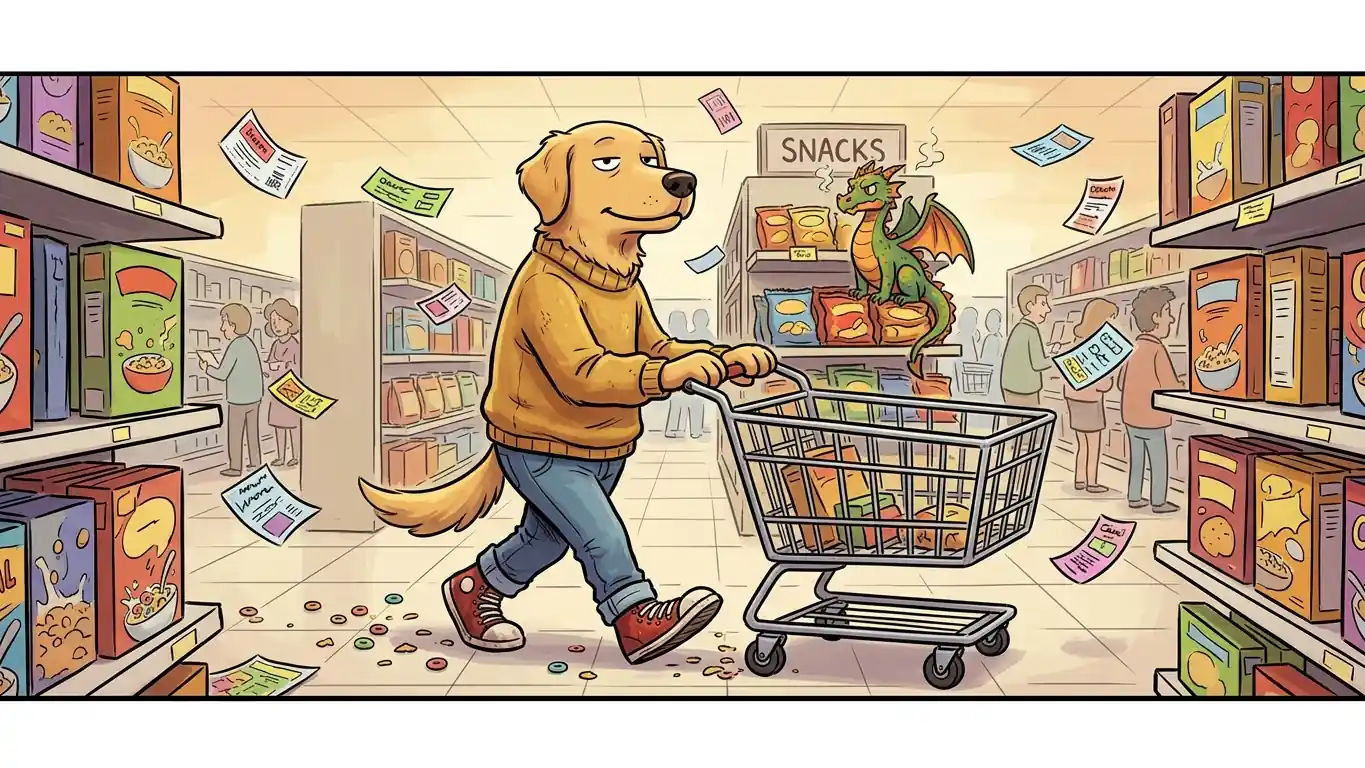 Everyday Chaos
Use a relaxed dog meme character pushing a grocery cart while a tiny dragon guards the snack aisle. Keep the captions short and readable.
Try This Meme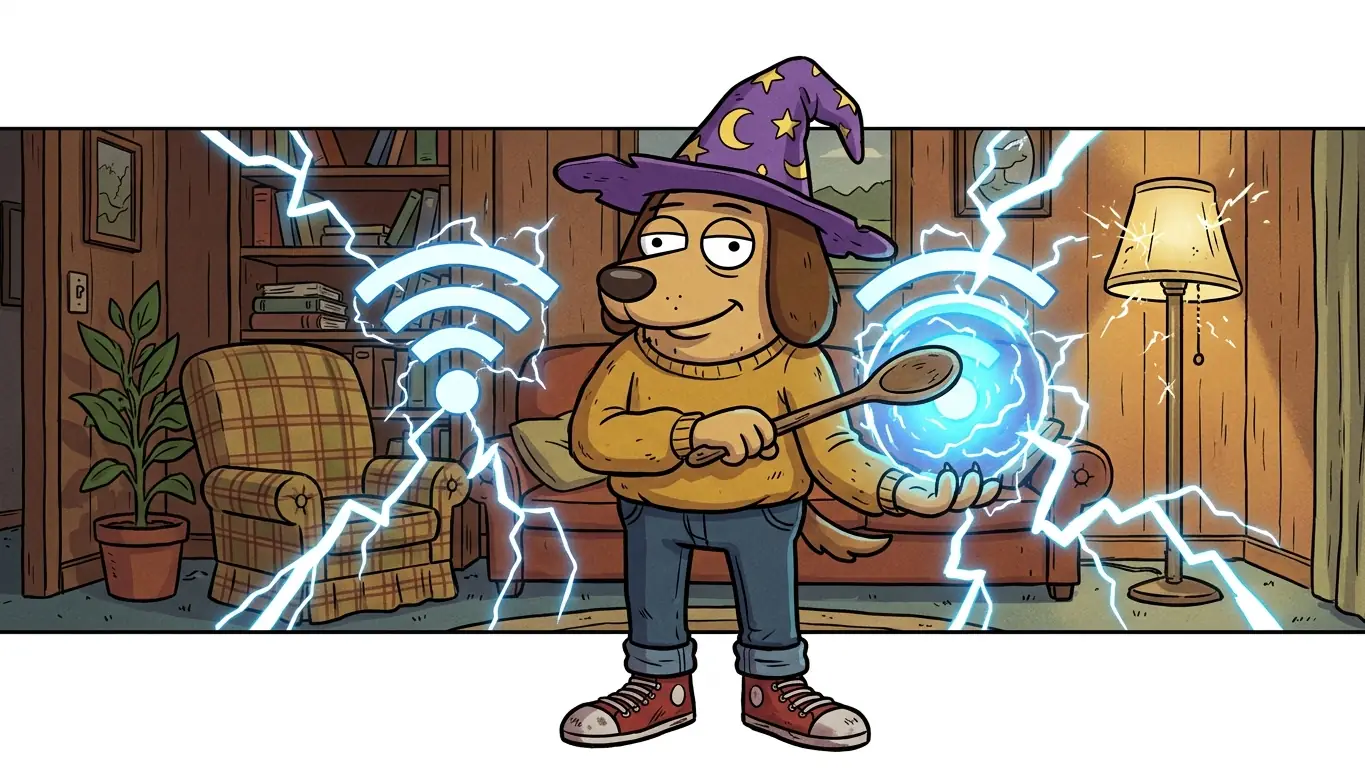 Tech Chaos
Use a relaxed dog meme character trying to summon Wi-Fi with a wooden spoon while lightning flashes. Add an understated top and bottom caption.
Try This Meme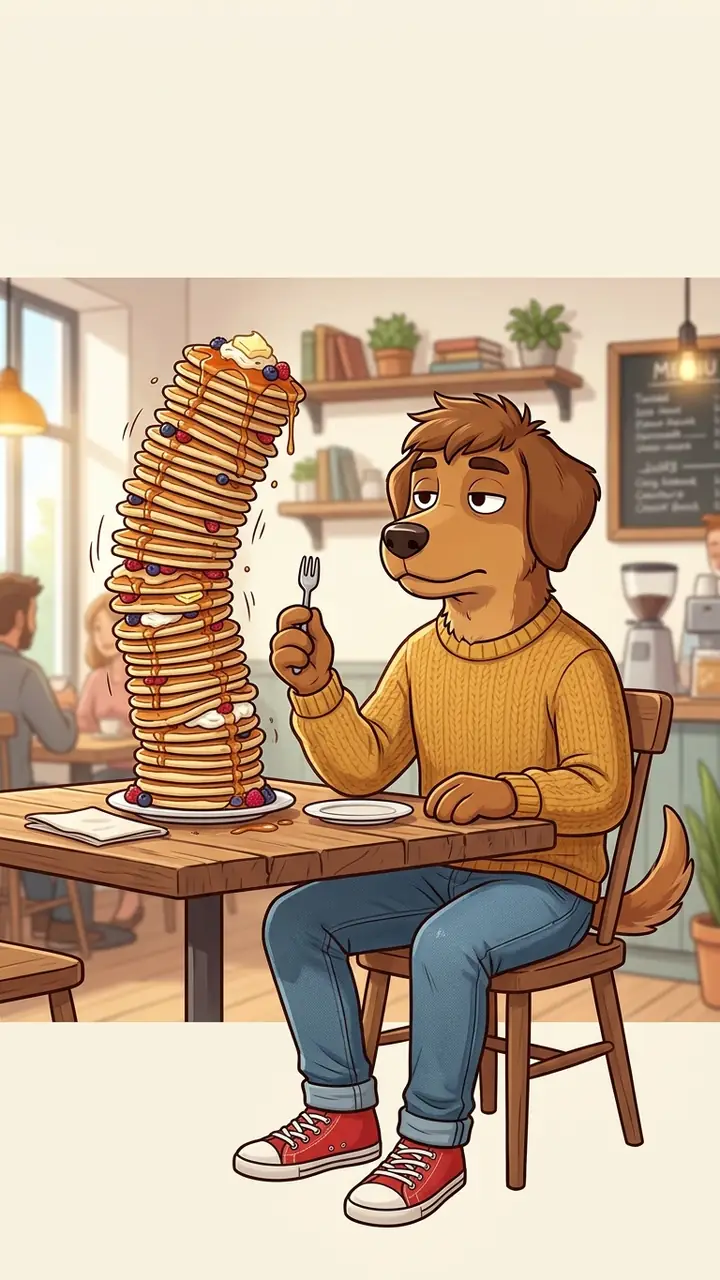 Food Disasters
Use a relaxed dog meme character holding a tiny fork beside an absurd pancake tower that is about to fall. Leave clear space for a two-line caption.
Try This Meme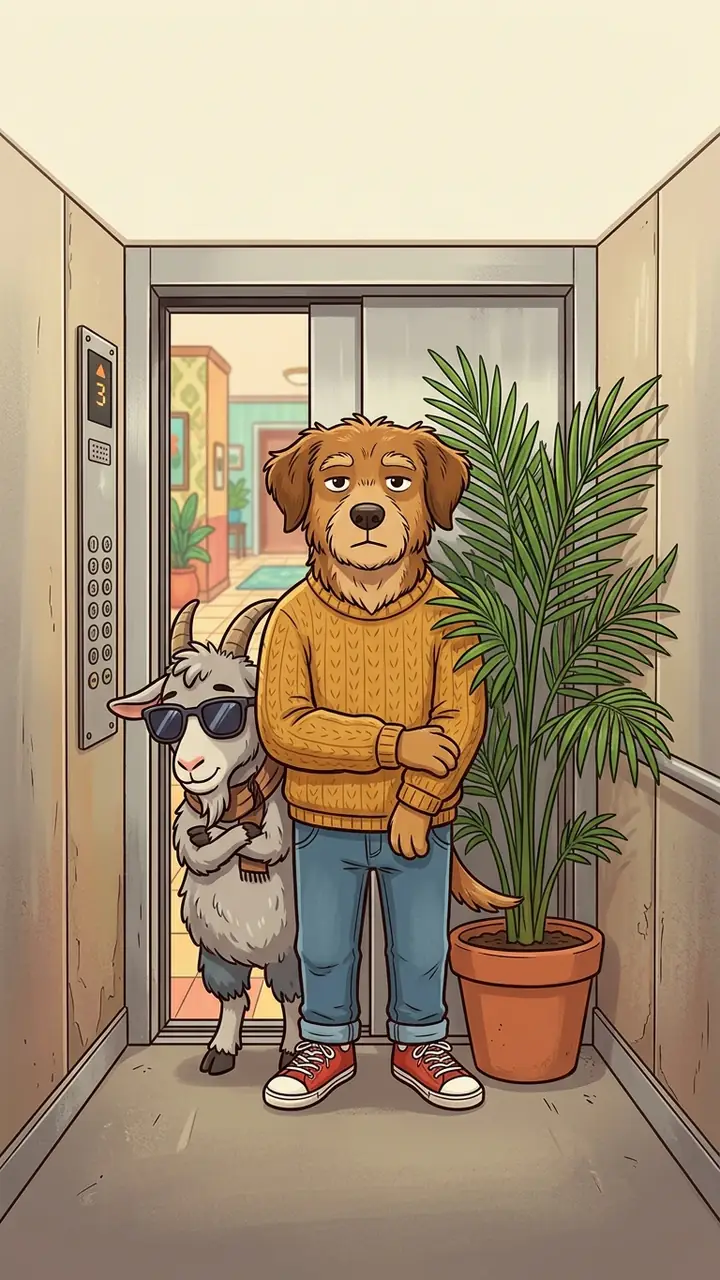 Unexpected Commutes
Use a relaxed dog meme character squeezed into a tiny elevator with a sunglasses-wearing goat and a potted palm. Keep the reaction deadpan.
Try This Meme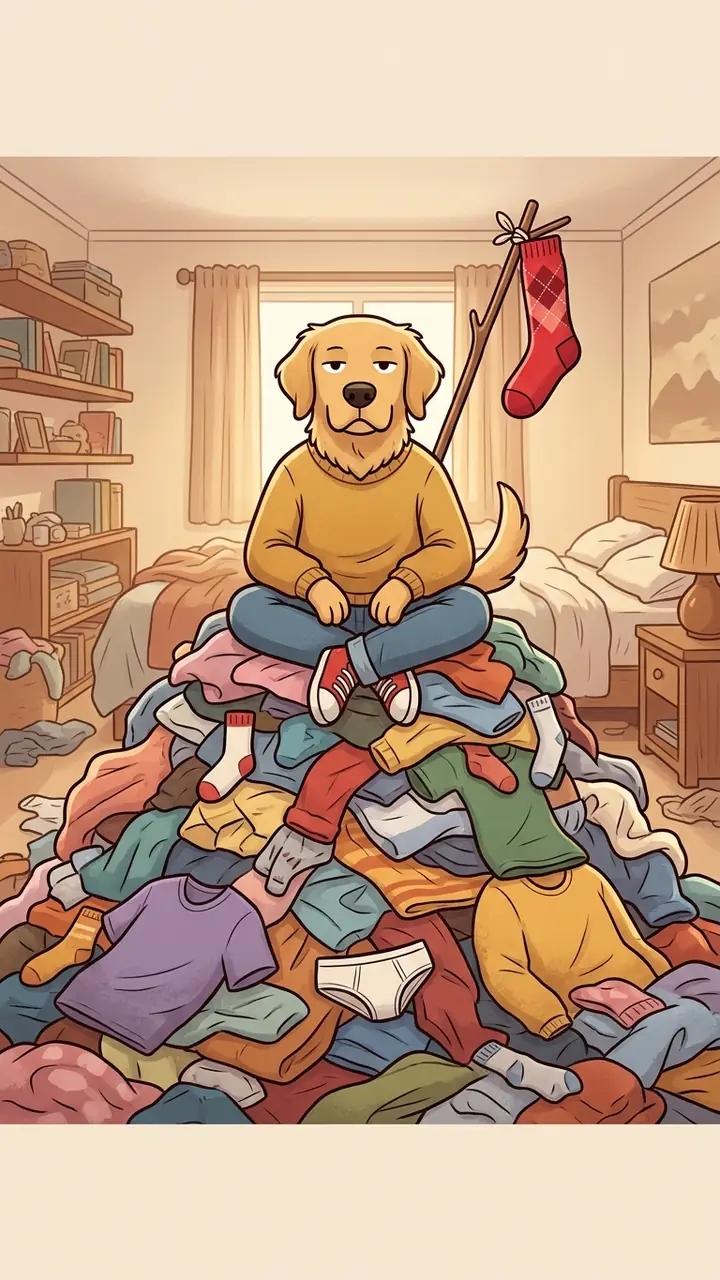 Home Chaos
Use a relaxed dog meme character sitting on an enormous laundry pile with one sock flying like a flag. Keep the joke low-key and the text clear.
Try This Meme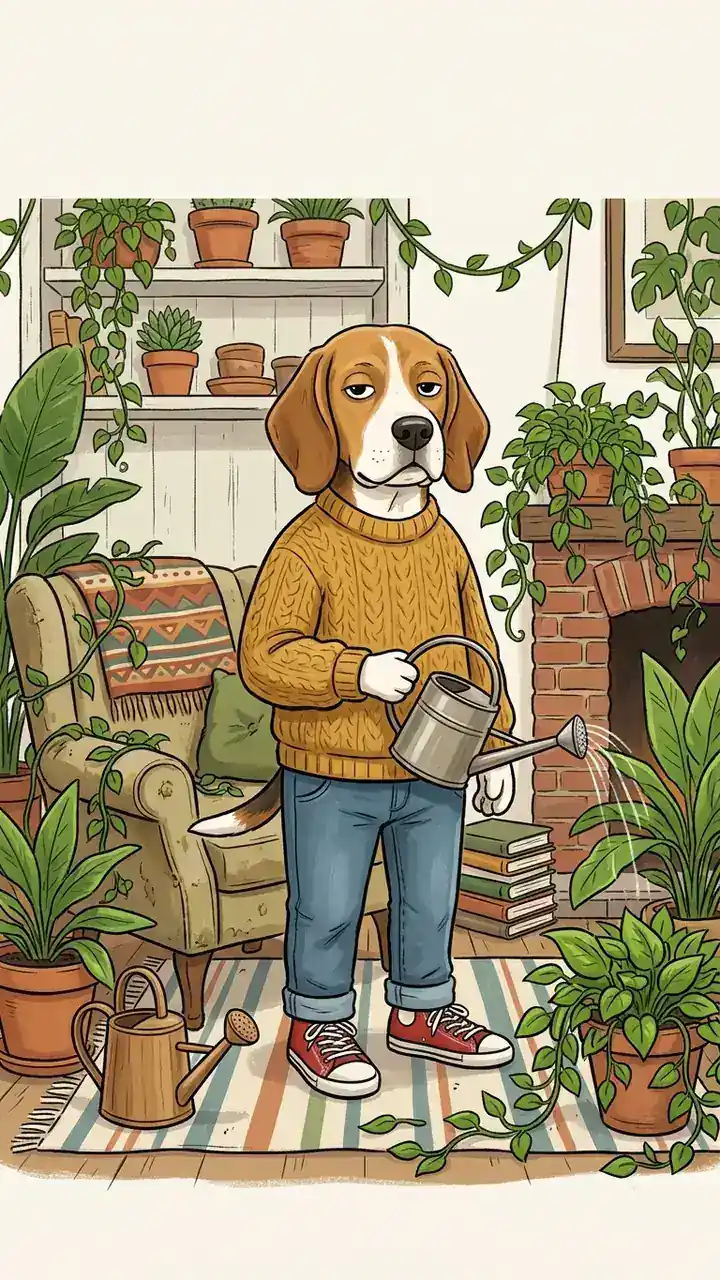 Home Chaos
Use a relaxed dog meme character watering a jungle that has grown through the living room. Add a calm caption against the absurd scene.
Try This Meme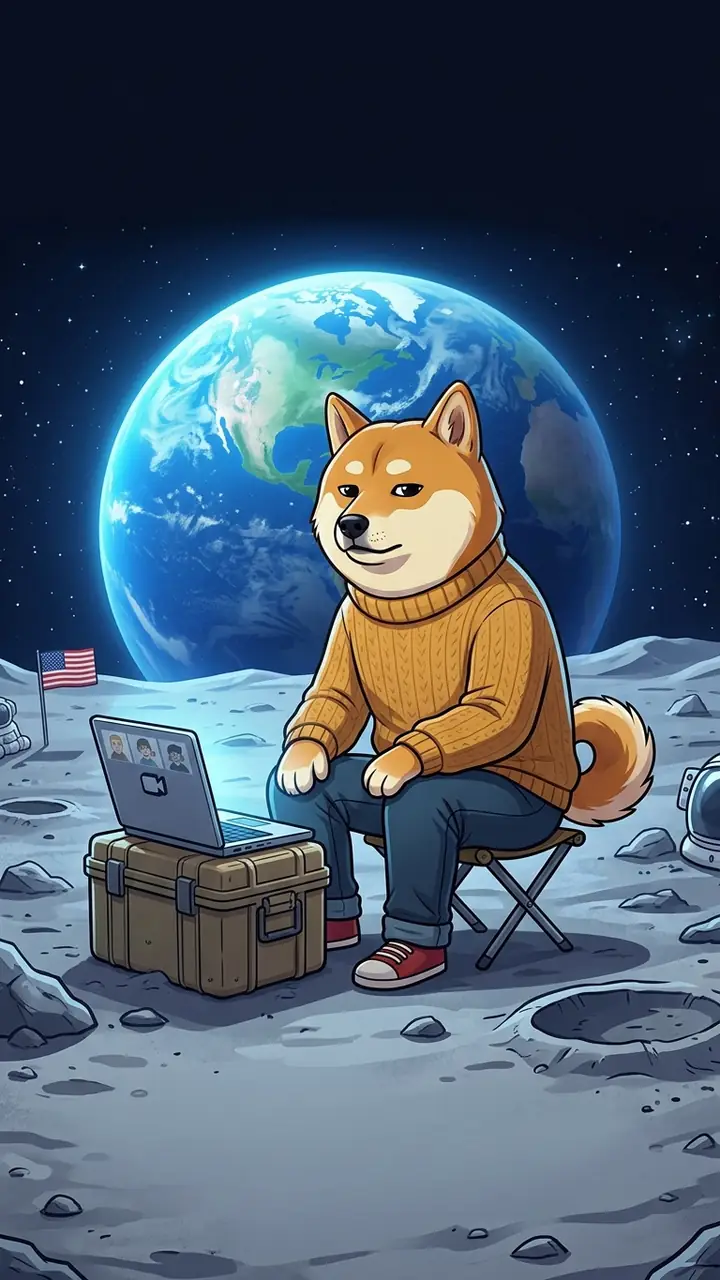 Work From Anywhere
Use a relaxed dog meme character joining a video call from the moon with Earth behind him. Keep captions short for a vertical frame.
Try This Meme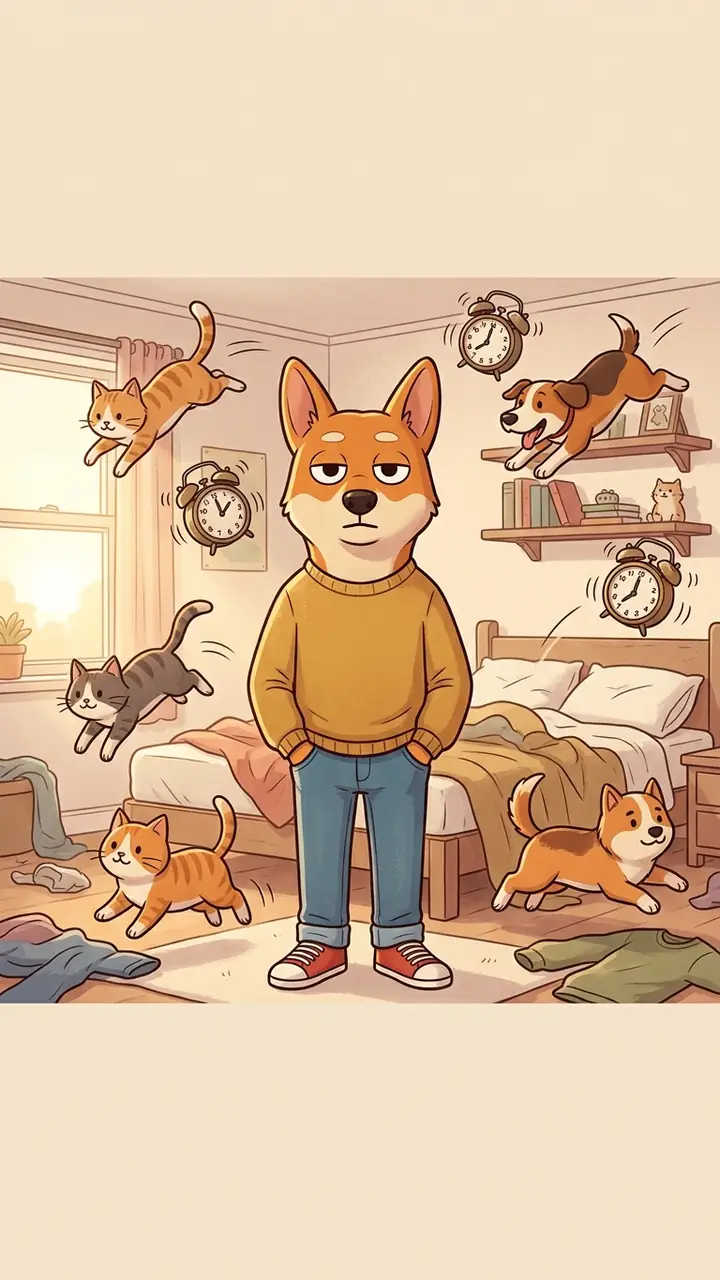 Pet Chaos
Use a relaxed dog meme character standing calmly while cats, dogs and alarm clocks bounce around a bedroom. Preserve a clear caption band.
Try This MemeEverything is organized around the quick edit that makes a reaction meme worth sharing.
Use relaxed preset scenes for work, travel, chats, gaming and everyday chaos, then change the setup without building a meme from scratch.
Keep the joke in the contrast between a stressful situation and a completely calm reaction. Add your own wording or use the workspace for ideas.
Bring a template or photo you have permission to use and keep the editing focused on caption placement, contrast and share-ready framing.
Choose square, classic, widescreen or vertical output for group chats, feeds, stories, comments and short-form posts.
Try the free model first, then switch models when you need a different illustration finish, variation or image-editing result.
Use clear caption bands, readable contrast and simple prompts so your chill guy meme stays understandable when it is cropped or reposted.
Fictional workflow examples with realistic names; these are not verified customer reviews.
I would start with the deadline preset, replace the top line with something from my own week and export a square version for the group chat.
The travel and coffee scenes make it easy to keep the joke simple: one stressful setup, one calm reaction, and a caption that reads quickly.
For a story post, I would switch to 9:16, keep the character centered and shorten the caption so it still works on a phone screen.
Chill Guy is a relaxed cartoon dog character commonly used to express an unbothered reaction to everyday stress, awkward moments and small wins. The exact caption and template can vary, so use an image you have permission to share.
Choose a preset or upload an image, describe the situation, add a short top caption and bottom punchline, then choose the output size. Review the crop and contrast before downloading or sharing.
Yes. Upload an image you created or have permission to use, then add captions and choose a format. If you are posting publicly, check the source and any applicable rights for the image.
Use 1:1 for classic meme posts and profile-style shares, 4:3 for a traditional image canvas, 16:9 for wide posts or thumbnails, and 9:16 for stories and vertical feeds.
You can use generated work according to the terms of the selected model and any rights attached to your uploaded source image. Review the model and source-image rules before using a meme in paid advertising, merchandise or client work.