

Create from a clear brief
Turn a short description into a portrait, product photo, poster, avatar or social graphic. Start with the subject and add the setting, light and style that matter.
Make a portrait, product shot, poster or social graphic from a prompt. For a guided revision, upload a reference photo and describe the change—such as a new background, softer light or more room for a headline. In this workspace, GPT Image 2 is the trial option shown in the picker; FLUX.2 Pro requires account access. GlobalGPT access and credits are separate from ChatGPT.
Start with a Prompt







Prompt Guide
Model
Reference Image
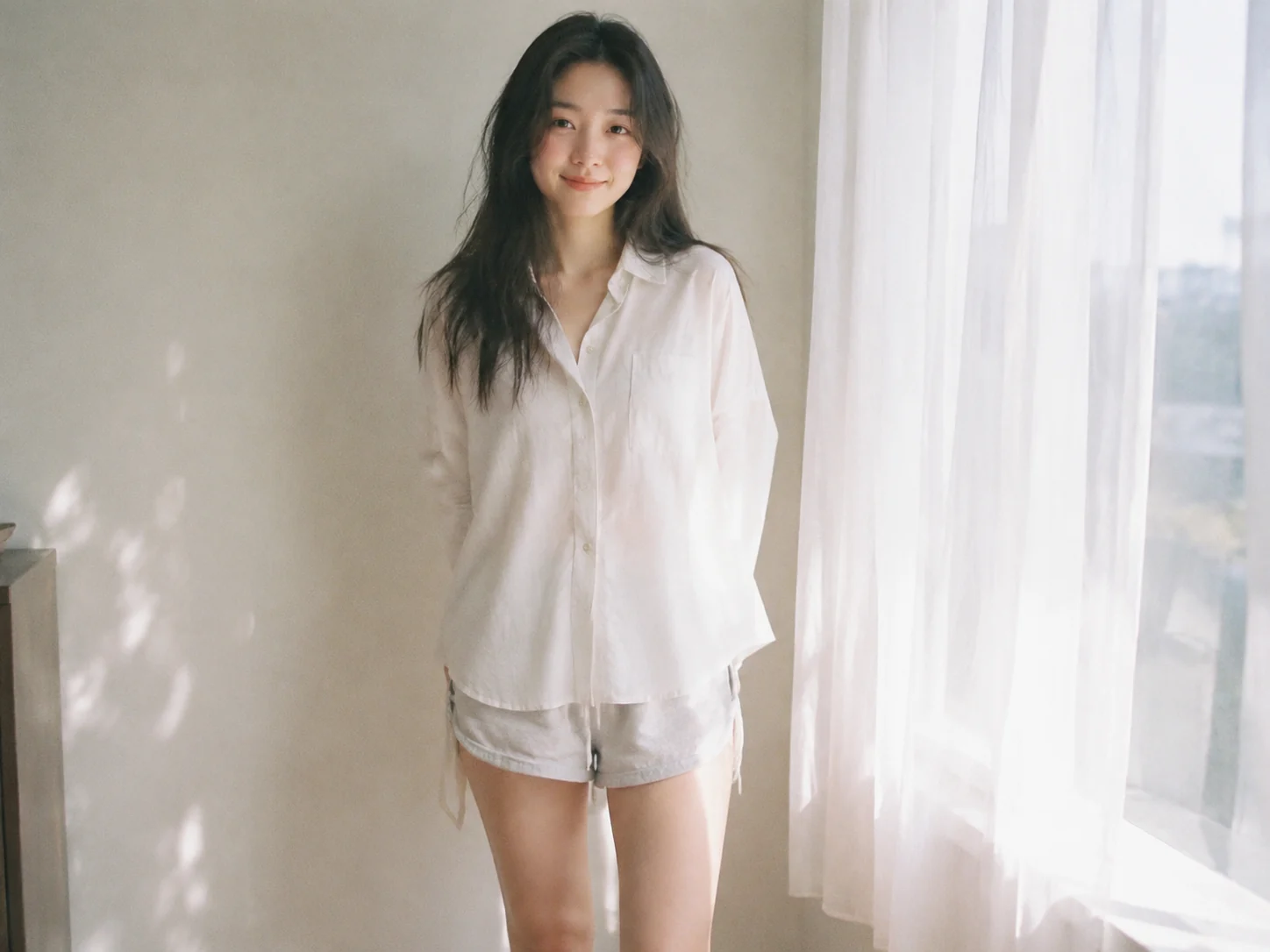
Each card includes a prompt you can reuse. Keep the subject, then change the setting, lighting, camera angle or layout to fit your project.
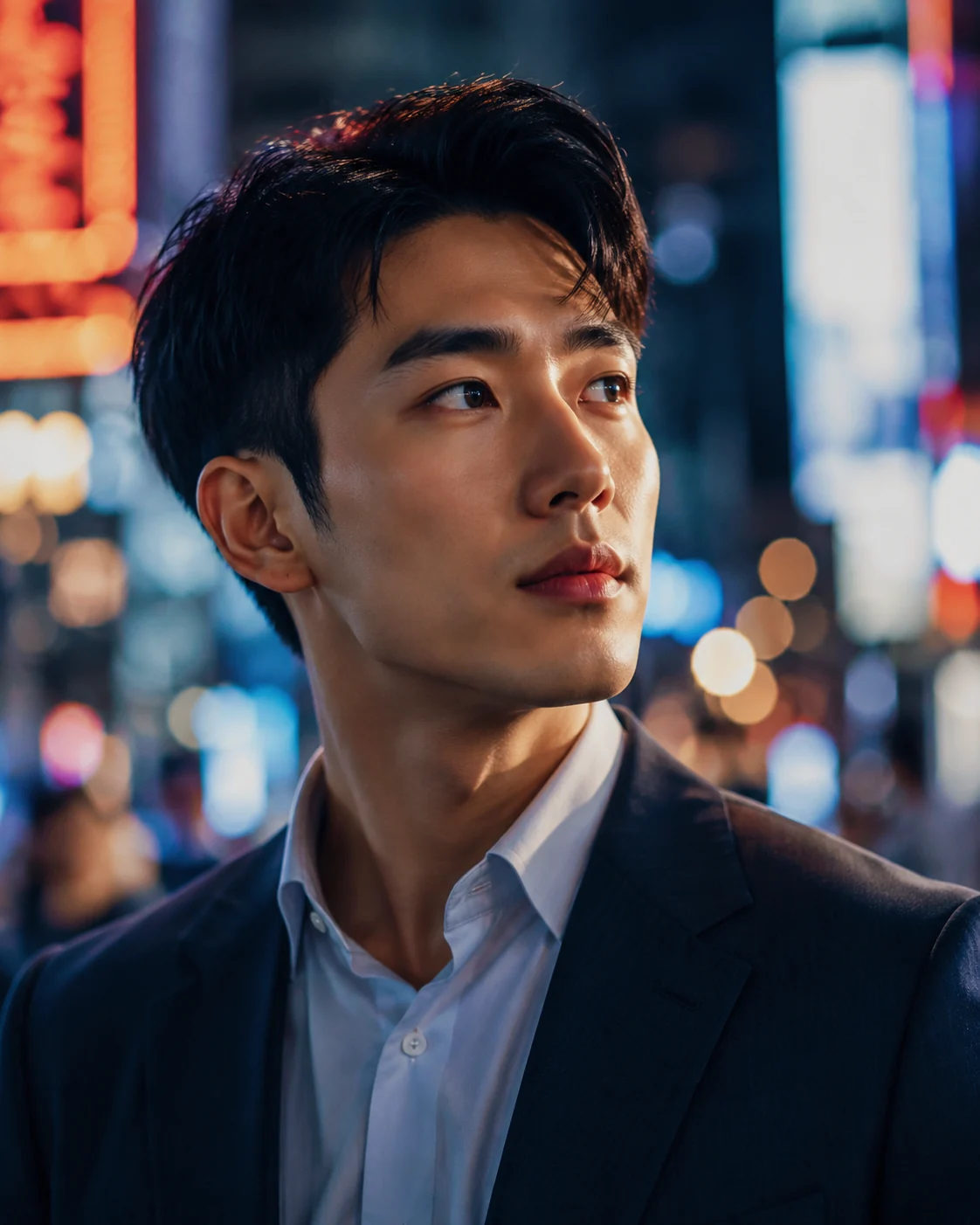 Portrait
A cinematic close-up portrait of a young entrepreneur in a neon-lit city at night, shallow depth of field, realistic skin texture, soft rim light, 85mm lens
Open Image Generator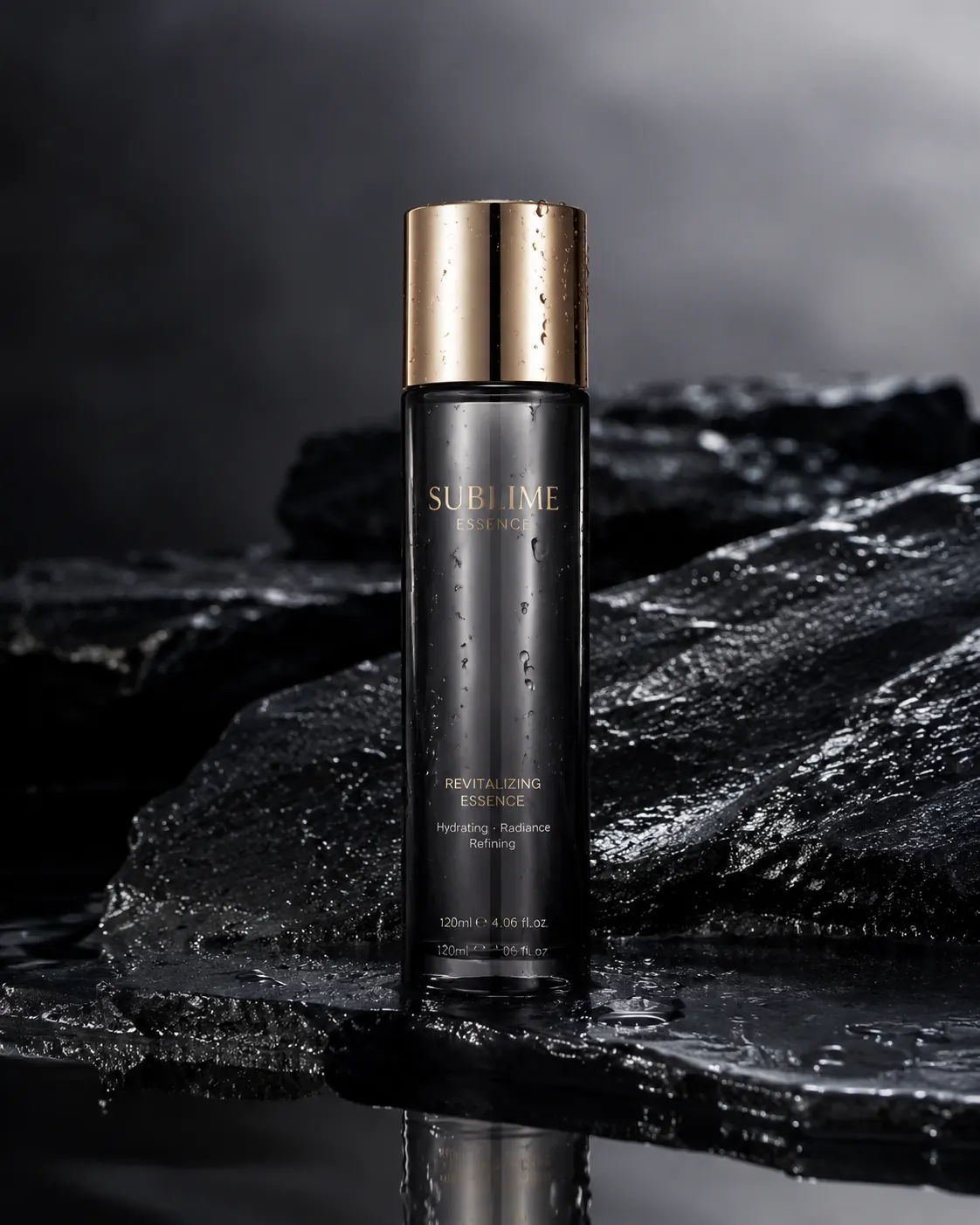 Product
A luxury skincare bottle on wet black stone with water droplets, soft studio lighting, reflective surface, premium commercial product photography
Open Image Generator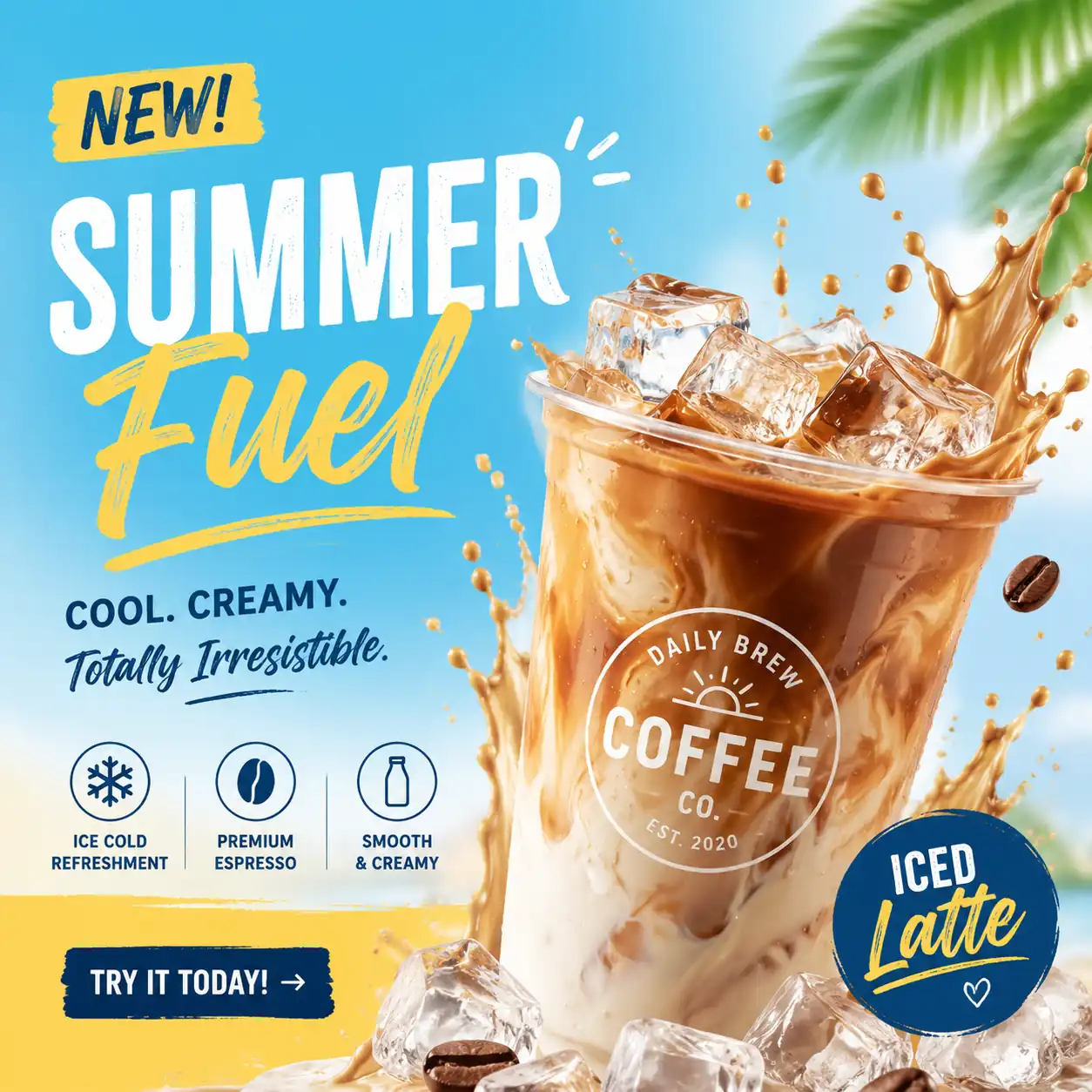 Marketing
A bold social media ad image for a summer coffee launch, iced latte splash, bright colors, modern typography space, clean commercial layout
Open Image Generator Avatar
A friendly futuristic AI assistant avatar, clean 3D illustration, expressive face, soft gradients, professional tech brand style, high detail
Open Image Generator Portrait
Professional studio profile portrait of a fully clothed adult creative director, confident warm expression, soft key light, clean neutral background, realistic skin texture, no celebrity likeness, no logos, 1:1
Open Image Generator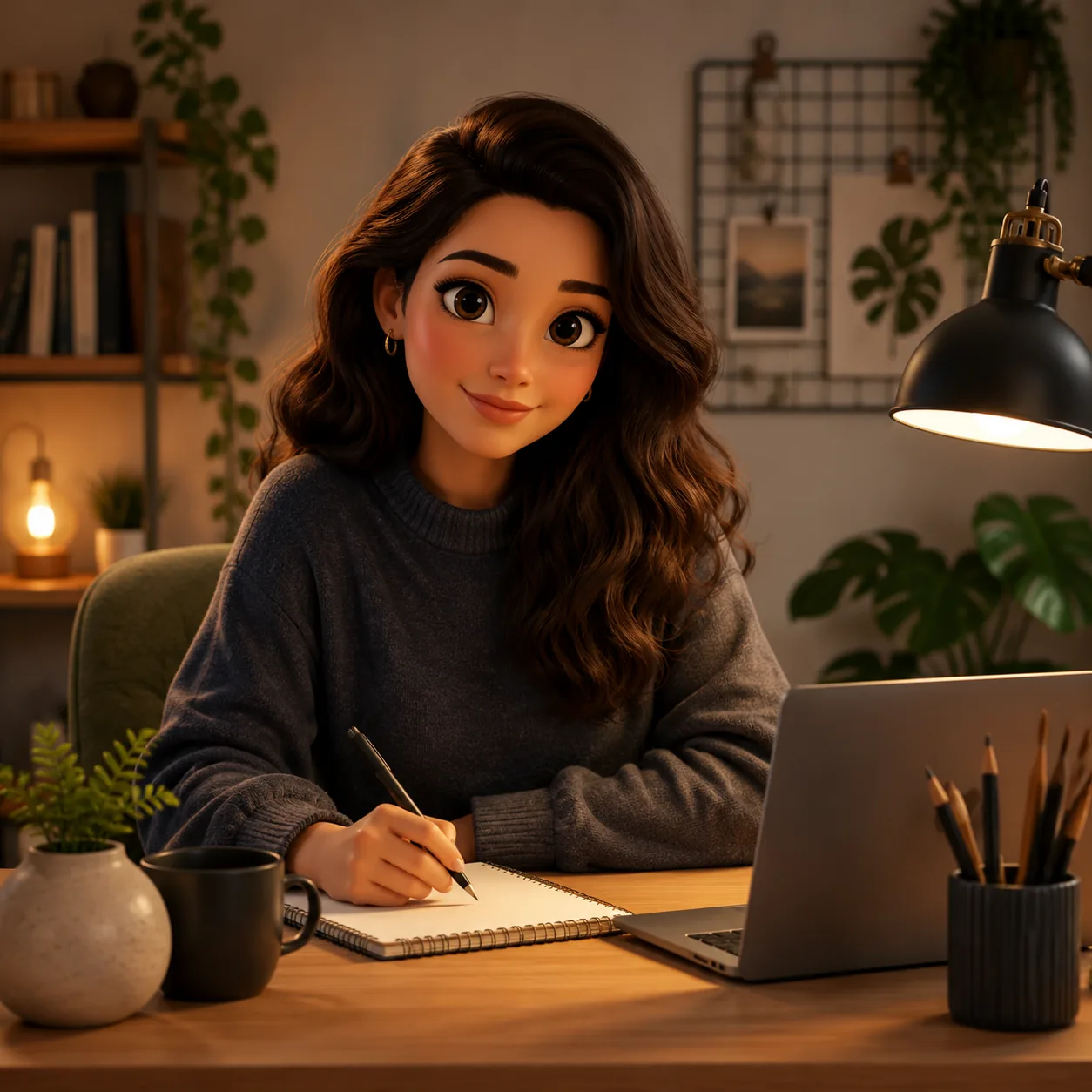 Portrait
Friendly stylized avatar of a fully clothed adult creator at a desk, soft 3D illustration style, expressive eyes, warm lamp light, tidy creative workspace, no text, no brand marks, 1:1
Open Image Generator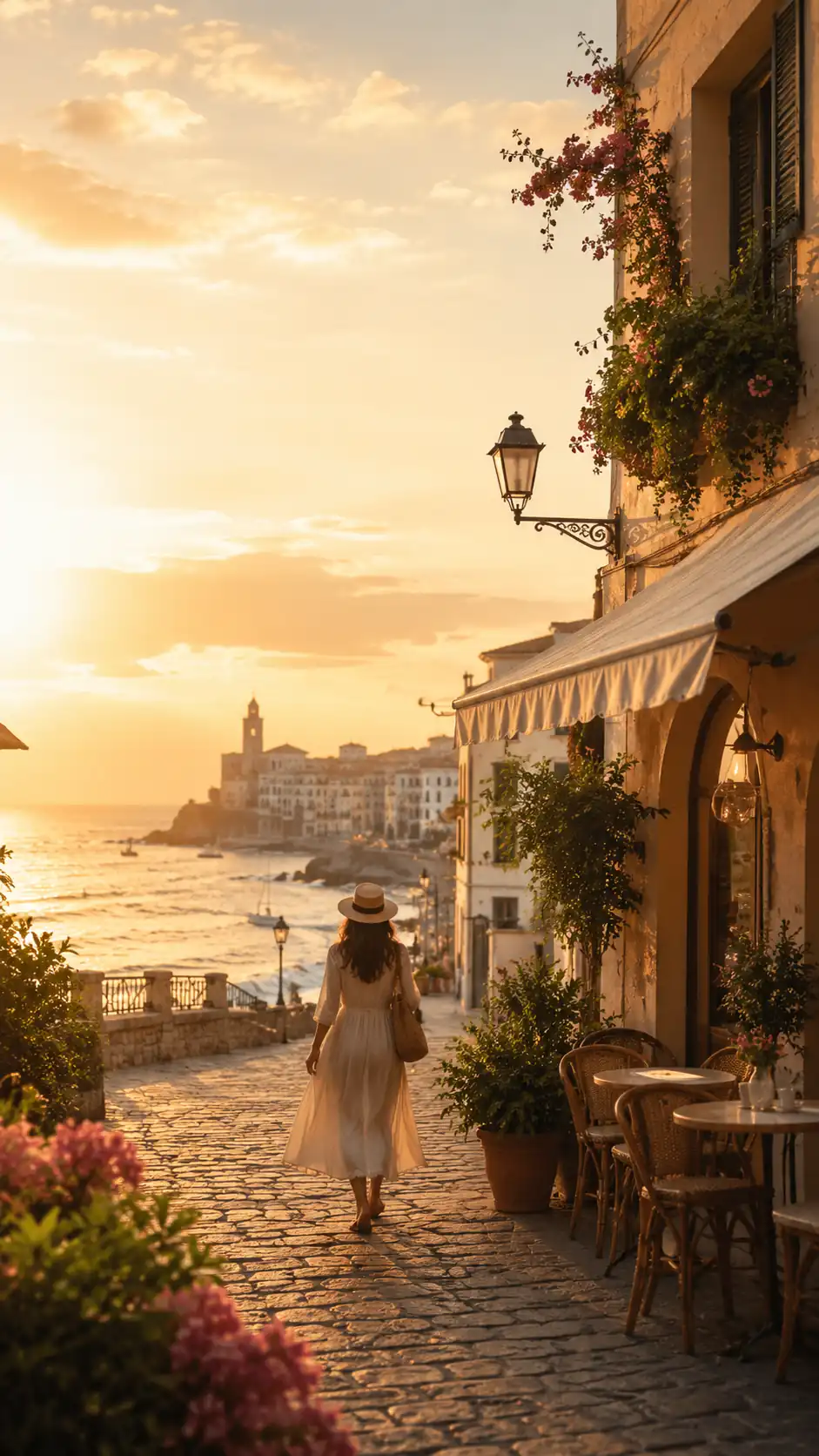 Social and Content
Vertical travel reel cover for a fictional coastal city guide, golden hour street, small cafe, walking figure from behind, clean space for title overlay, no readable signs, no logos, 9:16
Open Image Generator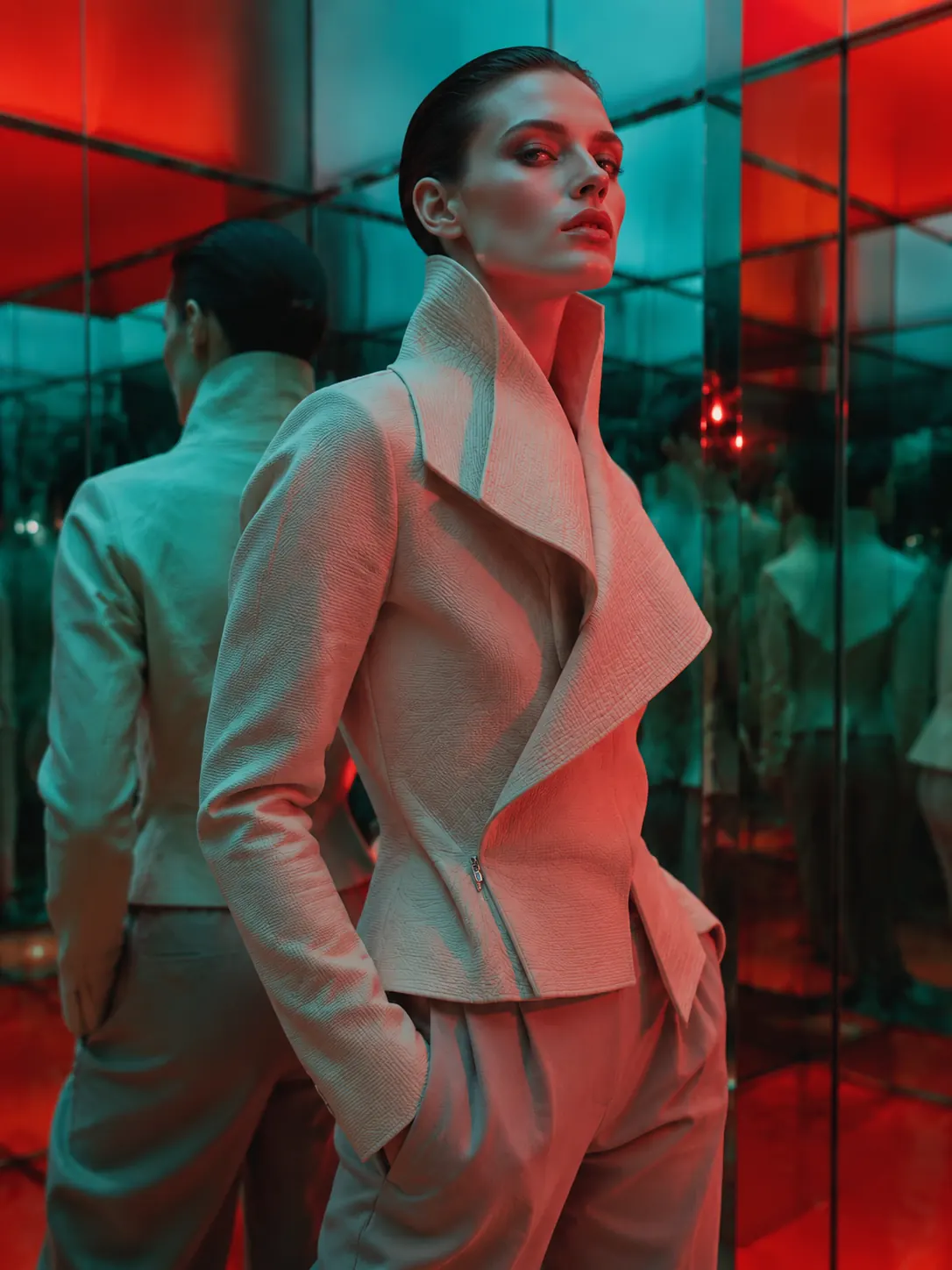 Avatar
A luxury editorial portrait of a fully clothed adult model in an original sculptural jacket, mirrored gallery environment, bold color gels, high-fashion magazine composition, sharp detail, no logos, no celebrity likeness, 3:4
Open Image Generator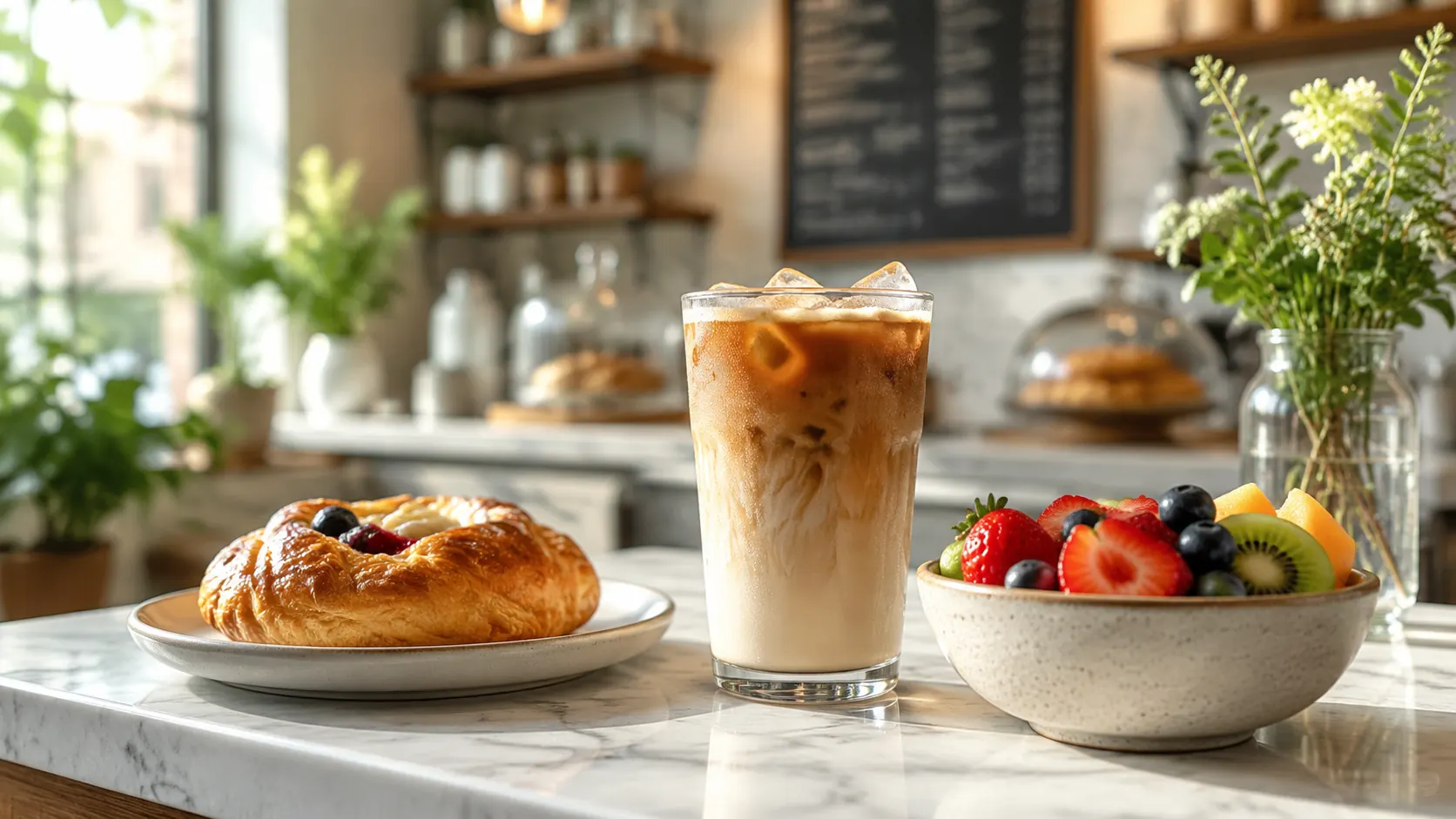 Product
Bright cafe menu hero image with iced coffee, pastry, and fresh fruit on a marble counter, natural morning light, shallow depth of field, no logos, no readable menu text, 16:9
Open Image Generator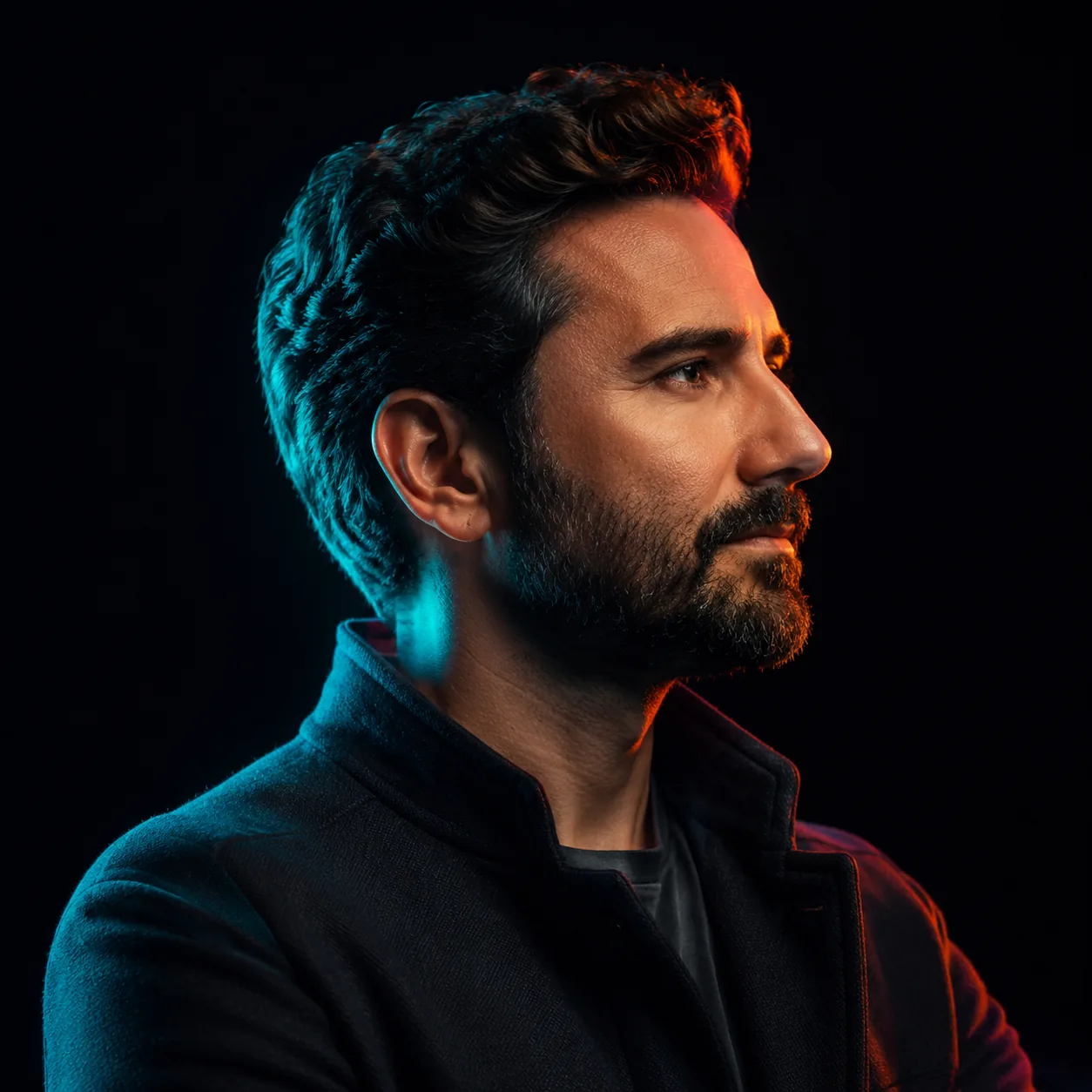 Portrait
A dramatic studio profile portrait of a fully clothed adult creative founder, neon cyan and coral rim lighting, glossy black backdrop, confident expression, cinematic 85mm lens look, realistic skin texture, premium editorial photo, no celebrity likeness, no logo, 1:1
Open Image GeneratorThe workspace is built for a clear brief, a useful reference and small changes between versions.
Turn a short description into a portrait, product photo, poster, avatar or social graphic. Start with the subject and add the setting, light and style that matter.
Upload an image and explain what to keep or change. Ask for a different background, softer light, a new crop or space for a headline.
Run the same prompt with GPT Image 2 and FLUX.2 Pro when both are available to your account. Compare the details that matter before choosing a direction.
Start with the subject, give the model a useful reference, then adjust one thing at a time.
Name the subject, setting and look. Try: “A ceramic coffee mug on a wooden desk, soft morning window light, close-up product photo.” For a poster, add the exact words in quotation marks and say where they should sit.
Pick GPT Image 2 or FLUX.2 Pro from the picker, then choose square, portrait or landscape. Upload a reference photo when you want to guide a change, such as the background, lighting or overall composition. Access and credit cost are shown for your account.
Review the first image for faces, hands, product details and lettering. Keep the parts that work, change one detail in your prompt and run another version. A reference-guided revision creates a new result; it does not open a layer-by-layer photo editor.
The image workspace currently lists these two models. Both take a text prompt and an optional reference photo; your account determines access, trial allowance and credits.
| Criteria | GPT Image 2 | FLUX.2 Pro |
|---|---|---|
| Create or revise | Create from text or guide a new version with a reference photo. | Create from text or guide a new version with a reference photo. |
| What to compare | Look at the subject, layout, faces and lettering. | Look at the lighting, textures and visual style. |
| Before you run it | The picker shows one trial; check the current credit cost. | The picker shows access status and the current credit cost. |
This is GlobalGPT, an independent platform with its own account, model access and credits. The image workspace currently lists GPT Image 2 and FLUX.2 Pro. A ChatGPT subscription does not include GlobalGPT access or credits.
The current image workspace lists GPT Image 2 and FLUX.2 Pro. GPT Image 2 has one trial shown in the picker for this page. FLUX.2 Pro is locked until your account has access. Check the picker because availability and credit cost can change by account.
You can upload a reference photo and describe a change, such as a new background, softer lighting or more space around the subject. This is reference-guided regeneration: each run creates a new image, rather than opening a layer-by-layer editor.
Start with the subject, then add the setting, lighting and visual style. For example: “A travel poster for a quiet coastal town, blue sea, warm afternoon light, empty space at the top for the title.” Change one detail at a time after the first result.
Check your GlobalGPT plan and the terms for the model you choose before using an image commercially. You also need the relevant rights to any reference photos, logos or likenesses. For a product ad, check that the image represents the real item accurately.