

Natural Skin Comes First
Ask for visible pores, freckles, and fine facial texture instead of a plastic beauty-filter finish. A useful portrait enhancement should respect the character of the source.
Prompt Guide
Model
Reference Image
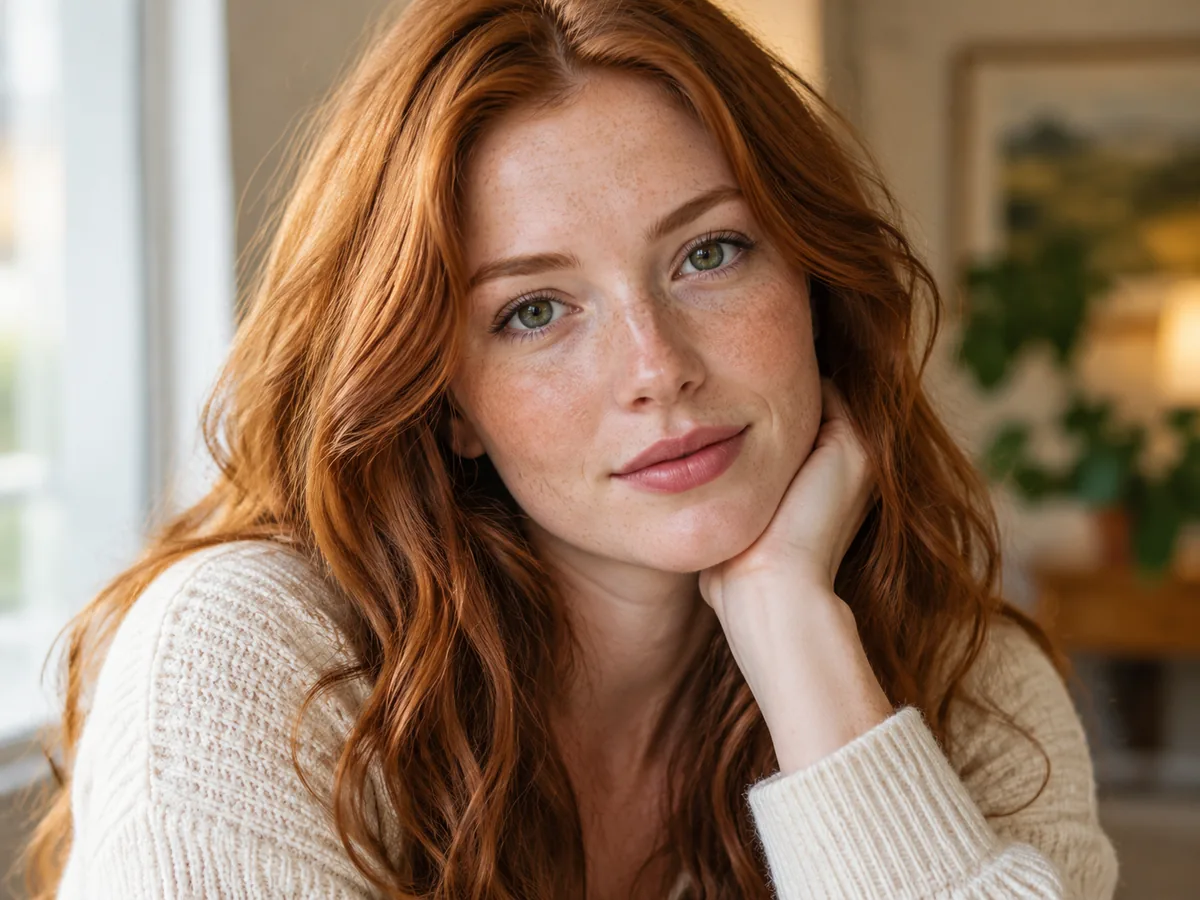
A clearer portrait should still look like you. Explore the best face enhancers free to try, then use a focused prompt to improve light, reduce noise, and preserve natural facial detail.
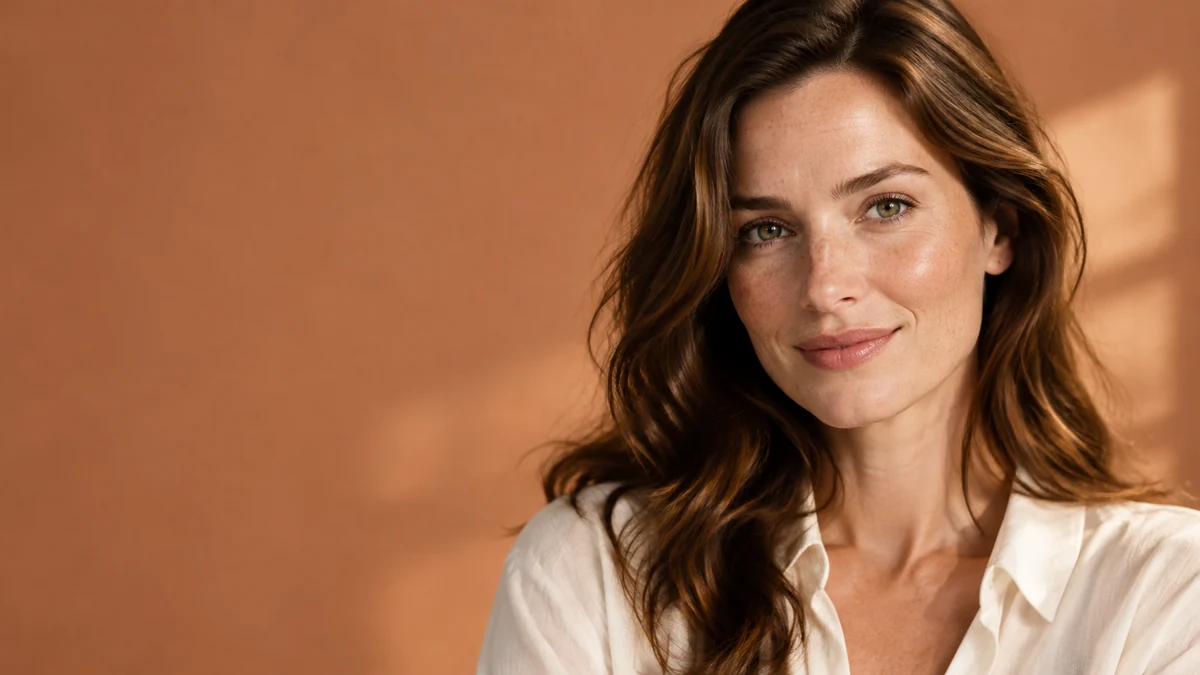
Use a real source photo and a focused review when comparing the best face enhancers free to try.
Use a clear photo you own or may edit. Keep the original available so you can compare the same face, expression, skin texture, and background after processing.
Ask for a specific change, such as less low-light noise, balanced exposure, or clearer eyes. Tell the face enhancer to keep identity, facial proportions, and natural skin intact.
Inspect both images at a similar scale. Check eyes, teeth, hair, age lines, and the background. Reject invented detail or changed features, even when the result initially looks sharper.
Explore the best face enhancers free to try through these illustrative portrait concepts. They show lighting and texture goals, not verified source-to-result transformations.
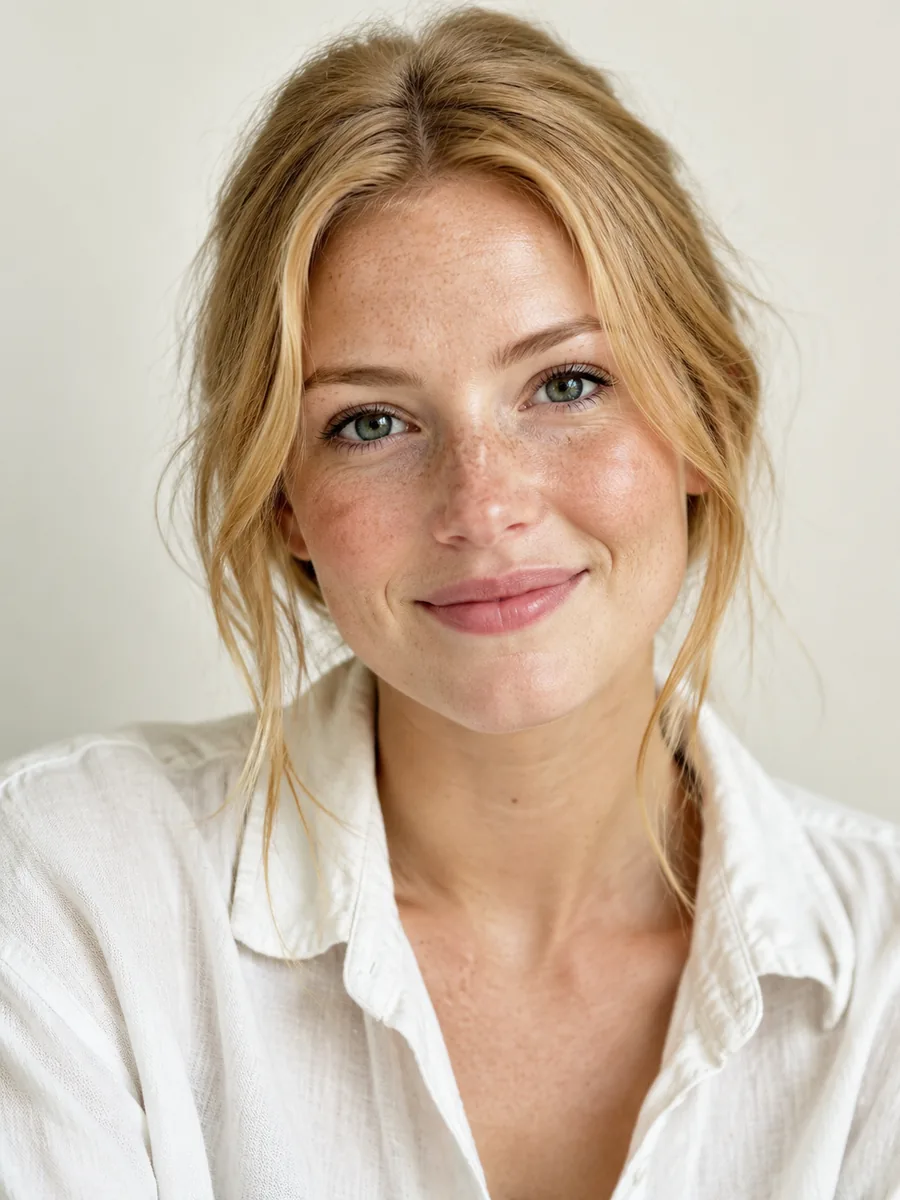 Natural Skin
Bring out natural facial detail with gentle sharpening. Keep freckles, skin texture, expression, and facial proportions intact.
Try This Prompt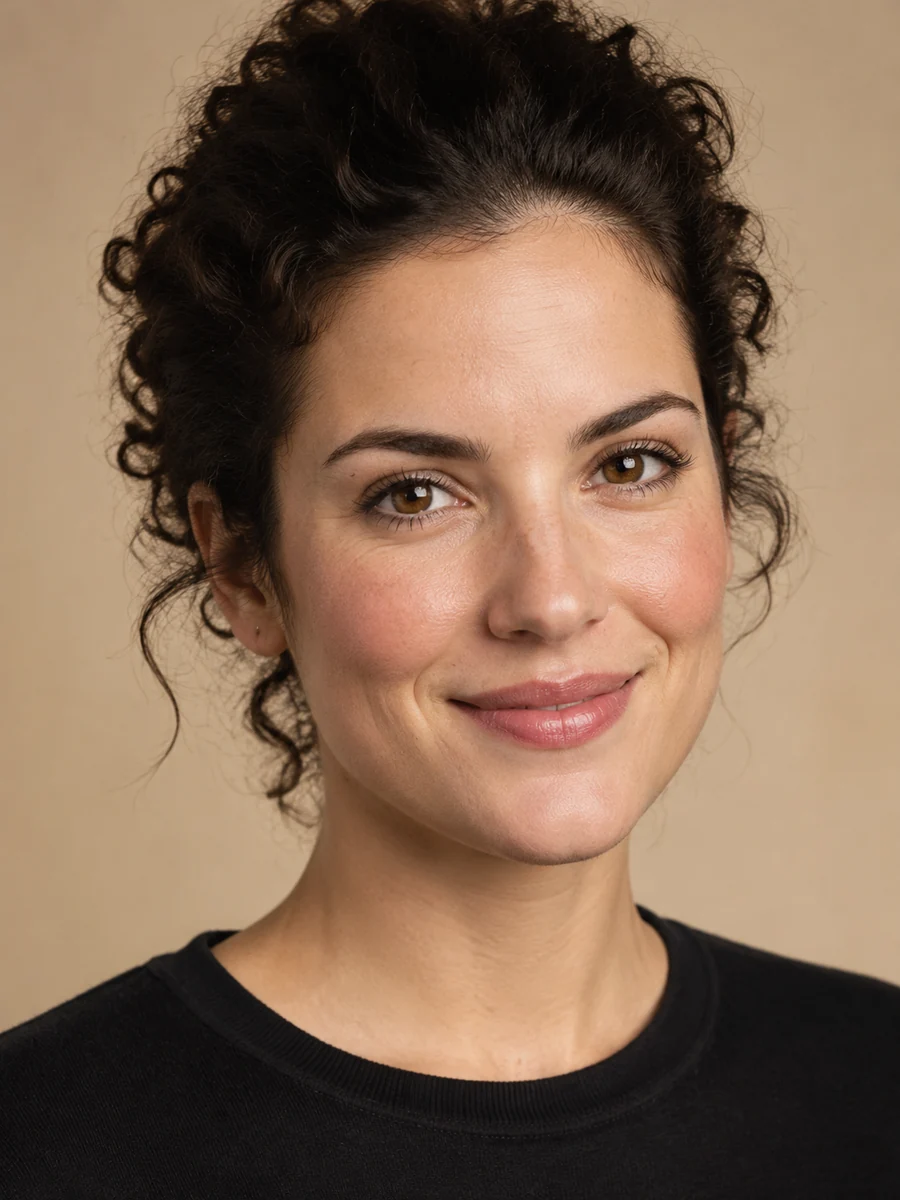 Natural Skin
Balance portrait lighting and reduce mild noise. Keep natural pores, fine hair, facial identity, and the original expression.
Try This Prompt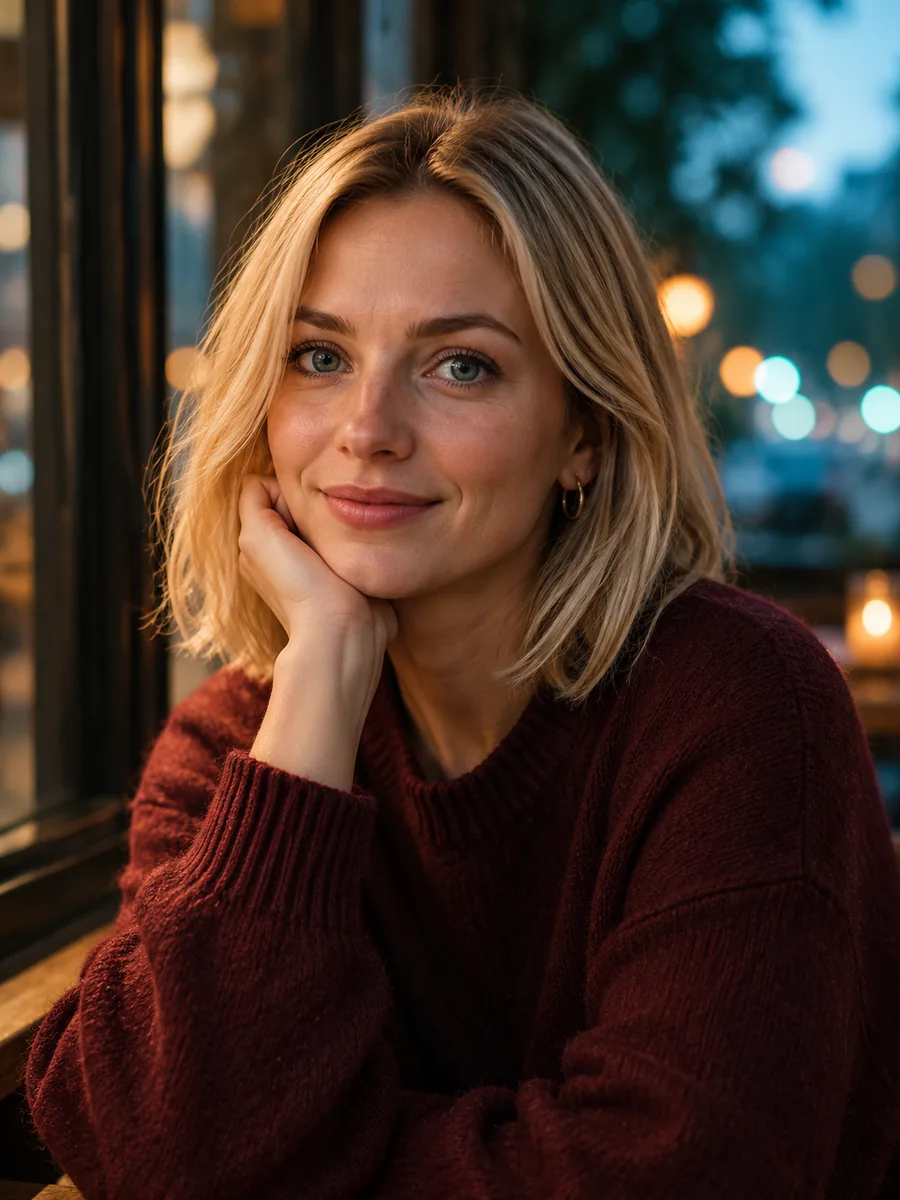 Low-Light Portraits
Clean up evening noise while preserving the warm lighting. Keep the same face, hairstyle, expression, and background mood.
Try This Prompt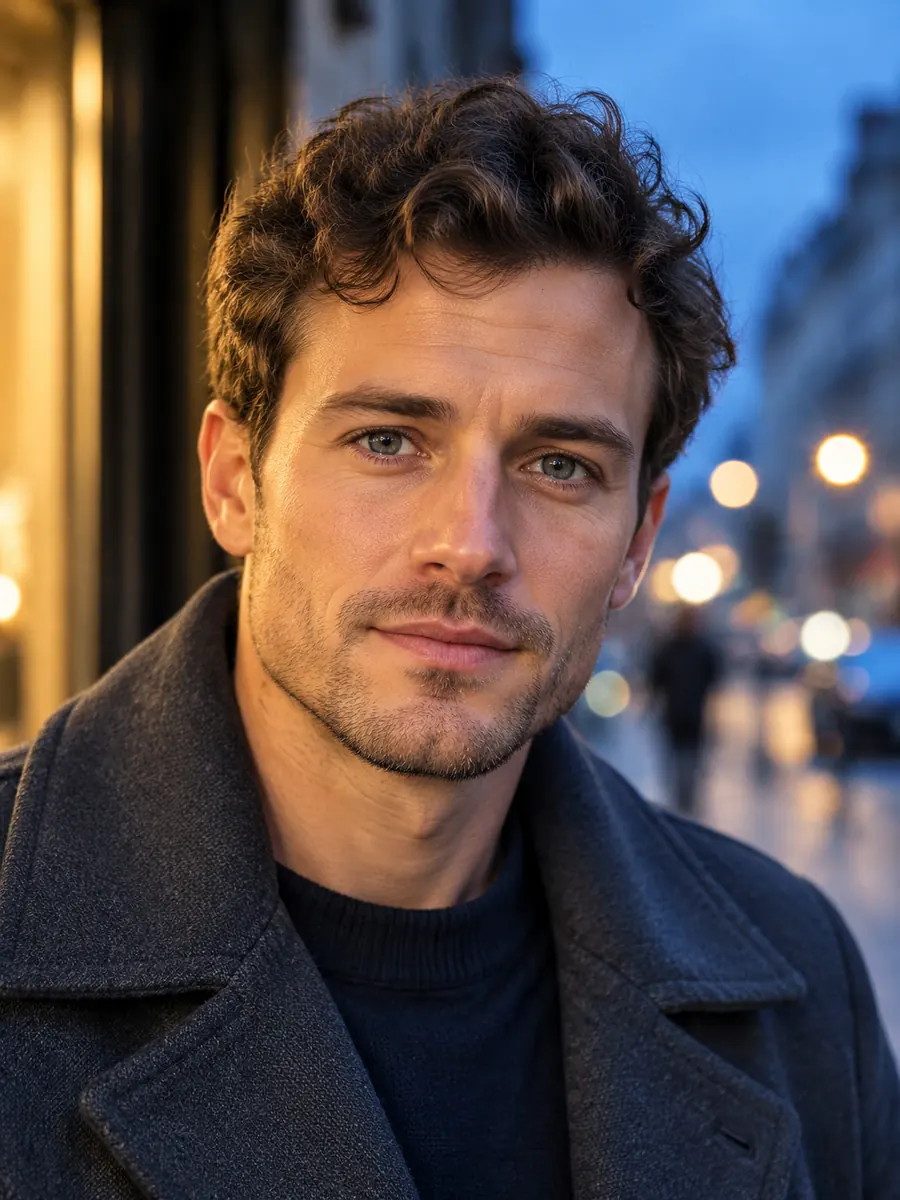 Low-Light Portraits
Lift facial shadows slightly and reduce color speckles. Preserve the person’s proportions and the contrast of blue-hour lighting.
Try This Prompt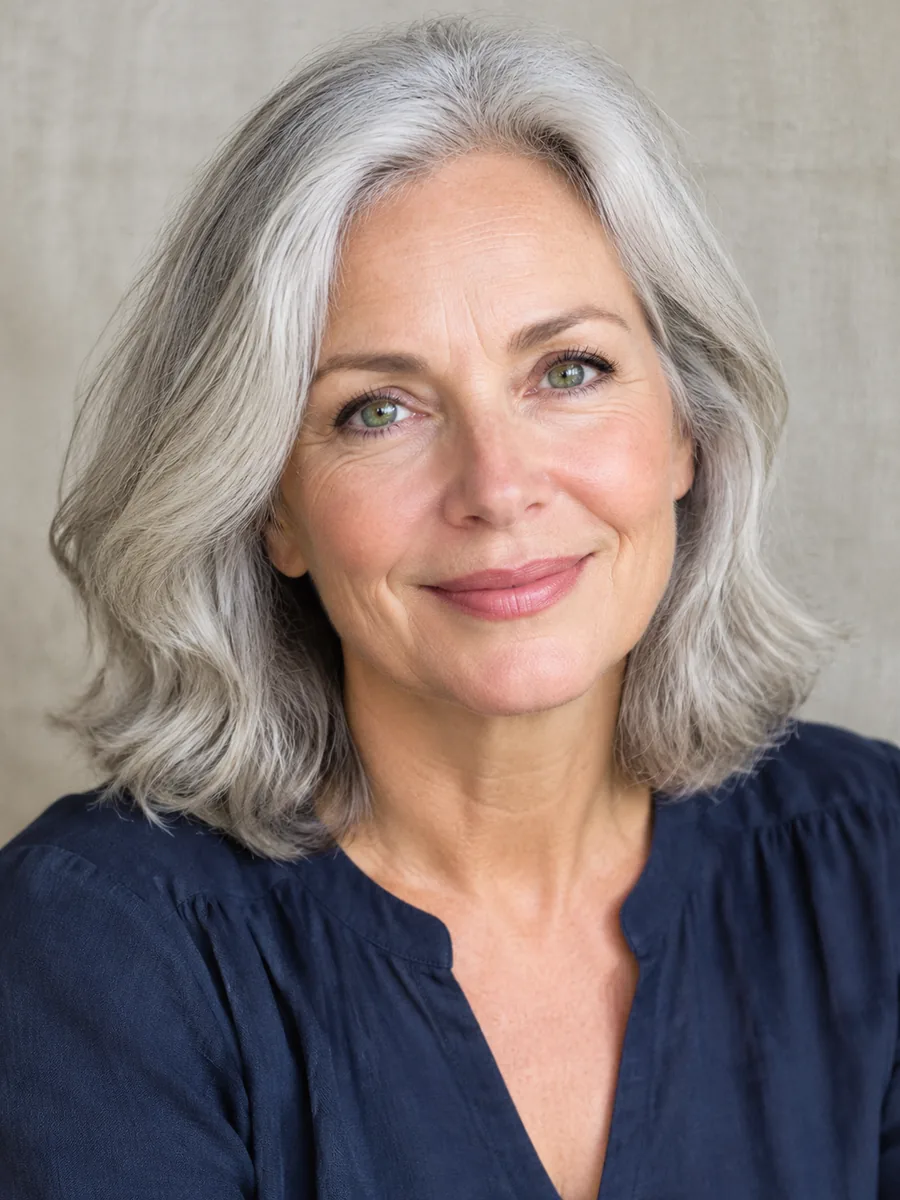 Mature Faces
Clarify this mature portrait gently. Preserve smile lines, facial identity, silver hair, and natural skin instead of smoothing them away.
Try This Prompt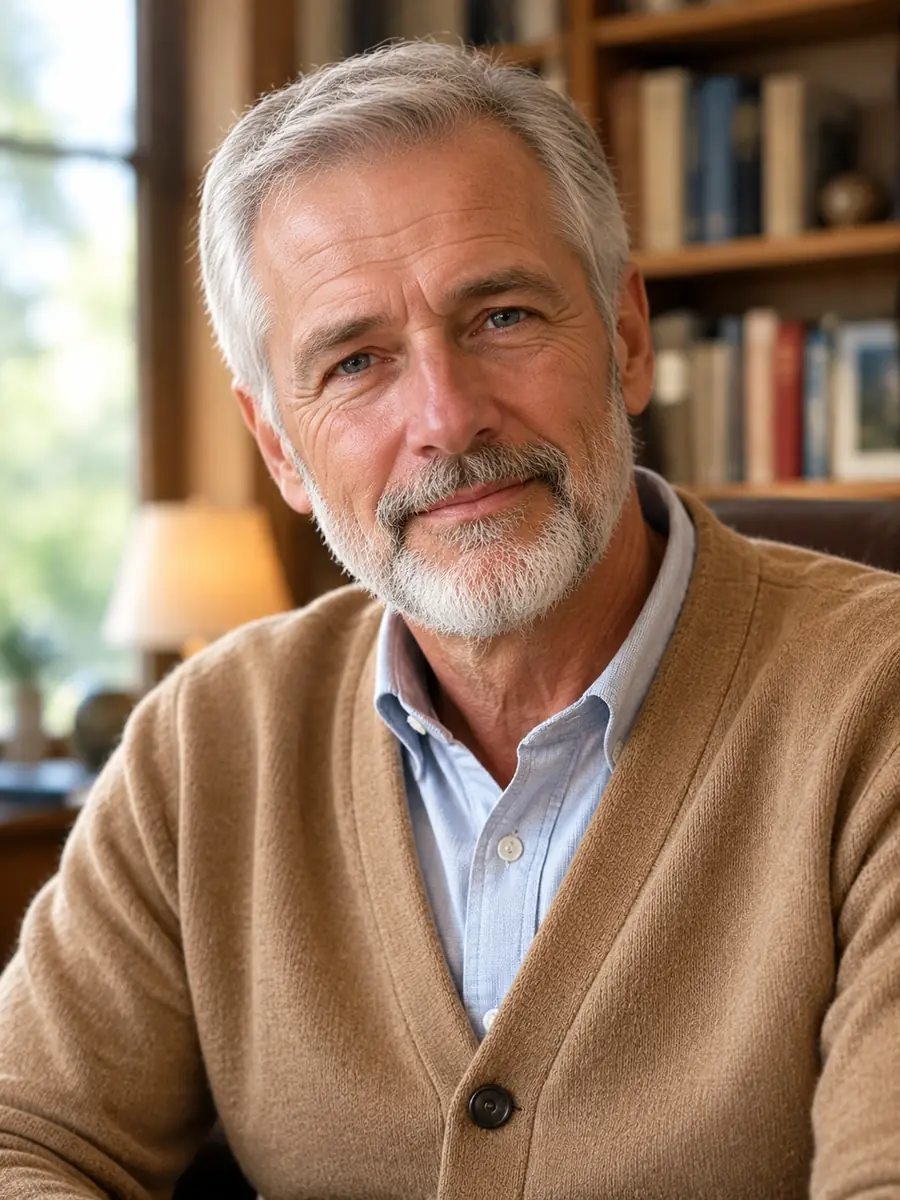 Mature Faces
Improve exposure and fine facial detail while keeping age lines, beard texture, expression, and the original person unchanged.
Try This Prompt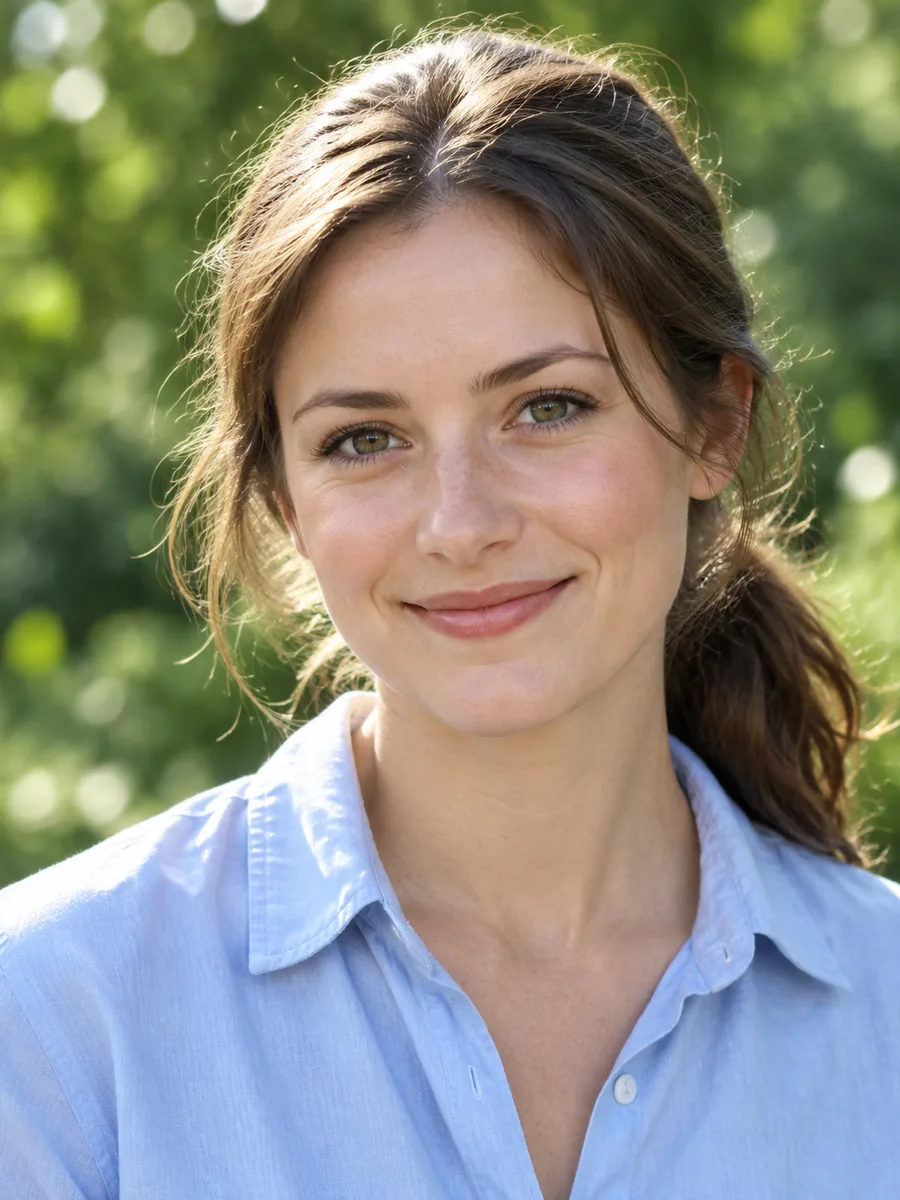 Everyday Detail
Balance outdoor color and refine face detail without changing the person. Preserve hair strands, eyes, skin tone, and the garden backdrop.
Try This Prompt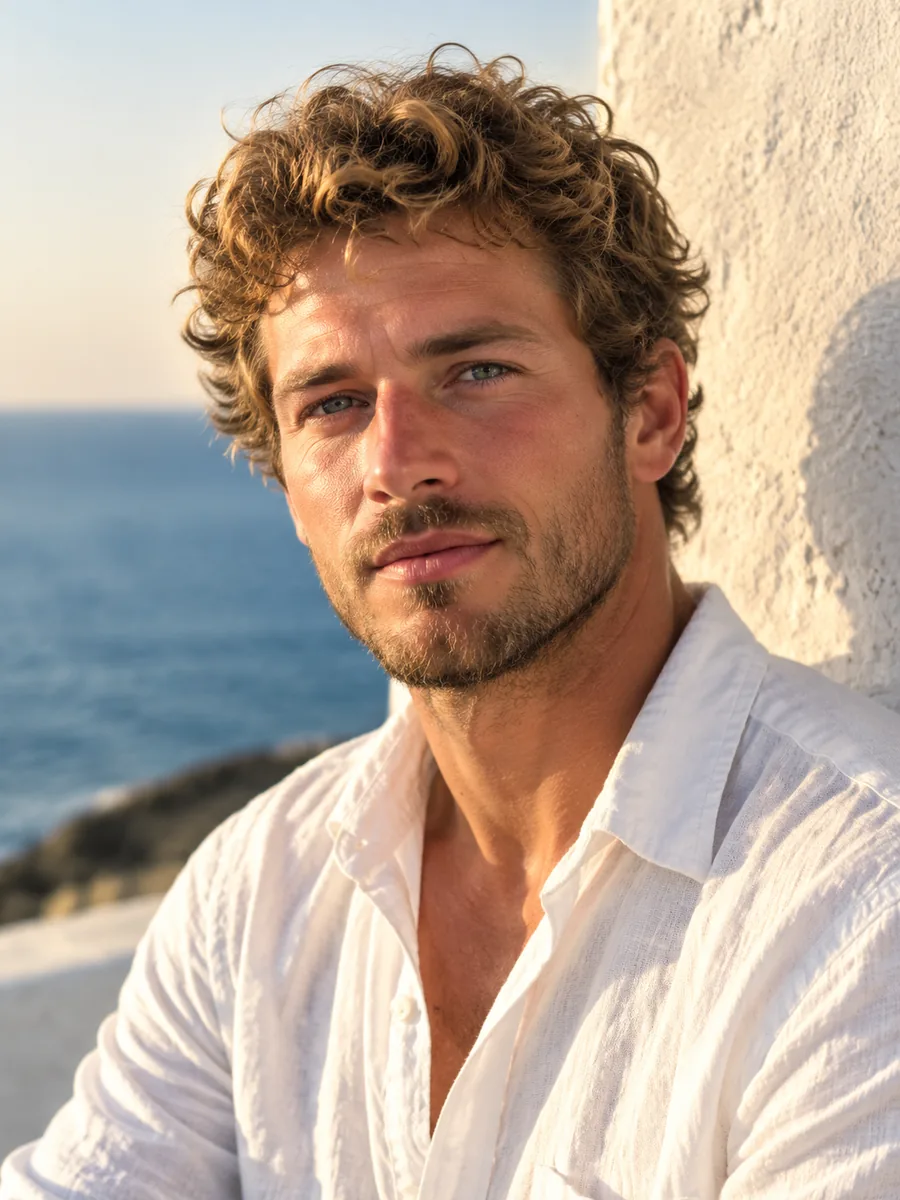 Everyday Detail
Improve this travel portrait’s face detail and exposure. Keep facial proportions, beard, background, and warm natural light unchanged.
Try This Prompt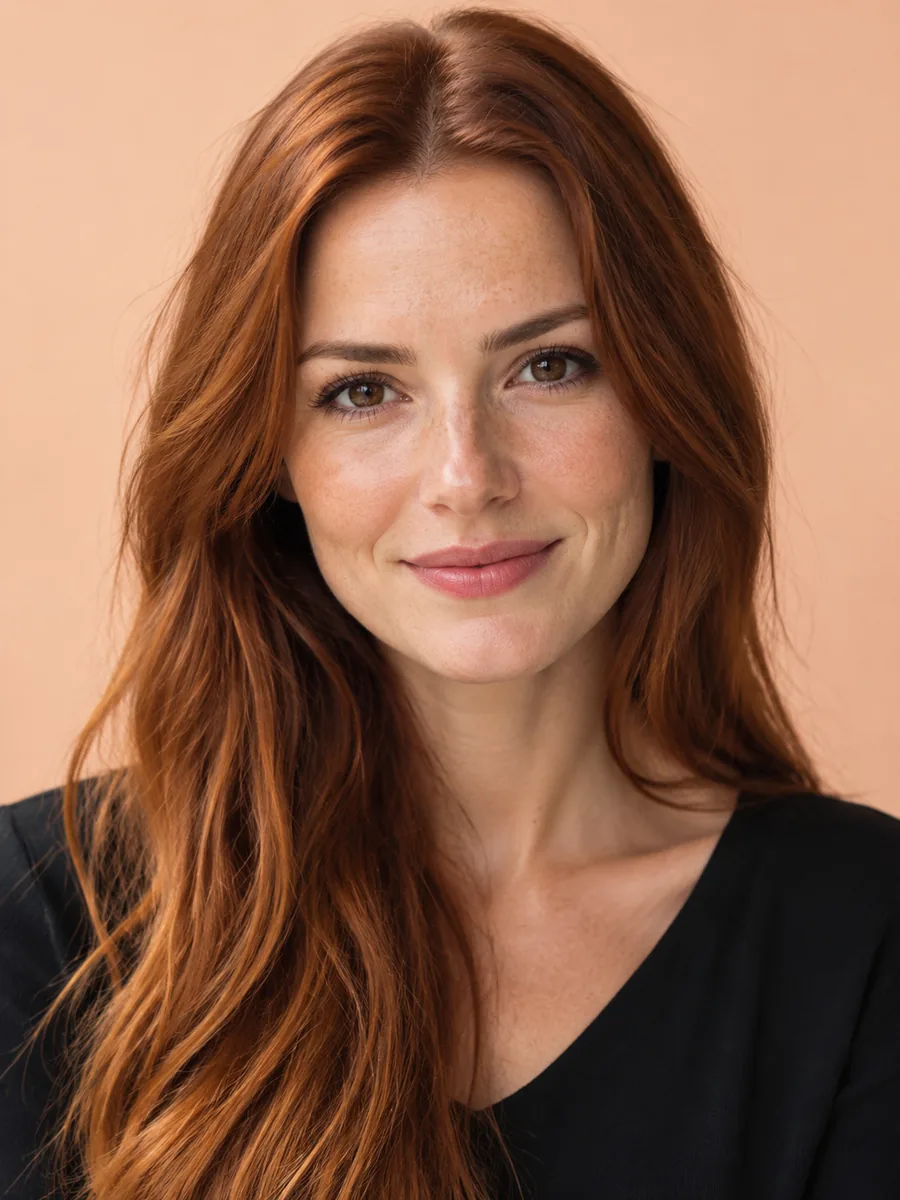 Natural Skin
Reduce subtle portrait noise and balance tones. Preserve natural skin, freckles, hair color, facial structure, and the original expression.
Try This Prompt Mature Faces
Reduce low-light noise and clarify the face gently. Keep glasses, age lines, facial identity, hair texture, and the warm indoor setting.
Try This PromptWhen exploring the best face enhancers free of charge through a trial, judge the portrait itself rather than a sharper-looking preview alone.
Ask for visible pores, freckles, and fine facial texture instead of a plastic beauty-filter finish. A useful portrait enhancement should respect the character of the source.
Compare facial proportions, eye shape, expression, and hairline with the original. Generative models can reconstruct details, so apparent clarity is not proof of accurate recovery.
Reduce distracting color speckles while preserving the atmosphere of the photograph. Excessive smoothing can erase texture or change shadows that define the face.
Keep smile lines, mature skin, and individual features unless the person explicitly wants a different edit. Face enhancement and age-changing retouching are different goals.
Look closely around lashes, glasses, teeth, and hair strands. Reject halos, uneven pupils, over-sharp edges, or invented detail that did not belong to the original face.
Compare the best face enhancers free to try by the access actually shown in the workspace. A limited trial is not an unlimited service or a promise of fixed output resolution.
Use this practical comparison while reviewing the best face enhancers free to try. It describes approaches, not a ranked test of competing products.
| Criteria | Exposure Adjustment | Prompted Face Enhancement | Beauty Retouching |
|---|---|---|---|
| Main goal | Balance brightness and color | Explore noise and detail improvements | Change a chosen cosmetic feature |
| Useful when | The face is intact but too dark | Noise or softness distracts from the portrait | A cosmetic change is intentionally requested |
| Preservation check | Avoid washed-out skin or clipped highlights | Check identity and reconstructed detail | Check that changes match the person’s request |
| Practical limitation | Cannot recover missing facial information | May infer or alter features | Can change the natural look of the source |
Fictional briefs for people comparing the best face enhancers free to try. They are examples of review criteria, not customer testimonials.
A job seeker wants a cleaner headshot without changing their face. They request balanced exposure and gentle noise reduction, then compare eye shape, hairline, and natural skin against the source.
A traveler wants to reduce color noise in a dusk portrait. They keep the warm evening light and check that smoothing has not erased facial texture or changed the expression.
A family member wants a clearer photograph of an older relative. They preserve age lines and hair texture, treating any reconstructed detail as an interpretation rather than recovered fact.
Selected Arena entries dated Oct 20, 2026. Explore current Arena image-editing preferences alongside the best face enhancers free to try. General editing scores do not establish facial identity preservation, portrait accuracy, or free access. Model variants may differ from GlobalGPT.
| Rank | Model | Arena Rating | Votes | Rank Range | Price / Image |
|---|---|---|---|---|---|
| #1 | gpt-image-2 (medium) OpenAI / Proprietary | 1461.78 | 212326 | #1-#1 | 0 |
| #2 | grok-imagine-image-2.0 (low) SpaceXAI / Proprietary | 1439 | 5936 | #2-#2 | - |
| #3 | mai-image-2.6-preview Microsoft AI / Proprietary | 1416.85 | 9013 | #3-#4 | - |
| #4 | muse-image Meta / Proprietary | 1404.9 | 66921 | #3-#5 | - |
Source: Arena Leaderboard
Start with the same authorized source image and one clear goal. Compare natural texture, likeness, eye detail, and artifacts alongside the trial limits. A polished sample alone does not prove performance.
No. Use the trial access and account terms displayed in the workspace. Additional generations or models may require credits or a subscription; this page does not promise unlimited free use.
That is not guaranteed. Ask it to keep facial proportions, expression, and hair unchanged, then compare the output carefully. A generative model may infer details or alter the person.
It can explore a clearer-looking version, but missing details may be reconstructed rather than recovered. Do not treat an inferred face as an accurate record or use it for identity evidence.
No. They are newly generated illustrative concepts showing lighting and texture directions. To judge enhancement, upload your own authorized source and compare the actual result with it.