

Characters with a readable story
Combine role, clothing, expression and setting so the image communicates more than a face. The preset gives you a concrete starting point for an original character concept.
Turn a character idea into expressive anime artwork with a setting that supports the story. Choose the wardrobe, mood and light, then refine one detail at a time. Start with a complete visual direction rather than wondering what to put in the first prompt.
Create an Image







Prompt Guide
Model
Reference Image
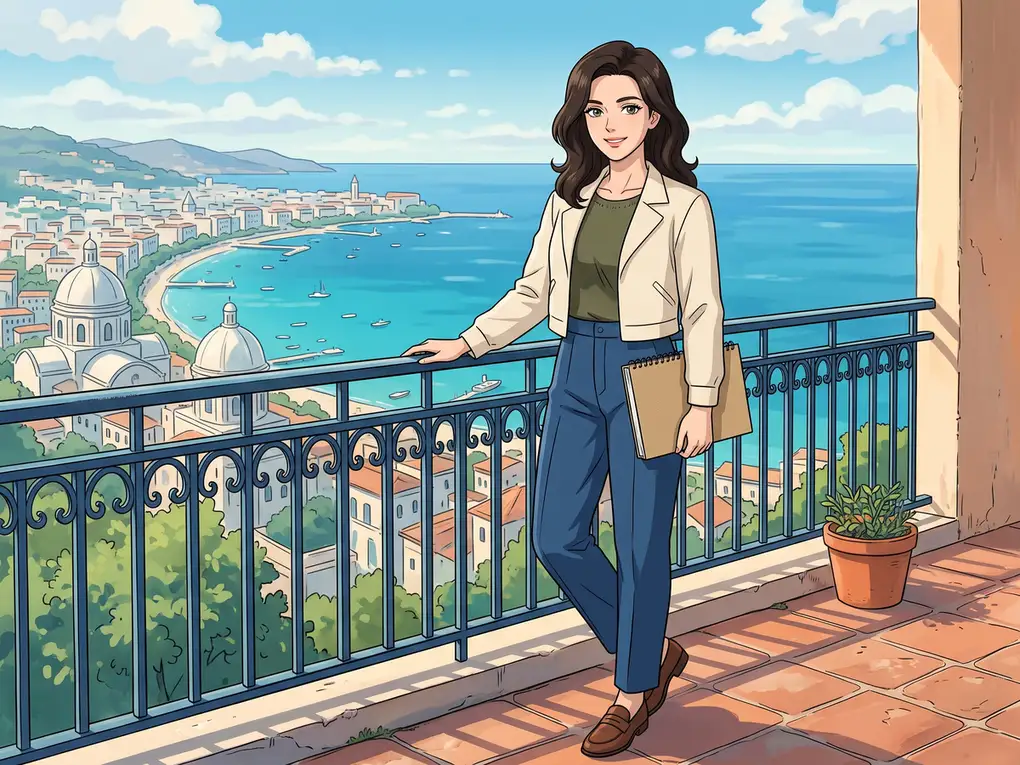
Start with a focused idea, generate a result and refine what matters.
Give the character an adult age, role, outfit and expression. Choose one setting that explains what they are doing. A focused description gives the model a clearer visual target than a long list of disconnected styles.
Tell the anime AI generator whether you want a portrait, a scene or a wide illustration. Add the time of day, color palette and linework style. Use the ratio controls to match the intended format.
Check the face, hands, silhouette and background. Keep the character description and change one detail to explore another version. Review each generation because character identity and small details can vary between outputs.
Explore six distinct directions and adapt the prompts to your own idea.
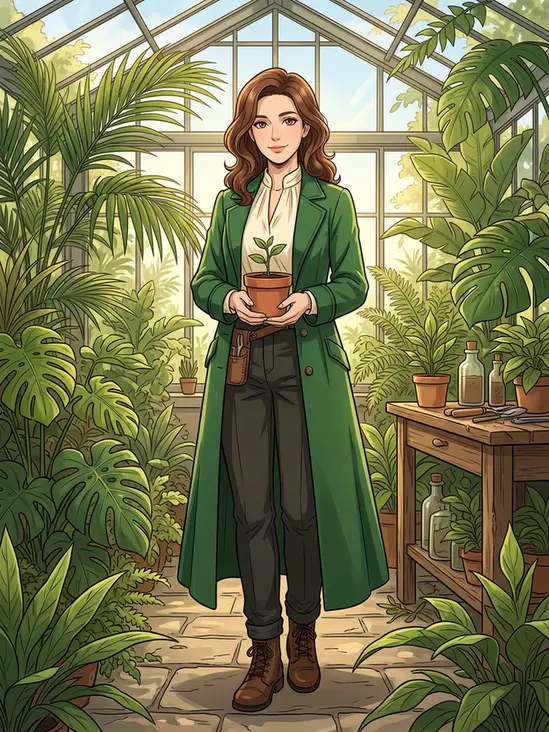 Character Stories
An adult anime botanist in an emerald coat holds a potted plant inside a sunlit conservatory. Add lush leaves, warm light and detailed hand-drawn shading.
Try This Direction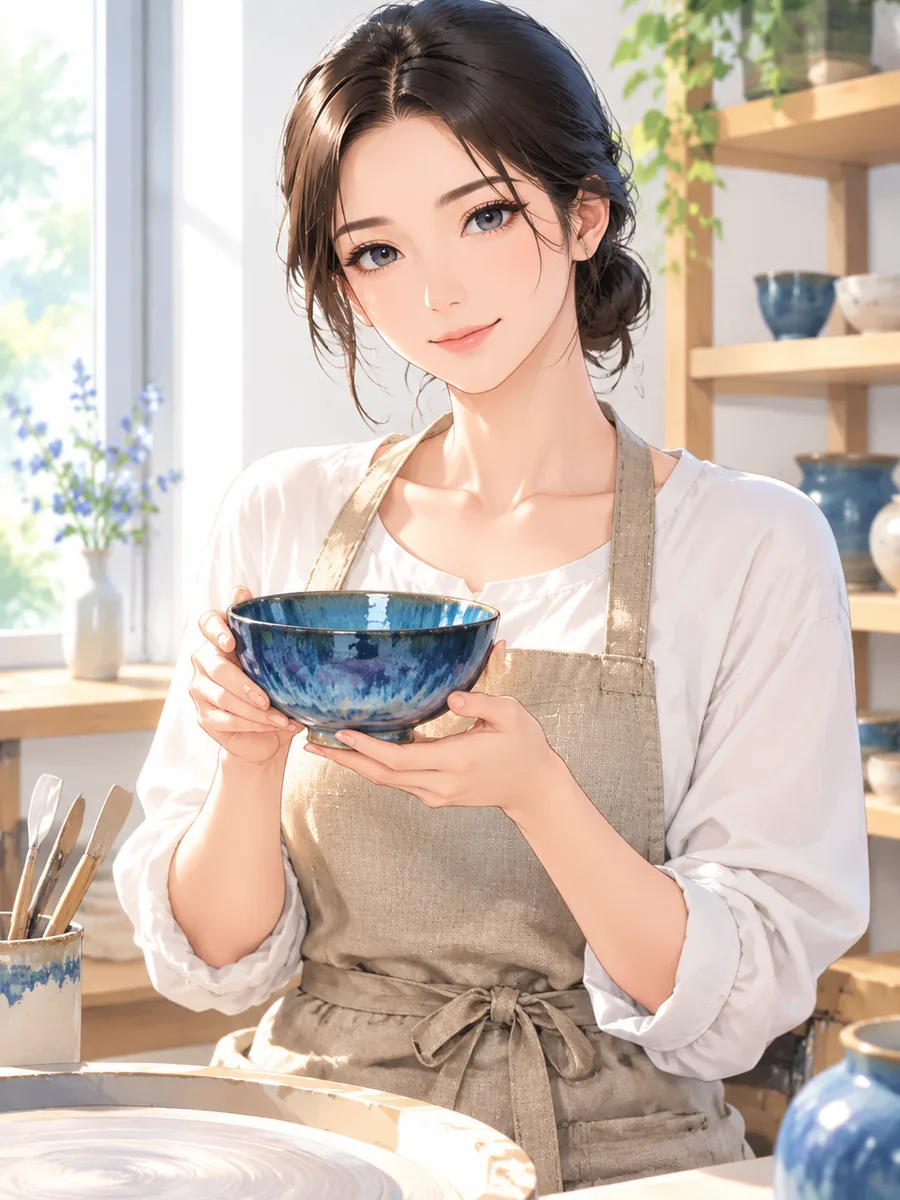 Character Stories
An adult anime ceramicist in a linen apron holds a blue glazed bowl in a sunlit pottery studio. Use expressive cel shading and warm natural colors.
Try This Direction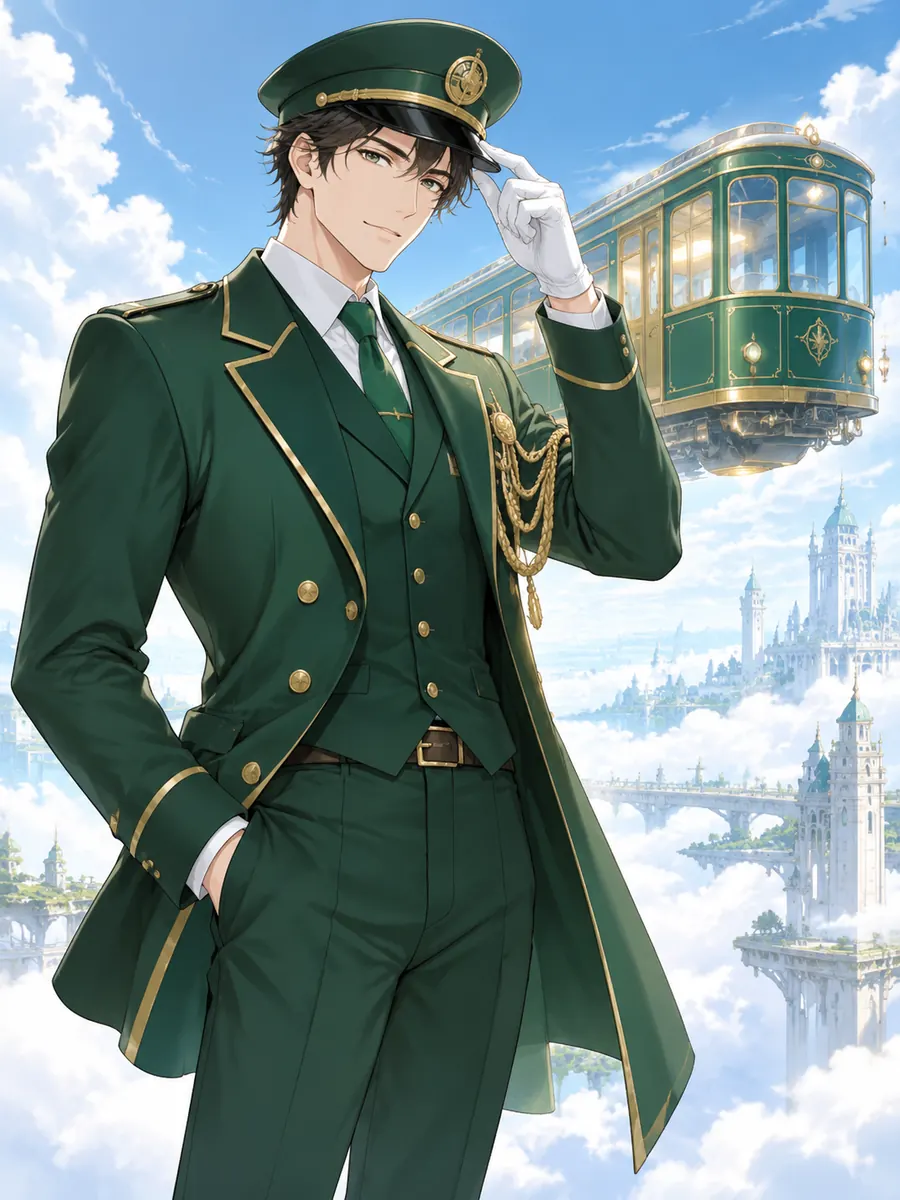 Science Fiction
An adult anime conductor in an emerald uniform tips his cap beside a floating train above a cloud city. Use clean linework and luminous daylight.
Try This Direction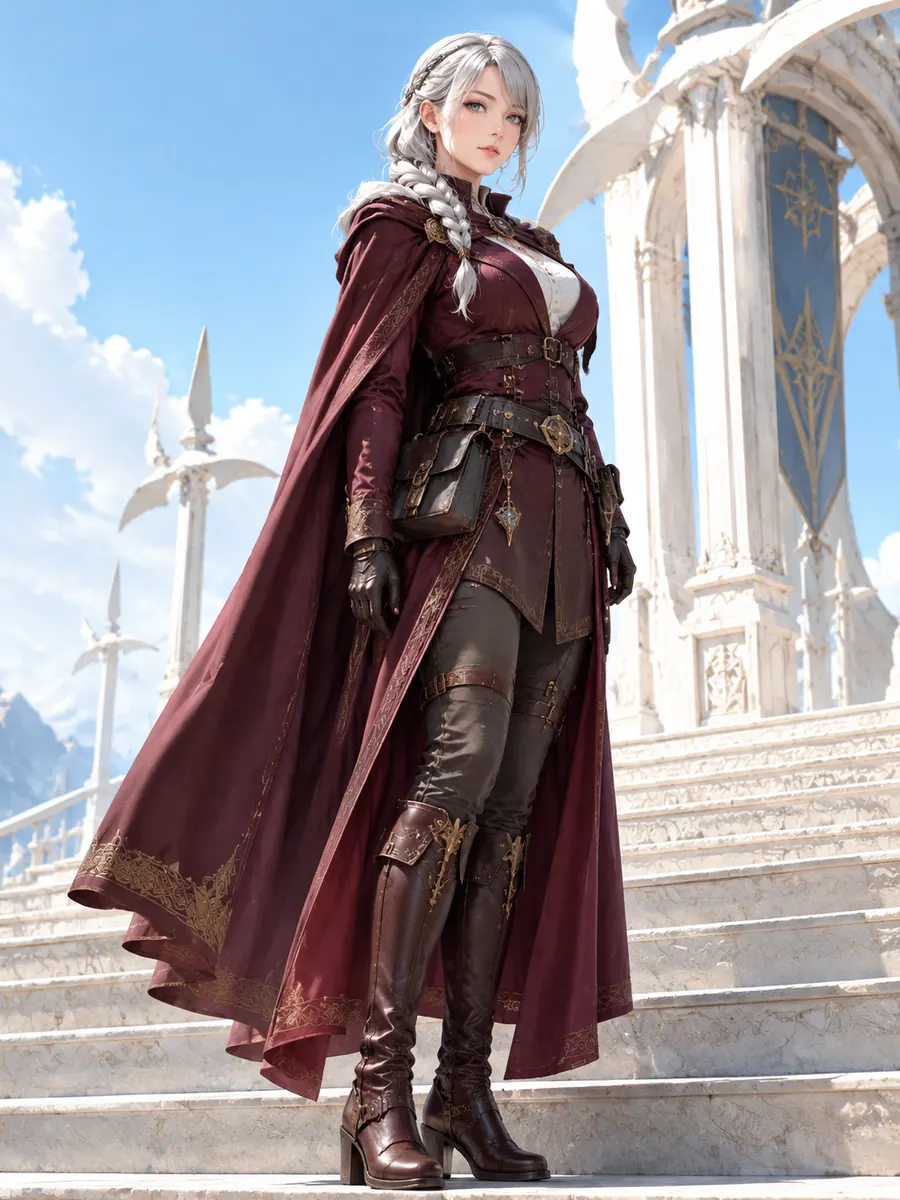 Fantasy Adventure
An adult anime explorer with silver braids wears a burgundy traveling cloak on the steps of a white-stone wind temple beneath a clear blue sky.
Try This Direction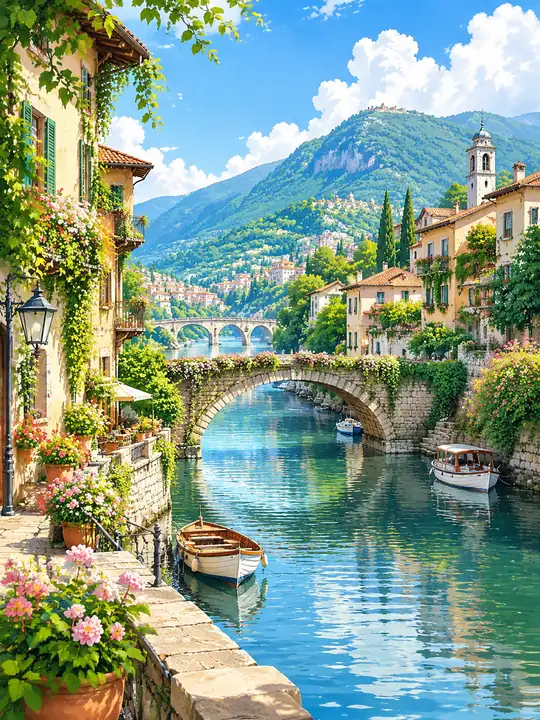 World Building
A sunlit anime river town with stone bridges, terracotta roofs, small boats and green mountains. Create a layered hand-drawn background with sparkling water and lush foliage.
Try This Direction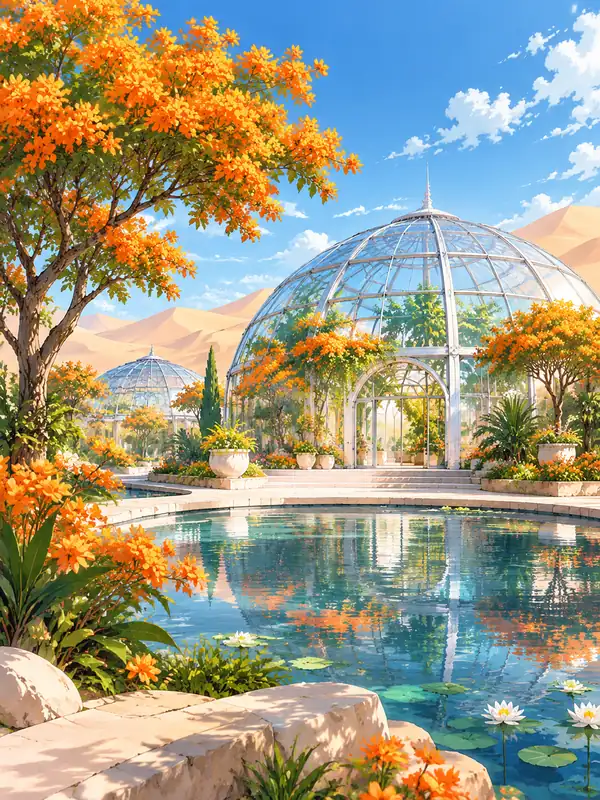 World Building
An anime desert oasis with curved glass domes, orange flowering trees and clear reflecting pools. Use soft painterly textures, bright daylight and a sense of depth.
Try This DirectionPractical choices that help you direct the result.
Combine role, clothing, expression and setting so the image communicates more than a face. The preset gives you a concrete starting point for an original character concept.
Ask for crisp cel shading, soft painterly light or detailed background art. Describe the visual qualities you want instead of relying on the name of an existing franchise.
Create still artwork in the image workspace. The animated Hero shows a motion direction; making a moving scene requires a separate video workflow with its own prompt and review.
Illustrative perspectives on this creative workflow. Names are fictional; these are not verified customer reviews.
An adult character's role, outfit and setting help me plan an anime scene with a readable story.
The character and environment examples make it easier to describe a visual direction in ordinary language.
I would keep the main character description and change one detail at a time when comparing illustrated variations.
It can create anime-style still images from a written description, including character portraits, environments and illustrated scenes. This draft focuses on original adult characters and clear, expressive settings.
No drawing workflow is required to start. Describe the subject, pose, setting and lighting in ordinary language. Inspect the result and refine the prompt when an important feature or part of the anatomy needs work.
Reuse the distinguishing traits, outfit and style description. If the chosen model supports image references, they can help guide appearance. Exact consistency is not guaranteed, so compare every output before using it in a series.
The interactive workspace on this page creates images. Video is a separate workflow. The Hero is an animated example of the visual direction and does not change the workspace into an animation tool.