

One Idea, One Connected Workflow
Use one campaign brief across writing, images and motion. Carry selected instructions and reference files into each task.
Prompt Guide
Model
Reference Image
Plan the story, shape the visual and create the motion. GlobalGPT brings writing, image creation and video models into one subscription platform.
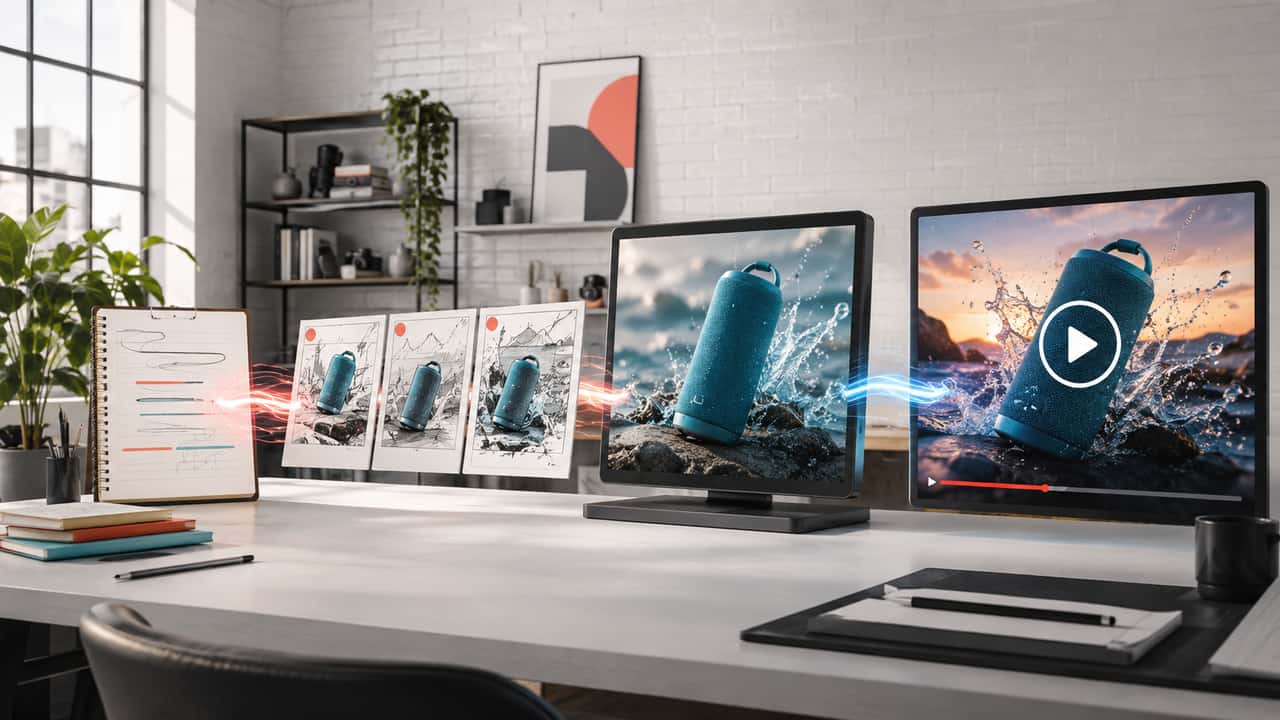
Keep one creative goal across planning, prompts, references and generation. Review each result before taking it into the next step.
Define the audience, opening hook and main action. A short scene brief gives each creative choice a clear purpose.
Describe the subject, action, camera, setting and light. Use a writing model to clarify vague instructions before generating.
Choose a source image when the selected model supports it. Otherwise describe the scene in text and keep references for review.
Select the model, frame and settings available to your account. Create one focused scene rather than an entire campaign.
Watch the complete clip for unstable objects, anatomy, lighting and unwanted text. Revise the weakest instruction before trying again.
Explore product, creator, cinematic and portrait motion. The 13 clips across this page were generated with Seedance 2.5 as illustrations, not comparative model tests.
Create a portrait product video of an unbranded perfume bottle on an orange plinth. Move one soft light across the glass while the camera rises gently. Keep the bottle shape and reflections coherent.
Try This PromptCreate a portrait sneaker reveal with a slow controlled turn above a reflective dark surface. Show fabric texture and a clean silhouette under cool studio light. Keep the shoe stable; no logos or text.
Try This PromptCreate a portrait skincare opener with one adult woman holding an unbranded bottle beside a bright bathroom mirror. Use one friendly gesture and subtle camera movement. Keep her face, hands and product coherent.
Try This PromptCreate a portrait travel opener with an adult man overlooking a blue coastline. A light breeze moves his overshirt as the camera follows gently. Keep one continuous shot, natural light and stable anatomy.
Try This PromptCreate a portrait cinematic scene of an adult traveler beside a rainy city tram stop. An approaching tram adds reflected light. Use restrained camera motion, coherent street geometry and no readable signage.
Try This PromptCreate a portrait fantasy scene of an original portal set within desert rock. Sand drifts softly as the camera approaches the glowing opening. Keep the architecture stable, with warm light and no text.
Try This PromptCreate a portrait editorial clip of an adult model against a warm studio background. Add a slow head turn and subtle camera push. Preserve coherent facial features, natural lighting and a steady composition.
Try This PromptCreate a portrait product animation of an unbranded teal box opening on a clean studio surface. Reveal the object inside through one controlled motion. Keep packaging geometry, shadows and camera framing stable.
Try This PromptDevelop the story, prepare visual references and generate motion in GlobalGPT. Keep the selected assets together as you refine the same creative direction.
Use one campaign brief across writing, images and motion. Carry selected instructions and reference files into each task.
Start from a written scene or add a reference where the chosen model supports it. Check consistency in the result.
Ask a writing model to clarify subject, action, camera and light. Copy the finished prompt into your video task.
Create reference frames, thumbnail concepts and campaign images around the same idea, then choose the visual direction to animate.
Develop scripts, source visuals and clips with the models available in GlobalGPT. Each creative task can use a different model.
Watch the full clip for motion, framing and subject stability. Change the weakest instruction before generating another version.
Keep the prompt and supported settings consistent across models. Compare the actual outputs for motion and detail before choosing your preferred result.
| Criteria | Grok Imagine Video 1.5 | Seedance 2.0 | Kling 3 | Agnes Video 2.0 |
|---|---|---|---|---|
| Page access | Check trial eligibility | Check account and credits | Check account and credits | Check account and credits |
| Product test | Slow orbit; inspect shape and reflections | Slow orbit; inspect shape and reflections | Slow orbit; inspect shape and reflections | Slow orbit; inspect shape and reflections |
| Person test | One action; inspect face and hands | One action; inspect face and hands | One action; inspect face and hands | One action; inspect face and hands |
Arena video ratings, September 21, 2026. The tested Dreamina Seedance 2.0 720p variant is an external reference, not a GlobalGPT performance test.
| Rank | Model | Arena Rating | Votes | Rank Range |
|---|---|---|---|---|
| #1 | gemini-omni-flash Google / Proprietary | 1511.57 | 16916 | #1-#2 |
| #2 | flux-3-video Black Forest Labs / Proprietary | 1494.42 | 1291 | #1-#4 |
| #3 | dreamina-seedance-2.0-720p Bytedance / Proprietary | 1481.72 | 49058 | #2-#4 |
| #4 | dreamina-seedance-2.5-720p Bytedance / Proprietary | 1476.97 | 1337 | #2-#6 |
| #5 | muse-video Meta / Proprietary | 1457.12 | 2176 | #4-#6 |
Source: Arena Leaderboard
It brings video models and related creative tools into one platform. In GlobalGPT, you can plan scripts, prepare source images and generate clips while carrying your chosen brief between separate tasks.
GlobalGPT offers tools for each task. Use a writing model to plan, an image tool for visuals and a video model for motion. Transfer your chosen prompt and files between these steps.
Use text to explore a written scene. Add a reference image when the selected model supports image input and you want a specific starting composition. Review subject consistency in either case.
Describe one subject, one main action, the camera move, setting and light. Keep the scene simple enough to review. Include the mood or pace when it supports the intended message.
Yes, you can explore each direction. Prioritize object stability for products, a clear opening for social clips and atmosphere for cinematic scenes. Check every result and complete any additional editing before sharing.