

Recognizable wolf anatomy
Specify the long muzzle, natural ear placement, broad neck ruff, and low bushy tail. These details help keep a wild wolf distinct from a pet-dog portrait.
Prompt Guide
Model
Reference Image
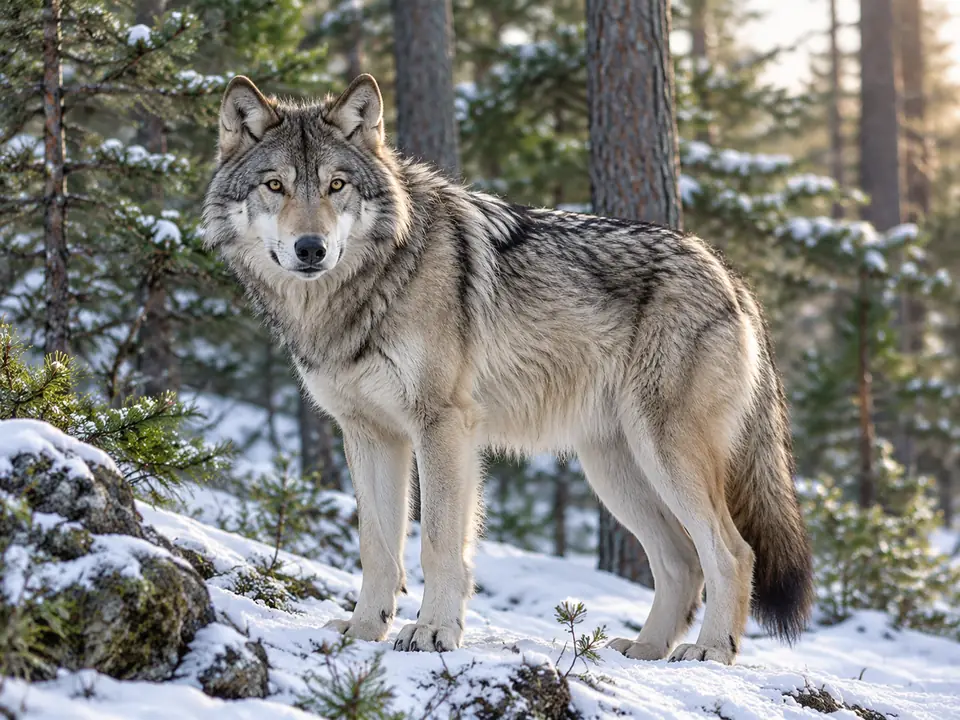
Build a lone gray wolf, a calm woodland portrait, or an original frost guardian. Give GlobalGPT a clear coat, pose, and setting so the image has a strong identity before you add decorative detail.
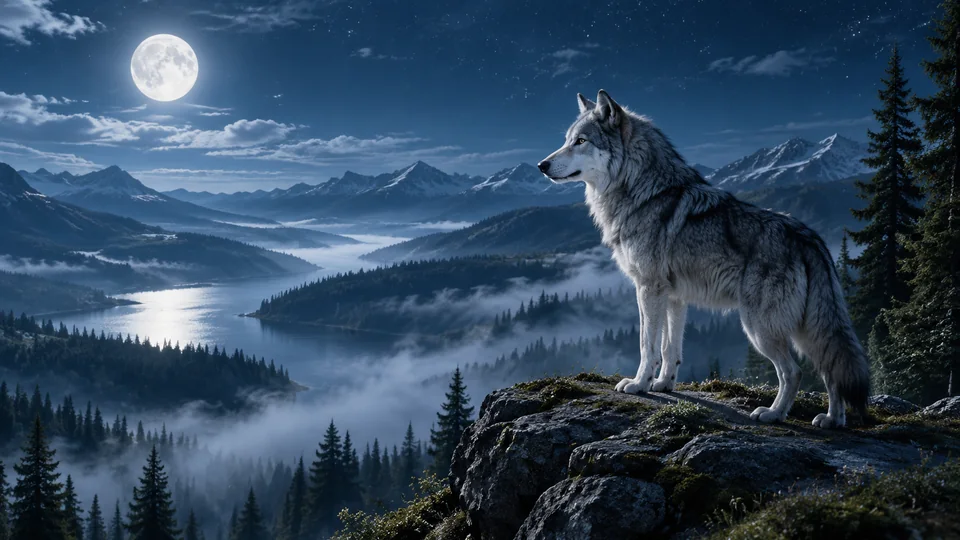
Choose one idea, keep the prompt focused, and inspect the details before using the result.
Pick a starting style in the ai wolf image generator. Describe the main subject, pose, and intended use before adding background detail. Keep a small number of visual decisions so the result has one clear focus.
Choose the current image model and aspect ratio, then adapt one of the short prompts. Choose a wildlife, painterly, fantasy, or graphic starting point. Describe the muzzle, coat, and posture, then change one visual choice at a time to keep your wolf art focused.
Check the muzzle length, ear placement, paws, and tail before accepting a realistic wolf. Fur should follow the body rather than hide extra limbs, and nearby trees should not merge with the outline. If the result misses the brief, change one detail at a time. Check the current account and model access before generating again.
Browse distinct directions for the ai wolf image generator, from a focused subject study to a more stylized concept. Each short prompt starts a different composition; sample artwork does not guarantee the same output.
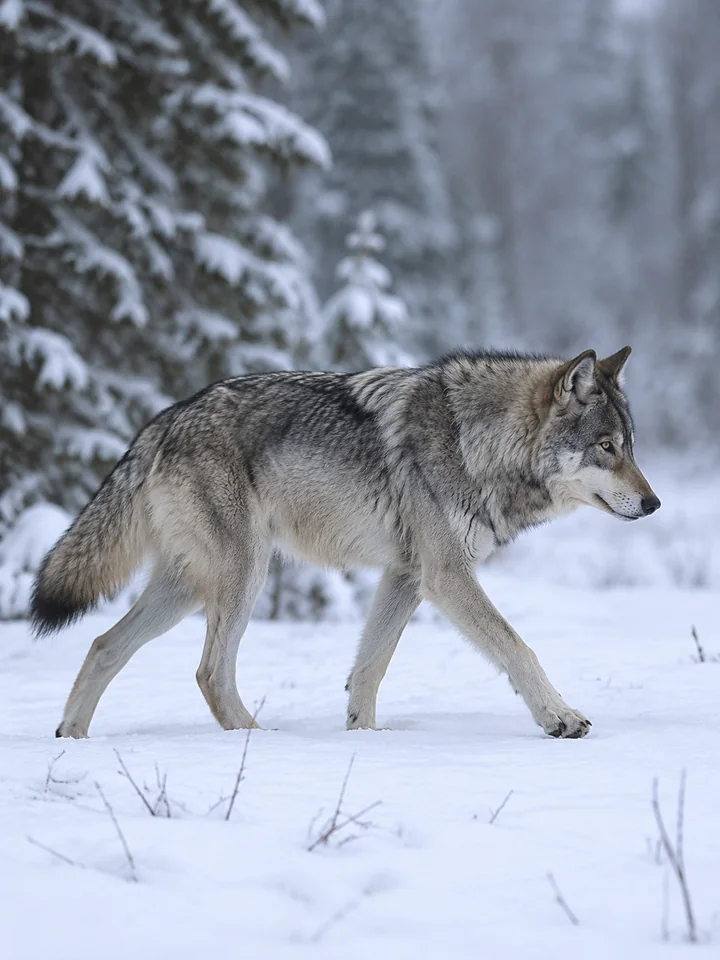 Wildlife
A gray wolf in a clear side profile crosses fresh snow, natural low tail, overcast light, restrained wildlife photography style.
Try This Prompt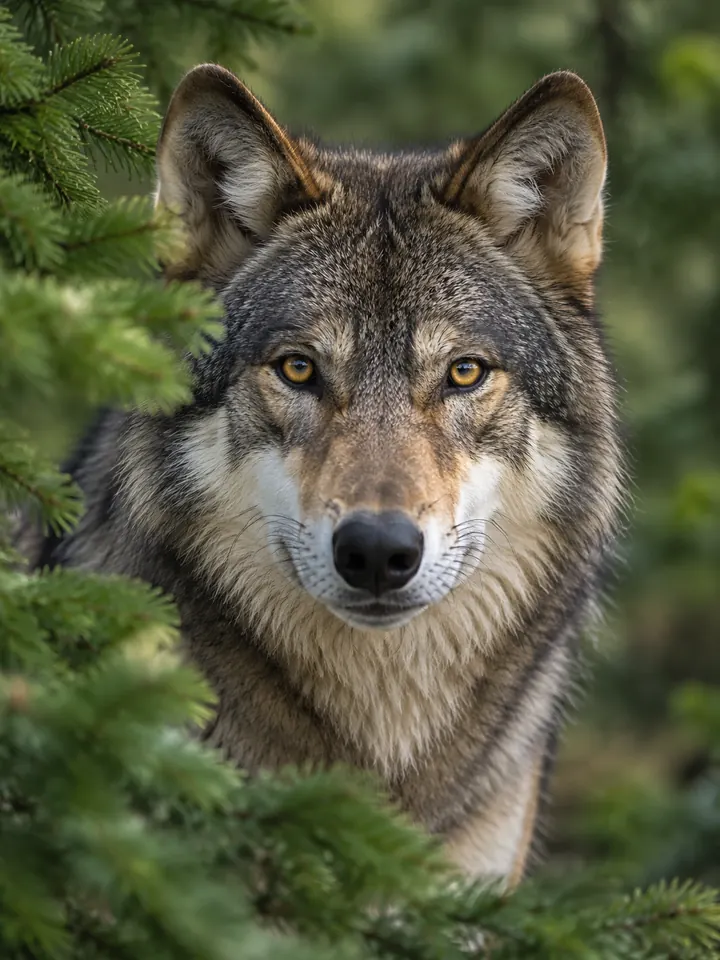 Wildlife
Frame a wolf face among softly blurred green pines, sharp amber eyes, individual fur strands, quiet light and natural proportions.
Try This Prompt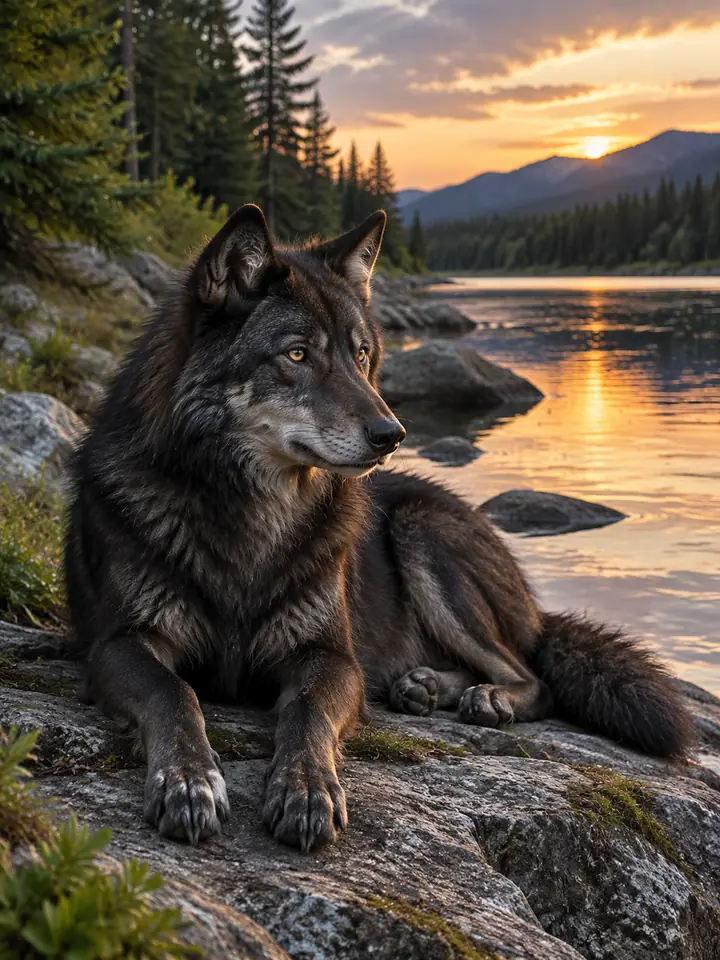 Wildlife
A single dark-coated wolf rests on a rocky riverbank, paws clearly separated, early evening reflections, calm realistic woodland scene.
Try This Prompt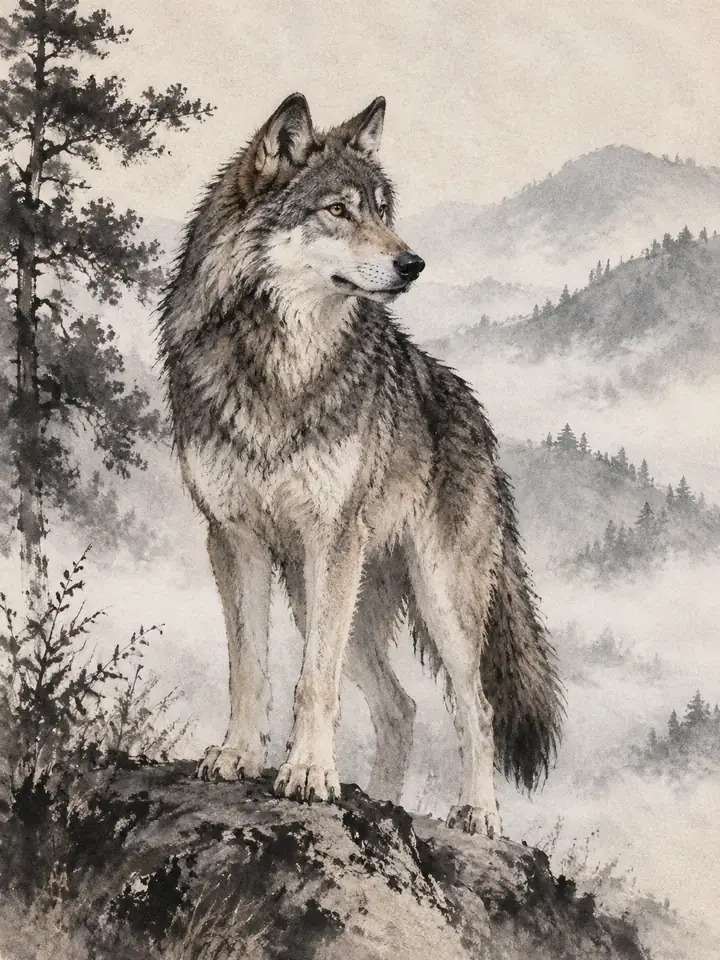 Painterly
Paint a standing wolf with black ink brushwork and a pale misty hillside, spare composition, controlled detail and textured paper.
Try This Prompt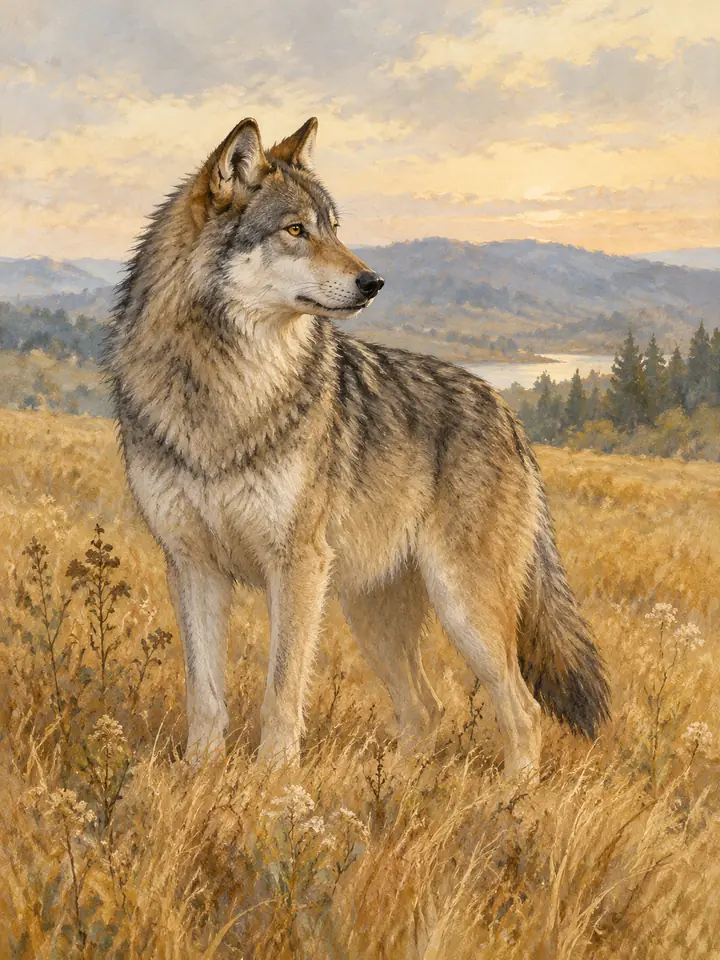 Painterly
Illustrate a wolf in golden meadow grasses using soft gouache, muted ochre and sage, graceful profile and generous breathing room.
Try This Prompt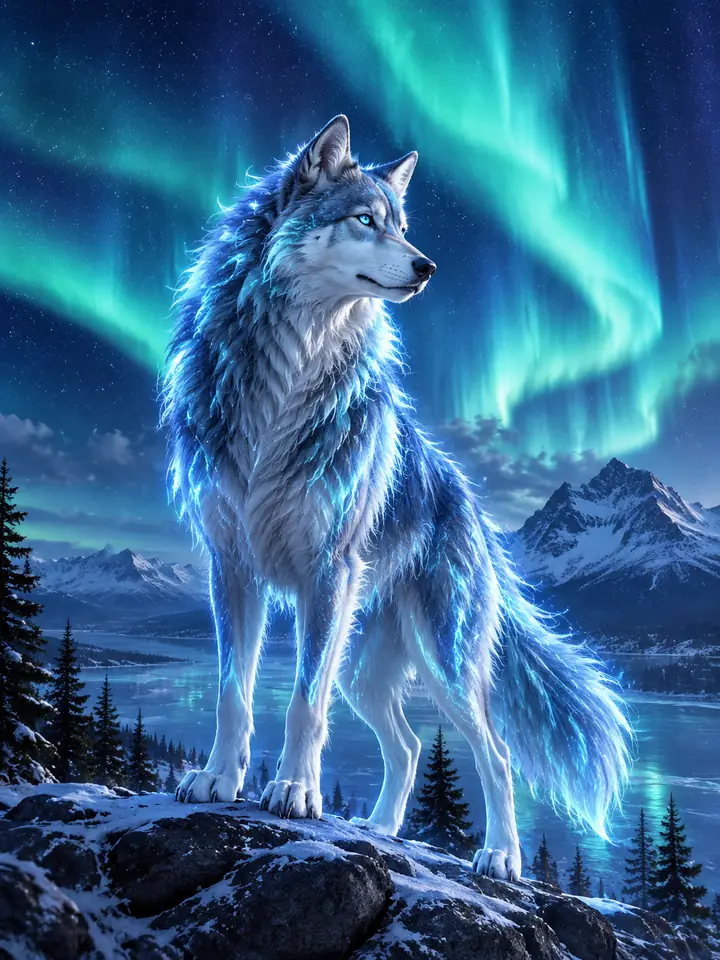 Fantasy
An original spectral wolf stands beneath an aurora, translucent blue highlights along natural fur, one clear silhouette and distant mountains.
Try This Prompt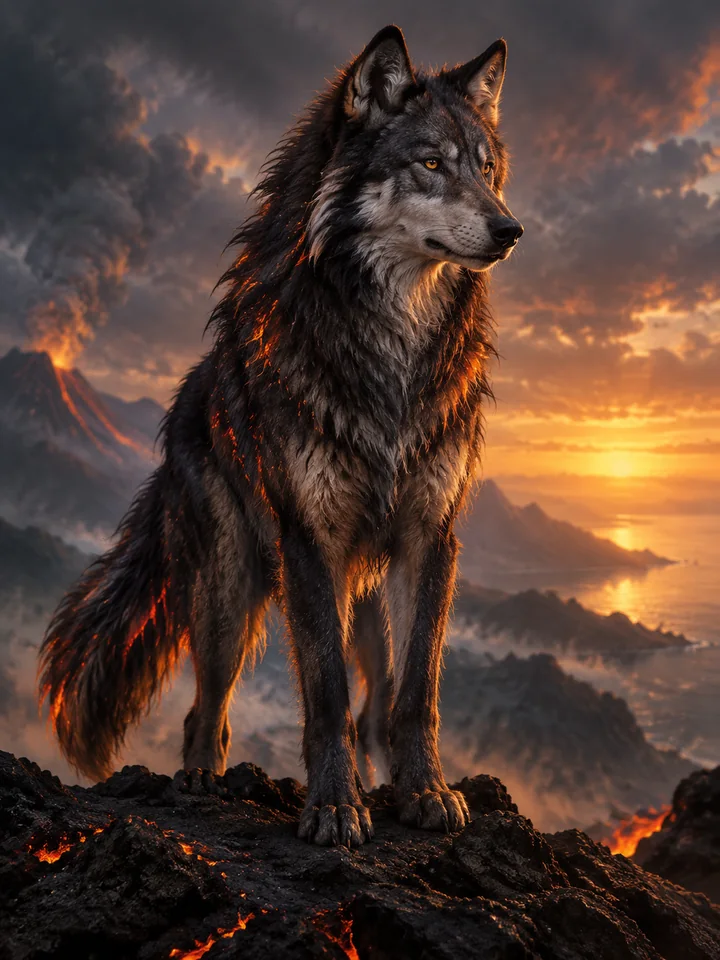 Fantasy
Create an original charcoal wolf with restrained ember accents, standing on black volcanic stone, glowing horizon and painterly fantasy lighting.
Try This Prompt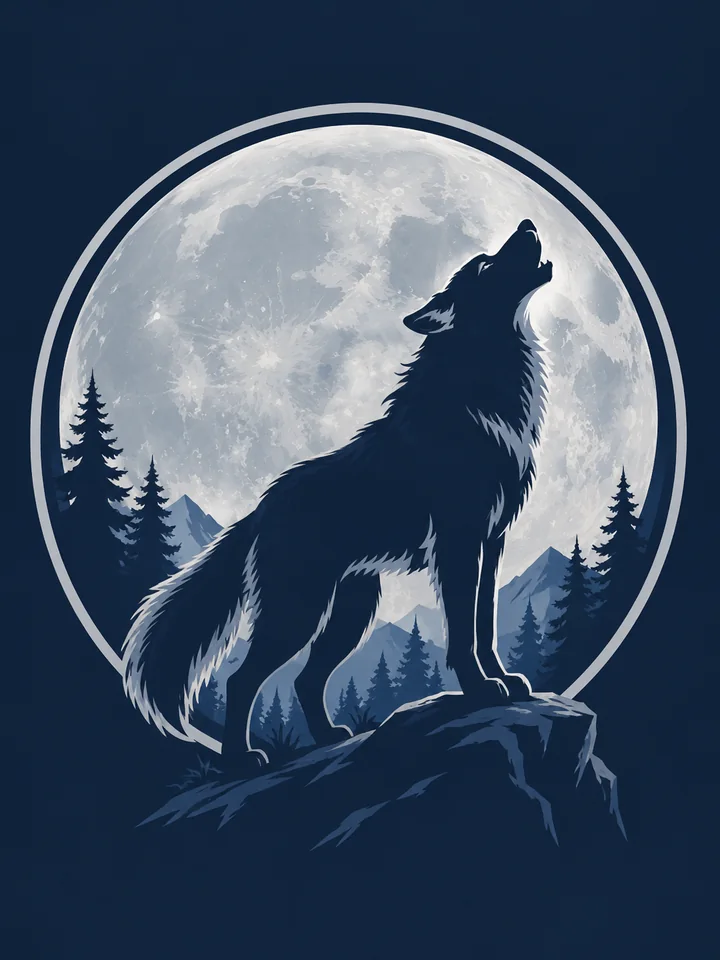 Graphic
Create a flat illustrated wolf silhouette within a circular moon badge, dark navy and muted silver, clear edges without words.
Try This Prompt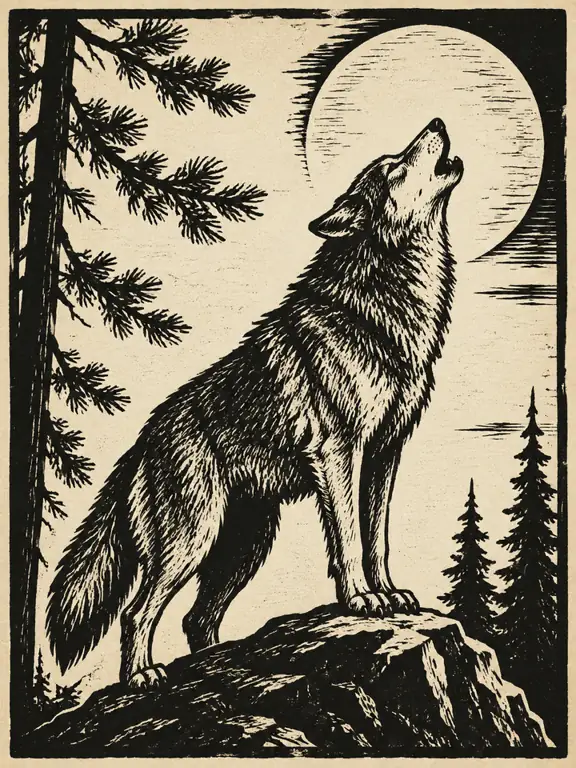 Graphic
Illustrate a howling wolf in a bold woodcut style, cream paper and black carved lines, simple moon and sparse pine branches.
Try This Prompt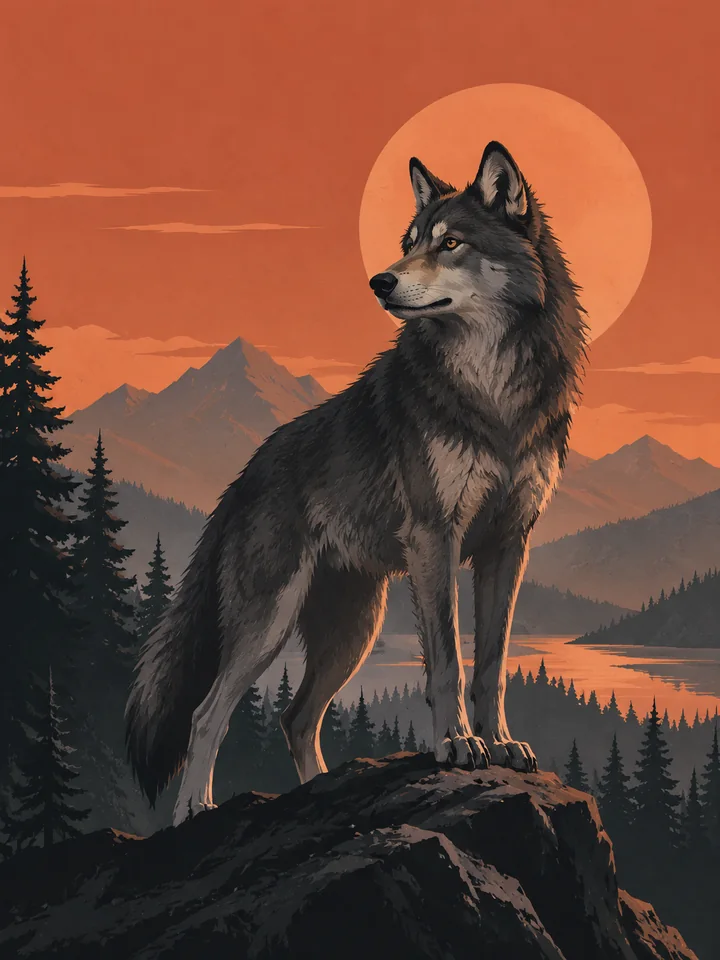 Graphic
Design a minimalist wolf poster illustration with layered pine shapes, charcoal coat and warm terracotta sky, balanced negative space, no text.
Try This PromptThe ai wolf image generator works best when the subject, style, and final use are clear. These choices keep the image focused while leaving room to explore original ideas.
Specify the long muzzle, natural ear placement, broad neck ruff, and low bushy tail. These details help keep a wild wolf distinct from a pet-dog portrait.
Choose a snowy ridge, autumn forest, or moonlit lake. Keep one light direction and a readable background so the scene supports the animal instead of swallowing it.
For a fantasy wolf, define the coat palette and one signature feature. Keep that short design description for later prompts, while reviewing each result for unwanted changes.
Compare visual approaches before generating. This is a creative planning guide, not measured model performance or a ranking.
| Criteria | Wildlife | Painterly | Fantasy | Graphic |
|---|---|---|---|---|
| Prompt priority | Natural body shape and habitat | Brushwork and a restrained palette | One defining original detail | Clear silhouette and clean edges |
| Review before use | Check small details and fit for your intended project | Check small details and fit for your intended project | Check small details and fit for your intended project | Check small details and fit for your intended project |
Illustrative use cases for the ai wolf image generator. These are fictional project briefs, not customer reviews, endorsements, or measured outcomes.
Create one clear subject study in the ai wolf image generator, with a restrained background and enough room to inspect the silhouette.
Explore a painterly wolf direction with visible brushwork, a limited palette, and a composition that leaves room for separately added text.
Use the ai wolf image generator to develop a simple original visual concept, then review small details and prepare the final layout in a design editor.
General Arena preference results for a broad model reference. These are not subject-specific tests or a guarantee for GlobalGPT outputs.
| Rank | Model | Arena Rating | Votes | Rank Range | Price / Image |
|---|---|---|---|---|---|
| #1 | gpt-image-2 (medium) OpenAI / Proprietary | 1381.71 | 75014 | #1-#1 | 0 |
| #2 | mai-image-2.6-preview Microsoft AI / Proprietary | 1330.7 | 6418 | #2-#3 | - |
| #3 | grok-imagine-image-2.0 (low) SpaceXAI / Proprietary | 1315.6 | 2675 | #2-#4 | - |
| #4 | reve-2.1 Reve / Proprietary | 1301.61 | 7580 | #3-#4 | - |
Source: Arena Leaderboard
Describe a long muzzle, broad neck ruff, long legs, large paws, and a low bushy tail. Avoid collars, tightly curled tails, and exaggerated pet expressions unless the design intentionally calls for them.
Yes. Describe an original guardian, elemental wolf, or illustrated character with a clear silhouette. Keep the coat map, eyes, and one defining feature in the prompt; repeated generations can still change details.
Start with a small number of wolves and specify their separate positions. Inspect paws, tails, and overlapping bodies carefully. For a cleaner result, establish a single wolf first, then simplify the group composition.
It generates synthetic imagery from your description. It does not document real animals, verify species identification, or turn an invented scene into a genuine wildlife photograph.
Check the model selector for the current trial and access rules. Visible locked models require the applicable account access; a sample image is an illustration of a prompt direction, not a guarantee of the same result.