

Keep Rights and Originals Clear
Use your own draft labels, date stamps or other permitted overlays. Keep an untouched copy and the original project file, so a cleanup attempt never replaces your only source.
Prompt Guide
Model
Reference Image
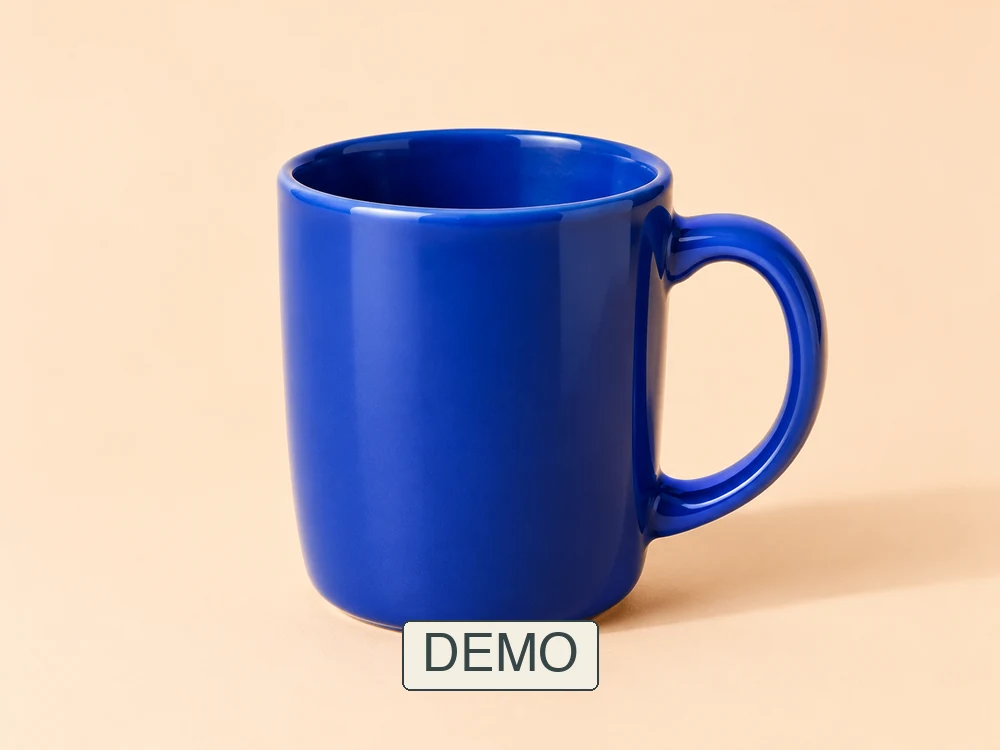
Use the AI watermark remover alternative to refresh a photo with an outdated label or a self-added draft overlay. Give GlobalGPT a focused cleanup brief, then compare the result with your original rather than assuming a lossless repair.
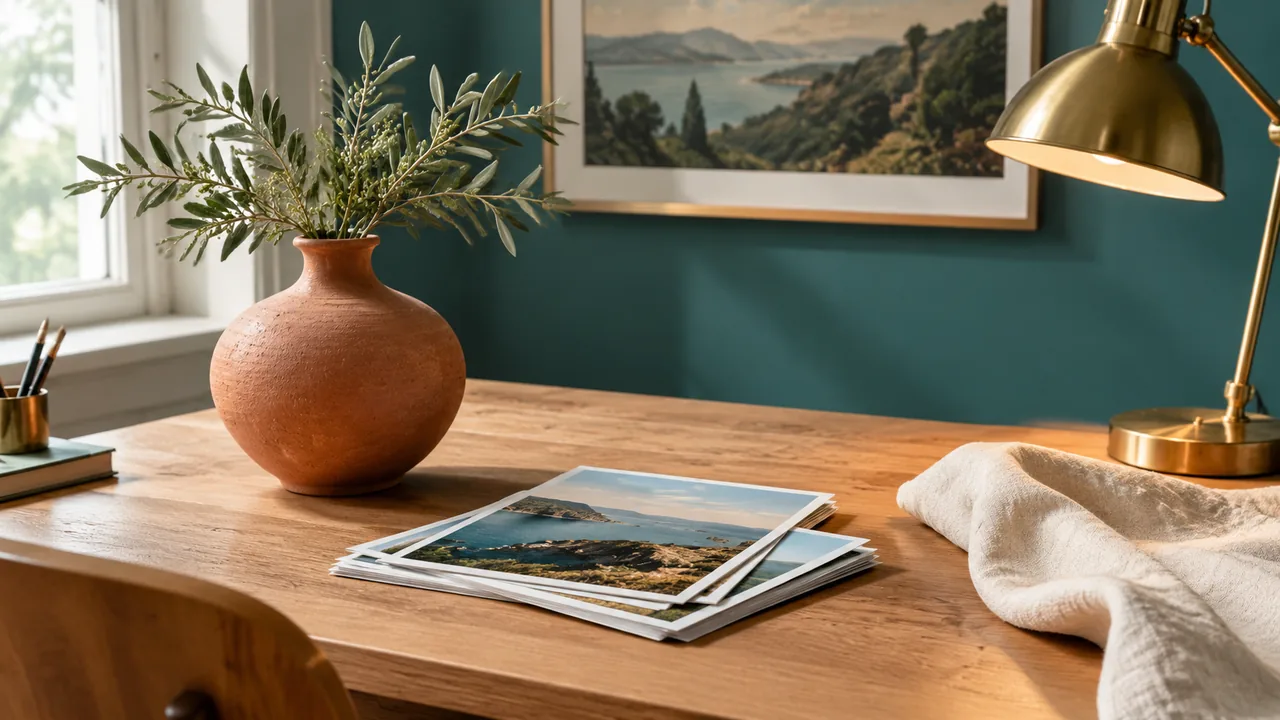
Upload an image you created or are permitted to edit. If you still have the layered original, remove the overlay there first; re-exporting can preserve more detail than generative repair.
Name the self-added text or demo label and the details to retain. The AI watermark remover alternative accepts a written instruction; it does not provide a painted selection or automatic detector.
Review nearby texture, straight lines, reflections and the main subject. Check the whole result at a matched display size, keep the original, and use manual finishing if the reconstruction looks inconsistent.
These are separately generated visual concepts, not before-and-after removal results. Workspace inputs contain self-added DEMO labels on our original samples. Images use GPT Image 2; the Nano Banana 2 trial may behave differently.
 Product Concepts
Clean up a self-added label on an owned bottle photograph while preserving glass reflections and the original silhouette.
Try This Direction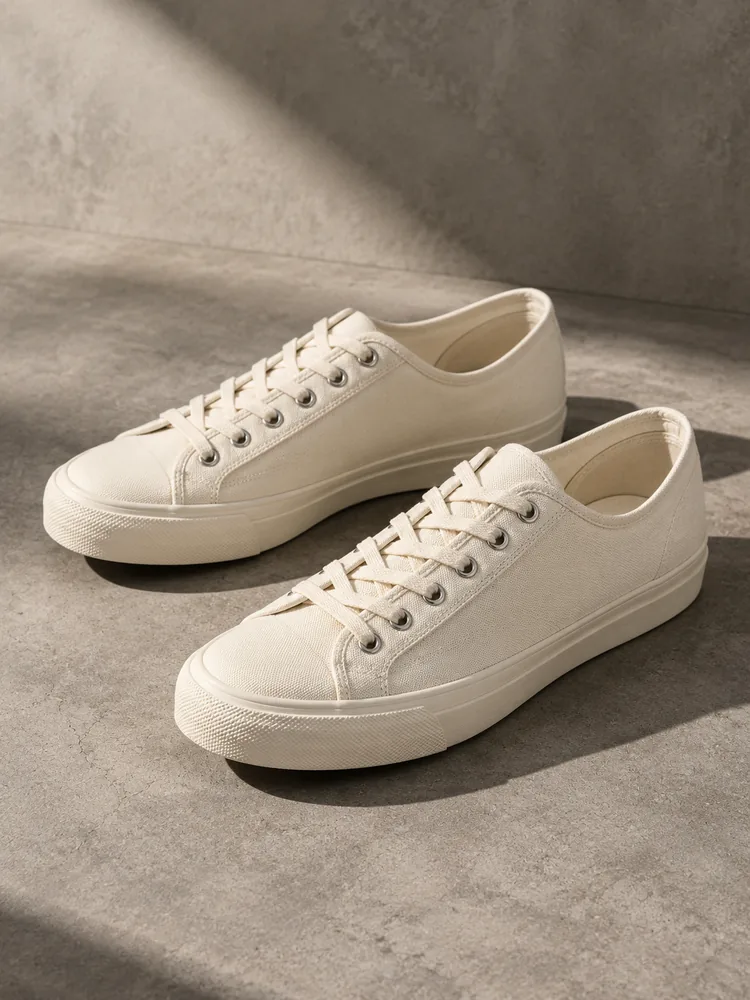 Product Concepts
Clean up an owned sneaker sample while keeping canvas texture, stitching, floor shadows and perspective consistent.
Try This Direction Interior Concepts
Clean up a self-added text overlay on an owned bedroom sample; preserve linen folds and the existing light.
Try This Direction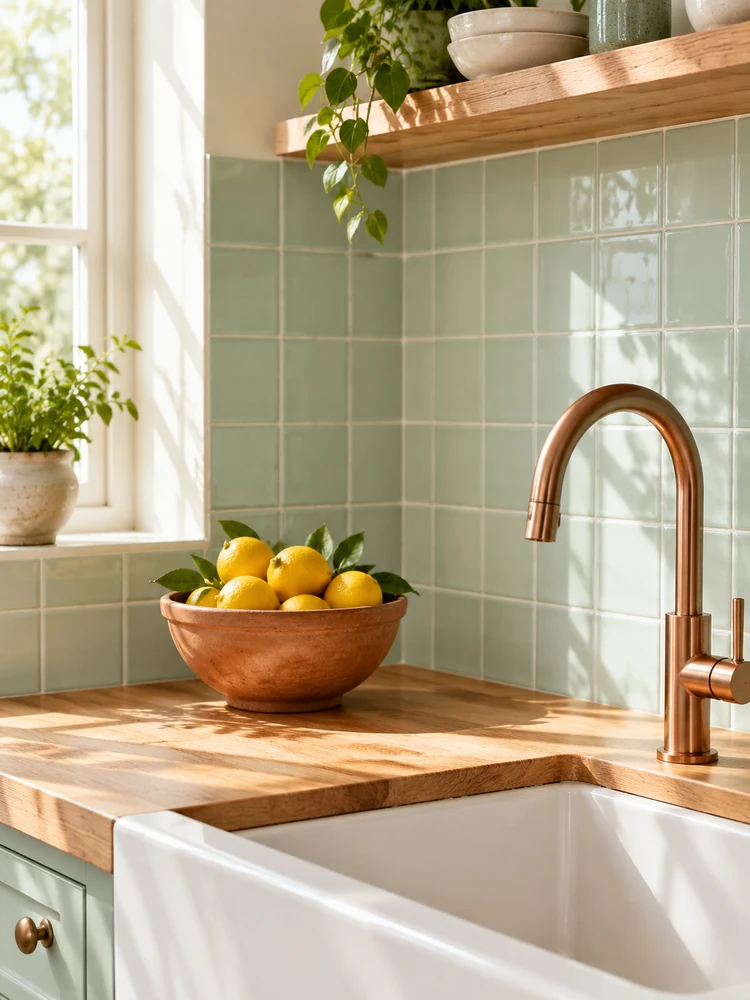 Interior Concepts
Remove a self-added demo overlay from an owned kitchen image; preserve grout lines, lemons and countertop texture.
Try This Direction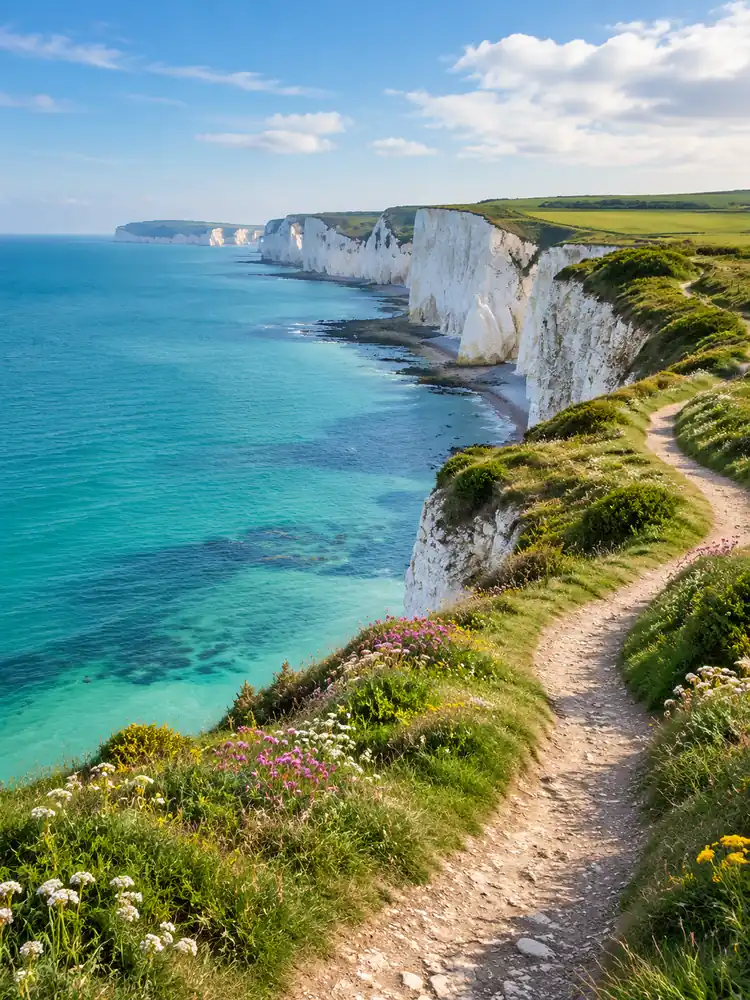 Outdoor Concepts
Clean up a self-added label on an owned coastal photo while maintaining the path edges and shoreline detail.
Try This Direction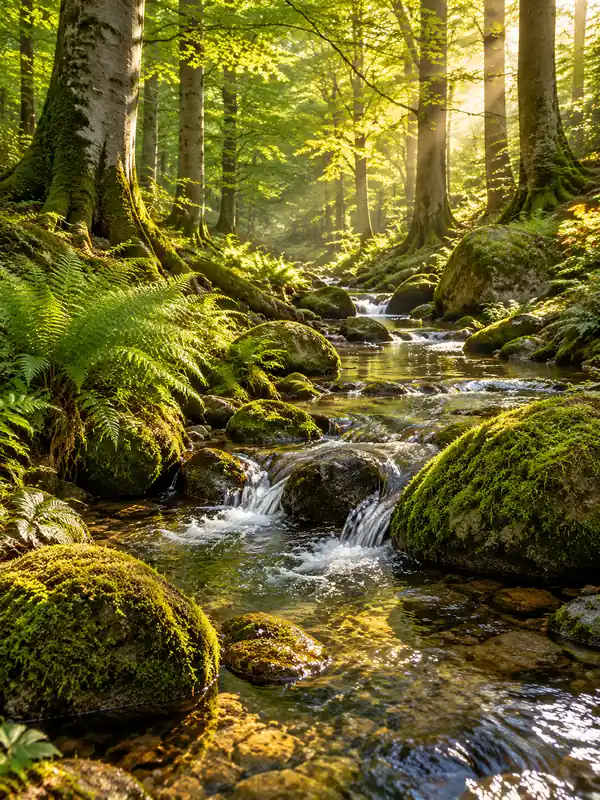 Outdoor Concepts
Clean up an owned woodland sample while preserving small leaves, water reflections and the surrounding stone texture.
Try This Direction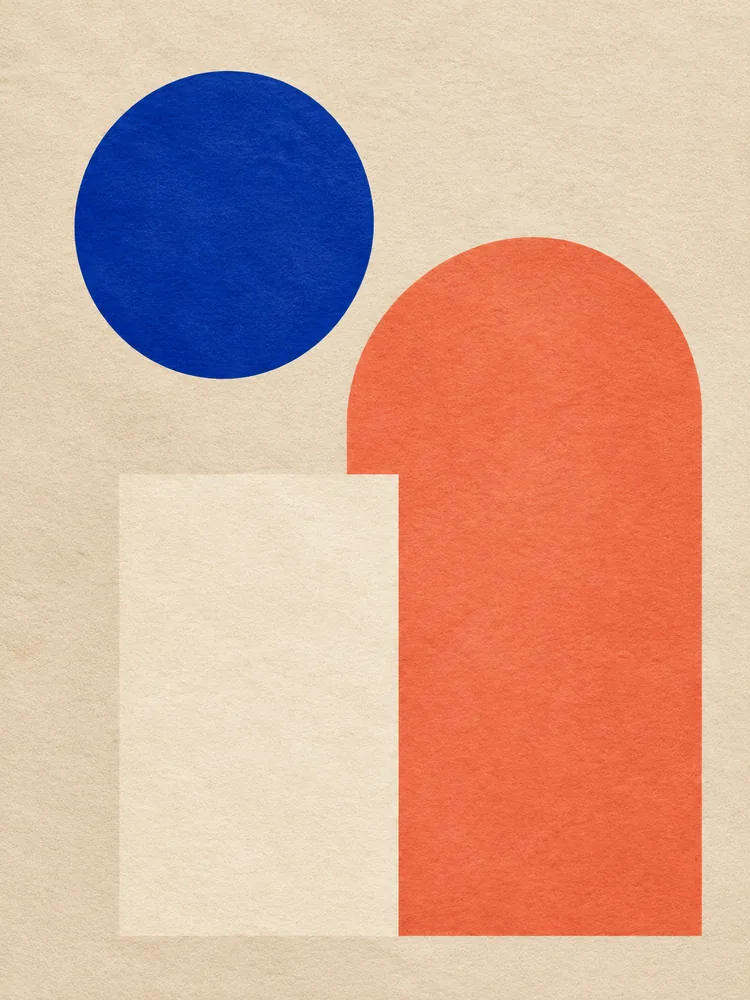 Original Art Concepts
Remove the self-added demo overlay from original artwork; keep the geometric edges, color blocks and paper grain.
Try This Direction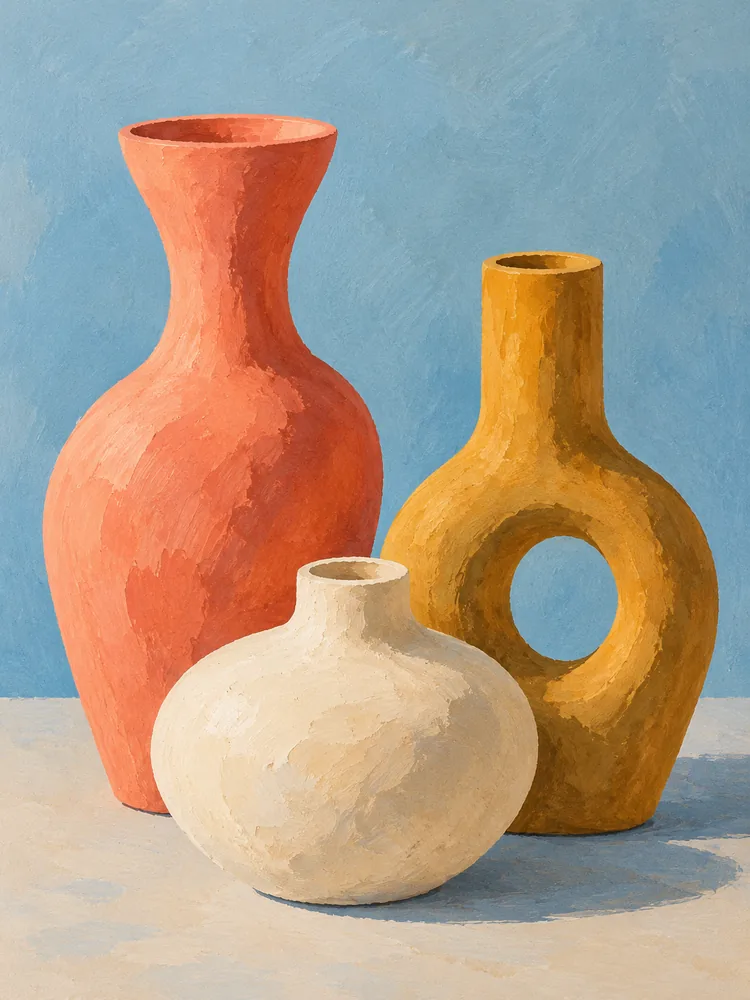 Original Art Concepts
Clean up a self-added overlay on an owned illustration while retaining brush texture, vessel contours and the palette.
Try This Direction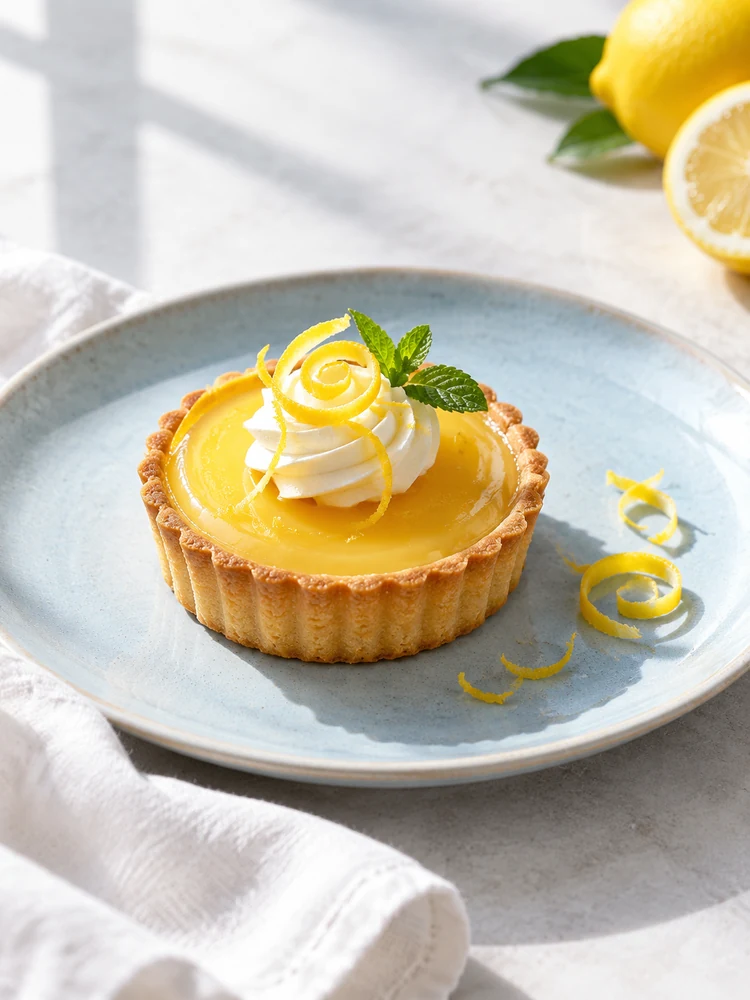 Food Concepts
Remove a self-added sample label from an owned dessert photograph while preserving pastry edges and natural food texture.
Try This Direction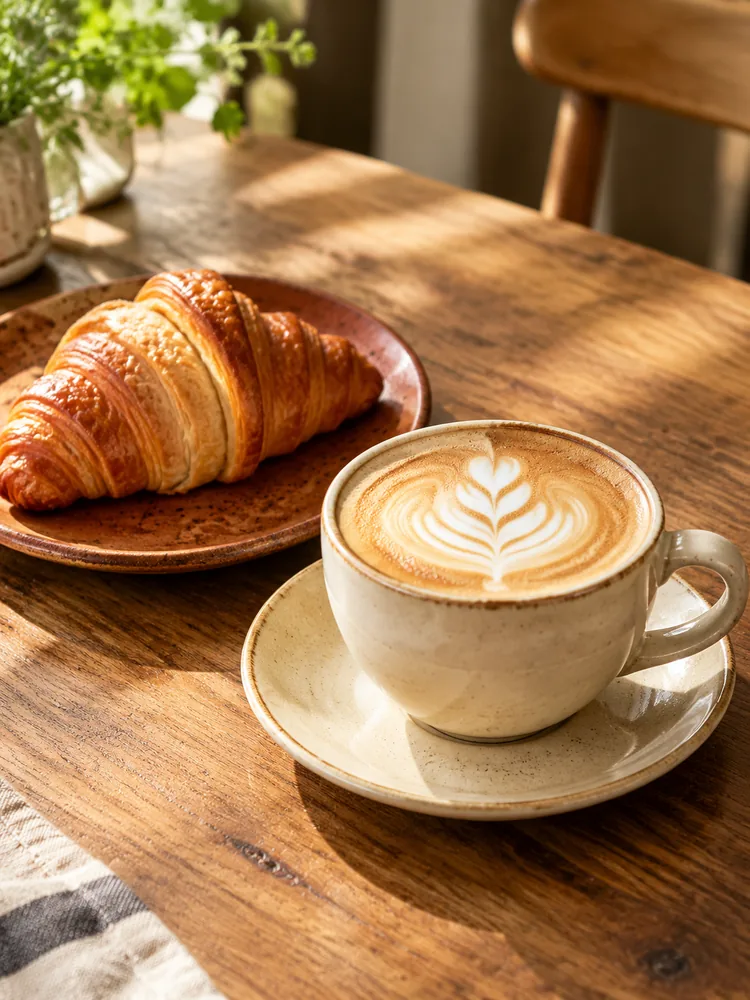 Food Concepts
Clean up a self-added overlay on an owned coffee sample; preserve latte art, cup edges and the wood grain.
Try This DirectionUse your own draft labels, date stamps or other permitted overlays. Keep an untouched copy and the original project file, so a cleanup attempt never replaces your only source.
Name the product shape, room layout or illustrated subject that must remain consistent. Compare distinctive edges and proportions after editing; a plausible picture may still differ from the source.
Fabric, tiles, foliage and reflections are demanding backgrounds. The AI watermark remover alternative may invent surrounding detail, so look for repeating patterns, softened edges and unnatural transitions.
Test a product, an interior, a landscape or an original illustration. Each scene exposes a different review issue, from glass highlights and grout lines to leaf shapes and paper grain.
If an overlay remains on a separate layer, hide that layer and export again. Generative cleanup estimates what belongs underneath; it cannot recover hidden original pixels as a verified fact.
Inspect the downloaded image before posting or printing. Precise commercial artwork may need a manual retouch or a fresh source export, especially when logos, fine lettering or geometry matter.
Choose by the controls you actually need. This is a workflow comparison, not a measured quality ranking or a promise that each method runs inside GlobalGPT.
| Criteria | Original Project Export | GlobalGPT Image Edit | Manual Retouching |
|---|---|---|---|
| Starting point | The original layered file | An authorized image and brief | An image in a retouching editor |
| How the overlay changes | Hide or delete your overlay layer | Request a focused visual cleanup | Use selections, clone or healing tools |
| Detail preservation | Retains underlying source content | Reconstruction may change texture | Depends on selection and finishing |
| Best reason to choose it | You still have the editable original | You want to explore a cleanup attempt | You need precise local finishing |
Fictional scenarios with made-up names; these are not customer reviews or verified removal results.
A ceramics seller removes her own temporary DEMO label from a draft product shot, then checks the handle, glaze and contact shadow.
An interior stylist cleans up a self-added presentation label and inspects the wall texture, chair outline and window light.
An illustrator updates an owned botanical sample, comparing the paper grain and painted flower edges before sharing the next draft.
Selected Arena entries dated Oct 20, 2026. Arena image-edit rankings describe general model preferences, not watermark-removal accuracy or tests of this page. The published model variants may differ from GlobalGPT routes; compare your own source and result.
| Rank | Model | Arena Rating | Votes | Rank Range | Price / Image |
|---|---|---|---|---|---|
| #1 | gpt-image-2 (medium) OpenAI / Proprietary | 1461.78 | 212326 | #1-#1 | 0 |
| #2 | grok-imagine-image-2.0 (low) SpaceXAI / Proprietary | 1439 | 5936 | #2-#2 | - |
| #3 | mai-image-2.6-preview Microsoft AI / Proprietary | 1416.85 | 9013 | #3-#4 | - |
| #4 | muse-image Meta / Proprietary | 1404.9 | 66921 | #3-#5 | - |
Source: Arena Leaderboard
No. This workspace uses prompt-guided editing with the displayed image model. It does not provide a dedicated watermark detector, painted mask, batch-removal control or a promise of lossless restoration.
Use only an image you own or have explicit permission to modify. For a licensed image, first obtain the authorized clean file from its source rather than removing an ownership or licensing mark.
No. Generative editing can change background texture, edges or other details. Compare the full image with the original; use a layered source export or manual retouching when exact preservation matters.
No. The gallery contains standalone visual concepts. Our workspace inputs are original generated images with self-added DEMO labels, offered as authorized practice material rather than verified before-and-after evidence.
Describe one overlay, keep the preservation brief specific, and review edges and texture at the same display size. Avoid repeated broad revisions; a clearer source or manual finish may be the better option.