

Text to watercolor, ready to try
Describe a subject, setting, mood, and palette to create a fresh painted scene without manual brushwork or complex software.
Prompt Guide
Model
Reference Image
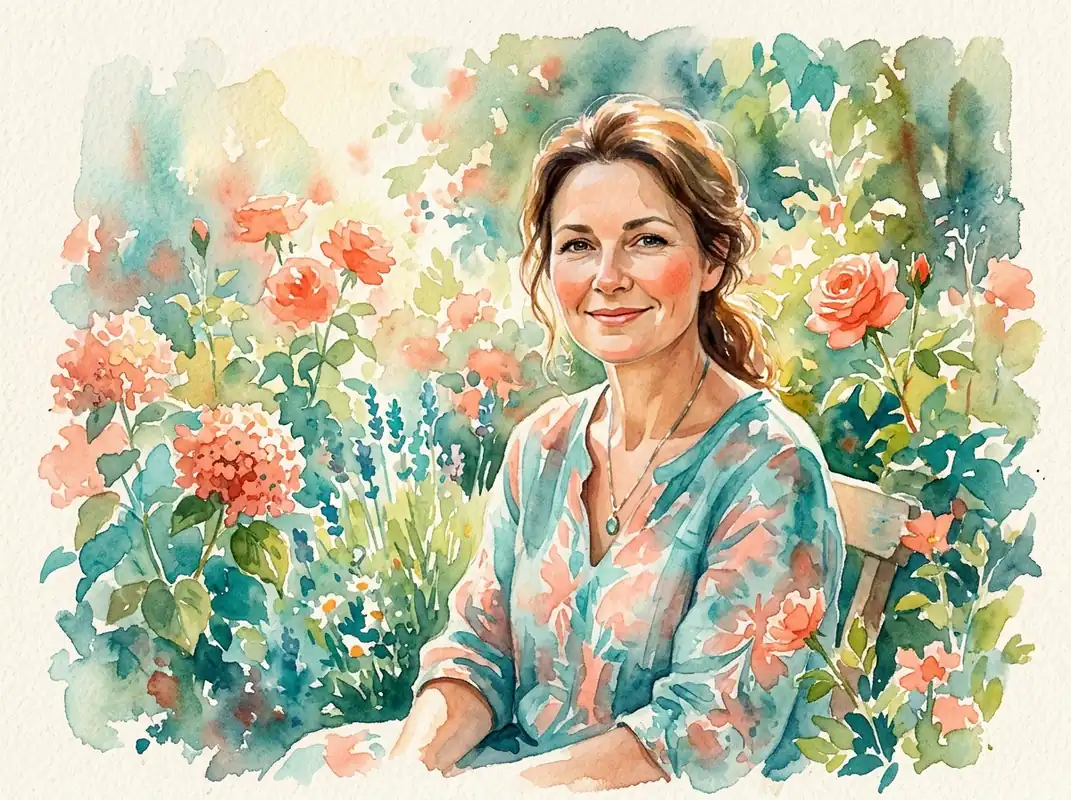
Create watercolor art from a text prompt or photo. Make portraits, landscapes, pets, flowers, and architecture online with editable prompts, flexible sizes, and a free trial.
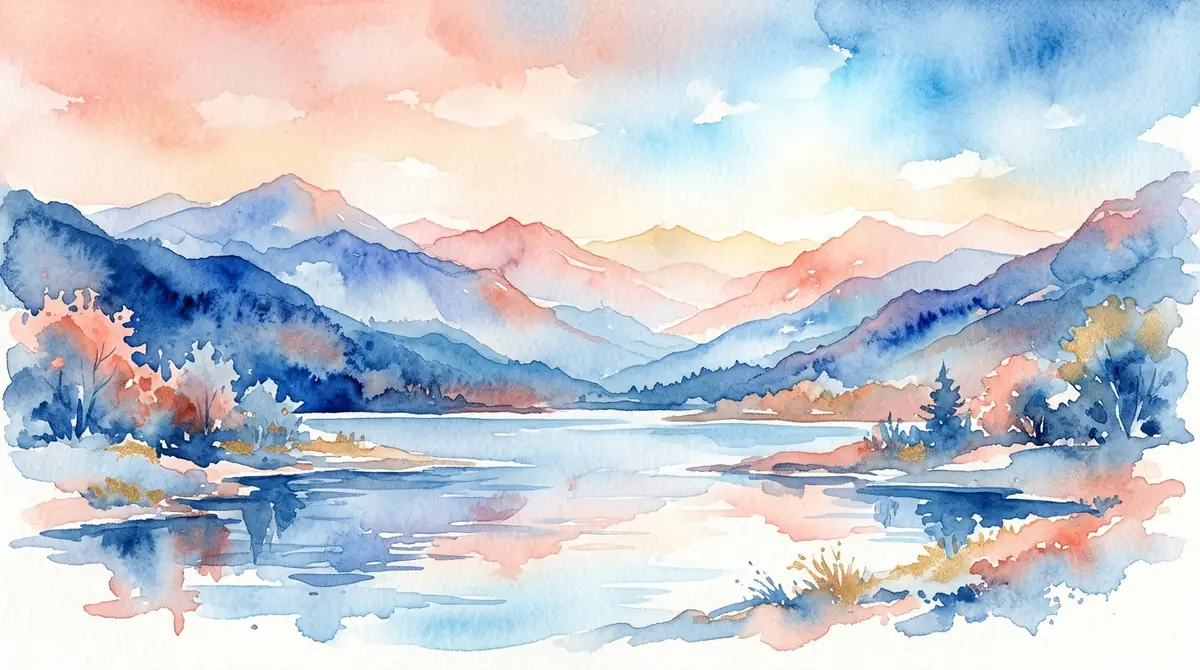
Start with an idea or photo, choose a watercolor direction, and refine the result in three simple steps.
Describe the subject, mood, palette, and composition you want, or upload a photo to guide the watercolor restyle.
Choose a text-to-image or photo-to-image preset, select a canvas size, and pick the model that fits your preferred balance of speed and detail.
Adjust the prompt, paper texture, colors, lighting, or background, then download the finished image for a card, post, presentation, or personal project.
See how one creative workspace handles portraits, landscapes, pets, flowers, and architecture. Open a style, adapt the prompt, and make your own version.
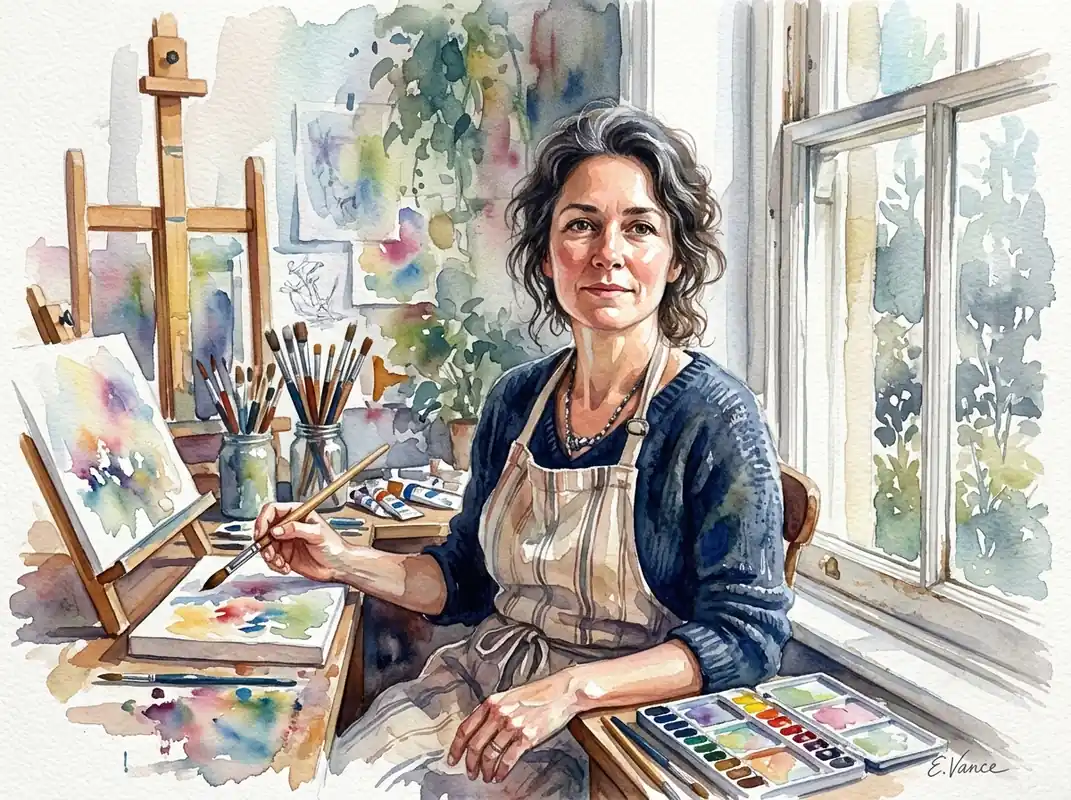 Portrait
Watercolor portrait of an adult artist by a window, luminous skin tones, expressive translucent washes, white paper texture, editorial quality, no text, 4:3
Try This Style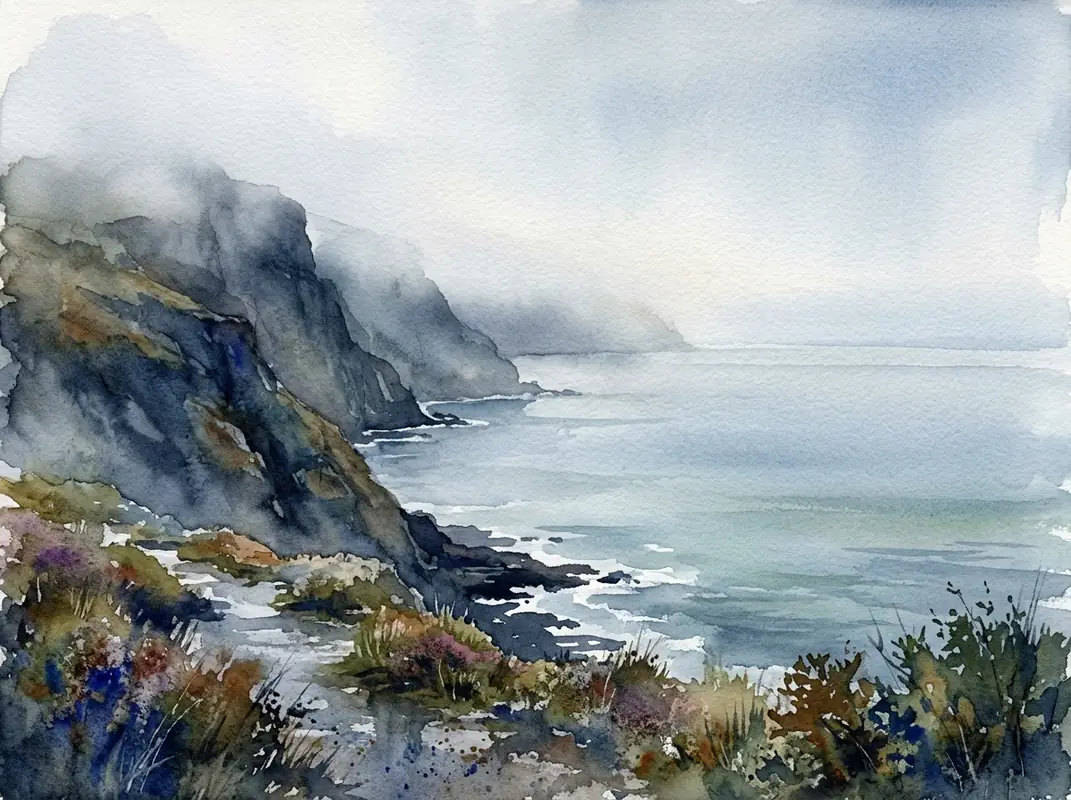 Landscape
Wide watercolor landscape of a foggy coastal cliff and sea, layered washes, granulation, calm blue-gray palette, no text, 4:3
Try This Style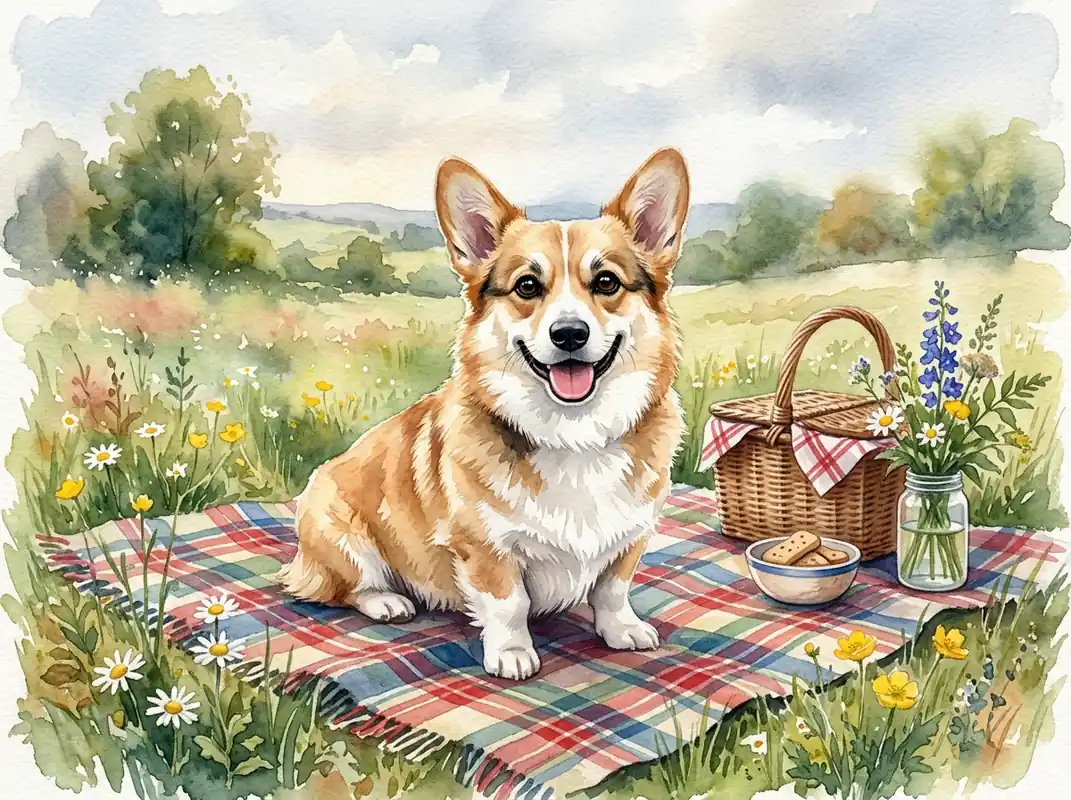 Pets
PetsWatercolor painting of a playful corgi on a picnic blanket, crisp eyes, soft pigment blooms, warm natural light, no text, 4:3
Try This Style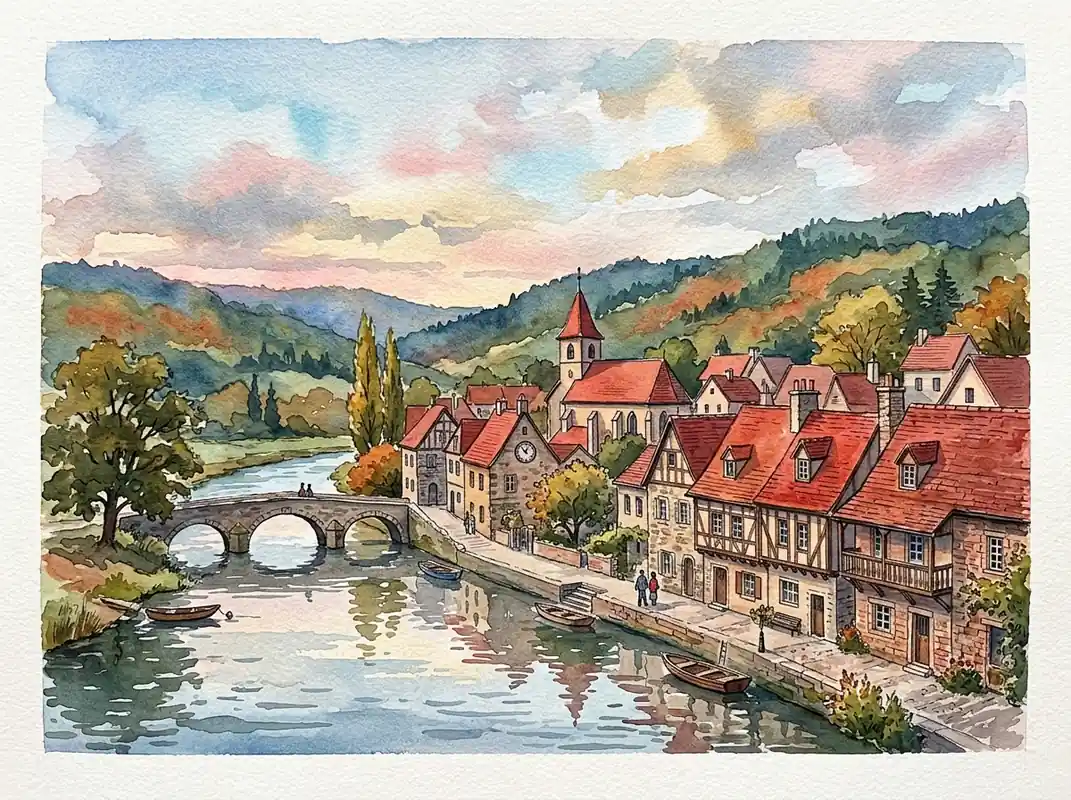 Landscape
Watercolor illustration of a red-roofed village beside a river, fine architectural details, loose sky washes, no text, 4:3
Try This Style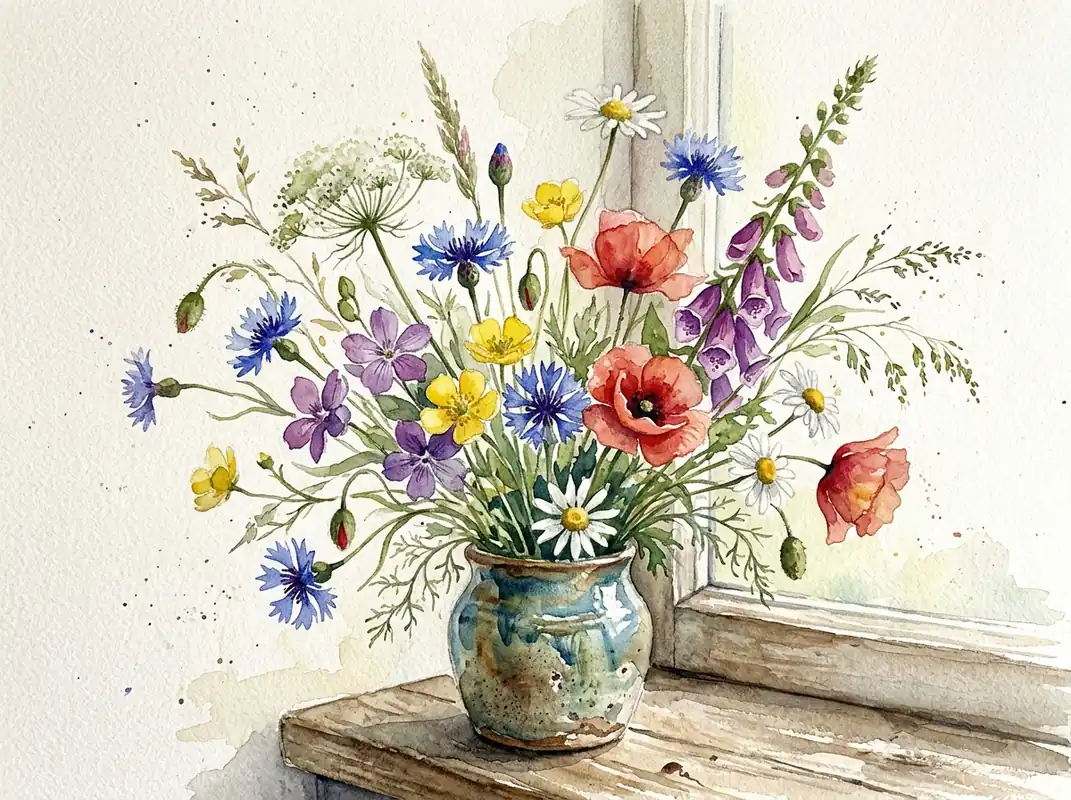 Floral
Botanical watercolor of wildflowers in a ceramic vase, translucent petals, loose brushwork, textured paper, no text, 4:3
Try This Style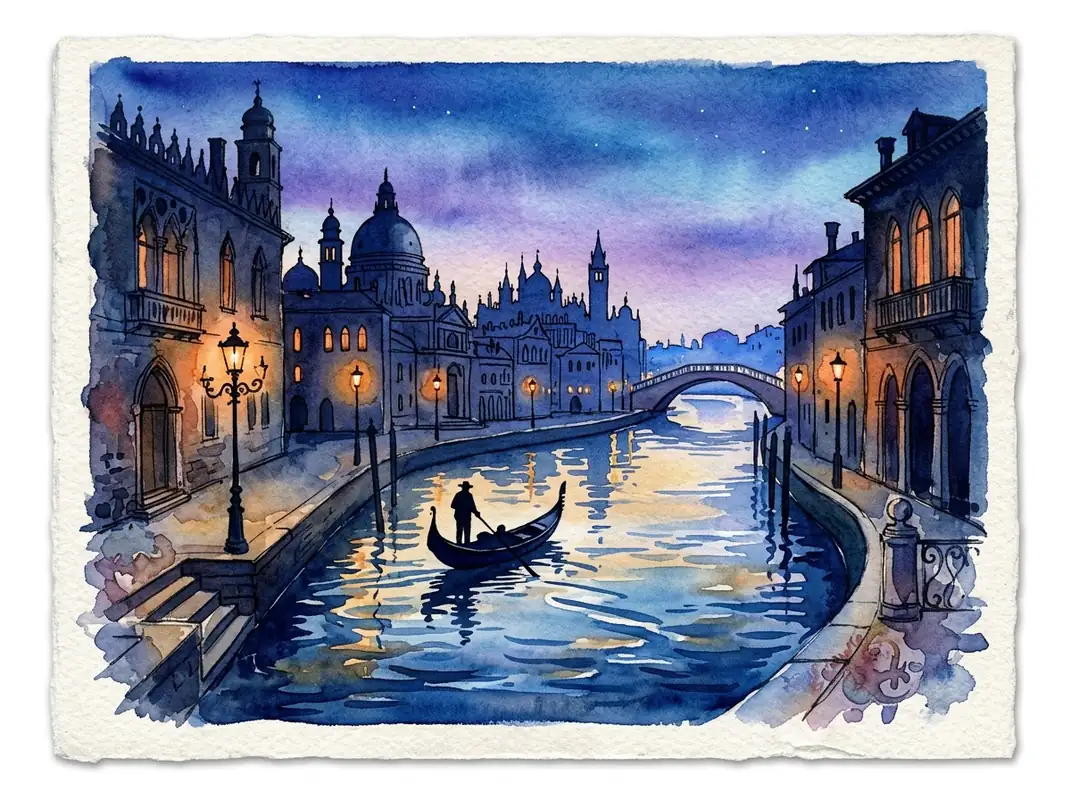 Landscape
Watercolor travel postcard scene of a canal city at blue hour, reflective water, delicate silhouettes, painterly paper texture, no text, 4:3
Try This Style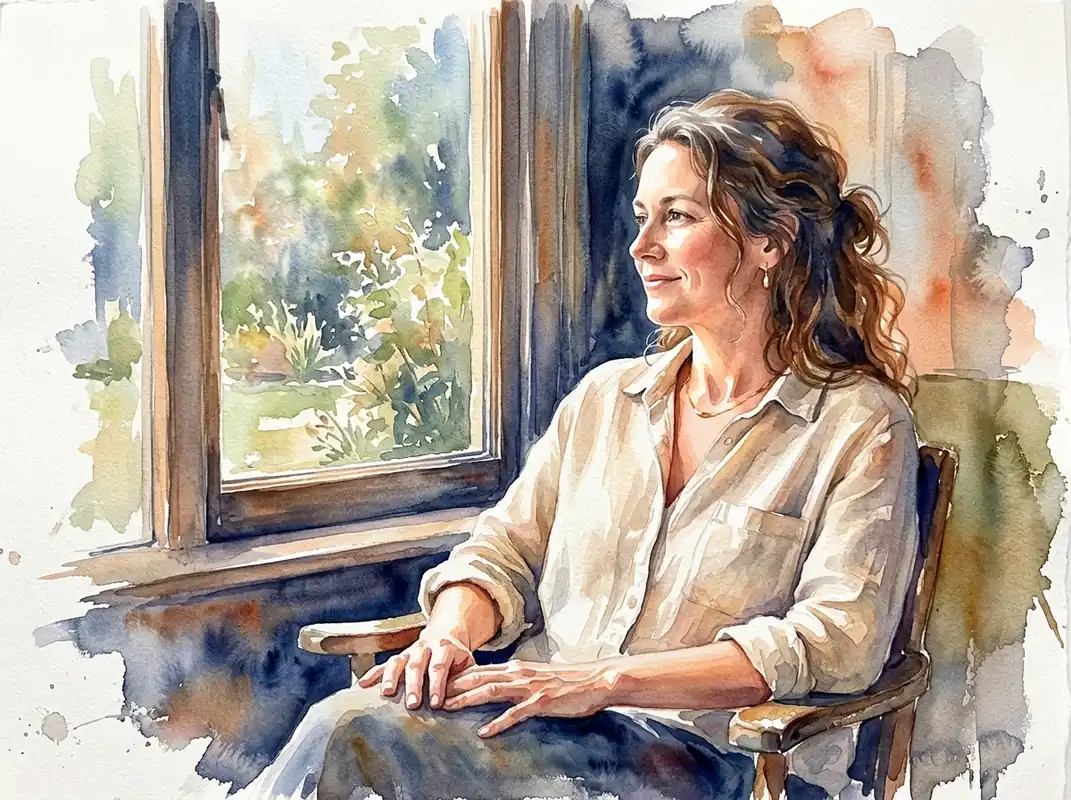 Portrait
Watercolor portrait of an adult woman wearing a linen shirt beside a sunlit window, expressive translucent washes, warm peach and indigo palette, white paper texture, no text, no logos, 4:3
Try This Style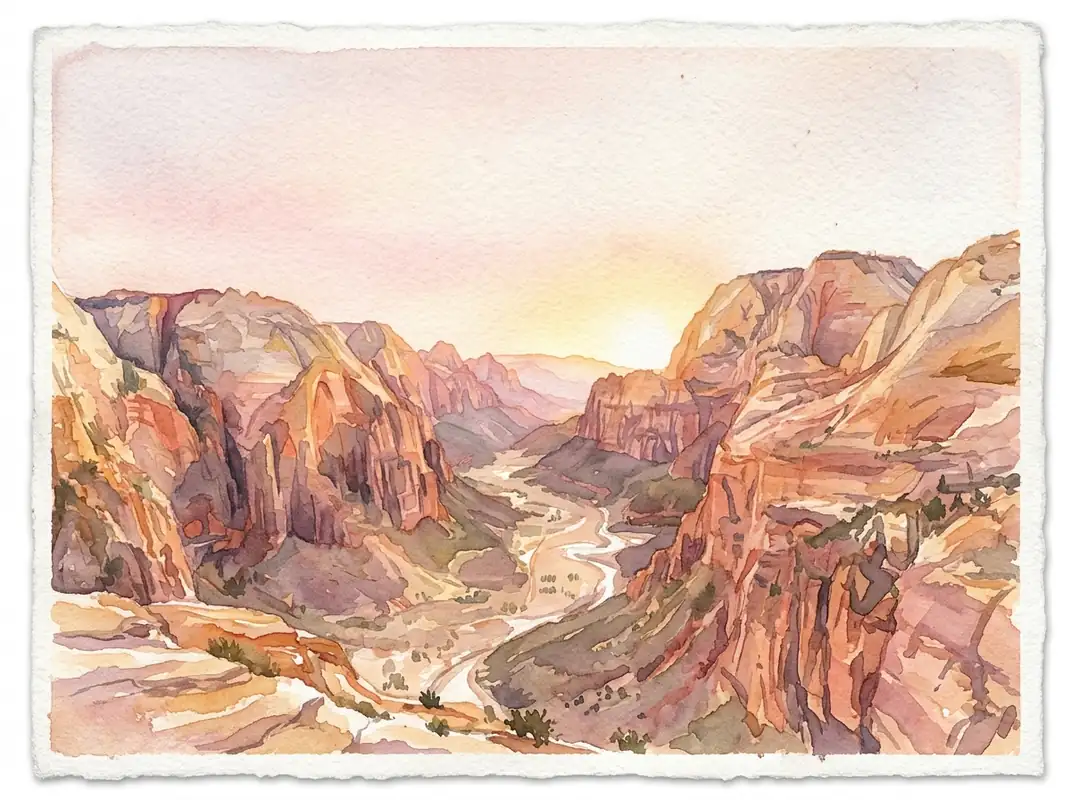 Landscape
Watercolor desert canyon at sunrise, layered ochre and rose pigments, elegant negative space, painterly paper texture, no text, 4:3
Try This Style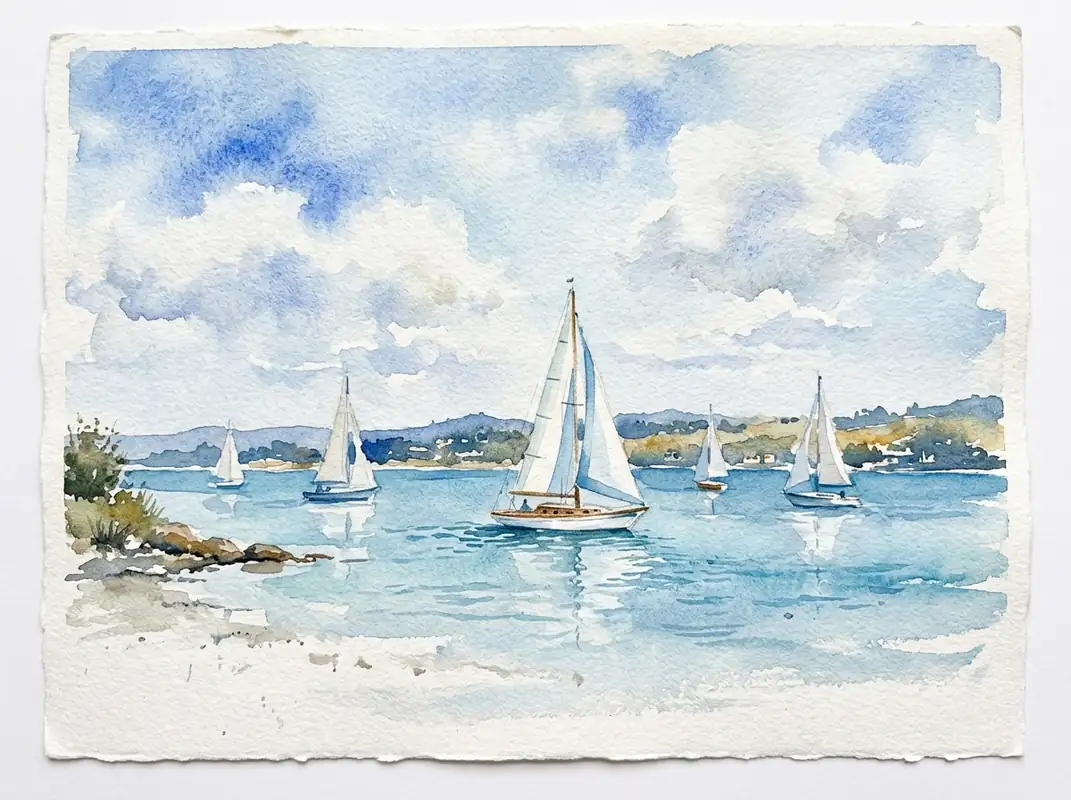 Landscape
Watercolor seascape with sailboats on a calm blue bay, soft clouds, granulating pigments, airy white paper, no text, 4:3
Try This Style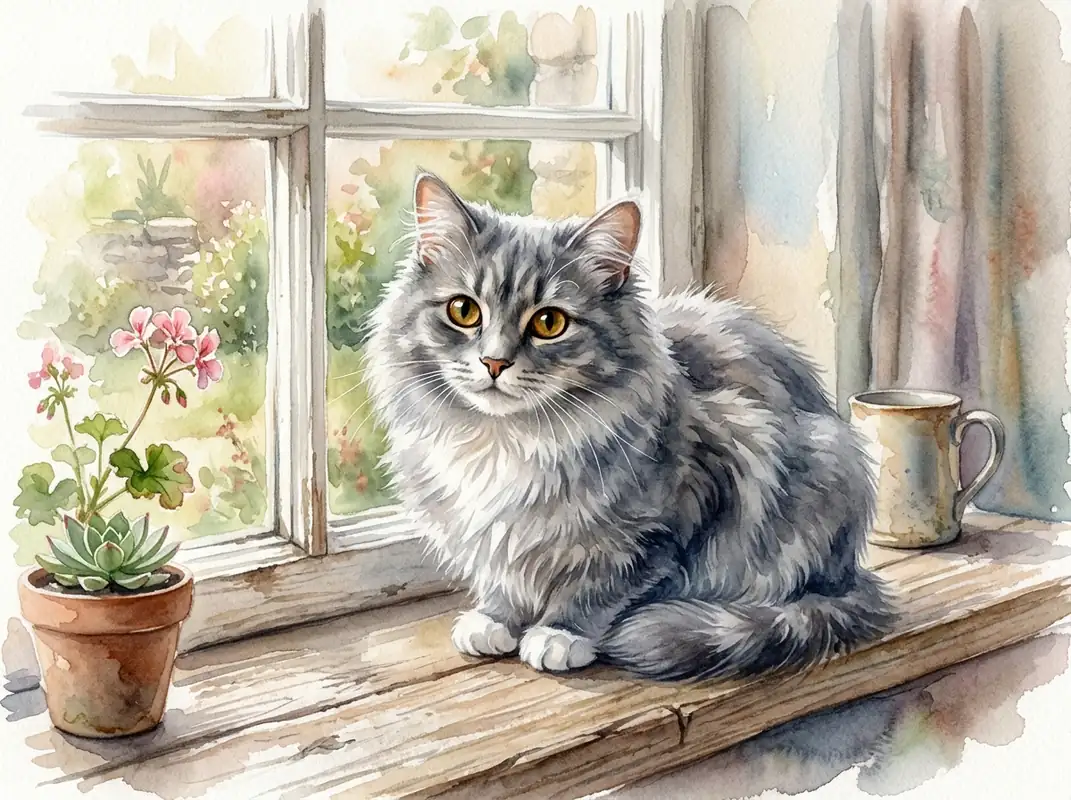 Pets
PetsWatercolor portrait of a fluffy gray cat on a windowsill, expressive eyes, delicate brushwork, soft indoor light, no text, 4:3
Try This Style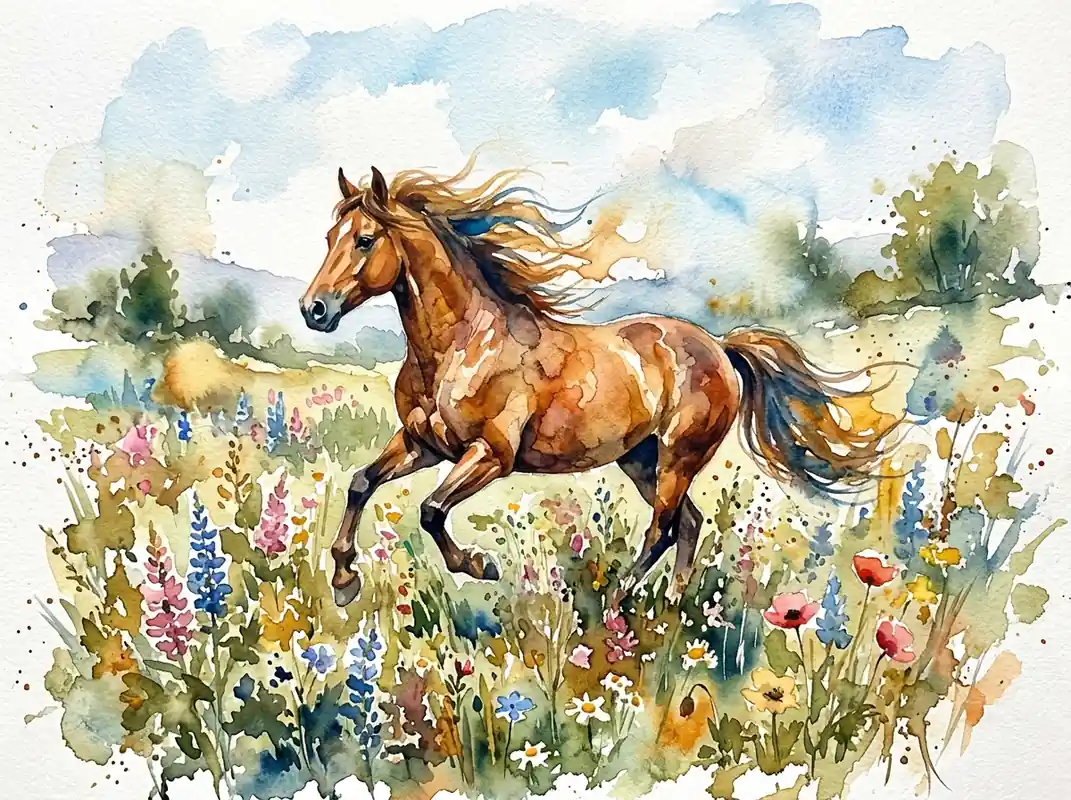 Pets
PetsWatercolor painting of a horse in a wildflower meadow, flowing mane, loose pigment blooms, natural greens and ochres, no text, 4:3
Try This Style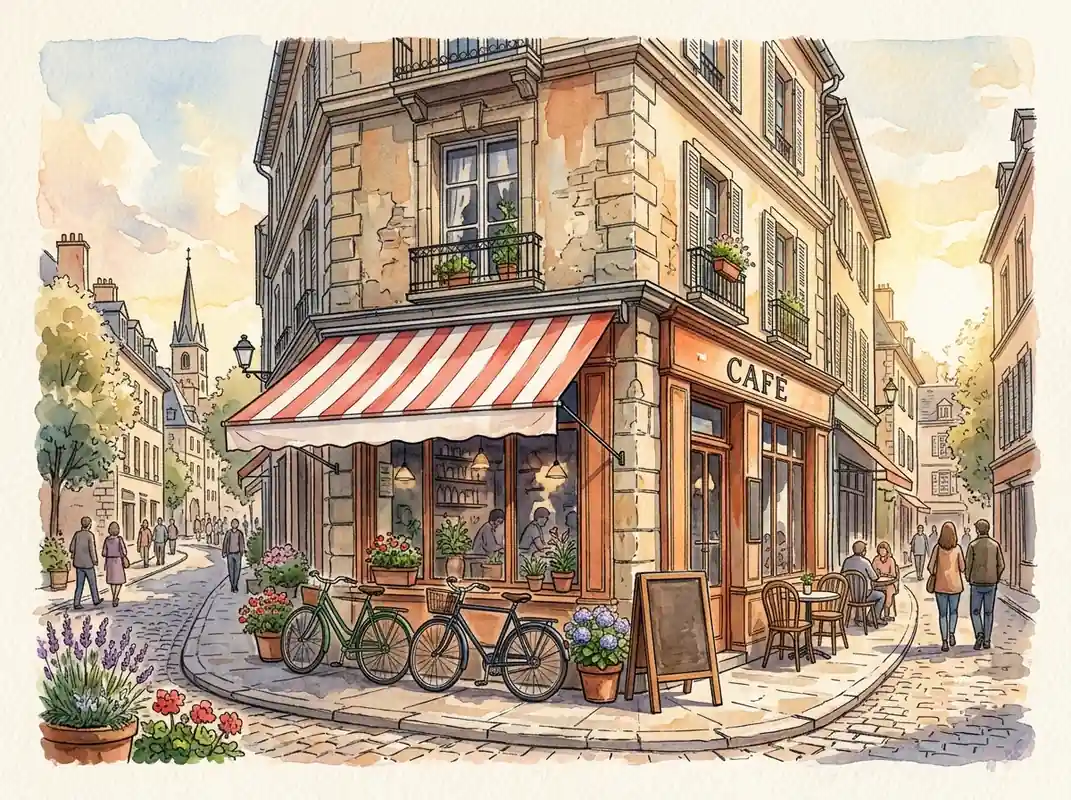 Architecture
Watercolor street scene with a charming corner cafe, bicycles and striped awning, fine architectural linework, warm afternoon light, blank awning and blank menu board with absolutely no letters, words, logos or symbols, painterly paper texture, 4:3
Try This Style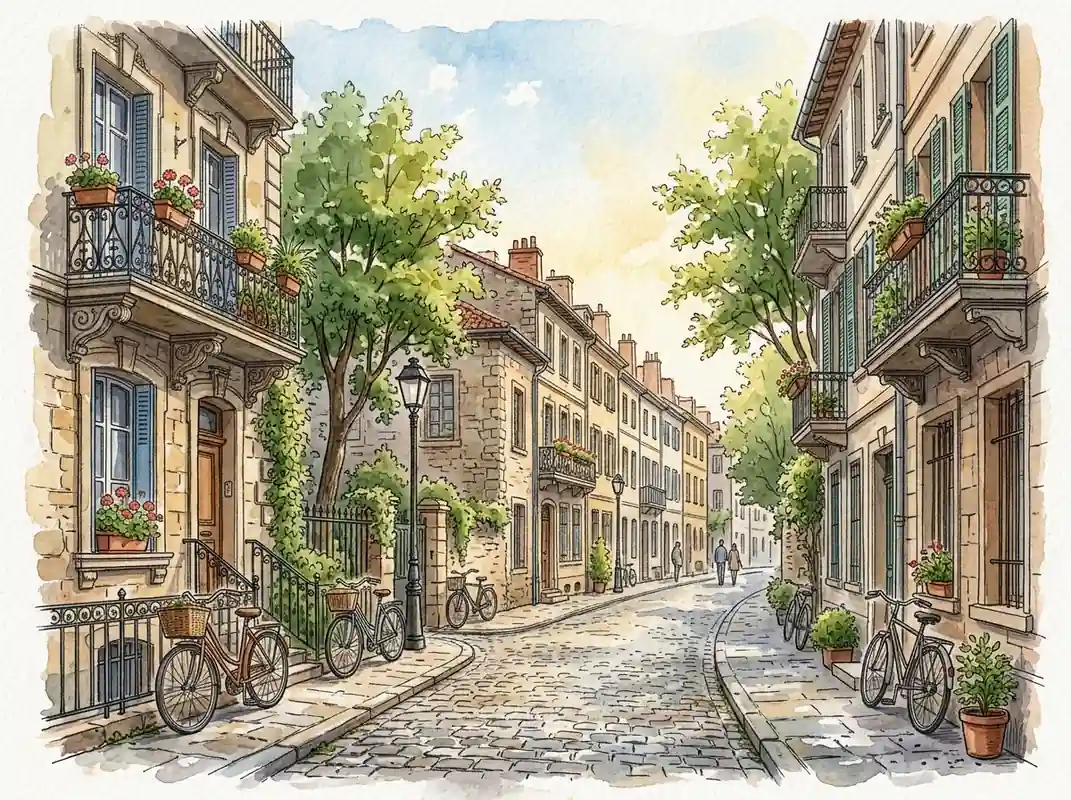 Architecture
Watercolor illustration of a quiet historic European townhouse street with balconies, trees and bicycles, no storefronts, no signs, no letters, no words, no logos, fine architectural linework, warm afternoon light, painterly paper texture, 4:3
Try This StyleMove from a rough idea or reference photo to a finished watercolor image with controls that keep the creative process simple.
Describe a subject, setting, mood, and palette to create a fresh painted scene without manual brushwork or complex software.
Upload a portrait, pet, building, or landscape and guide the restyle while keeping the recognizable subject and composition in view.
Start with expressive portraits, atmospheric landscapes, pet art, botanical studies, travel scenes, or architectural illustrations.
Choose square, portrait, landscape, wide, or vertical formats for cards, social posts, presentations, and creative briefs.
Try the same art direction with enabled image models when you need a different balance of speed, detail, or stylistic control.
Iterate on paper grain, pigment bloom, linework, lighting, color palette, and negative space until the result feels intentional.
Compare model strengths in the same workspace, then keep the version that best fits your subject, style, and level of control.
| Criteria | Nano Banana 2 | GPT Image 2 | FLUX.2 Pro |
|---|---|---|---|
| Best for | Fast exploration of prompt-led watercolor ideas. | Polished detail for portraits, scenes, and art direction. | Atmosphere, paper texture, and detailed composition. |
| Choose it when | You want to test several concepts quickly. | You need a finished look for a card, post, or presentation. | You are refining mood, texture, and visual depth. |
| Photo restyling | A practical starting point for quick subject restyles. | Useful when facial or architectural detail matters. | Useful when scene structure and painterly texture matter. |
Fictional creator scenarios showing how text prompts and reference photos can fit different projects.
I start with a travel photo, keep the main buildings recognizable, and push the colors toward a softer postcard look in a few focused edits.
The presets help me compare a loose landscape wash with a more detailed architectural style before I commit to a final direction.
For pet portraits, I upload the photo, describe the paper texture and palette, then refine the eyes and background without rebuilding the whole scene.
Yes. Describe the subject, setting, mood, palette, and composition in a prompt. The workspace can turn that direction into a static watercolor image without an uploaded photo.
Yes. Upload a portrait, pet, landscape, building, or other suitable reference photo, then describe the watercolor treatment you want while keeping the subject or scene recognizable.
You can start with a free trial. Model access, generation limits, and paid features depend on the selected model and your GlobalGPT account plan.
Try expressive portraits, loose wet-on-wet landscapes, botanical washes, travel postcards, architectural studies, and soft pet portraits. Add paper grain, pigment bloom, linework, and palette details for more control.
Usage rights depend on the selected model and your account plan. Review the applicable model terms before using an image in paid advertising, products, or client work.