

Design for your icons
Give a desktop background open space where shortcuts sit. Move detailed trees, buildings, or stars away from areas you want to scan quickly.
Prompt Guide
Model
Reference Image
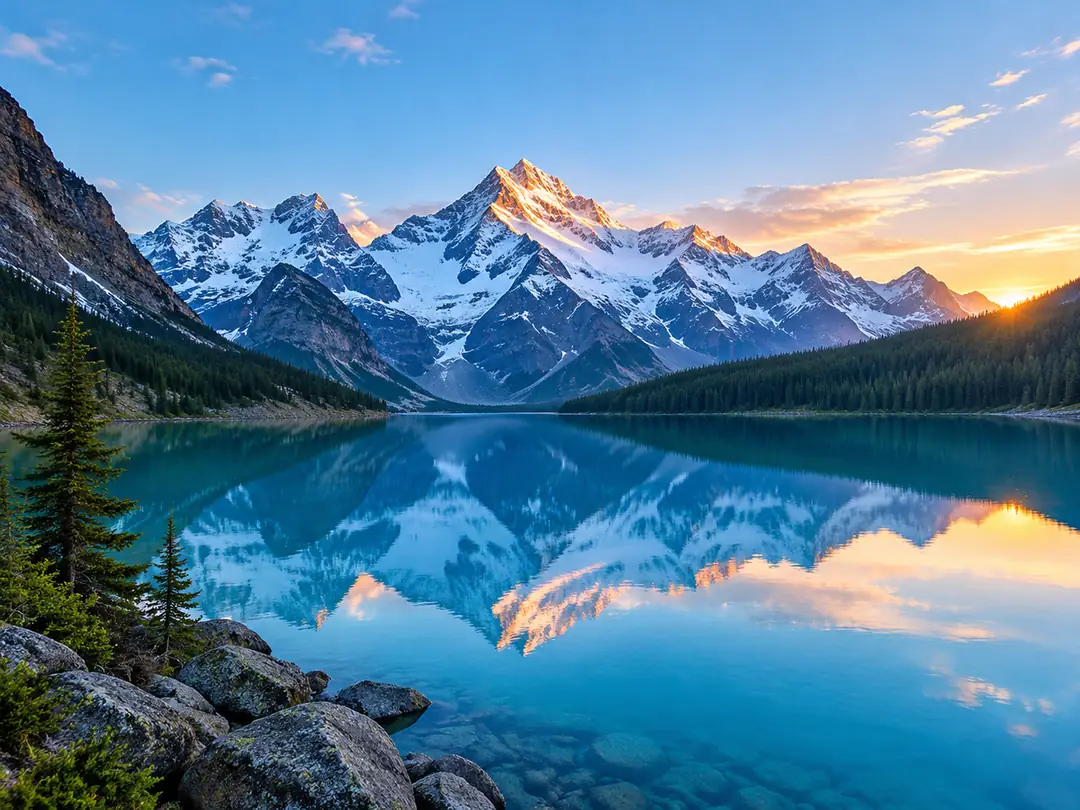
Turn a passing idea into a screen you enjoy looking at. Create quiet landscapes, flowing gradients, anime worlds, or futuristic views with the AI wallpaper generator on GlobalGPT.
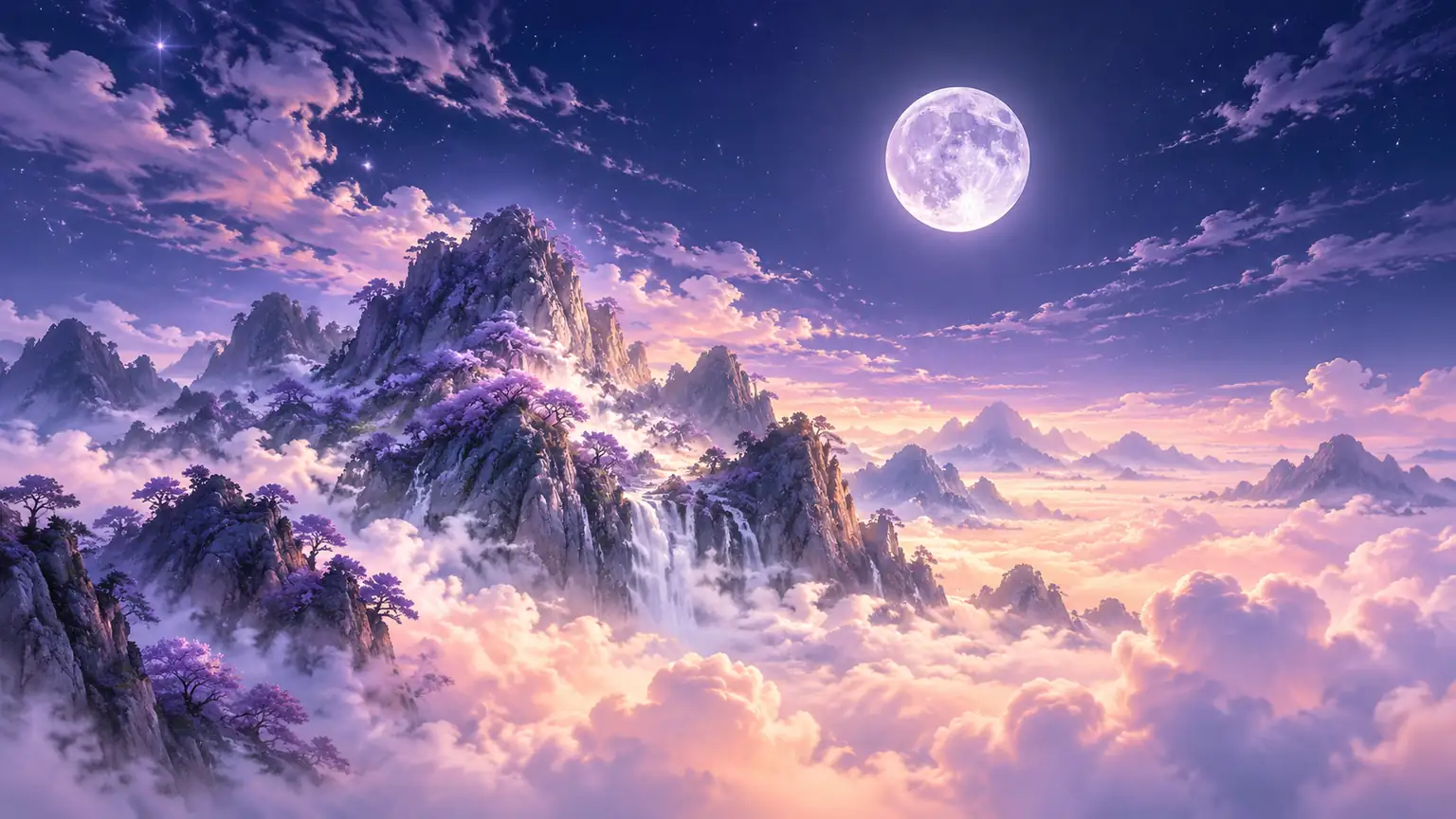
Use the AI wallpaper generator with a clear destination in mind. A lock screen and a desktop need different focal points, even when they share a visual theme.
Pick a portrait or landscape option that suits your destination. Use a low horizon for desktop icons or place the main subject below your lock-screen clock.
Describe one scene, two or three colors, and the light. A focused prompt such as misty pines at sunrise is easier to refine than a long list of unrelated styles.
Check the result at the size you will actually use. Look for distracting edges, unwanted objects, noisy textures, and a focal point that competes with your apps.
Ask for more open sky, a lower horizon, or a softer palette. Download a result you like and check its final crop in your device settings before choosing it.
Ten separate compositions across four directions. These phone wallpaper and desktop background ideas extend the workspace choices without repeating the same image.
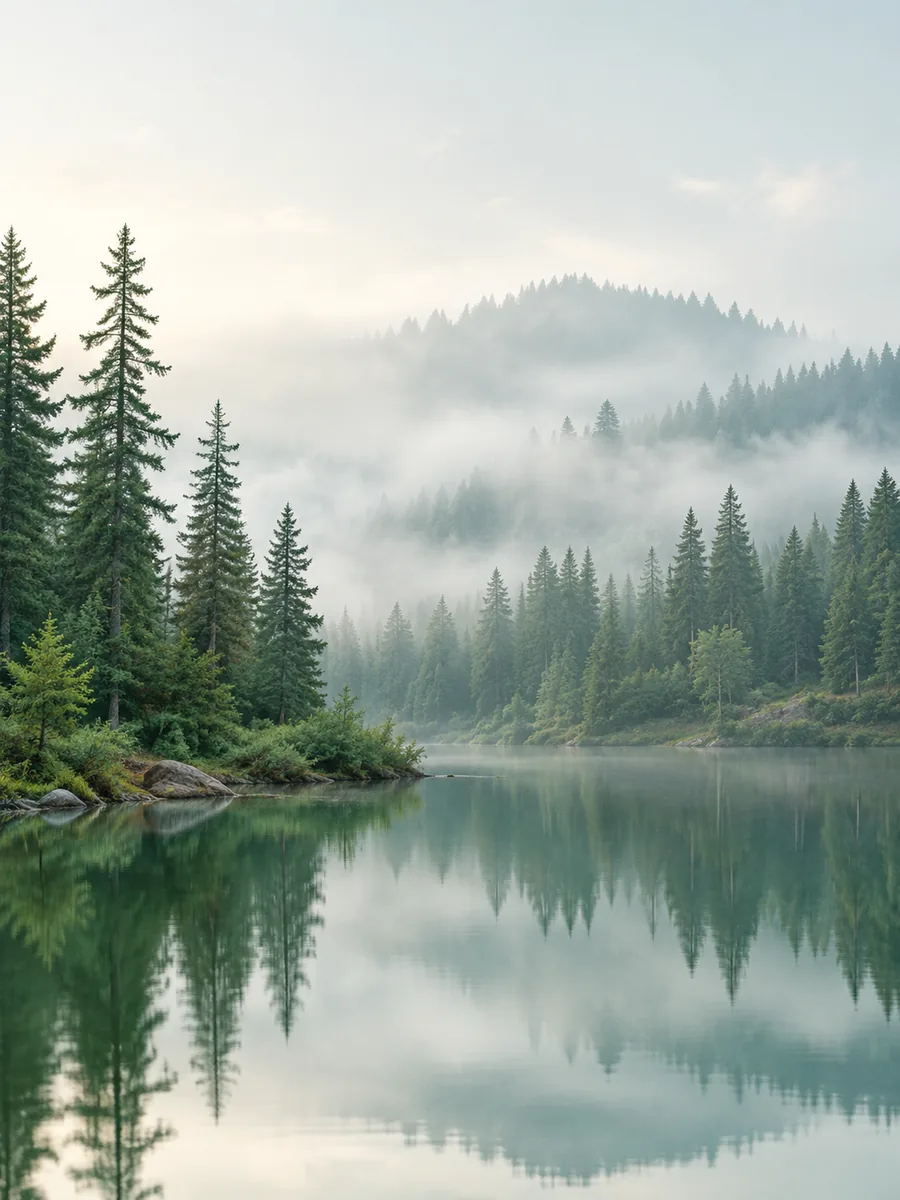 Nature & Landscape
Tall pine trees fade into pale morning mist above a still forest lake. Soft sage tones, gentle reflection, quiet open upper area, elegant nature wallpaper.
Try This Prompt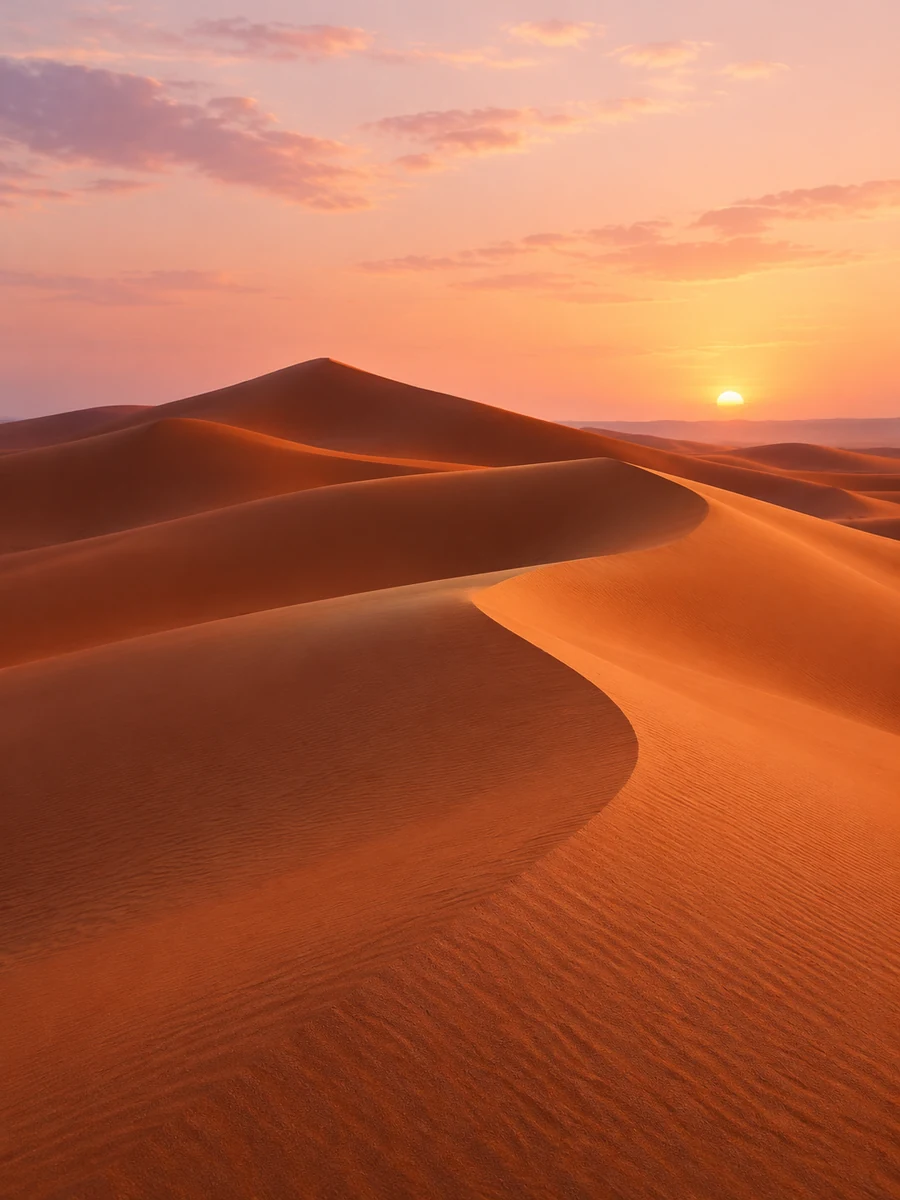 Nature & Landscape
Flowing terracotta desert dunes glow in low evening light beneath a pale rose sky. Simple sweeping curves, subtle sand texture, calm vertical wallpaper.
Try This Prompt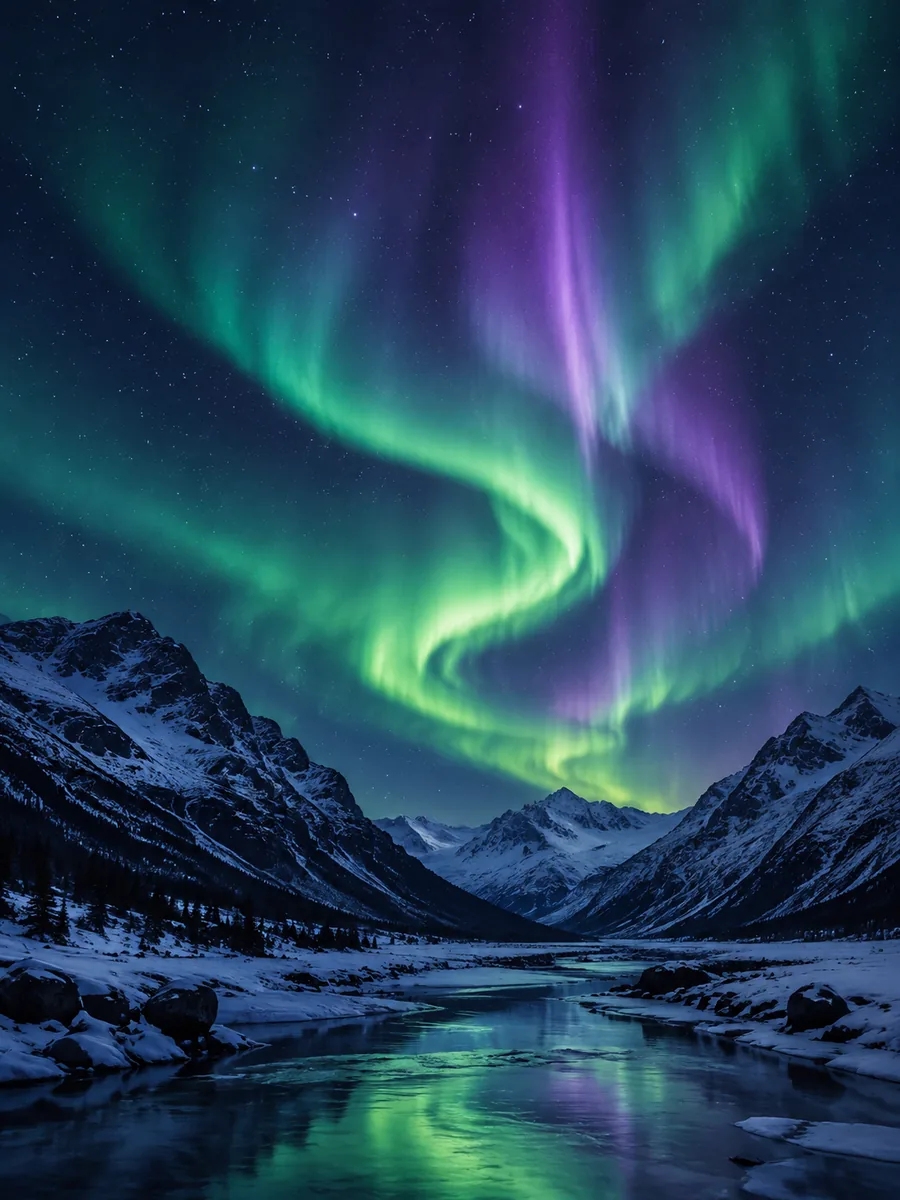 Nature & Landscape
A green and violet aurora curls above a dark snowy mountain valley. Tiny stars, clear depth, restrained glow, spacious night-sky wallpaper.
Try This Prompt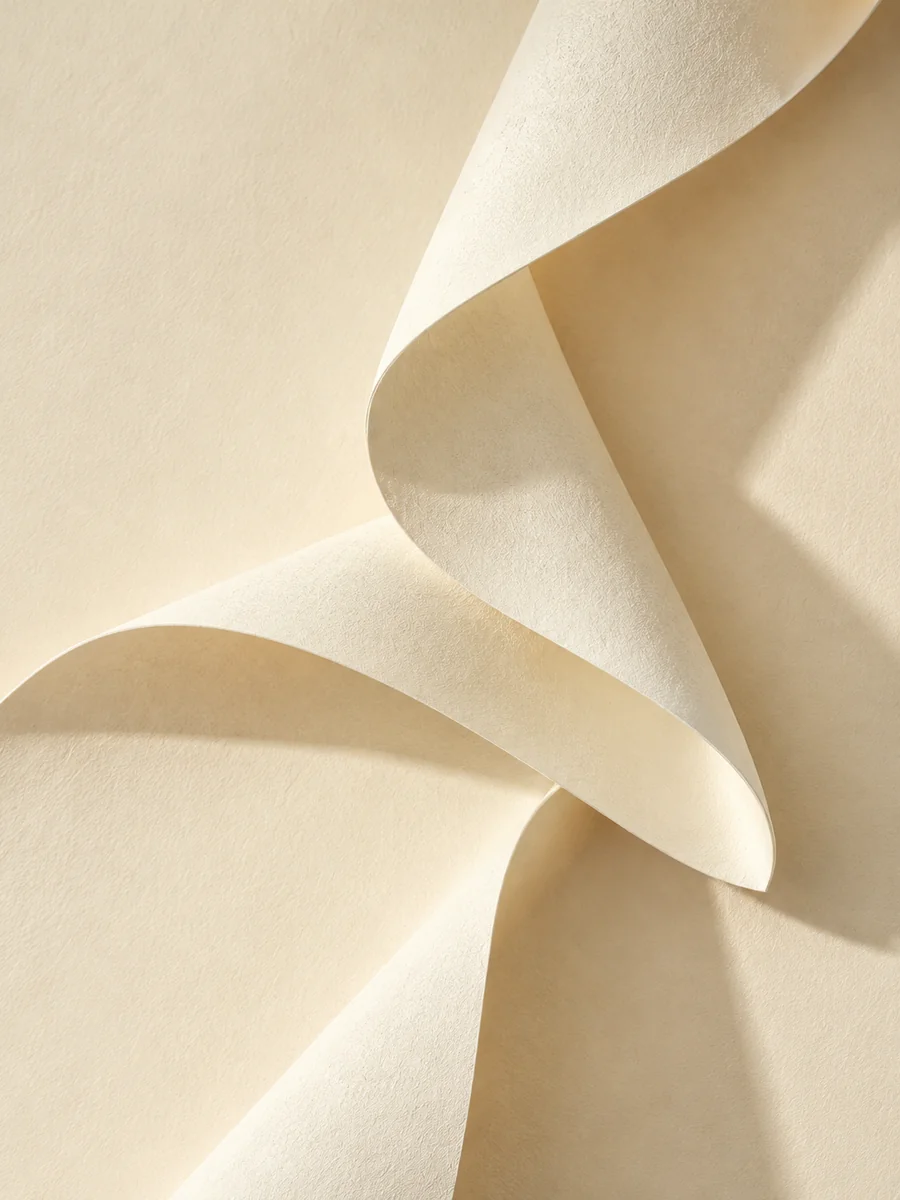 Minimal & Abstract
Sculpted ivory paper folds cross a warm cream background. Soft directional shadows, tactile fibers, elegant geometric rhythm, minimalist screen wallpaper.
Try This Prompt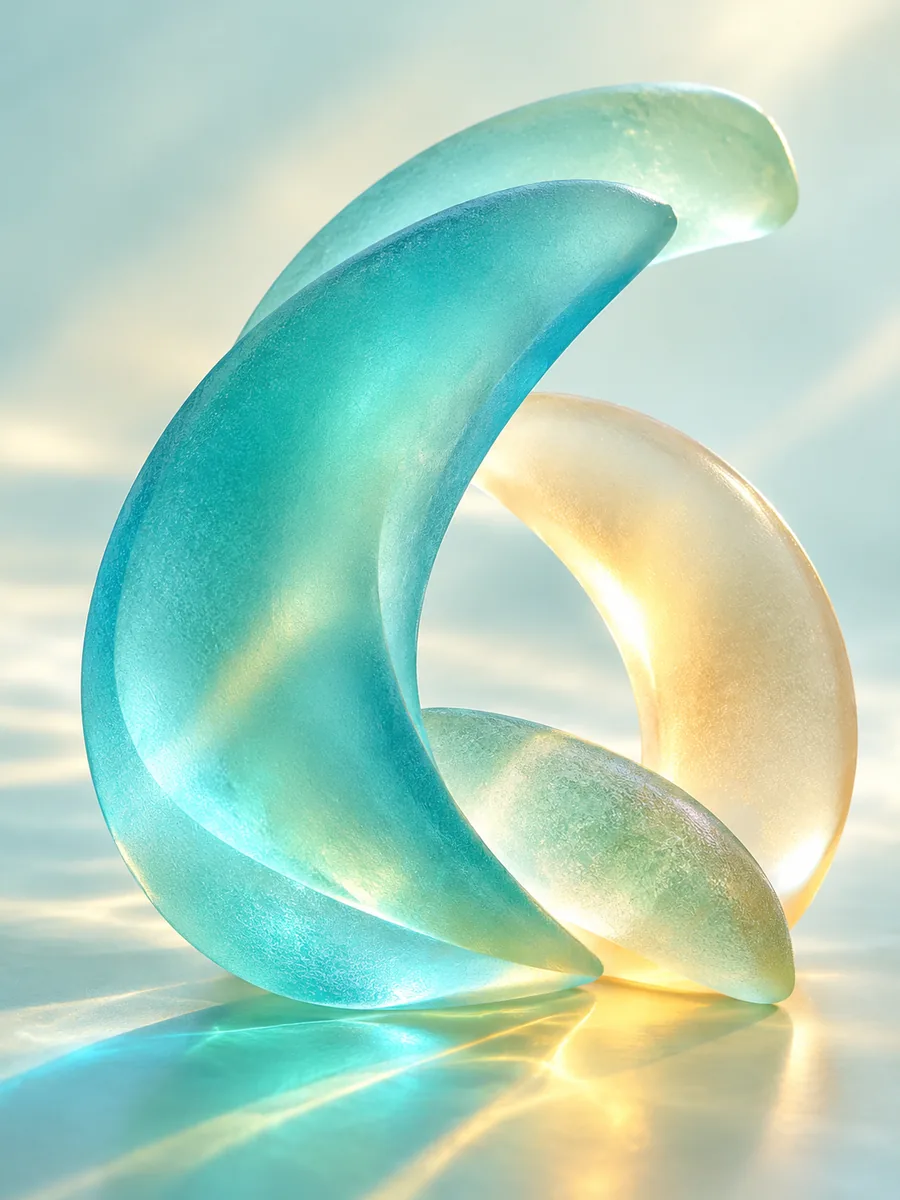 Minimal & Abstract
Translucent sea-glass arcs refract turquoise and pale amber light. Smooth frosted texture, uncluttered composition, luminous but gentle abstract wallpaper.
Try This Prompt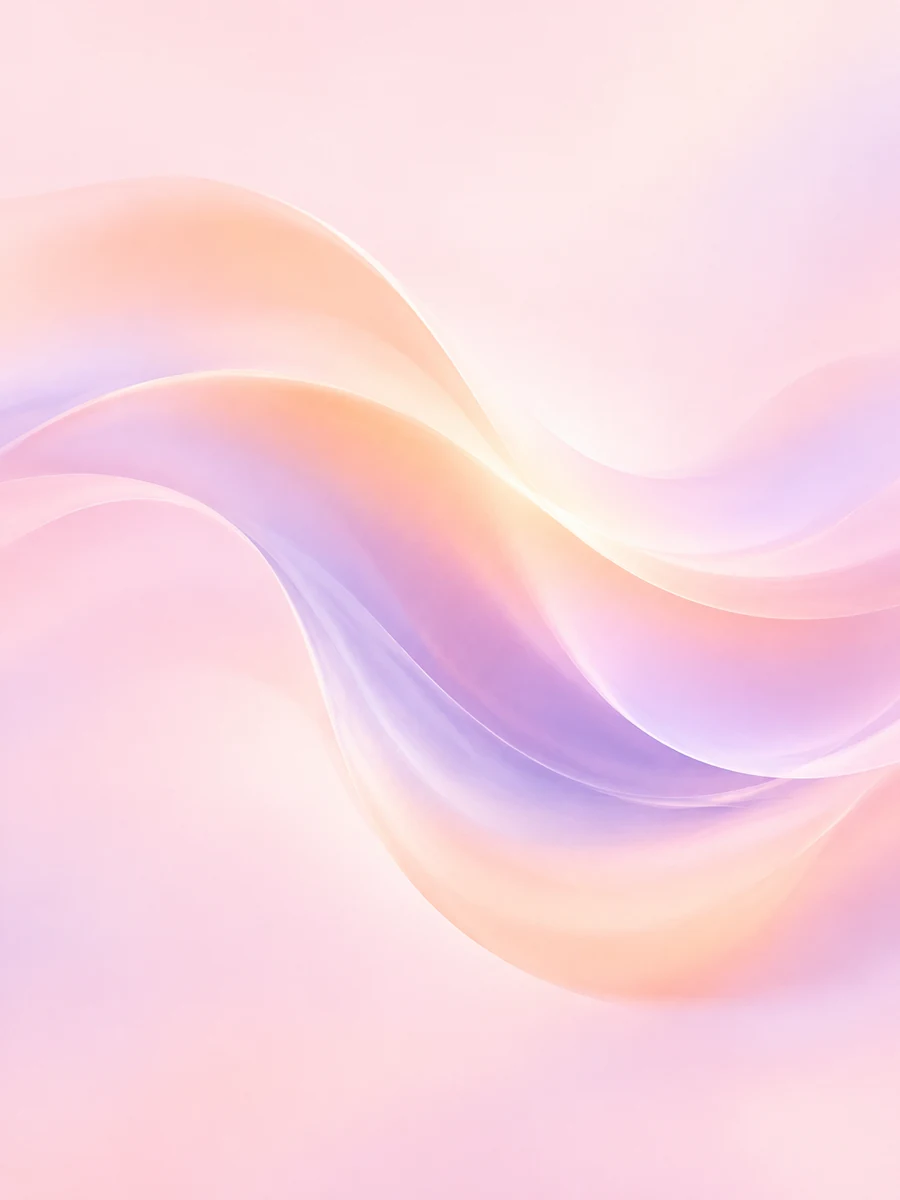 Minimal & Abstract
A slow wave of peach and lavender color flows through a pale pink field. Smooth seamless gradients, airy negative space, subtle dimensional glow.
Try This Prompt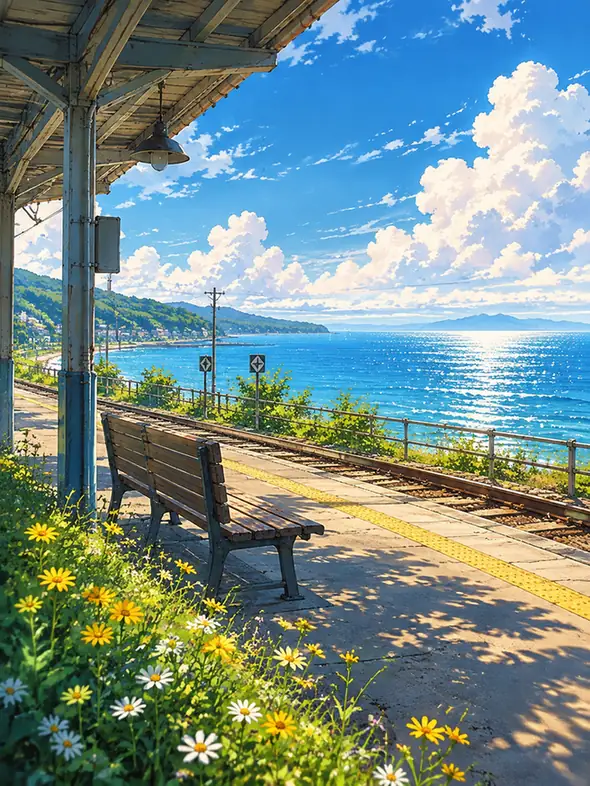 Anime Worlds
An original anime railway platform overlooks a sparkling summer sea. Empty bench, sunlit wildflowers, soft clouds, nostalgic painterly landscape.
Try This Prompt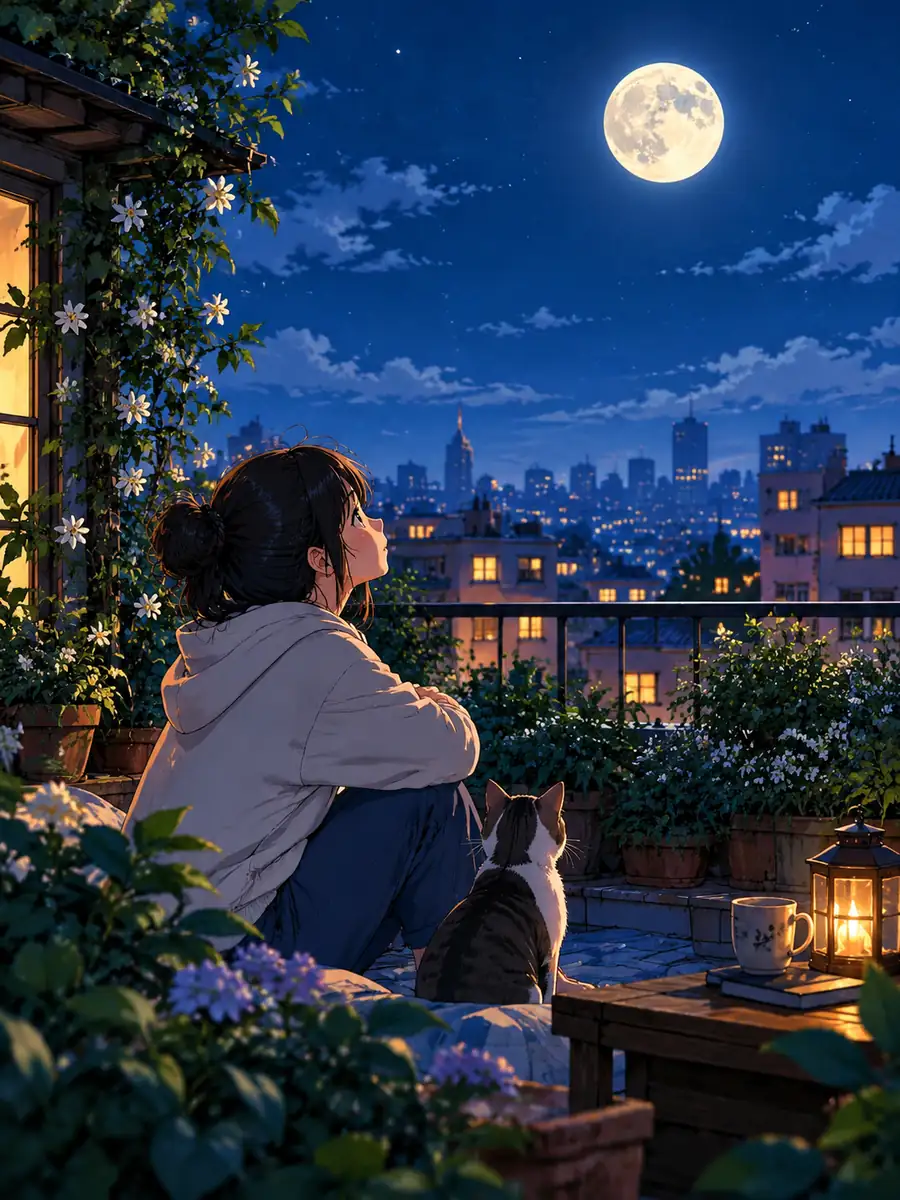 Anime Worlds
An original anime city rooftop garden sits beneath a full moon. Potted plants, distant warm windows, deep blue evening palette, tranquil atmosphere.
Try This Prompt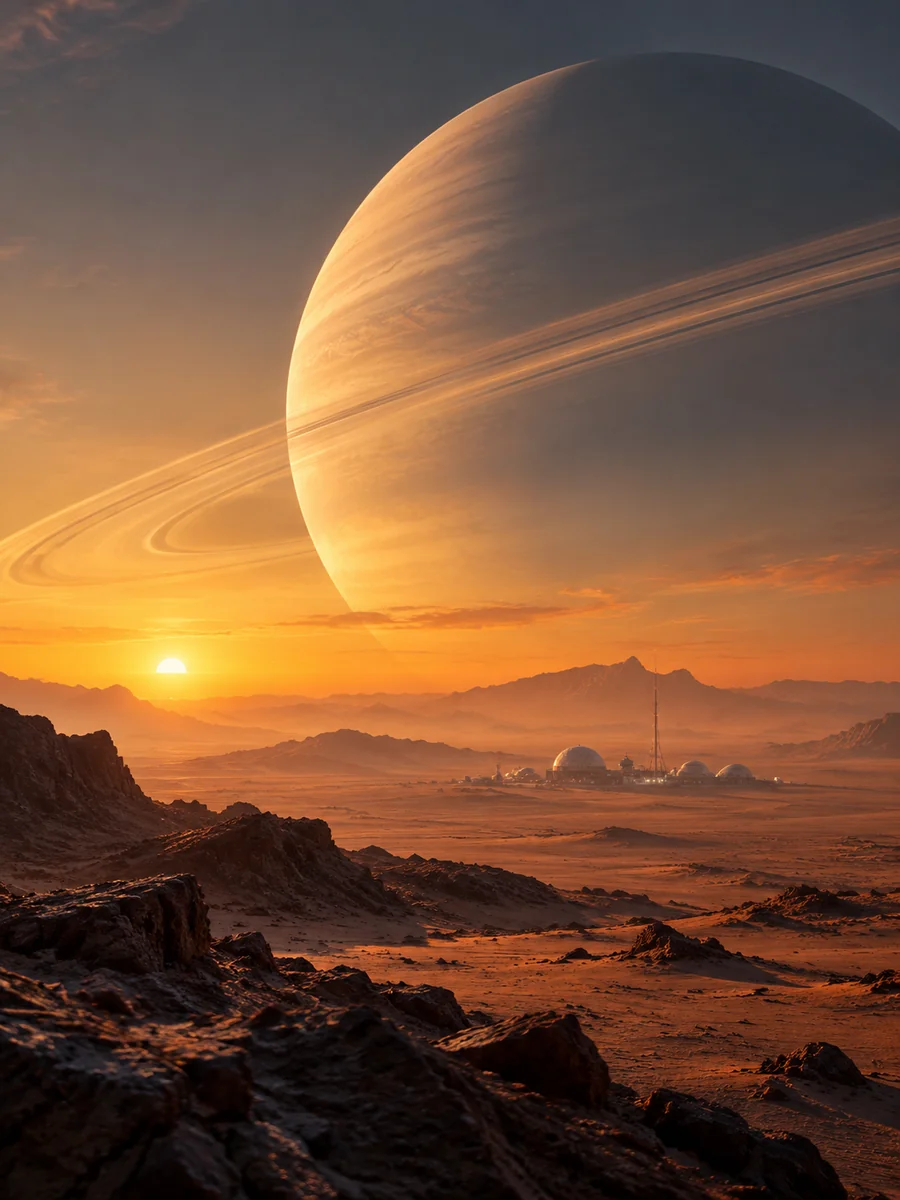 Sci-Fi & Neon
A vast ringed planet rises above a quiet alien desert at dawn. Tiny distant research outpost, amber haze, cinematic depth, original science-fiction landscape.
Try This Prompt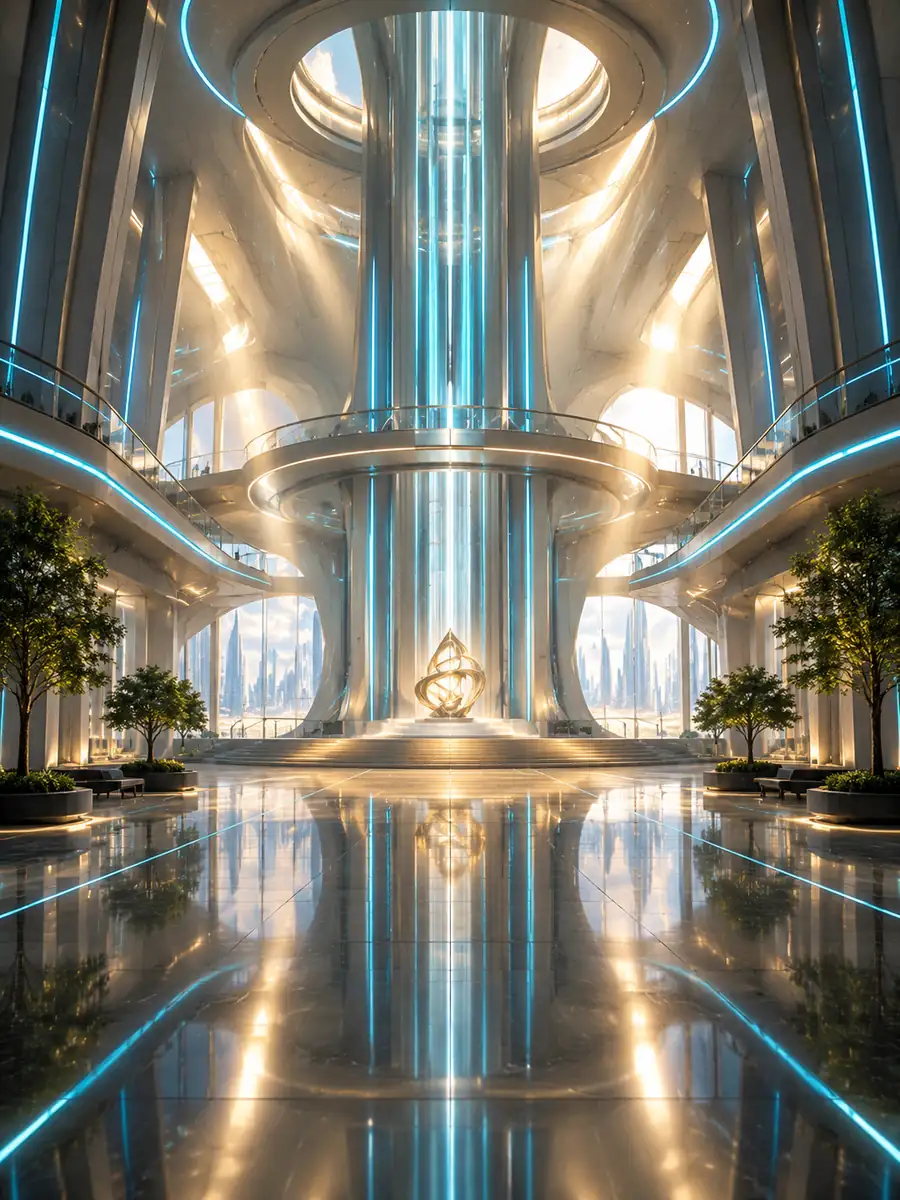 Sci-Fi & Neon
A monumental futuristic atrium is illuminated by thin cyan light and soft golden beams. Strong symmetry, reflective floor, clean architectural wallpaper.
Try This PromptThe AI wallpaper generator works best when your prompt connects color, composition, and the way your screen will be used.
Give a desktop background open space where shortcuts sit. Move detailed trees, buildings, or stars away from areas you want to scan quickly.
Build a quiet aesthetic wallpaper with muted colors, or make a bold statement with neon. Keep the lighting and palette connected instead of mixing every idea at once.
Try nature photography, minimal abstraction, original anime settings, and sci-fi architecture. Each direction offers a different balance of atmosphere and detail.
Create a portrait wallpaper for a phone or a wider scene for a monitor. Check the available format controls rather than assuming one crop fits every device.
Each example includes a short, editable starting point. Replace the setting, season, or colors while keeping the composition that made the original direction useful.
Inspect the image behind your clock, widgets, or app grid. A wallpaper can look beautiful on its own and still need a calmer focal point for everyday use.
The right approach depends on whether you want a specific visual idea, an image variation, or a ready-made choice. These are workflow differences, not model rankings.
| Criteria | Generate from Text | Use an Image Reference | Choose Existing Art |
|---|---|---|---|
| Starting point | A scene, palette, and mood you describe | An image you have permission to use | A wallpaper you find in a licensed library |
| Best suited to | An original direction you cannot find | Exploring a related composition or palette | Selecting a finished image quickly |
| Main trade-off | You may need to refine the first result | The result may change details in the reference | The composition is already fixed |
| Check before use | Screen crop and icon visibility | Rights, retained details, and final crop | License, dimensions, and visual fit |
Example use cases to help you plan a project. These are not customer reviews, measured results, or promises about what a model will produce.
A calm lavender gradient leaves room for a large lock-screen clock. The final crop is checked on the phone before the image becomes an everyday background.
A low mountain horizon keeps shortcut icons readable. The creator tests a wider composition rather than stretching a portrait wallpaper across the monitor.
An original seaside station becomes the starting point for a matching wallpaper set. Shared colors connect the screens while each composition remains distinct.
Selected Arena entries dated Oct 8, 2026. Use broad text-to-image leaderboard context when choosing a model. This is not a test of wallpaper fit, device compatibility, or the specific examples on this page. Model variants may differ from GlobalGPT.
| Rank | Model | Arena Rating | Votes | Rank Range | Price / Image |
|---|---|---|---|---|---|
| #1 | gpt-image-2 (medium) OpenAI / Proprietary | 1381.71 | 75014 | #1-#1 | 0 |
| #2 | mai-image-2.6-preview Microsoft AI / Proprietary | 1330.7 | 6418 | #2-#3 | - |
| #3 | grok-imagine-image-2.0 (low) SpaceXAI / Proprietary | 1315.6 | 2675 | #2-#4 | - |
| #4 | reve-2.1 Reve / Proprietary | 1301.61 | 7580 | #3-#4 | - |
Source: Arena Leaderboard
Choose a starting style, describe the scene and colors, and generate an image in an available format. Check the crop and focal point on your intended screen, then refine the prompt if needed.
Yes, you can describe either use case and choose from the format options shown in the workspace. Review the downloaded dimensions and device crop; one image may not fit every screen equally well.
The workspace shows which model has trial access and how many uses are available. Other displayed models may require account access or credits. Check the current limits before generating.
The final file depends on the selected model and supported output settings. This page does not promise a specific resolution. Inspect the downloaded file before using it on a high-resolution display.
Keep the same palette, atmosphere, and key shapes across your prompts. Adjust the composition for each screen and compare the results; matching details are not guaranteed between generations.