

Focused controls
Keep prompt, style, ratio, and quality choices together in one workflow.
Prompt Guide
Model
Reference Image

Turn a clear idea into polished virtual girlfriend image generator visuals with practical controls and reusable styles.

Explore reusable directions before you generate.
Featured resultYoung woman with long brown hair sitting by a cafe window, warm afternoon light, natural makeup, shallow depth of field.
Try This Style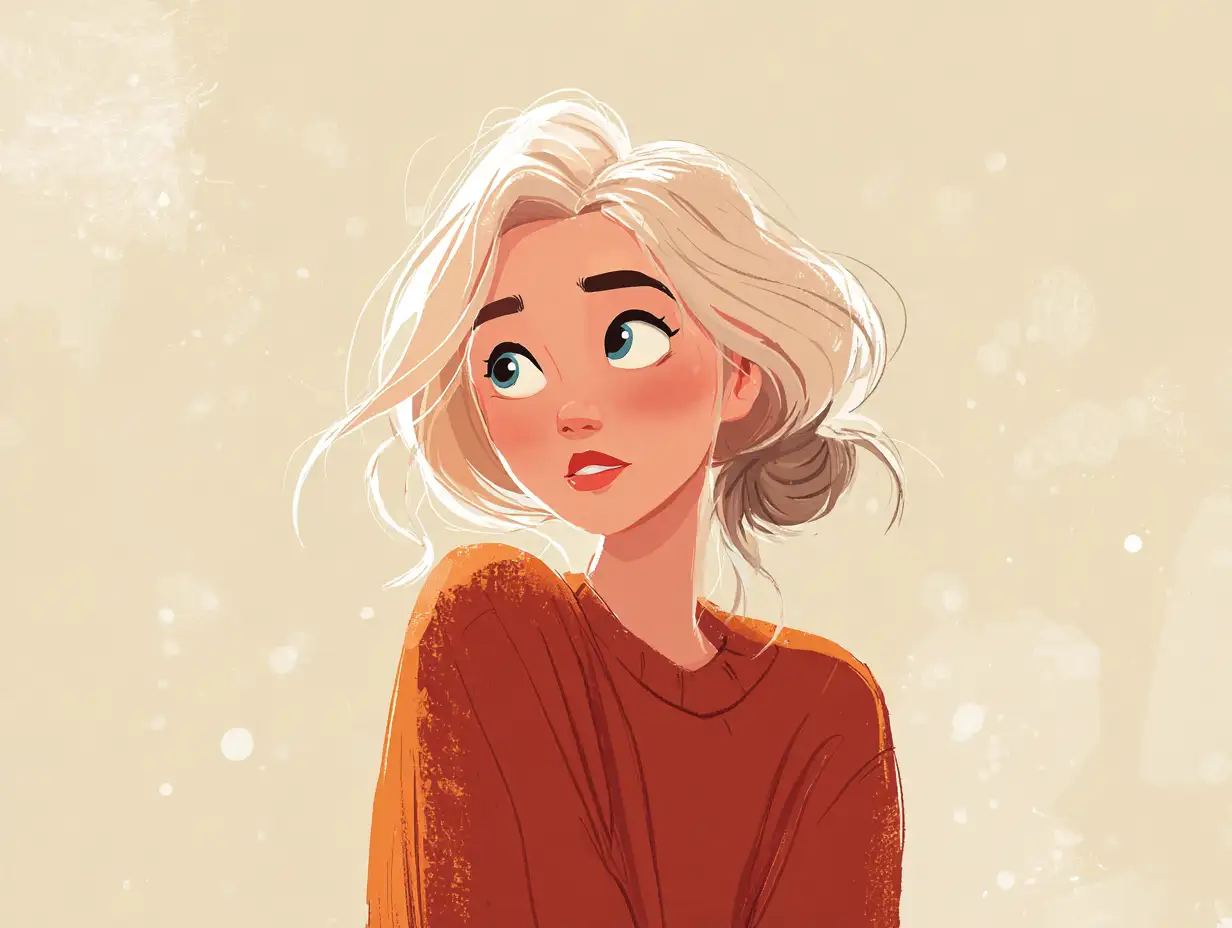 Featured result
Soft pastel illustration portrait of a smiling young woman with wavy hair, gentle gradients, romantic style.
Try This StyleFeatured resultPortrait of a woman lit by candlelight in a dim room, warm amber glow, soft shadows.
Try This StyleKeep prompt, style, ratio, and quality choices together in one workflow.
Start from proven examples and adjust the details for your own result.
Compare enabled models without rebuilding the whole workflow.
State the subject, style, mood, and key details for your ai virtual girlfriend image generator output.
Pick a starting example, ratio, and model that match your intended use.
Review the result, adjust the prompt, and generate another version when needed.
The examples made it easier to start my ai virtual girlfriend image generator project.
I liked keeping the main controls together instead of switching between tools.
The focused workflow helped me compare a few directions quickly.
AI Virtual Girlfriend Image Generator helps you create focused results from a prompt and reusable visual directions.
Yes. Start from an example, change the prompt and controls, then generate another direction.
Choose the ratio that matches where you will use the result, such as social, portrait, or widescreen content.
The workspace exposes enabled models so you can compare available workflows before generating.