

AI Toy Generator
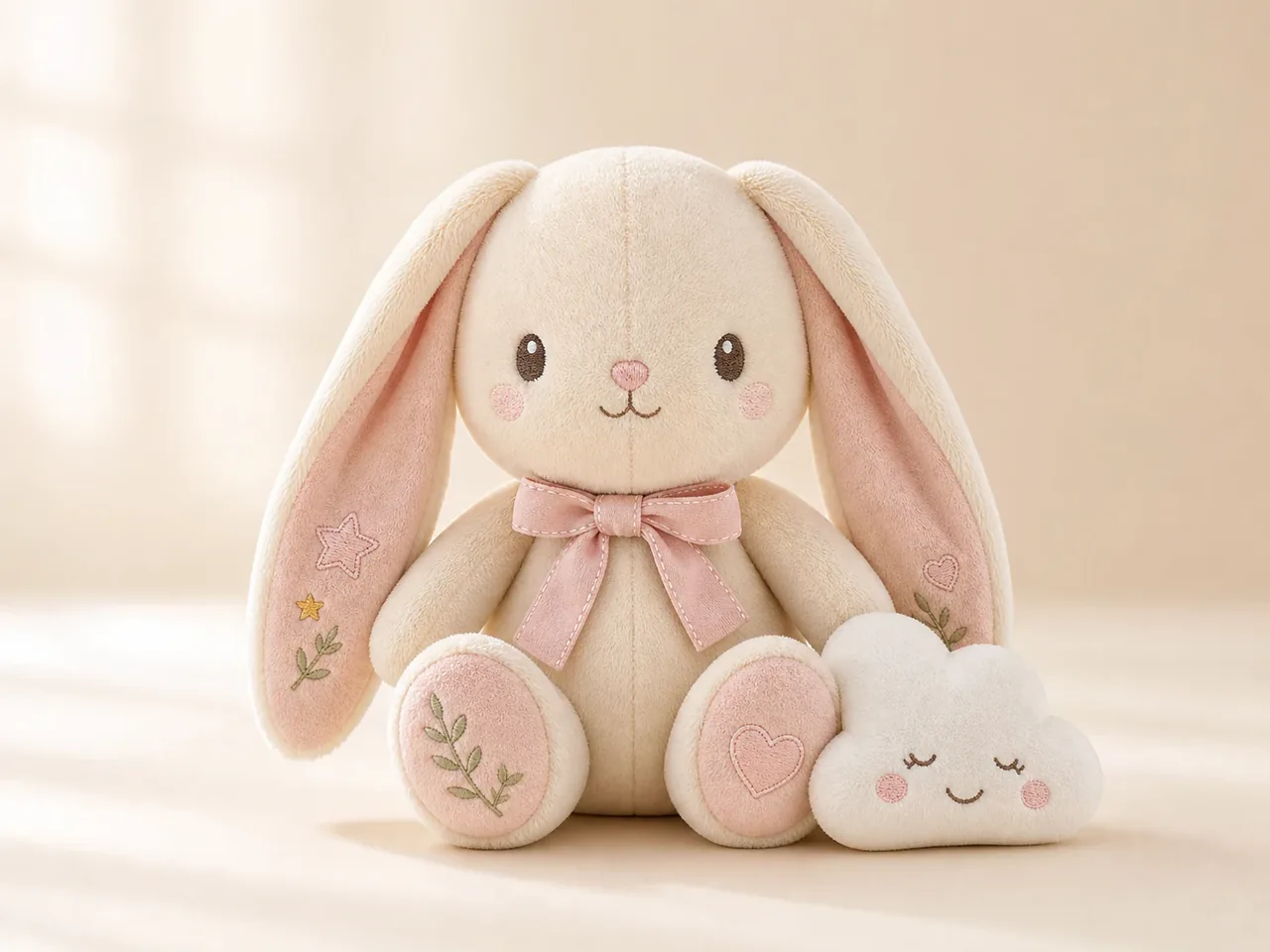
Turn Any Idea Into a Custom Toy Design
Bring an original toy idea to life with the AI Toy Generator. Describe the character, material, colors, pose, and mood you want, then explore polished concepts for plush toys, vinyl collectibles, action figures, wooden toys, miniatures, and more. Use a text prompt to start from scratch or a reference image to guide the look.
Why Use GlobalGPT's AI Toy Generator?
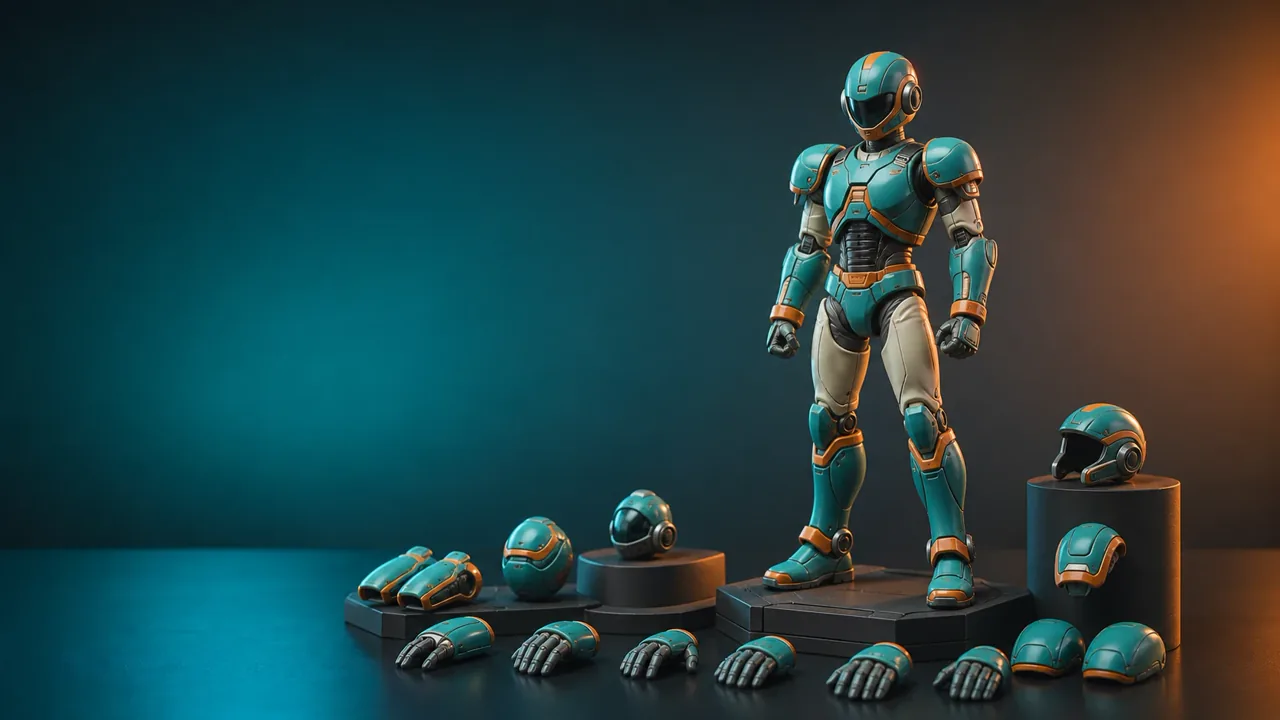
Explore More Toy Styles – Switch between plush, vinyl, clay, wooden, miniature, and action-figure aesthetics without rebuilding your idea from scratch.
Create From Text or Images – Write a detailed prompt for a new concept or use an existing image as visual guidance for a personalized toy design.
Control the Design Details – Guide materials, colors, accessories, packaging style, camera angle, and background to produce a more useful concept image.
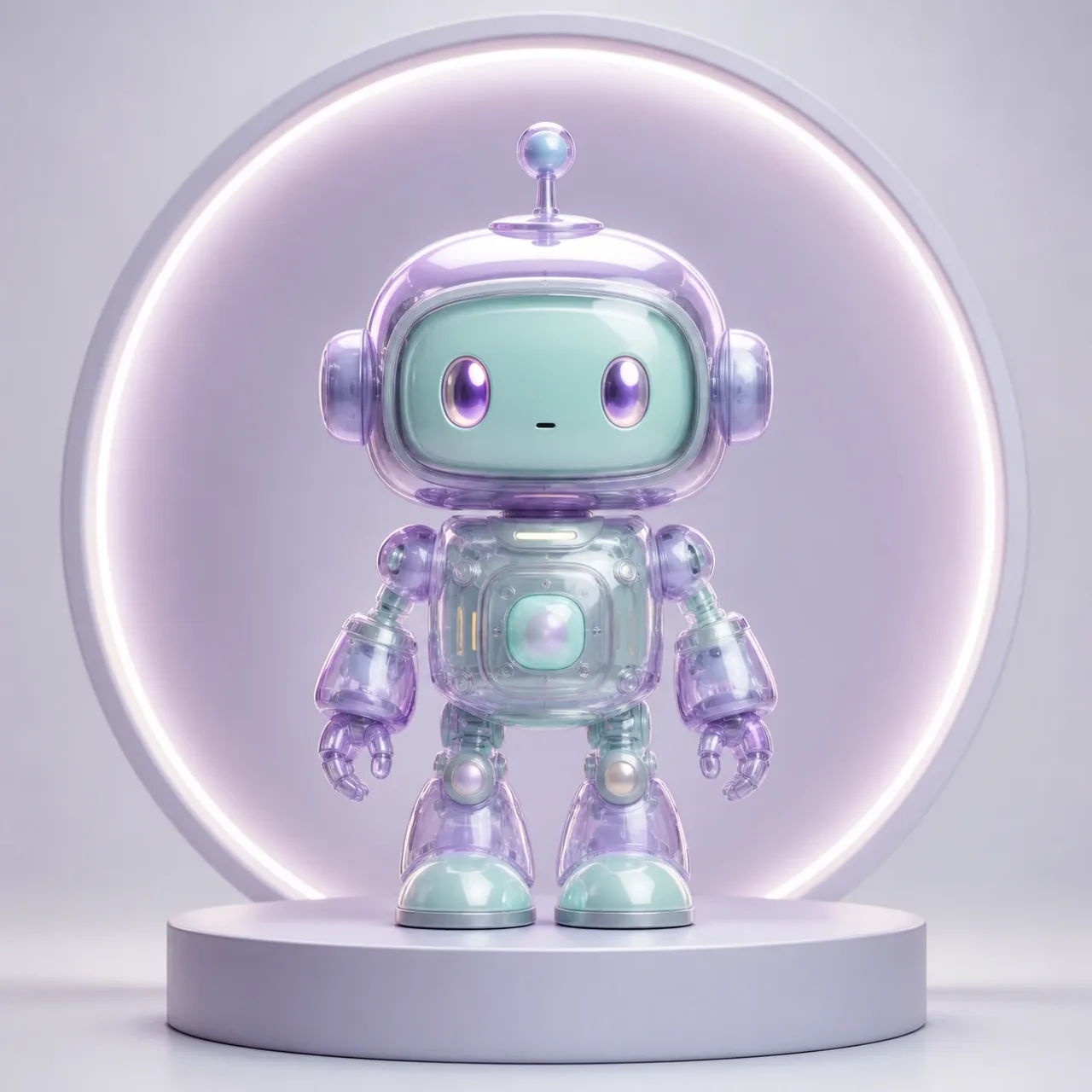
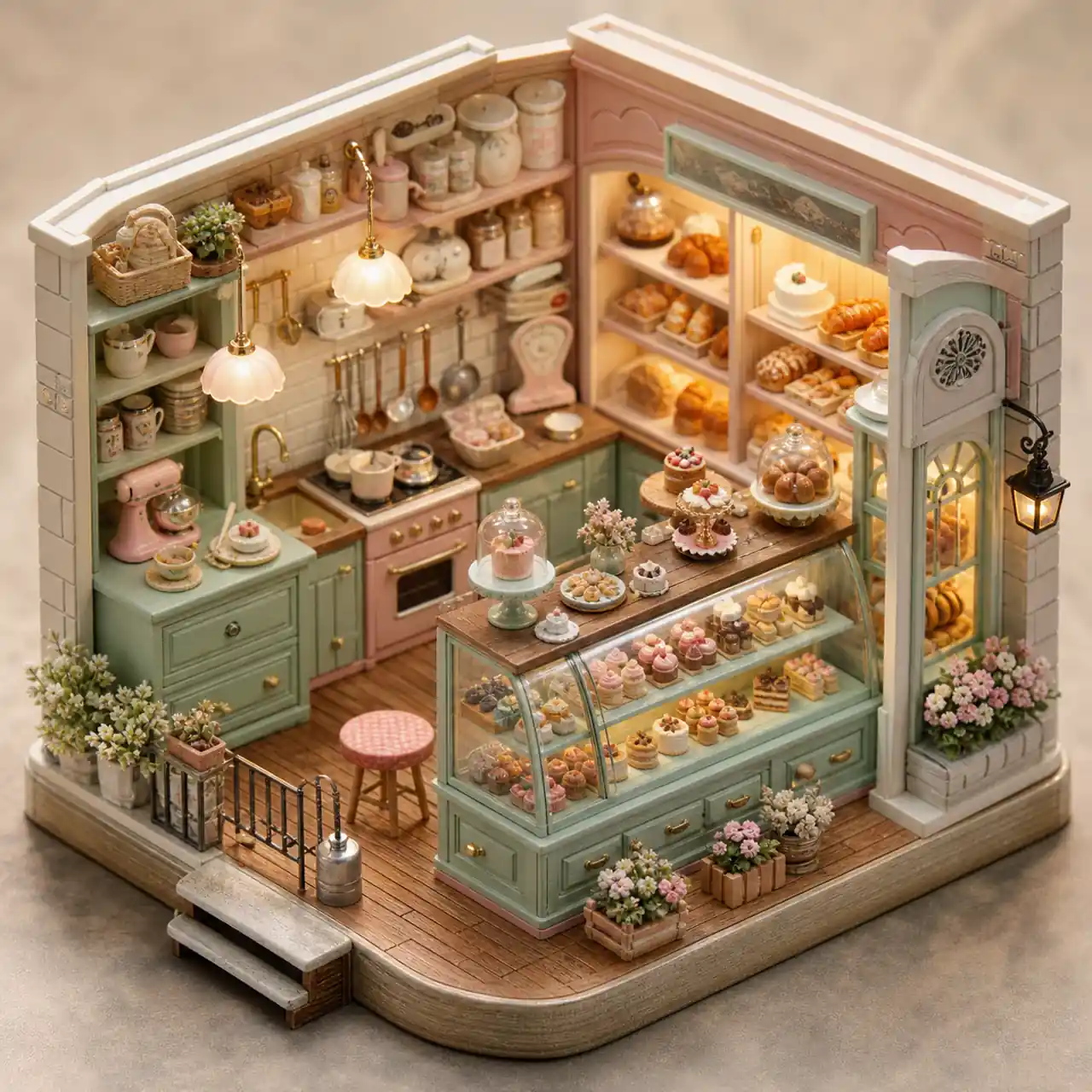
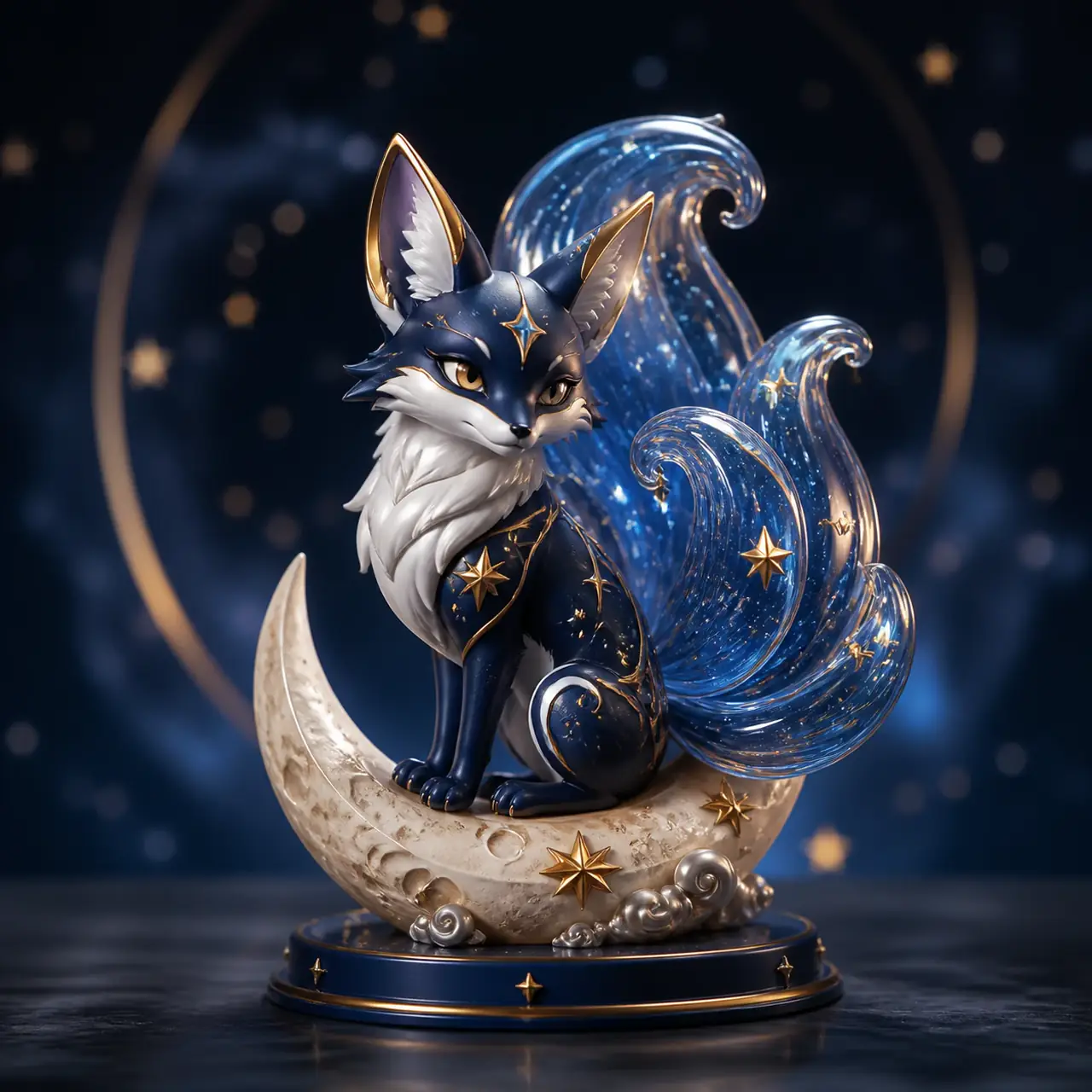
Design Toys With a Distinct Visual Identity
Move beyond generic character renders. The AI Toy Generator helps you test how one idea looks as a soft plush companion, a glossy designer collectible, a handcrafted clay figure, or a detailed product prototype. Refine the prompt across variations to develop a toy concept with recognizable colors, materials, and personality.
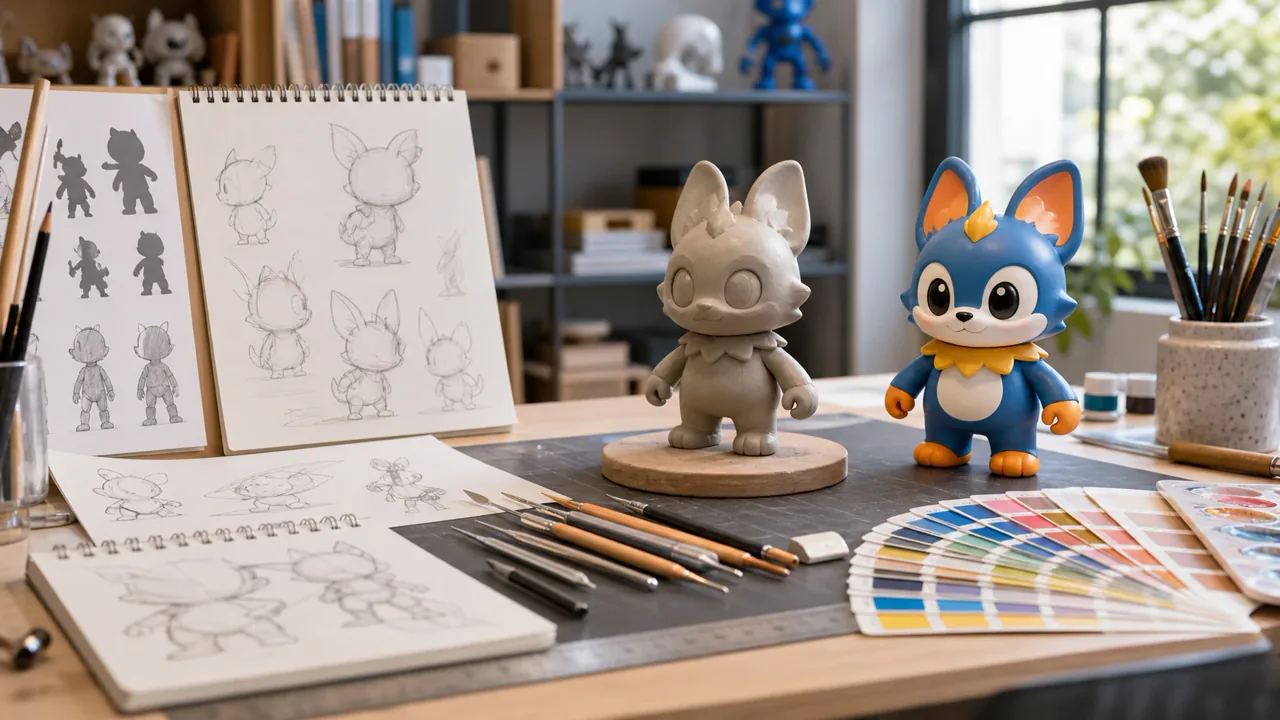
Useful for Concept Art, Collections, and Creative Projects
Use AI toy designs to explore characters for stories and games, visualize collectible series, develop mood boards, or communicate an early product direction. Designers can compare silhouettes and materials, while hobbyists can quickly turn imaginative ideas into shareable toy artwork without needing 3D modeling skills.
Animate Your AI Toy Design
Turn a finished toy image into a short motion concept. Add a simple character entrance, product turntable, playful gesture, or cinematic camera move to present the design in a more engaging format.
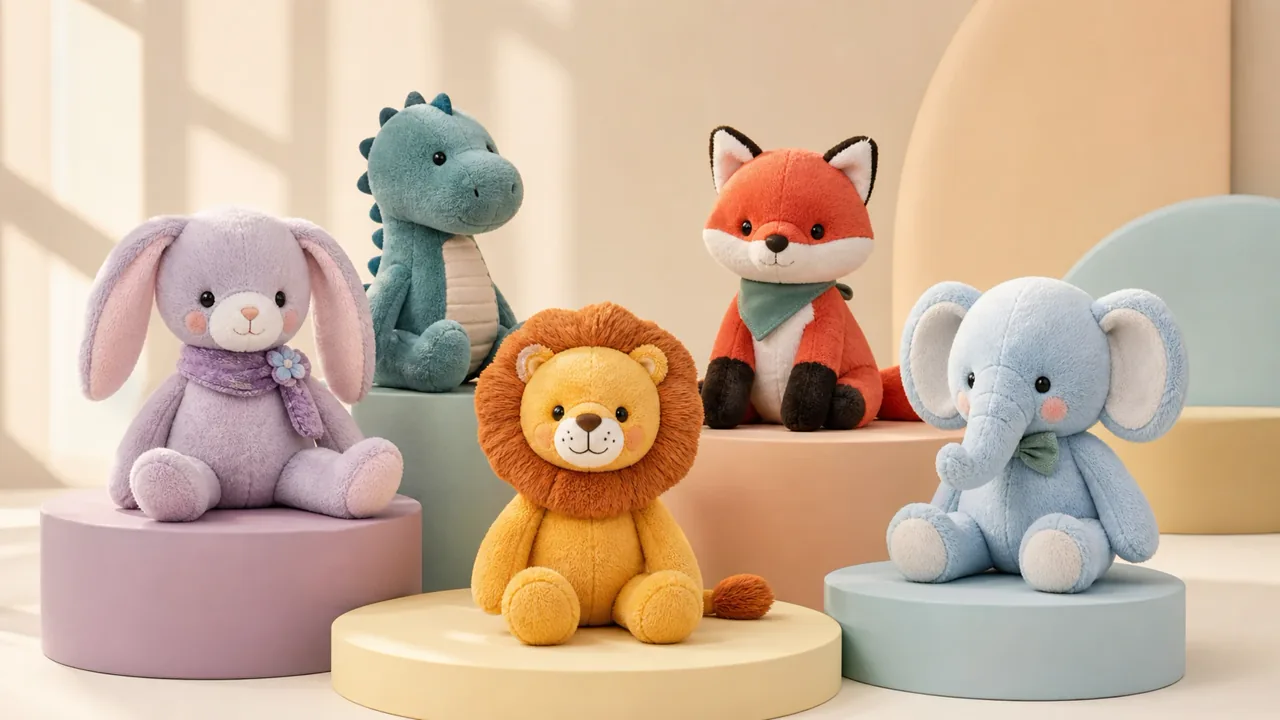
How to Use the AI Toy Generator
Describe the toy — Include the toy type, character, material, colors, pose, accessories, and background.
Generate and review — Create the image, then check the silhouette, materials, proportions, and small details.
Refine or download — Adjust the prompt for another variation, or save the design for your creative project.
Compare Toy Ideas Across Multiple AI Models
Different image models can interpret the same toy prompt in noticeably different ways. Try your concept across available GlobalGPT models to compare materials, proportions, lighting, and artistic style, then keep the version that best matches your creative direction.