

Circle Crop
The platform crops to a circle. Keep the eyes near the centre line and leave space above the hair, or the forehead gets sliced on mobile.
Prompt Guide
Model
Reference Image
Describe a look, a palette and a face, and get a square avatar built for the circle crop, so the eyes and the outline still hold when the image is shown at thumbnail width.
At 40 pixels wide a viewer sees one shape and one colour. Choose a silhouette first, such as a hood, a bob or a helmet, and let detail come after.
Name the eyes, the brows and the mouth direction. A three-quarter turn with the chin down reads as attitude; a straight-on face with even light reads as a directory photo.
Two dominant colours and one accent survive the crop. Four colours turn to grey mush in a comment row, where most people will actually meet the image.
Export at 1:1 and look at the file shrunk to thumbnail size before you upload. If the eyes disappear at that size, no amount of retouching will bring them back.
Ten avatars across four look families, each built to survive the shrink to a comment row.
 Studio
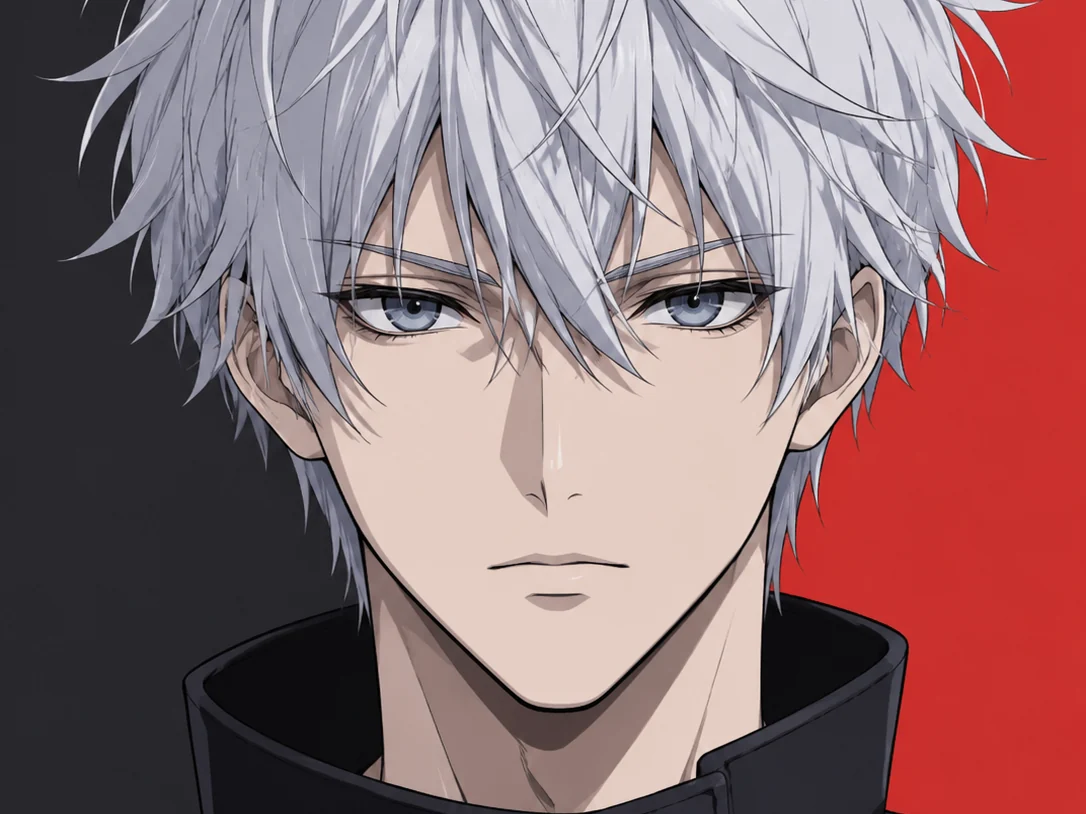
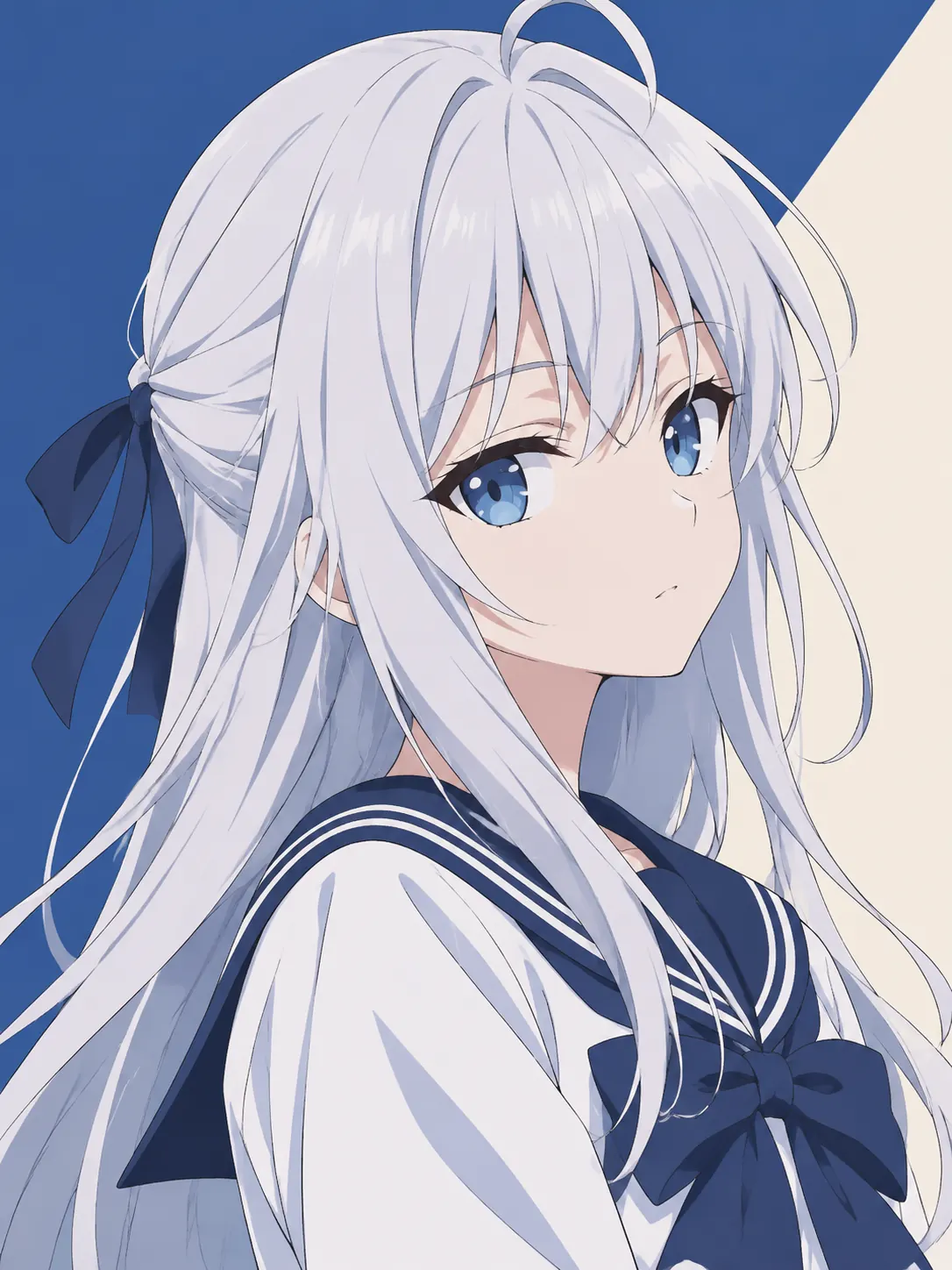
Anime character with silver hair, flat cel shading, two colour background, 3:4
Try This Style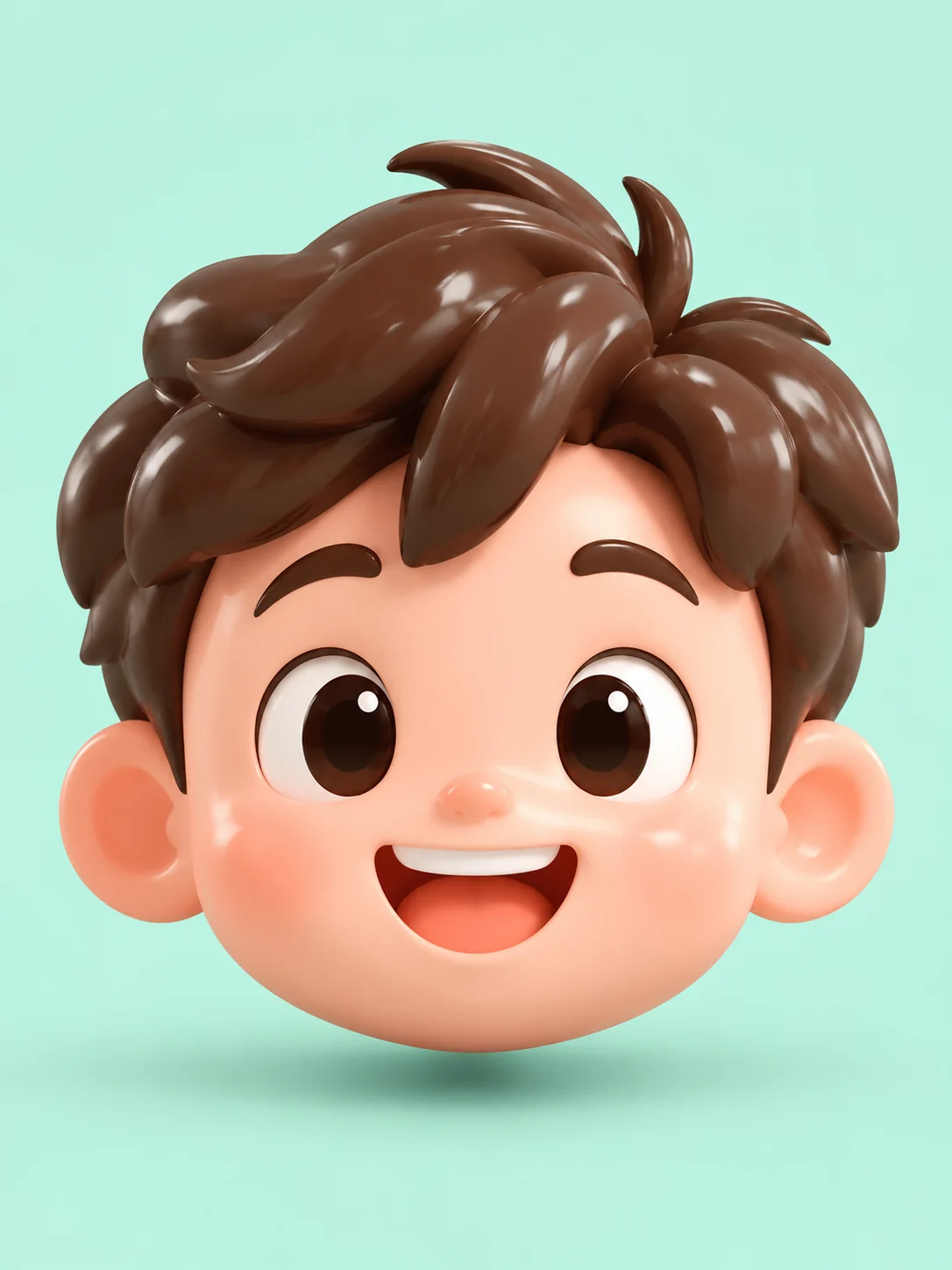 Studio
Glossy 3D mascot head, clay finish, mint background, studio light, 3:4
Try This Style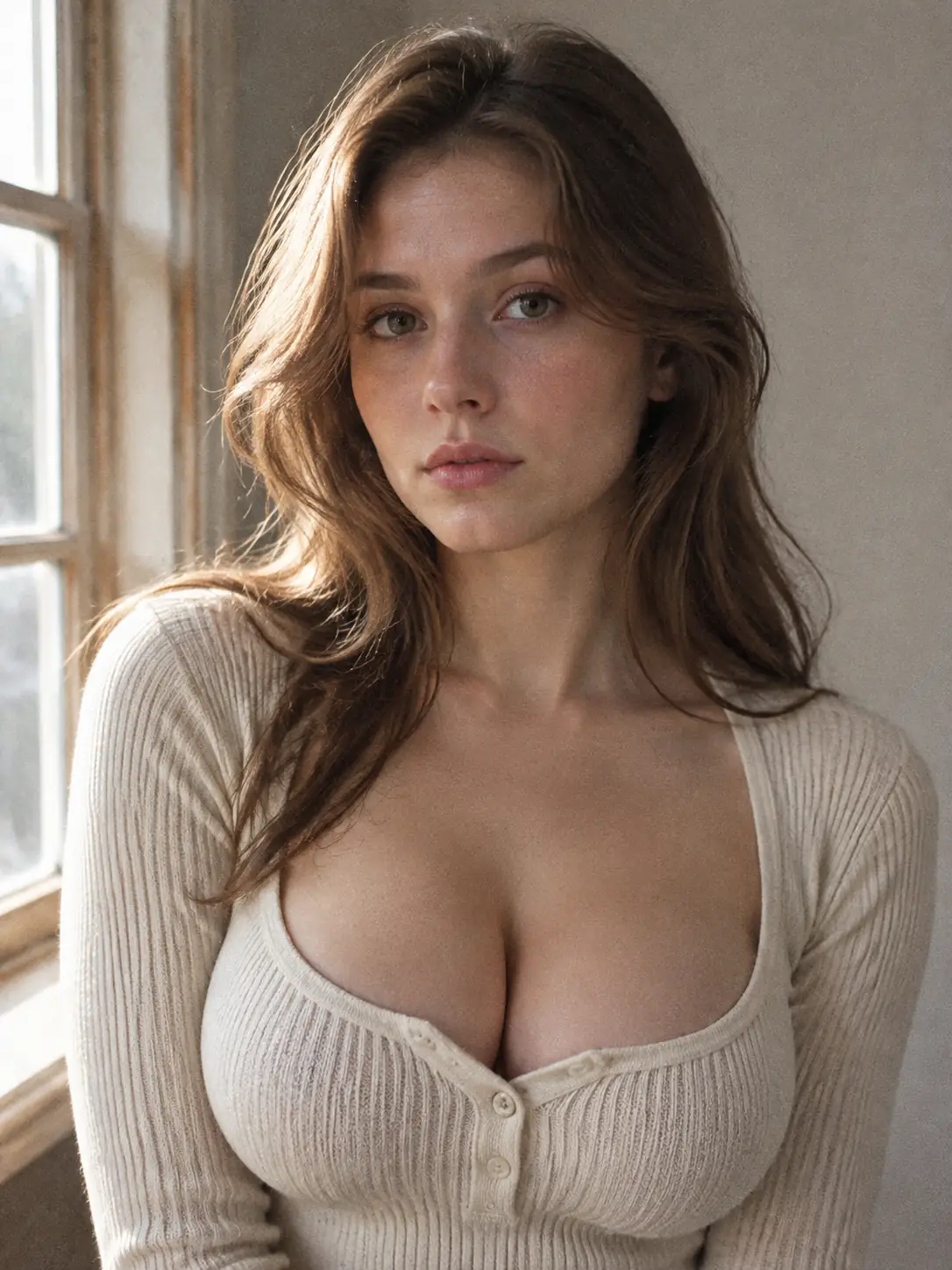 Studio
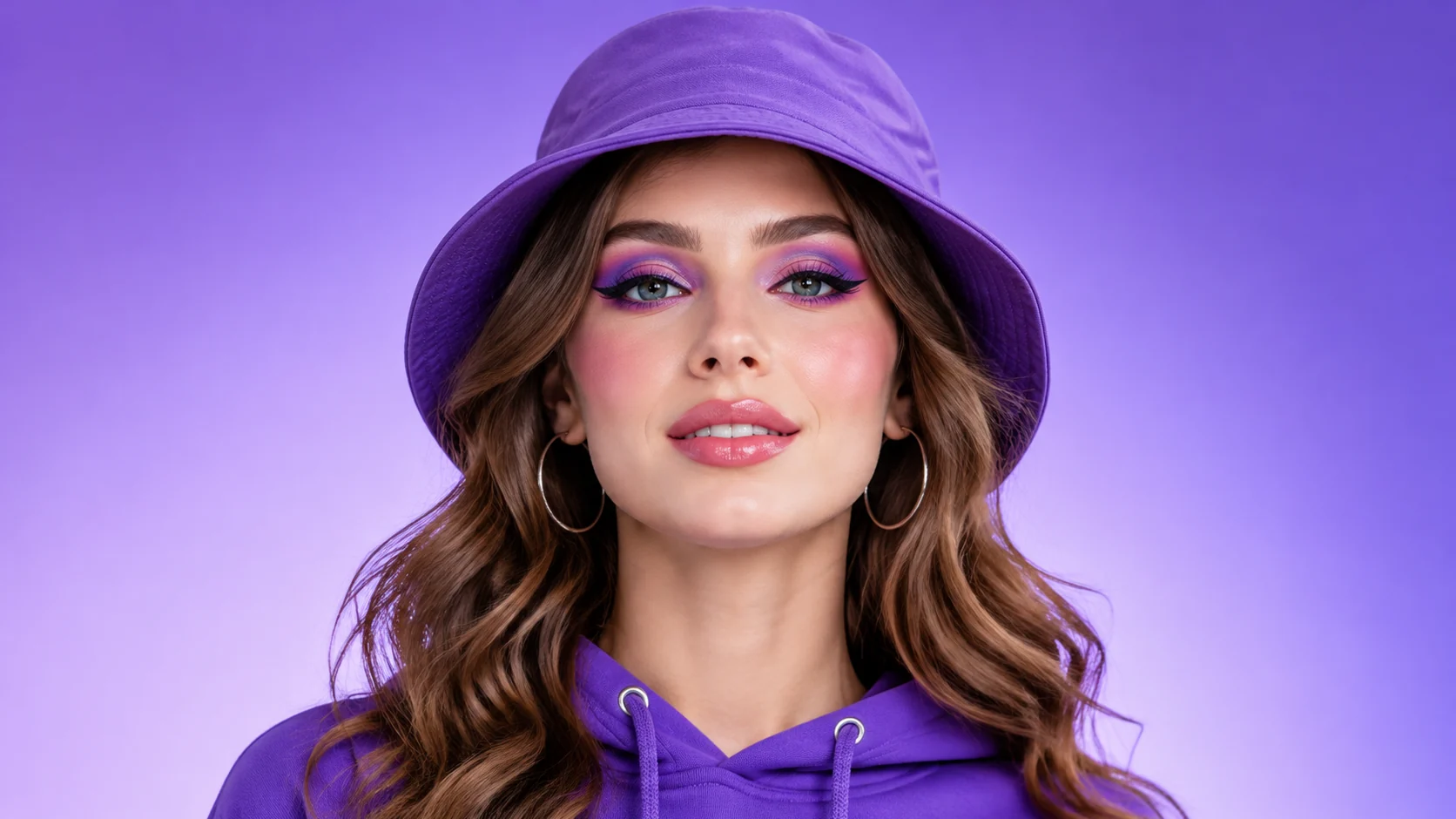
Fictional adult in window light with film grain, neutral wall, no smile, 3:4
Try This Style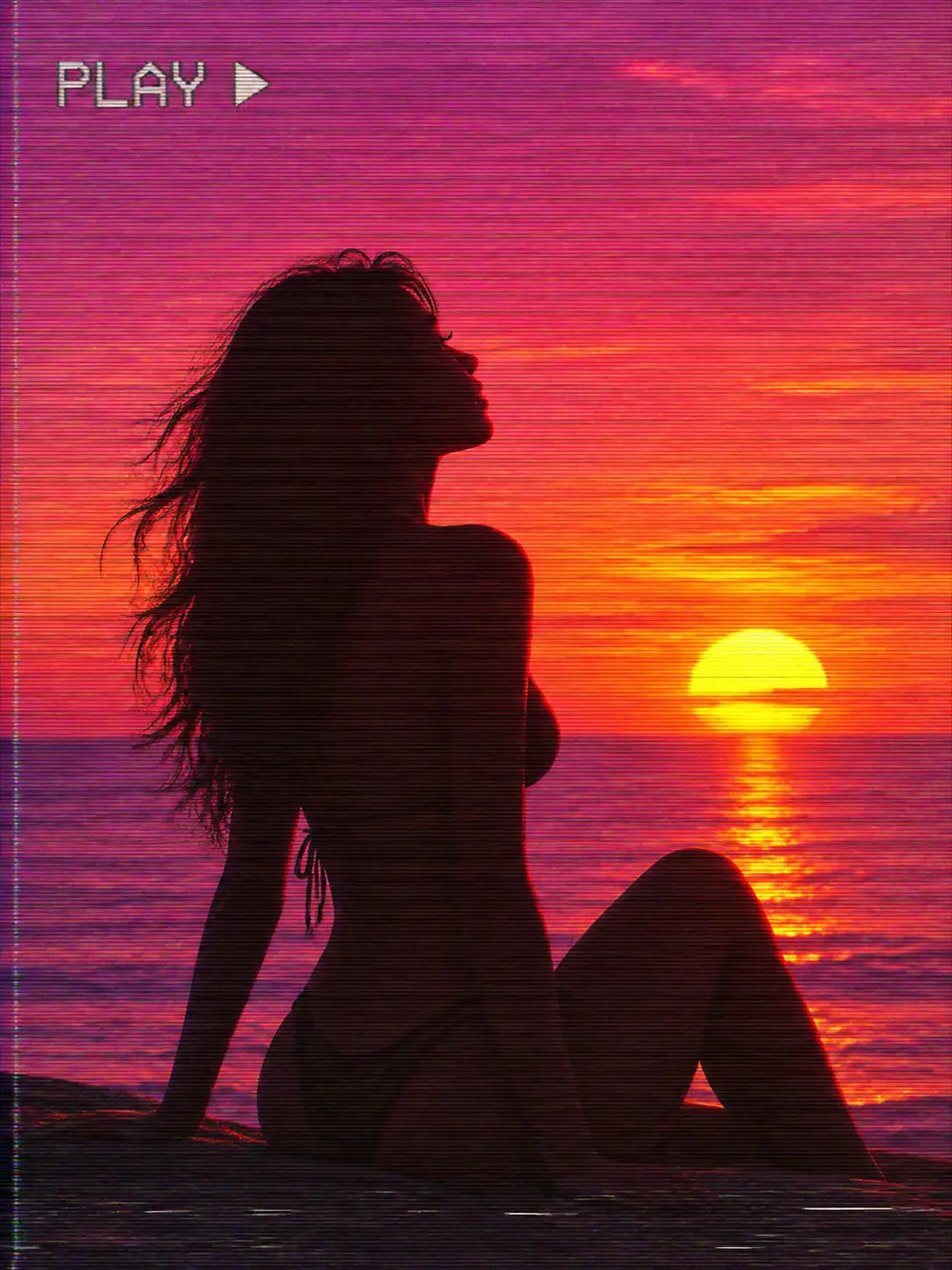 Character
Silhouette against a VHS sunset, scan lines, magenta and orange sky, 3:4
Try This Style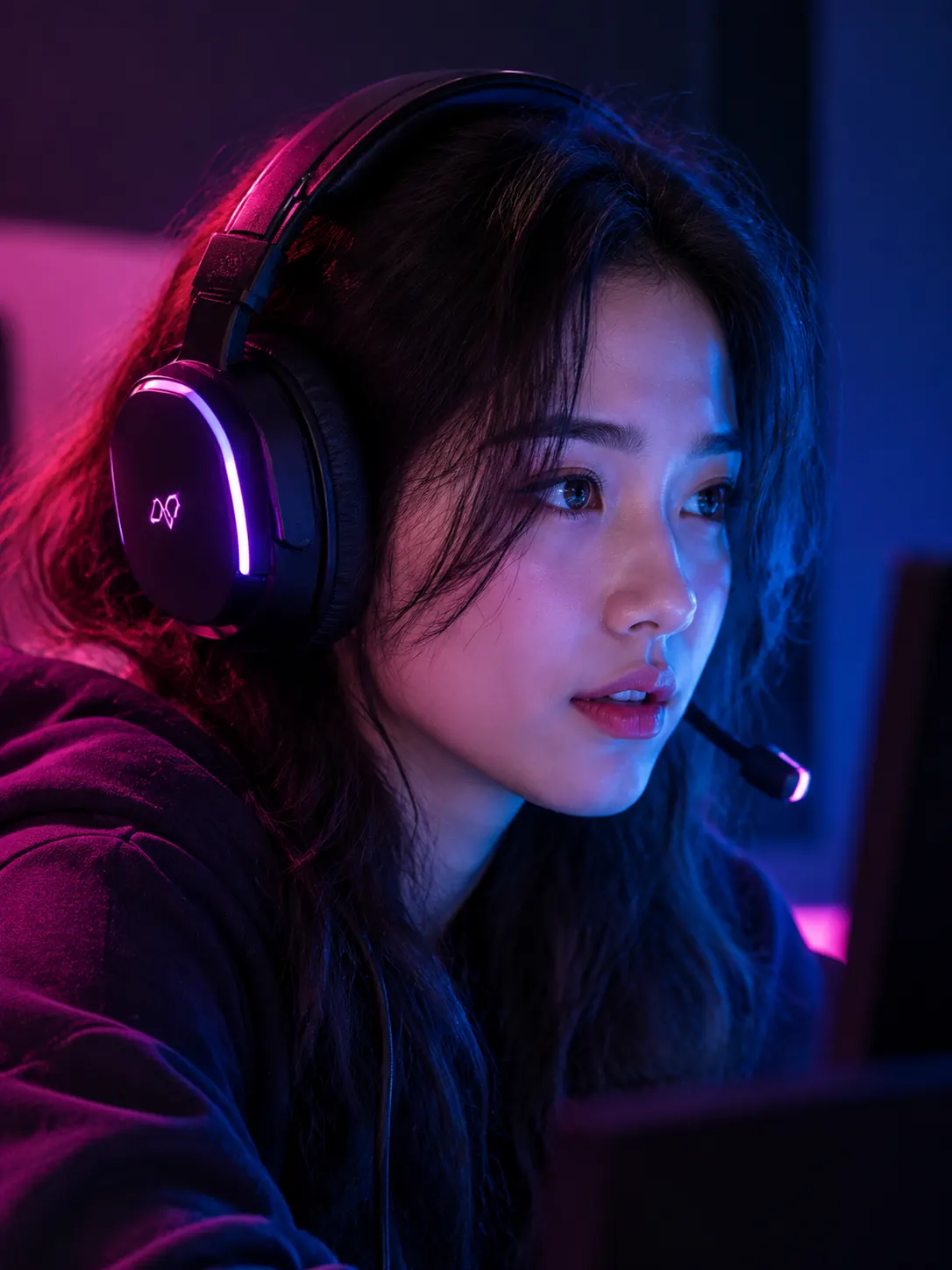 Character
Head with gaming headset under pink and blue neon, dark room, 3:4
Try This Style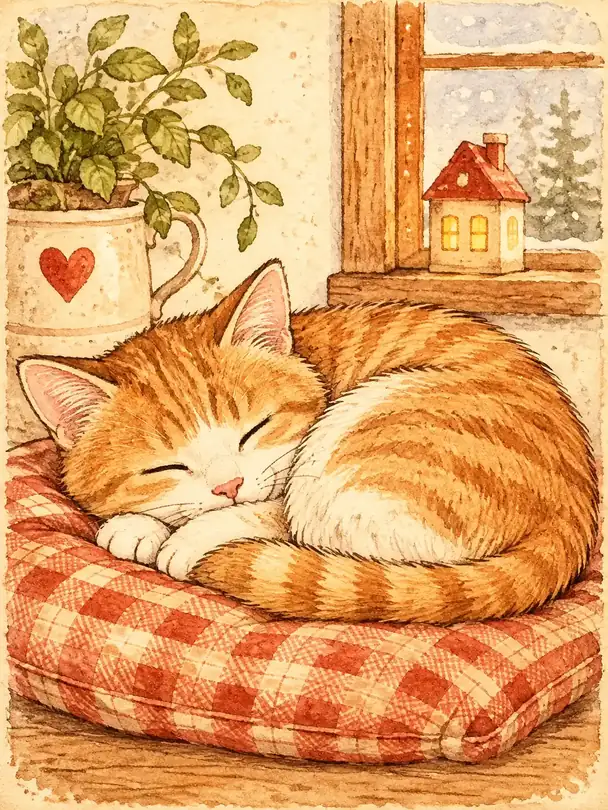 Character
Illustrated cat curled on a cushion, warm cream palette, soft outline, 3:4
Try This Style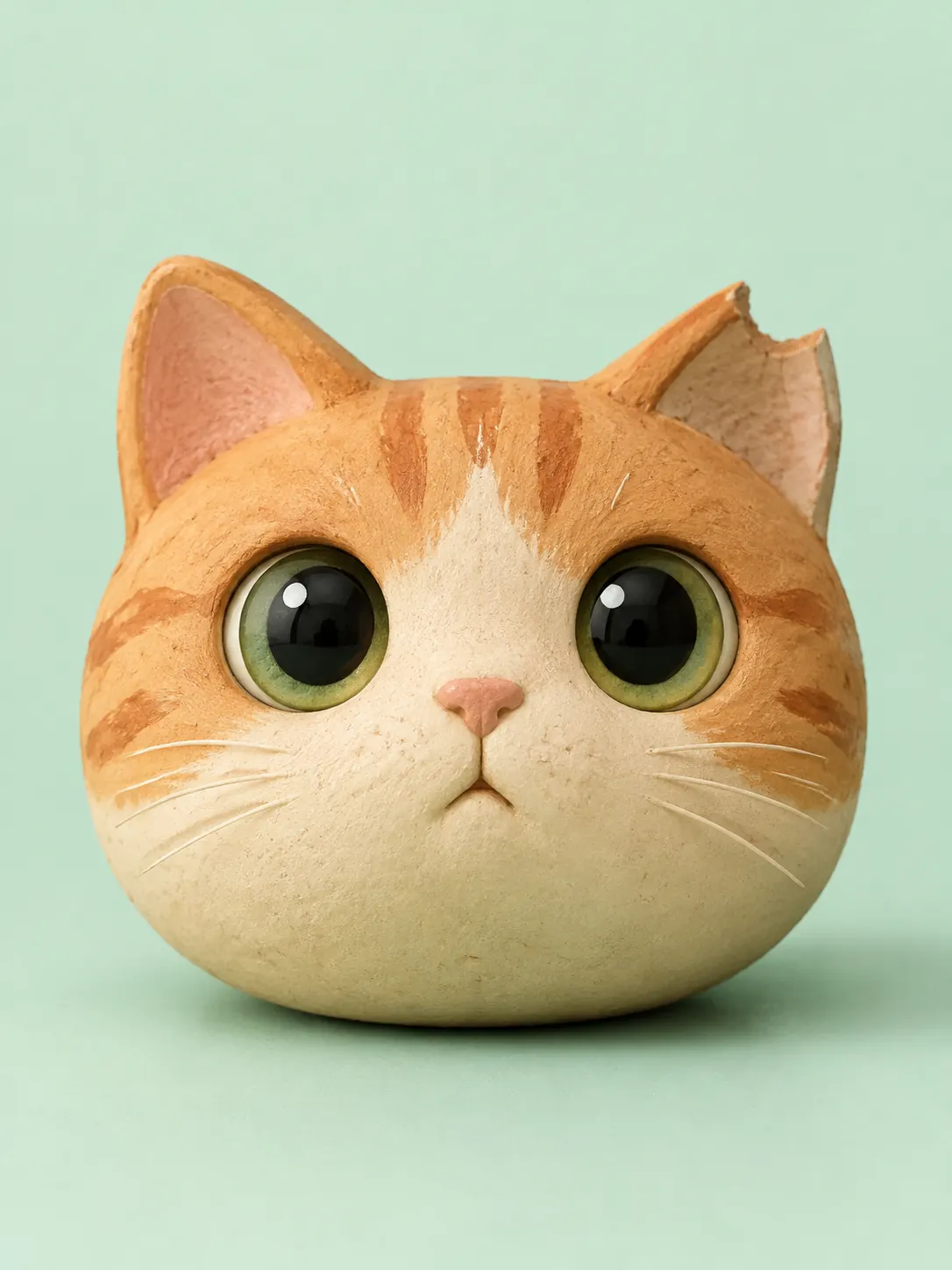 Scene
Clay-render cat head with round eyes, pastel backdrop, soft studio light, 3:4
Try This Style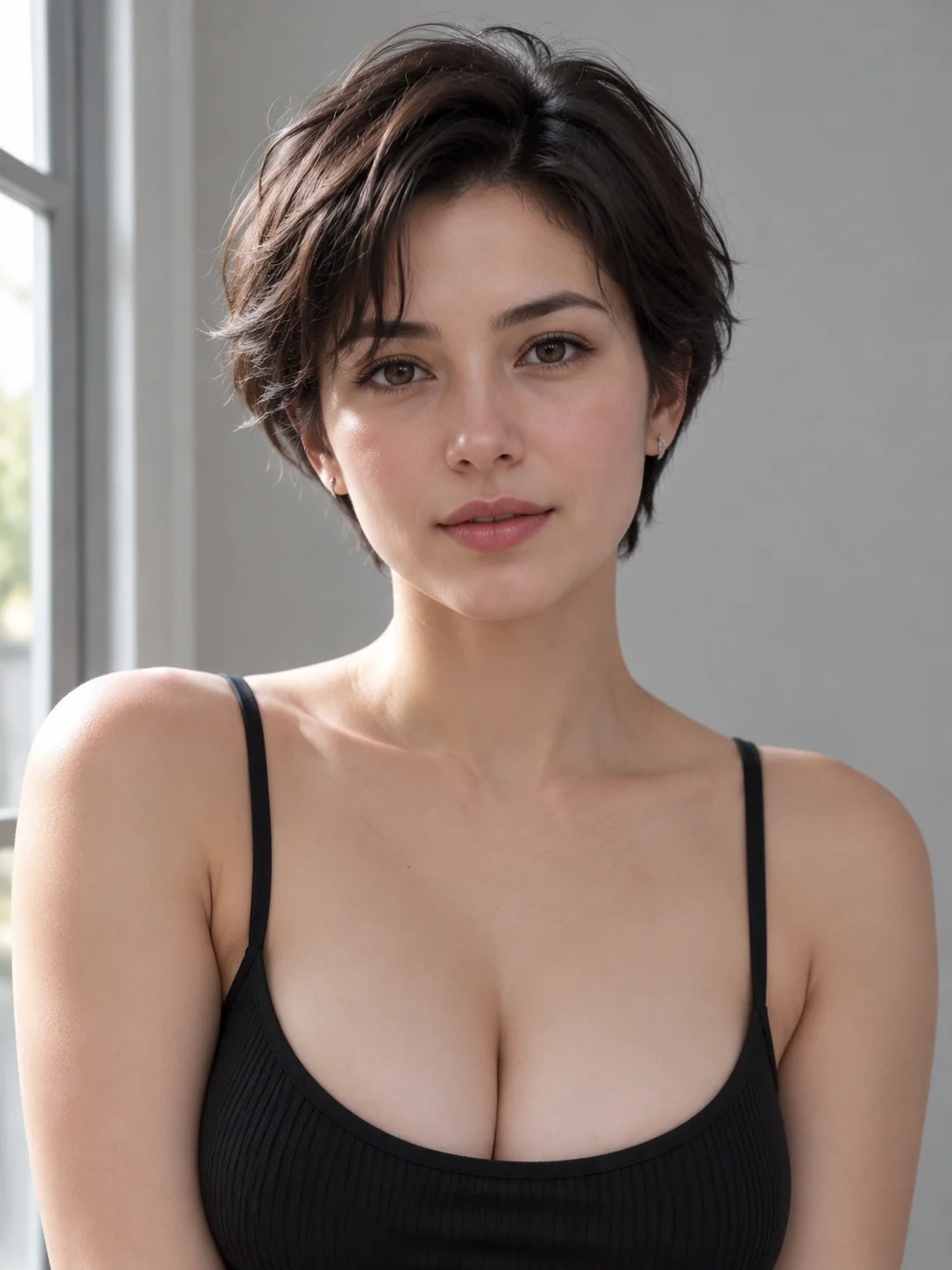 Scene
Fictional adult by a window at noon, plain wall, direct gaze, 3:4
Try This Style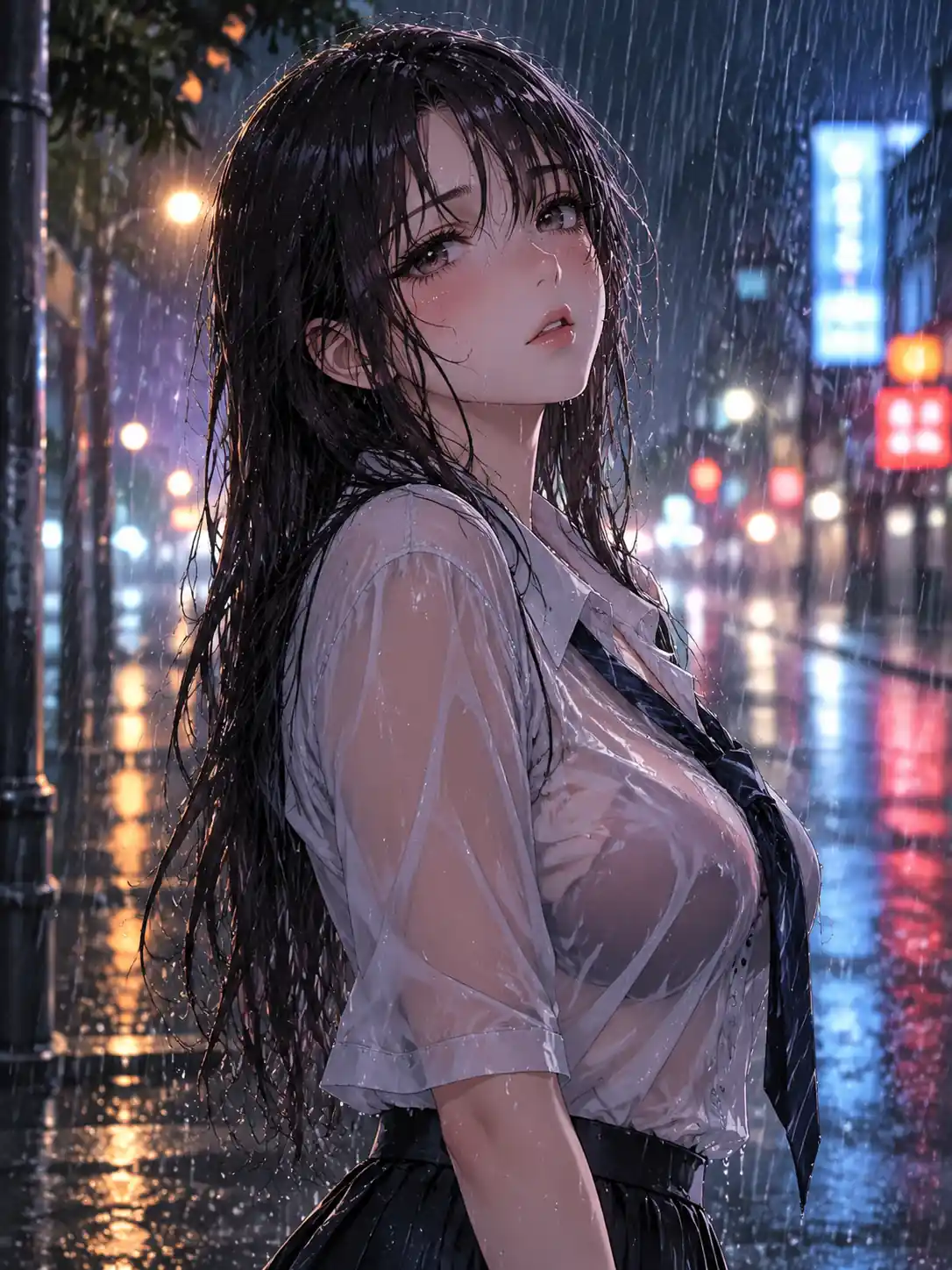 Detail
Anime character under rain on a neon street, bokeh lights behind, 3:4
Try This Style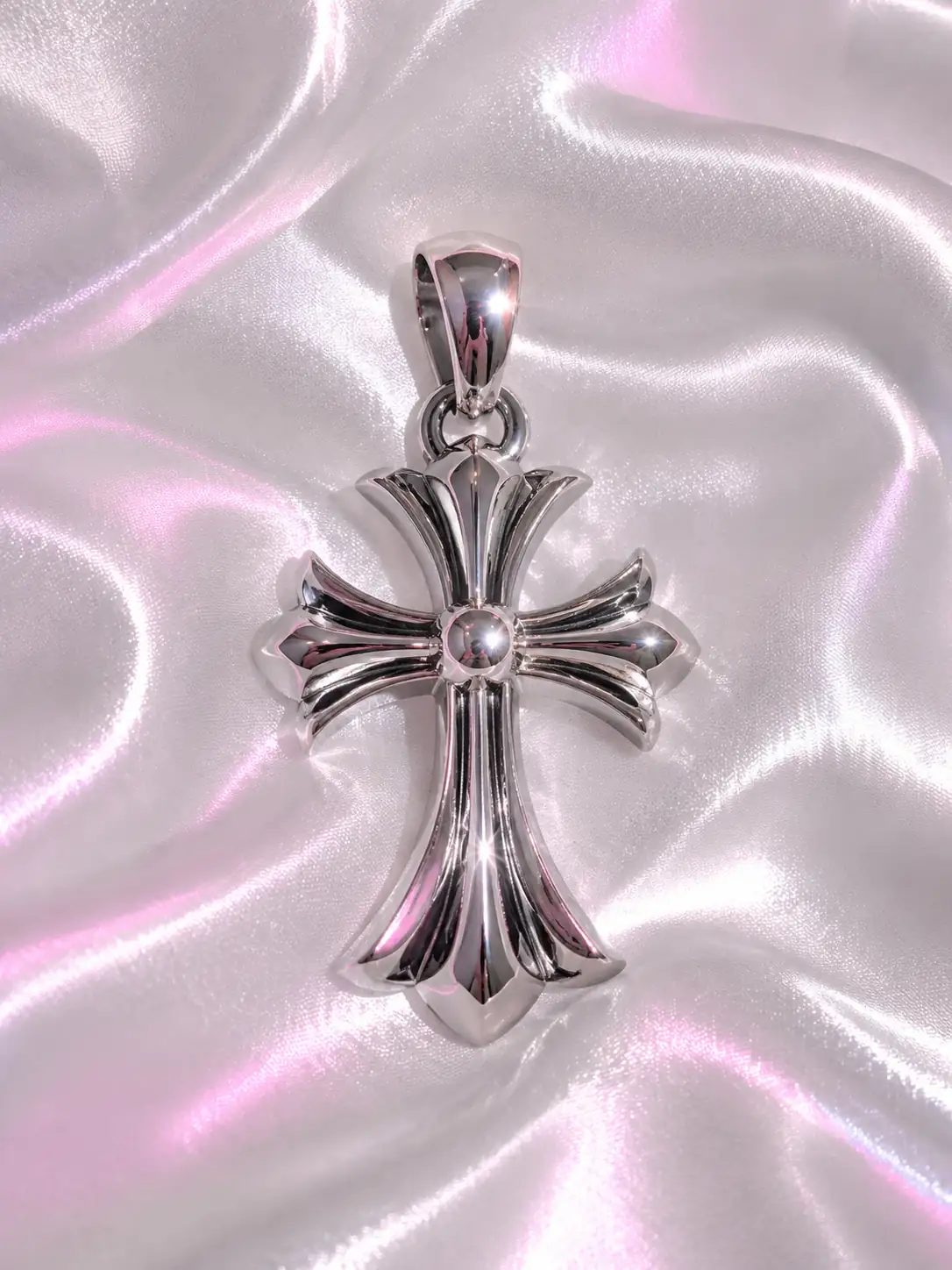 Detail
Chrome heart pendant on a dark backdrop, single highlight, glossy, 3:4
Try This StyleThe platform crops to a circle. Keep the eyes near the centre line and leave space above the hair, or the forehead gets sliced on mobile.
Anime, 3D, photographic and aesthetic each carry a different audience. Pick one and stay inside it, because a mixed set looks like four people rather than one brand.
Contrast between the face and the background does more for legibility than detail does. A dark head on a pale wall survives the shrink; grey on grey does not.
Build the frame at 1:1 rather than cropping a wide portrait. A face composed for a circle sits differently from a face composed for a rectangle.
Every portrait here is generated from words. Keeping it fictional also keeps you clear of using a real person's photograph as a template for an avatar.
Keep the description and change only the palette or the crop to build a matching set for an account, a Discord server or a small team.
I stream three nights a week and wanted an avatar that still read in a comment section. The gamer neon version was too busy at full size, so I dropped to two colours and it became the one people recognise in chat.
I make stickers and needed a mascot head for a shop profile. The clay and 3D groups gave me a shape I could actually use, and the trick was asking for a plain background so the circle crop did not cut a shelf in half.
I tried the photographic group for a work account and it looked like a stock headshot, which is exactly what I did not want. Switching to film grain and describing window light instead of a studio flash fixed it on the second run.
Yes, if the frame is built for it. Ask for a centred head and shoulders with space above the hairline, then export at 1:1. Check the file at thumbnail width before you upload, since that is the size most people see.
Busy backgrounds and thin details disappear when the image shrinks. Cut the palette to two colours, keep the eyes near the middle and rerender rather than cropping a wide frame down to a circle.
No. Every portrait here is generated from a description, so no photo of you is needed. If you want a likeness, describe the features you want rather than uploading a picture of a real person.
The workspace includes a free first run. Repeat renders, higher resolution and the premium models sit behind a paid plan, and each model is labelled with its free count before you start.
Yes for your own profile, as long as the model licence covers commercial use. Keep it fictional: do not describe a real person or a celebrity, and check the platform rules on AI generated profile images.