

Make Expressions Readable
A warm smile, curious eyebrow or surprised look can suggest a character’s response without animation. Keep the face and gesture clear so the still image communicates at a glance.
Prompt Guide
Model
Reference Image
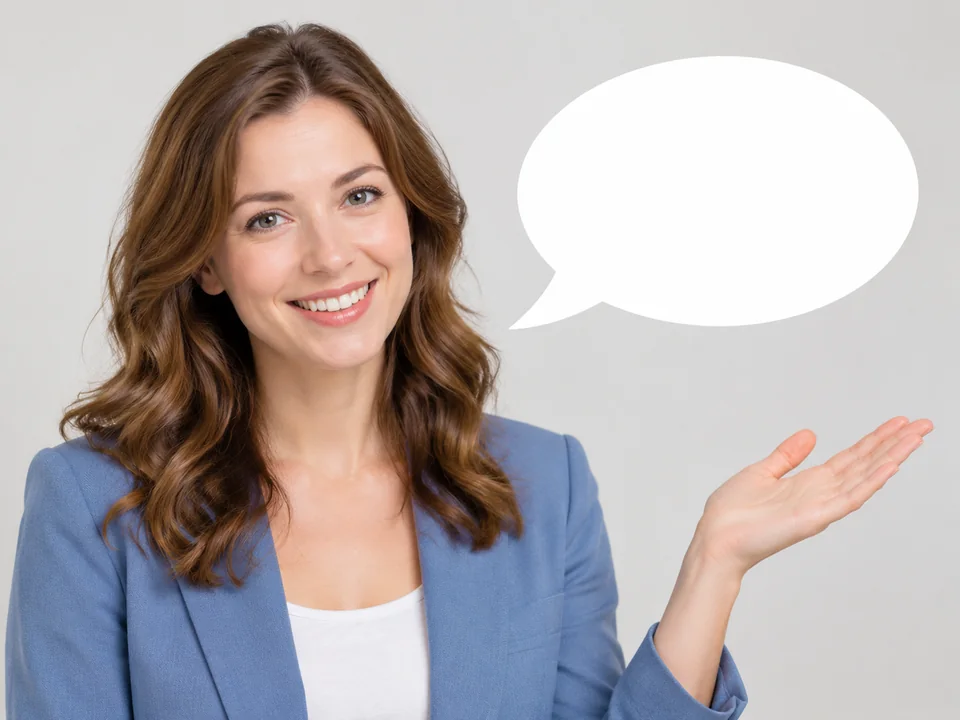
Give a still character a clear expression through pose and composition. Create welcoming portraits, comic conversations or classroom illustrations, with clean space for the words you add later.
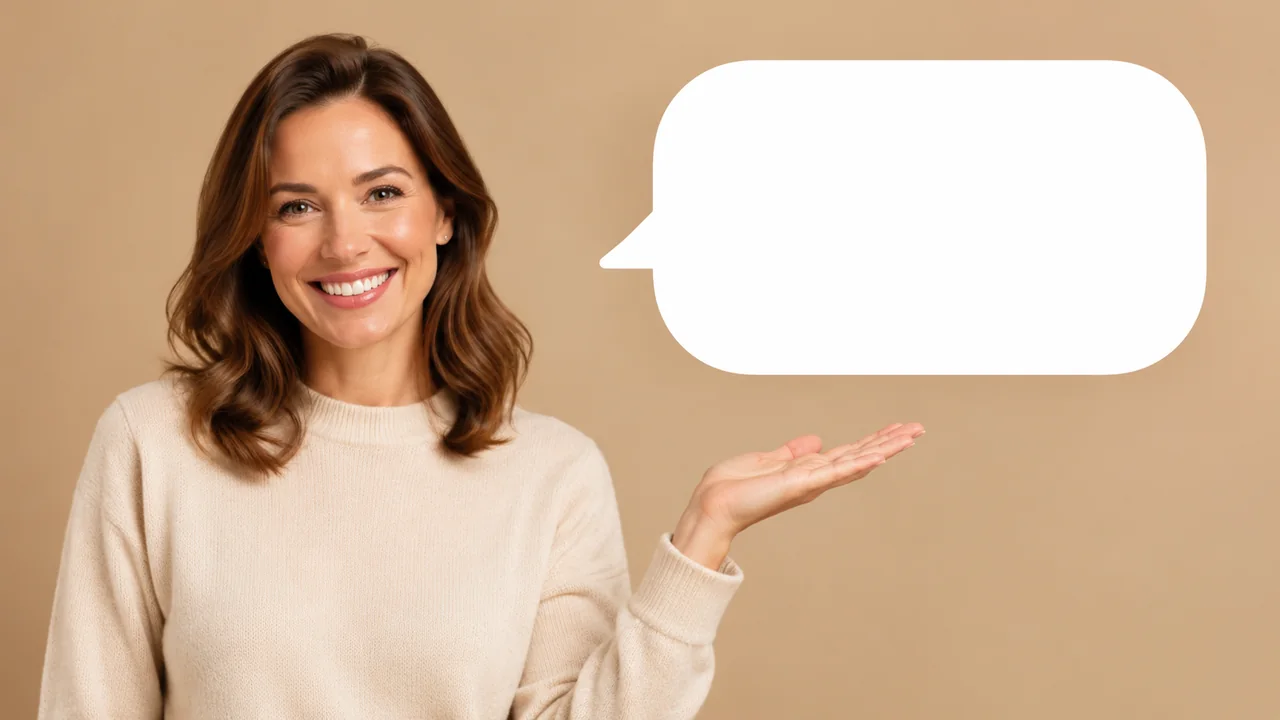
Choose an expression, leave space for dialogue and review the still image.
Choose a realistic adult portrait, comic panel, classroom illustration or original character. Decide what the expression should communicate and where an empty speech bubble should sit.
Give the AI Talking Image Generator one clear facial expression, a simple gesture and a clean composition. Request an empty bubble if you plan to add an exact message later.
Inspect faces, hands and bubble edges, then add accurate speech text in a design editor. This tool creates still images; use a separate animation workflow if you need an actual talking video.
Independent still-image directions across portrait, comic, learning and character styles. These are static illustrations, not samples of speech, facial animation or lip synchronization.
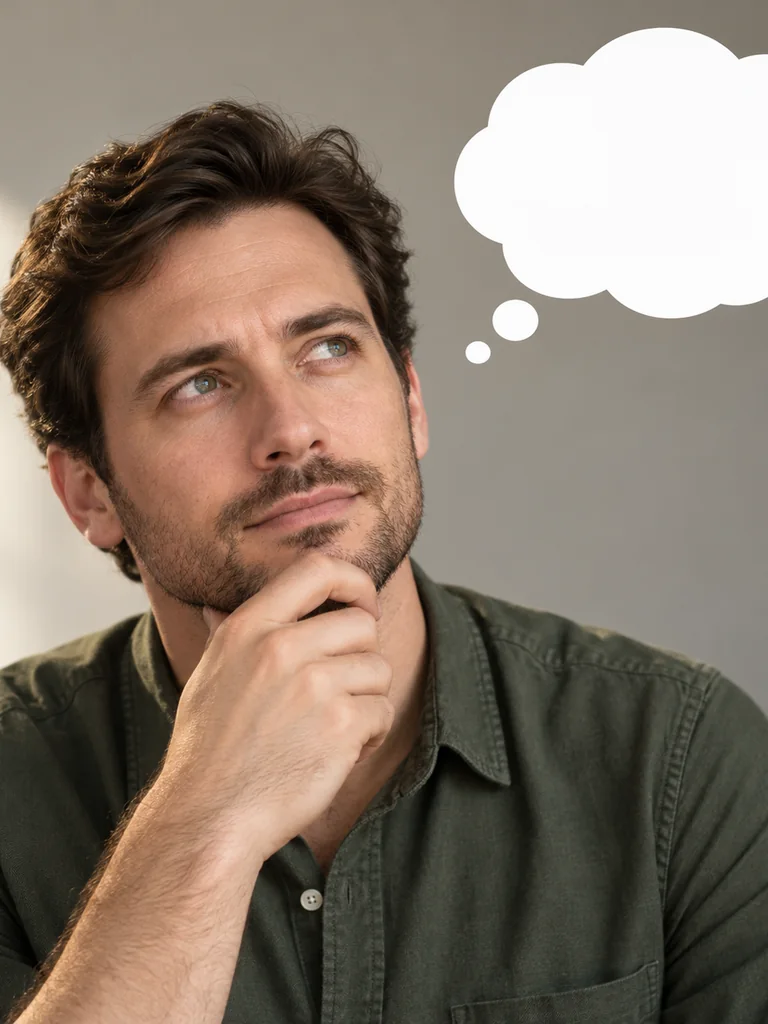 Portrait Expressions
Create an adult interview portrait with a thoughtful expression and one empty thought bubble. Soft side light, simple background, natural facial proportions.
Try This Direction Portrait Expressions
Create an adult shopkeeper portrait with a warm welcoming smile and an empty speech bubble. Bright tidy shop, relaxed gesture, editorial illustration.
Try This Direction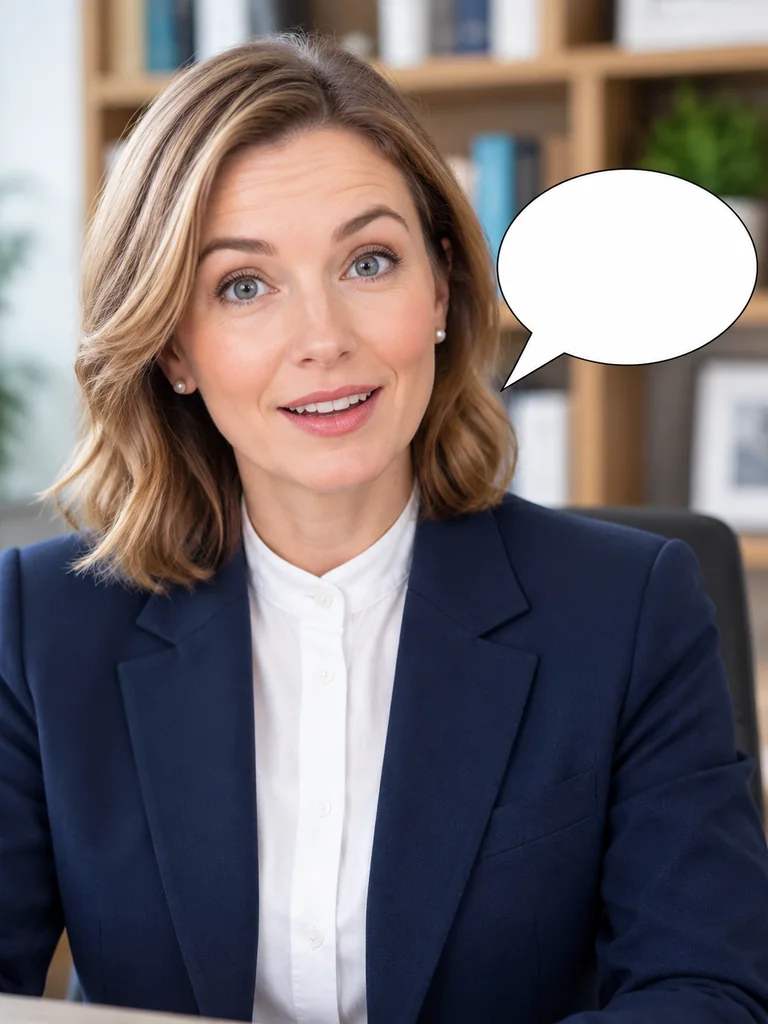 Portrait Expressions
Create an adult creator in a buttoned high-neck blouse and navy blazer, smiling with pleasant surprise at an office desk. Head-and-shoulders framing, empty speech bubble, soft daylight.
Try This Direction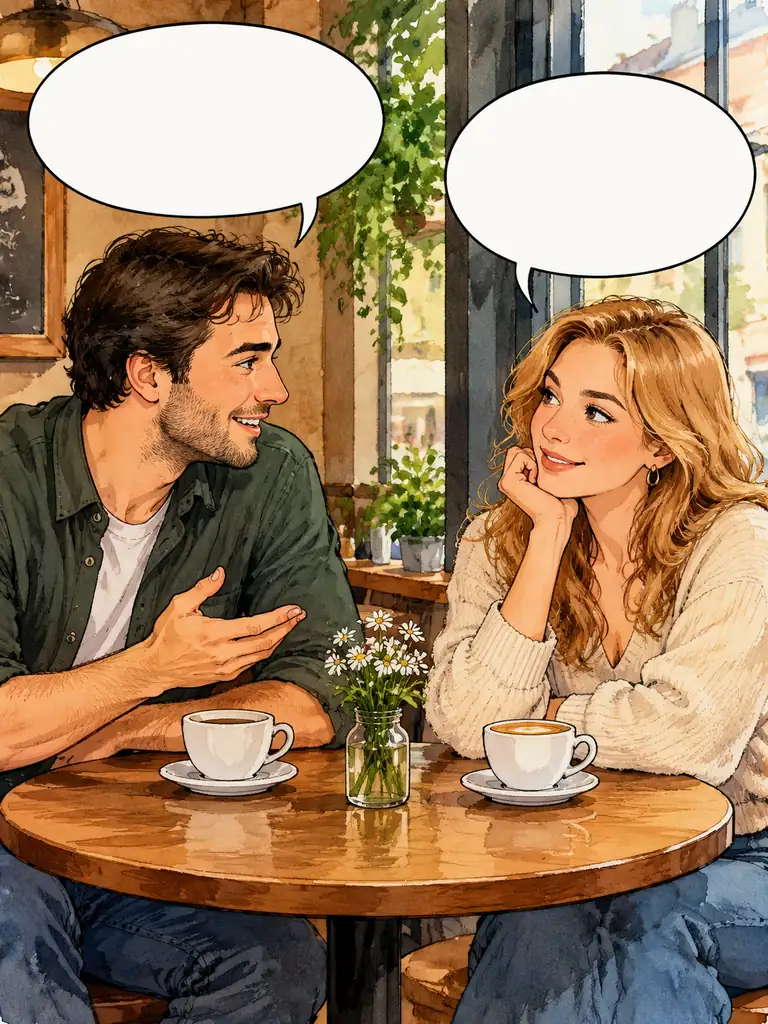 Comic Dialogues
Draw two original adult comic characters at a café table with two empty speech bubbles. Warm ink-and-watercolor style, distinct expressions, one clear scene.
Try This Direction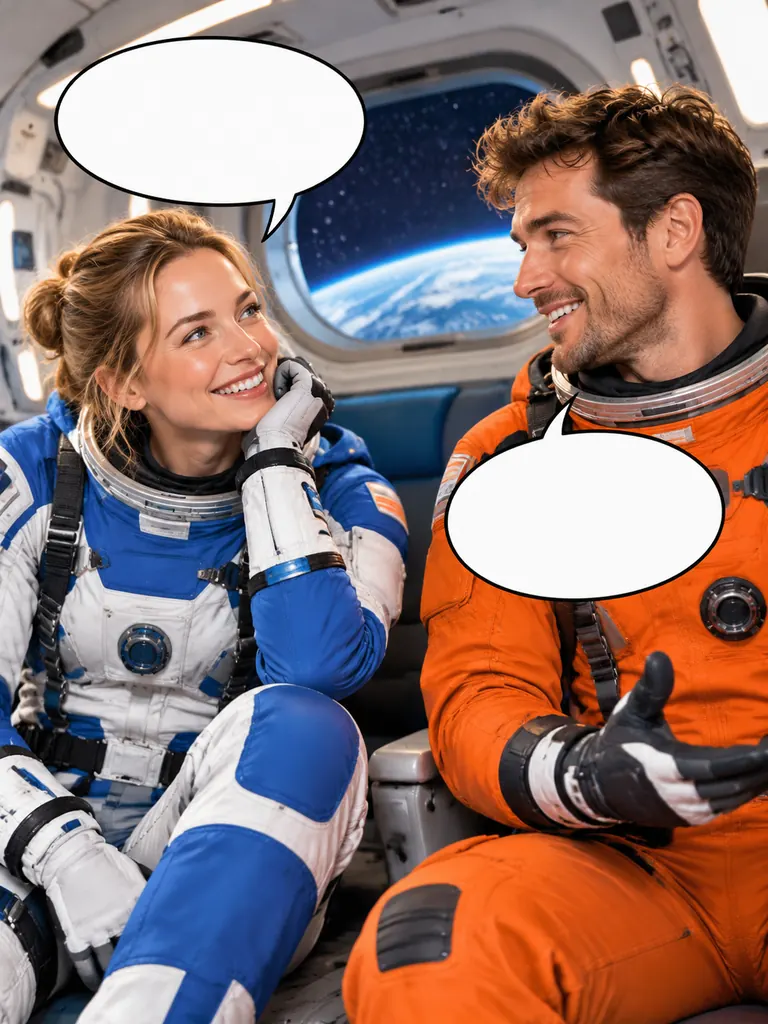 Comic Dialogues
Draw two original adult space explorers in a friendly comic panel with empty speech bubbles. Colorful original spacesuits, rounded spacecraft interior, no logos or text.
Try This Direction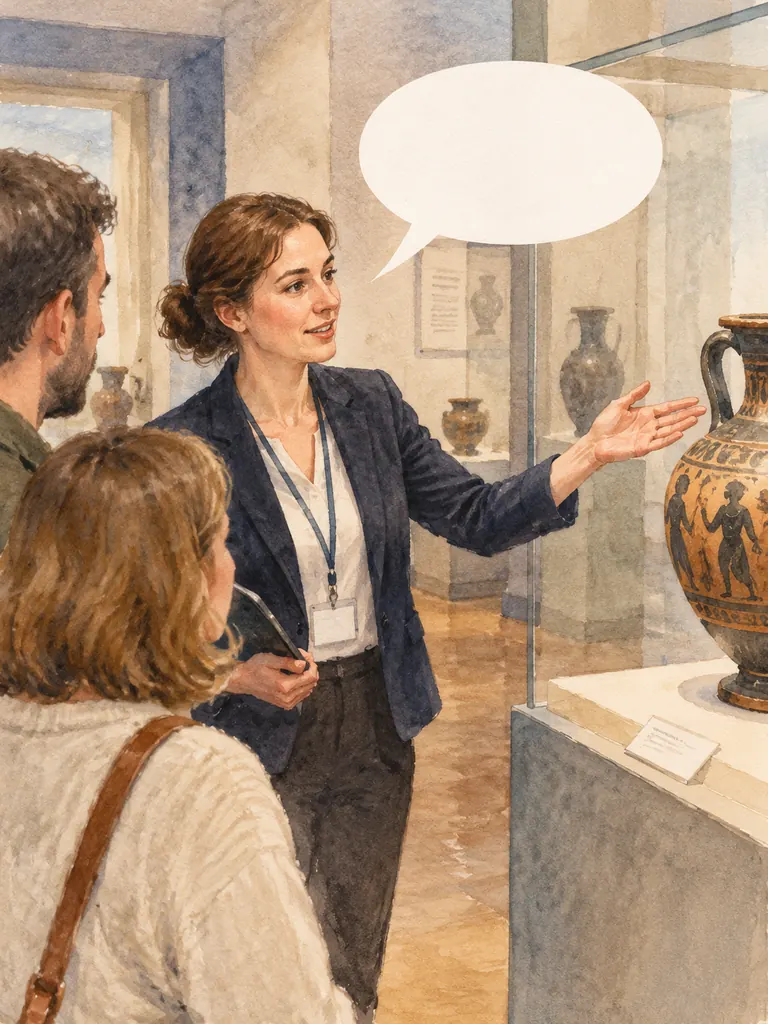 Learning Illustrations
Create an adult watercolor museum guide pointing toward an original pottery display, with one empty speech bubble. Calm educational composition, soft paper texture.
Try This Direction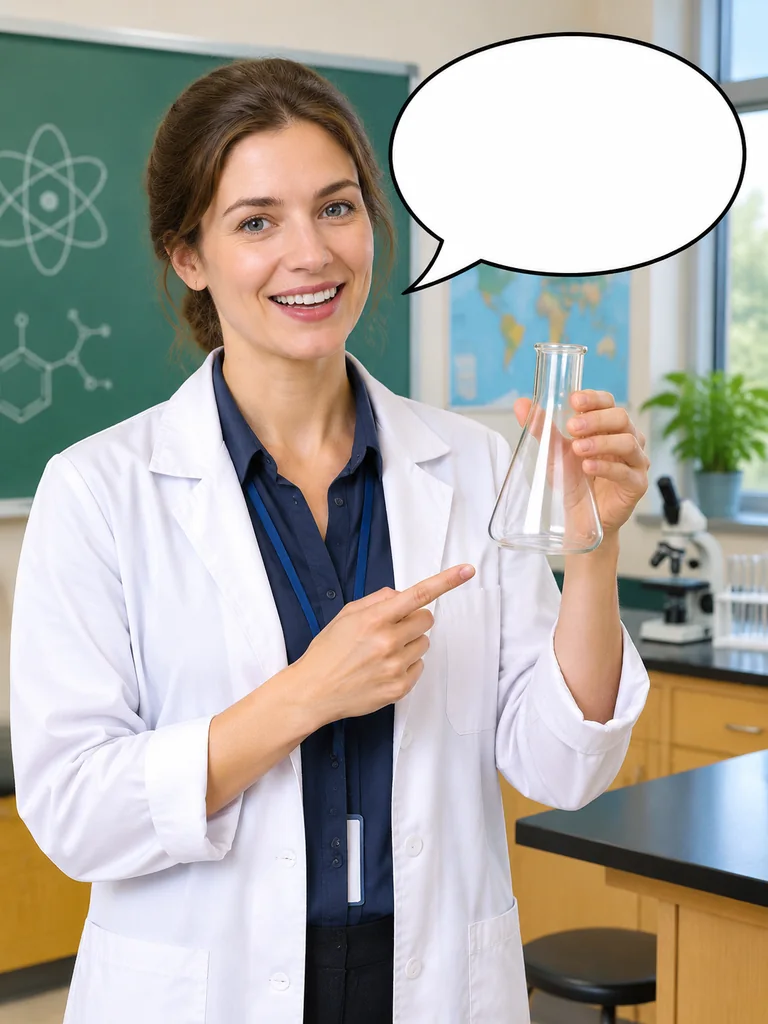 Learning Illustrations
Draw an adult science teacher holding a plain flask beside a clean empty speech bubble. Bright classroom illustration, accurate hands, simple clear composition.
Try This Direction Character Reactions
Create an original adult paper-cut explorer smiling beside an empty speech bubble. Layered paper texture, plain hat, warm background, clean portrait composition.
Try This Direction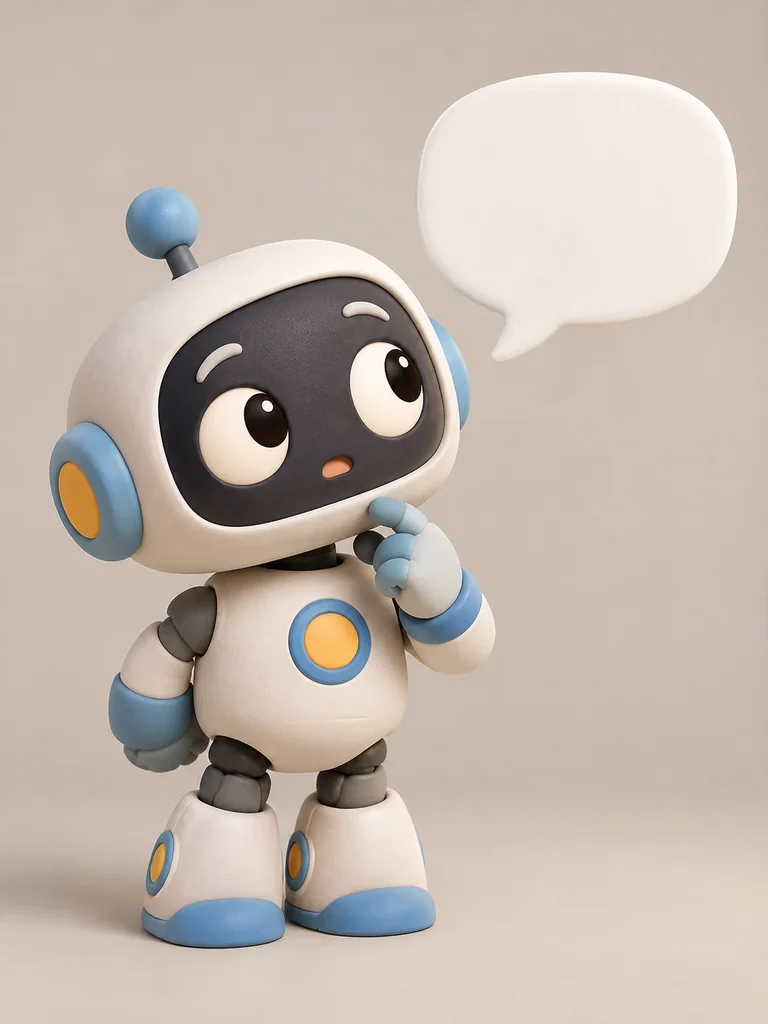 Character Reactions
Create an original rounded toy robot looking curious beside a clean empty speech bubble. Matte clay finish, soft studio light, no screen lettering.
Try This Direction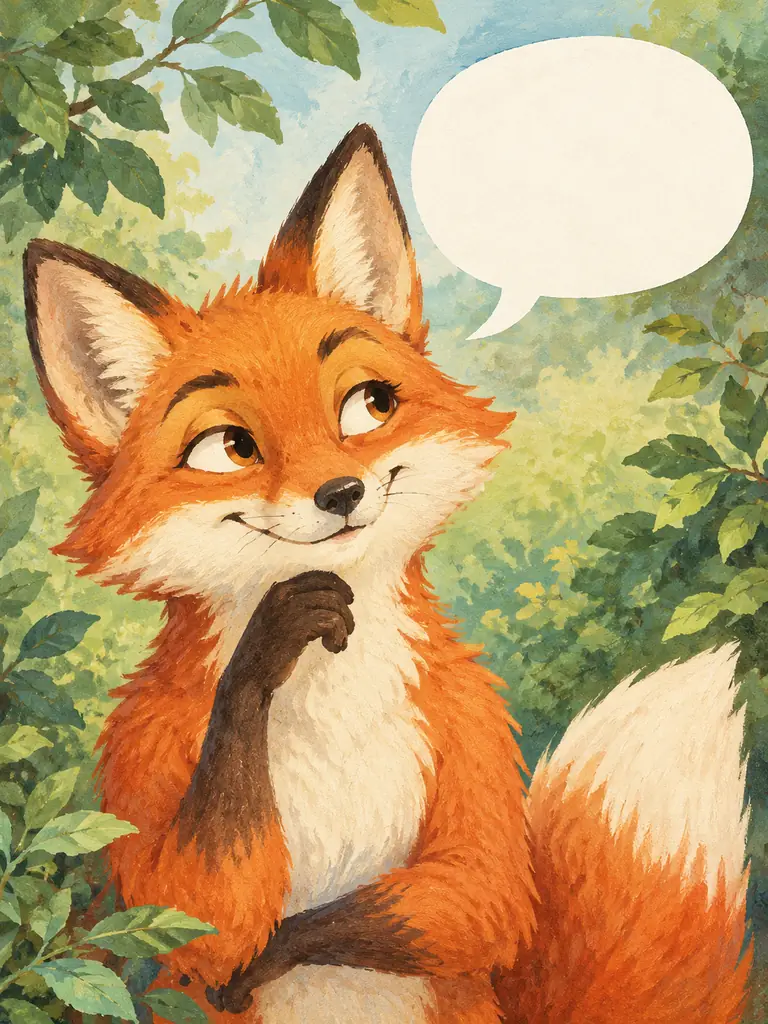 Character Reactions
Create an original storybook fox character with an amused expression and an empty speech bubble. Gentle gouache texture, leafy background, clean card composition.
Try This DirectionUse clear creative direction and a careful review to build a scene that fits your project.
A warm smile, curious eyebrow or surprised look can suggest a character’s response without animation. Keep the face and gesture clear so the still image communicates at a glance.
Use the AI Talking Image Generator to create an empty speech bubble or clean message area. Add your own words in an editor where spelling, font size and line breaks remain under your control.
Explore editorial portraits, inked dialogue panels, watercolor guides and handmade character cards. Match the visual style to the story rather than repeating one face across every use case.
Describe your own adult presenter, teacher or illustrated creature. Avoid implying that a real person made a statement or appeared in content they did not approve.
The AI Talking Image Generator makes static art. It does not generate audio, match a voice recording or animate mouth movements; a talking-video project needs a separate production step.
Check anatomy, expression, background and the blank message area before using the image. Generated illustration can still contain errors, so keep the version that fits your intended message.
Compare current workspace access and prompt focus. These are practical review notes, not controlled quality scores.
| Criteria | Nano Banana 2 | GPT Image 2 | FLUX.2 Pro |
|---|---|---|---|
| Workspace access | One trial when eligible. | Visible here; locked in this workspace. | Visible here; locked in this workspace. |
| Prompt focus | One clear expression and a simple message area. | Specify portrait or illustration style and bubble placement. | Describe character shape, texture and a clean layout. |
| Review the still image | Check anatomy, expression and empty bubble edges. | Check facial detail, composition and unwanted lettering. | Check hands, character consistency and blank message space. |
Illustrative project briefs, not verified customer reviews or endorsements.
Create an adult presenter portrait with a welcoming gesture and a blank message area. Add your own short greeting in an editor before sharing.
Use the AI Talking Image Generator for two original characters with distinct expressions. Add exact dialogue afterward so the conversation is legible and accurate.
Build a friendly adult teacher illustration for a question card. Keep the still image separate from any voiceover or animated lesson you later produce.
General Arena preference results for a broad model reference. These are not subject-specific tests or a guarantee for GlobalGPT outputs.
| Rank | Model | Arena Rating | Votes | Rank Range | Price / Image |
|---|---|---|---|---|---|
| #1 | gpt-image-2 (medium) OpenAI / Proprietary | 1381.71 | 75014 | #1-#1 | 0 |
| #2 | mai-image-2.6-preview Microsoft AI / Proprietary | 1330.7 | 6418 | #2-#3 | - |
| #3 | grok-imagine-image-2.0 (low) SpaceXAI / Proprietary | 1315.6 | 2675 | #2-#4 | - |
| #4 | reve-2.1 Reve / Proprietary | 1301.61 | 7580 | #3-#4 | - |
Source: Arena Leaderboard
No. This page creates static portraits, dialogue illustrations and character-expression images. It does not animate faces, generate speech or provide exact audio-driven lip synchronization.
Use a clean empty bubble as the layout and add your message in a design editor. This gives you direct control over spelling, font size, line breaks and the final meaning.
Try adult presenter portraits, comic conversations, classroom illustrations and original character reactions. Describe the expression and setting clearly, then review the generated anatomy and composition.
Use references only with appropriate permission and review any changes to identity. Do not use an illustration to suggest a real person said something, recorded a message or endorsed a claim they did not approve.
Start with one expression and a clear layout. Generate the still image, inspect the face and message area, then add text in an editor. Choose another workflow when your project requires motion or voice.