

Give the Character Clear Constraints
Name the silhouette, outfit, equipment and palette in one brief. Compare those details across poses to catch design drift before investing in cleanup.
Explore character pose-sheet concepts for a game or animation. Specify the silhouette, palette and action set, compare the frames, then prepare the final grid and transparency in your sprite editor.
Create a Sprite Concept







Prompt Guide
Model
Reference Image
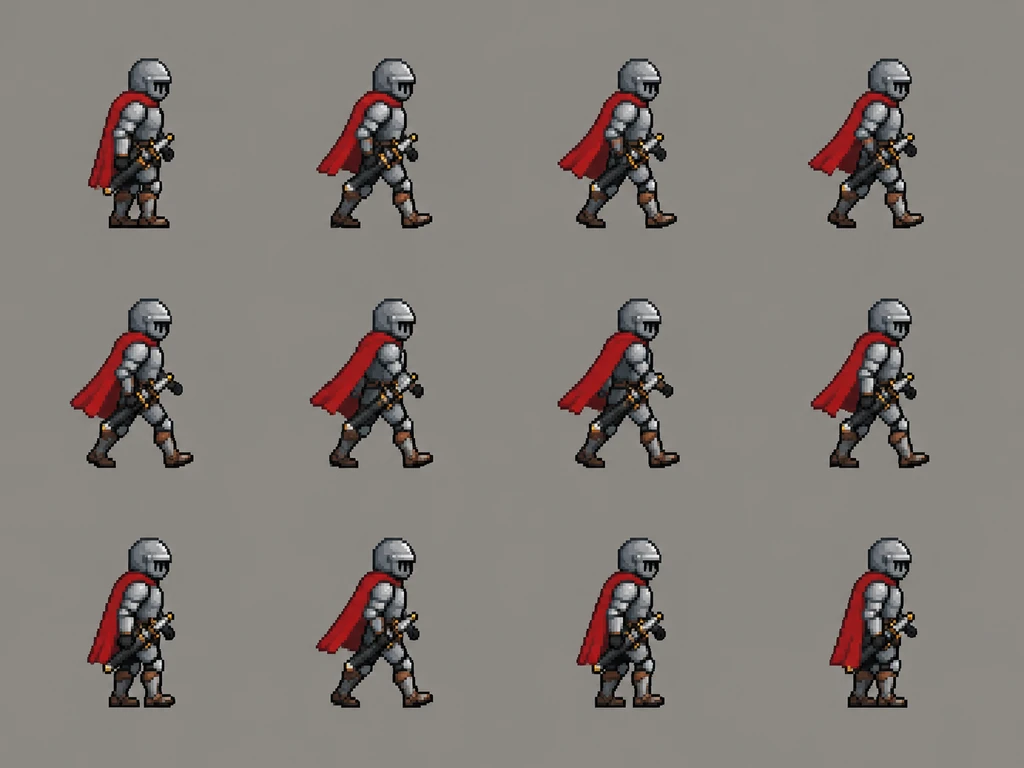
Choose one clear direction, generate a version and inspect the result.
Choose a silhouette, palette, outfit and facing direction. Add a permitted reference image if the selected image model supports one.
Specify the number and purpose of the poses, such as idle and walking studies. Ask for separated figures, a plain background and consistent character scale.
Compare proportions, equipment and palette. In your sprite editor, clean up the artwork, align the cells, create transparency and test the frame sequence.
Clear visual directions help you decide what to make next.
Name the silhouette, outfit, equipment and palette in one brief. Compare those details across poses to catch design drift before investing in cleanup.
Request a small idle, walk, run or action study rather than an unspecified wall of frames. Keep the facing direction and camera view consistent for a useful comparison.
Use the generated sheet as visual direction. Crop, align, edit pixels and set transparency in your preferred tool before testing the asset in a game engine.
Character and pose inspiration; final grid alignment, transparency and engine preparation need a sprite editor.
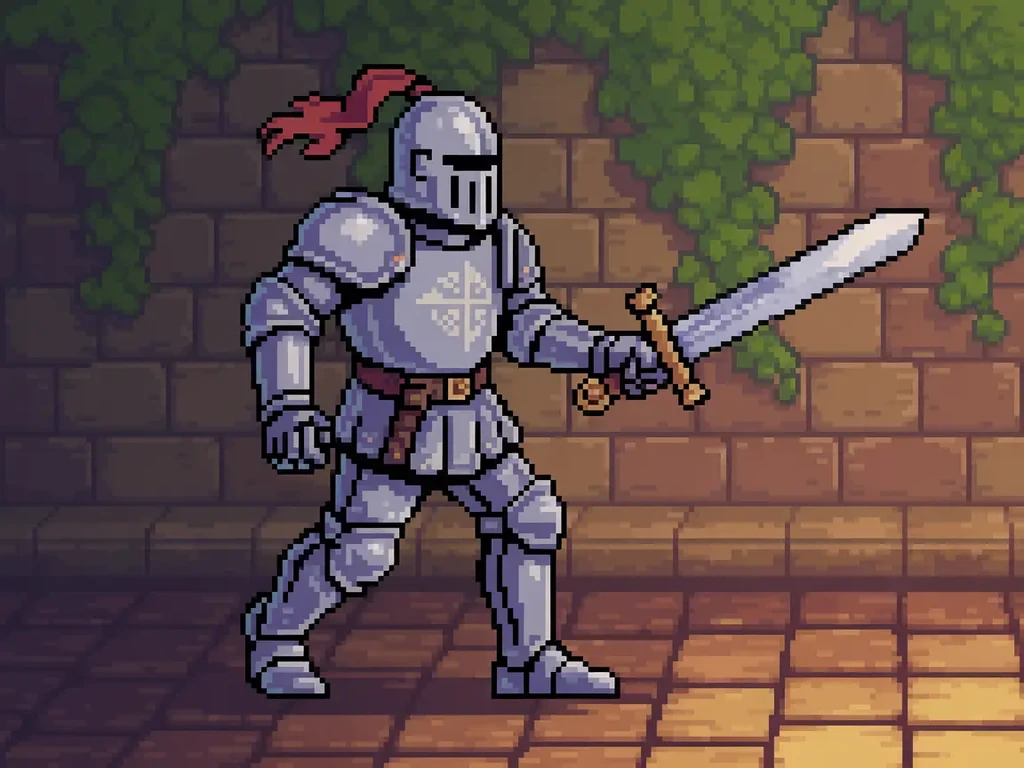 Fantasy characters
Create knight character reference as a coherent image concept. Preserve a clear subject and natural detail; inspect the result before use.
Try This Prompt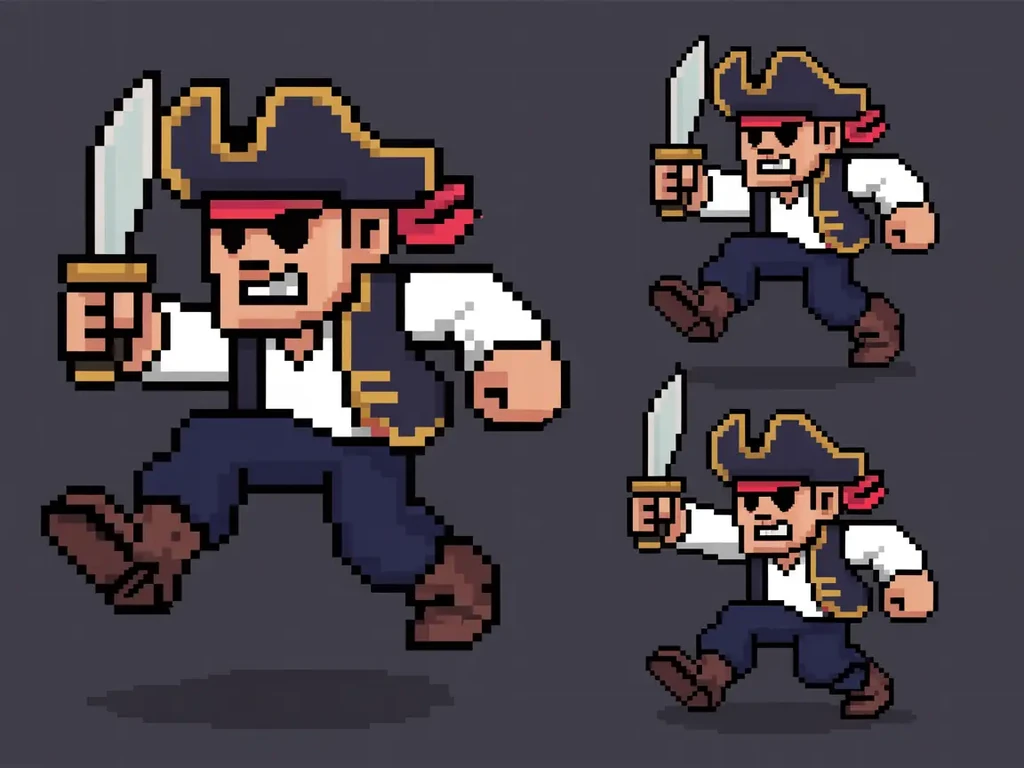 Pixel characters
Create pirate pose reference as a coherent image concept. Preserve a clear subject and natural detail; inspect the result before use.
Try This Prompt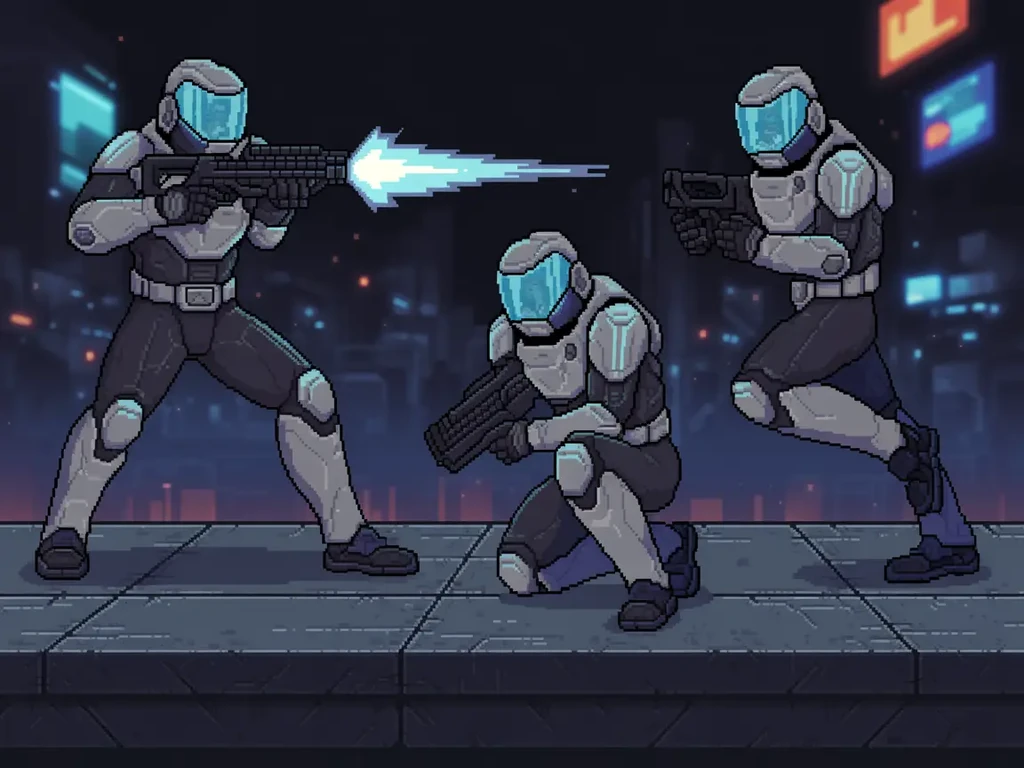 Sci-fi characters
Create sci-fi trooper reference as a coherent image concept. Preserve a clear subject and natural detail; inspect the result before use.
Try This Prompt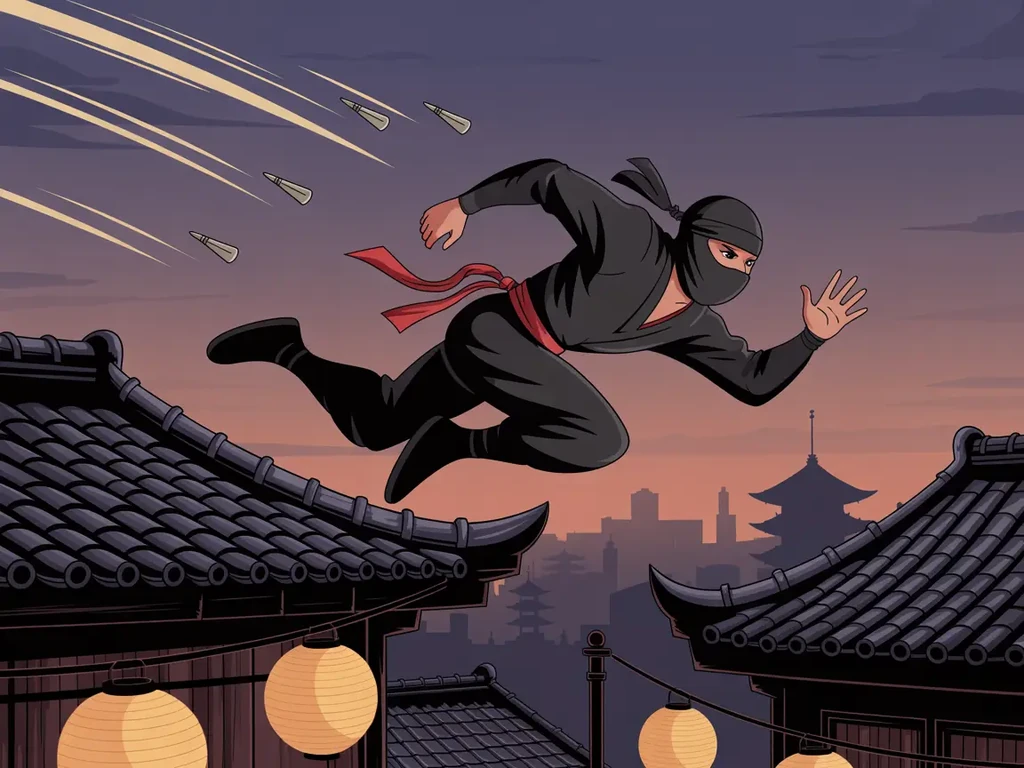 Action characters
Create ninja action reference as a coherent image concept. Preserve a clear subject and natural detail; inspect the result before use.
Try This Prompt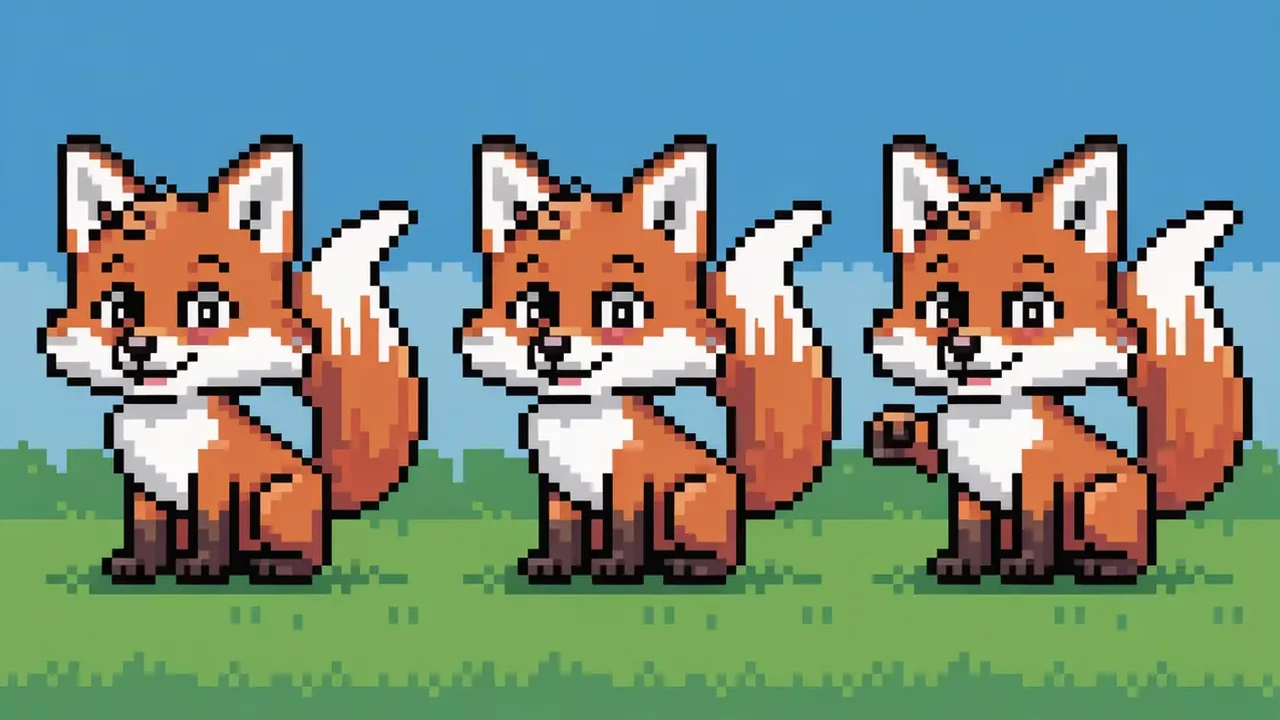 Animal characters
Create fox idle reference as a coherent image concept. Preserve a clear subject and natural detail; inspect the result before use.
Try This Prompt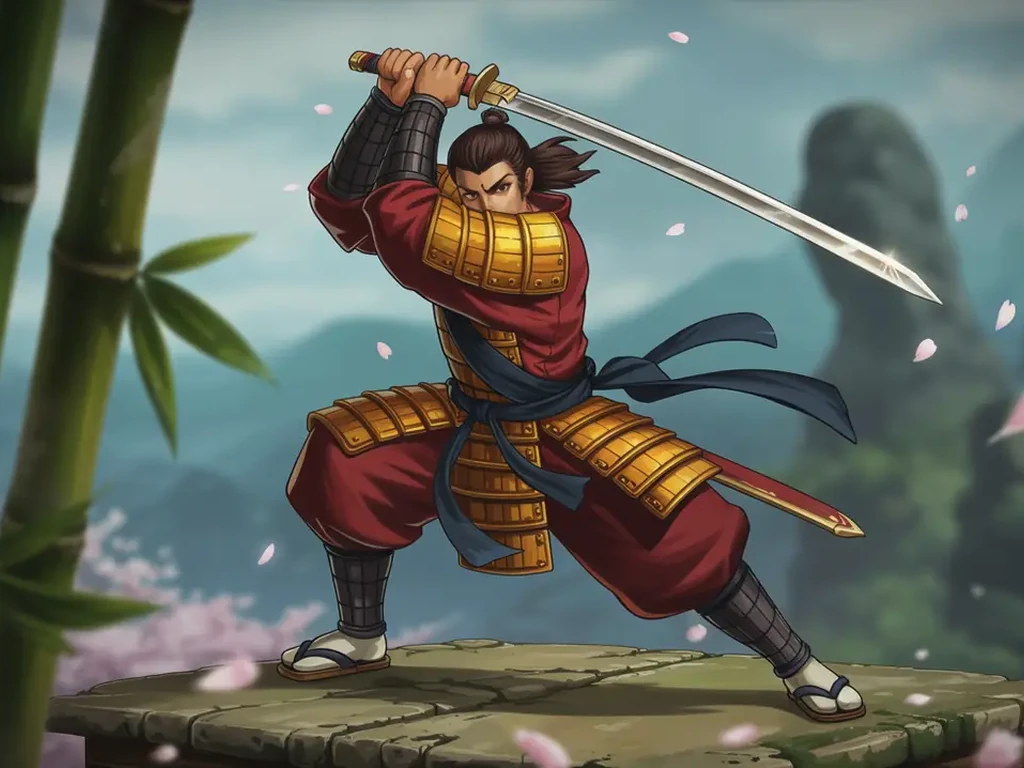 Fantasy characters
Create samurai pose reference as a coherent image concept. Preserve a clear subject and natural detail; inspect the result before use.
Try This PromptIllustrative scenarios with fictional names; these are not verified customer reviews.
Illustrative use scenario with a fictional name; not a real customer review. Alex compares idle and walking pose concepts for a prototype hero, then rebuilds the selected frames on a fixed grid.
Illustrative use scenario with a fictional name; not a real customer review. Sophie tests a limited character palette and checks whether the helmet, boots and weapon stay consistent across the sheet.
Illustrative use scenario with a fictional name; not a real customer review. Marcus uses a generated robot pose sheet as an art brief, then sets cell sizes and transparency before an engine import test.
It creates image concepts. Exact cell dimensions, frame counts, spacing and alignment are not guaranteed. Set up and validate the production grid in a sprite editor before importing it into an engine.
Transparent export is not a verified capability of this page. A generated plain or checkerboard-looking background may still be part of the image. Remove the background and inspect the alpha channel in your editing tool.
Repeat the outfit, palette, proportions, equipment and facing direction, and start with fewer poses. Compare each figure afterward; a prompt or reference does not guarantee identical details across every frame.
You can request a pixel-art visual style. Check pixel edges, palette size and shading afterward, because generated pixel-like artwork may need manual cleanup to meet a game's technical requirements.
Treat it as a concept until you have cropped and aligned the frames, set transparency, checked dimensions and tested the animation. This page does not provide verified engine-specific slicing, animation metadata or an import package.