

Real Texture
Skin, fabric, metal and water rendered with believable grain instead of smoothed surfaces.
Describe light, lens and subject the way you would brief a photographer. Get photoreal frames back, compare models, and download the one with real texture.
Create a Realistic Image







Prompt Guide
Model
Reference Image
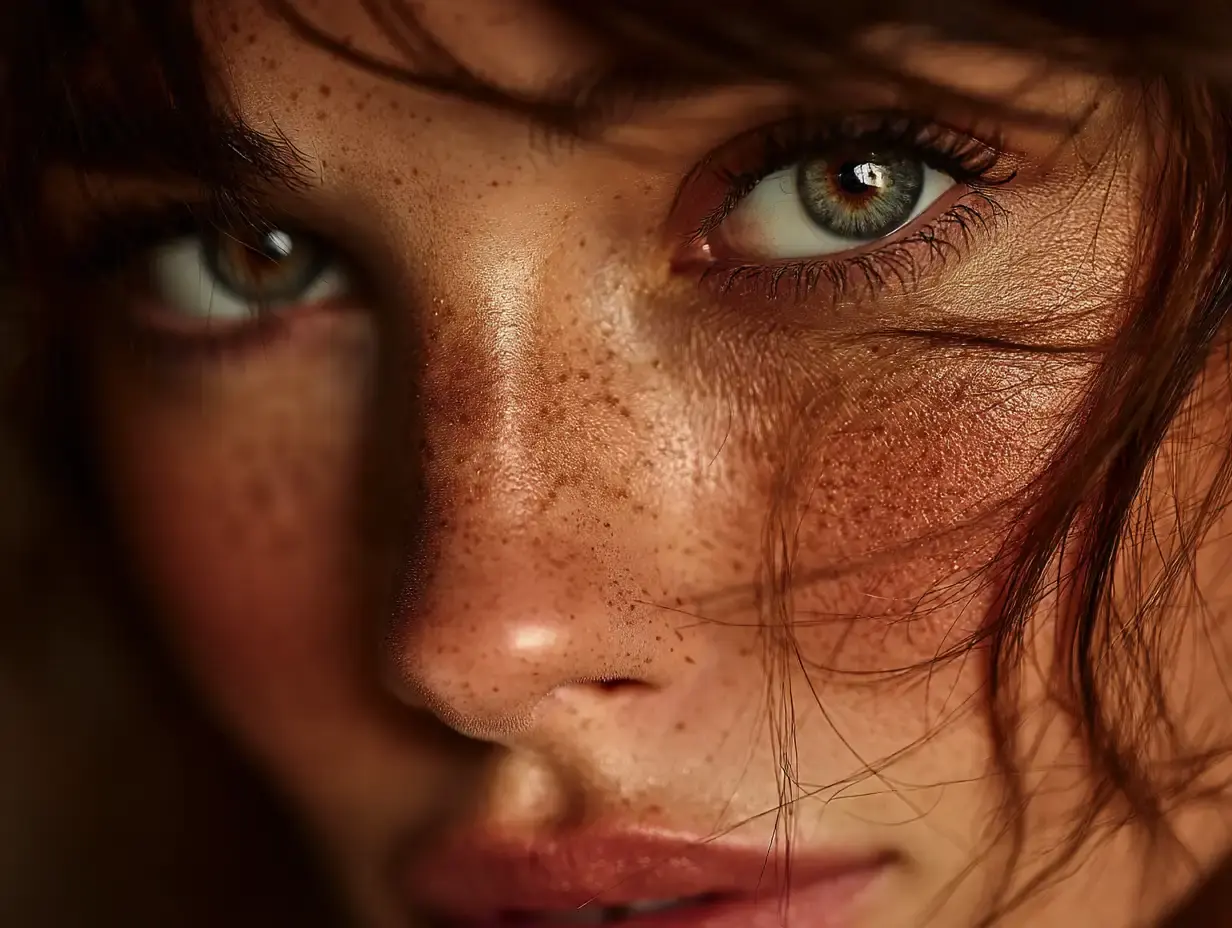
Six briefs across people, products, places and macro detail.
 People
Elderly craftsman at his bench, natural window light, skin texture, 85mm, photoreal
Try this prompt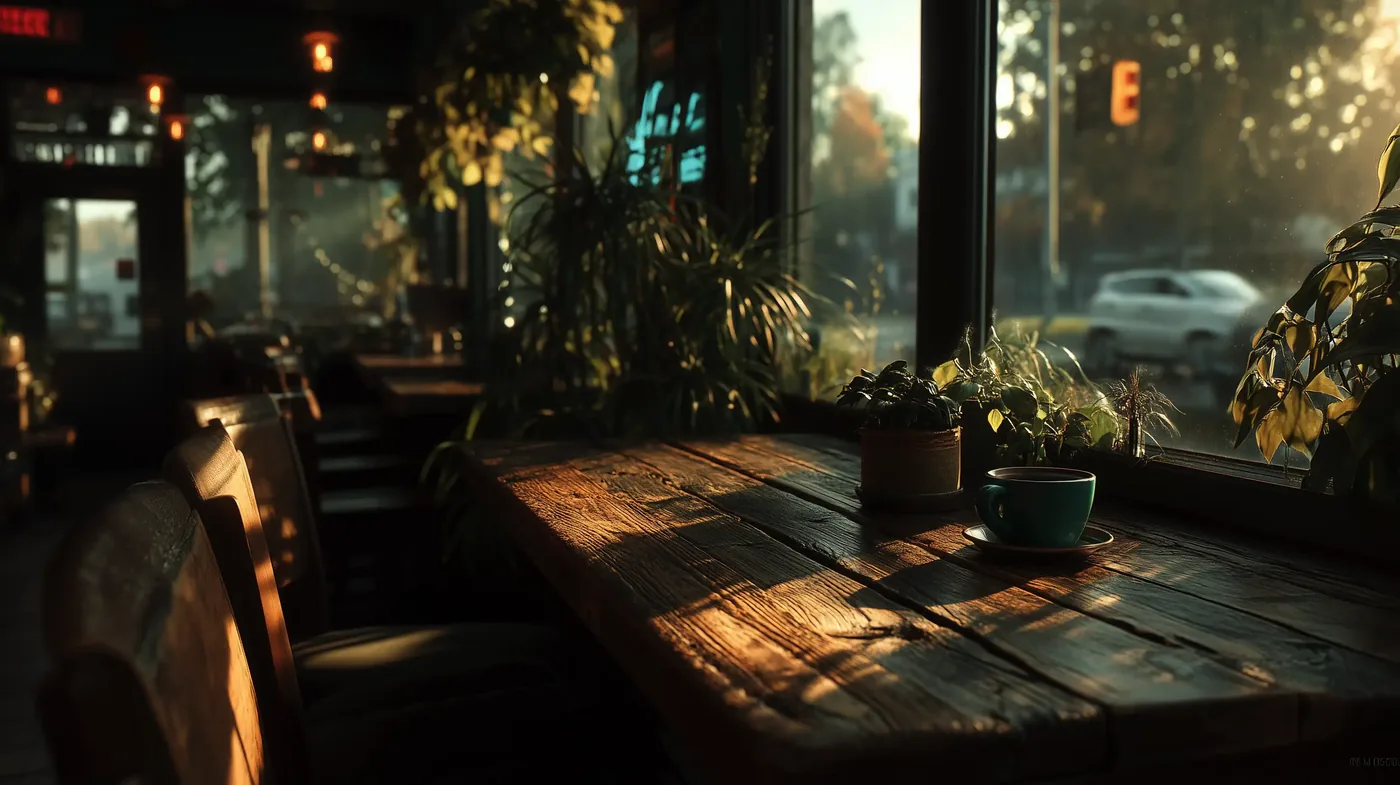 Products
Ceramic mug on linen, soft daylight, crisp shadow, studio product shot
Try this prompt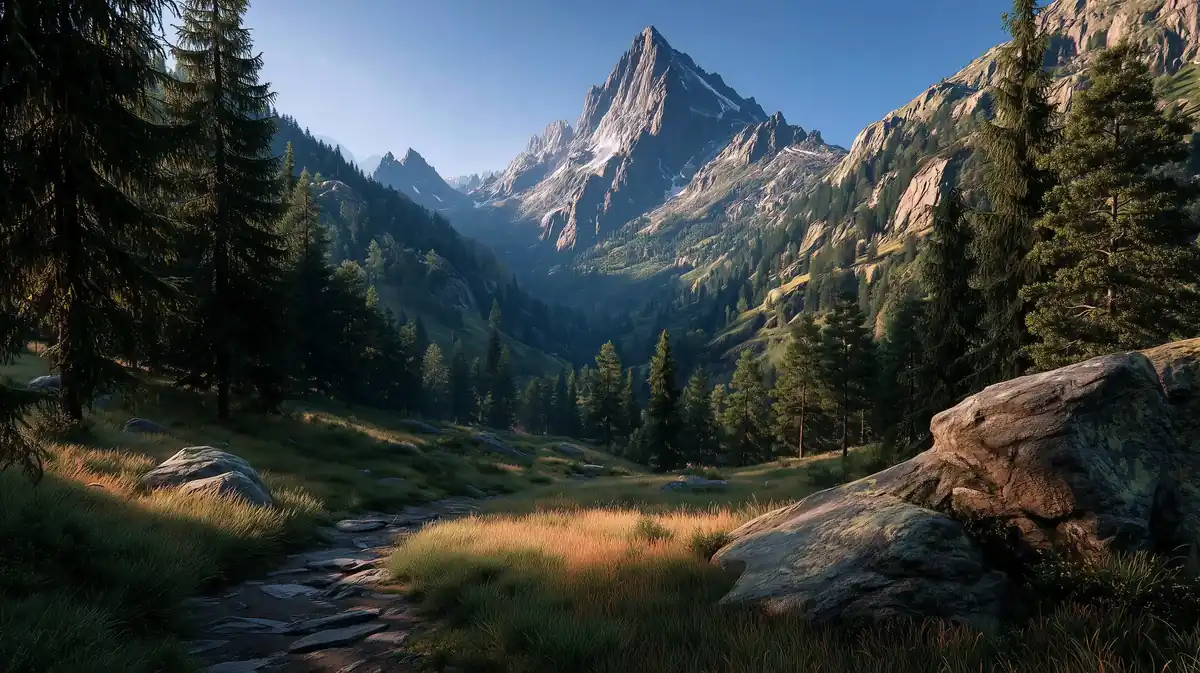 Places
Wet city street at blue hour, mirror reflections, neon bokeh, umbrella silhouettes
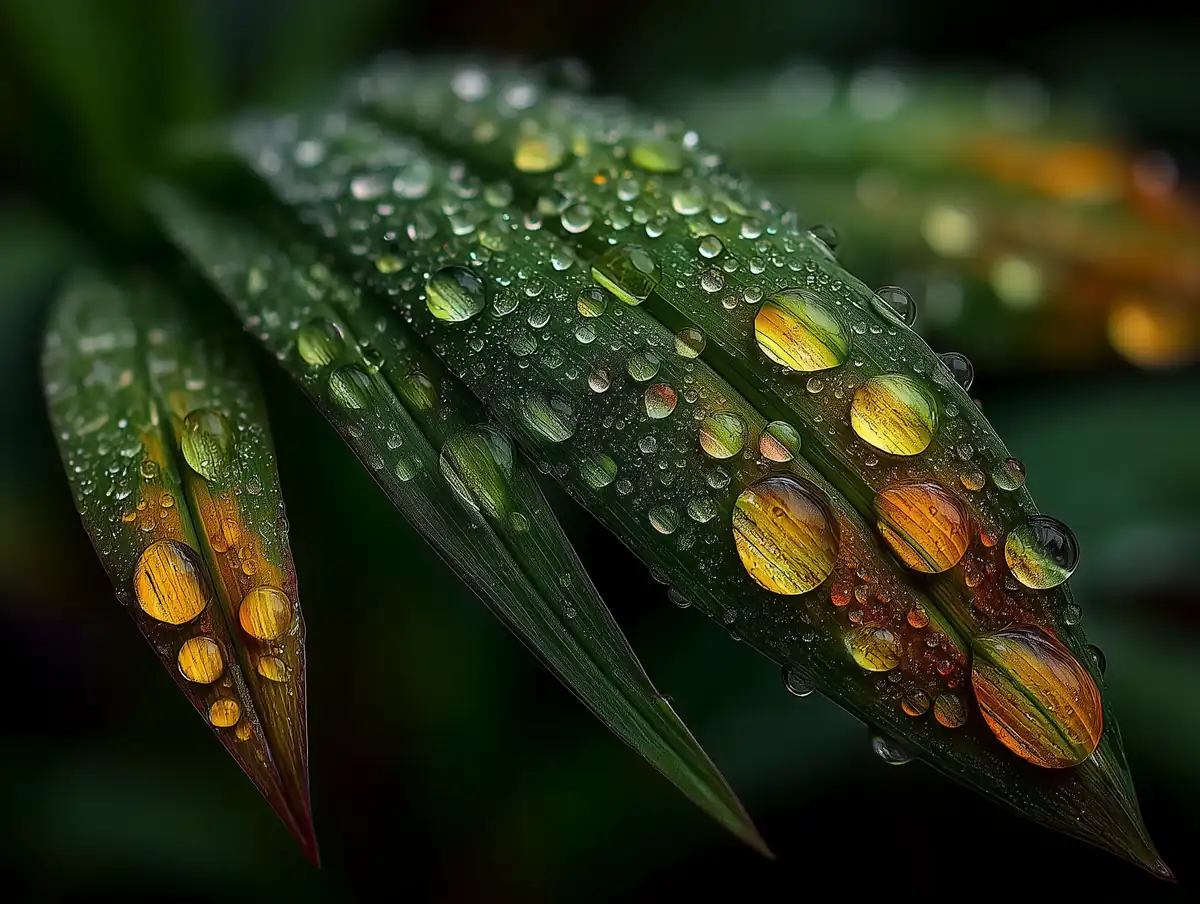
Try this prompt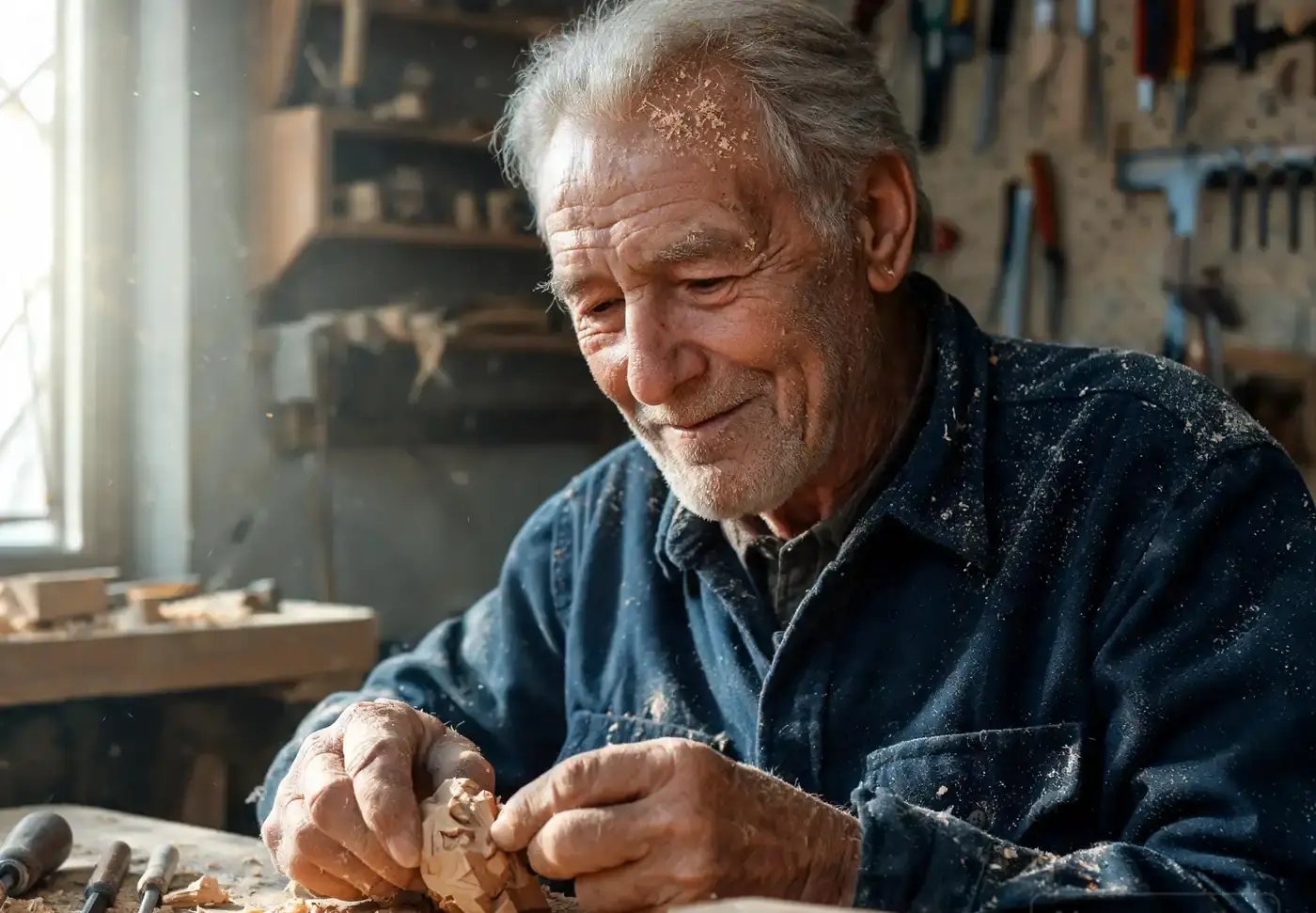 Macro
MacroDragonfly wing macro, iridescent veins, dew drops, backlight
Try this prompt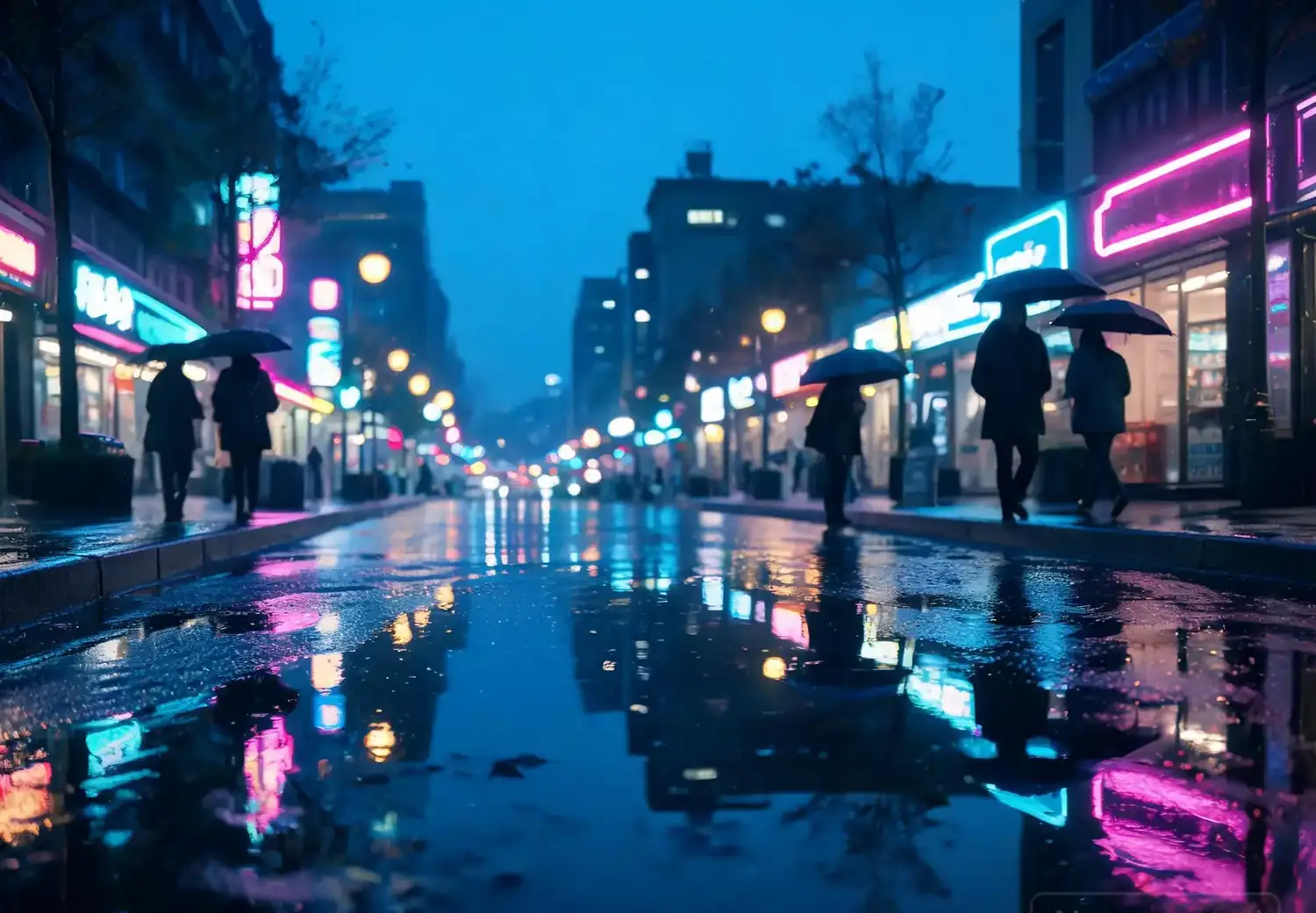 People
Tight portrait with soft key light, natural skin tones, neutral background, photoreal
Try this prompt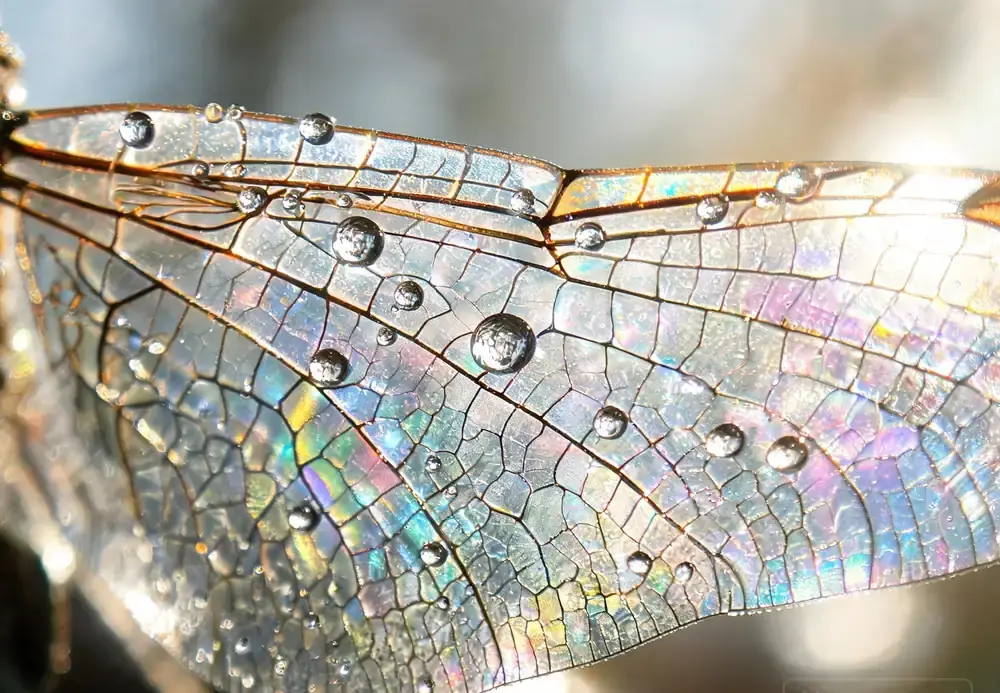 Places
Documentary-style indoor scene, mixed daylight and lamp light, natural color grading
Try this promptTexture, light and lens behaviour, not plastic renders.
Skin, fabric, metal and water rendered with believable grain instead of smoothed surfaces.
Ask for 35mm, 85mm or macro and the framing and depth of field follow the brief.
Run one scene across the available models and keep the frame with the cleanest light.
Write a brief like a photographer would.
Subject, light source, lens, time of day and mood, in one or two sentences.
Choose from the image models here, or start from a portrait, product, street or macro preset.
Check hands, eyes and edges, then download the cleanest render.
Feedback from designers and small studios.
The product preset gave me client-ready packshots in minutes, and the shadows actually match the light direction.
Skin texture is the hard part and this keeps pores and fabric grain instead of that plastic look.
Comparing two models is what sold me: one keeps the wet asphalt reflections, the other loses them.
The workspace shows the free trial runs available; more renders need an account and credits.
Yes. Adding a lens or film reference such as '85mm' or 'Portra 400' changes framing, contrast and grain.
Hands are the hardest part for image models. Re-run the prompt or crop tighter, and compare models before publishing.
Use an image-to-image capable model with a photo you have the rights to, then describe the change you want.
Usage follows the licence of the model you used; check its terms and avoid depicting real people without consent.