

Funny Visual Concepts
Turn ordinary objects into unexpected prank scenarios with exaggerated reactions and amusing details.
Prompt Guide
Model
Reference Image
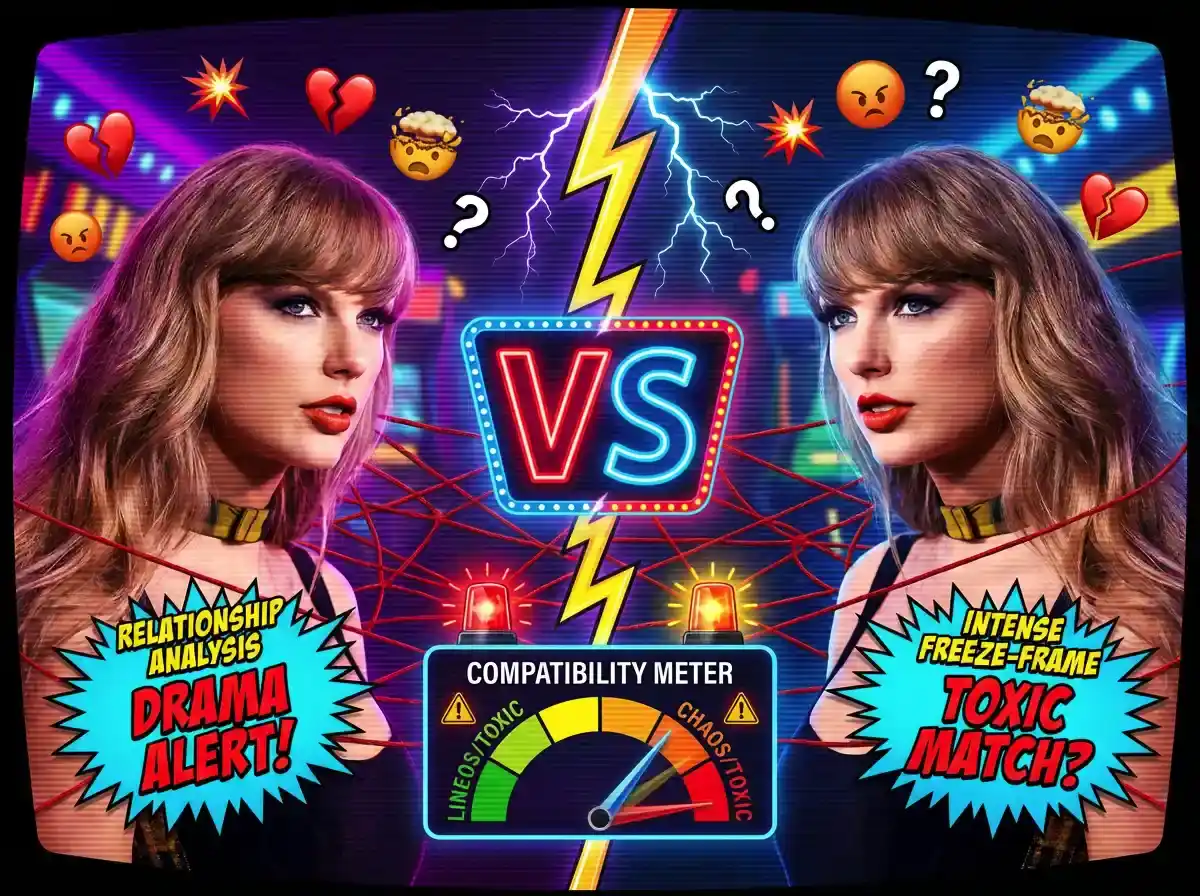
Create funny fake scares, ridiculous surprises, and playful visual tricks with a few words and your imagination.
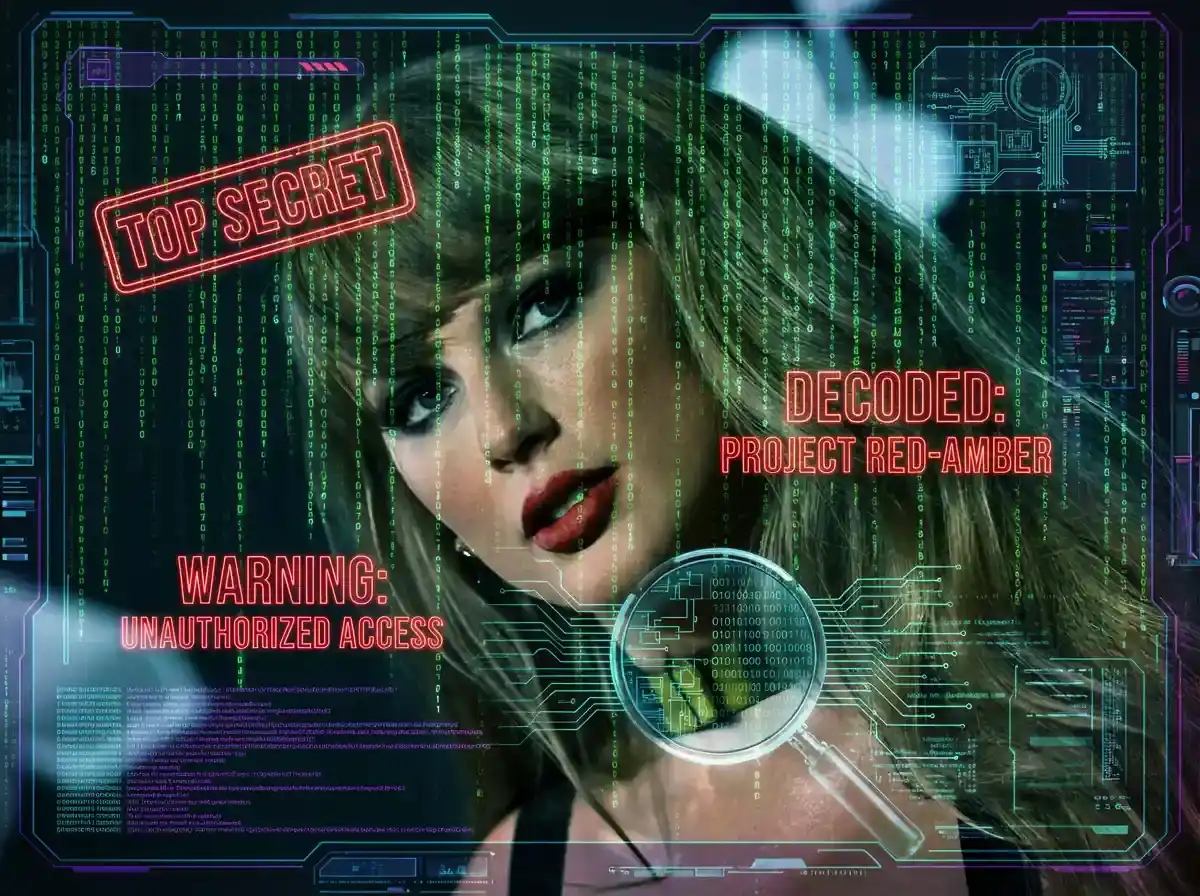
Start with a simple idea and turn it into a funny visual scene in just a few steps.
Pick a funny situation, such as a rubber spider on a keyboard or a surprise hidden inside a gift box.
Write a prompt explaining the main subject, its action, the camera angle, the lighting, and the colors.
Submit your description to the prank lab image generator and let the tool create a visual interpretation.
Adjust the setting, expressions, props, or visual style until the result matches your intended joke.
Browse these visual prank ideas and use their prompts to create your own unexpected reactions and ridiculous moments.
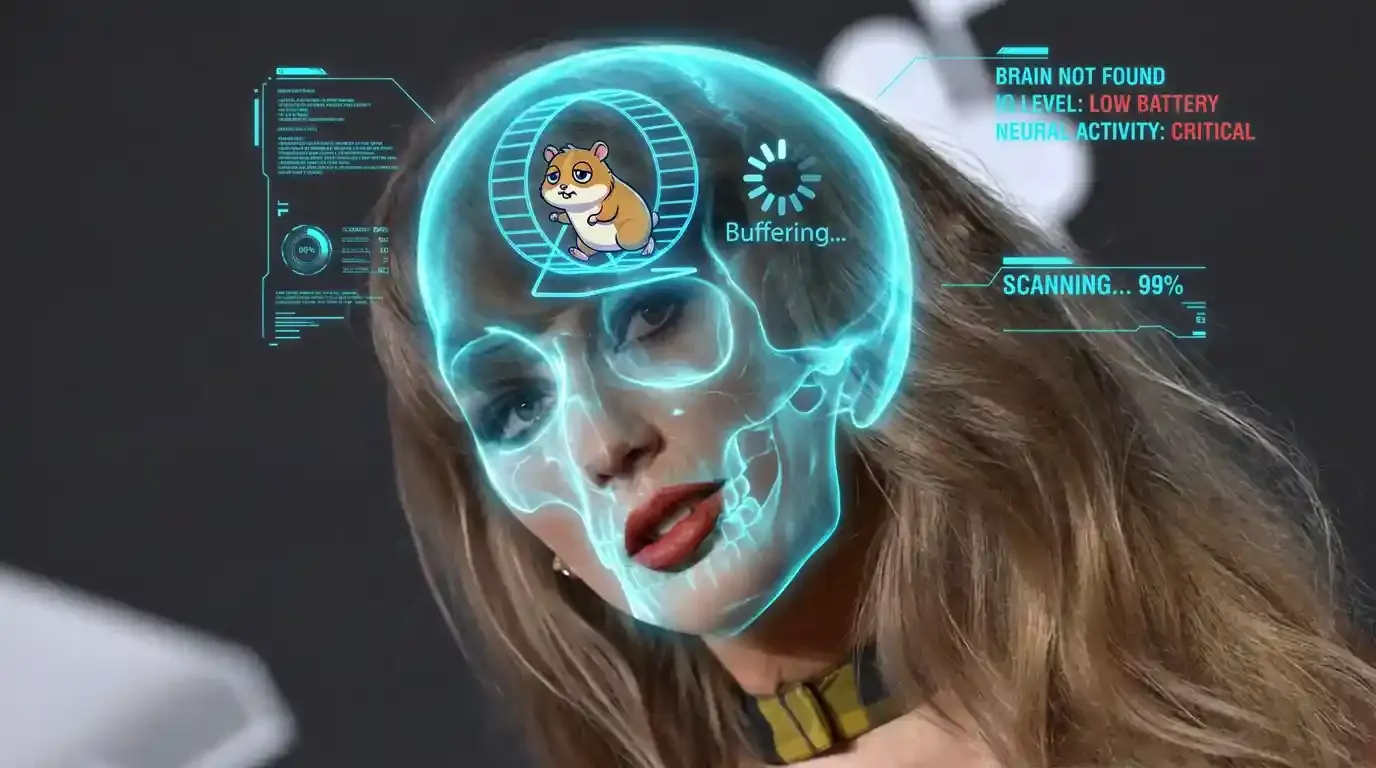 Sci-Fi
A futuristic holographic HUD scans a mysterious face mask with glowing tracking brackets, layered technical readouts, and floating interface elements, photographed in a dramatic close-up with cool cyan light and subtle metallic reflections.
Try This Prompt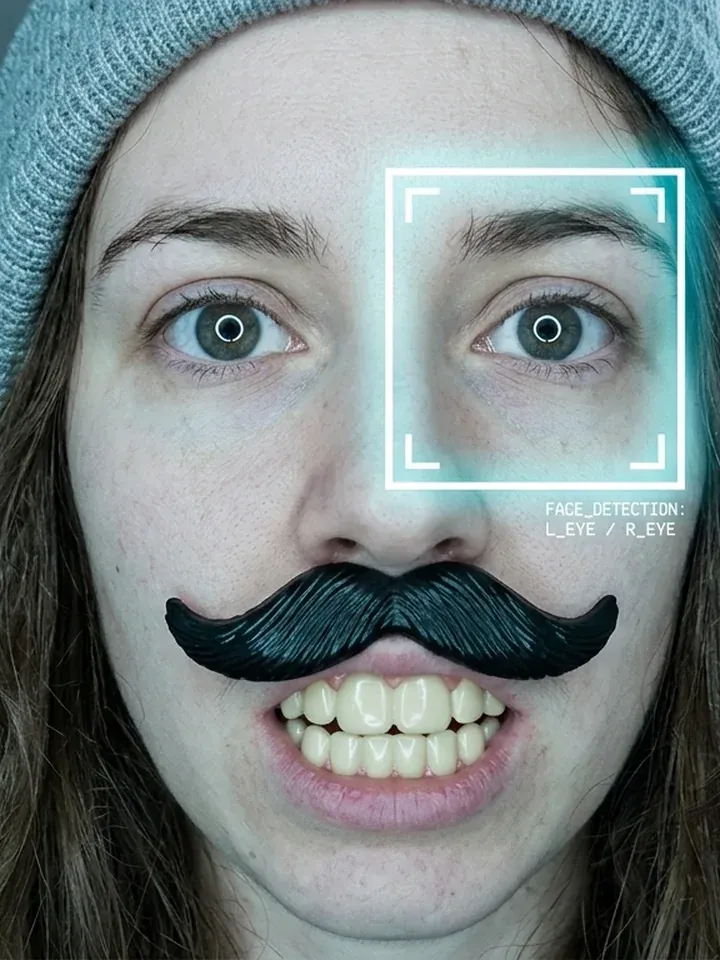 Selfie
A woman takes a close-up selfie wearing an oversized fake mustache and ridiculous novelty teeth, with a perfectly deadpan expression, cold white ring-light illumination, pale cyan tones, and face-recognition brackets framing her eyes.
Try This Prompt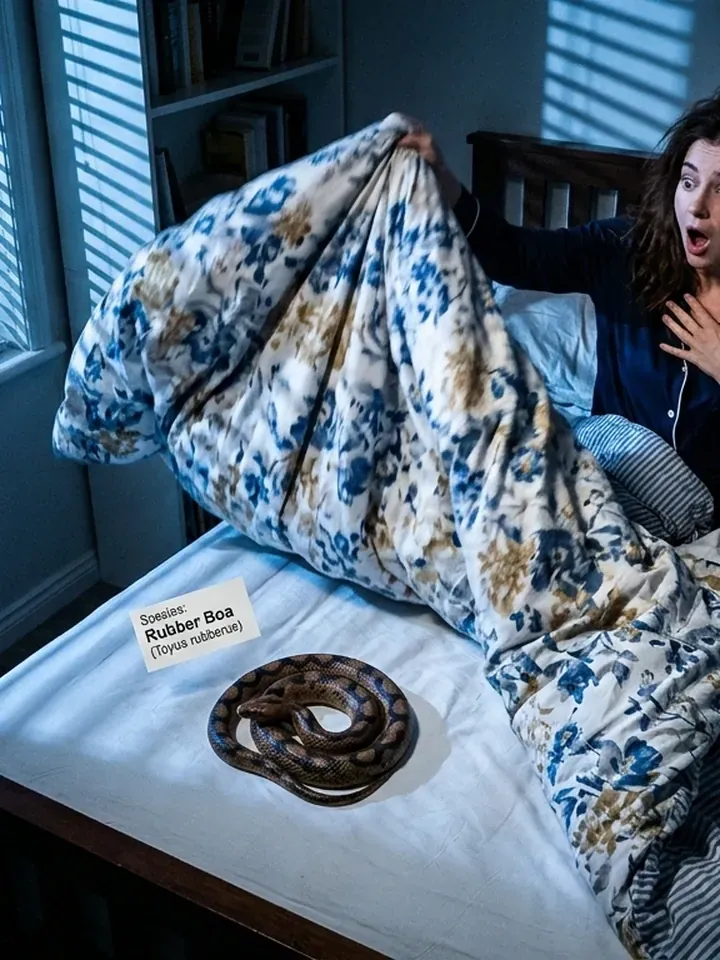 Scare
A startled woman pulls back her duvet to discover a realistic rubber snake coiled on the bed, captured from an overhead camera angle with blue moonlight filtering through blinds, deep shadows, and playful visual tension.
Try This Prompt Comedy
A delighted man holds a fake scratch-off lottery ticket triumphantly above his head, surrounded by golden and violet neon bursts, floating confetti, and oversized comic explosion lettering under dramatic low-angle nightclub lighting.
Try This Prompt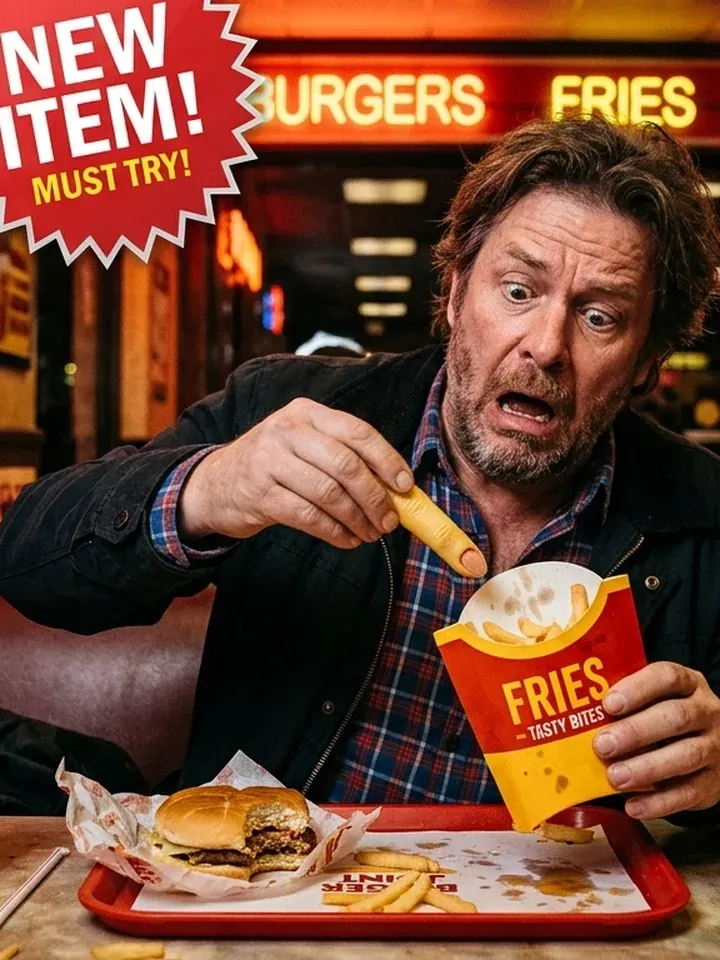 Food
A shocked man pulls a realistic plastic finger from a fast-food fries carton at a diner table, captured in a medium shot with glossy red and yellow lighting, a dark background, and playful verified-style stickers.
Try This Prompt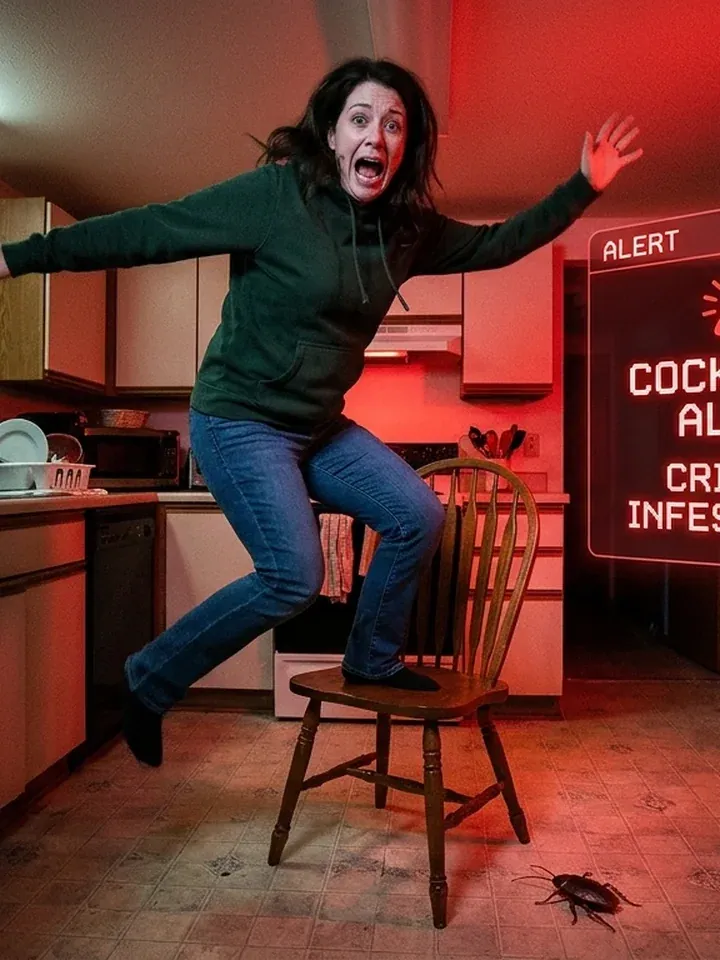 Scare
A terrified woman jumps onto a kitchen chair after spotting a plastic cockroach on the tiled floor, photographed in full-body framing with harsh overhead white light, cold shadows, and dramatic red emergency lighting.
Try This Prompt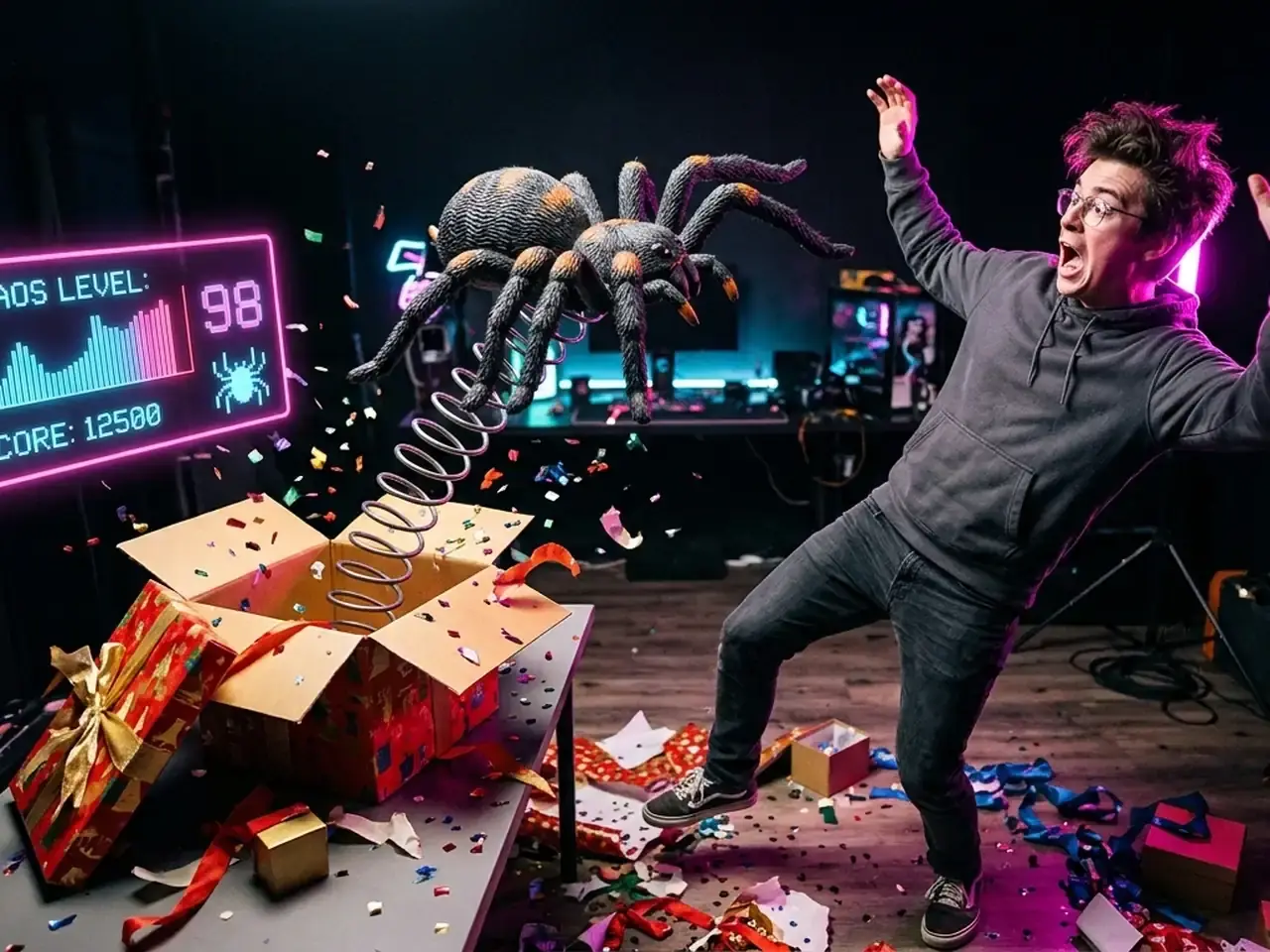 Surprise
A young man recoils in surprise as a giant rubber spider springs out of an open gift box, captured in a wide studio composition with magenta rim lighting, a dark background, and a floating neon pink reaction panel.
Try This Prompt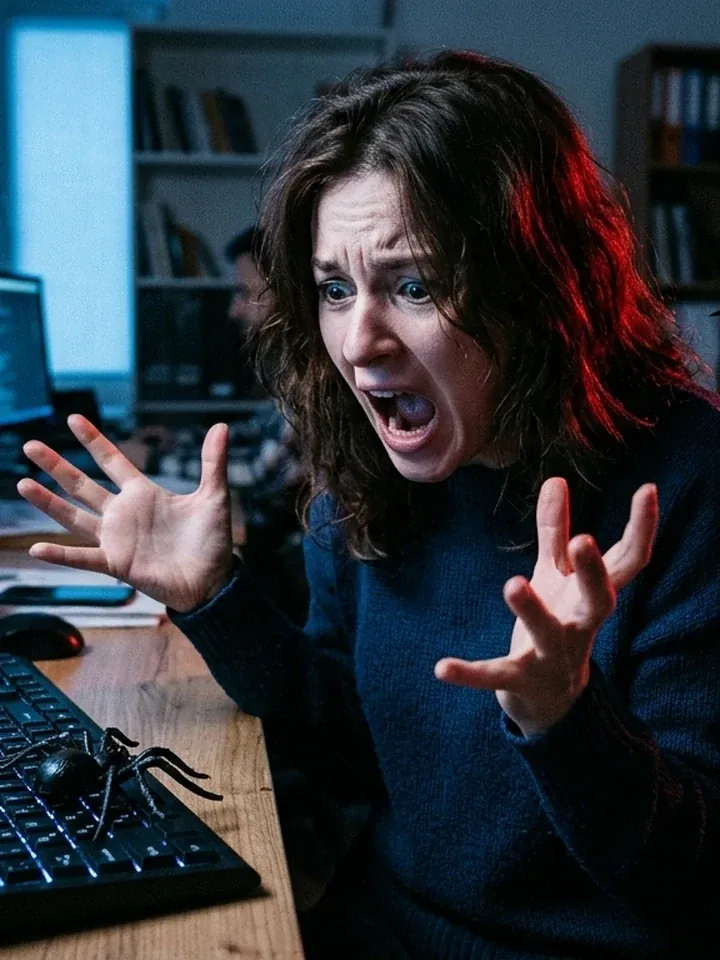 Office
A woman shrieks and pushes back from her desk after discovering a large rubber spider on her keyboard, captured in chest-up framing with cold blue office lighting, red alert highlights, dark tones, and a comic warning overlay.
Try This PromptBuild amusing visual surprises with flexible prompts, recognizable situations, and distinctive image styles.
Turn ordinary objects into unexpected prank scenarios with exaggerated reactions and amusing details.
Explore comic-book graphics, cinematic photography, futuristic interfaces, and playful editorial compositions.
Describe the subject, setting, lighting, and reaction to shape your own prank image ideas.
Find inspiration in familiar situations involving fake insects, surprise gifts, novelty accessories, and harmless visual tricks.
A prank lab image generator is an AI image creation tool for making humorous fake scares, unexpected surprises, novelty-object scenes, and other playful visual pranks from text prompts.
Describe the prank subject, what is happening, the setting, camera angle, lighting, and desired visual style before generating your image.
Yes, you can describe harmless fictional scares involving rubber snakes, plastic cockroaches, fake spiders, and other novelty props.
Yes, enter a detailed text description of your desired scene to guide the AI image generation process.
You can create fake lottery wins, rubber insect surprises, silly selfies, unexpected gift-box reveals, and humorous everyday situations.
Yes, specify colors, lighting, camera angles, character expressions, backgrounds, and visual styles in your prompt.
Yes, describe bold lettering, halftone textures, colorful explosion graphics, exaggerated expressions, and classic pop-art compositions.
The generated scenes are fictional visual creations, and realistic-looking props should not be presented as genuine emergencies or actual events.