

Standing and seated options
Explore balanced standing stances, relaxed chair poses, and floor-based arrangements instead of relying on one repeated portrait position.
Prompt Guide
Model
Reference Image
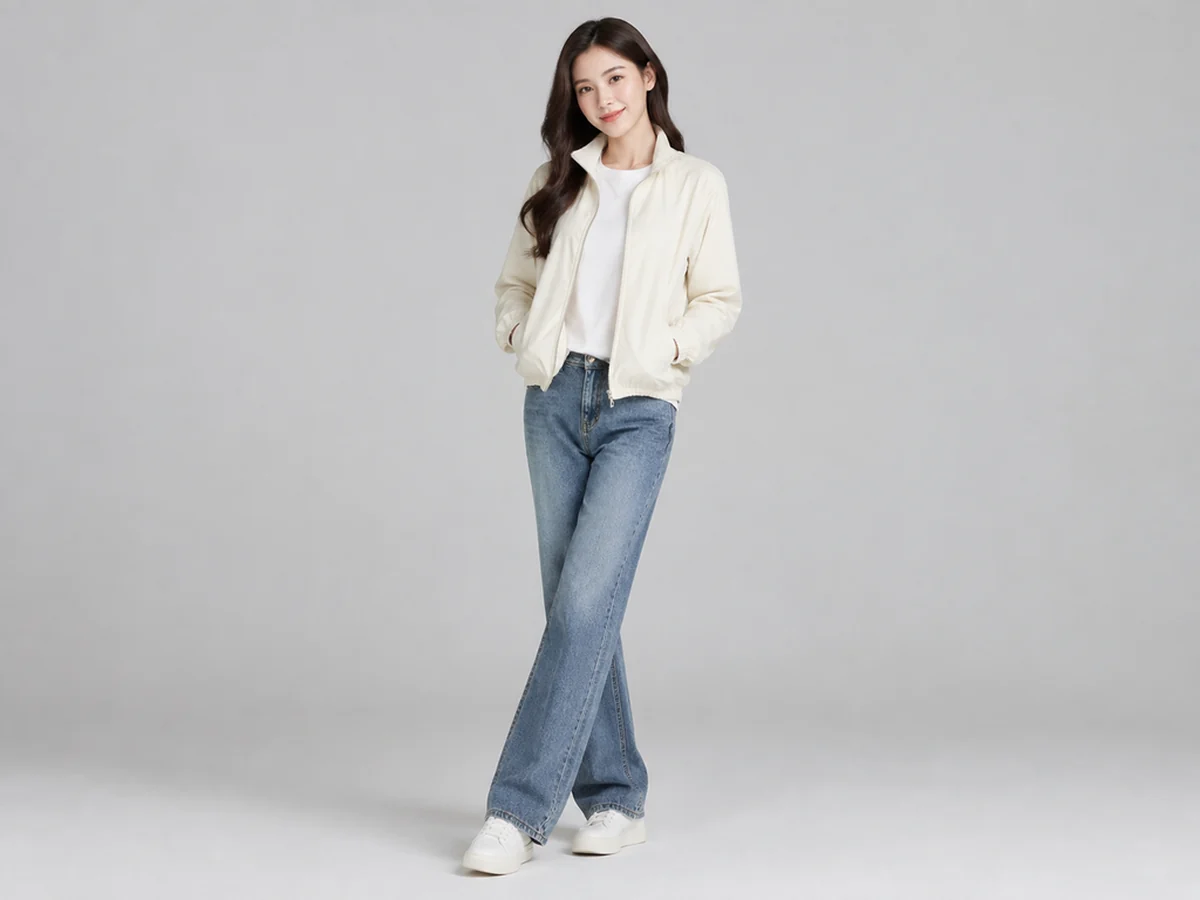
Find a direction for a portrait session, illustration, or character scene. GlobalGPT turns descriptions of posture and camera angle into images you can study and refine.
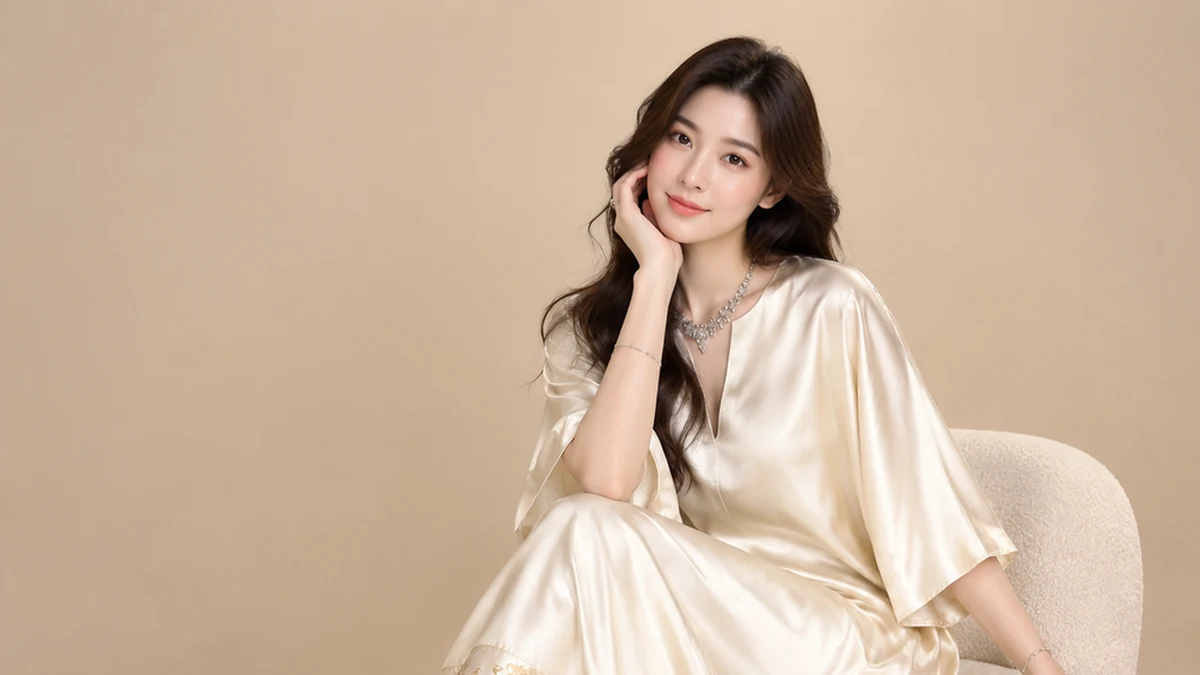
Start with one clear brief, review the first image, and refine the details that matter to your project.
Tell the AI pose generator which way the torso faces, where weight rests, and what the arms and legs are doing.
Specify full body or a closer crop, front or three-quarter view, and the camera height. Keep hands and feet in frame when studying anatomy.
Use a neutral studio photo, a simplified mannequin, or a gesture drawing according to whether you need lighting, form, or movement reference.
Look at joint direction, balance, finger count, and limb overlap. Generated references can contain errors; compare difficult poses with real anatomy sources.
Explore AI Pose Generator concepts in several visual directions. Adapt a prompt to your project and check the result before use.
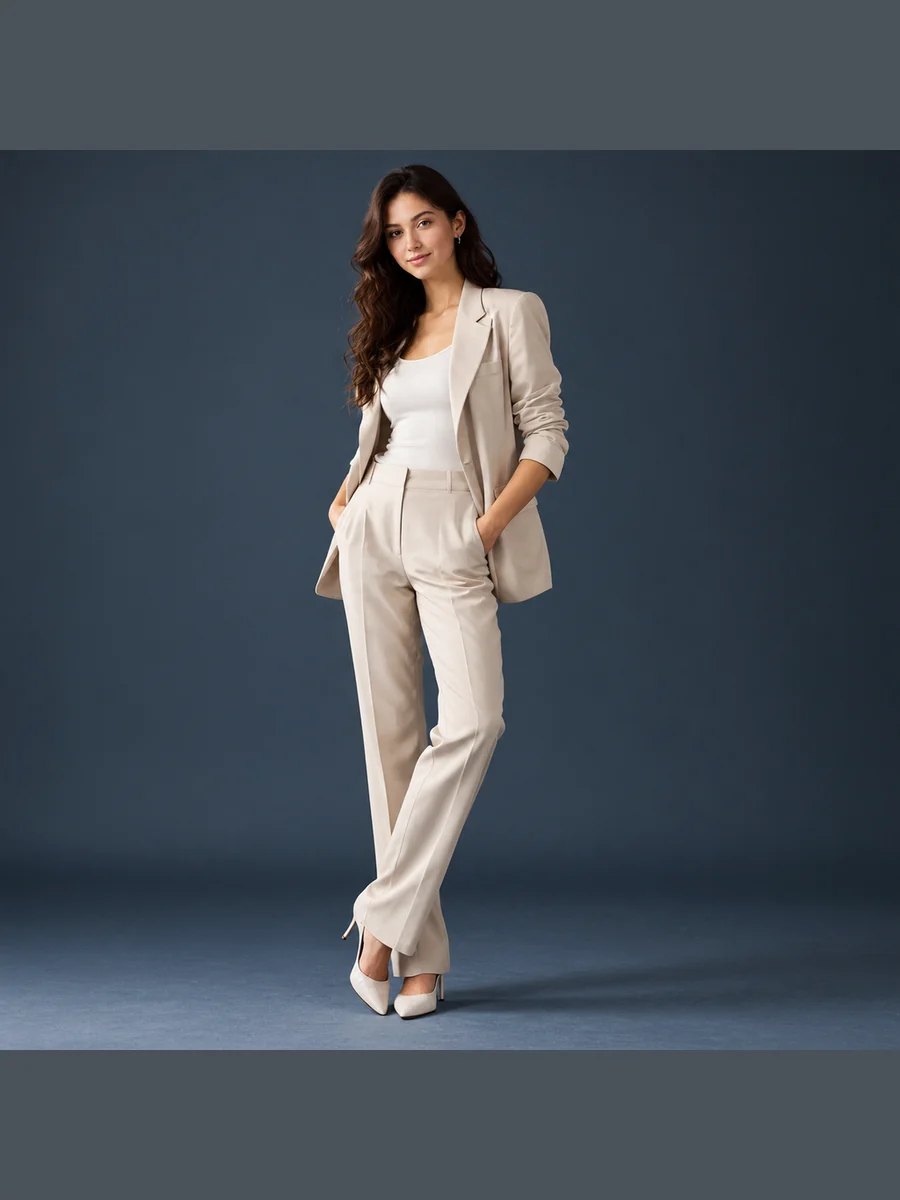 Standing
Photograph a fictional adult model standing with weight on one leg and hands in a tailored jacket, full-body framing, neutral studio, and relaxed expression.
Try This Prompt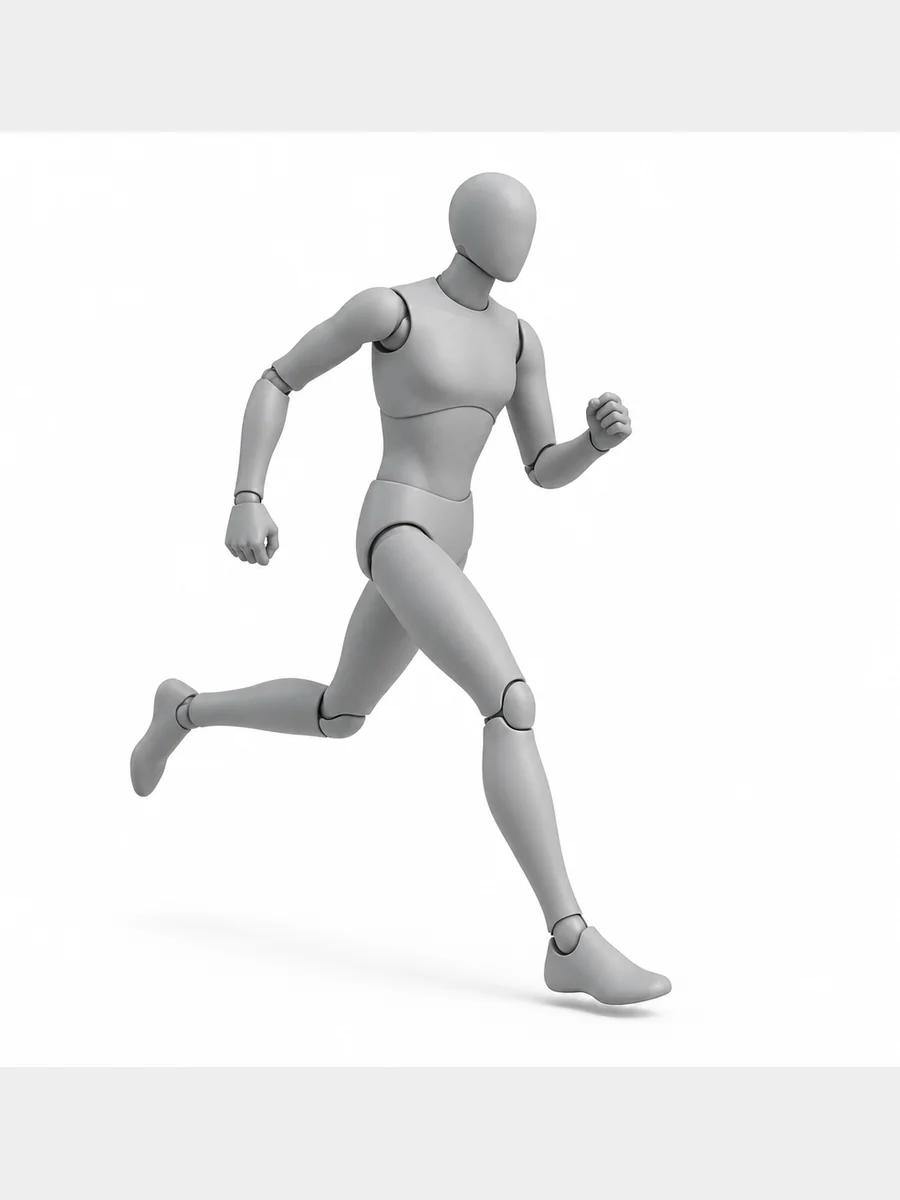 Action
Render a neutral gray featureless adult artist mannequin in a clear running stride, full-body side view, balanced arms, plain white background, and readable joints.
Try This Prompt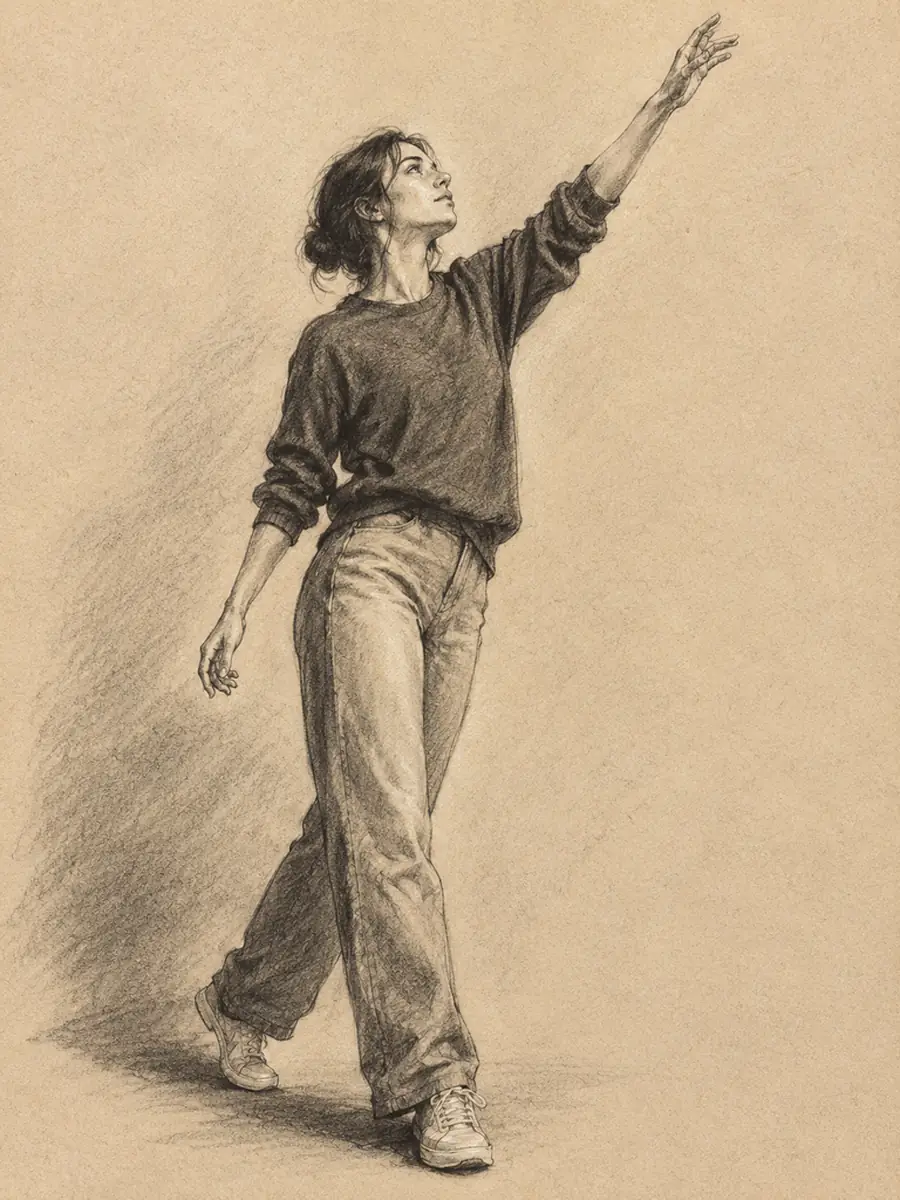 Gesture Drawing
Draw an adult clothed figure reaching upward in charcoal, full-body composition, expressive weight shift, warm paper texture, and simple confident gesture lines.
Try This Prompt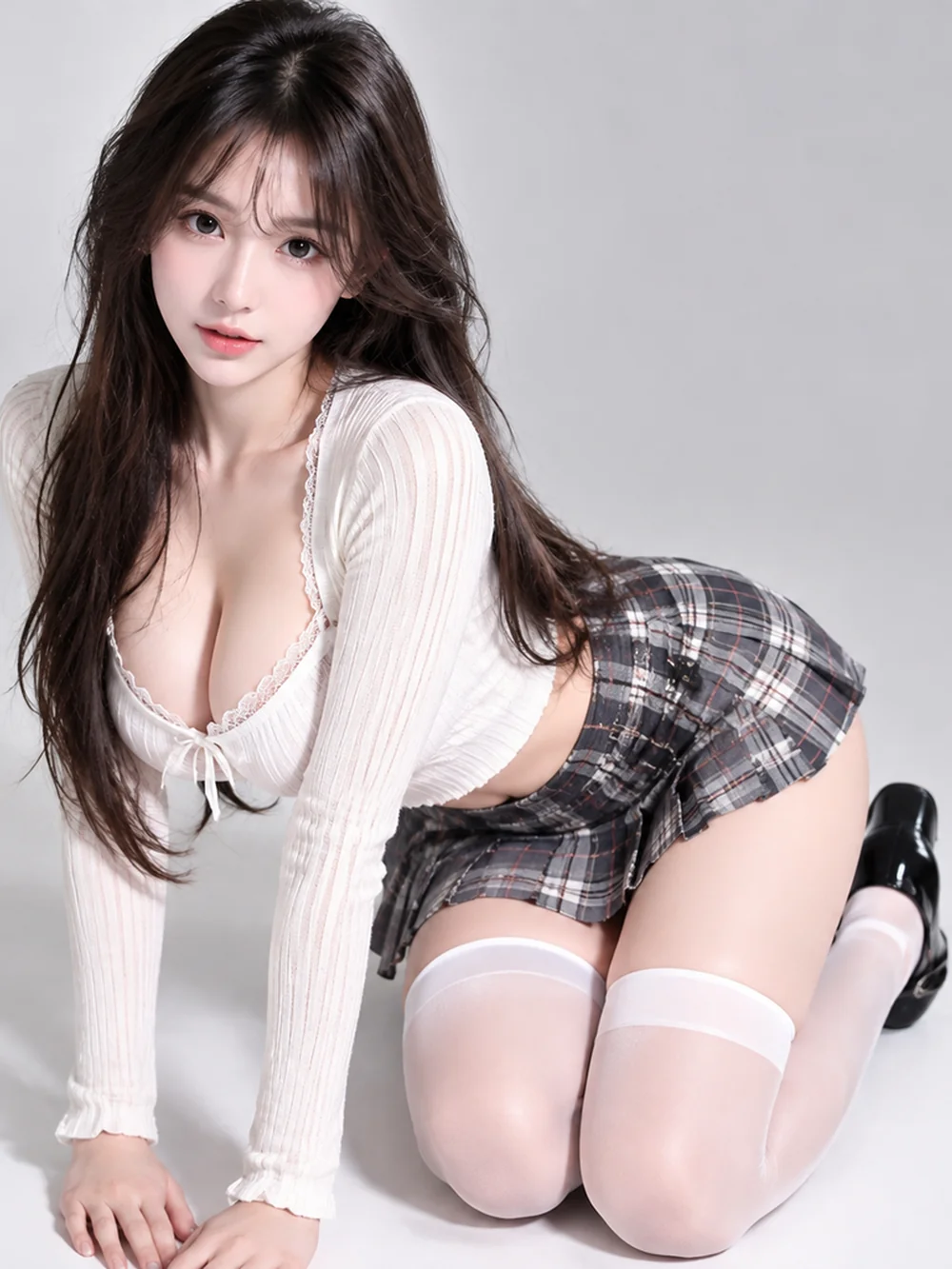 Kneeling
Show a fictional adult kneeling on the floor in a light top and dark plaid skirt, hands resting forward, soft studio light, and natural proportions.
Try This Prompt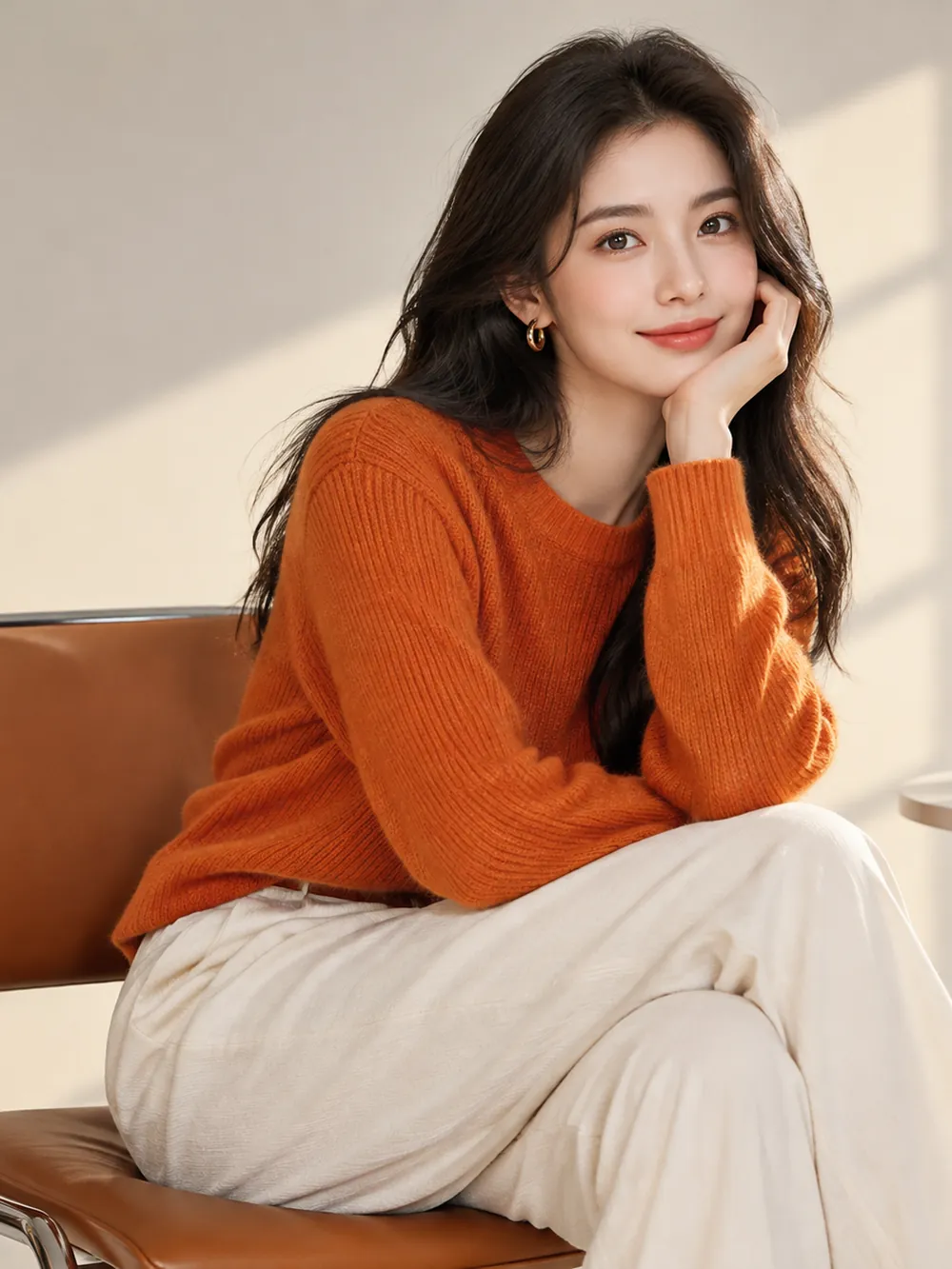 Seated
Show a fictional adult in an orange sweater and cream trousers seated sideways on a chair, hand near chin, soft indoor lighting, and relaxed shoulders.
Try This Prompt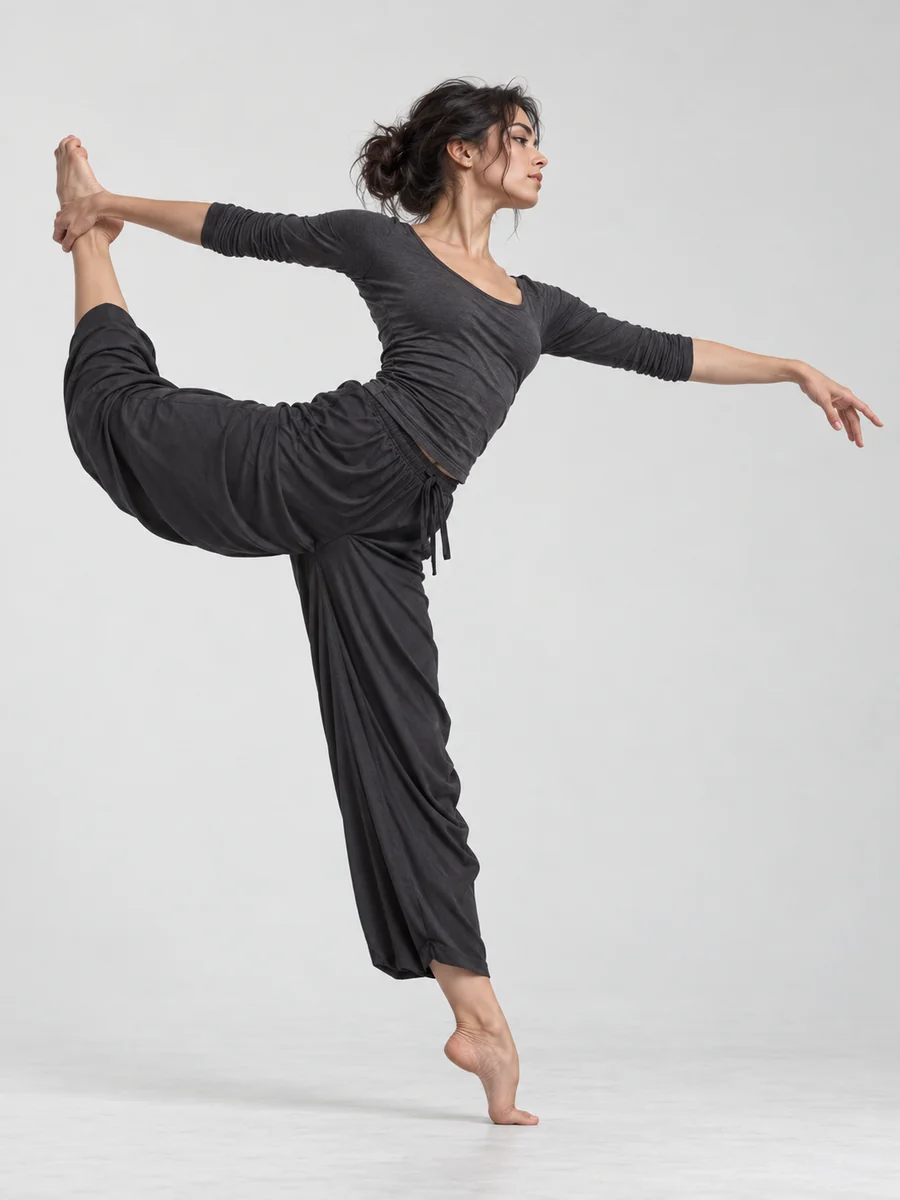 Dance
DanceShow an adult dancer balancing on one leg in a charcoal top and loose trousers, one arm extended, full-body side view, and a neutral studio.
Try This Prompt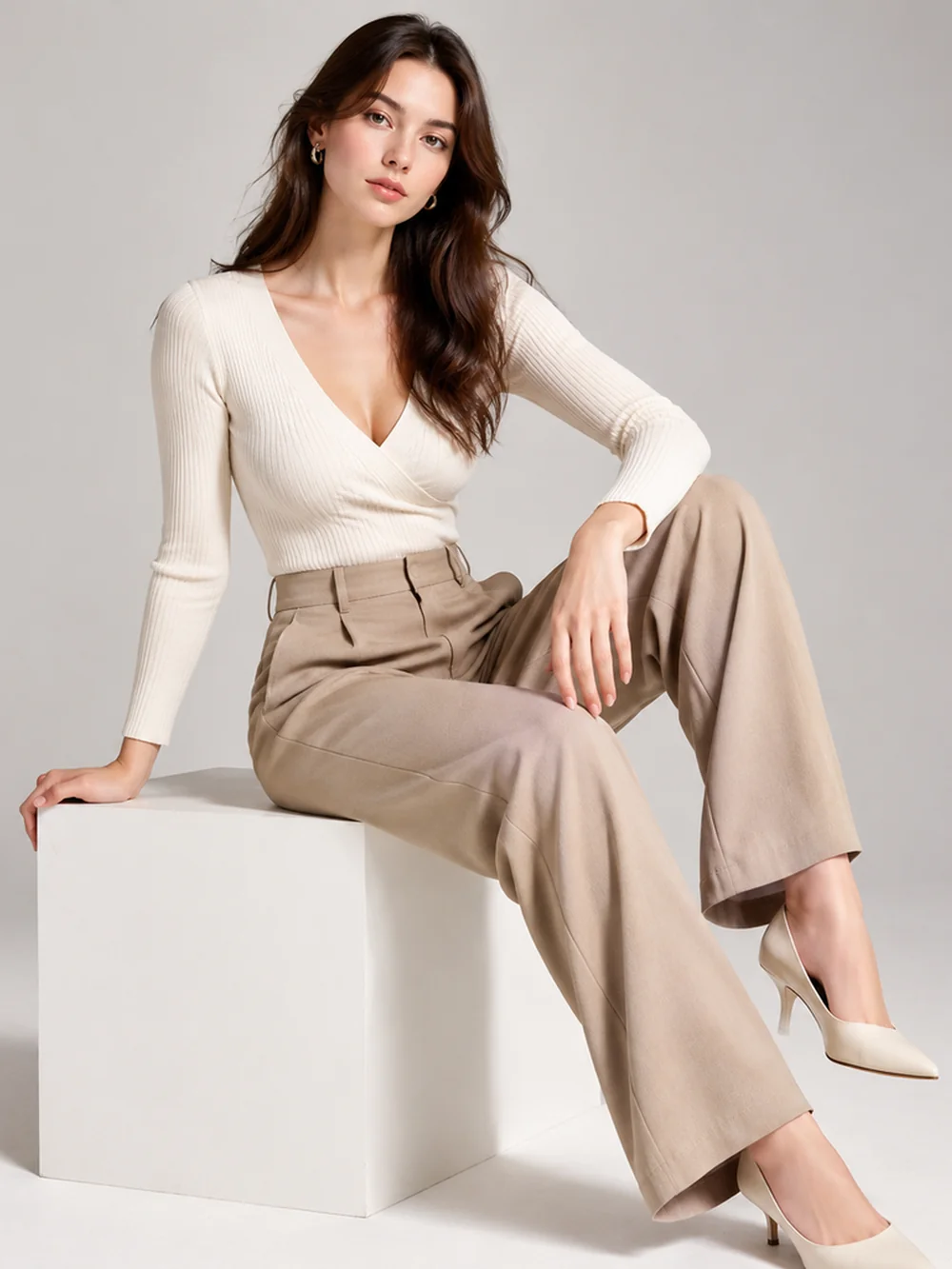 Seated
Create an adult fashion portrait seated on a white cube in cream blouse and taupe trousers, angled legs, natural hand placement, and full-body studio framing.
Try This Prompt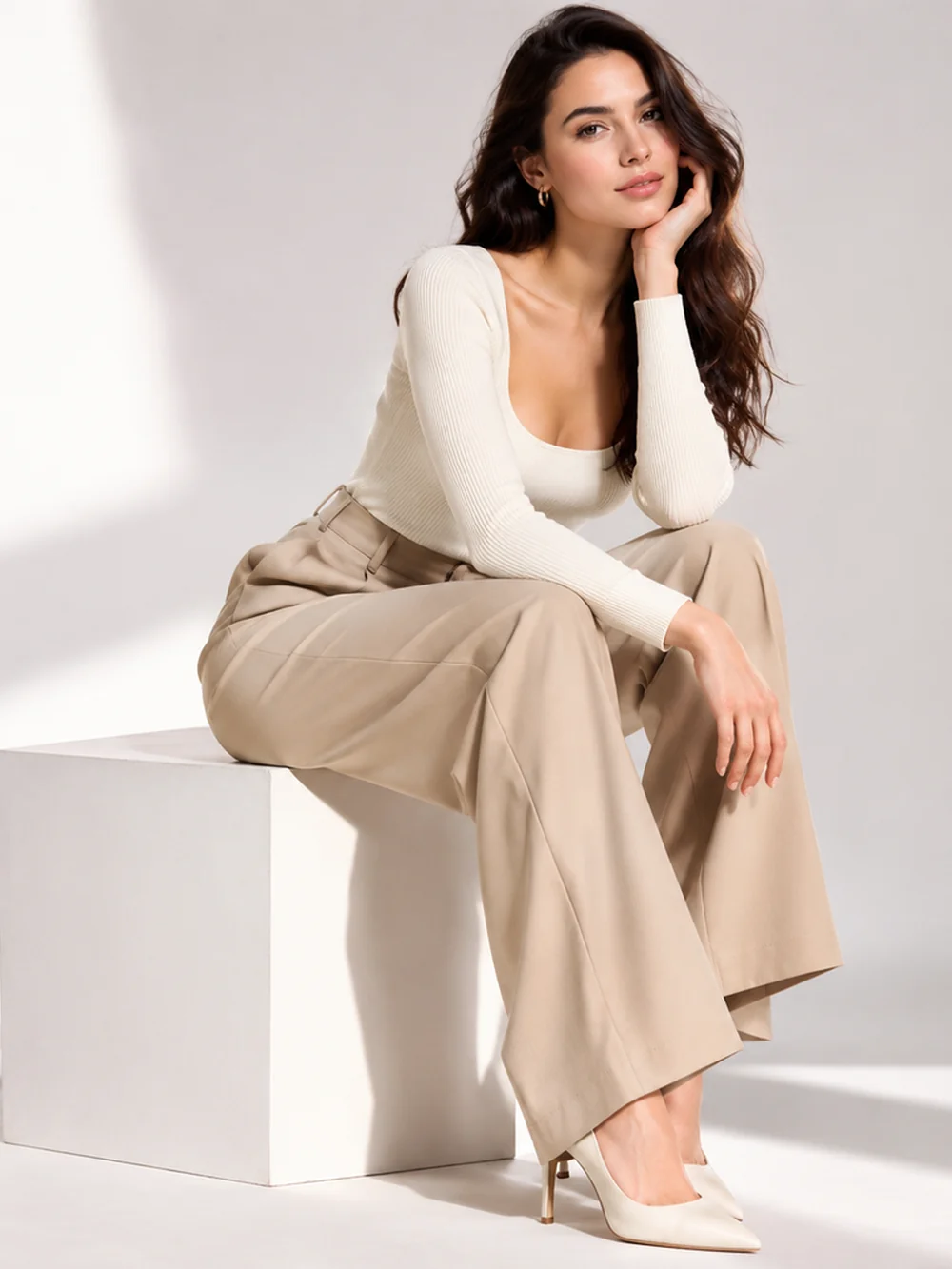 Seated
Show a fictional adult in a white blouse and long beige skirt leaning forward on a studio cube, soft side light, and a relaxed thoughtful expression.
Try This Prompt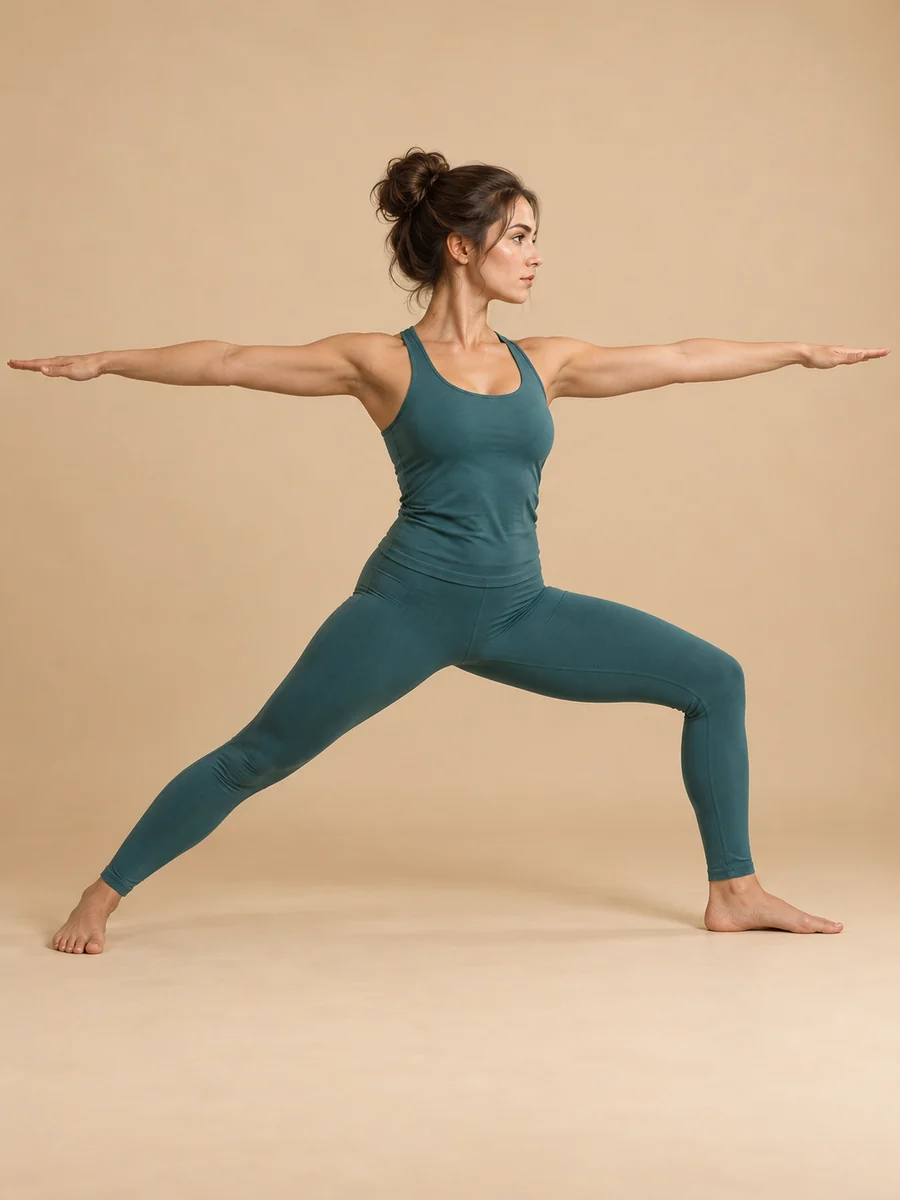 Fitness
Show an adult in teal yoga clothing holding a standing warrior pose, arms extended, front knee bent, full-body side view, and a warm studio background.
Try This Prompt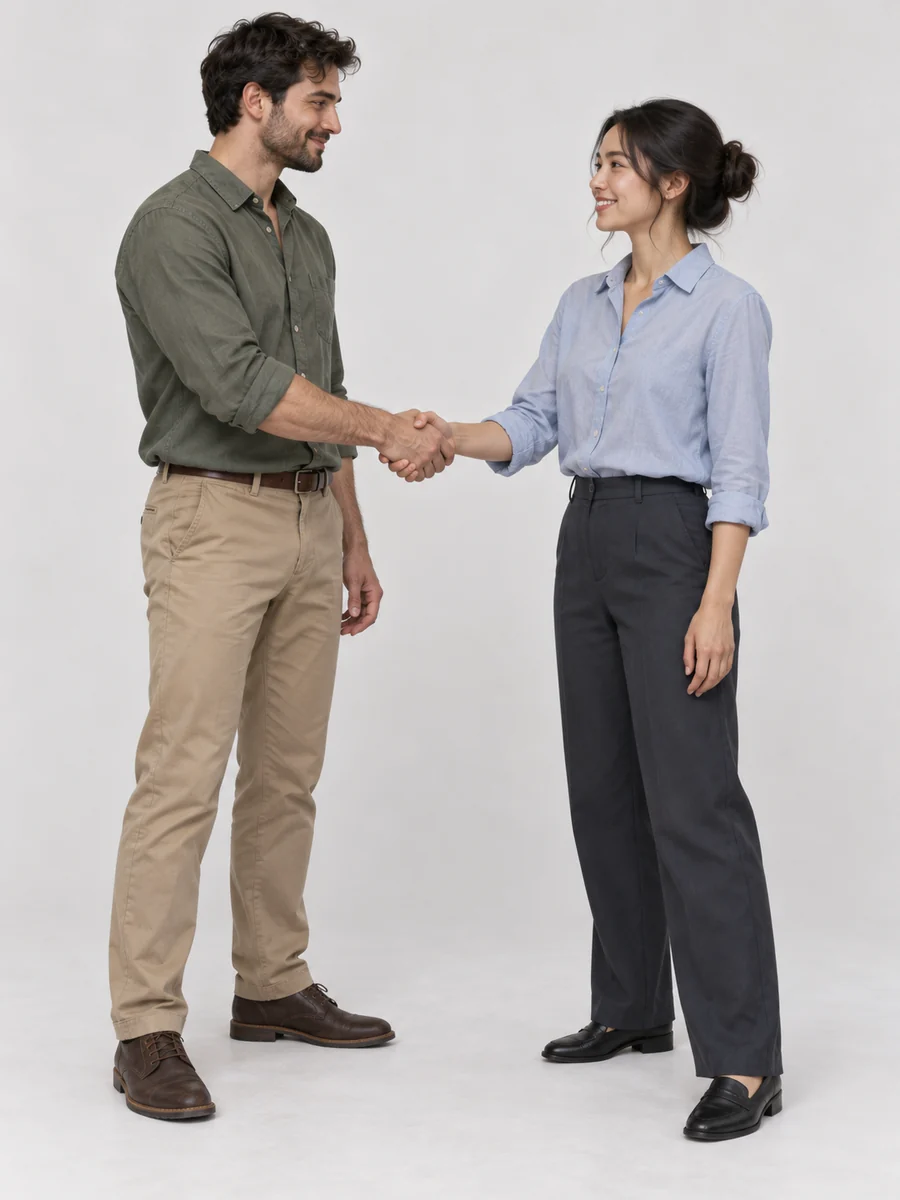 Partner Interaction
Show two fictional adults in casual shirts and trousers greeting with a handshake, full bodies visible, natural posture, three-quarter camera angle, and a pale studio background.
Try This PromptExplore balanced standing stances, relaxed chair poses, and floor-based arrangements instead of relying on one repeated portrait position.
Explore balanced standing stances, relaxed chair poses, and floor-based arrangements instead of relying on one repeated portrait position.
Use simplified figure studies to focus on the line of action, weight shift, and negative space before adding clothing or facial features.
Compare an eye-level view with a higher or lower angle to understand how framing changes the impression of the same pose.
Ask the AI pose generator to keep hands and feet visible when you need an overall silhouette rather than a tightly cropped portrait.
Develop reference images around a wardrobe, mood, and setting, then adapt the pose to a real person rather than copying anatomy uncritically.
Outputs are images to study. This workspace does not provide a draggable skeleton, exact joint measurements, or a pose-controlled 3D mannequin.
Use the AI pose generator to explore an image idea. Choose a 3D poser or real reference when precise joint control or observed anatomy matters more.
| Criteria | GlobalGPT Pose Images | 3D Pose Controls | Real Photo References |
|---|---|---|---|
| Useful for | Exploring posture, wardrobe, and mood together | Adjusting specific joints and camera angles | Studying how a real person balances and moves |
| How you direct the pose | Describe the position in a text prompt | Move a poseable model with joint controls | Select or photograph an appropriate subject |
| Typical result | A generated image to inspect and refine | A controlled 3D scene or rendered reference | A photograph of an observed body position |
| Important limitation | Anatomy and exact pose adherence can vary | Model proportions may differ from real people | Use requires suitable access, consent, and image rights |
Fictional creative briefs, not customer testimonials. Any displayed stars are decorative and are not customer ratings.
For a portrait session, explore standing weight shifts and hand placements that suit the wardrobe, then adapt them naturally to the person.
For a gesture study, start with a simplified figure and inspect the line of action before drawing detailed clothing.
For an action illustration, keep the full body visible and check balance and joint direction before using the image as reference.
Selected Arena entries, updated Oct 5, 2026. General preference scores; model variants may differ from those in GlobalGPT. These are not tests of this specific task.
| Rank | Model | Arena Rating | Votes | Rank Range | Price / Image |
|---|---|---|---|---|---|
| #1 | gpt-image-2 (medium) OpenAI / Proprietary | 1381.71 | 75014 | #1-#1 | 0 |
| #2 | mai-image-2.6-preview Microsoft AI / Proprietary | 1330.7 | 6418 | #2-#3 | - |
| #3 | grok-imagine-image-2.0 (low) SpaceXAI / Proprietary | 1315.6 | 2675 | #2-#4 | - |
| #4 | reve-2.1 Reve / Proprietary | 1301.61 | 7580 | #3-#4 | - |
Source: Arena Leaderboard
An AI pose generator creates visual posture references from a text description. It can help explore standing, seated, and action ideas for photography or illustration, but it does not replace reliable anatomy reference or a poseable 3D rig.
This workspace is presented as a prompt-based image workflow. Do not assume it preserves a specific person or edits exact joints in a supplied photo. Check the available controls before using it for identity-sensitive editing.
Not always. Inspect balance, limb lengths, joints, hands, and overlapping body parts. For demanding drawing studies, compare the result with real photographs or anatomy references rather than treating the generated image as ground truth.
Yes. Describe one clear action, such as a stride, jump, or reaching gesture, and request full-body framing. Simplified or mannequin-style images can make the movement easier to read than a detailed scene.
Name the torso direction, weight-bearing leg, hand placement, gaze, and camera angle. Keep the wording specific and manageable. Change one element at a time when a result feels stiff or the silhouette becomes unclear.