

Create from a Photo or a Description
Preserve a recognizable person from an uploaded portrait, or invent a new subject entirely from text.
Prompt Guide
Model
Reference Image
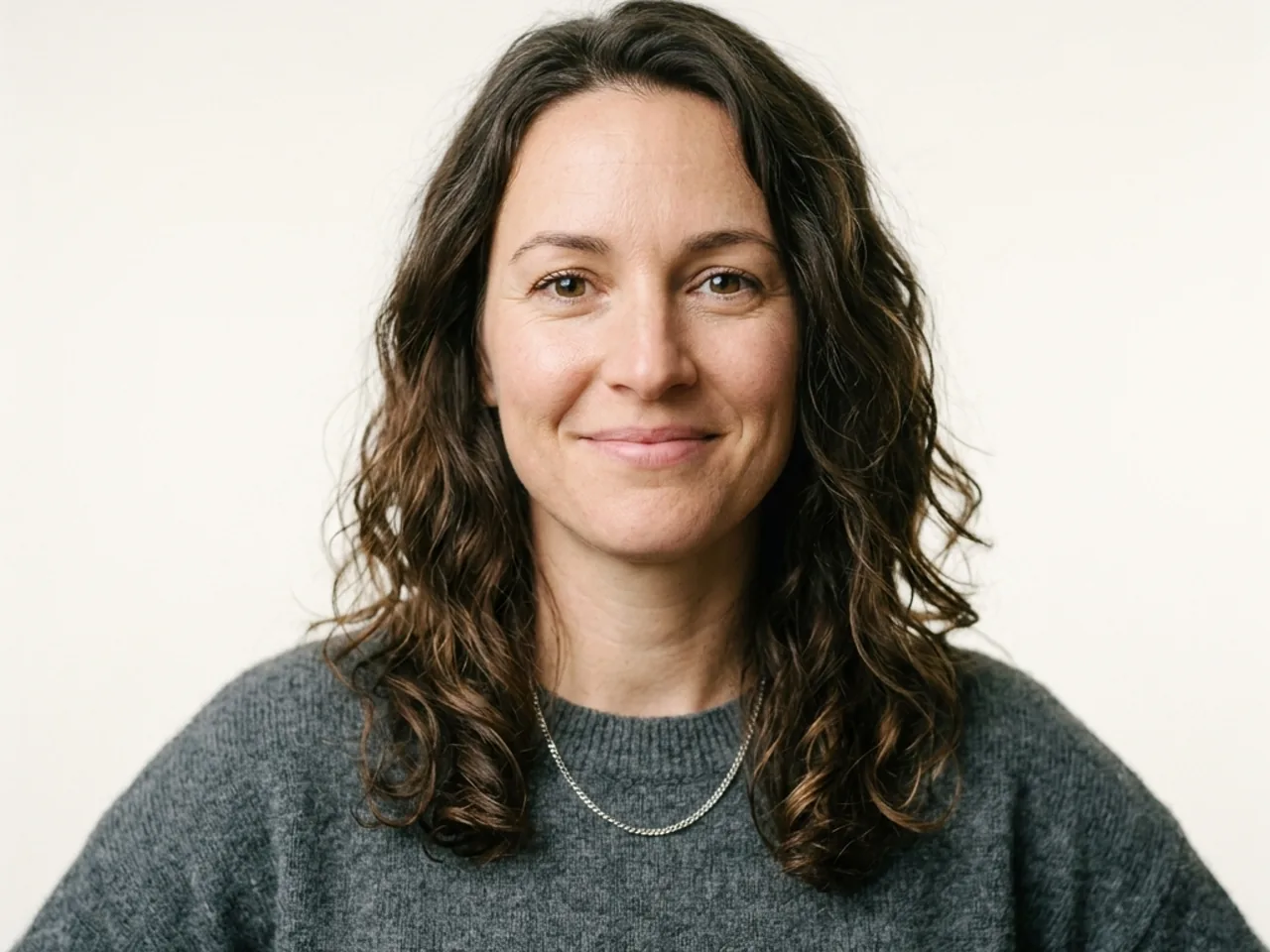
Upload a photo or describe the person you want to create. Move from natural studio realism to editorial color, painterly texture, or cinematic character styling without starting from a blank prompt.
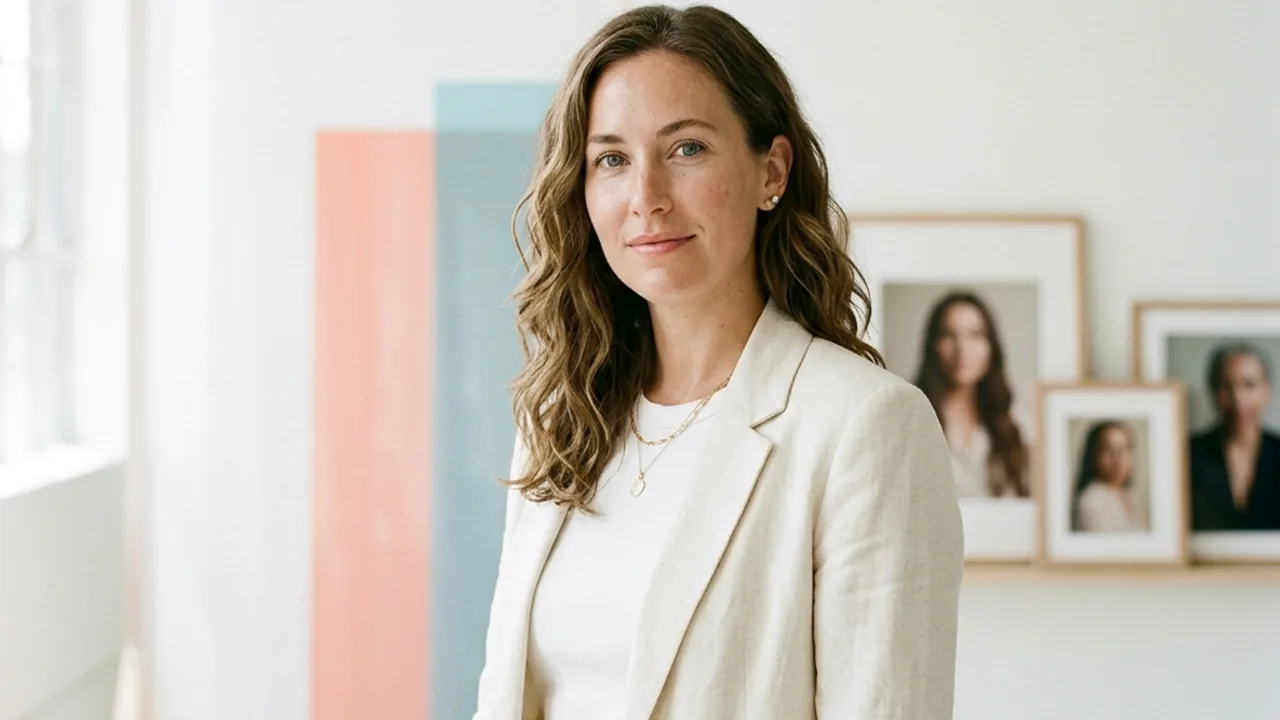
Compare realistic, editorial, painterly, and cinematic directions before choosing the look that fits your photo or idea.
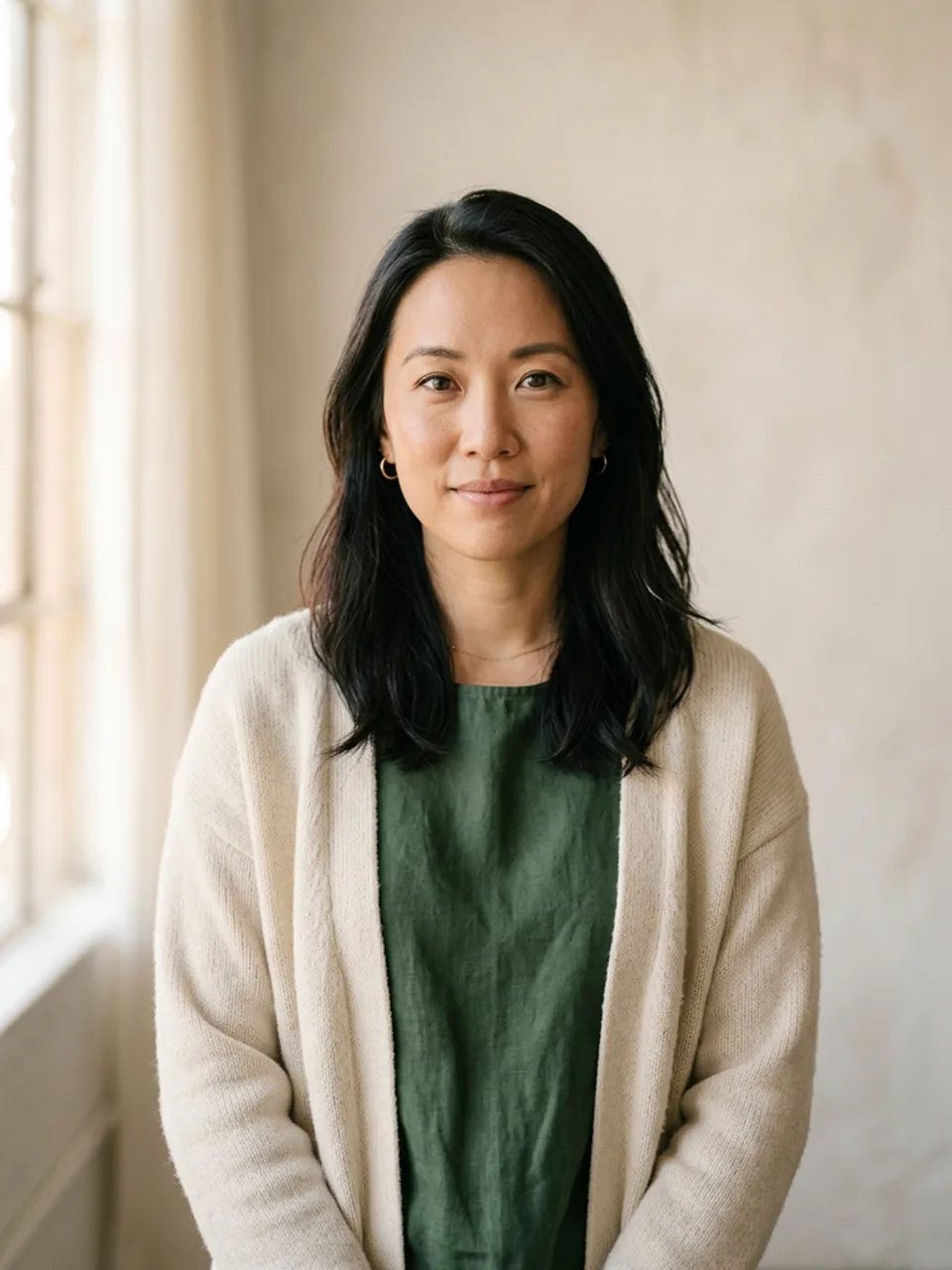 Realistic Portraits
Natural skin texture, soft daylight, neutral studio backdrop, direct eye contact, calm confident expression.
Try This Style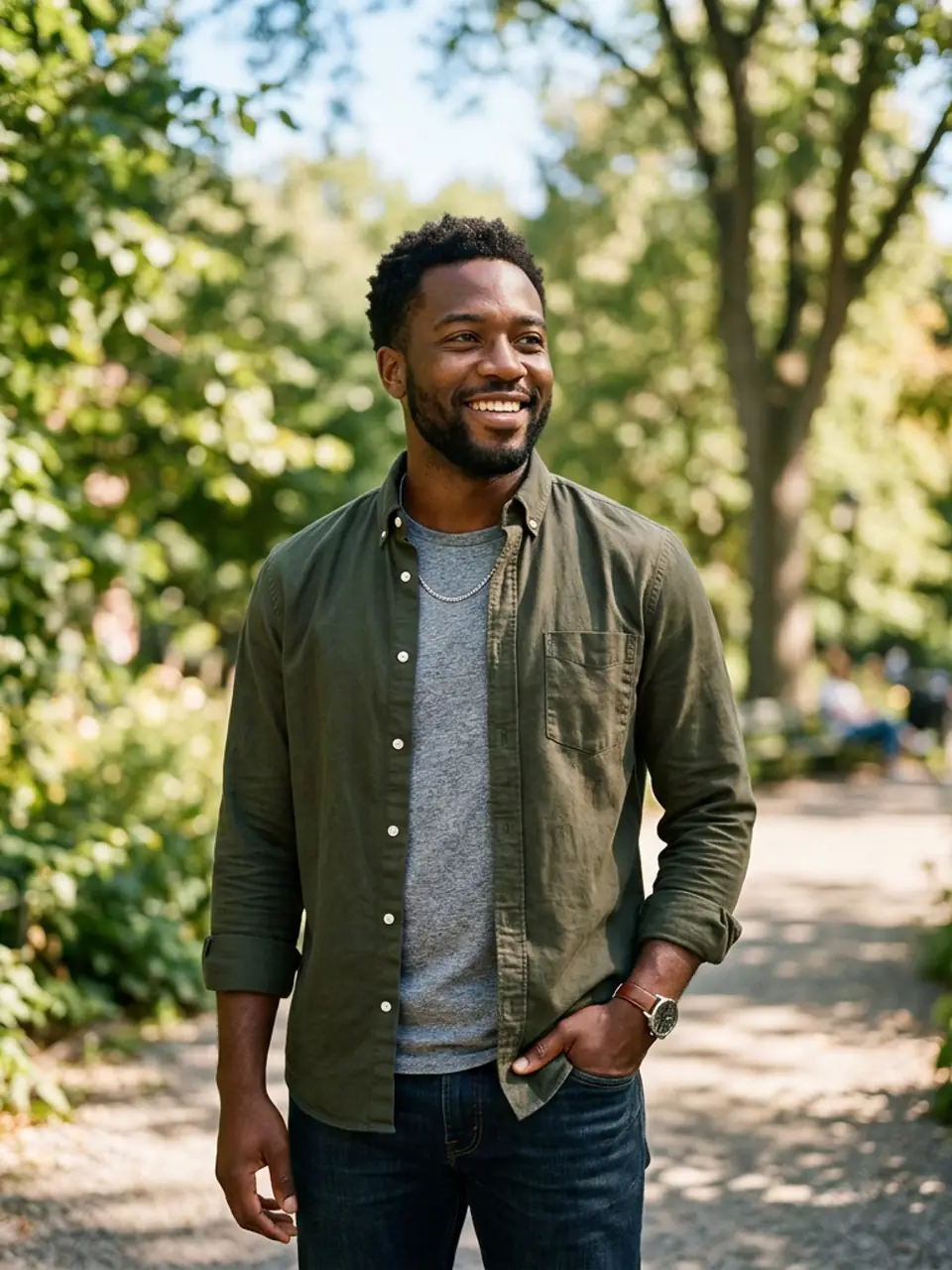 Realistic Portraits
Bright natural daylight, softly blurred park background, candid expression, realistic detail and color.
Try This Style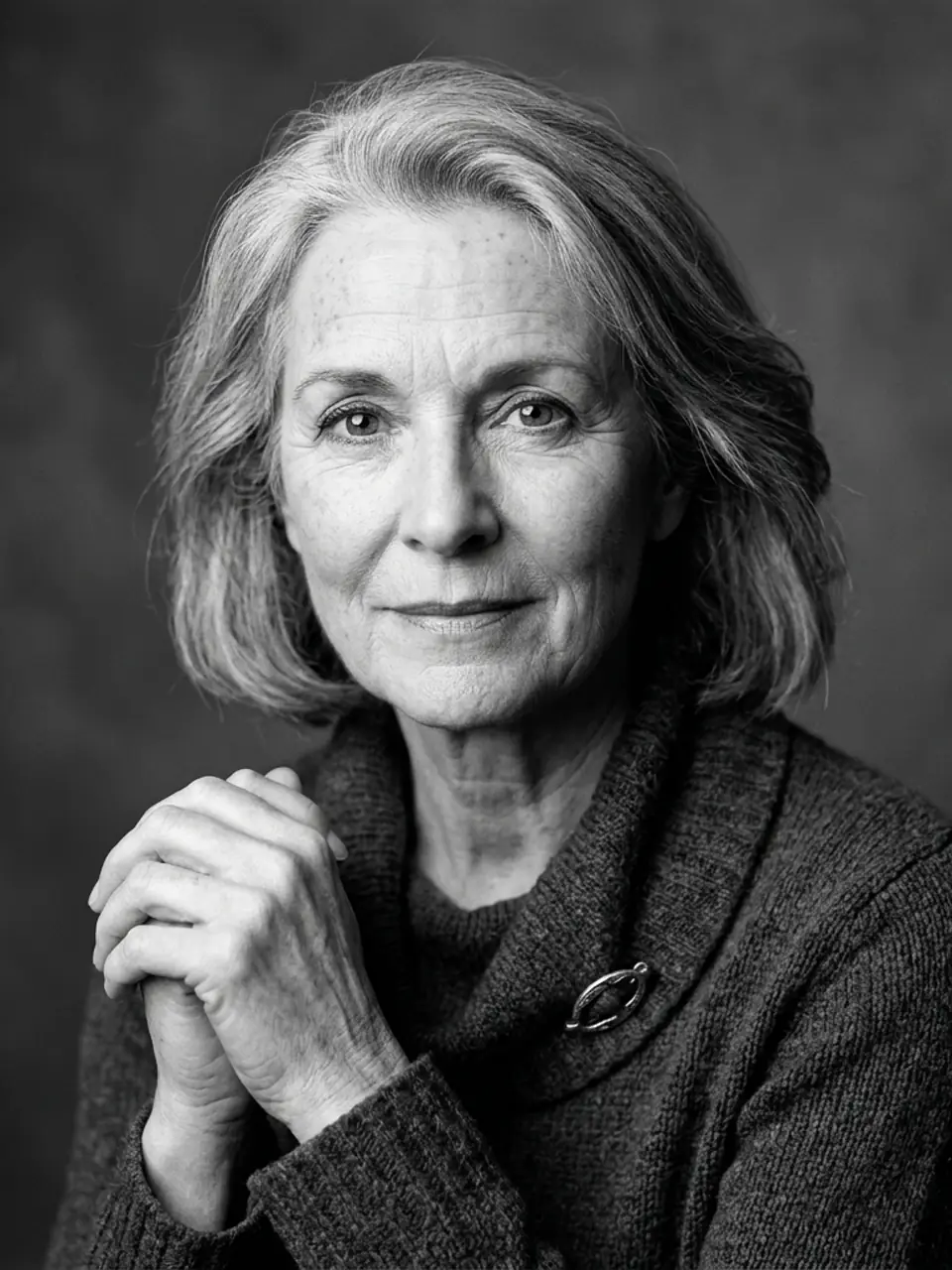 Realistic Portraits
Clean monochrome portrait, bright directional studio light, subtle contrast, timeless expression, detailed skin texture.
Try This Style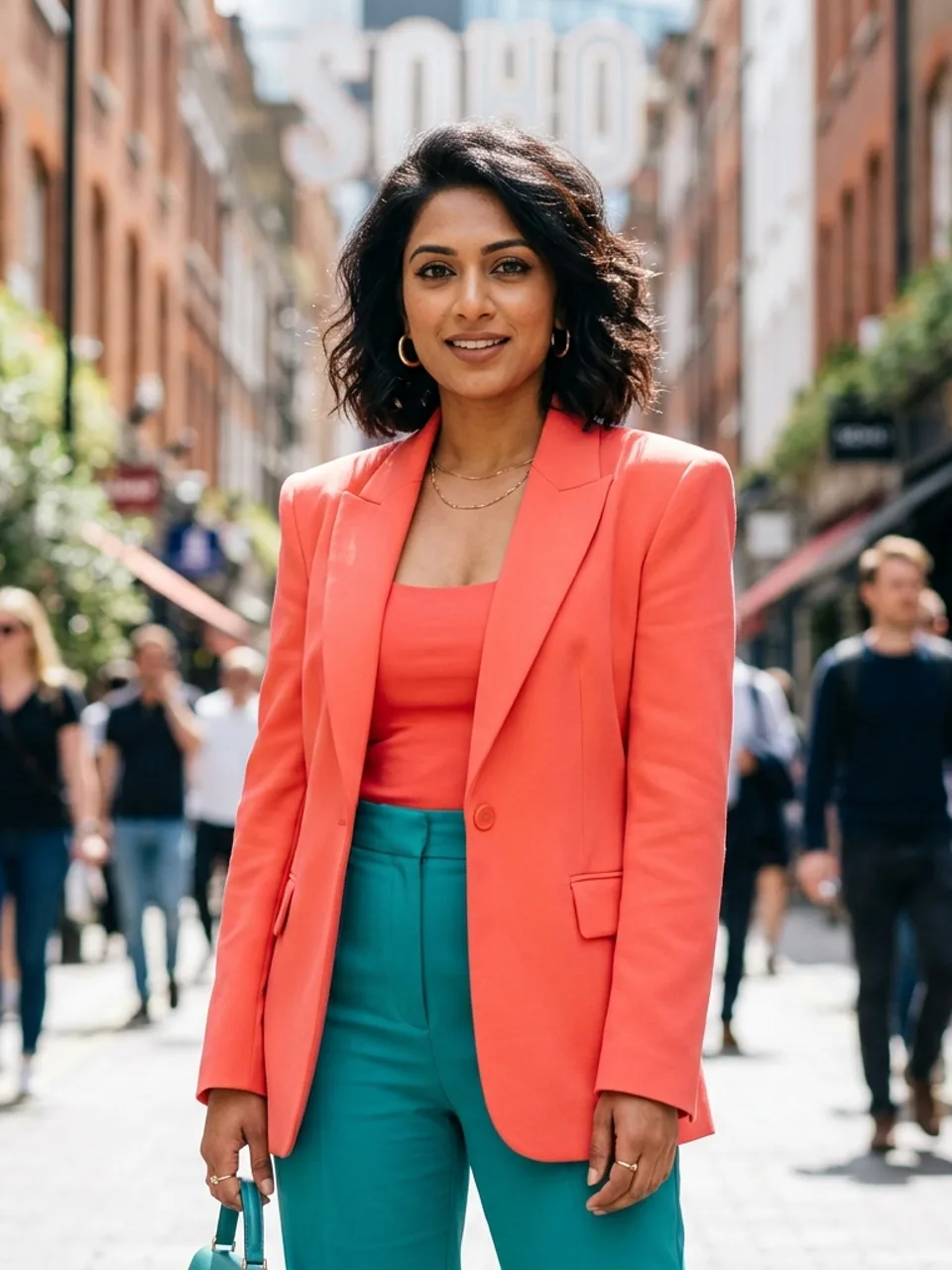 Editorial Portraits
Modern fashion portrait, saturated coral and cyan accents, clean graphic lighting, polished editorial composition.
Try This Style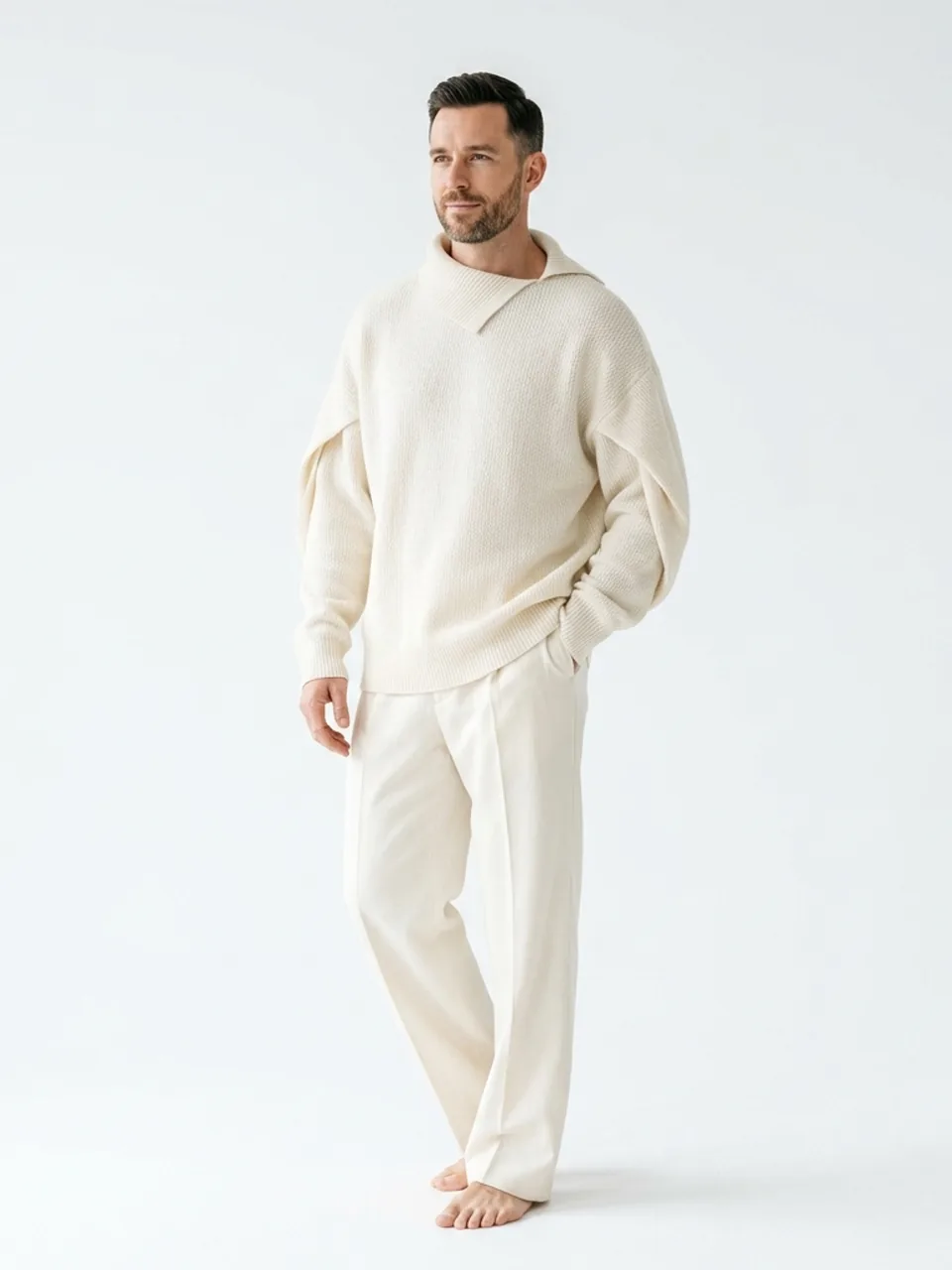 Editorial Portraits
High-key white studio, sculptural wardrobe, elegant pose, crisp facial detail, premium magazine aesthetic.
Try This Style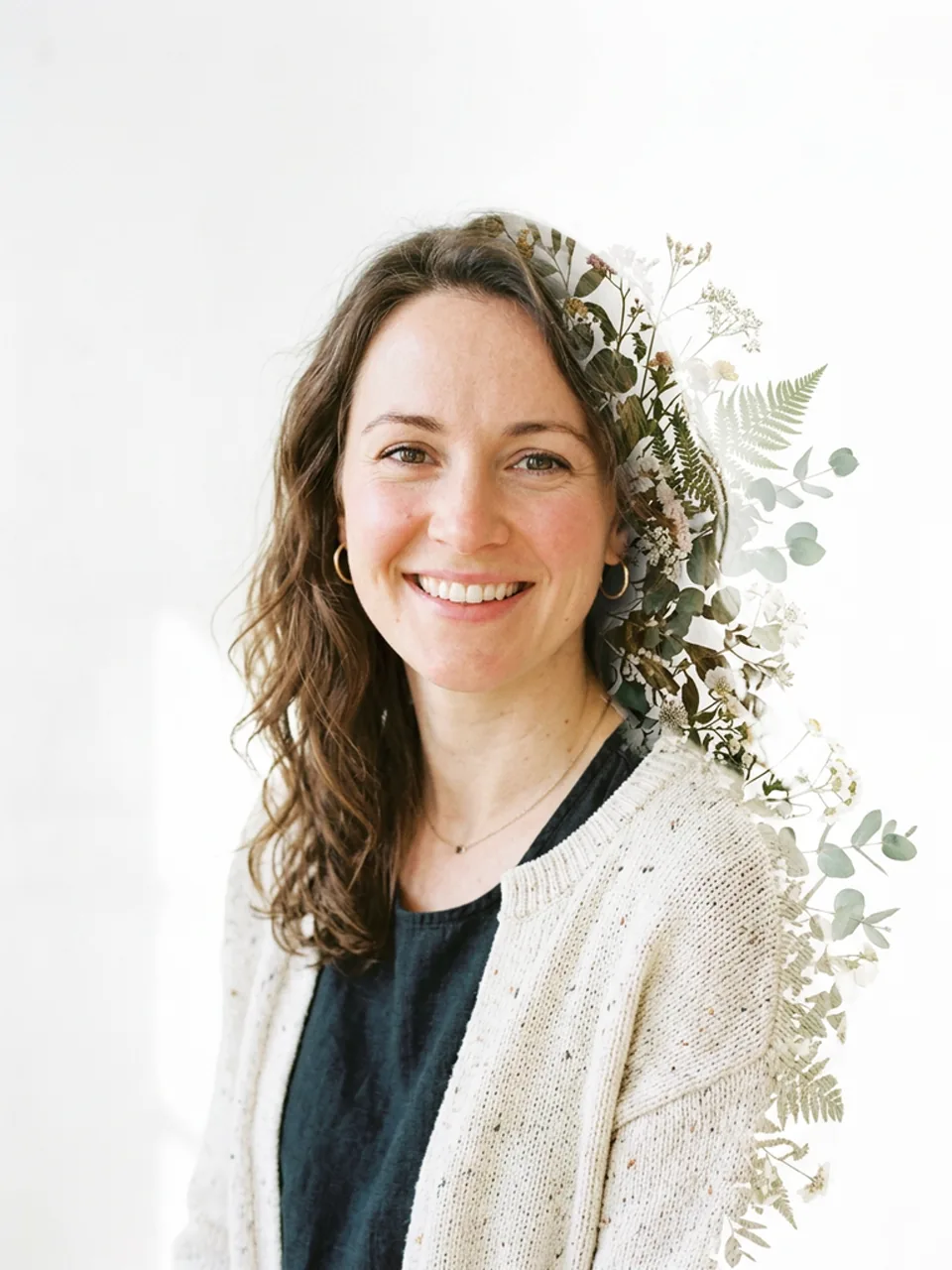 Editorial Portraits
Readable portrait with a subtle botanical double exposure, airy white space, refined color, face remains clear.
Try This Style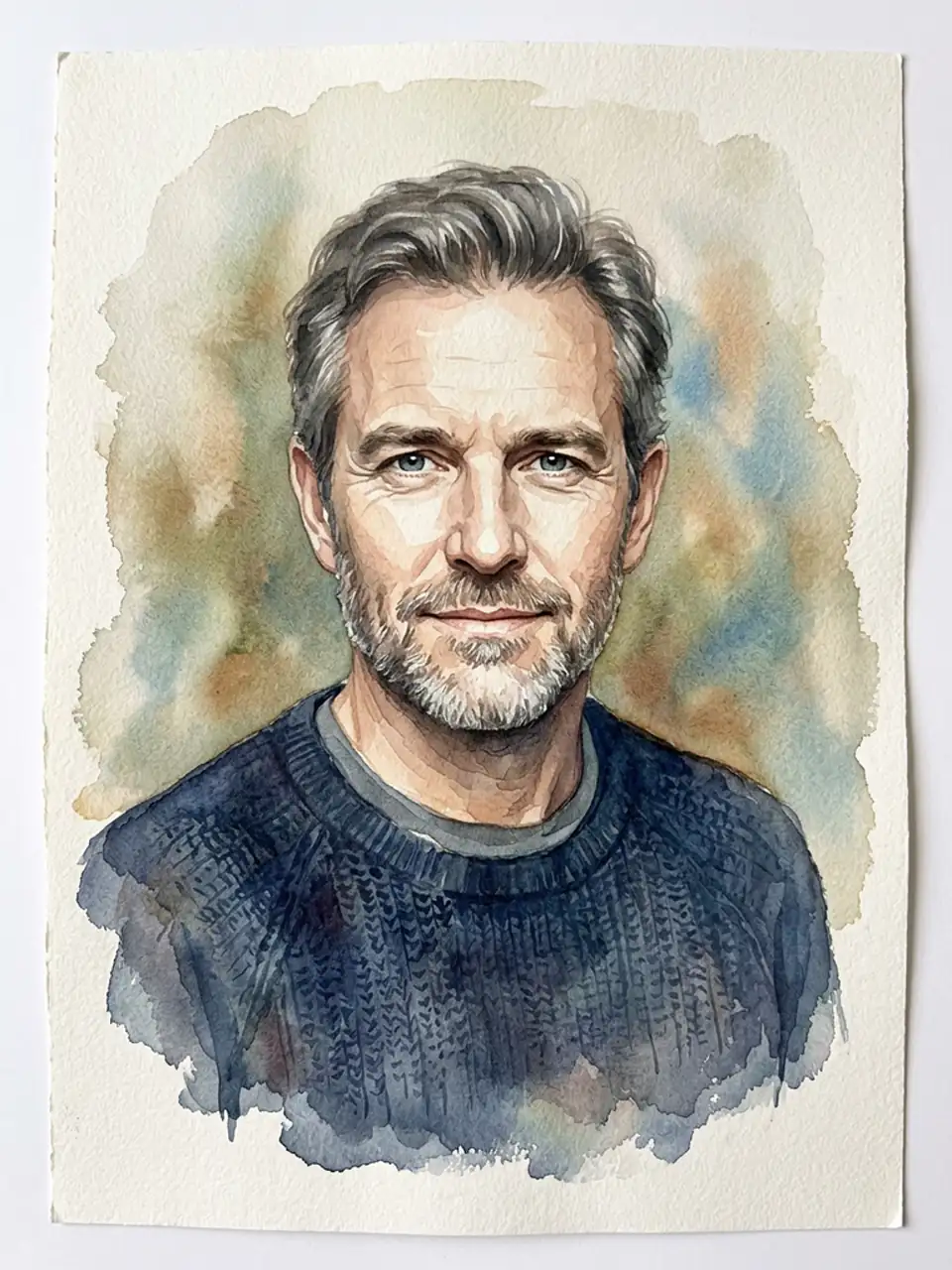 Artistic Portraits
Detailed watercolor portrait, soft layered pigments, natural face, bright paper texture, elegant gallery composition.
Try This Style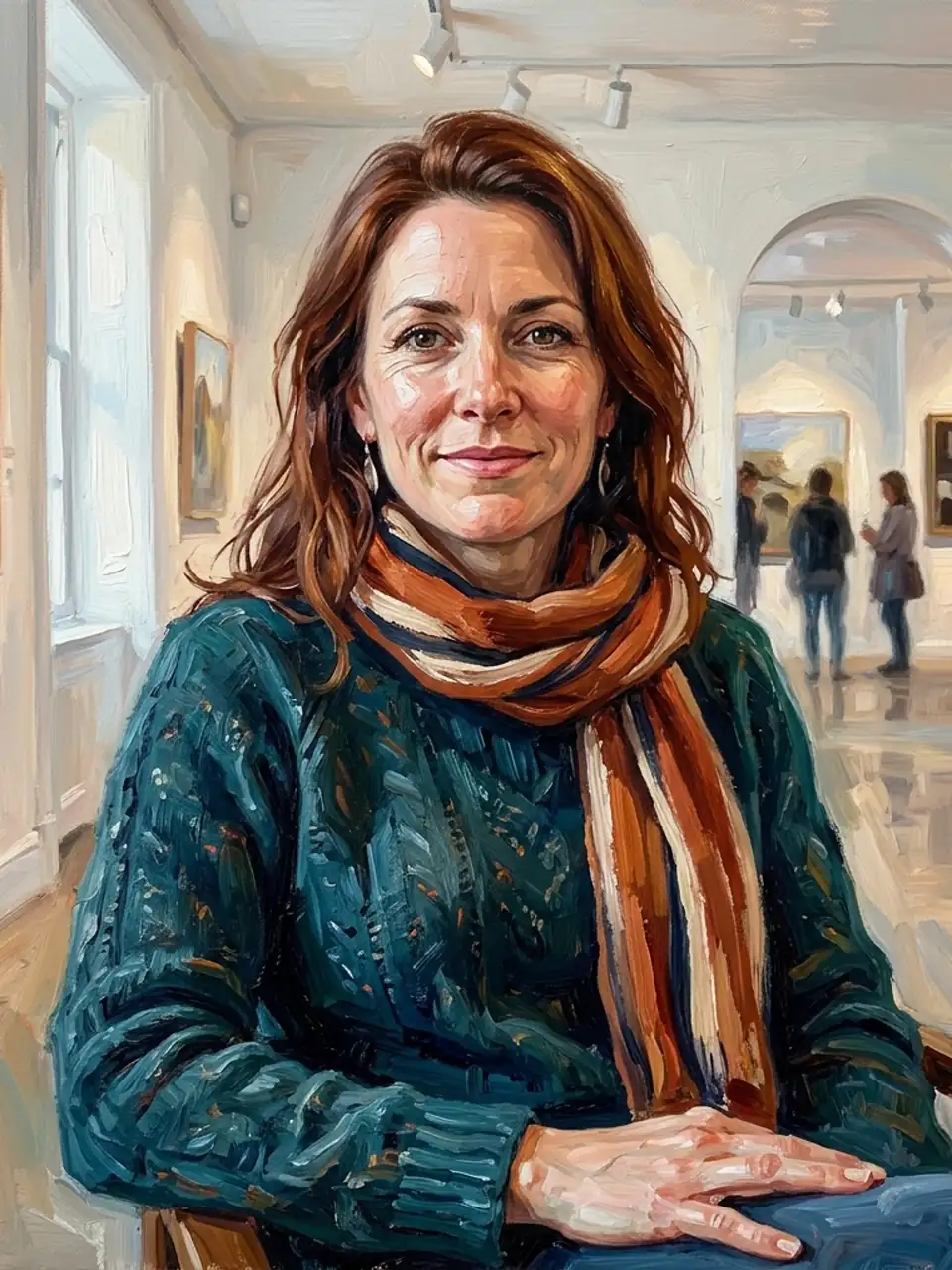 Artistic Portraits
Painterly oil portrait, visible brushwork, warm daylight, detailed eyes and face, contemporary gallery quality.
Try This Style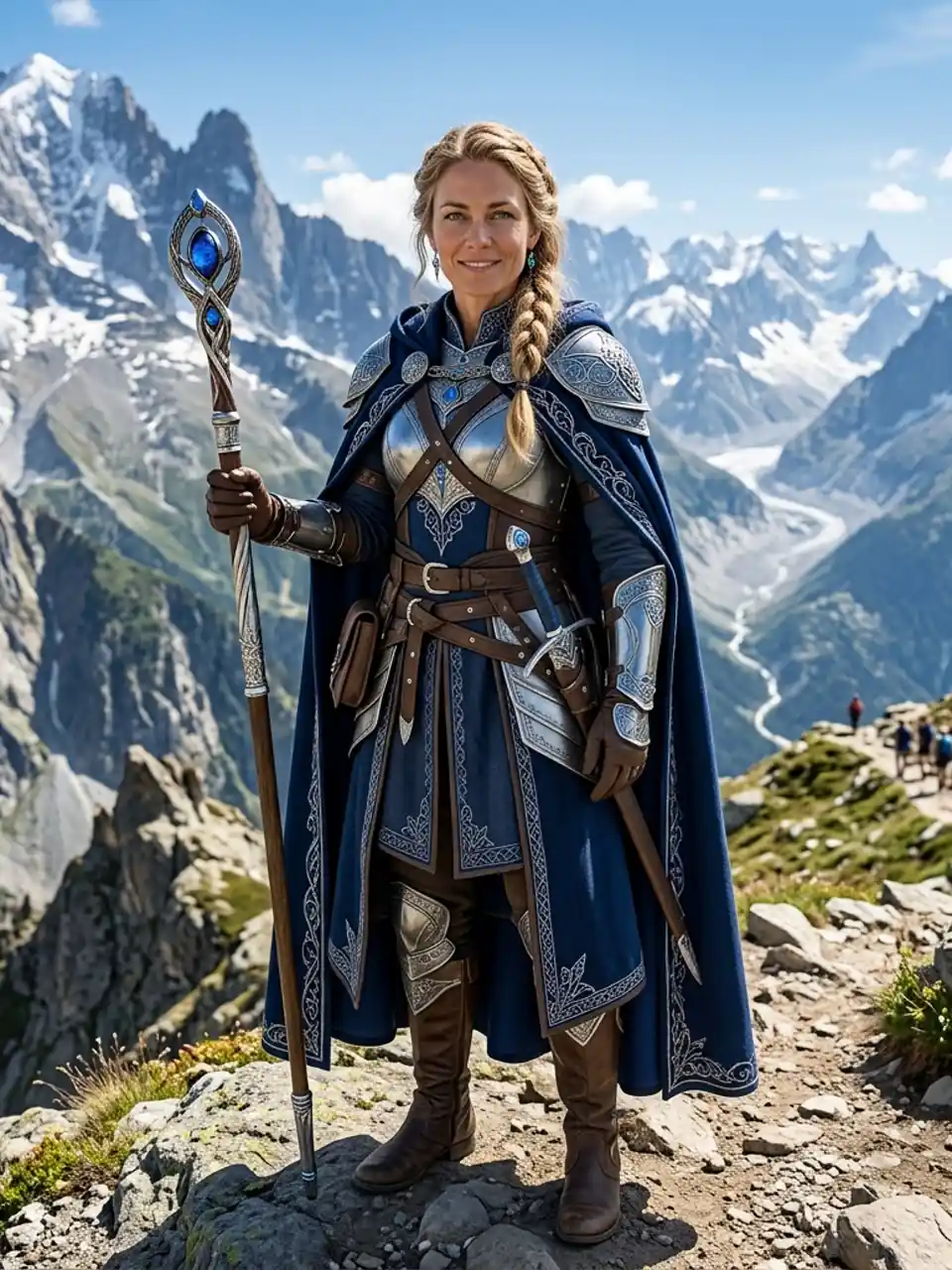 Character Portraits
Cinematic fantasy portrait, refined costume, luminous daytime setting, realistic face, intricate but uncluttered detail.
Try This Style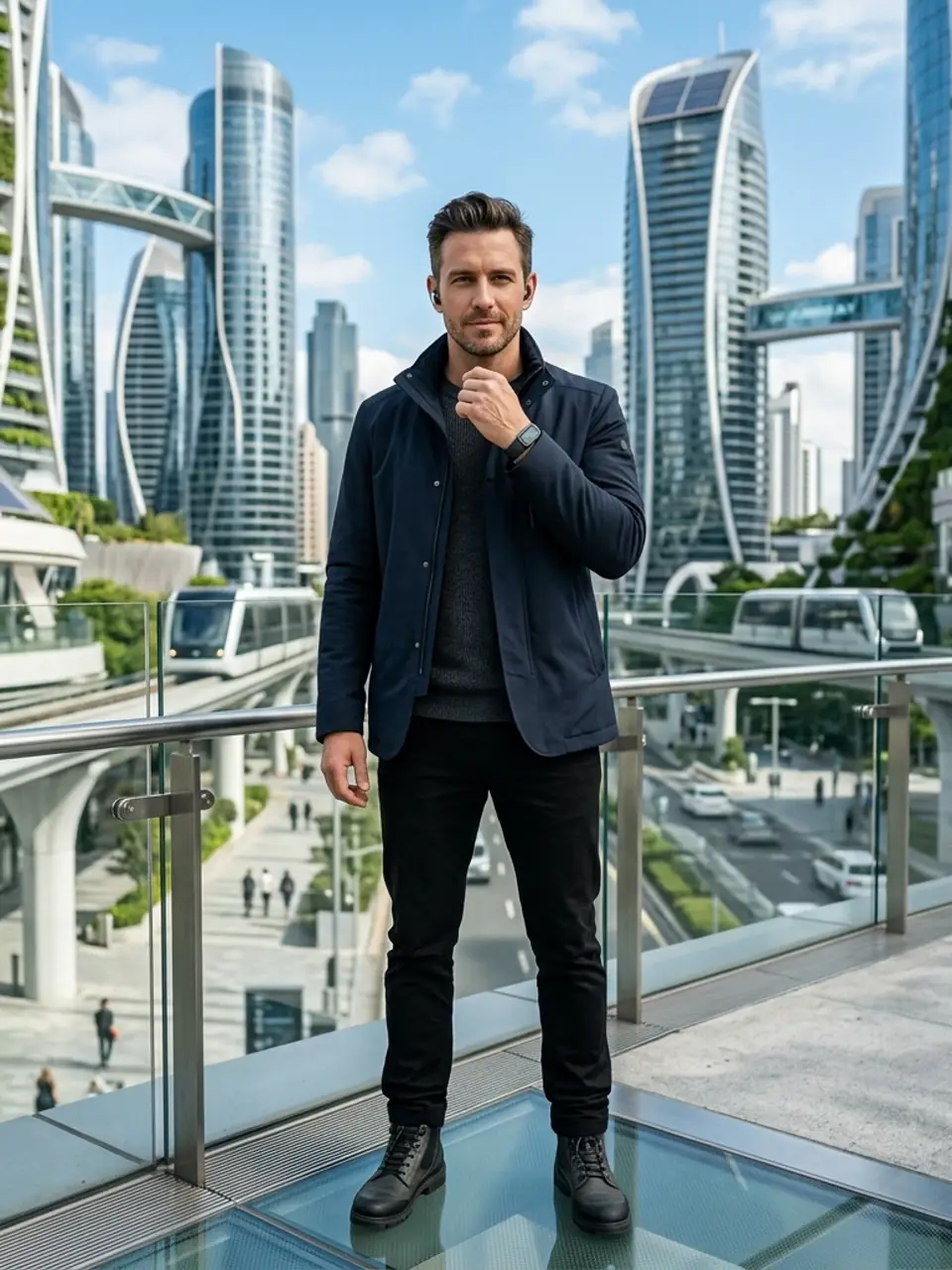 Character Portraits
Near-future character portrait, clean architectural background, bright daylight, subtle technology details, realistic face.
Try This StyleGet a strong starting point while keeping control over likeness, mood, and style.
Preserve a recognizable person from an uploaded portrait, or invent a new subject entirely from text.
Move between natural studio realism, editorial color, painterly texture, and cinematic character styling without rebuilding the prompt.
Refine expression, wardrobe, background, lighting, framing, and aspect ratio to make the portrait fit its real use.
Choose a strong source, set the visual direction, and refine the result before downloading.
Use a sharp front-facing photo for identity preservation, or describe the subject, age, expression, wardrobe, and setting in text.
Start with Natural Studio, Editorial Color, Painterly Portrait, or Cinematic Character, then adjust lighting, background, crop, and mood.
Review facial detail and composition, update one or two prompt details, and generate again until the portrait matches your intended use.
Scenario-based feedback for common portrait workflows.
I used the Natural Studio preset for a clean profile portrait, then changed only the background and expression instead of rewriting the whole prompt.
The editorial and painterly examples made it easier to choose a creative direction before uploading my photo.
I liked being able to start with a realistic portrait and then make a second version that felt more like character art.
Yes. Upload a clear photo with the face visible, then describe the portrait style, clothing, background, lighting, and expression you want. Ask the model to preserve recognizable facial features when likeness matters.
Yes. Describe the subject, age range, expression, hairstyle, clothing, setting, lighting, camera framing, and visual style. More concrete visual details usually produce a more intentional portrait.
Use Natural Studio for profile photos and realistic portraits, Editorial Color for fashion-forward visuals, Painterly Portrait for fine-art texture, and Cinematic Character for story-driven or fantasy concepts.
Start with a sharp front-facing image, avoid heavy filters or occlusions, and explicitly ask the model to preserve identity, facial structure, skin tone, eye shape, and other defining features. Review the result carefully before using it.
Usage rights depend on the model, source photo, prompt content, and where the portrait will appear. Make sure you have permission to use the source image and review the applicable model and platform terms before commercial use.