

Four Real Story Starting Points
Begin with an everyday camera roll, weekend with friends, city trip diary, or cozy detail instead of writing every prompt from scratch.
Prompt Guide
Model
Reference Image
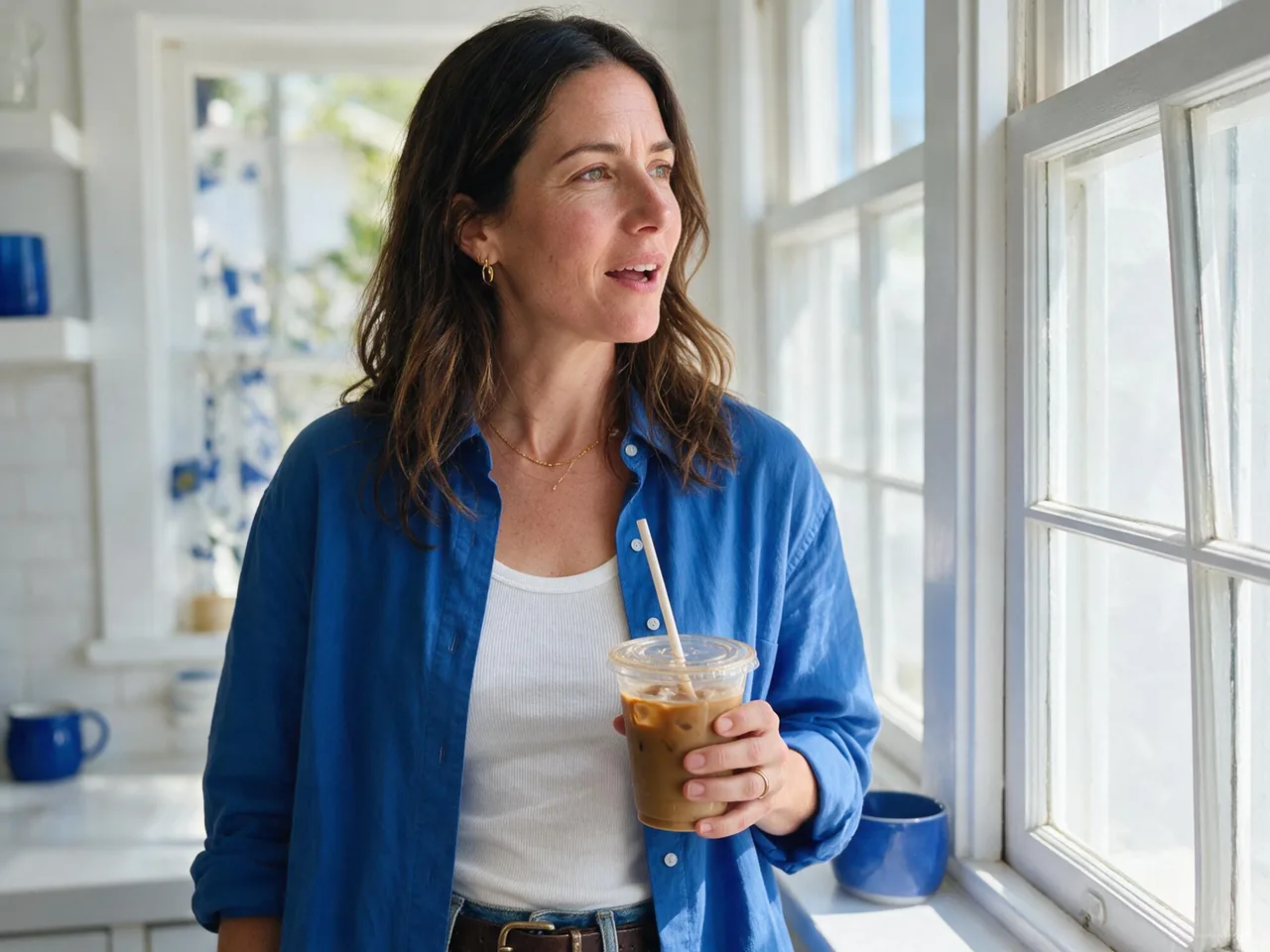
Build an aesthetic camera roll from everyday details, friends, food, and travel scenes. The AI photo dump generator gives you practical starting prompts while you control the recurring people, light, color, and camera feel.
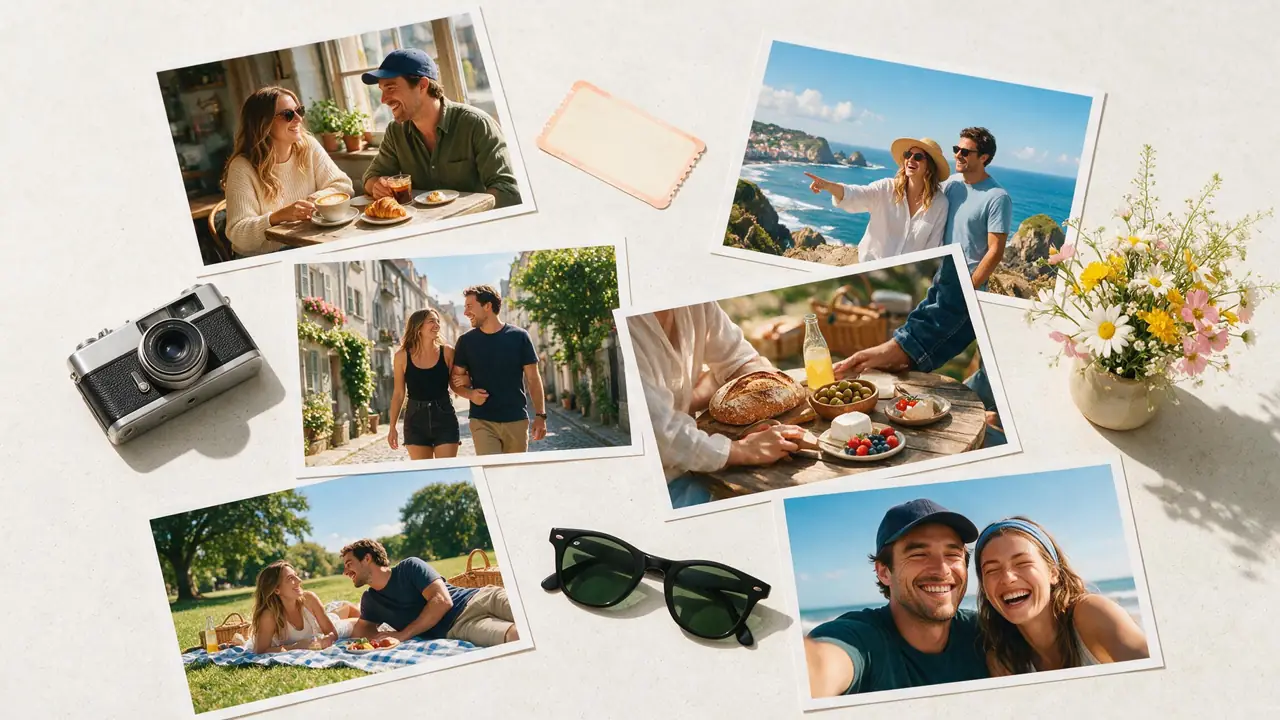
Plan one visual thread, generate varied moments, then choose the strongest sequence.
Pick a day, trip, weekend, or mood. Write down any recurring person, outfit, color palette, daylight direction, and phone-camera texture that should carry through the set.
Start with a preset, then change the action, place, distance, and angle for each image. Keep the recurring details in every prompt when continuity matters.
Choose a mix of faces, wide scenes, food, objects, and imperfect candid frames. Remove near-duplicates and arrange the images so the photo dump has a beginning, middle, and finish.
Mix people, places, food, and small details. Keep a recurring visual thread, but change distance, angle, and subject so the set does not look repetitive.
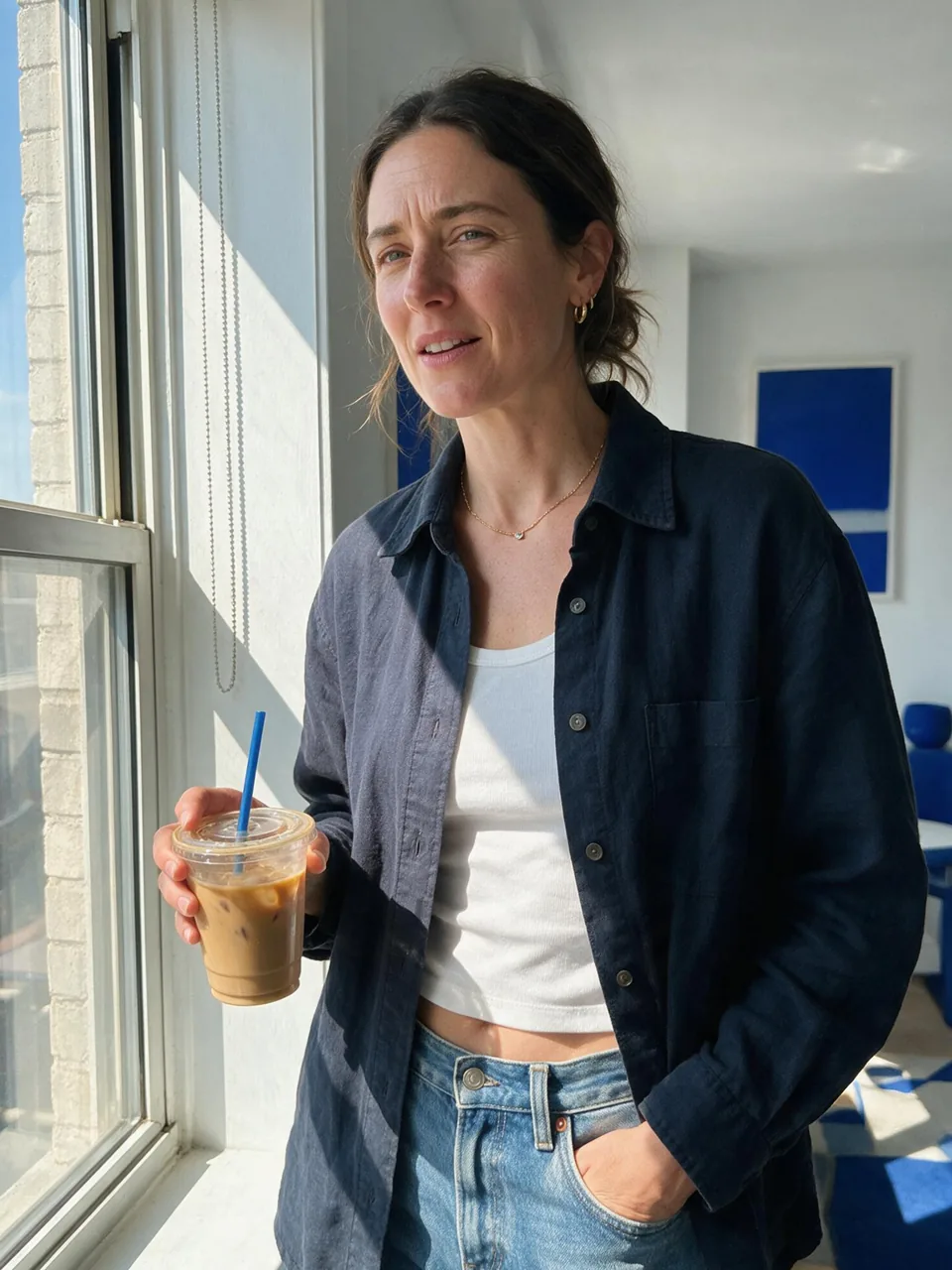 Everyday Moments
Candid adult portrait beside a sunny apartment window, iced coffee, natural expression, slight phone-camera grain, white and cobalt color thread.
Try This Moment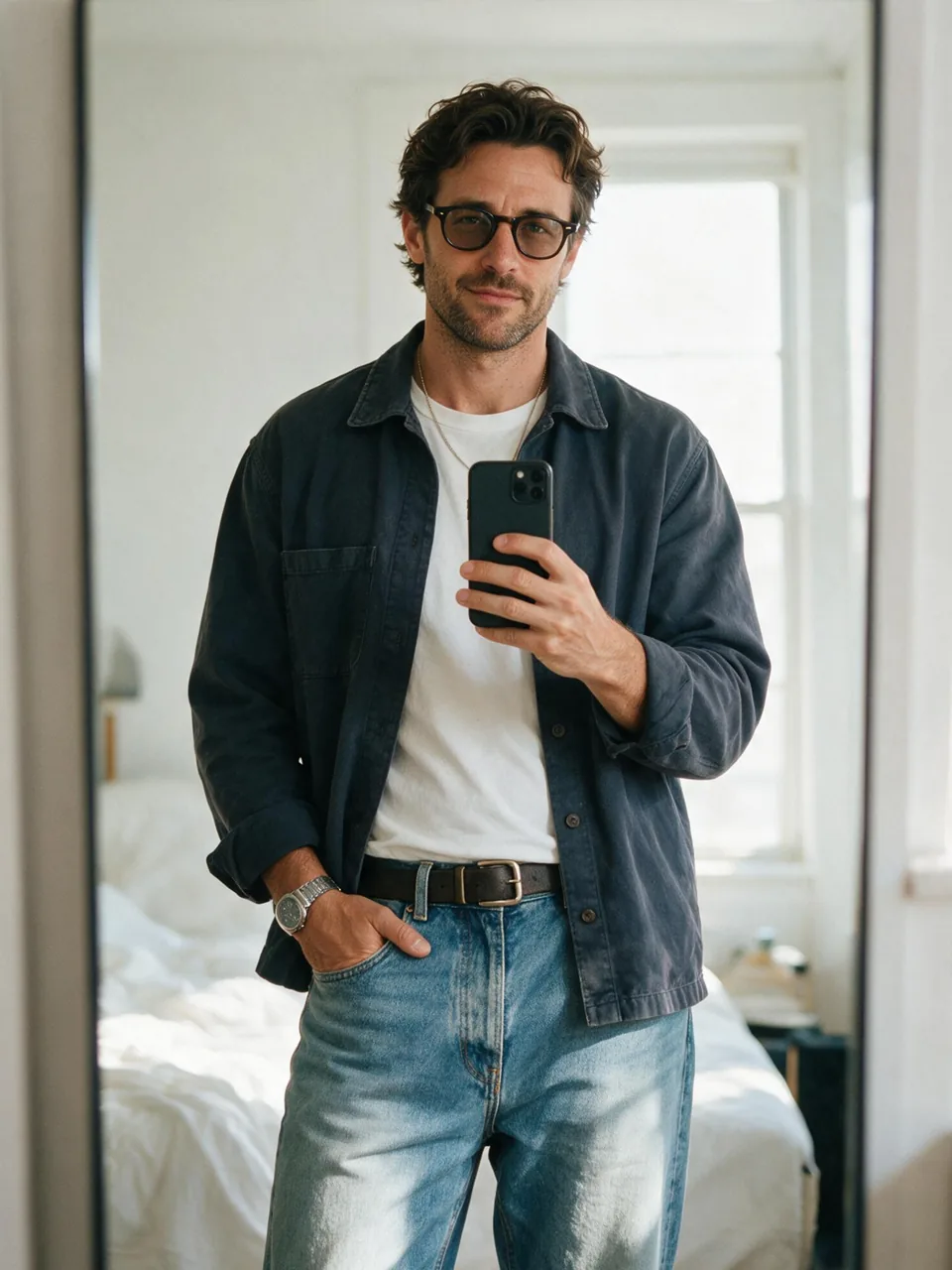 Everyday Moments
Bright mirror outfit photo, fully clothed adult, relaxed streetwear, believable reflection, clean bedroom, casual phone-camera framing.
Try This Moment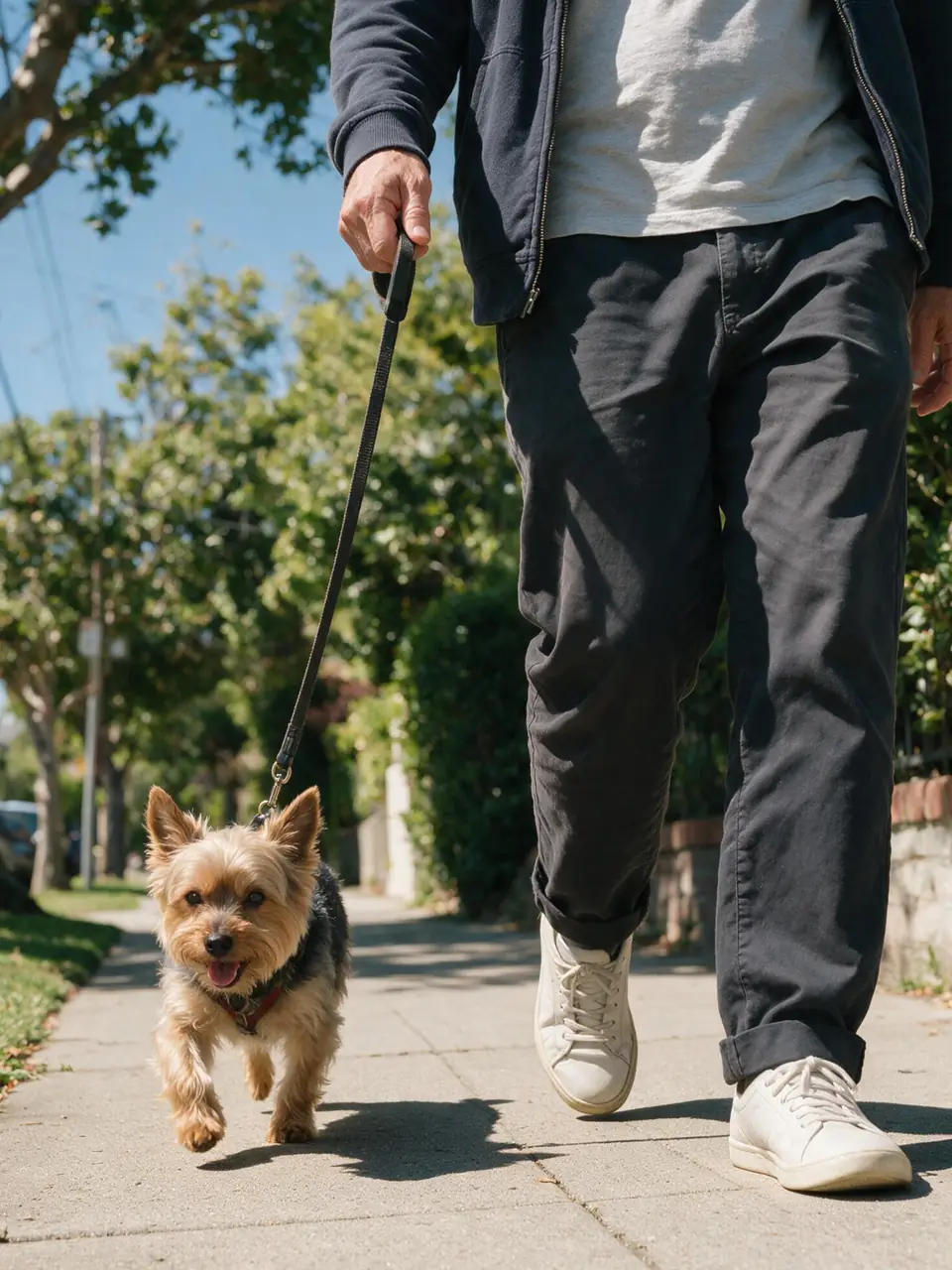 Everyday Moments
Low-angle candid sidewalk photo of one adult walking a small terrier, clear noon daylight, leafy neighborhood, playful natural motion.
Try This Moment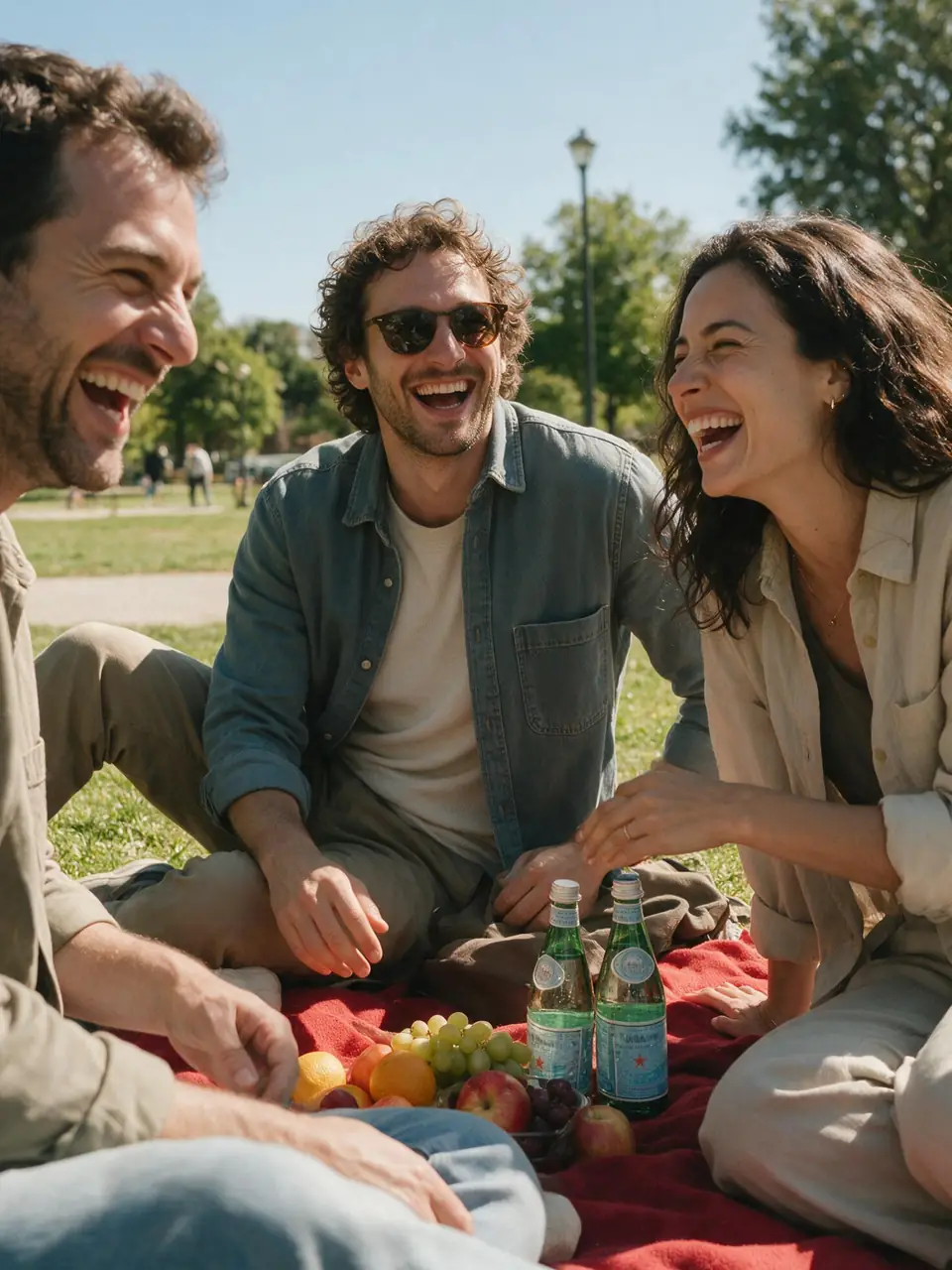 Friends and Weekends
Three adult friends laughing at a sunny park picnic, spontaneous crop, red blanket, fruit and sparkling water, soft midday shadows.
Try This Moment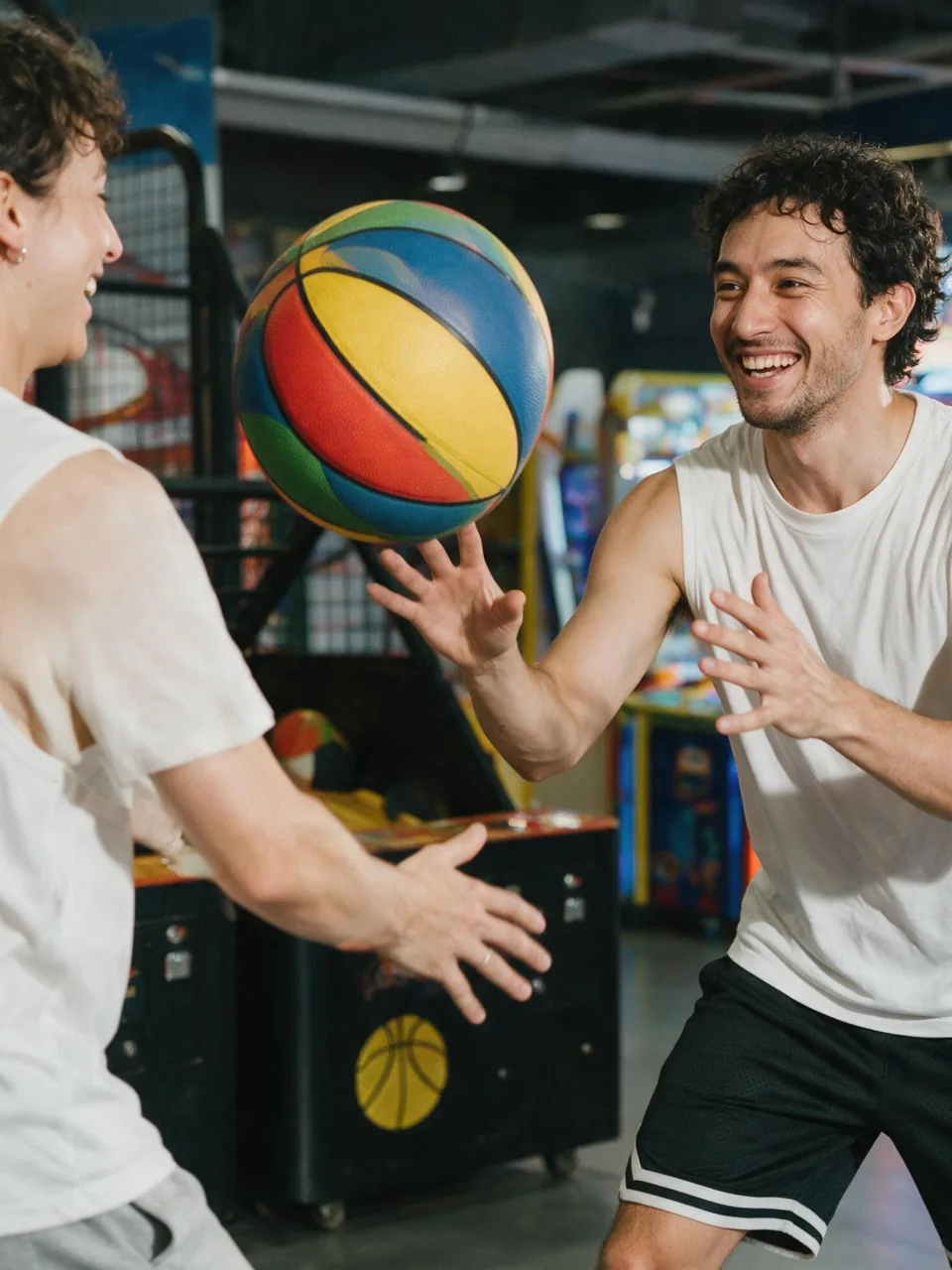 Friends and Weekends
Two adult friends playing a colorful arcade basketball game, bright even lighting, energetic natural motion, realistic compact-camera grain.
Try This Moment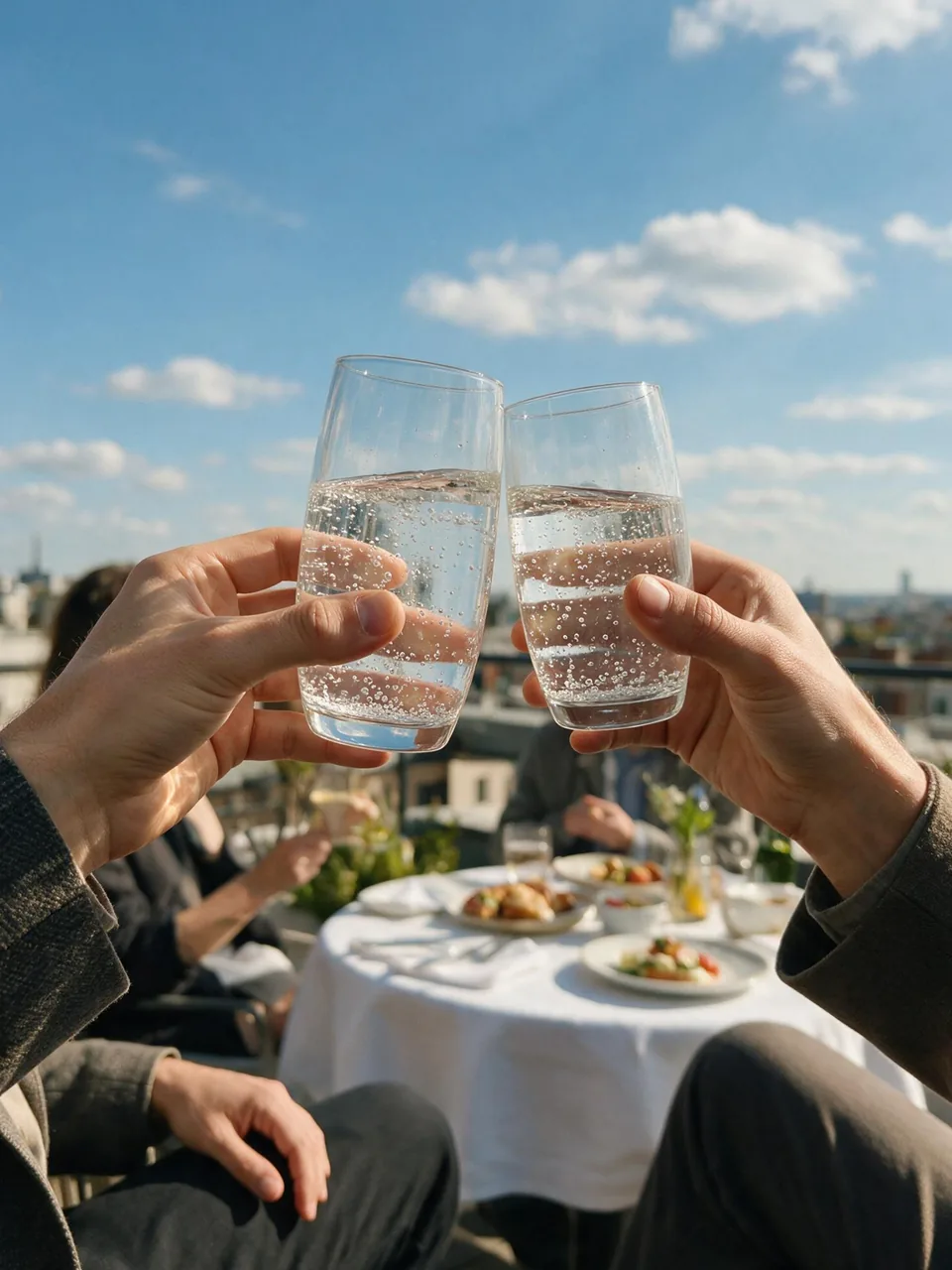 Friends and Weekends
Two adult friends clinking sparkling-water glasses at a sunny rooftop brunch, blue sky, clean city view, spontaneous phone-camera composition.
Try This Moment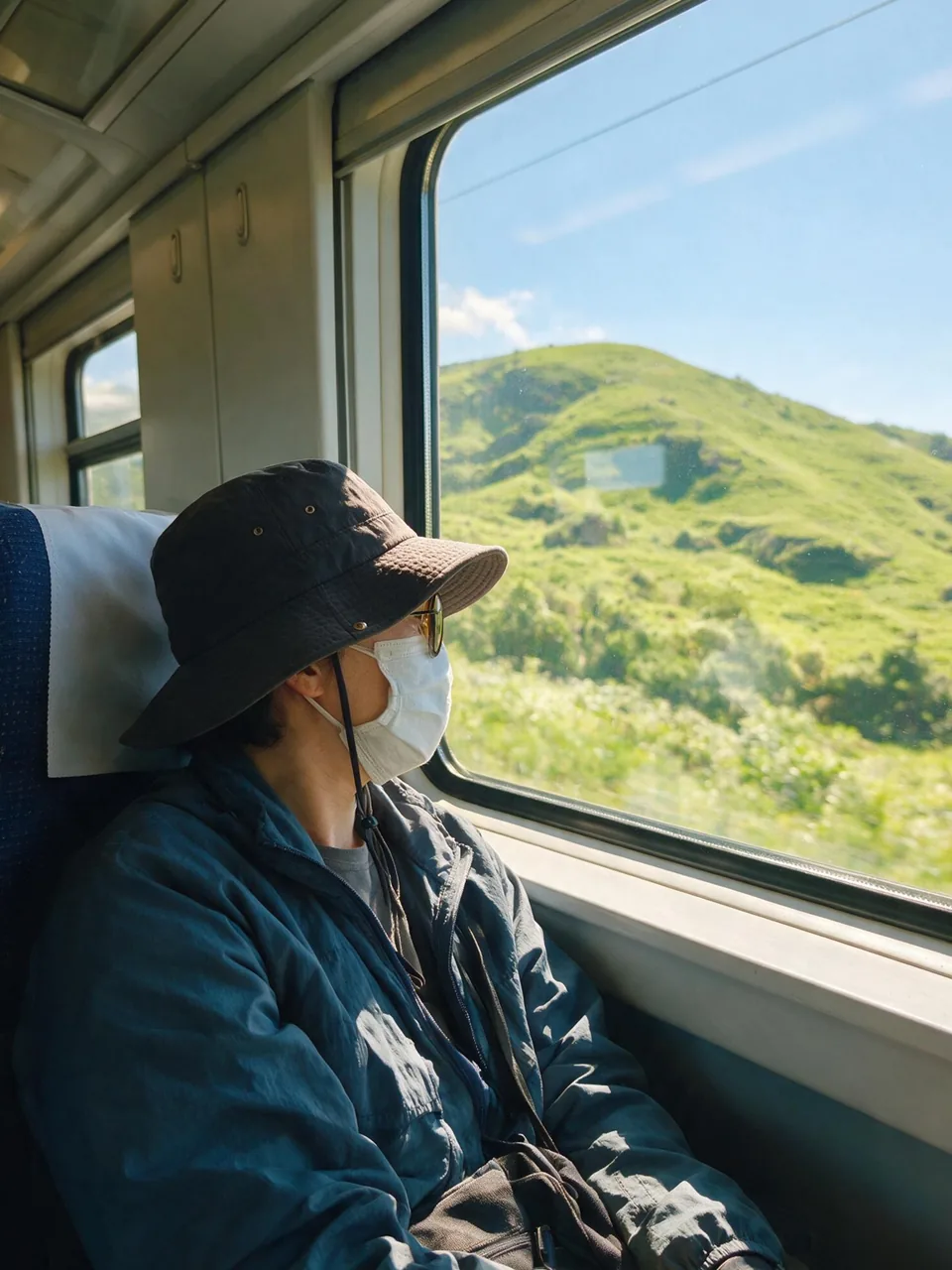 Travel Diaries
One adult traveler looking through a train window at sunlit green hills, reflective quiet mood, bright airy exposure, subtle phone-camera texture.
Try This Moment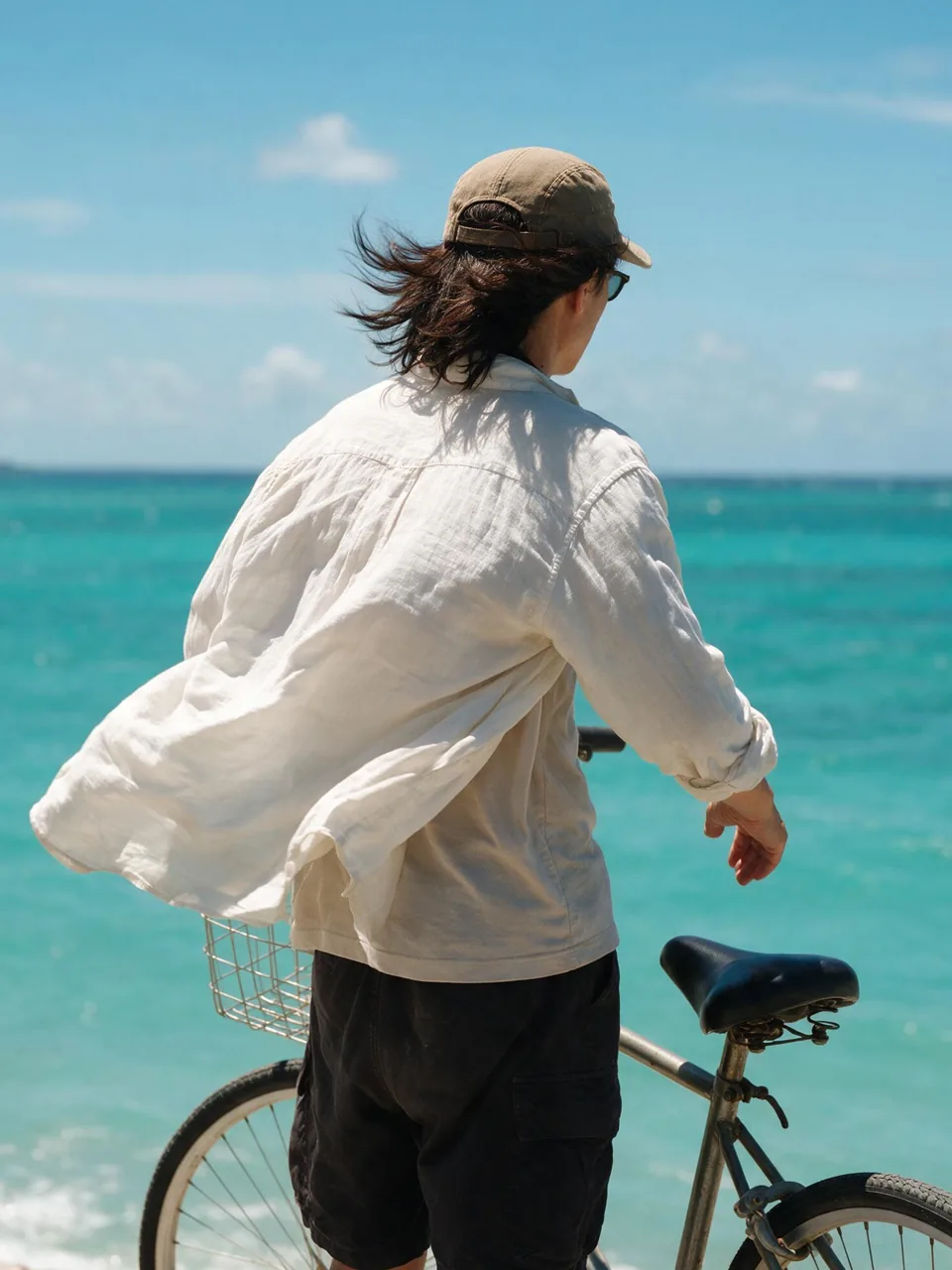 Travel Diaries
One adult beside a simple bicycle overlooking a turquoise coast, clear midday sky, wind moving clothing naturally, relaxed imperfect framing.
Try This Moment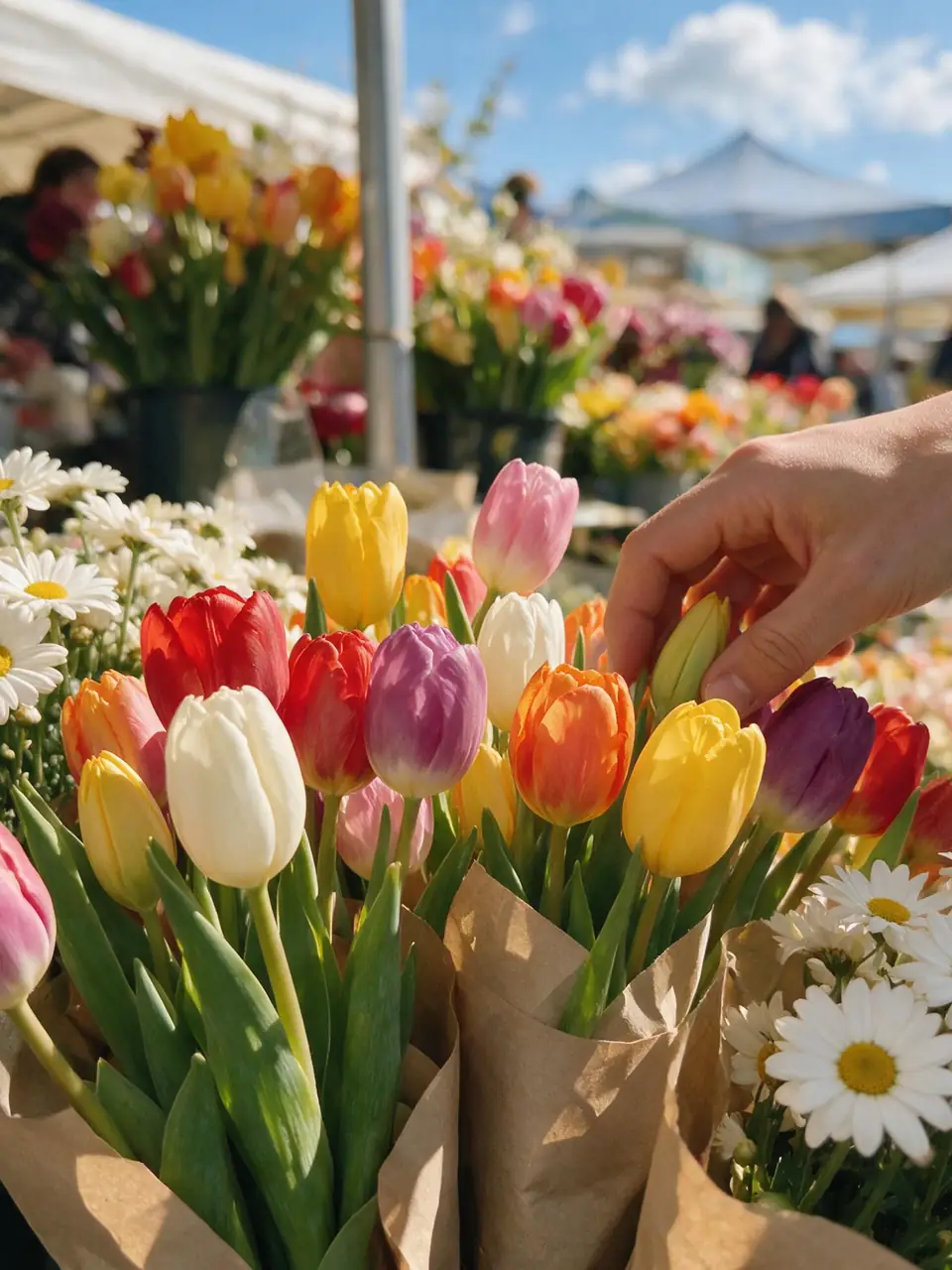 Details and Food
Colorful tulips and daisies at a bright outdoor flower market, one natural hand choosing a bouquet, sunny daylight, crisp phone-camera texture.
Try This Moment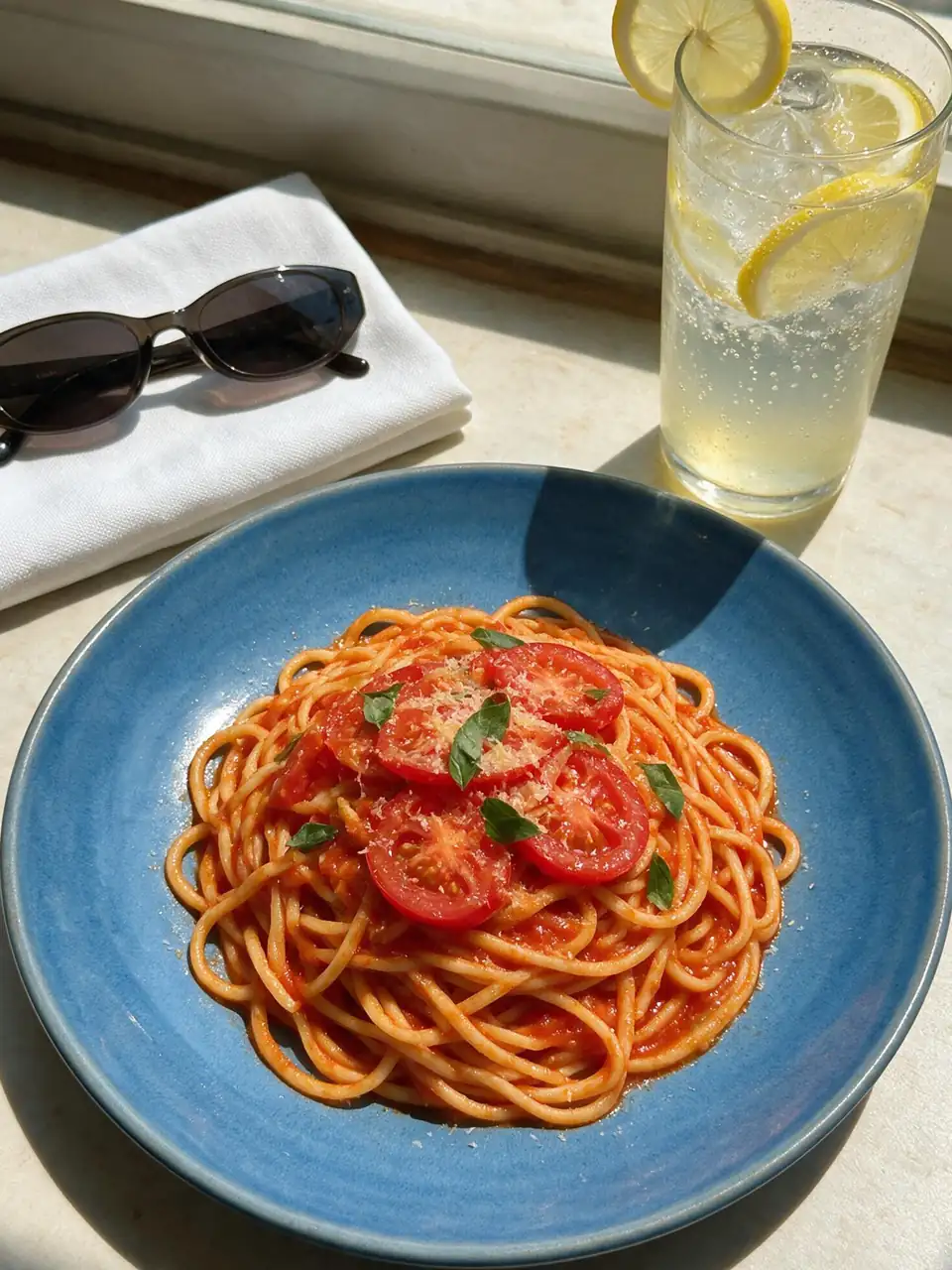 Details and Food
Overhead candid food photo with fresh tomato pasta, lemon soda, blue ceramic plate, sunglasses, and bright restaurant window light.
Try This MomentEach preset helps the photos feel related without making every frame look the same.
Begin with an everyday camera roll, weekend with friends, city trip diary, or cozy detail instead of writing every prompt from scratch.
Reuse recurring people, daylight, color accents, and camera texture while changing the moment, distance, and composition in every image.
Generate square, portrait, classic, or vertical images for carousel posts, story sequences, mood boards, and personal camera-roll edits.
Scenario-based feedback for common photo-dump workflows.
I kept the same daylight and blue accents across a weekend set, then changed the framing for every image. It felt much more like a real camera roll than ten matching portraits.
The travel and detail presets helped me mix people, places, food, and small objects without losing the visual thread of the trip.
I used the tool one image at a time and removed the near-duplicates before arranging the final carousel.
An AI photo dump is a set of generated images arranged to feel like a casual camera-roll story. It usually mixes people, places, food, objects, and imperfect candid moments instead of presenting one polished campaign image.
The current workspace generates one image at a time. For a coherent set, reuse the same person description, outfit, palette, daylight, and camera texture, then change the action and framing in each prompt.
Use the same clear reference image when the selected model supports it, repeat the person's defining features and outfit, and avoid changing several identity details at once. Review every result before adding it to the final sequence.
Mix close details, medium portraits, wide scenes, off-center crops, and small imperfections. Keep the light and color thread consistent, but avoid identical poses, perfectly centered framing, and repeated backgrounds.
You can create square, portrait, and vertical images for social posts. Before publishing, check the source-photo permissions, selected model terms, platform disclosure rules, and any commercial-use requirements that apply to your account.