

AI Panda Drawing Image Generator
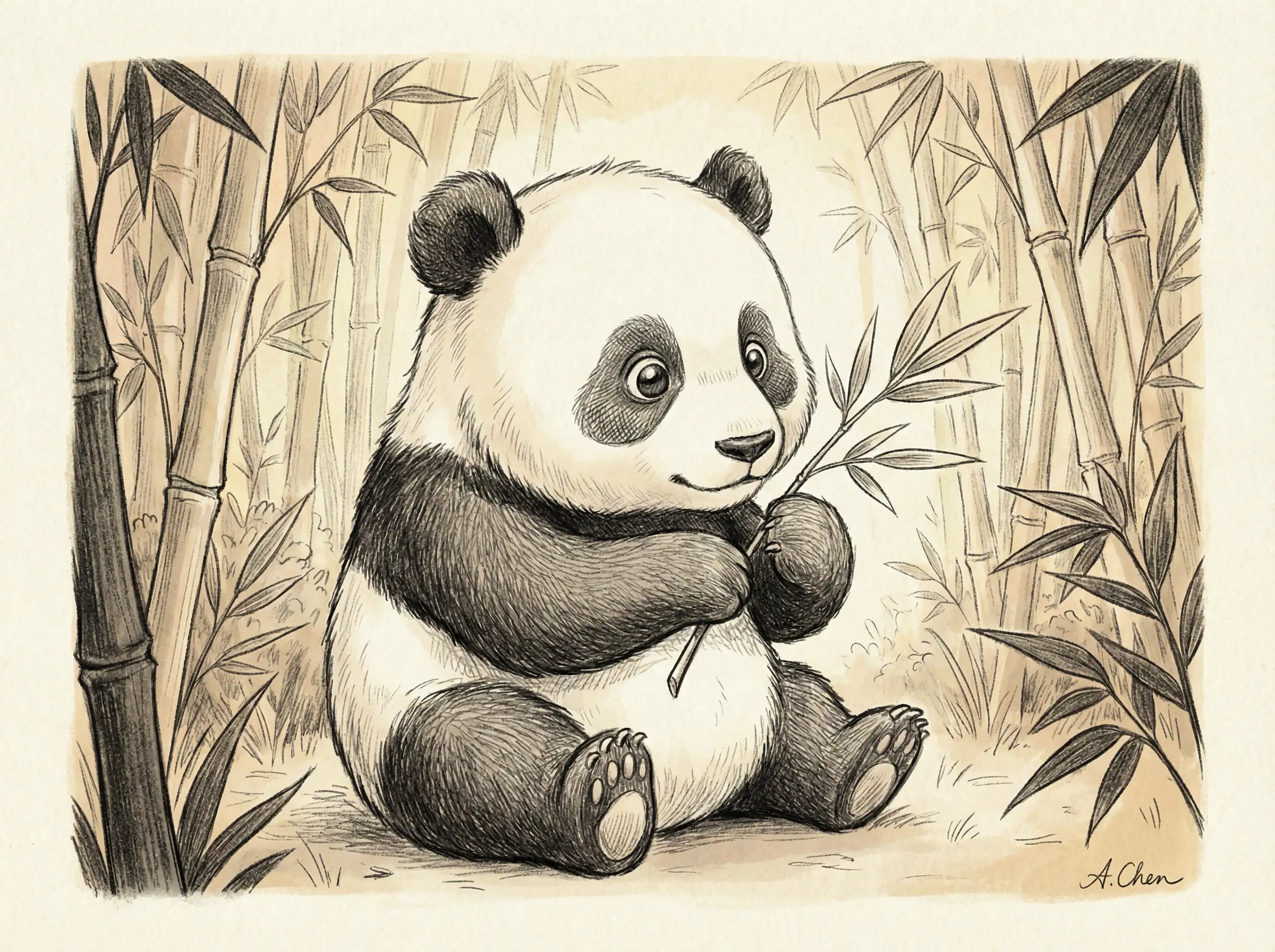
Create Panda Art That Feels Sweet, Calm, and Personal
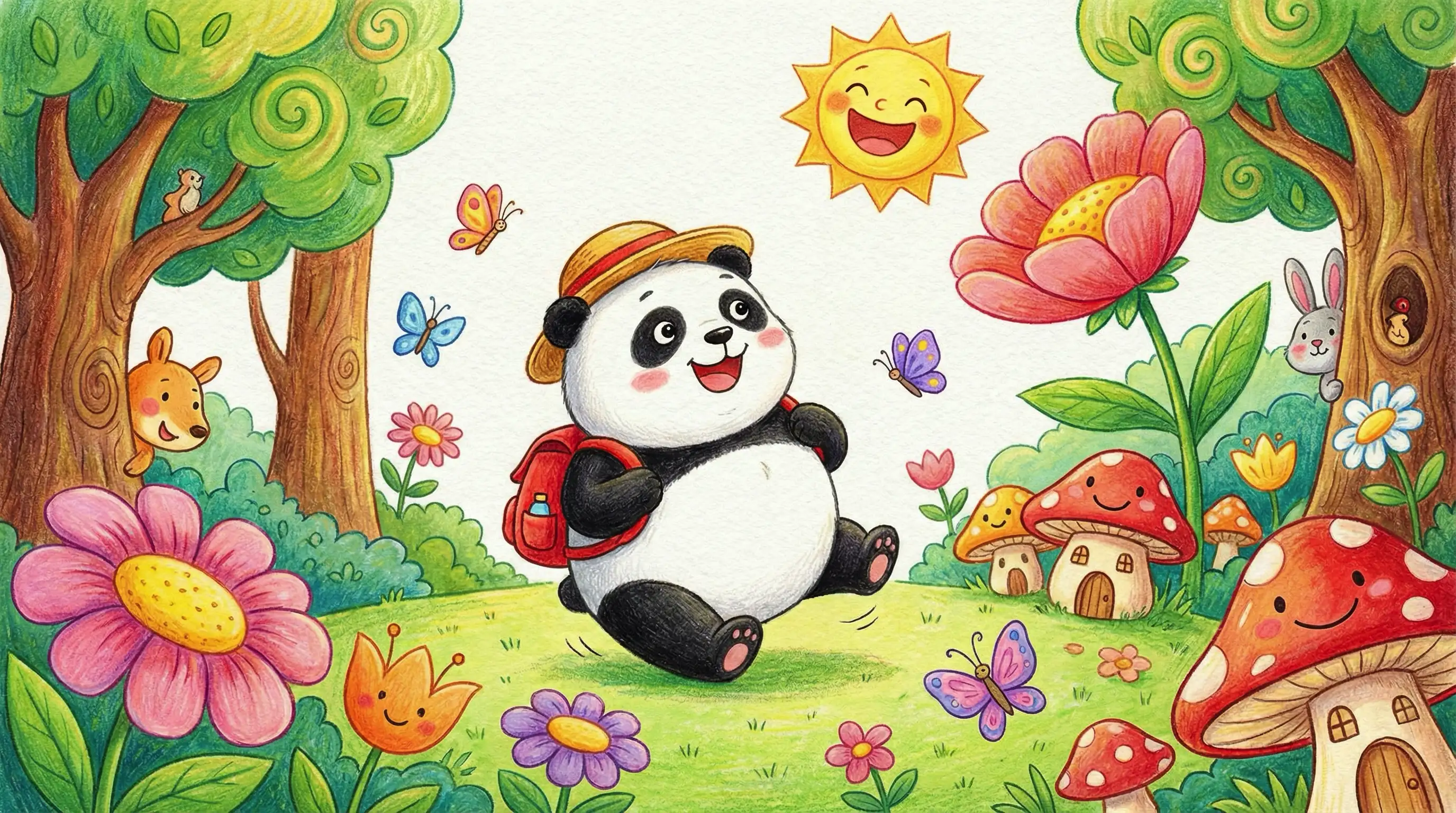
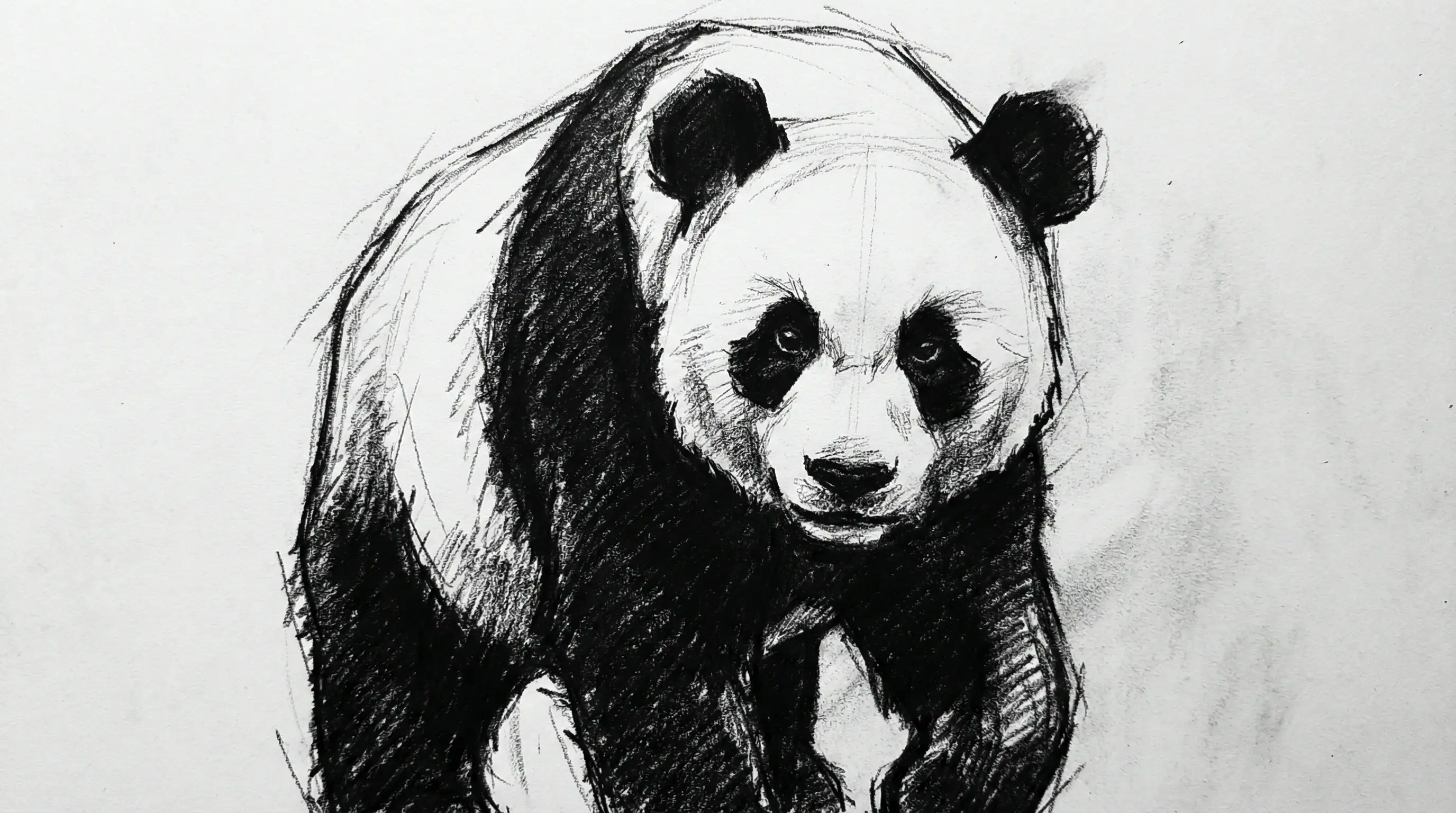
The AI Panda Drawing Image Generator helps you turn a simple idea into charming panda artwork, from playful cartoon pandas and cozy watercolor scenes to realistic wildlife portraits and clean ink-style sketches. Describe the mood, pose, background, and art style you want, then let GlobalGPT shape it into an image that feels warm, expressive, and ready to use.
Why Creators Use GlobalGPT for Panda Drawings
Many Panda Art Styles – Create cute mascots, realistic panda portraits, children’s book art, ink sketches, stickers, posters, and social media visuals from one prompt.
Text-to-Image & Image-to-Image – Start from a written idea or upload a reference image to refine pose, background, color, expression, and drawing style.
Flexible AI Model Access – Try different models in GlobalGPT when you want softer watercolor texture, cleaner line art, stronger realism, or a more polished illustration finish.
Explore Panda Drawing Ideas for Every Style
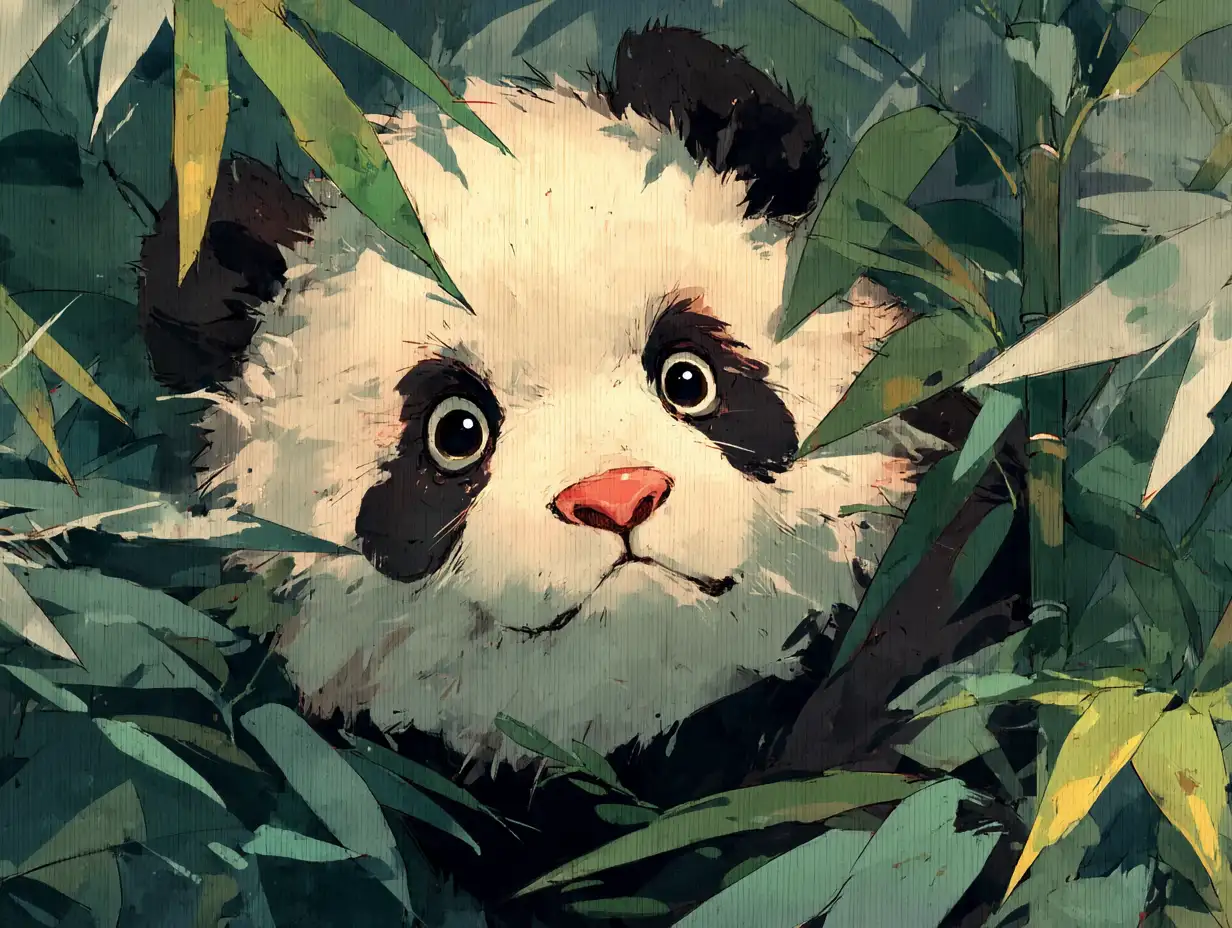
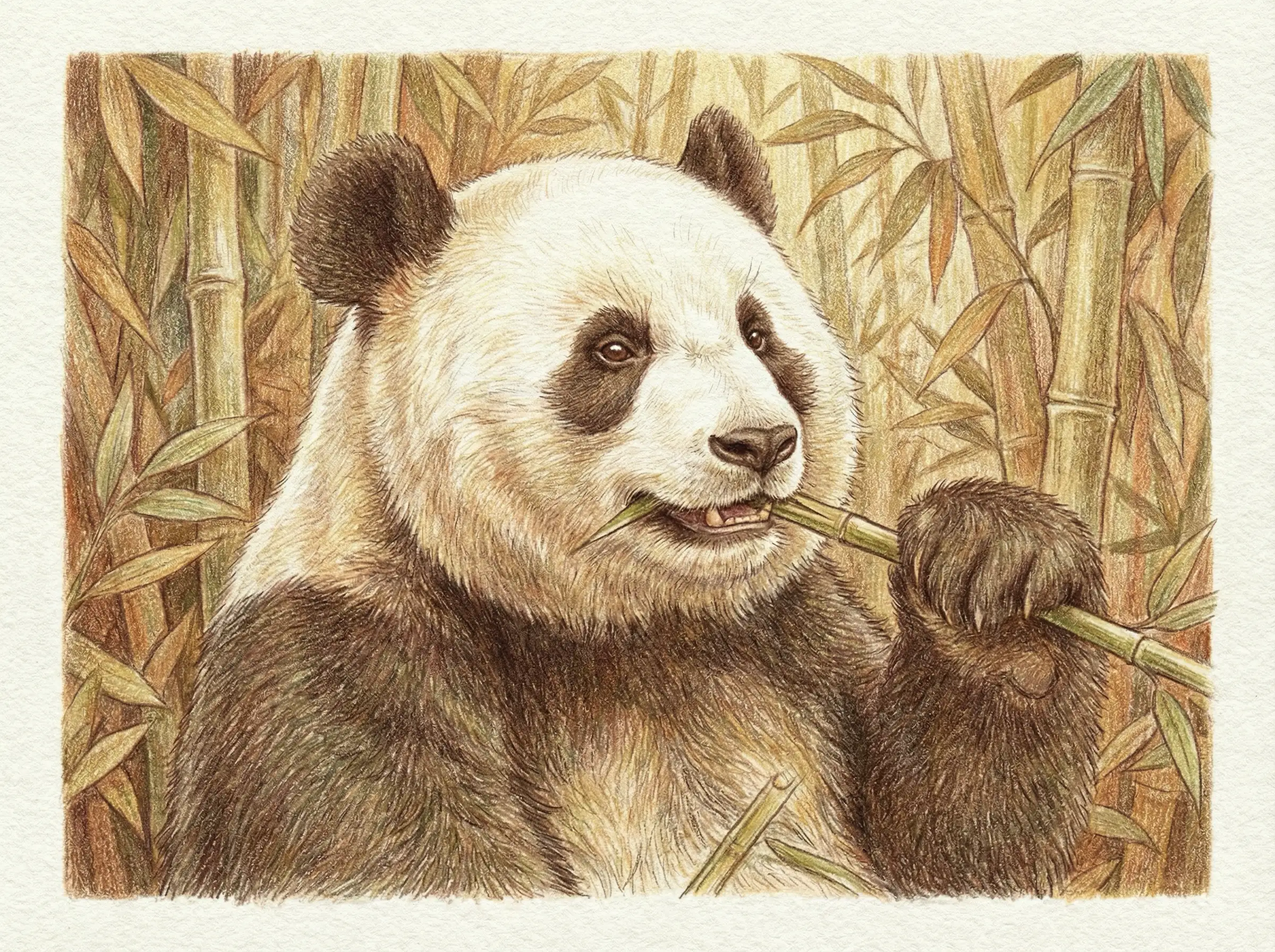
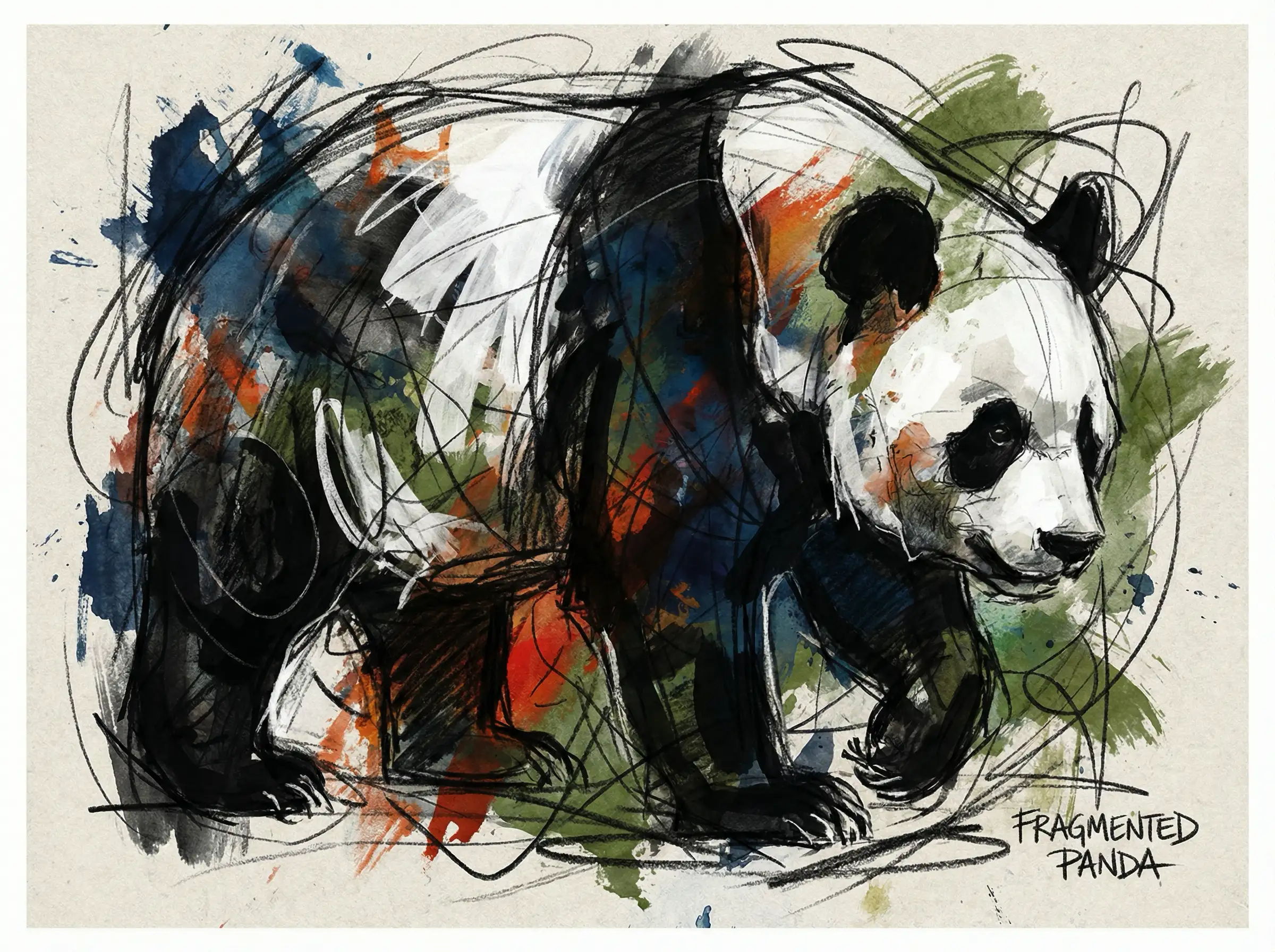
Design Panda Illustrations With the Right Mood and Detail
Use the AI Panda Drawing Image Generator when you need artwork that feels more specific than a generic animal picture. Ask for a sleepy panda under bamboo, a cheerful panda mascot, a peaceful ink-wash sketch, or a detailed mother-and-cub scene. You can guide the expression, lighting, background, color palette, and level of detail so the final image matches your project instead of feeling random.
Made for Educators, Designers, Brands, and Everyday Creators
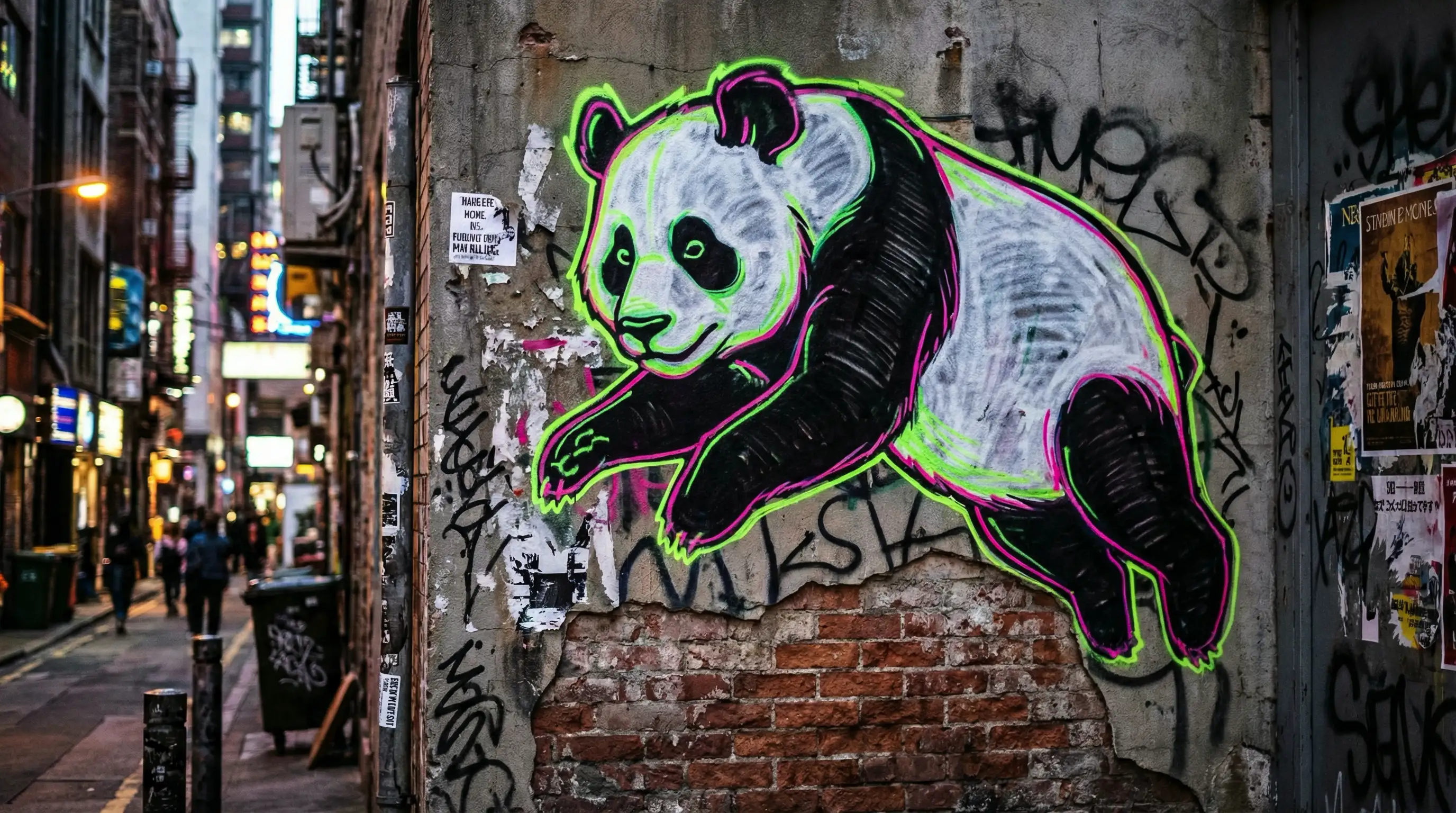
Panda drawings work beautifully for classroom materials, children’s stories, wildlife posters, brand mascots, stickers, profile images, and calming social posts. With GlobalGPT, you can quickly test different visual directions before choosing the version that fits your audience. Keep it adorable, make it realistic, add cultural ink-painting flavor, or build a friendly character that can appear across a full creative campaign.
Turn Your Panda Drawing Into a Short AI Video
After creating an image, you can bring it into motion with GlobalGPT’s video tools. Make a panda wave, blink, hold bamboo, walk through a soft forest scene, or appear in a short storytelling clip. It is a natural next step for children’s videos, brand intros, educational explainers, and social posts that need a little more life.
How to Use the AI Panda Drawing Image Generator
Describe your panda idea, including pose, mood, art style, background, colors, and any details like bamboo, snow, flowers, or a storybook setting.
Click Create and let GlobalGPT generate panda artwork from your prompt, then adjust the wording if you want a cuter, more realistic, simpler, or more detailed result.
Download your favorite image, use it in your project, or continue refining it with another model, reference image, or video generation tool.
Create More Than One Kind of Panda Art
The AI Panda Drawing Image Generator is part of GlobalGPT’s wider creative workspace, where you can explore models like Unikorn, Flux, Ideogram, GPT Image 1, Sora Image, and more. Use them to compare styles, refine details, create matching visuals, and build a full set of panda images for your next project.