

Describe the Music You Want to Hear
Prompt Guide
Model
Reference Image
AI Music Generator for Songs, Beats & Music Videos
Turn a simple idea into AI music with richer prompts for genre, mood, tempo, vocals and instrumentation. Create a track, generate cover art and transform it into a music video from one creative direction.
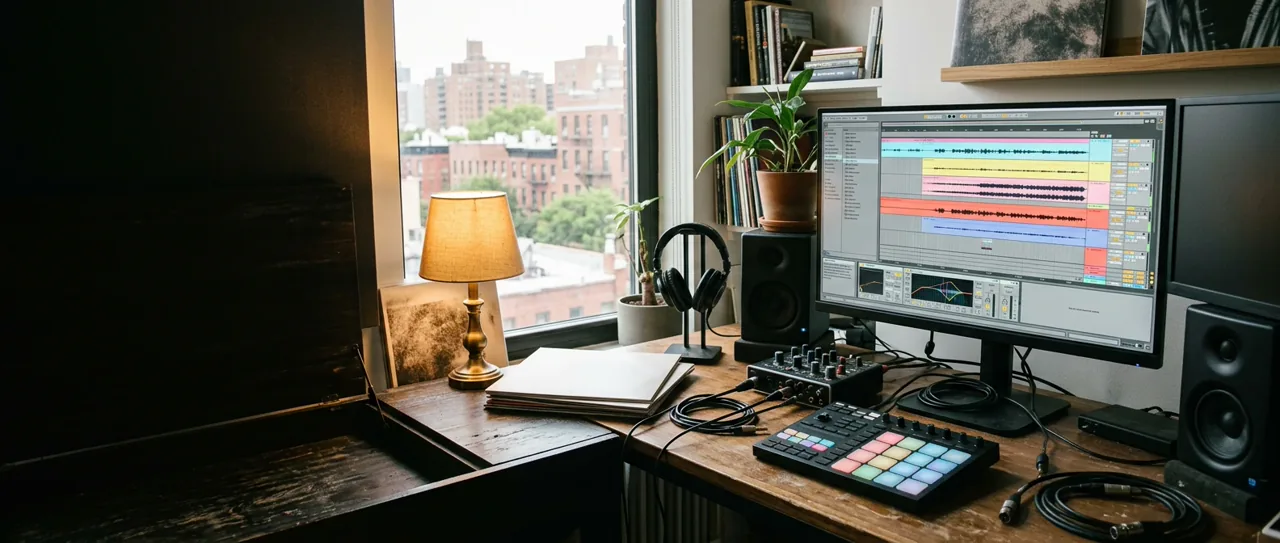
How to Create AI Music and a Music Video
Move from a simple idea to a structured prompt, a generated track, matching cover art and an optional animated video.
1. Describe Your Music Idea
Enter a genre, mood, story, lyric theme or use case. A short phrase such as “calm music for a rainy café” is enough to begin.
2. Enhance and Edit the Prompt
Use Enhance Prompt to add tempo, vocals, instruments, structure, language, duration and production details. Keep, remove or change every suggestion.
3. Generate the Track
Create AI music, compare directions and refine the fields that matter most. Retry without losing the original idea or enhanced settings.
4. Create Matching Cover Art
Translate the same mood and story into a square, portrait or landscape image that is simple enough to animate.
5. Animate the Cover
Choose camera motion, visual energy and aspect ratio, then create a music video with an image-to-video model.
AI Music Examples and Prompt Ideas
Explore curated beats, songs, soundtracks and music-video directions. Every example includes a prompt you can adapt.
Instrumental lo-fi hip-hop at 78 BPM with dusty drums, mellow electric piano, soft vinyl texture, rounded bass and a calm night-drive atmosphere. Two-minute arrangement with a gentle bridge and no vocals.
Make This BeatUplifting festival house track at 126 BPM with bright piano chords, driving kick, wide synth layers, rising percussion and a euphoric instrumental drop designed for a sunset crowd.
Build the DropBright indie-pop song at 118 BPM with conversational vocals, clean guitar, handclaps, melodic bass and a warm chorus about taking an unplanned summer road trip.
Create Indie PopEpic cinematic trailer cue that starts with intimate piano and low strings, adds brass and large percussion, and builds to a heroic final theme. Instrumental, 90 seconds, clear three-act structure.
Score a TrailerHigh-energy cyberpunk chase score at 132 BPM with arpeggiated synths, industrial percussion, distorted bass pulses and a tense middle breakdown for a futuristic action game.
Make a Game TrackAnimate this photorealistic street-performance frame as an authentic hip-hop music video. Preserve every adult performer, add a grounded heel-toe combination, shoulder hits, a short side glide and one smooth handheld camera orbit. Keep anatomy realistic and remove all readable text, brands and logos.
Animate a Hip-Hop SceneAnimate this realistic desert roadside frame as a restrained Americana music video. Preserve the adult subject and vintage convertible, add warm wind through hair and denim, a gentle handheld push and natural golden-hour film grain. Keep every wall and sign blank with no readable text or logos.
Create a Roadside VideoAnimate this photorealistic jazz-club frame with understated live-performance motion. Preserve the singer and saxophonist, add natural breathing, expressive hands, a slow camera drift and warm shallow-focus light. Keep faces consistent and avoid readable text, logos or surreal effects.
Animate a Jazz SceneCreate a photorealistic phone video of a real orange tabby tapping one front paw twice, shifting its weight and bobbing its head to an original 120 BPM lo-fi funk vocal hook: “Tap, tap, kitty on the beat.” Keep the cat on four paws with natural anatomy and believable weight.
Create a Cat BeatCreate a photorealistic phone video of a real corgi performing a compact side-to-side two-step, one small bounce and a gentle turn to an original 120 BPM disco-pop vocal hook: “Bounce, little corgi, turn around.” Keep every paw grounded between moves.
Create a Corgi BeatCreate a photorealistic close phone video of a real guinea pig taking two tiny side steps and making gentle head bops to an original 120 BPM cute electro-pop vocal hook: “Tiny steps, big beat, go, go, go.” Preserve realistic whiskers, fur and natural behavior.
Create a Guinea Pig BeatCreate a photorealistic phone video of a real orange tabby rising naturally, covering its lower muzzle with one paw, fanning the air with the other, adding shoulder bounces and side steps, then landing on all four paws to an original 120 BPM meme-club vocal hook: “Cover, fan, now hit that move.”
Create a Pet ChallengeAI Music FAQ
AI Music is a guided creation workflow that turns a text description into a structured prompt for songs, beats, instrumentals and soundtracks. You can refine the musical direction before generating.
Start with genre, mood and purpose, then add tempo, vocals, instruments, song structure, language and duration. Enhance Prompt can suggest these fields while keeping your original idea editable.
Yes. Choose instrumental output and describe the beat, instruments, tempo, arrangement and intended use, such as a game loop, study track, trailer cue or podcast intro.
Yes. After you create or select a cover image, describe the motion, camera and visual energy you want. The image-to-video stage creates a short animated scene.
Usage rights can depend on the selected model, plan and source material. Review the terms shown in the generation workflow before publishing, distributing or monetizing any generated track or video.