

Start From a Ready Muppet Example
Every preset above is a complete prompt you can run as-is, so the first image takes one click instead of a blank page.
Prompt Guide
Model
Reference Image
Use the AI Muppet Generator from Picture to turn real photos into adorable felt puppets, realistic fabric muppets, cartoon puppet characters, cinematic stage puppets,
Real image examples for this page. Each one has its own editable prompt; results vary by model and seed.
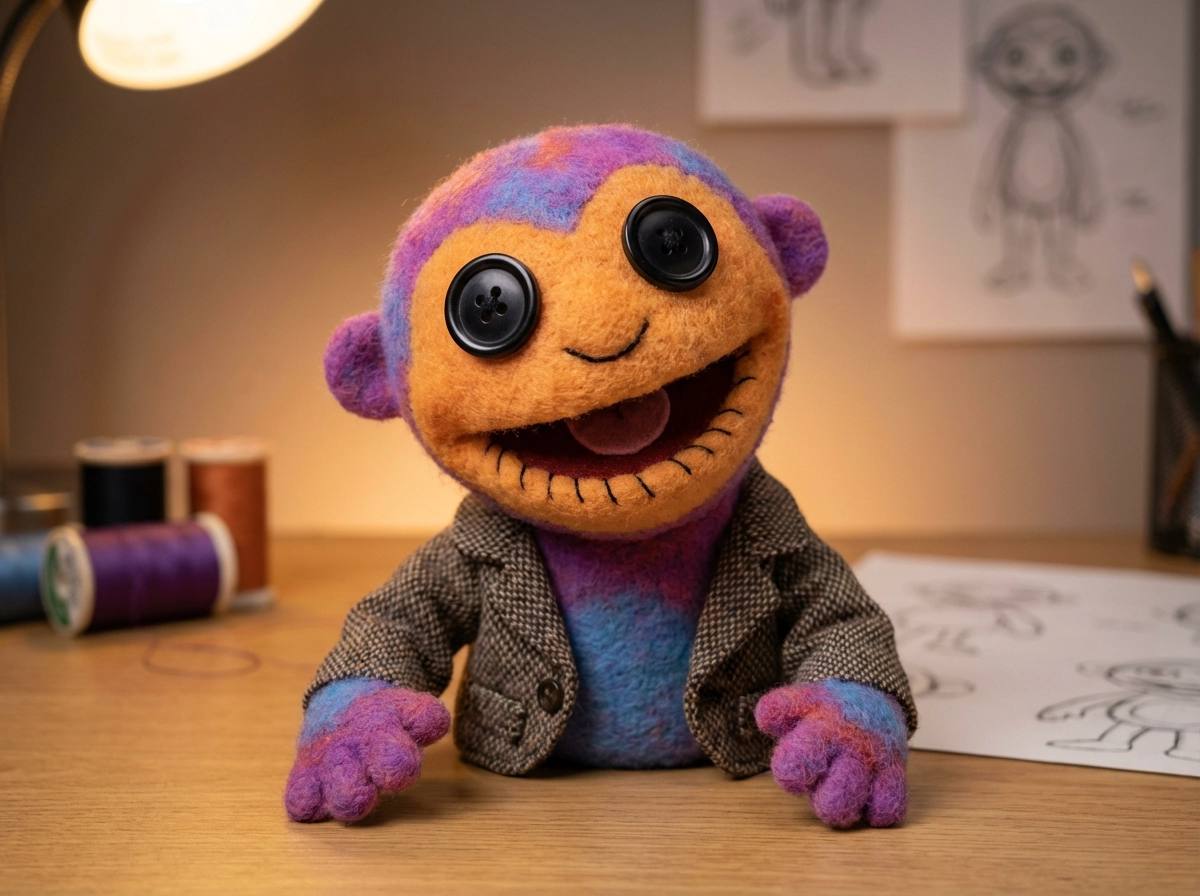
ConceptTransform this photo into a classic muppet-style character, felt fabric texture, button eyes, stitched mouth, soft studio lighting, playful expression, colorful puppet aesthetic, professional character design
Try This Prompt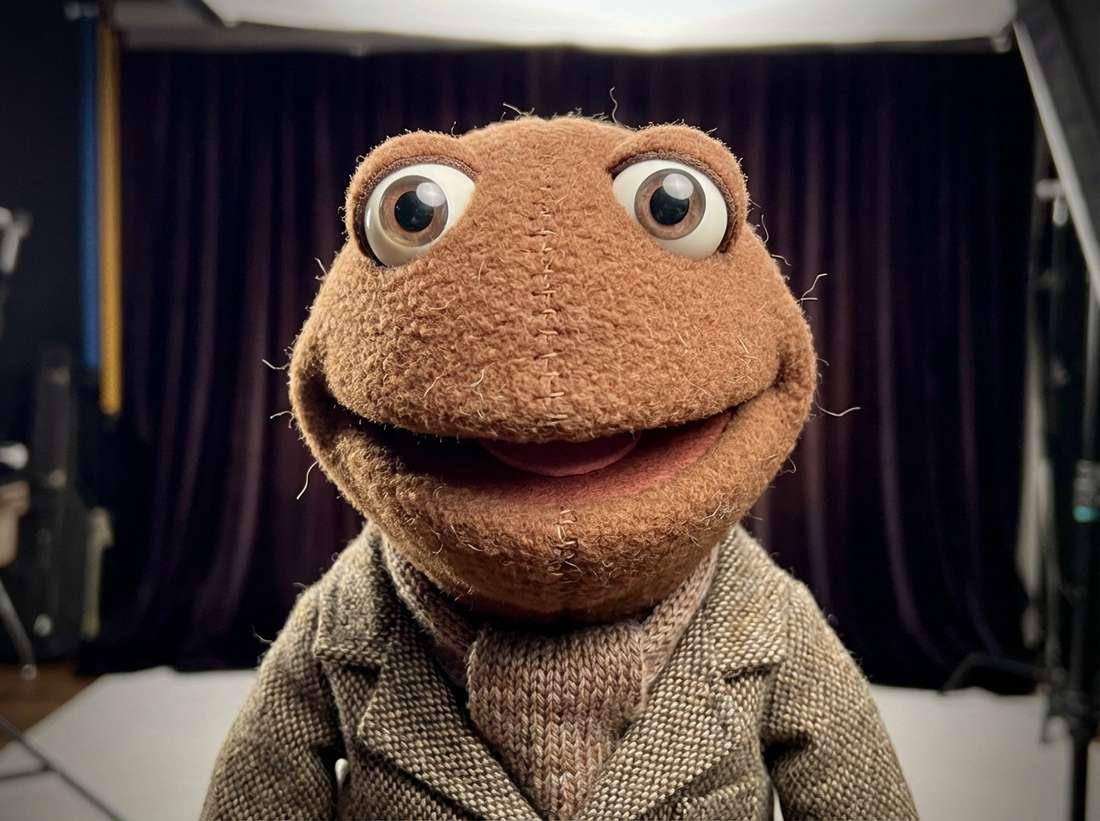 Concept
Cute muppet character based on the uploaded photo, soft felt texture, oversized eyes, pastel colors, joyful expression, gentle lighting, children’s TV show aesthetic
Try This Prompt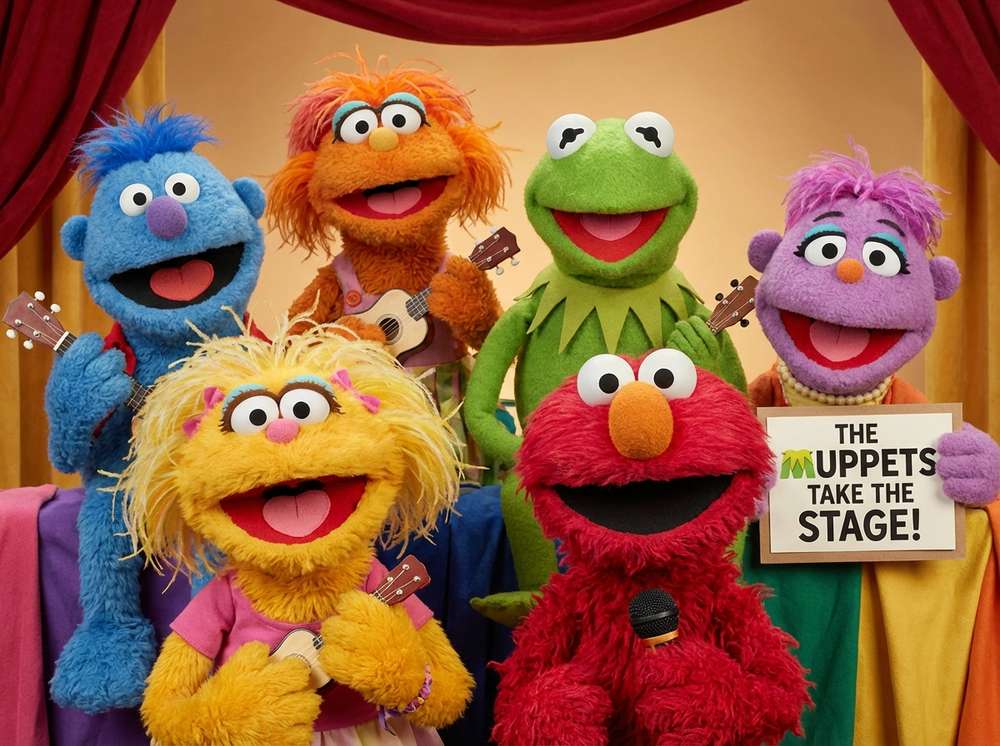 Illustration
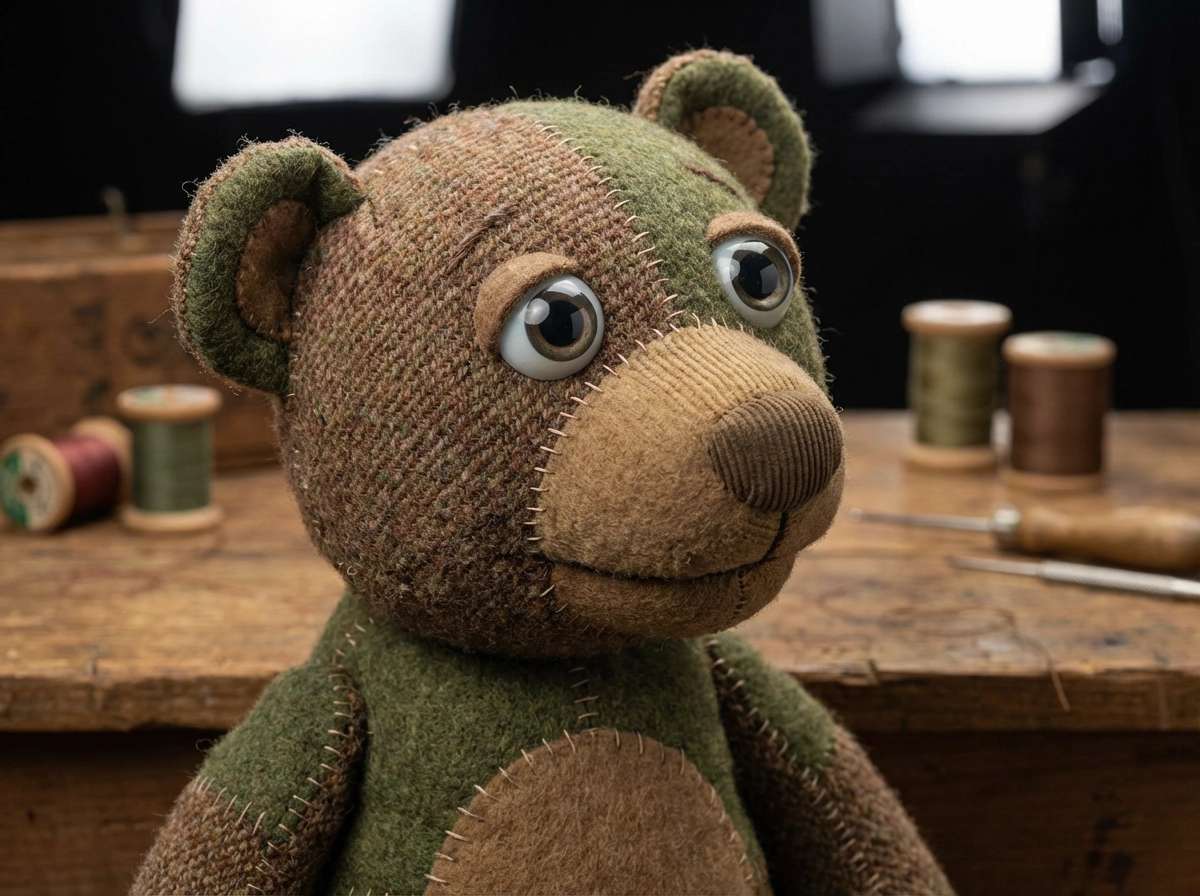
Ultra‑realistic handcrafted muppet, visible fabric weave, fine stitching details, glass eyes, professional studio lighting, cinematic realism, high detail
Try This Prompt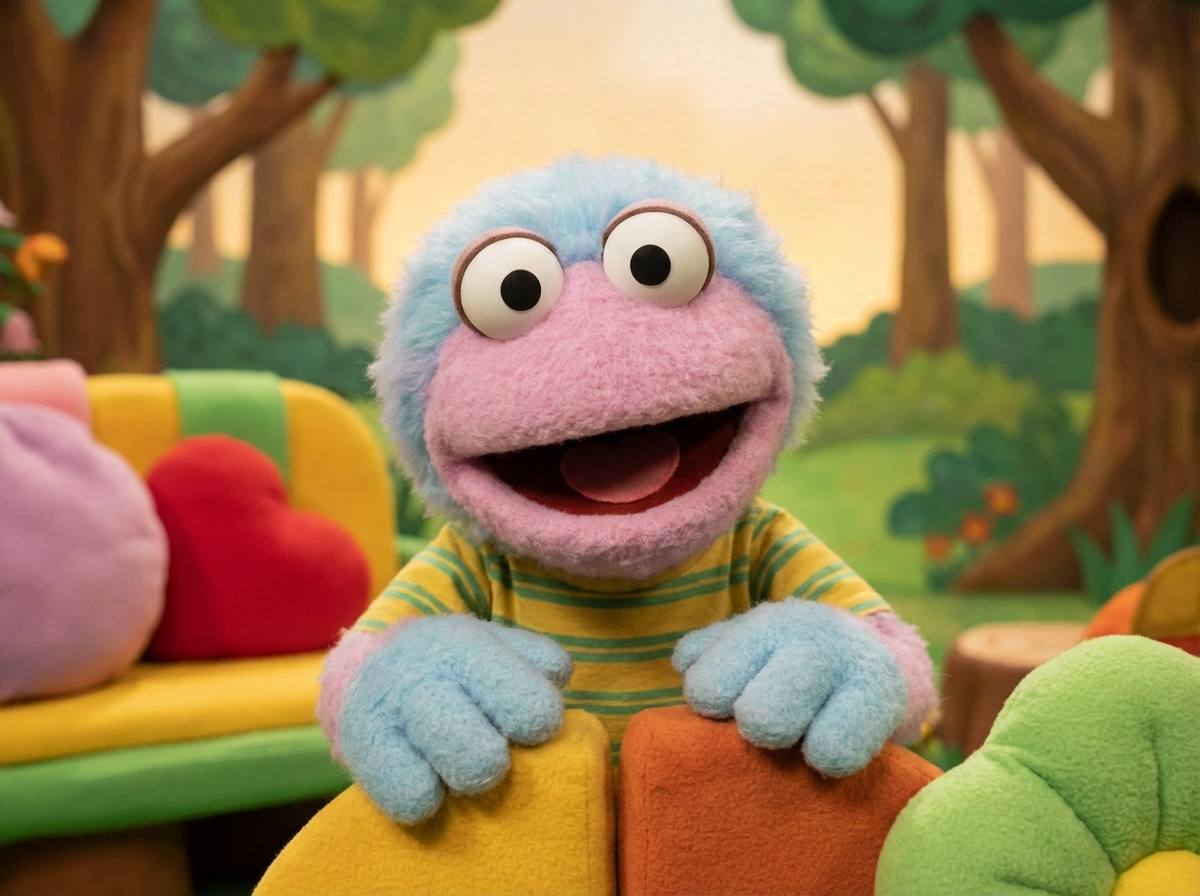 Texture
Cute muppet character based on the uploaded photo, soft felt texture, oversized eyes, pastel colors, joyful expression, gentle lighting, children’s TV show aesthetic
Try This PromptStudioUltra‑realistic handcrafted muppet, visible fabric weave, fine stitching details, glass eyes, professional studio lighting, cinematic realism, high detail
Try This Prompt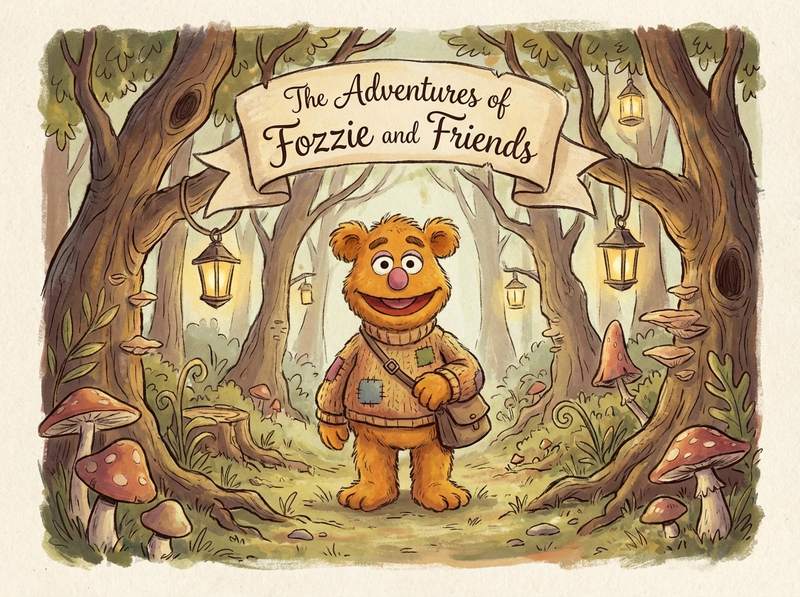 Illustration
Artistic illustration of a muppet character from the photo, painterly brush strokes, soft fabric textures, whimsical storybook atmosphere, hand‑drawn style
Try This Prompt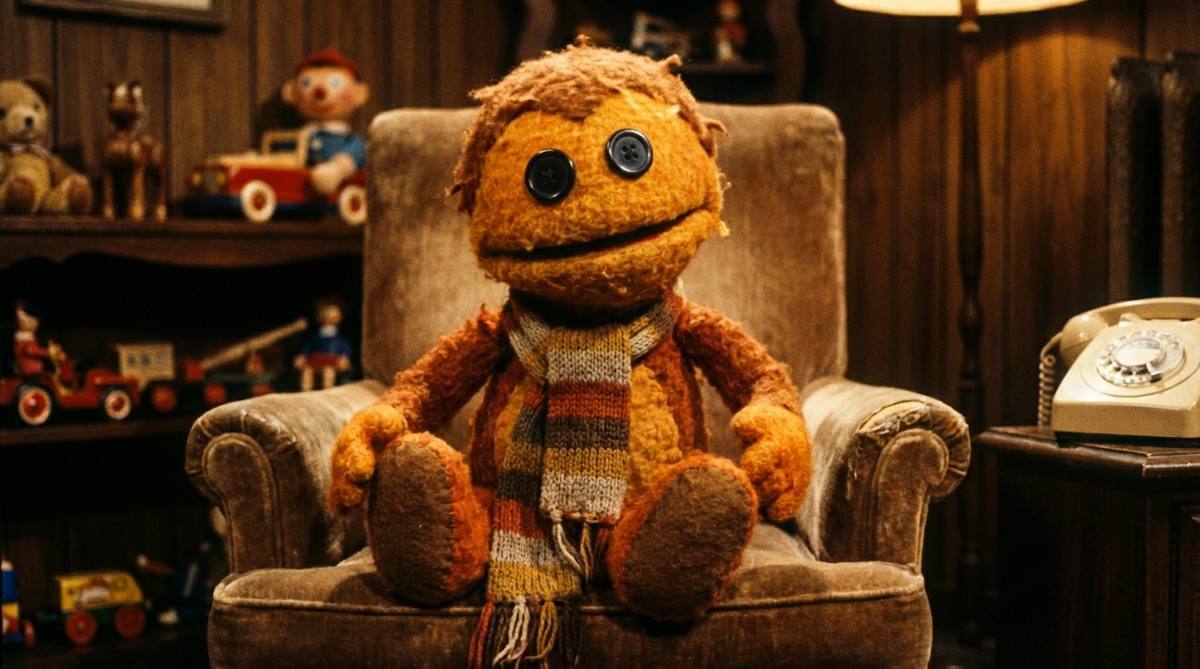 Studio
An orange plush puppet sitting in a worn leather armchair in a retro living room, patterned wallpaper behind, warm lamp light, felt and fleece texture visible.
Try This Prompt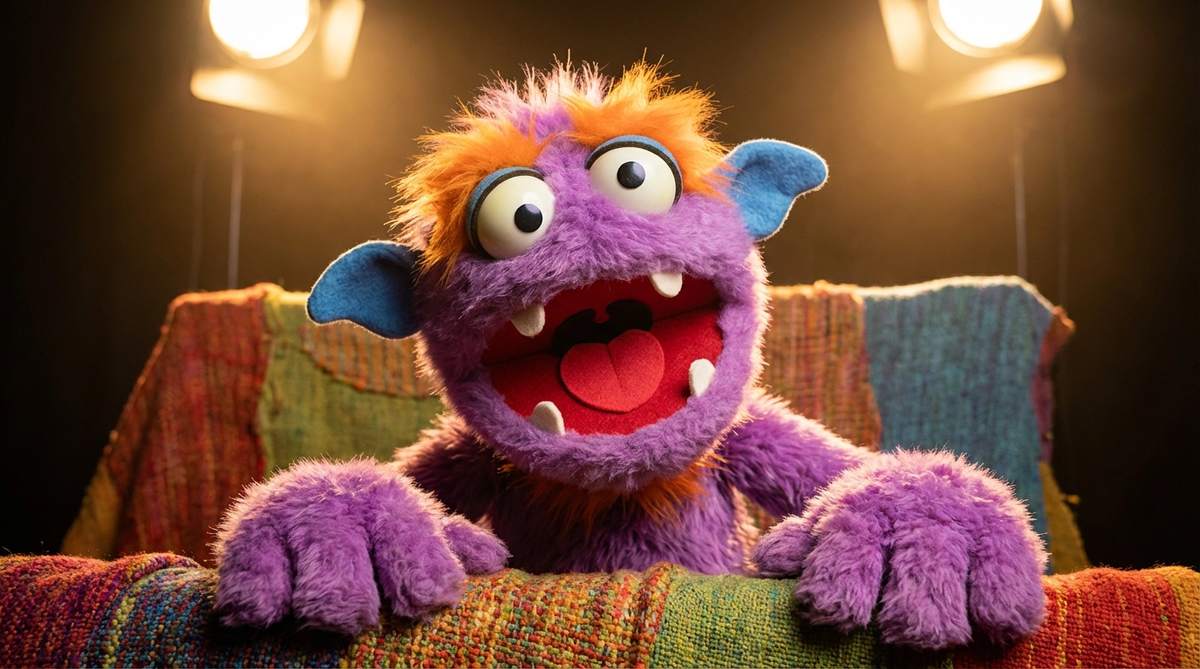 Close-up
A fluffy purple puppet with a wide open mouth and big eyes, colourful felt layers, studio backdrop, playful children's-show styling.
Try This Prompt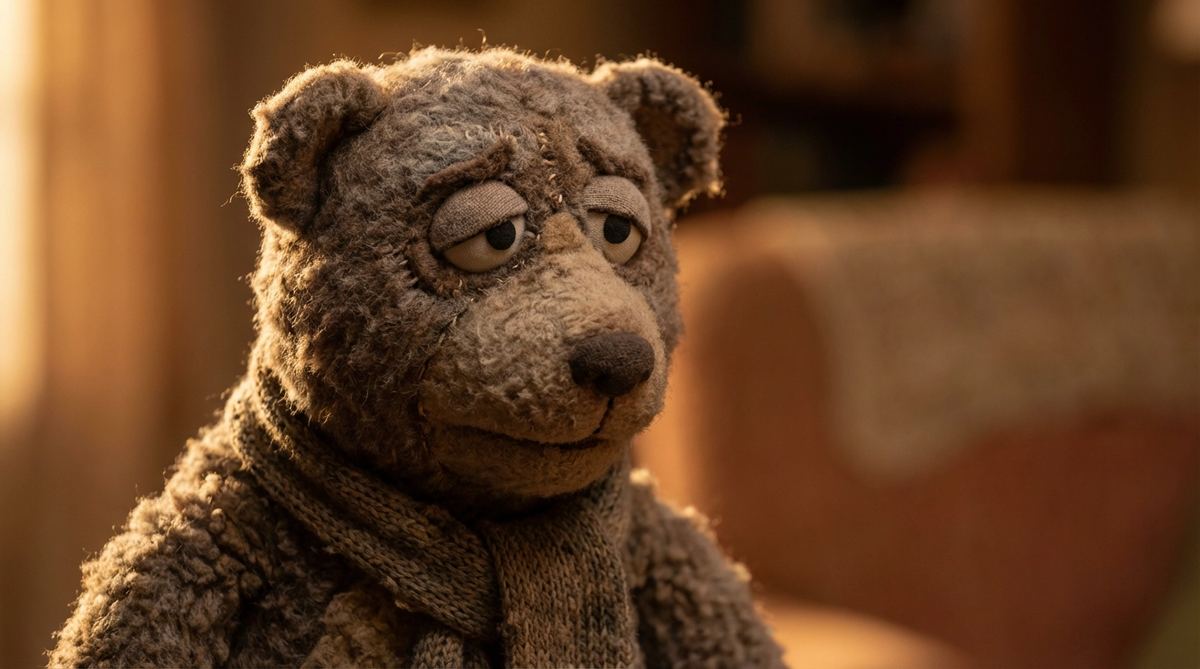 Concept
Close-up of a brown plush bear puppet with stitched muzzle and button eyes, soft studio light, shallow depth of field, fuzzy texture detail.
Try This PromptReady-made starting points and a clear review step keep each iteration short.
Every preset above is a complete prompt you can run as-is, so the first image takes one click instead of a blank page.
Say what you want to see: subject, setting, light and mood. Short, concrete sentences beat long lists of keywords.
Choose between the listed models before you generate. The free one is for the first try; the paid one is for the final image.
Repeat the same subject, palette and framing across prompts so a set of results looks like one series.
When something is off, change a single element and regenerate. That makes it obvious which instruction did the work.
Export the finished image for social posts, thumbnails, mockups or client previews; check the current plan terms before commercial use.
Three steps from an idea to a usable result.
Open one of the examples above and read its prompt. It already describes the subject, light and framing for this image.
Choose an available model and shape, check the displayed cost, then submit. Keep the first run simple so you can judge it.
Look at the whole image: subject, edges, text and hands or fine detail. Change one line of the prompt and generate again.
Illustrative scenarios with fictional names; these are not verified customer reviews.
I start from one of the muppet presets, then rewrite only the light and the background. It keeps a series consistent.
The first try is usually enough to judge the idea. If not, one changed sentence gives me a different image.
Useful for quick image drafts before a real shoot. Check fine detail at full size before you publish.
Same prompt, different finish. Start free, then move to the paid model for the final version.
| Criteria | GPT Image 2 | Nano Banana 2 |
|---|---|---|
| Best role on this page | Free first pass to test the muppet prompt. | Paid final image once the prompt is right. |
| Use it when | You are still exploring subject, framing or style. | You need the strongest detail for publishing this image. |
| Free trial | Limited trial runs for eligible accounts. | Paid only; check credits before each run. |
Use the AI Muppet Generator from Picture to turn real photos into adorable felt puppets, realistic fabric muppets, cartoon puppet characters, cinematic stage puppets,
No. Start from a preset, change a few words and generate. Each result is a draft you can judge and refine.
Yes. Describe subject, palette, lighting and framing in the prompt; keep those lines stable when you want a consistent set.
The first listed model is configured for trial runs on eligible accounts. Later models are paid; check the displayed cost before generating.
Check the current platform and model terms for your plan, and confirm you hold the rights to any reference you upload before publishing.