

Choose how to express affection
Use a couple scene, a playful character pair, or a symbolic still life. Match the visual style to the message you want to share.
Prompt Guide
Model
Reference Image
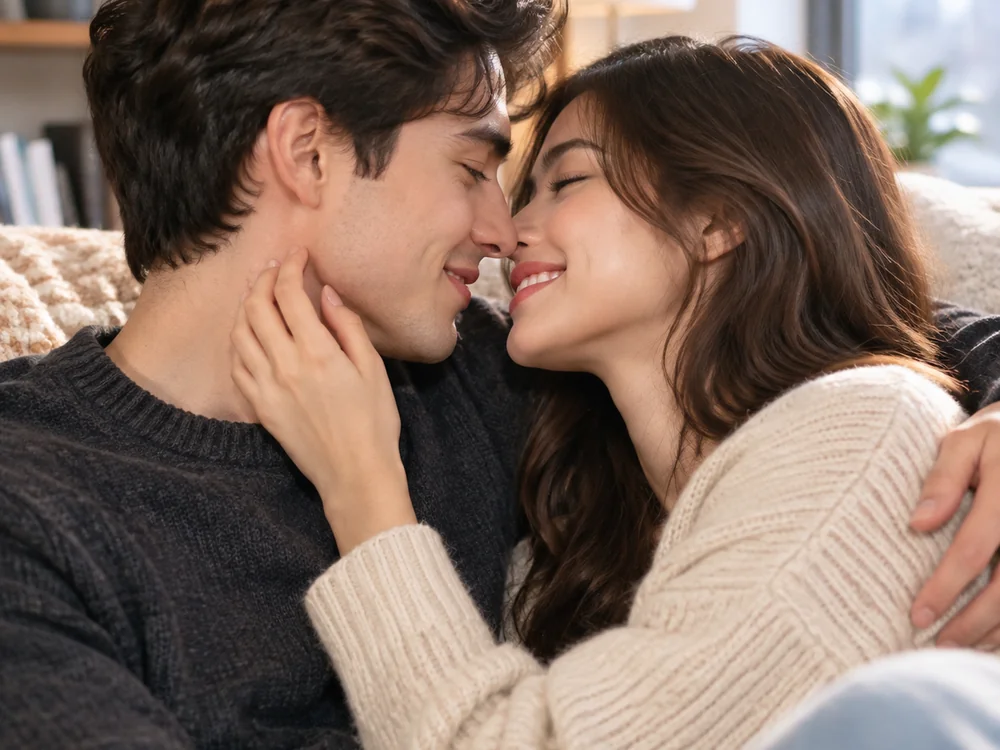
Make room for a personal story. Use the AI love image generator for affectionate illustrations, paper hearts, or a warm scene inspired by a shared moment.

Start your AI love image generator brief with a meaningful gesture, then add the setting and light that support your message.
Start with a meaningful action such as sharing a smile, sitting together at sunset, or a quiet embrace.
Add clothing, location, and a light source. Use a few specific details that contribute to the story you want to tell.
For a card or post, request a composition with open space. Add the final personal wording separately after generation.
Inspect faces, hands, and the mood of the scene. Adjust the brief until the image suits your intended message.
AI love image generator ideas go beyond a kiss: explore anniversary scenes, symbolic still life, and handcrafted paper artwork alongside warm couple portraits.
 Couple Stories
Create a fictional adult couple embracing at sunset. Use warm backlight, casual summer clothing, relaxed posture, and a romantic coastal atmosphere.
Try This Prompt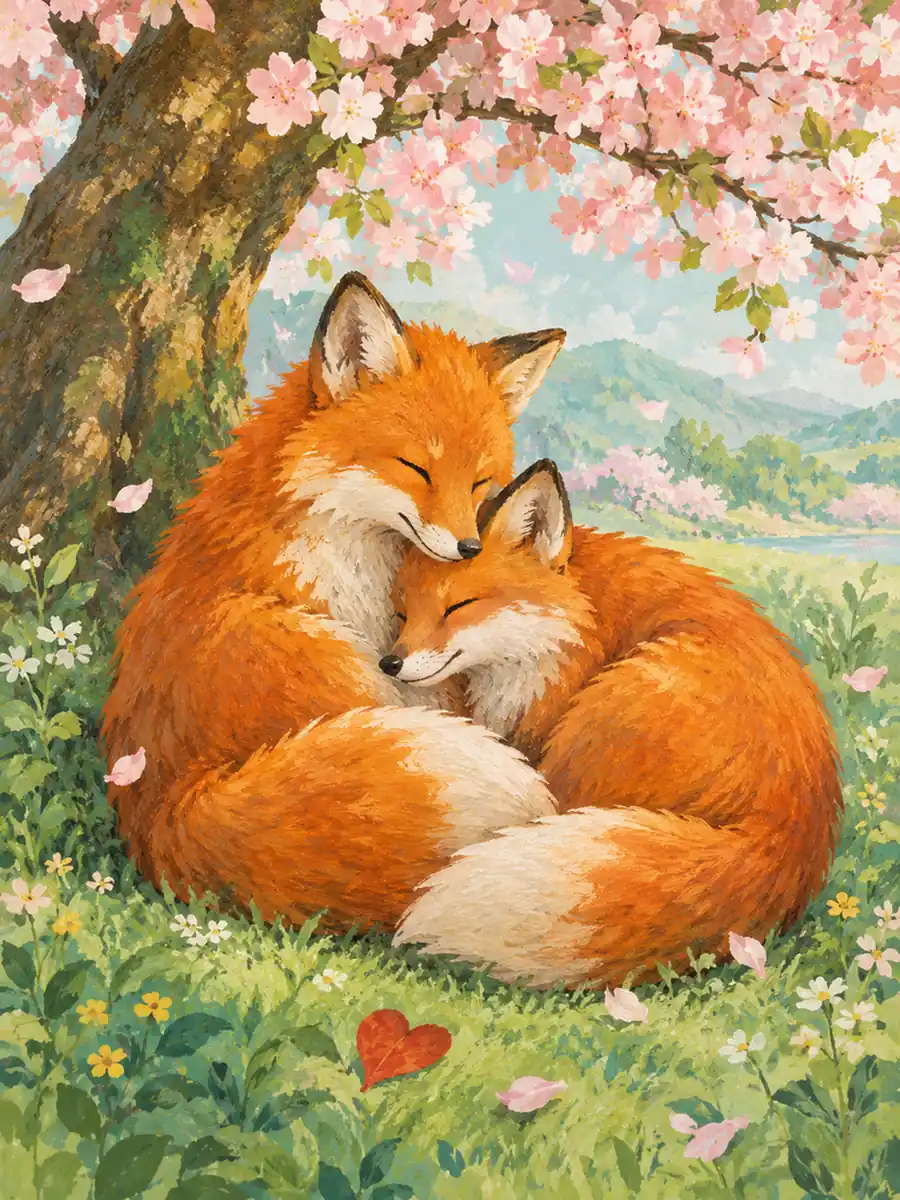 Illustrated Stories
Paint two foxes resting together beneath a cherry tree, with curled tails, a red heart-shaped leaf, and soft gouache textures in a spring palette.
Try This Prompt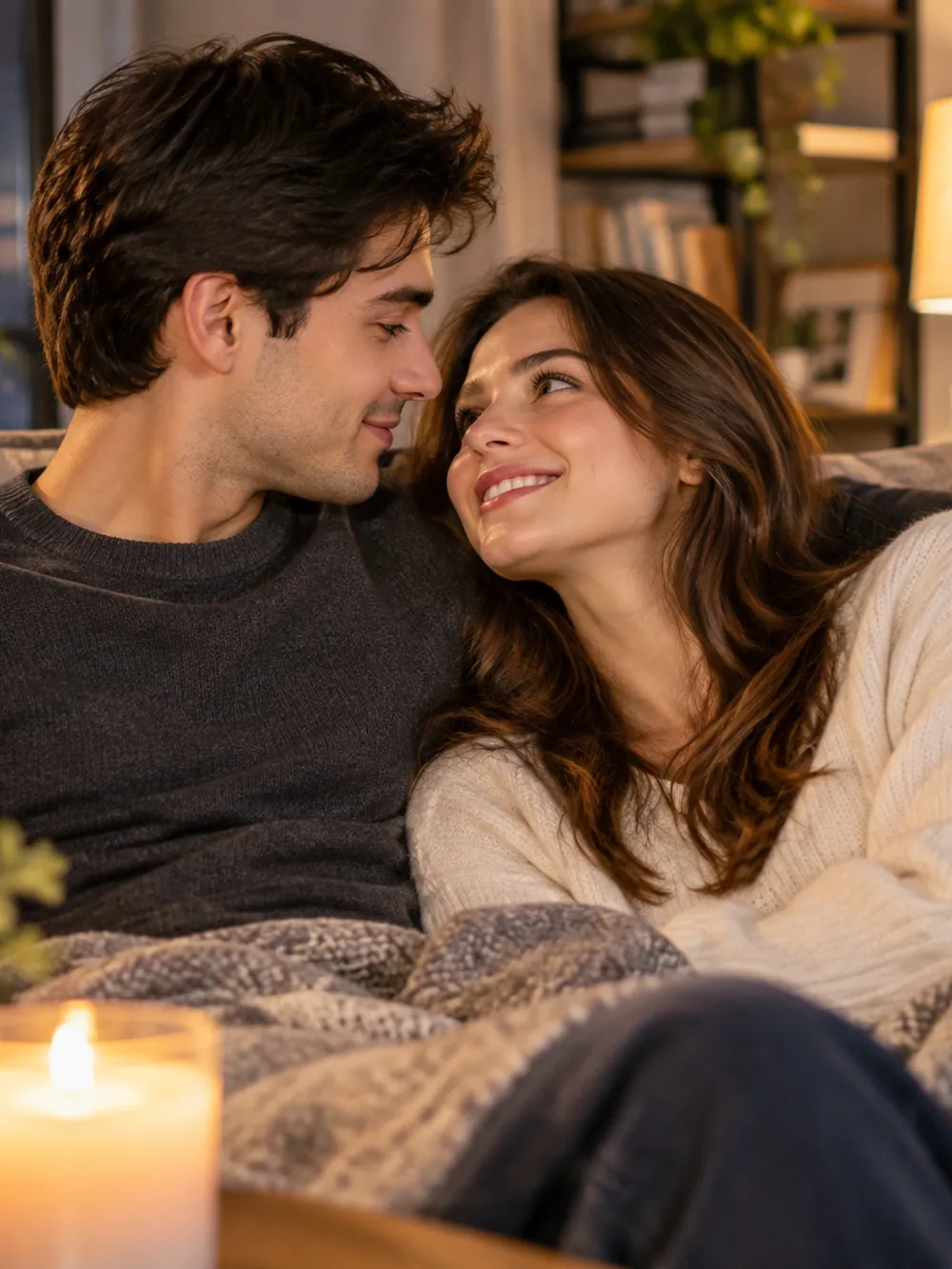 Couple Stories
Create a fictional adult couple relaxing on a sofa beside candlelight. Focus on gentle smiles, cozy clothing, and a warm living-room atmosphere.
Try This Prompt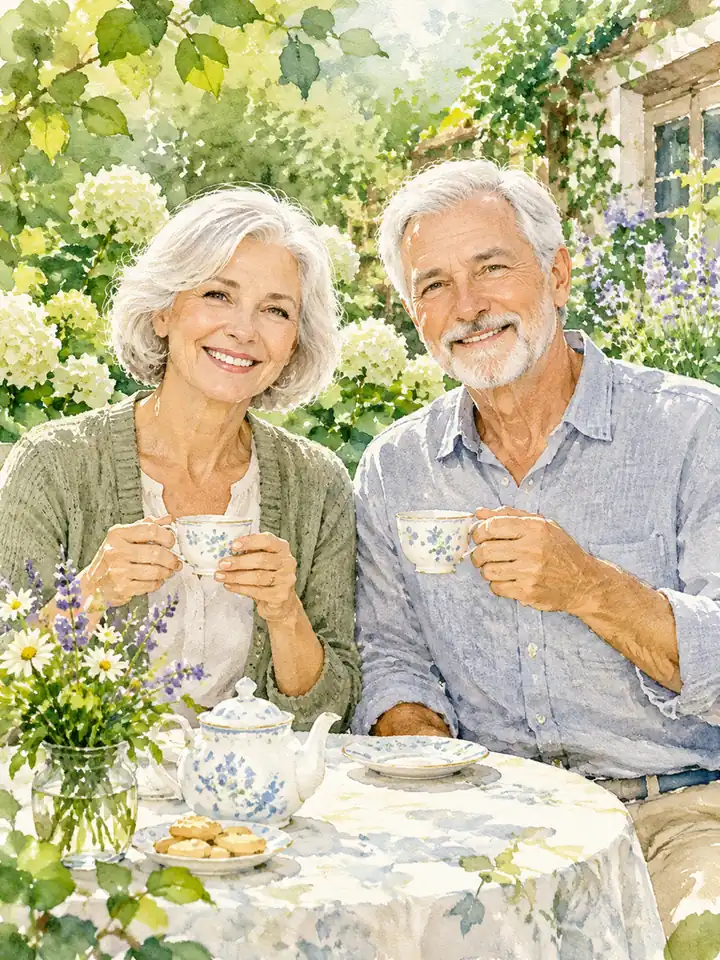 Illustrated Stories
Paint an older adult couple enjoying anniversary tea in a garden, with silver hair, warm smiles, soft watercolor textures, and bright green foliage.
Try This Prompt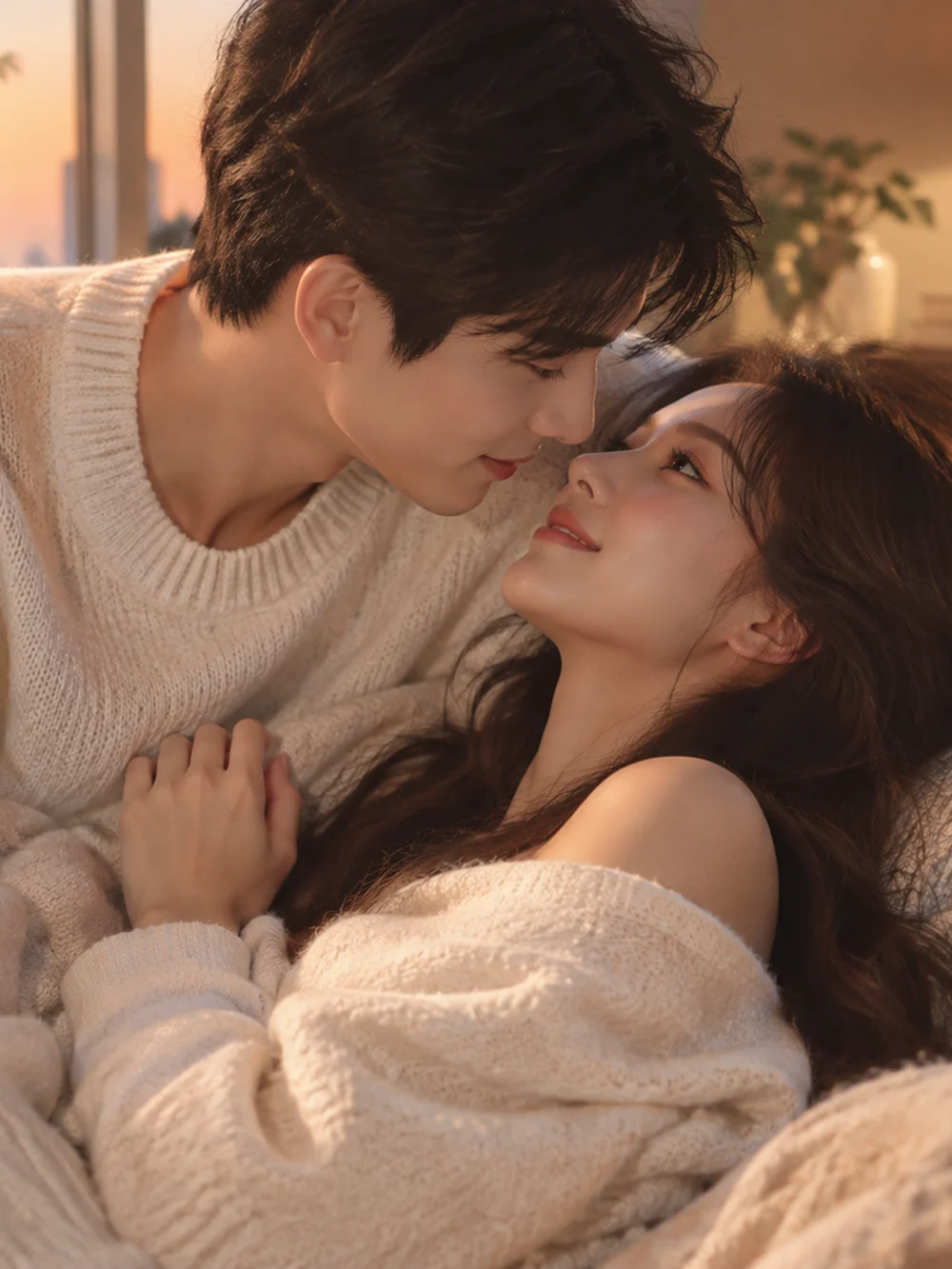 Couple Stories
Create a fictional adult couple sharing a gentle embrace in soft knitwear. Use a comfortable interior, warm light, and naturally overlapping arms.
Try This Prompt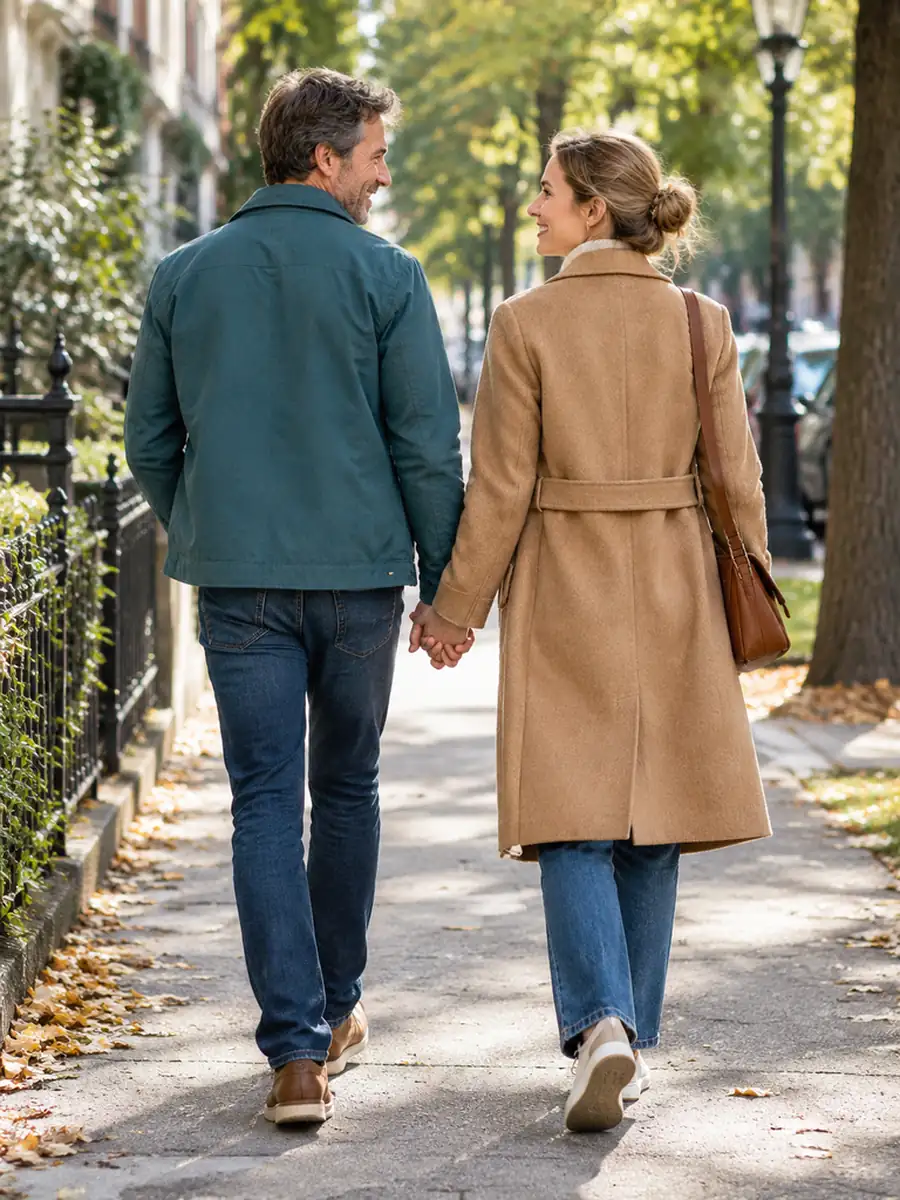 Couple Stories
Create a warm street portrait of an adult couple holding hands during a morning walk, wearing teal and camel coats beneath leafy trees.
Try This Prompt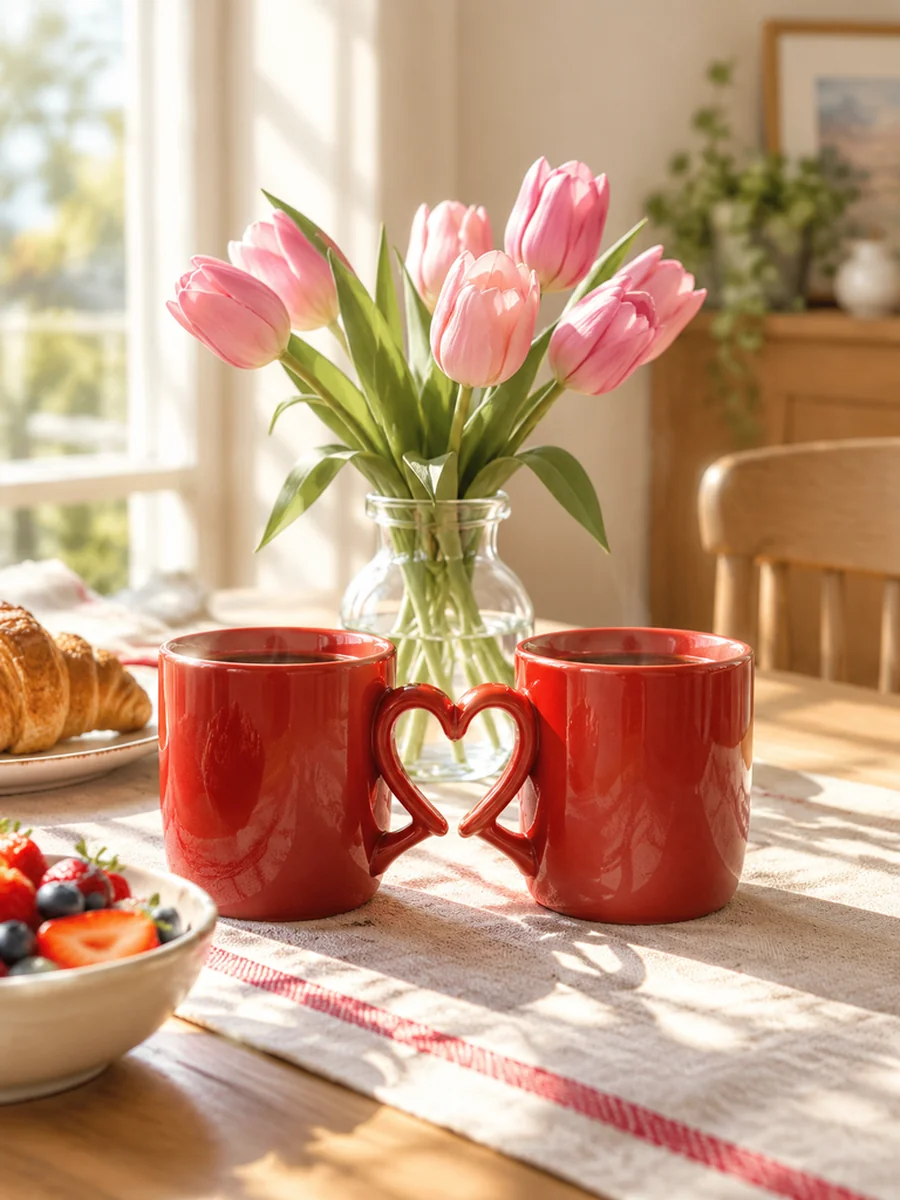 Symbolic Still Life
Create a warm love-themed still life with two red ceramic mugs, pink tulips, and soft morning light across a simple breakfast table.
Try This Prompt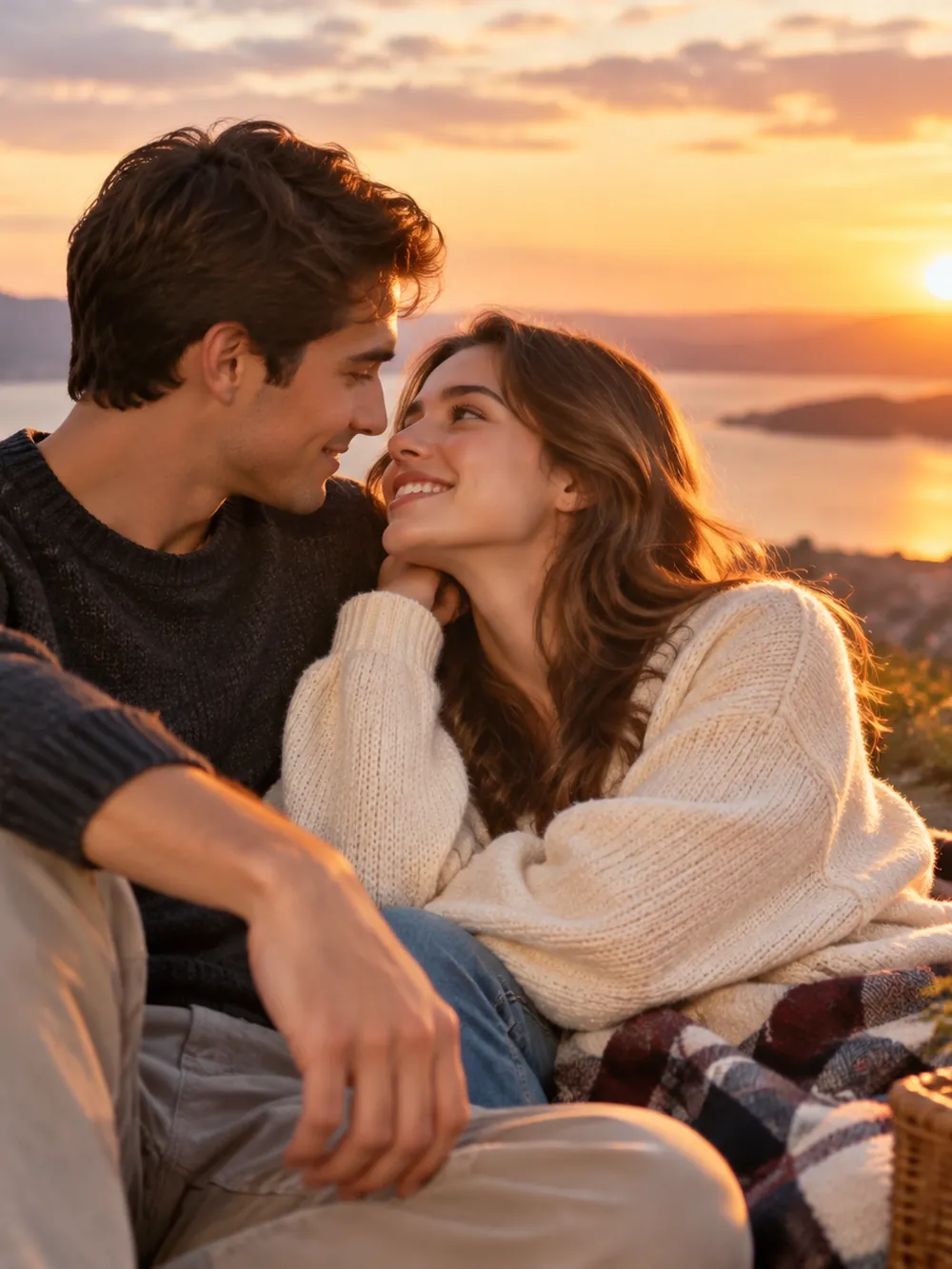 Couple Stories
Create a fictional adult couple sitting together on a terrace at sunset. Include a peaceful sea view, casual clothing, and a warm shared smile.
Try This Prompt Handcrafted Art
Arrange two coral and cream origami cranes facing a small red paper heart, with an ivory backdrop, gentle shadows, and a minimalist handmade look.
Try This Prompt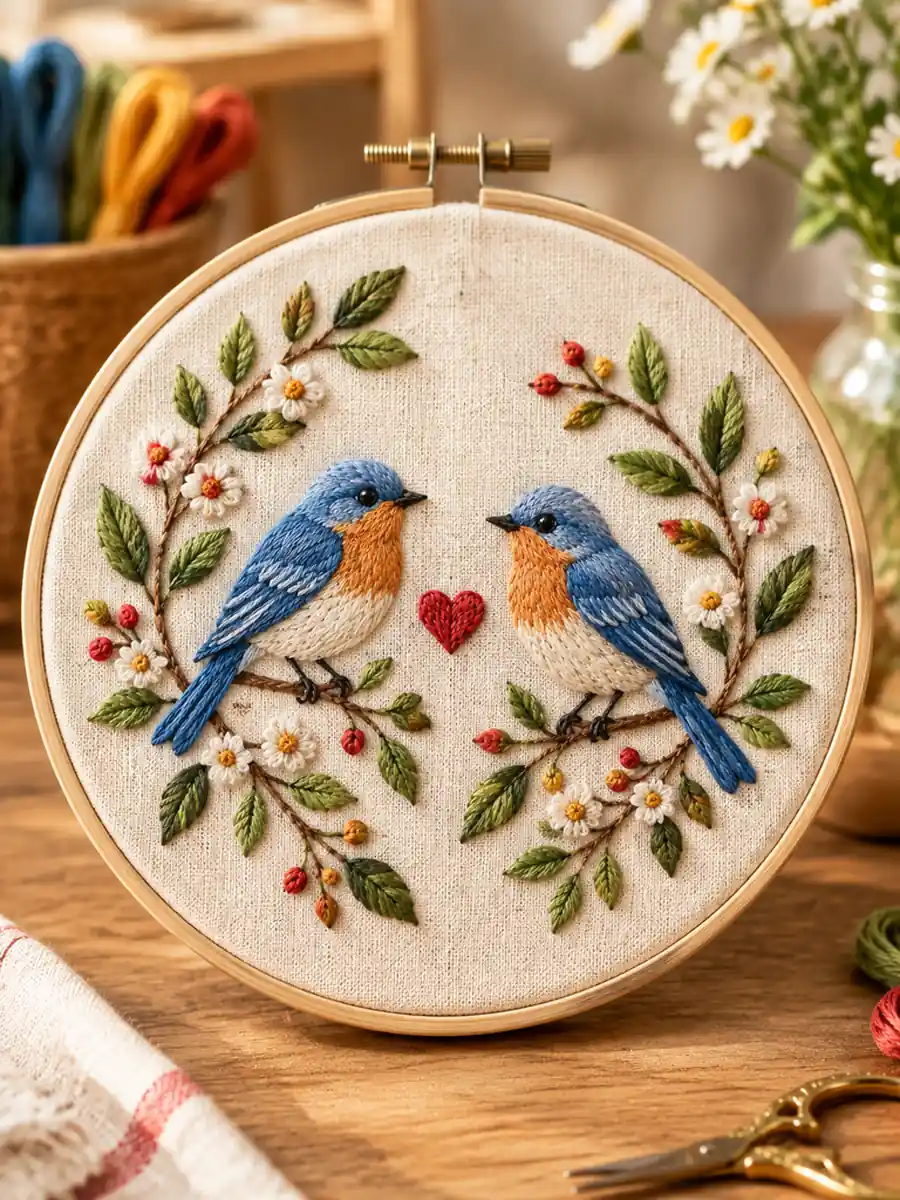 Handcrafted Art
Create a handmade embroidery design with two songbirds, leafy branches, and a small red heart on cream linen, with clear thread texture and warm light.
Try This PromptUse the AI love image generator to explore a mood for a card, post, or visual story. Keep each scene focused on one affectionate moment.
Use a couple scene, a playful character pair, or a symbolic still life. Match the visual style to the message you want to share.
Choose a favorite type of setting, season, or color palette as inspiration for a personal card concept.
Keep the lighting and wardrobe direction consistent when collecting several scene ideas for a larger visual story.
Try layered paper hearts, clay characters, or watercolor scenes. Describe the material and texture so each direction feels distinct.
Ask for a quiet area beside the subjects, then add your own wording in the final layout where it remains easy to read.
Check facial features, hands, and overlapping clothing. Small adjustments can make an affectionate scene feel more convincing.
Compare workflows by the control you need. These are practical tradeoffs, not measured model rankings.
| Criteria | Photographic Direction | Painted Direction | Graphic Illustration |
|---|---|---|---|
| Best fit | A cinematic portrait or realistic scene concept | A romantic illustration or expressive card concept | A stylized card or clean social composition |
| Prompt emphasis | Camera distance, lighting, clothing, and anatomy | Brush texture, palette, gesture, and atmosphere | Line style, silhouette, color blocks, and spacing |
| Review focus | Faces, hands, skin texture, and overlapping details | Pose clarity, intentional texture, and readable expressions | Recognizable gestures, clean contours, and balanced layout |
Fictional scenarios; stars are illustrative, not customer ratings.
Build a warm card concept around an older couple sharing garden tea. Leave room for a personal message and add the final wording separately.
Choose a clay penguin pair or layered paper hearts for a playful love note. Keep the composition simple so the small image remains readable on a phone.
Illustrate a picnic inspired by a meaningful setting. Use fictional adult characters and a bright, friendly palette to convey affection without needing a kissing pose.
Selected Arena entries, updated Oct 5, 2026. General preference scores; model variants may differ from those in GlobalGPT. These are not tests of this specific task.
| Rank | Model | Arena Rating | Votes | Rank Range | Price / Image |
|---|---|---|---|---|---|
| #1 | gpt-image-2 (medium) OpenAI / Proprietary | 1381.71 | 75014 | #1-#1 | 0 |
| #2 | mai-image-2.6-preview Microsoft AI / Proprietary | 1330.7 | 6418 | #2-#3 | - |
| #3 | grok-imagine-image-2.0 (low) SpaceXAI / Proprietary | 1315.6 | 2675 | #2-#4 | - |
| #4 | reve-2.1 Reve / Proprietary | 1301.61 | 7580 | #3-#4 | - |
Source: Arena Leaderboard
An AI love image generator turns a written description into a romantic visual concept. You can describe fictional adult couples, affectionate gestures, clothing, and settings to develop ideas for cards, posts, or personal mood boards.
A love image can center on a shared smile, an embrace, a quiet conversation, or another affectionate moment. Choose the gesture that fits your message instead of making every scene revolve around a kiss.
Plan open space for a message in the image brief, then add the final wording in a layout editor. This gives you better control over spelling, readability, placement, and the exact sentiment you want to share.
Use reference photos only with the permission of the adults shown. Check the result carefully and make clear when a scene is AI-created rather than a photograph of an actual shared event.