

One focal silhouette
The eye needs something to land on before the bar moves. A gate, a ship, a door: pick one shape and let everything else stay quiet around it.
Describe the game or the app and its mood, and get a loading screen with one strong image, a readable progress bar and room for your logo.

Prompt Guide
Model
Reference Image
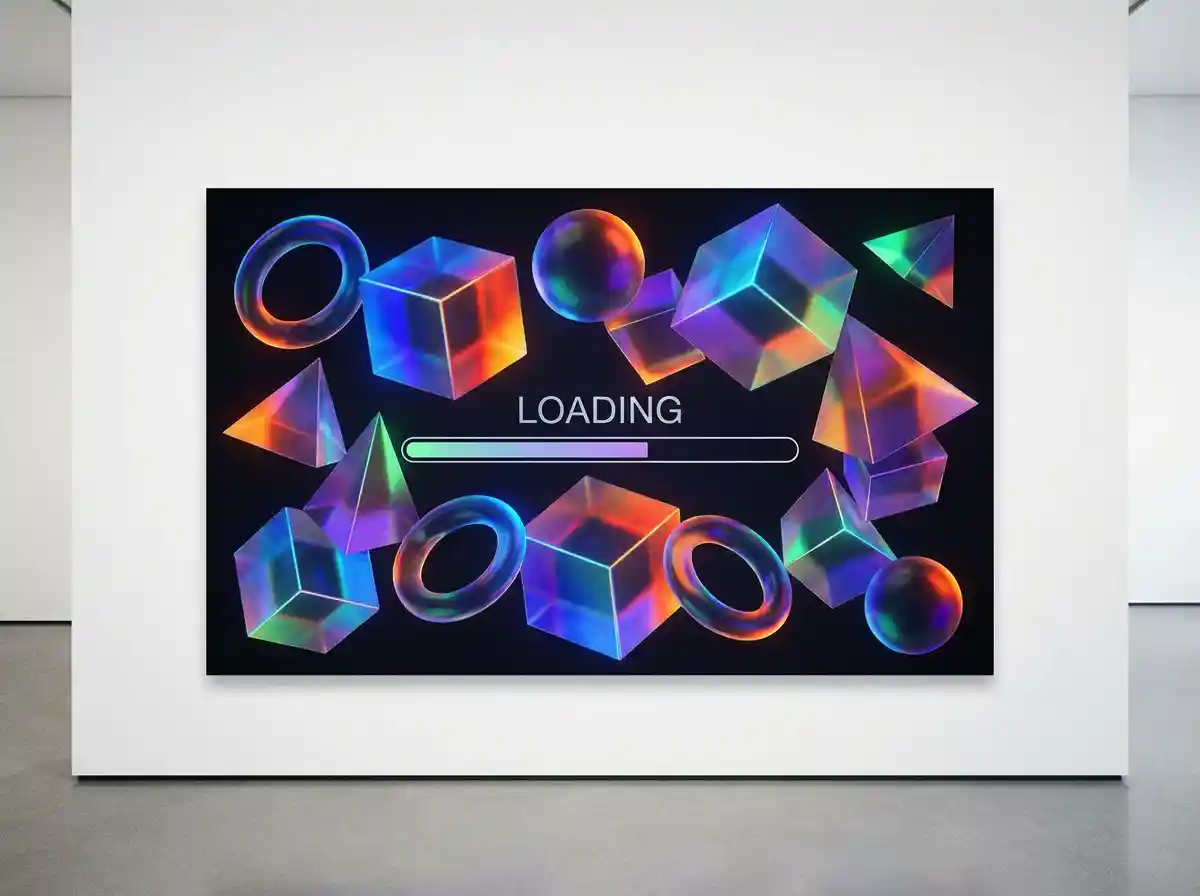
Three decisions that separate game art from a wallpaper.
A bar on a gothic panel and a bar on a clean gradient promise different games. Put the genre, the era and the platform in the first sentence, before any colour words.
Ask for empty space at the top or bottom and add your title, tips and percentage later in the engine. Words inside a generated image come out crooked and unusable at small sizes.
Shrink the result until it is the size of a phone icon. If the bar and the main silhouette still read, the screen works; if not, cut detail and raise the contrast instead of adding more.
Four families of game art, one bar in every frame.
 Cartoon
A cute pastel loading screen where a rainbow slope curves across pink clouds and two small chubby animals ride it, rounded UI frame with tiny icons in the corners and a bar along the bottom, soft flat colours, 3:4.
Try This Style Sci-Fi
A sci-fi cockpit seen from the pilot seat, curved glass with star streaks outside, blue holographic readouts along the edges, a segmented bar low on the screen and a blank band left clear, 3:4.
Try This Style Mobile
A minimal mobile loading card on a soft coral to mint gradient, one thin white ring at the centre with a partial arc filled, lots of empty space above, no decoration, crisp vector UI render, 3:4.
Try This Style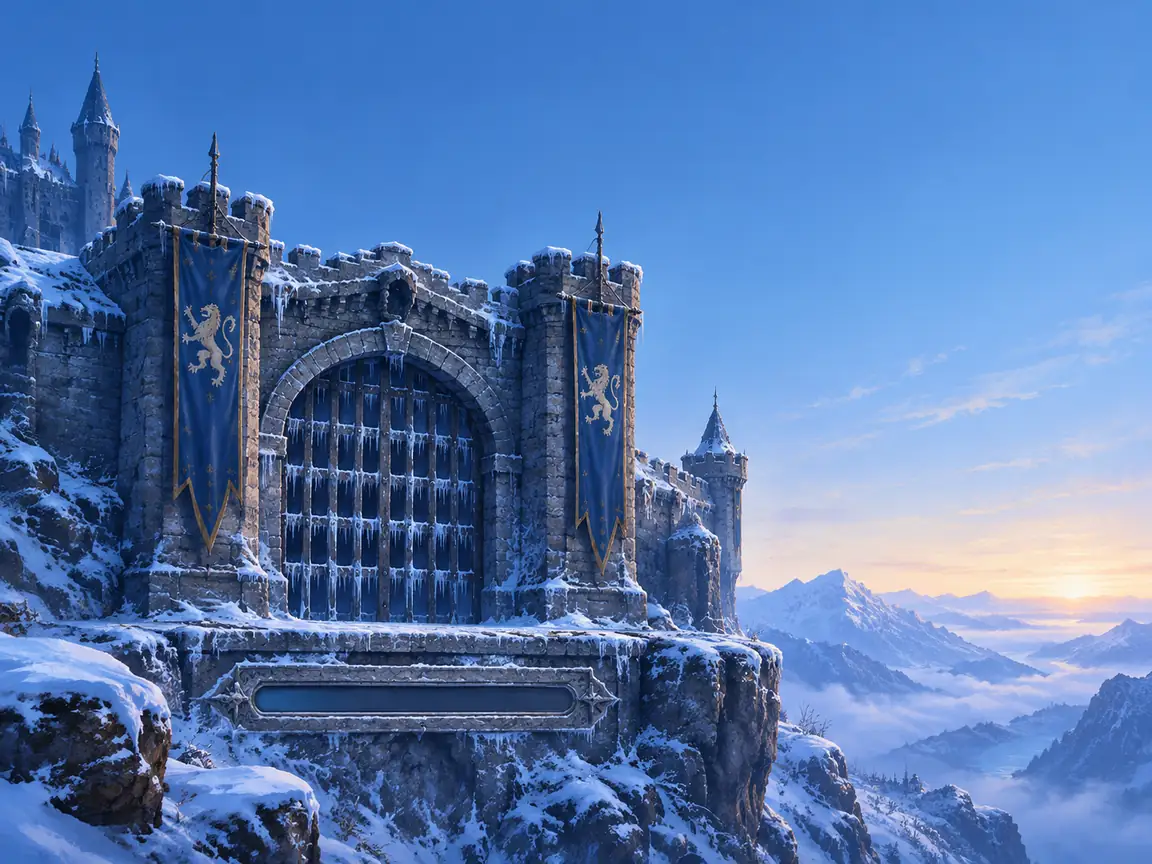 Fantasy
A frozen castle gate on a cliff at blue dawn, ice on the portcullis, banners hanging still, a stone carved progress bar set into the wall below and clear empty sky at the top, painterly RPG art, 3:4.
Try This Style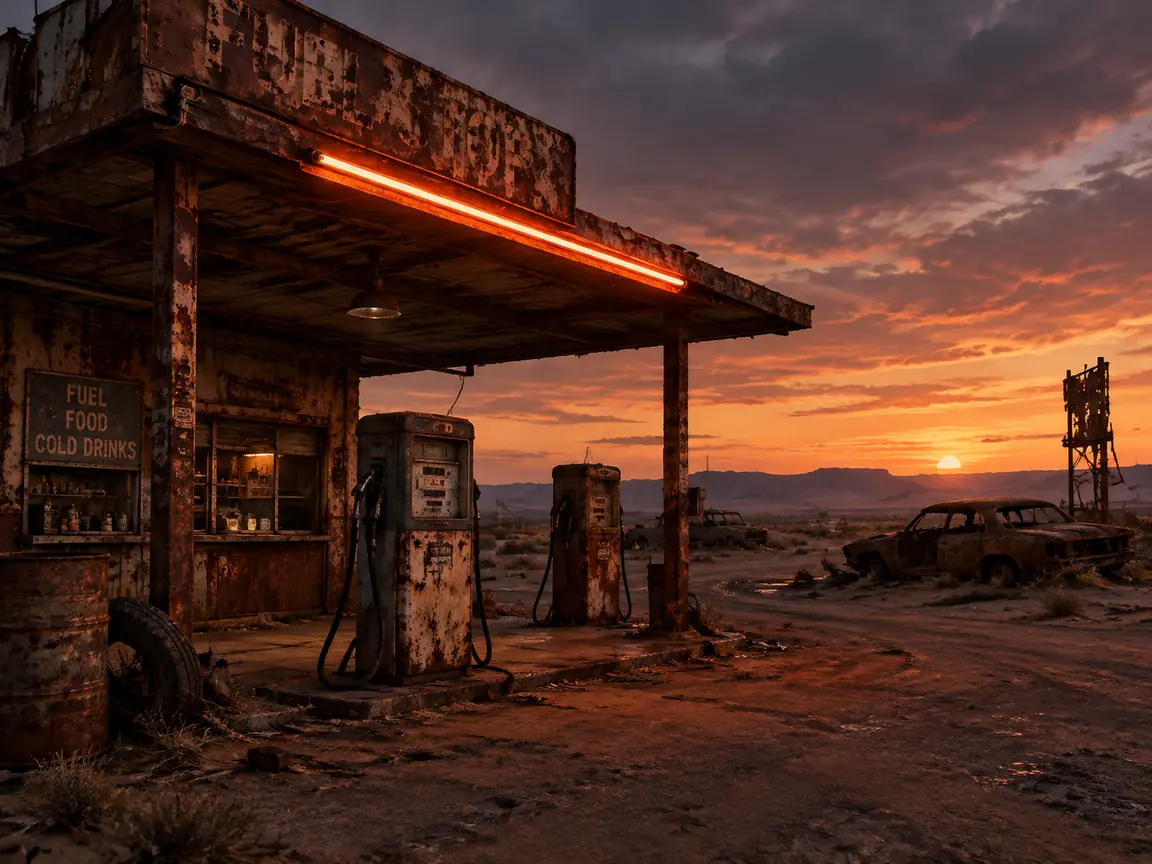 Sci-Fi
A rusted fuel stop on a dust plain at dusk, one working neon tube above the pumps, wrecked cars in the distance, a metal slot with a filling strip acting as the bar, gritty post-apocalyptic palette, 3:4.
Try This Style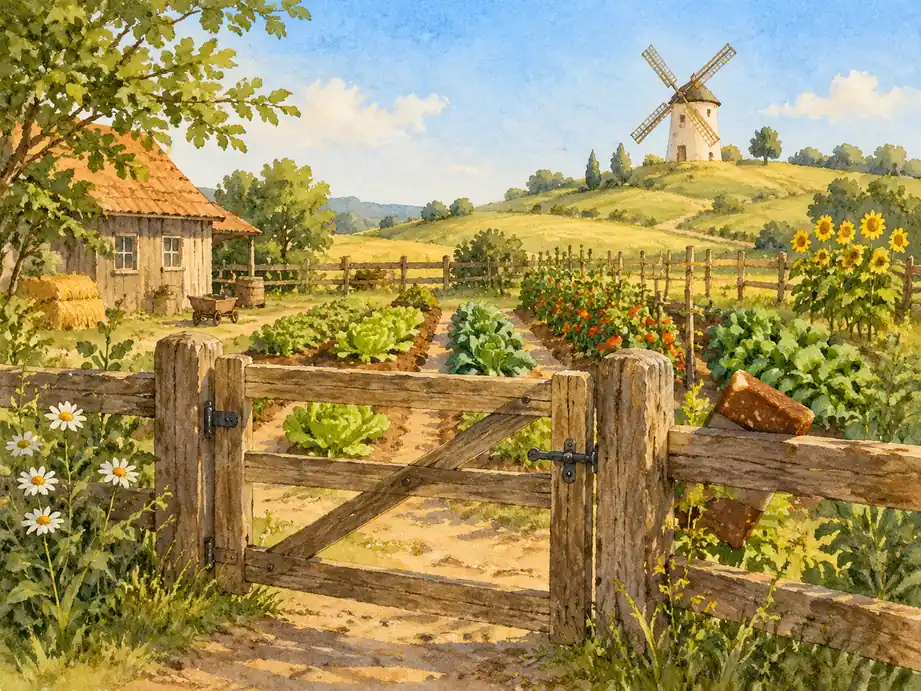 Cartoon
A hand-painted farm screen with a wooden gate, vegetable rows and a windmill on the hill, warm afternoon light, a soil-brown bar tucked into the fence line and clear sky above, cosy storybook style, 3:4.
Try This Style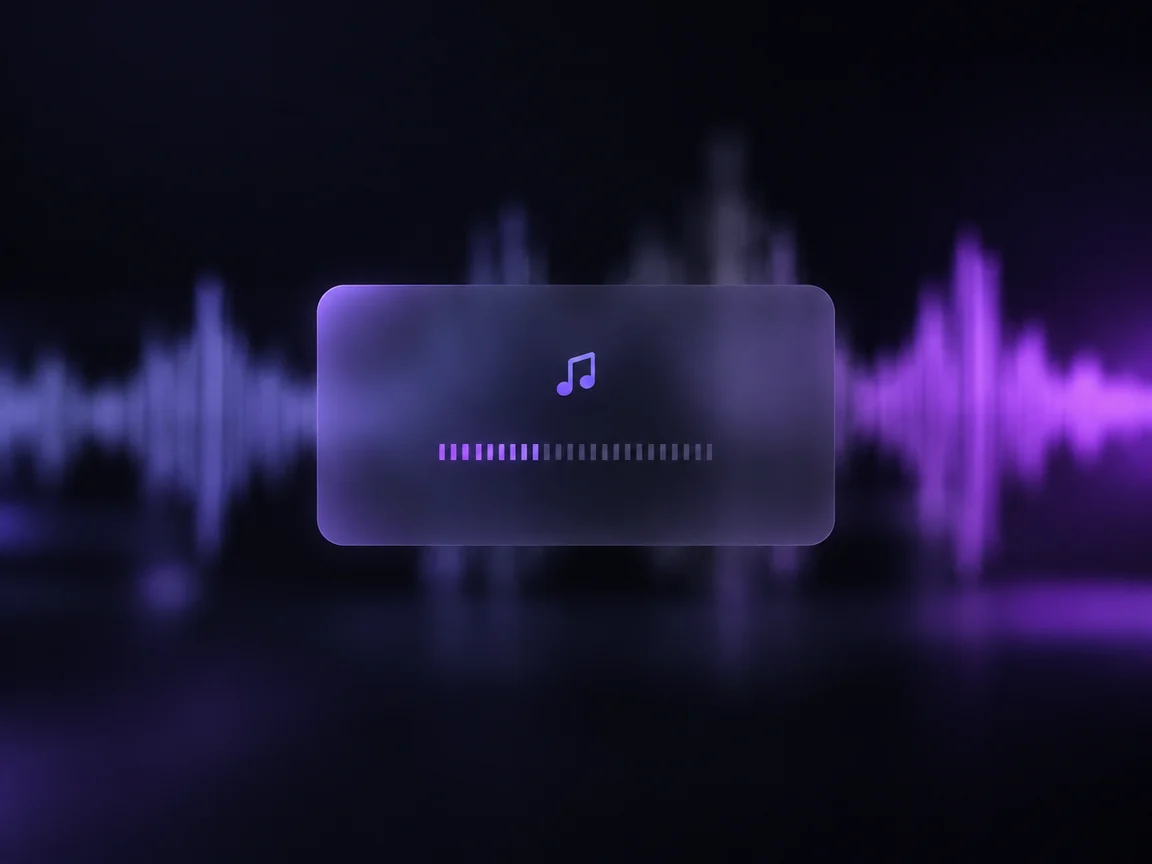 Mobile
A dark music app splash with a blurred waveform photograph behind a frosted rounded card, a horizontal loading strip built from small bars across the card, violet accent light, generous negative space, 3:4.
Try This Style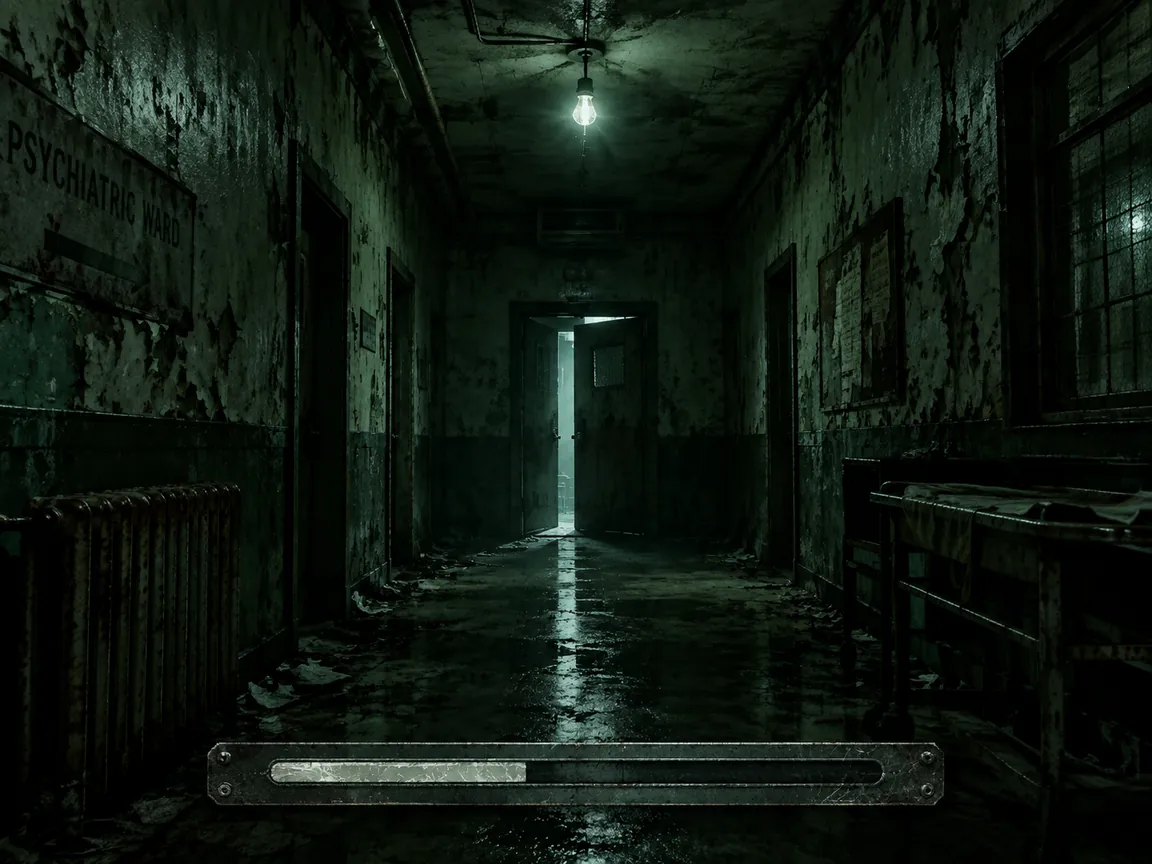 Fantasy
A decayed asylum corridor with a half-open door at the end, peeling paint and a single flickering bulb, cold green tone, a scratched plate at the bottom reading as a progress track, horror game art, 3:4.
Try This Style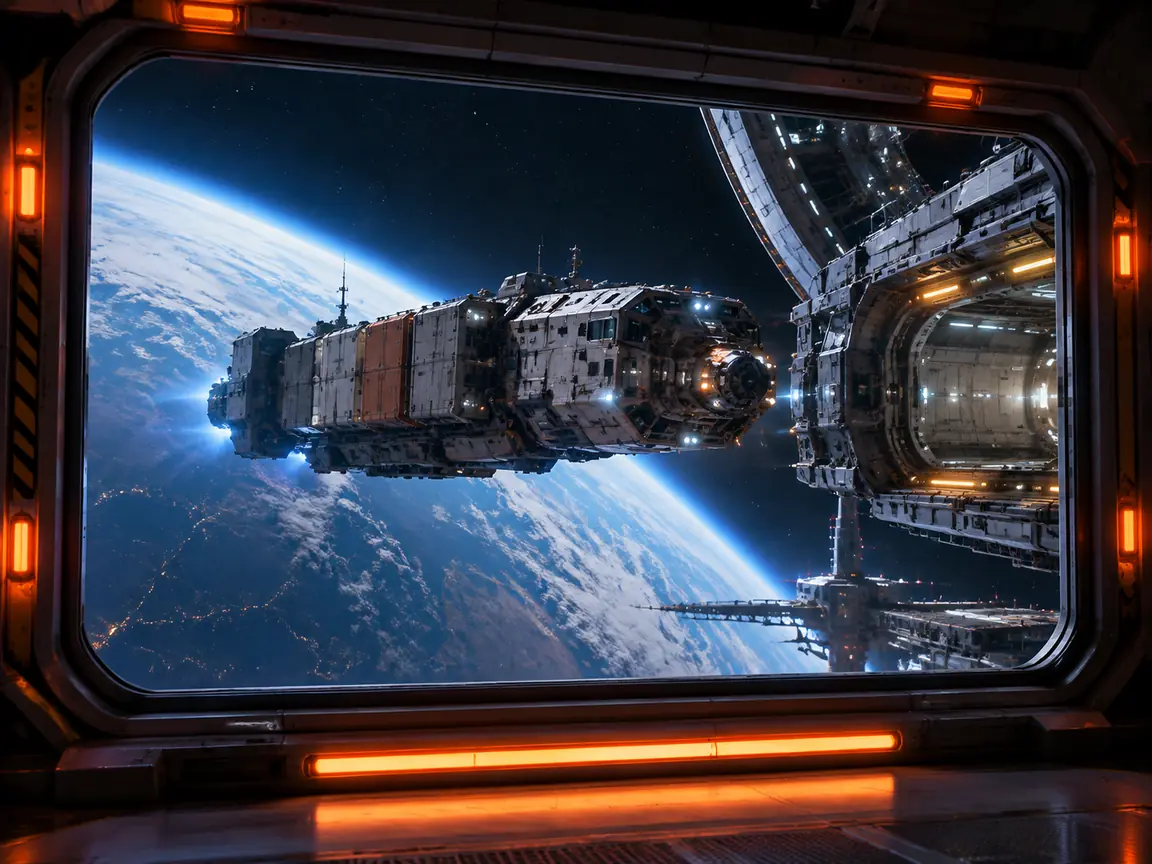 Sci-Fi
A space station docking bay seen through a viewing window, a freighter easing in against a planet limb, orange warning lights along the frame and a lit bar under the window, clean sci-fi concept art, 3:4.
Try This Style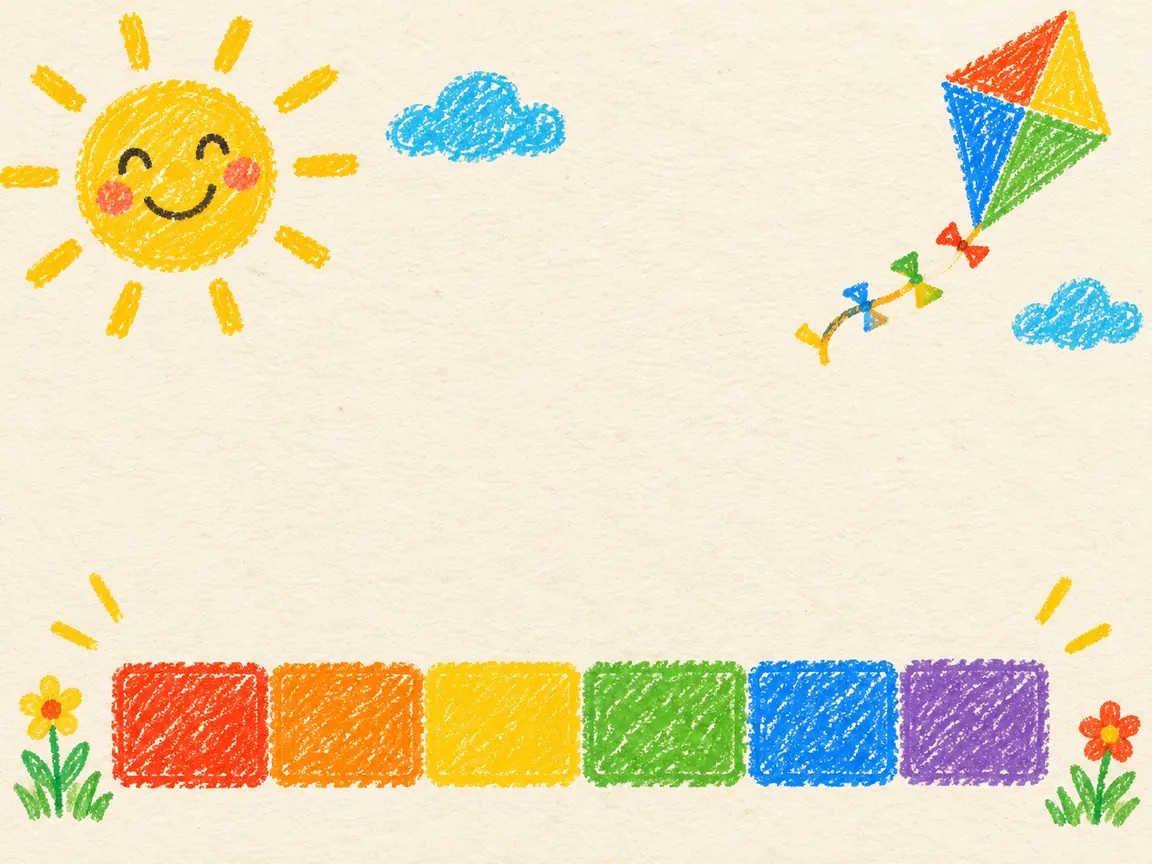 Cartoon
A crayon-drawn children's screen with a paper-textured background, chunky coloured blocks along the bottom acting as a fill track, a smiling sun and a kite in the empty upper area, warm bright palette, 3:4.
Try This StyleSix constraints that come from the player staring at it.
The eye needs something to land on before the bar moves. A gate, a ship, a door: pick one shape and let everything else stay quiet around it.
The progress track is a readout, not decoration. Keep it on a flat dark or light band so the fill stays visible on a dim phone screen at arm's length.
Titles, tips and percentages belong in the engine as real type. Generated lettering distorts, falls outside the safe area and cannot be translated.
Ask for the bar inside the lower third and keep 10 percent clear on each edge. Mobile platform overlays and notches eat the corners you were tempted to fill.
Naming the genre and era gives a coherent palette. Naming only colours gives a poster that could belong to any game and reassures nobody.
Screens from the same game should share a border, a light direction and a bar position. Generate the set in one sitting so the family resemblance survives.
I needed a cartoon concept the same afternoon I found this page. I typed what I wanted for "Pastel Pet Parade", ran it twice, then changed only the light and the palette on the second pass. The version I kept went straight into a client deck and saved me a stock-photo search.
My first try for "Wasteland Fuel Stop" came back too polished, more advertising than real photograph. I rewrote the sentence to describe the surface and the actual light in the room, and the third attempt looked like something I could have shot myself. That is the one I still use for ai loading screen generator mockups.
I use it the way I use a sketchbook: one prompt for "Waveform Player Card", one for "Abandoned Asylum Door", then I pick the half that works and iterate from there. Two of those frames ended up in a package for a client who could not decide between the two directions, and seeing them side by side settled it in a minute.
Match the target rather than one universal size: 16:9 for desktop at 1920x1080 or larger, 9:16 for mobile. This workspace offers 1:1, 4:3, 3:4, 16:9 and 9:16, and aspect ratio sets the frame, not the pixel count.
Not reliably. Bars, percentages and logos come back crooked or misspelled. Generate the art with a calm empty band where the bar will sit, then add the bar, logo and tip text in your engine or design tool.
A loading screen is seen for a few seconds at low attention. Ask for one subject, one light, low contrast and a lot of empty space, and avoid crowds, text and detailed faces.
You can generate on the free allowance shown in the picker; paid models start around $5.80 a month. Downloads are watermark free.
That depends on the model licence, not on the workspace. Pick a model whose terms allow commercial use, and keep the prompt, model name and date with each asset so you can show provenance later.