

Four Career-Ready Starting Points
Choose a credible look for leadership, creative work, business-casual roles, or academic and research profiles instead of starting from a blank prompt.
Prompt Guide
Model
Reference Image
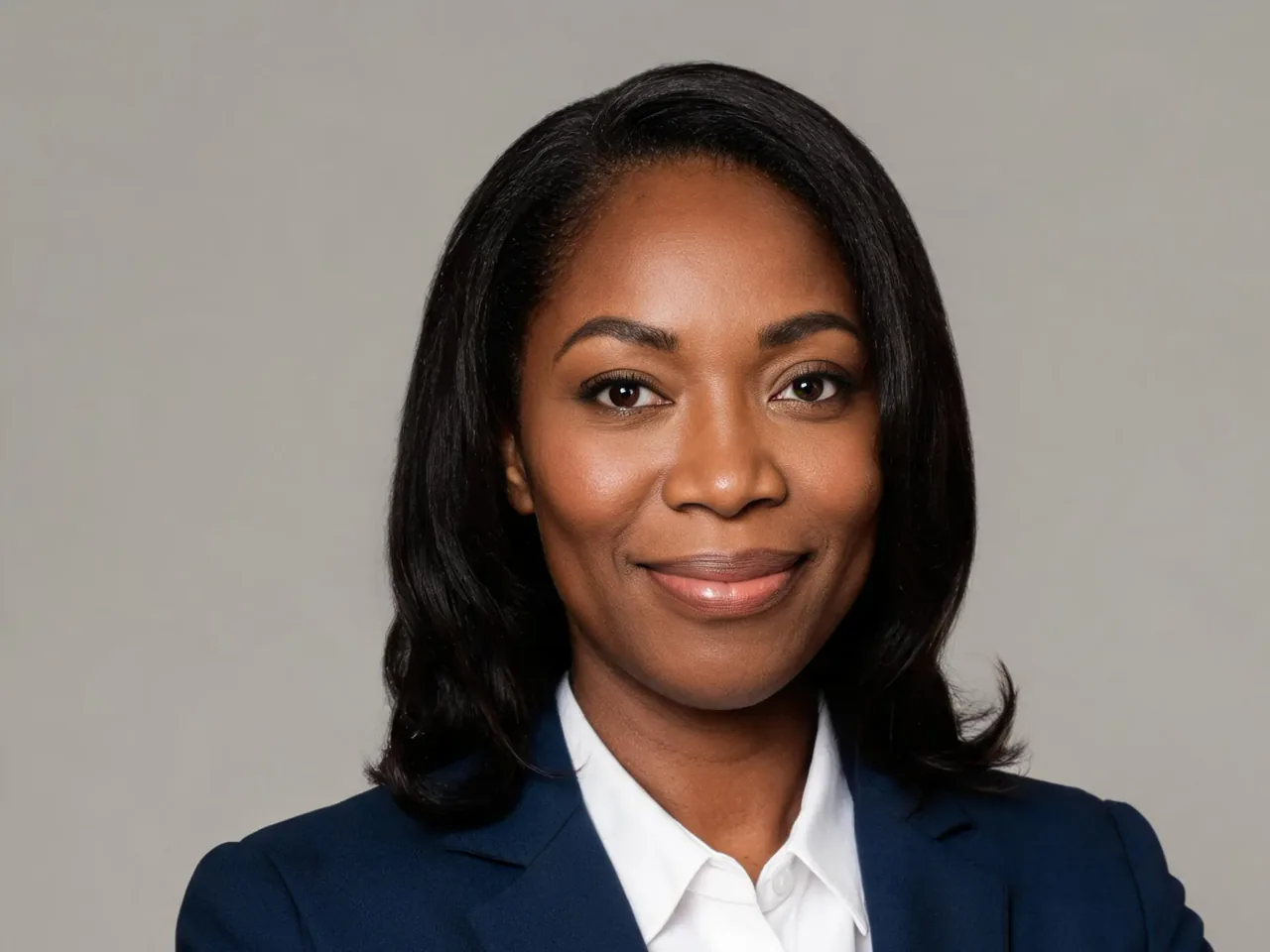
Start with a clear selfie or portrait, choose a professional direction, and create a recognizable headshot without arranging a studio session or writing a complex prompt from scratch.
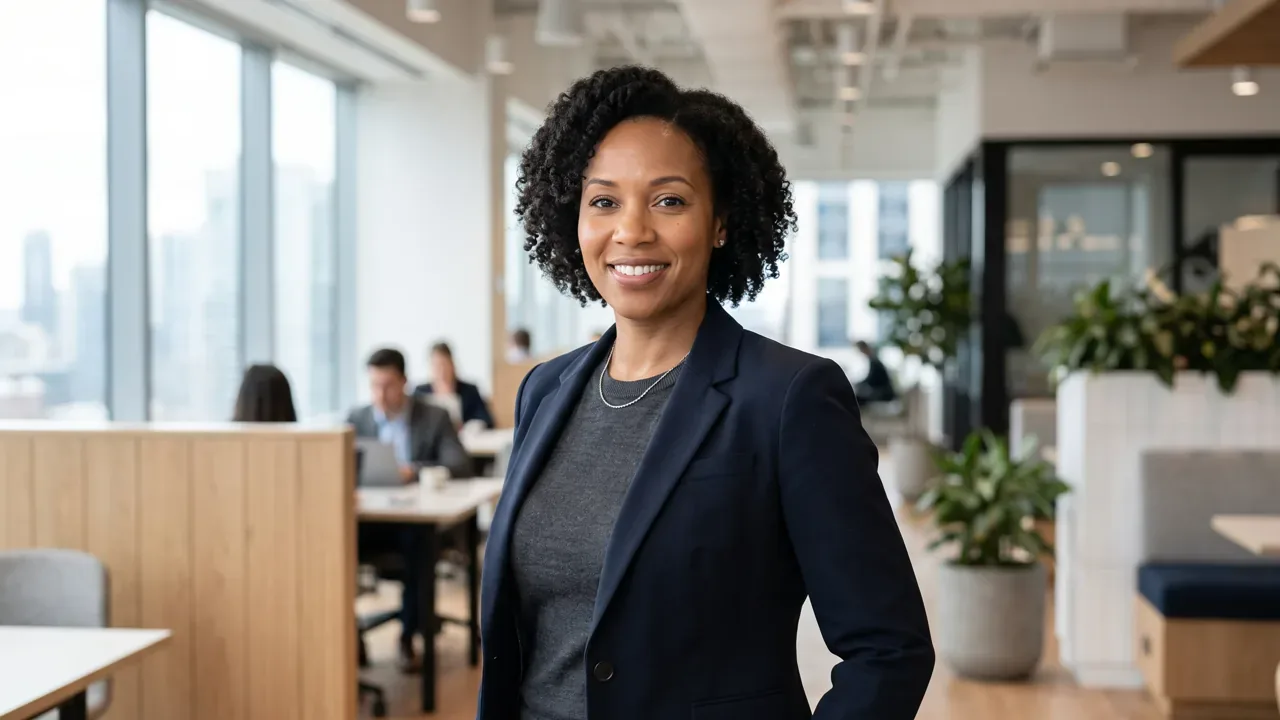
Use a clear source photo, choose the right professional style, and review the result before updating your profile.
Choose a sharp, front-facing photo with your full face visible, even lighting, and no sunglasses, heavy filters, or motion blur.
Select Executive Studio, Creative Professional, Business Casual, or Academic & Research, then add any background, attire, or expression details you want.
Create the headshot, check that your face still looks natural and recognizable, then download the version that best matches your role and personal brand.
Compare realistic professional directions before choosing the look that fits your role, industry, and personal brand.
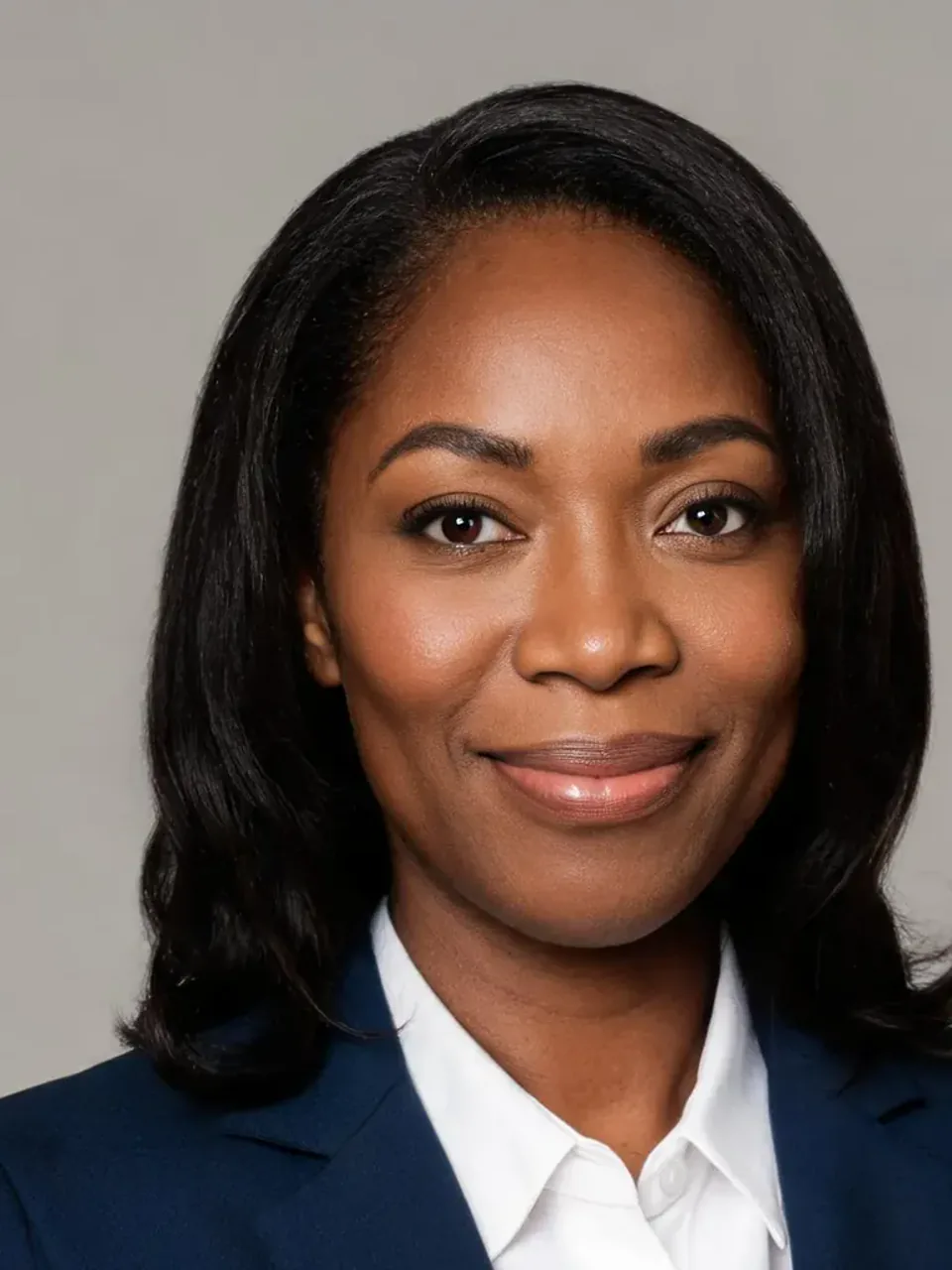 Executive Leadership
Tailored charcoal blazer, neutral studio background, bright professional lighting, natural skin detail, direct eye contact.
Try This Prompt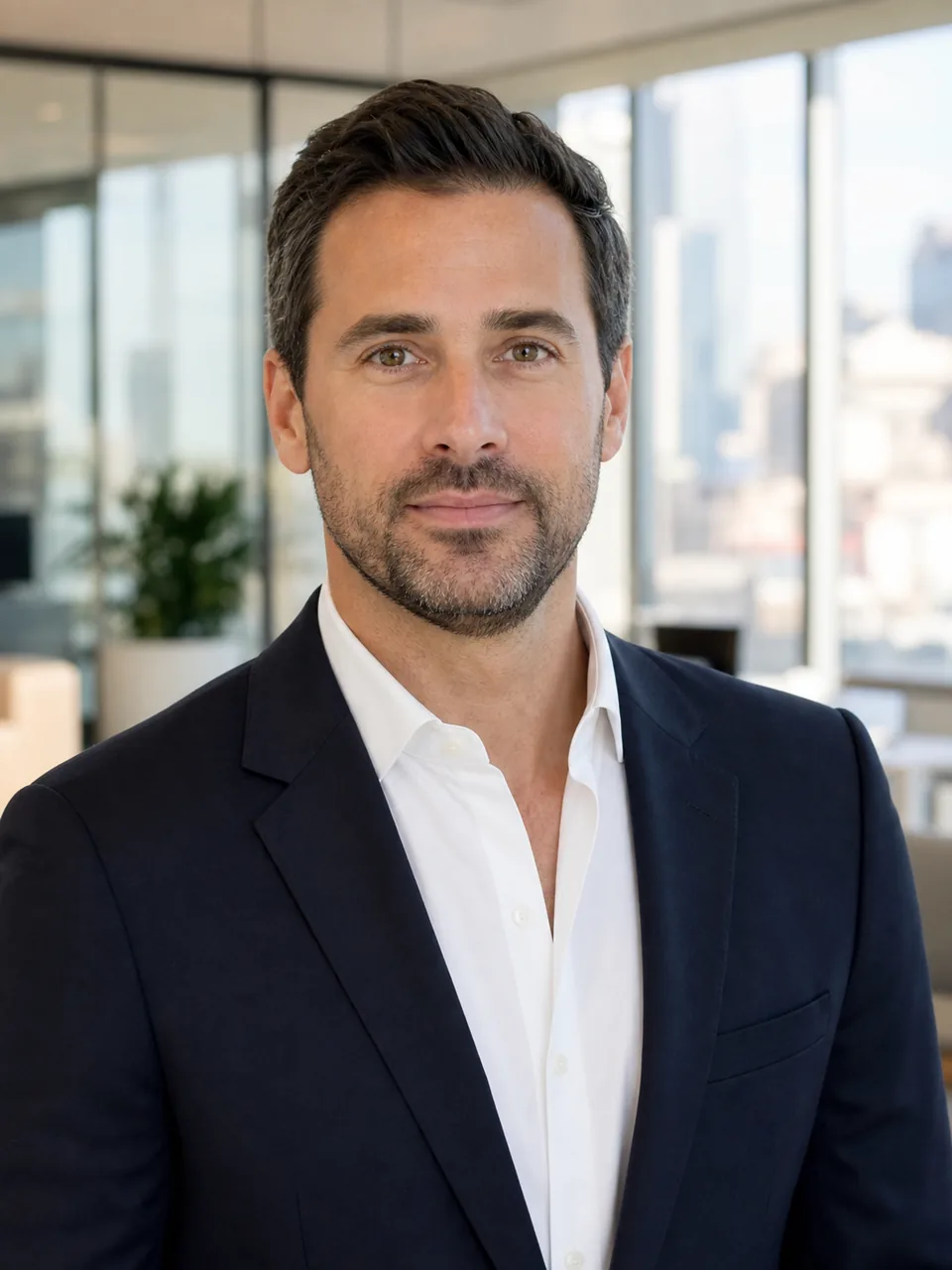 Executive Leadership
Dark suit, open-collar shirt, premium office background, calm expression, balanced daylight.
Try This Prompt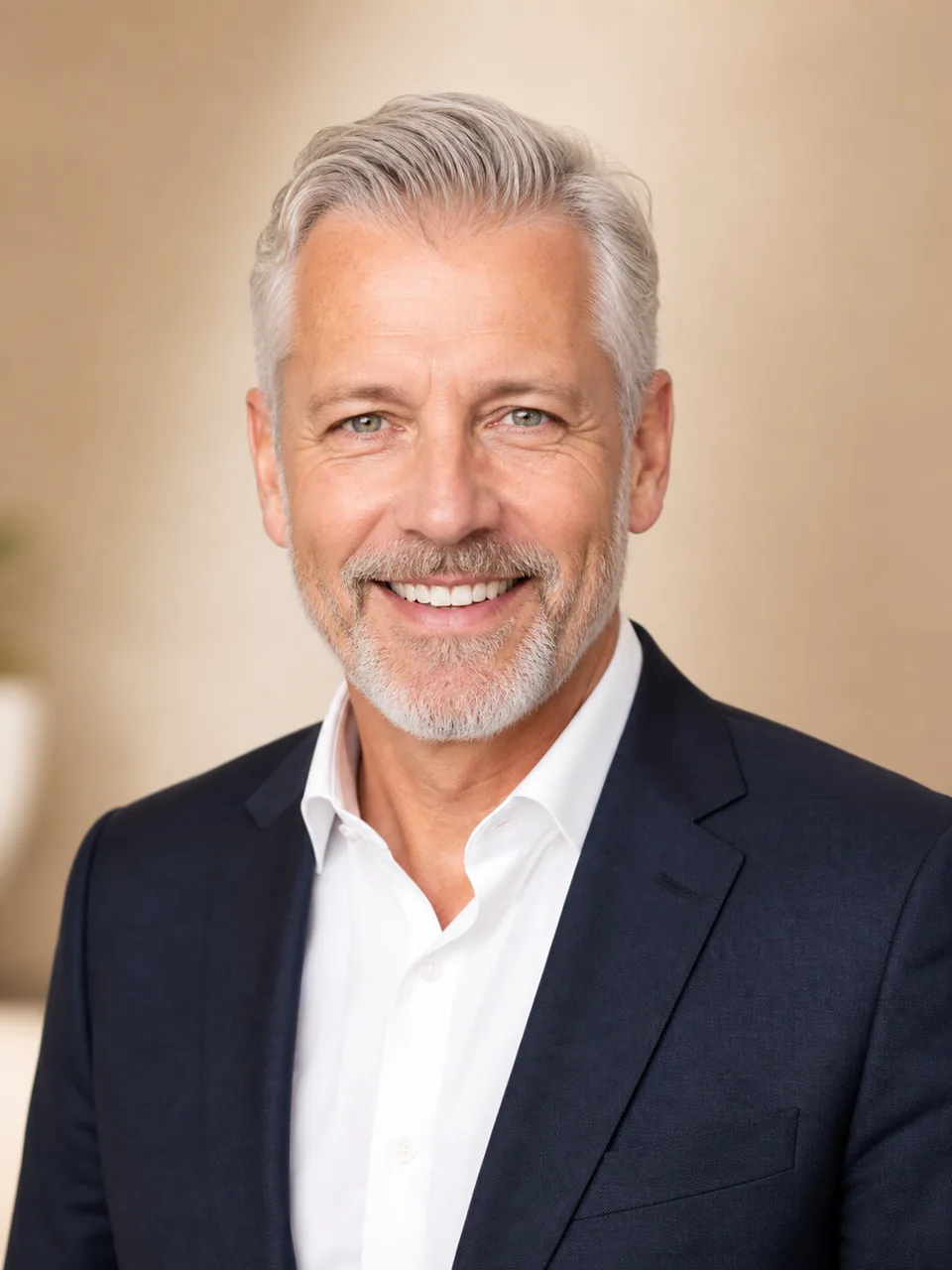 Executive Leadership
Elegant business attire, warm studio background, flattering high-key light, friendly confident expression.
Try This Prompt Creative & Startup
Refined contemporary wardrobe, airy design studio, subtle color, expressive professional pose.
Try This Prompt Creative & Startup
Premium knit and blazer, bright workspace, energetic expression, realistic natural daylight.
Try This Prompt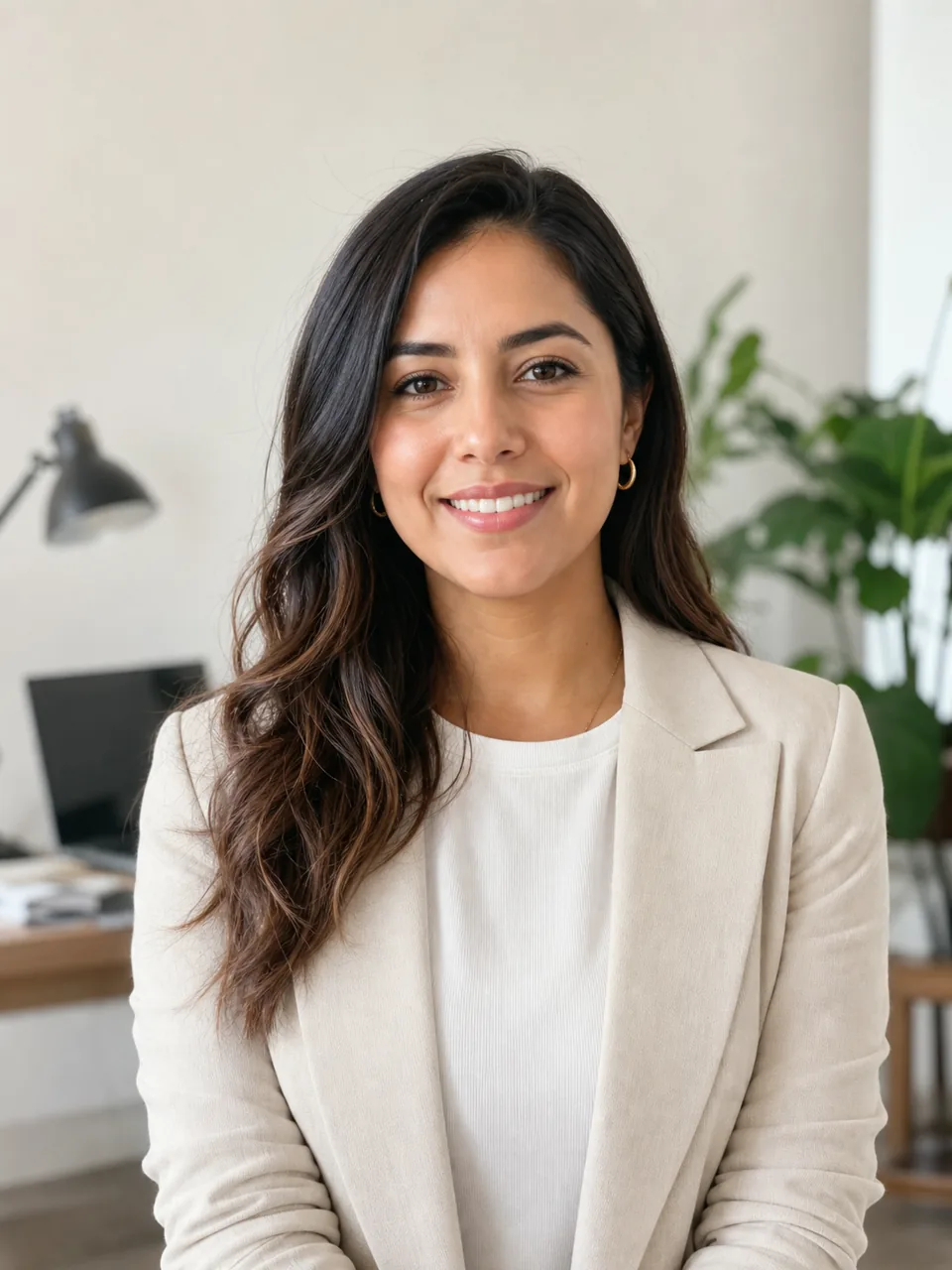 Creative & Startup
Smart-casual clothing, minimalist studio, soft even exposure, warm confident smile.
Try This Prompt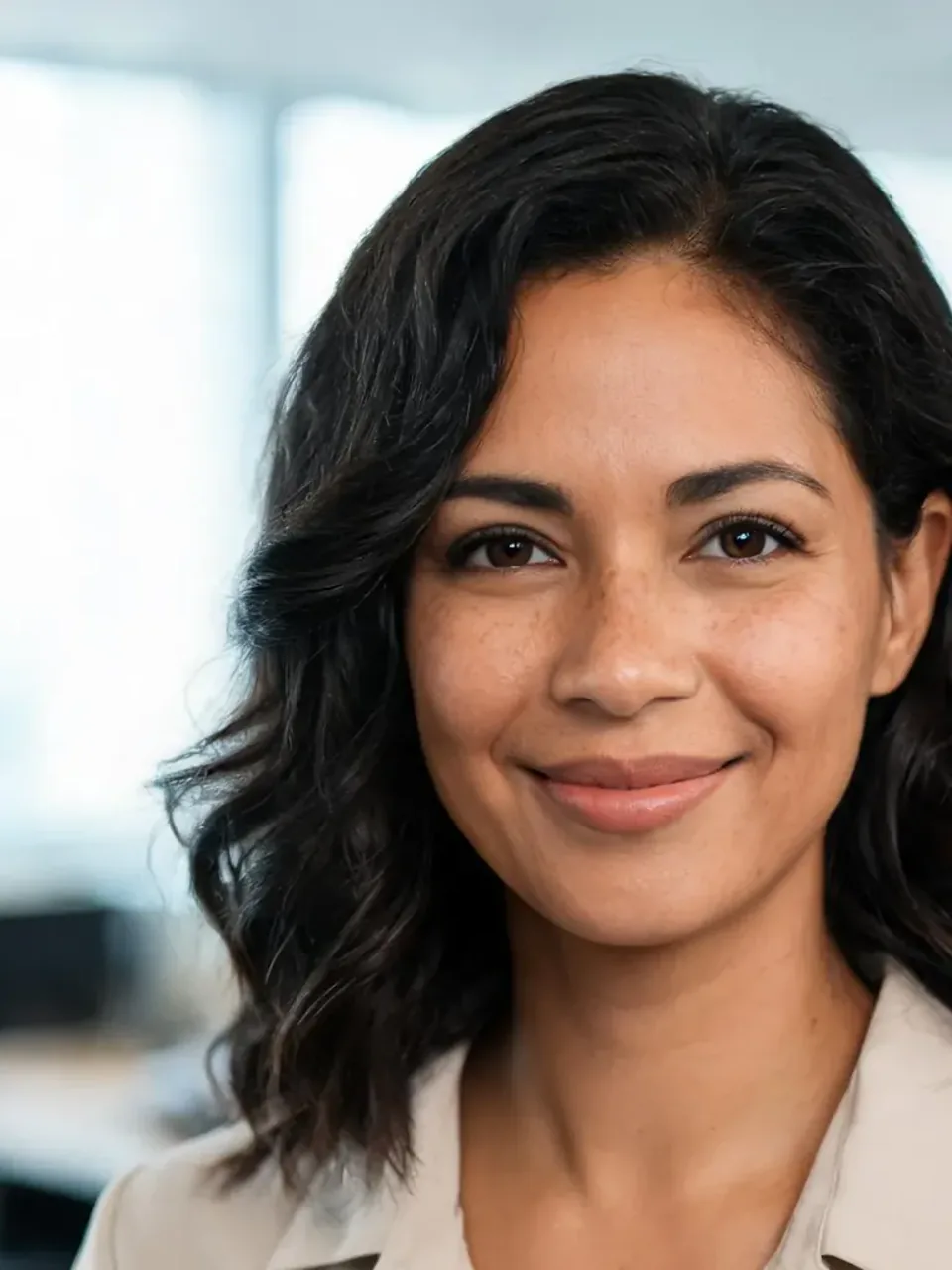 Business Casual
Light blazer, bright coworking office, natural midday light, calm trustworthy expression.
Try This Prompt Business Casual
Polished business-casual clothing, bright modern lobby, even light, approachable smile.
Try This Prompt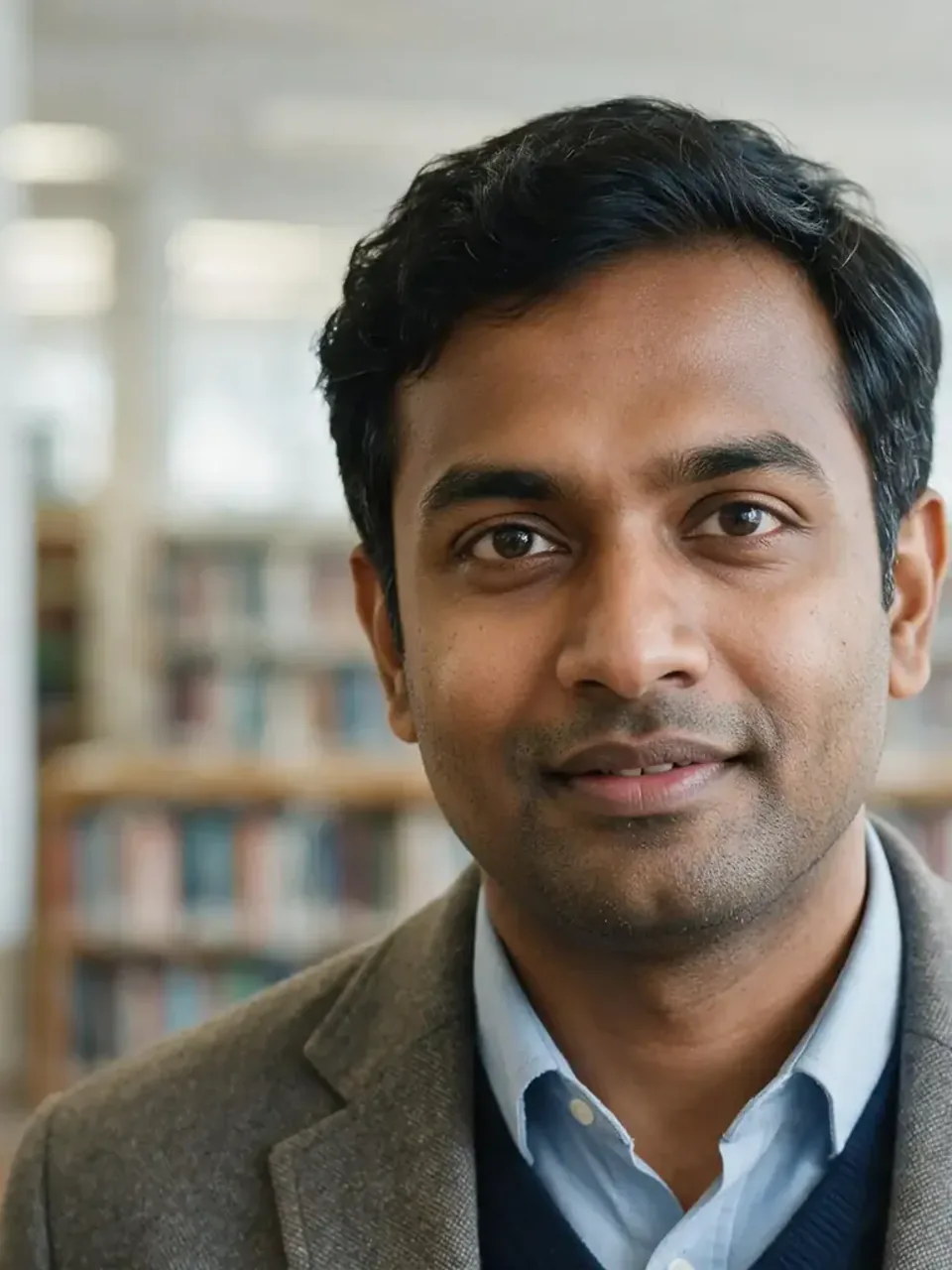 Academic & Consulting
Refined professional clothing, bright library background, thoughtful approachable expression.
Try This Prompt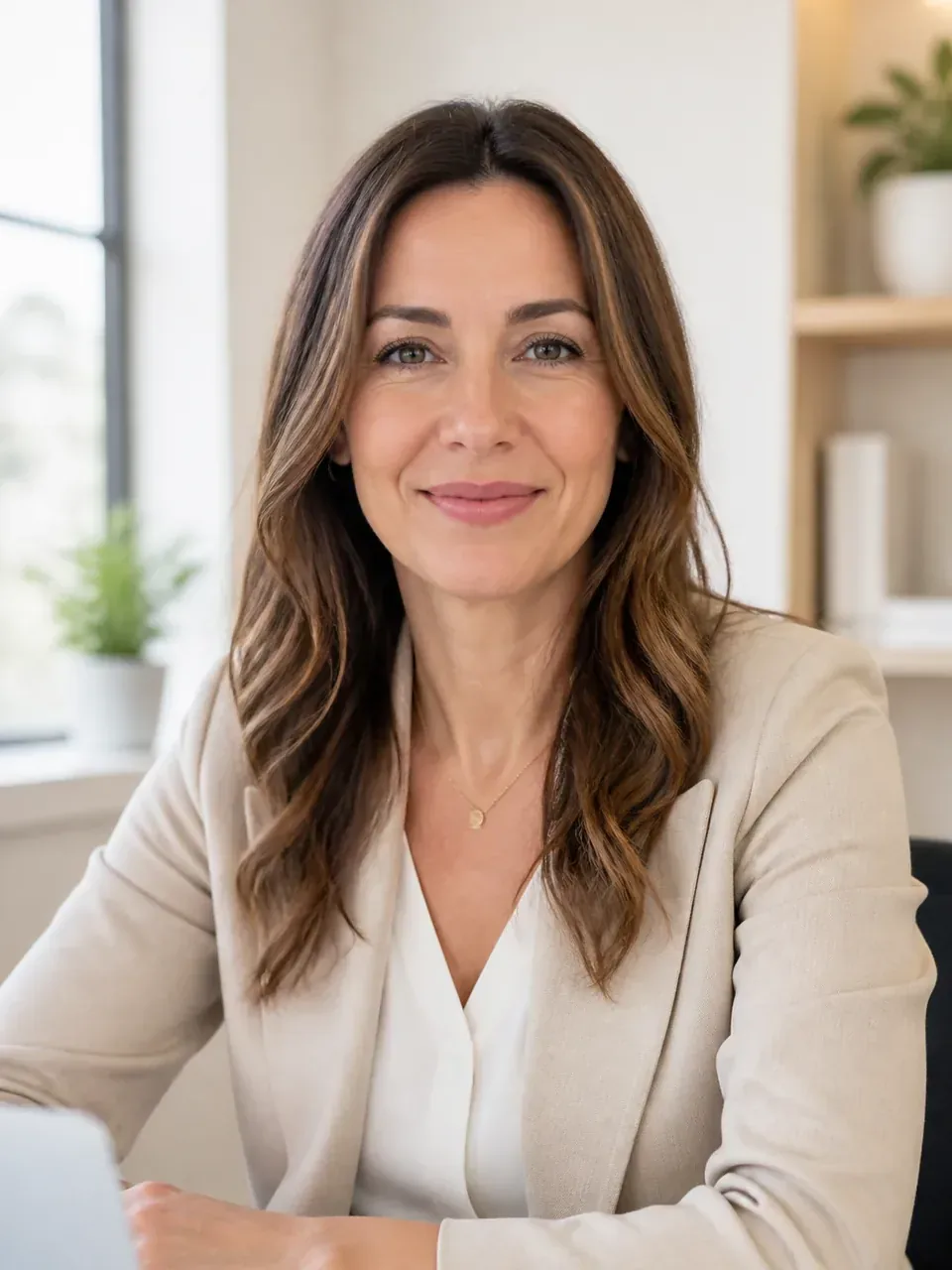 Academic & Consulting
Warm neutral clothing, clean cream office background, high-key light, encouraging expression.
Try This PromptGet a professional result without losing the details that make the photo feel like you.
Choose a credible look for leadership, creative work, business-casual roles, or academic and research profiles instead of starting from a blank prompt.
The prompts prioritize identity preservation, realistic skin texture, clear eyes, and believable lighting rather than an over-retouched synthetic face.
Ask for a different background, attire, expression, crop, or lighting direction while keeping the same professional goal.
Fictional, scenario-based UX examples showing how professionals may use the workflow.
The four presets made it easy to choose a look that suited a leadership profile, and the result still felt like my real photo rather than a different person.
I started with a casual phone portrait and used the creative-professional direction to get a cleaner headshot for LinkedIn and my portfolio bio.
The source-photo tips helped me pick a better image first, so I spent less time trying to fix shadows and a distracting background in the prompt.
An AI LinkedIn photo generator turns an uploaded selfie or portrait into a cleaner professional headshot. It can refine lighting, background, framing, attire, and presentation while aiming to keep your face recognizable and natural.
Use a sharp, well-lit portrait where your full face is visible and not covered by sunglasses, hair, heavy filters, or deep shadows. A front-facing photo with a natural expression gives the generator clearer identity details to preserve.
Choose Executive Studio for formal leadership roles, Creative Professional for design or startup work, Business Casual for approachable client-facing profiles, and Academic & Research for education, science, policy, or consulting contexts.
The presets explicitly ask the model to preserve your identity and natural facial features. You should still review the eyes, face shape, skin texture, hair, and other recognizable details before using any generated image professionally.
A professional headshot can also work on a resume, portfolio, speaker bio, company directory, email signature, proposal, or professional social profile. Check each platform's crop and image-size requirements before uploading it.