

Actual Output Dimensions
Compare source and downloaded pixel dimensions. A sharper-looking image is not proof of a larger image.
Prompt Guide
Model
Reference Image
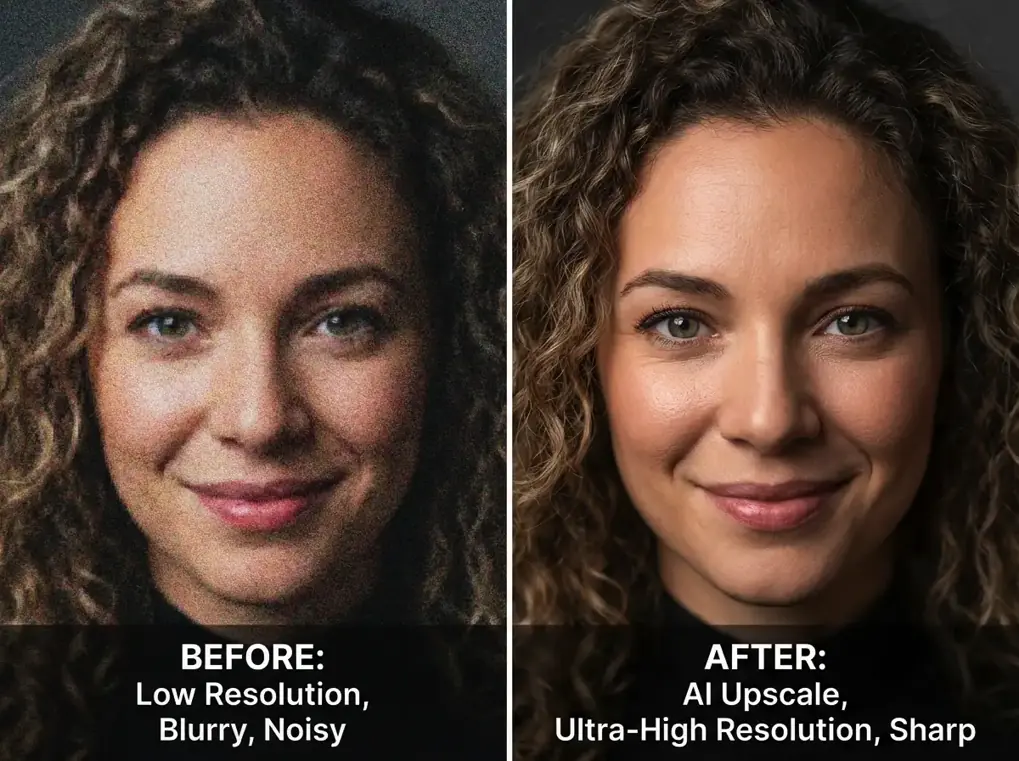
Inspect identity, texture and resolution when reviewing an enhanced image. Use source-to-result comparisons to spot improvements and unwanted changes.
Existing illustrative before-and-after visuals, not verified outputs from the new workspace. Reconstructed details can differ from the source.
PortraitsReview facial identity, hair strands, natural pores and edge clarity. Preserve the source person, pose, expression, framing and lighting.
Try This Prompt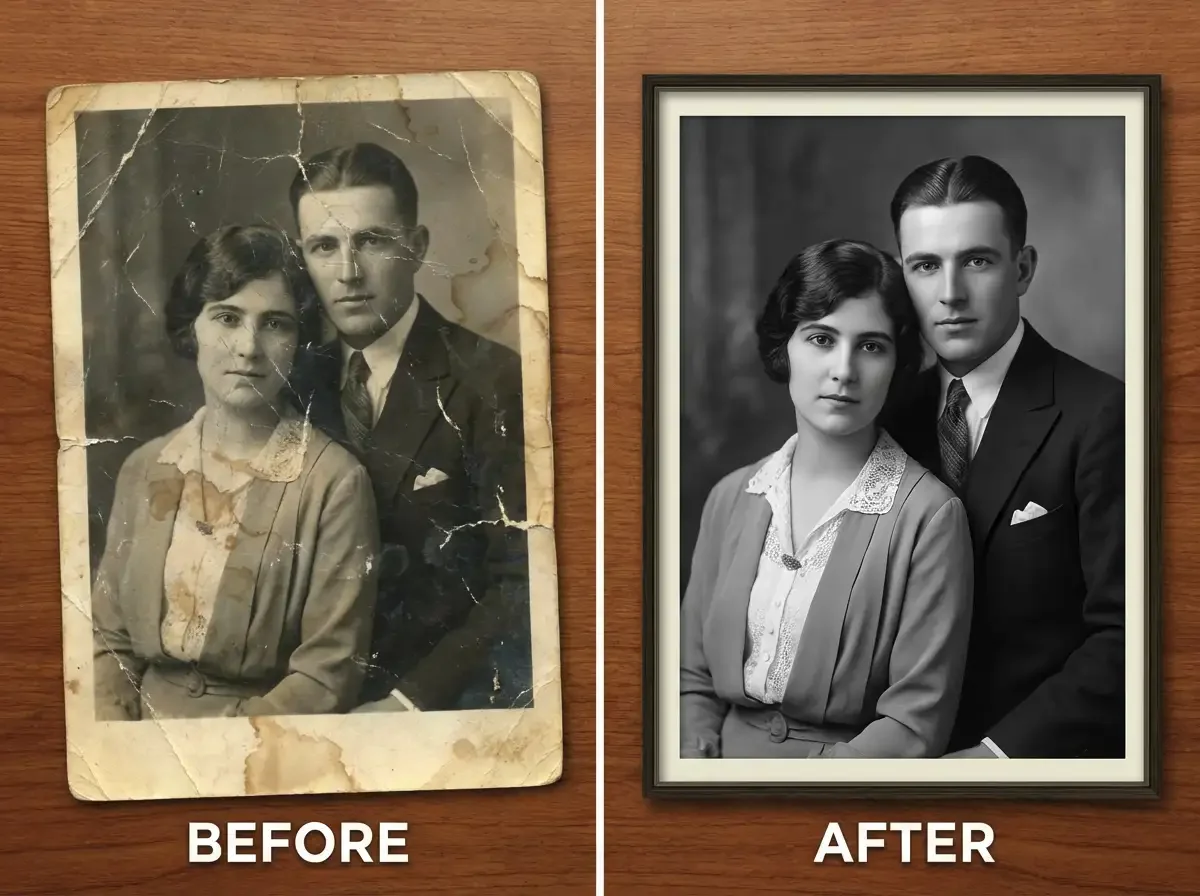 Restoration
Review damage, repaired texture and retained likeness. Preserve the original people and composition; flag uncertain details rather than treating reconstructed features as recovered facts.
Try This Prompt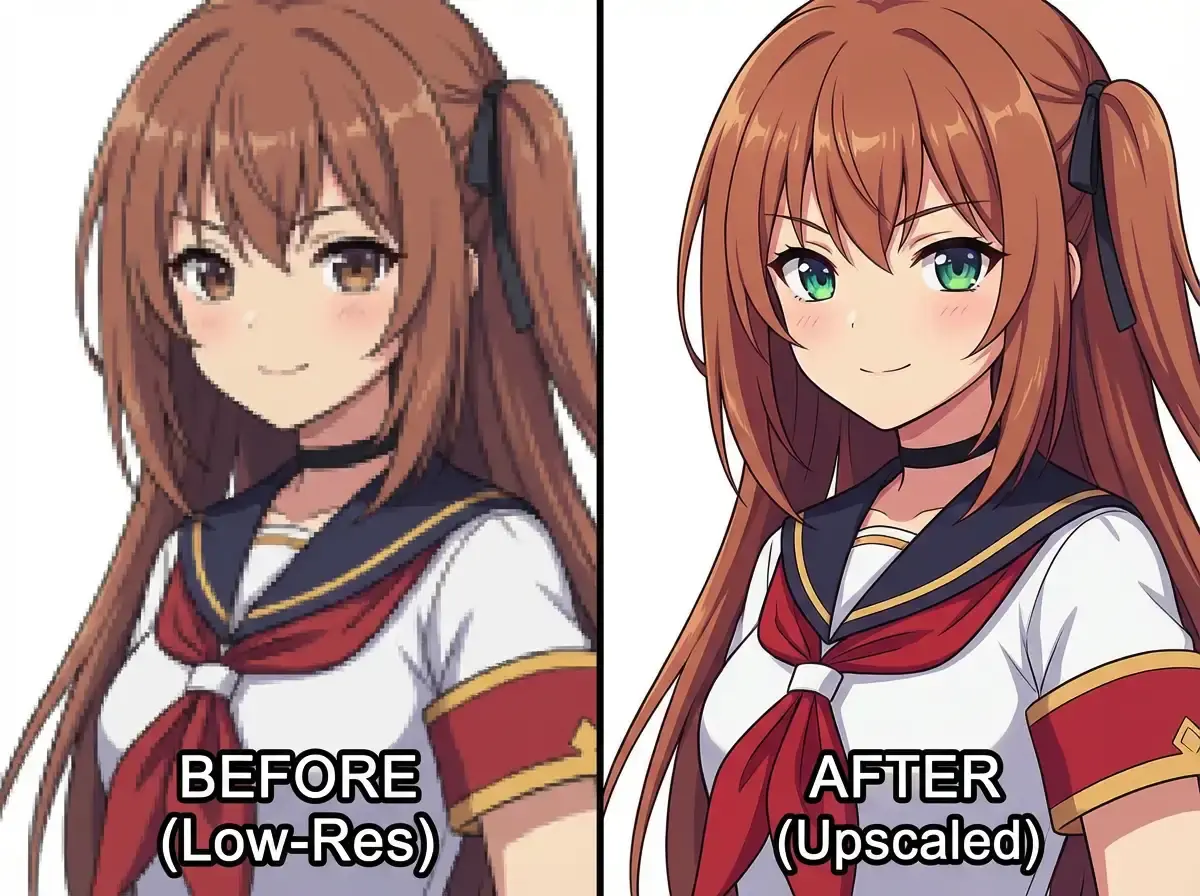 Illustrations
Review line clarity and edge artifacts. Preserve the source character, facial features, palette and composition.
Try This Prompt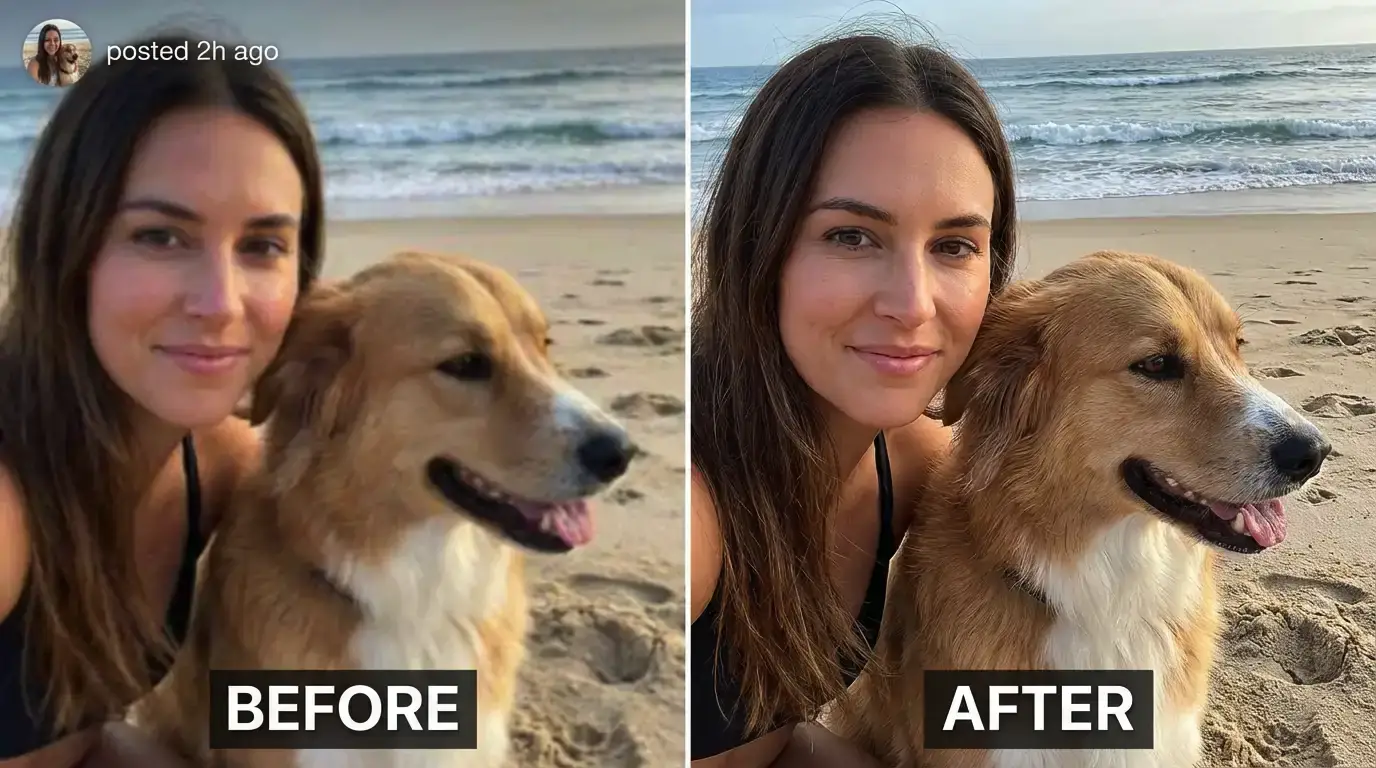 Creator Photos
Review subject identity and fine detail in an existing creator photo. Preserve the person, pet, background and composition.
Try This Prompt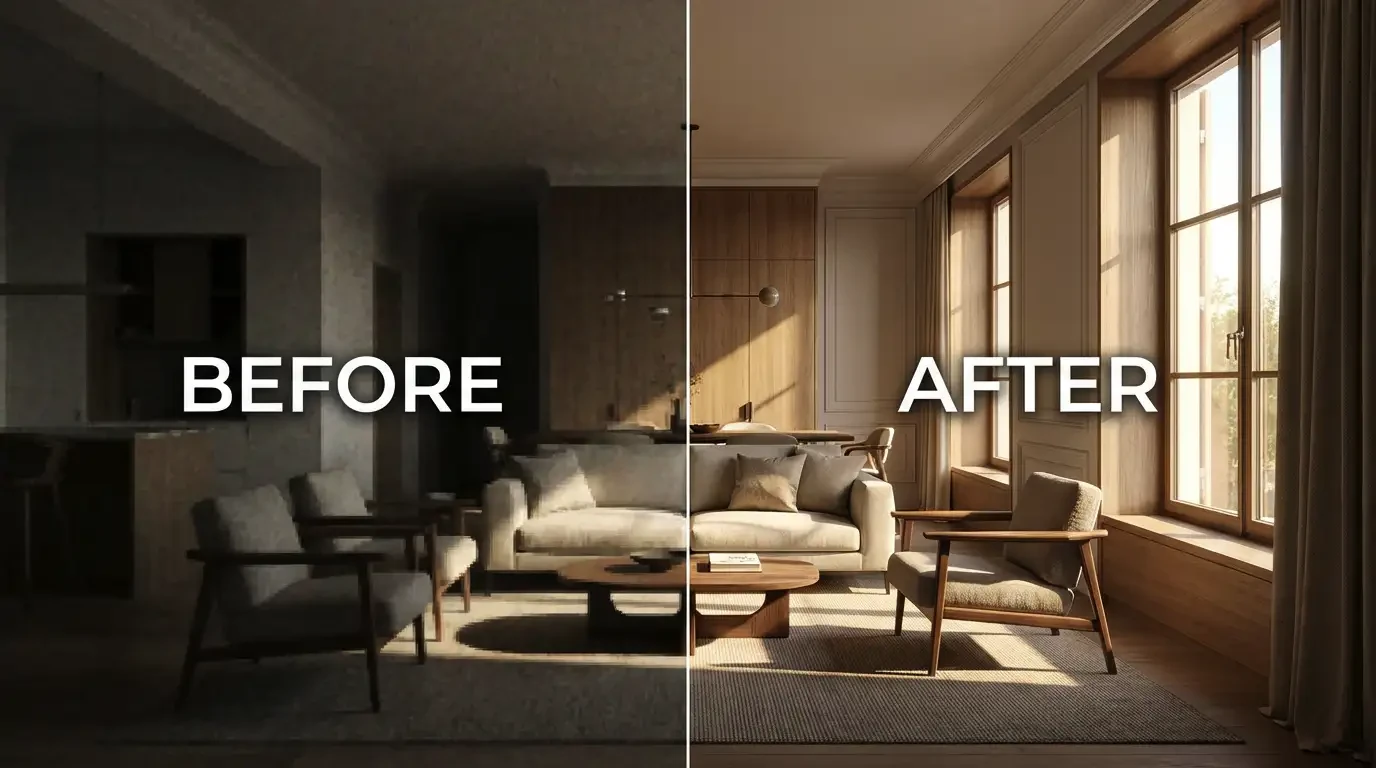 Interiors
Review texture and shadow clarity in an interior photograph. Preserve furniture geometry, layout, lighting and materials.
Try This Prompt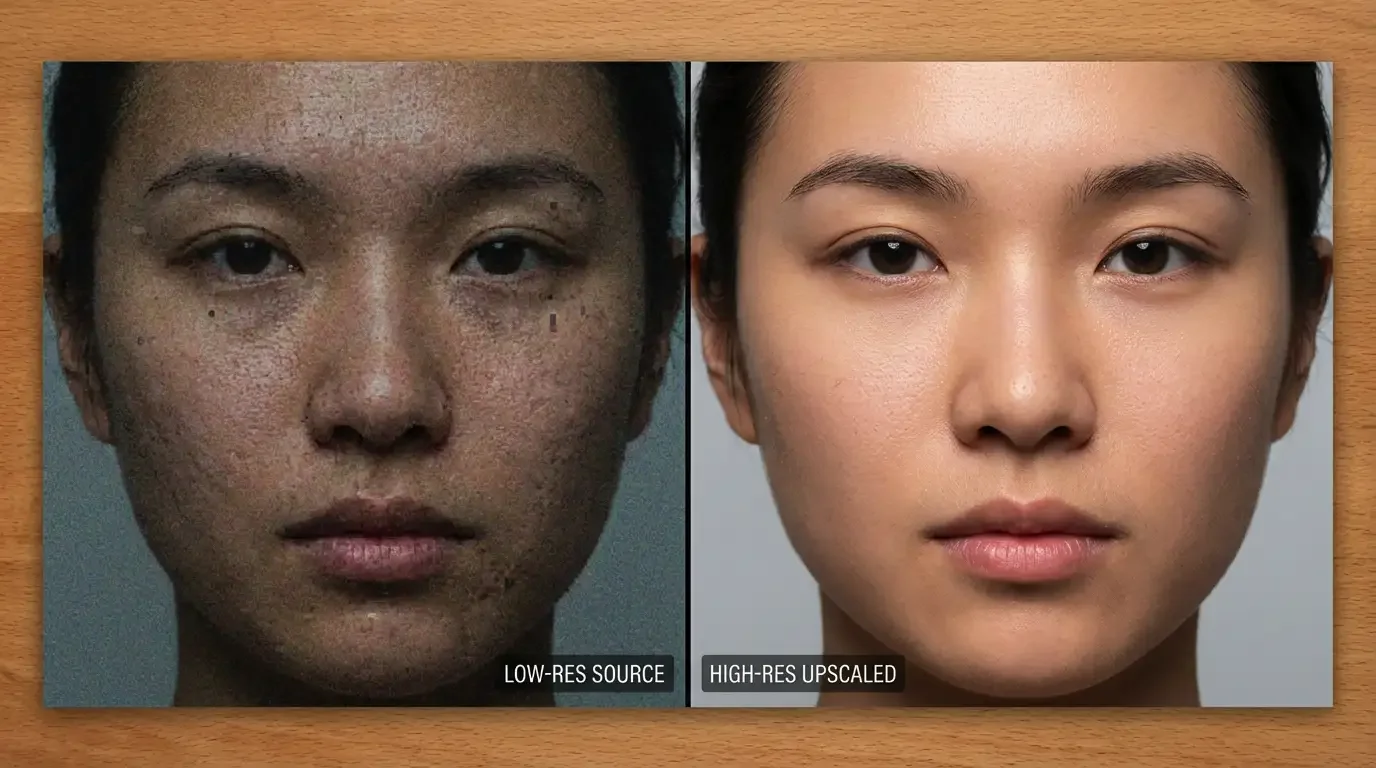 Portraits
Review facial detail without beauty-filter smoothing. Preserve identity, expression, skin tone and natural texture.
Try This PromptCompare source and downloaded pixel dimensions. A sharper-looking image is not proof of a larger image.
Keep faces, expressions, object geometry and composition consistent. Reject invented content or identity drift.
Inspect hair, text, skin, fabric and edges at the same viewing scale. Watch for waxy skin, halos and fabricated textures.
Use an image you own or are authorized to edit. Record its pixel dimensions before processing.
Specify which identity, scene and details must stay unchanged. An image model can reconstruct or alter content.
Inspect the result beside the source at the same scale. Verify dimensions and reject changed faces, text or structures.
Upscaling increases image pixel dimensions. Enhancement may improve apparent clarity without increasing size, so compare the source and downloaded dimensions.
No. A generative editing model is not automatically a fixed-scale upscaler. Verify the actual output dimensions and use a dedicated upscaling workflow when exact scaling is essential.
Not necessarily. Image models can alter faces, lettering, objects and texture. Inspect identity and composition, and reject changes that do not match the source.
No. They are illustrative visuals reused from the existing page. They do not establish output resolution, speed or accuracy for the newly configured workspace.
You can explore restoration with an authorized source, but generated details are reconstructions. Keep the original and do not present uncertain features as historical fact.
No such guarantee is established here. Check current account access, task costs and actual output dimensions before using the result.