

Look Beyond Sharpness
Check the saved image dimensions separately from apparent crispness. A sharper-looking preview does not establish that the pixel count increased.
Prompt Guide
Model
Reference Image

Explore natural textures and cleaner visual detail with GlobalGPT. The AI image upscaler helps you describe what to improve and what to preserve, with careful source-to-result review.
Record the source dimensions and keep an untouched copy. Use a photo, illustration or generated image that you have permission to edit.
Name the details to clarify and the identity, shapes or layout to retain. Start with a small, focused change in the AI image upscaler.
Inspect the original and result at equal size. Check faces, lettering, edges and downloaded dimensions; reject invented details or unwanted changes.
Existing illustrative comparisons and new standalone visual concepts show what to inspect. They are not verified enhancement results or proof of a fixed resolution gain.
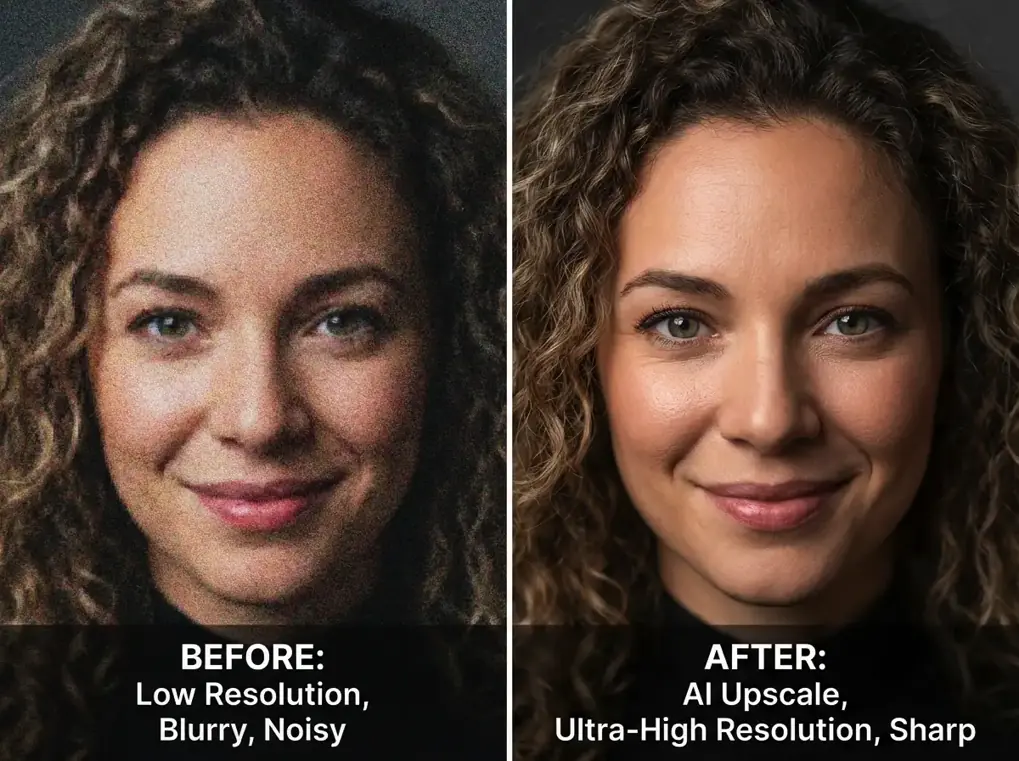
PortraitsReview facial identity, hair strands, natural pores and edge clarity. Preserve the source person, pose, expression, framing and lighting.
Try This Prompt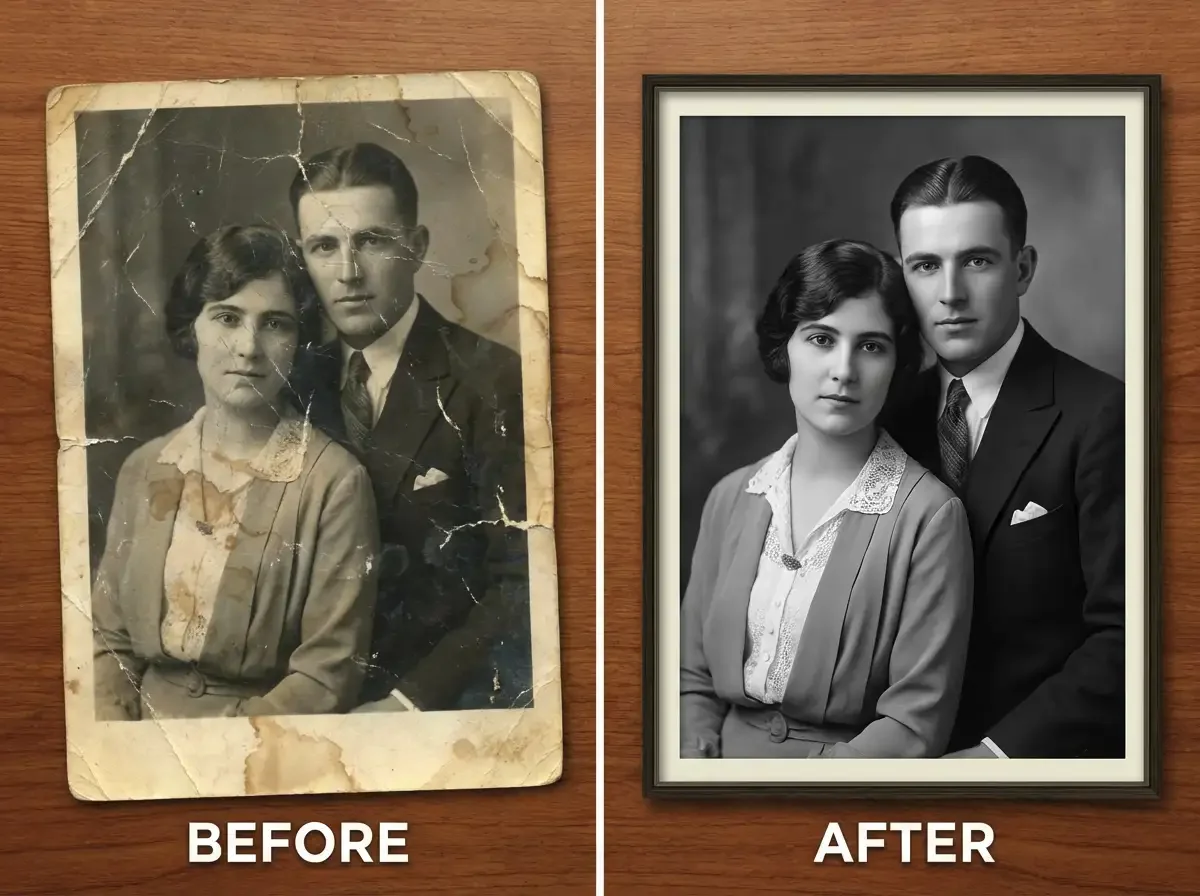 Restoration
Review damage, repaired texture and retained likeness. Preserve the original people and composition; flag uncertain details rather than treating reconstructed features as recovered facts.
Try This Prompt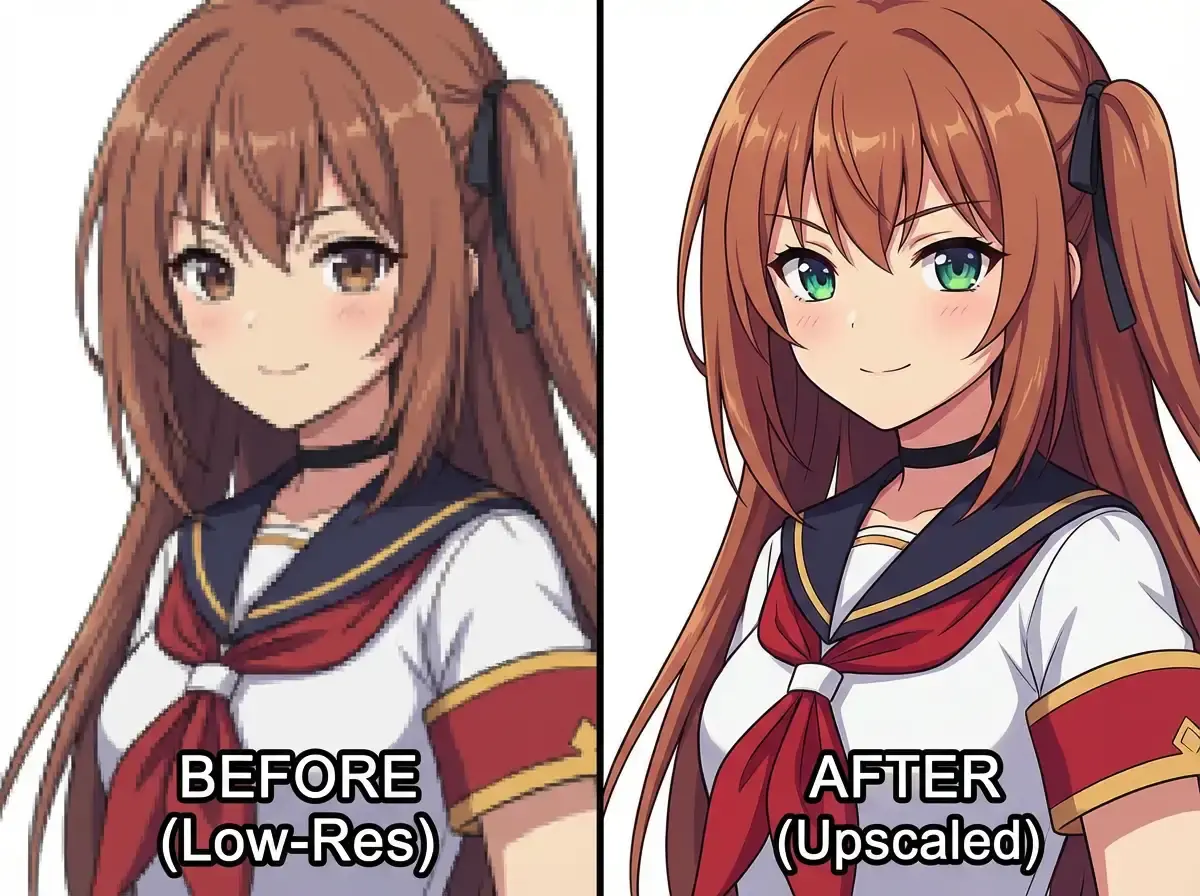 Illustrations
Review line clarity and edge artifacts. Preserve the source character, facial features, palette and composition.
Try This Prompt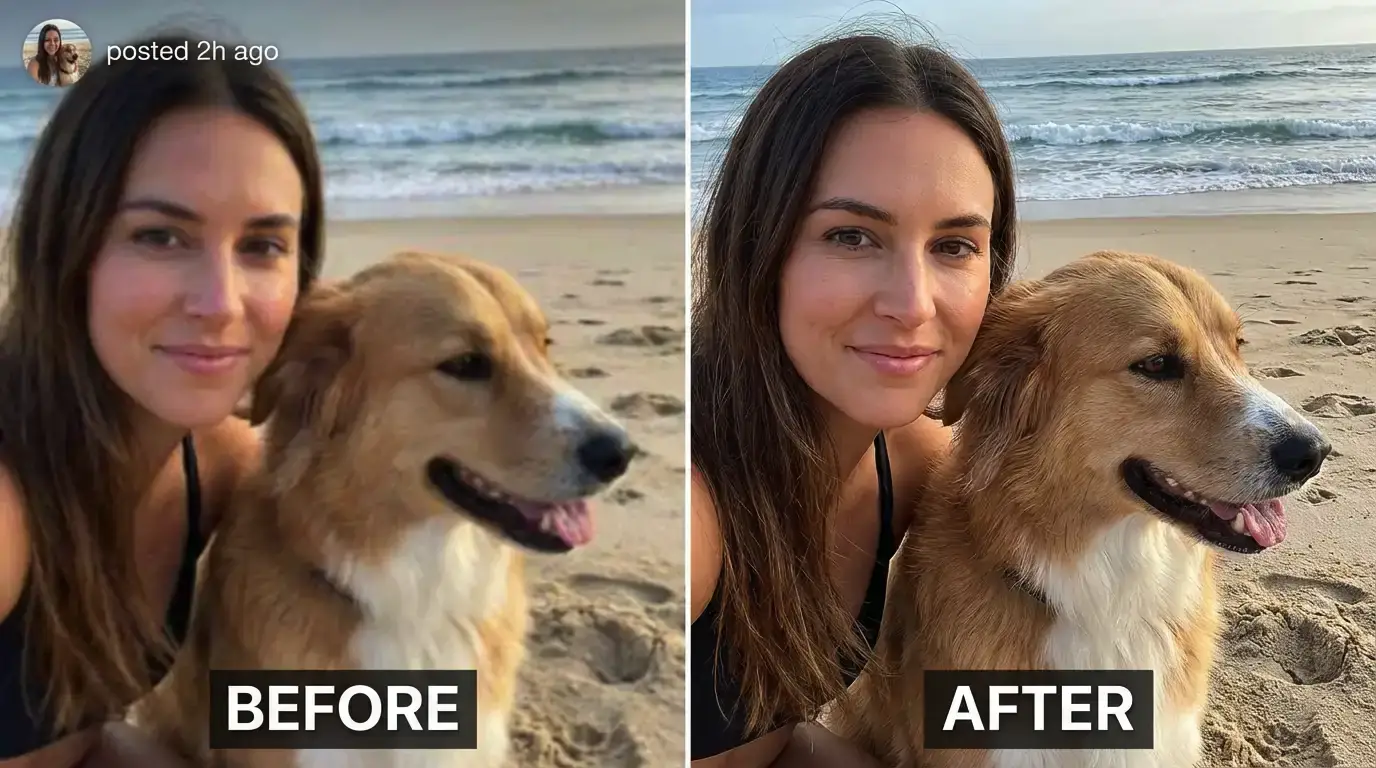 Creator Photos
Review subject identity and fine detail in an existing creator photo. Preserve the person, pet, background and composition.
Try This Prompt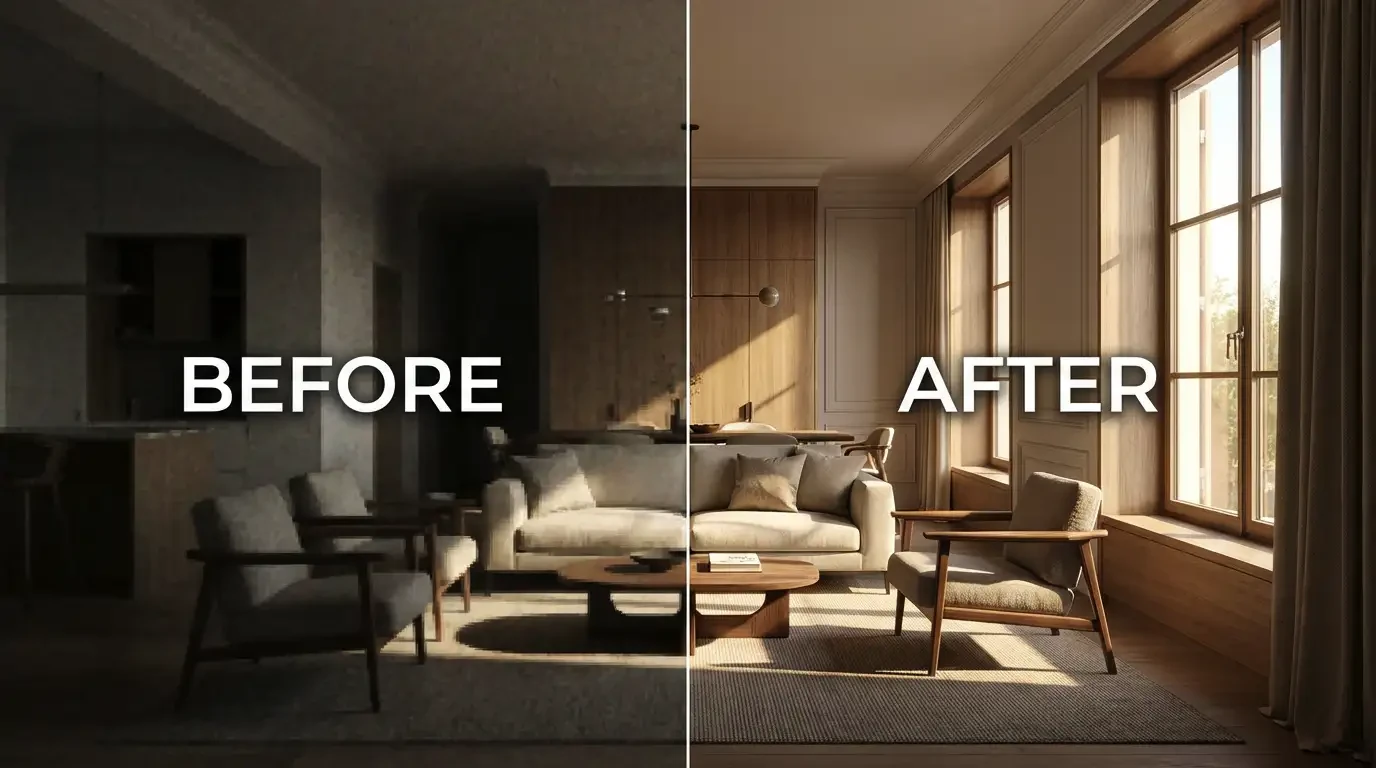 Interiors
Review texture and shadow clarity in an interior photograph. Preserve furniture geometry, layout, lighting and materials.
Try This Prompt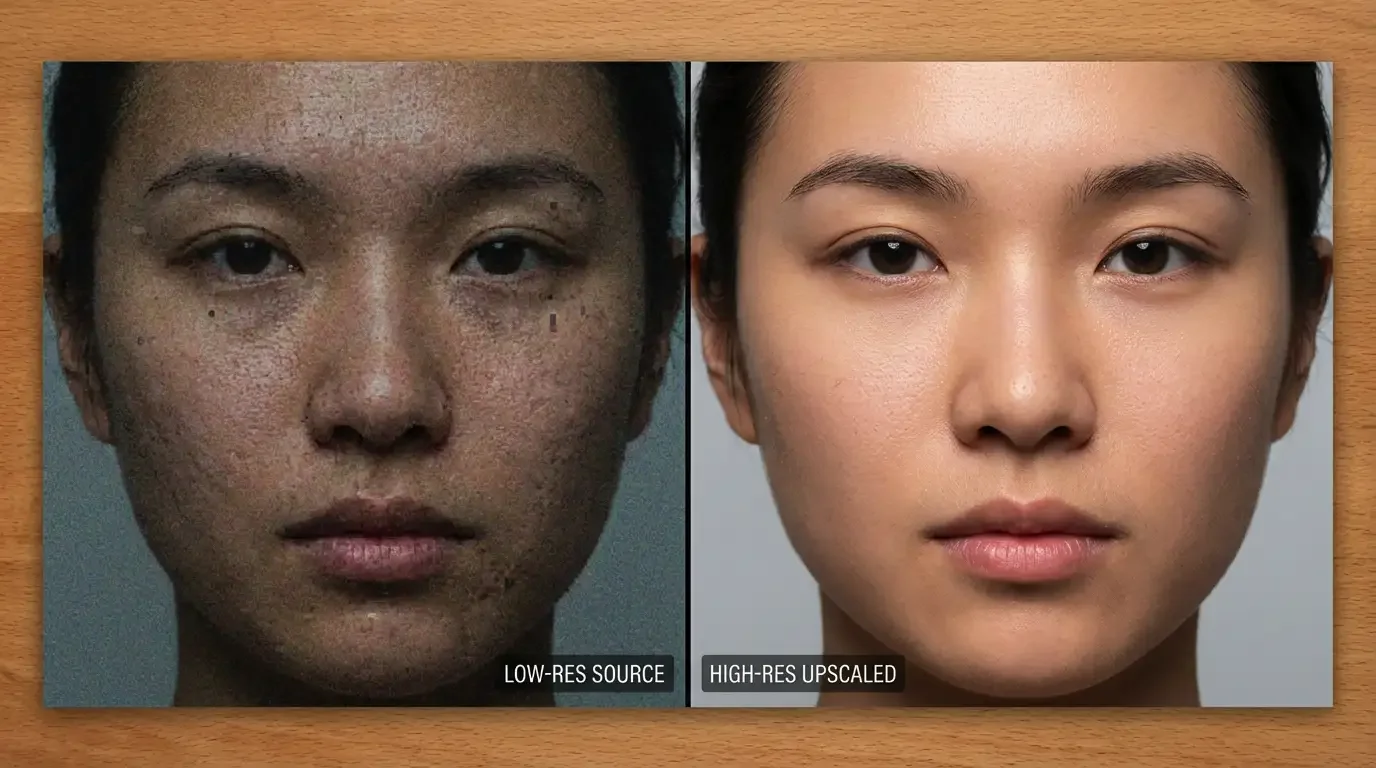 Portraits
Review facial detail without beauty-filter smoothing. Preserve identity, expression, skin tone and natural texture.
Try This Prompt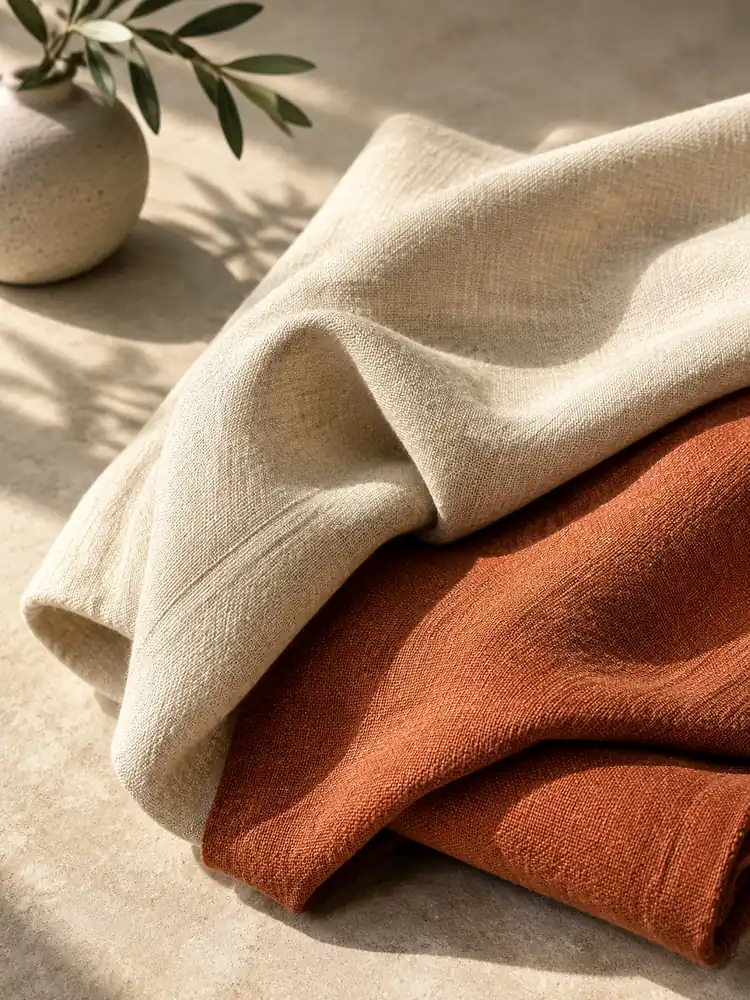 Material Studies
Inspect the weave and seams closely; improve apparent clarity without inventing patterns or changing fabric folds.
Try This Direction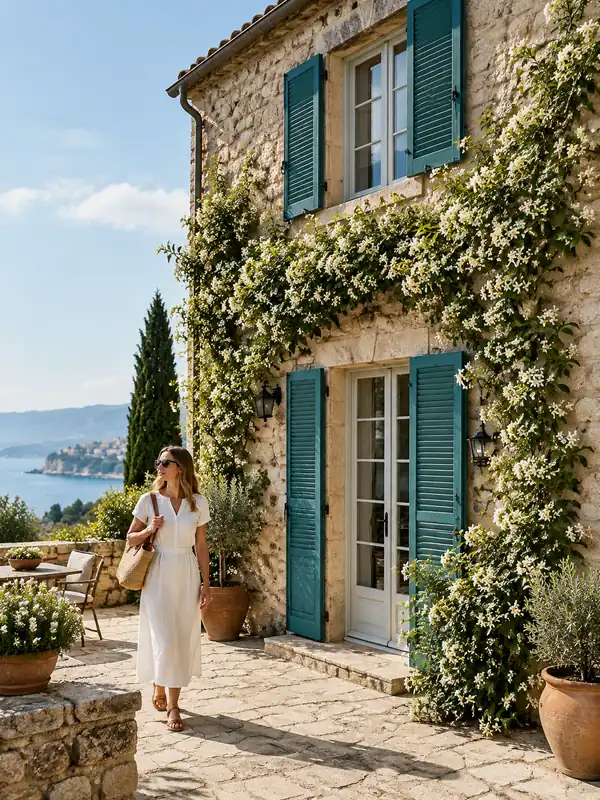 Architectural Detail
Refine stone and shutter detail while preserving window geometry, perspective and the original building layout.
Try This Direction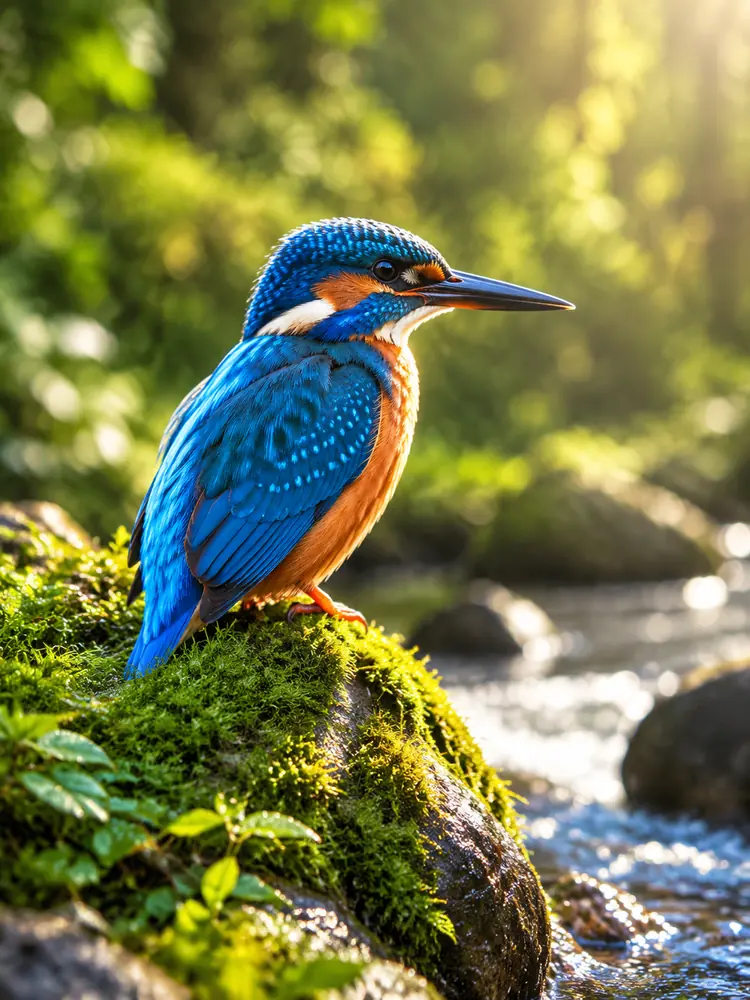 Nature Detail
Clarify feather edges while keeping the bird, beak shape, branch and background unchanged.
Try This Direction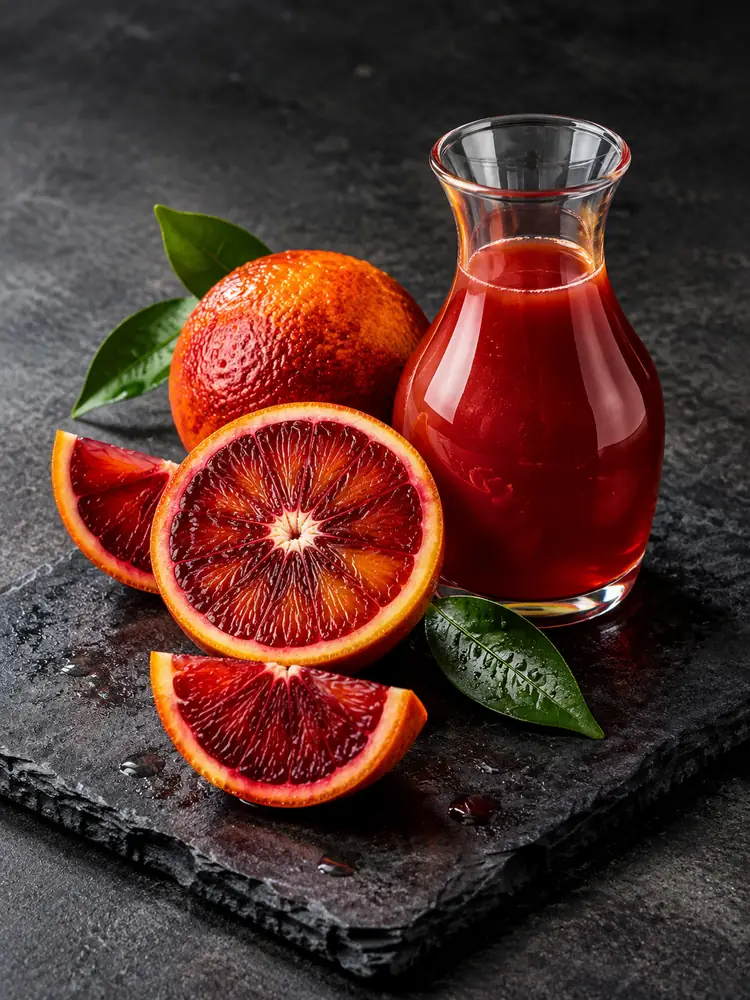 Food Detail
Improve citrus and glass detail without changing slices, reflections, colors or object placement.
Try This DirectionCheck the saved image dimensions separately from apparent crispness. A sharper-looking preview does not establish that the pixel count increased.
Keep important faces, product shapes and architectural lines in view. Clear preservation instructions help you review whether the image still matches your source.
Watch for waxy skin, repeating fabric and false feather detail. Natural texture should remain plausible when viewed closely, without treating reconstructed features as recovered facts.
Upload your own Stable Diffusion output for a general enhancement attempt. This AI image upscaler workspace uses the displayed image model, not a Stable Diffusion upscaling engine.
Portraits, objects, illustrations and nature each need different checks. Review identity for faces, geometry for objects, line quality for art and texture for natural subjects.
Compare the final file at its intended display size. For an exact enlargement factor, use a dedicated scaling workflow and verify the exported pixel dimensions.
These are workflow differences, not quality scores or claims that all three functions run in this workspace.
| Criteria | Generative Detail Edit | Dedicated Upscaling | Source Review |
|---|---|---|---|
| Main purpose | Explore apparent clarity | Increase output pixel dimensions | Decide whether a result is usable |
| Input | Reference image and brief | Source plus supported scale settings | Original and exported file |
| Important check | Identity and geometry changes | Actual dimensions and artifacts | Matched viewing scale |
| Best reason to choose | Focused visual refinement | An exact size requirement | A reliable final selection |
Illustrative scenarios with fictional names; these are not customer reviews or measured results.
A portrait creator inspects hair and natural skin texture before choosing an enhancement candidate.
A shop owner checks ceramic edges and product geometry, keeping the original source as a reference.
An illustrator reviews thin linework at equal size before accepting a new image version.
Selected Arena entries dated Oct 20, 2026. External general-purpose rankings are a reference for model selection, not a measured result for this page or a guarantee of your output. Model variants may differ from GlobalGPT.
| Rank | Model | Arena Rating | Votes | Rank Range | Price / Image |
|---|---|---|---|---|---|
| #1 | gpt-image-2 (medium) OpenAI / Proprietary | 1461.78 | 212326 | #1-#1 | 0 |
| #2 | grok-imagine-image-2.0 (low) SpaceXAI / Proprietary | 1439 | 5936 | #2-#2 | - |
| #3 | mai-image-2.6-preview Microsoft AI / Proprietary | 1416.85 | 9013 | #3-#4 | - |
| #4 | muse-image Meta / Proprietary | 1404.9 | 66921 | #3-#5 | - |
Source: Arena Leaderboard
No. The workspace uses generative image editing. Inspect the downloaded pixel dimensions; use a dedicated scaler when a fixed enlargement factor is essential.
Yes, you can supply an authorized SD output as a reference for a general enhancement attempt. This page does not run Stable Diffusion or its dedicated upscaling pipeline.
Exact preservation is not guaranteed. Compare identity, expression and proportions closely, and reject changes that do not match the original.
No. They are illustrative visual directions and retained reference comparisons, not controlled tests of output resolution, restoration accuracy or speed.
The workspace shows the current trial and access conditions. Availability, credits and paid options can vary; this page does not promise unlimited free processing.