

Reference-Led Direction
Use an approved adult reference when appearance matters.
Prompt Guide
Model
Reference Image
Turn an adult fashion idea into a confident character video with clear motion and cinematic direction.
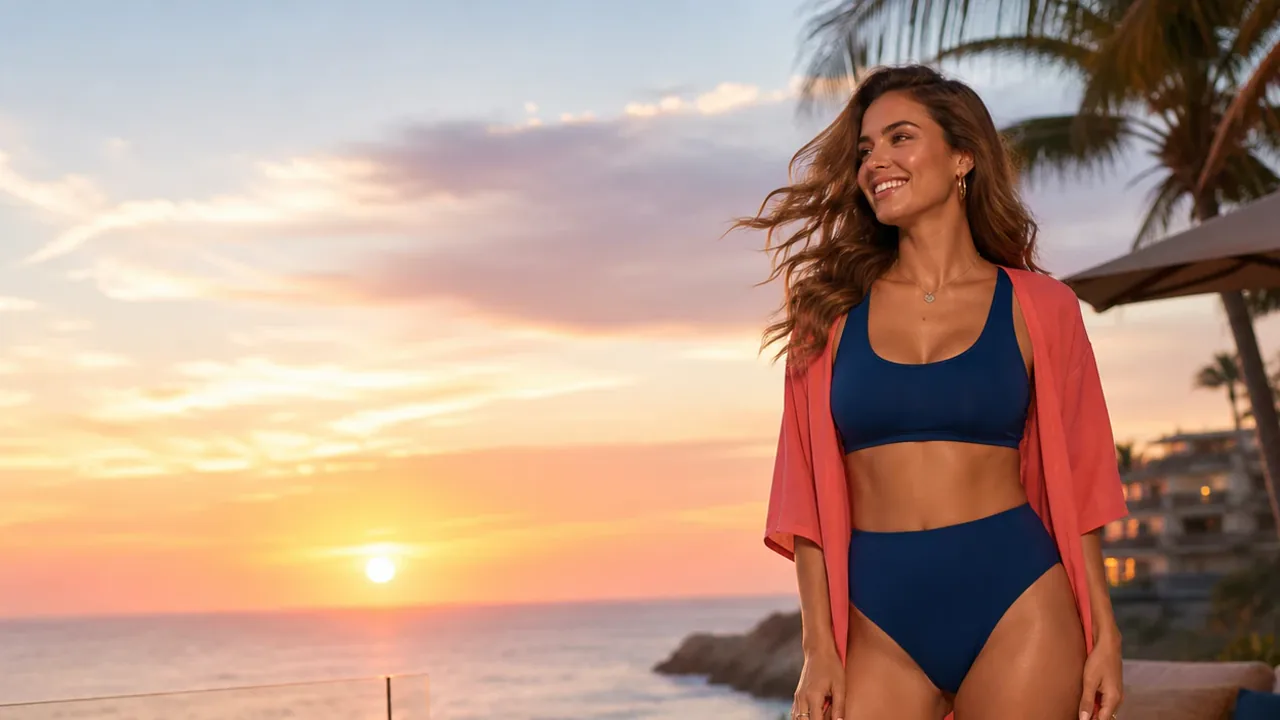
Keep the subject, action, camera, and mood simple.
Use a clearly adult subject and an image you may use.
Write one action, one camera move, and one lighting mood.
Check the face, hands, clothing, framing, and consistency.
Explore short adult fashion video directions across party, beach, nightlife, festival, and street styles.
Opaque one-shoulder mini dress, light studio turn, gentle push-in.
Try This PromptOpaque crop top and mini skort, sunny street walk, smooth tracking shot.
Try This PromptOpaque backless mini dress, rooftop turn, soft blue-hour motion.
Try This PromptOpaque two-piece swimwear, shoreline walk, warm sunset tracking.
Try This PromptOpaque metallic mini dress, two light dance steps, restrained neon orbit.
Try This PromptOpaque poolwear with cover-up, poolside walk and turn, clean daylight.
Try This PromptOpaque crop top and mini skort, short festival dance, gentle handheld camera.
Try This PromptOpaque off-shoulder crop top and shorts, city walk and half-turn.
Try This PromptUse focused prompts and review every result.
Use an approved adult reference when appearance matters.
Choose one walk, turn, smile, or hair movement.
Pair one camera move with one lighting mood.
Use landscape for guidance and vertical for social clips.
Explore party, beach, pool, nightlife, and festival looks.
Keep subjects clearly adult, clothed, non-explicit, and non-sexual.
Pseudonymous workflow examples, not verified customer claims.
A single turn and push-in gave me a clearer result to review.
Separating outfit, motion, and lighting made revisions easier.
Planning distinct scenes helped me avoid repetitive clips.
It turns a prompt or reference image into a clearly adult character video.
Yes, use text or an image you have permission to use.
Use one action, a clear reference, and restrained camera movement.
Use landscape for wide scenes and vertical for social video.
Check the live workspace and current terms for access, credits, and usage rights.