

Heaven as a Place, Not Just a Symbol
Build the scene from architecture, cloud layers and light direction, so the image reads as a location you could walk into instead of a decorative glow.
Describe the sky, the light and who stands in it. GlobalGPT turns that idea into ethereal artwork you can iterate on, compare across image models, and use in books, worship visuals or film mood boards.
Create Heavenly Art







Prompt Guide
Model
Reference Image
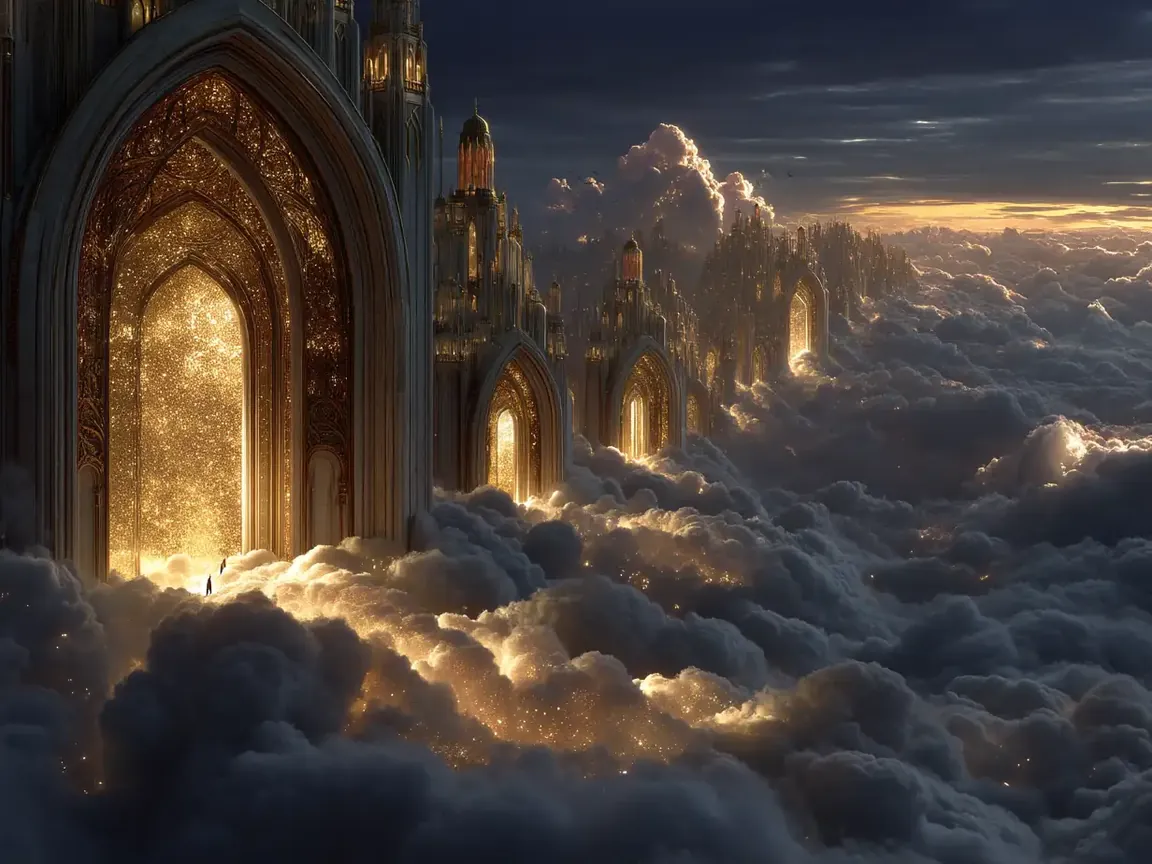
Finished pieces from the same workspace; open one and change the setting or the light.
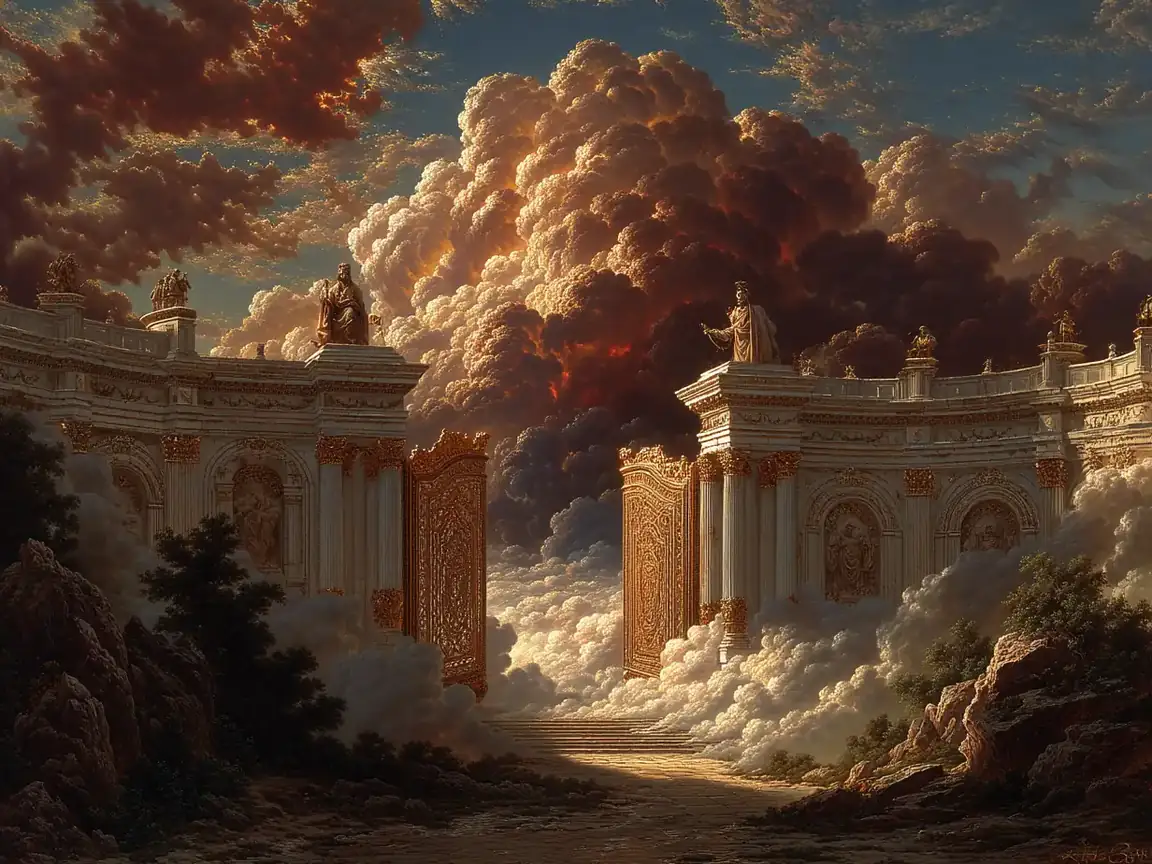 Heavenly Gates
Heavenly gate above a flowering garden in the clouds, warm light through the arch, painterly detail.
Try This Prompt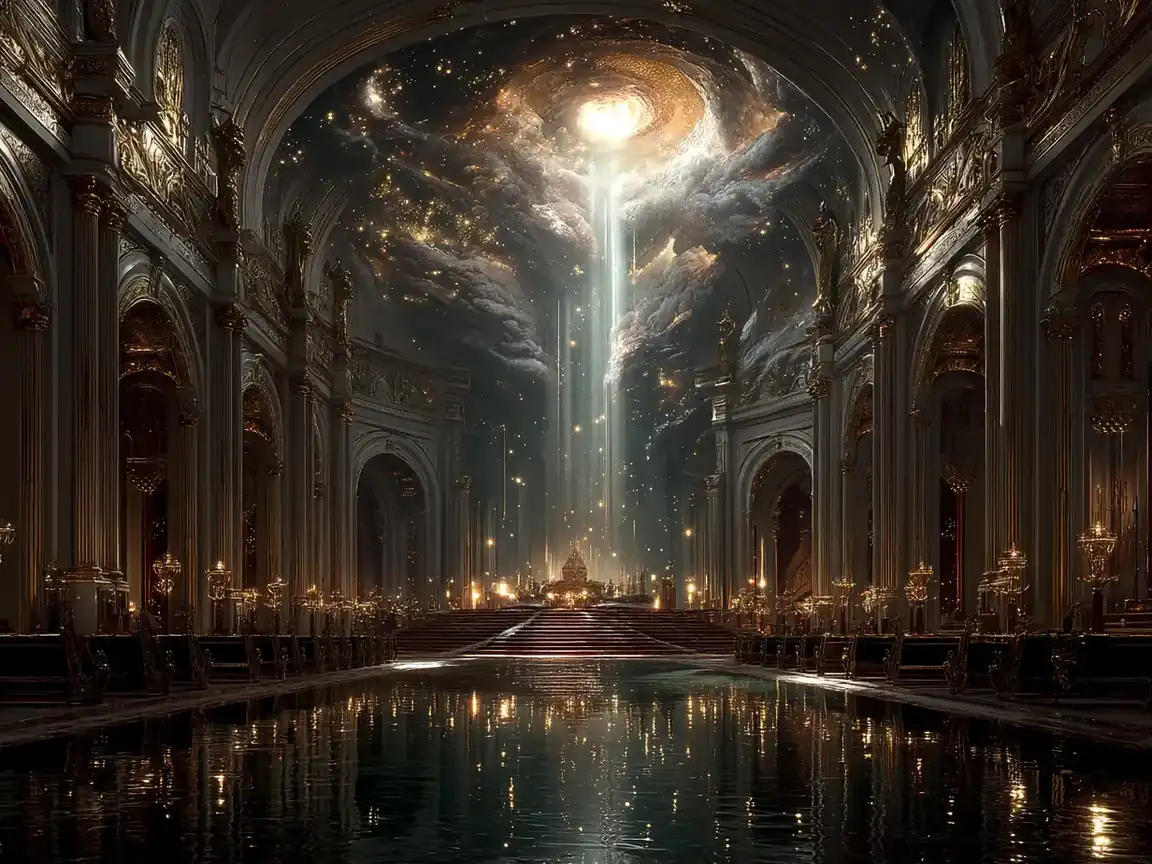 Holy Light
Sacred hall with descending light shafts and reflections on polished stone, quiet and monumental.
Try This Prompt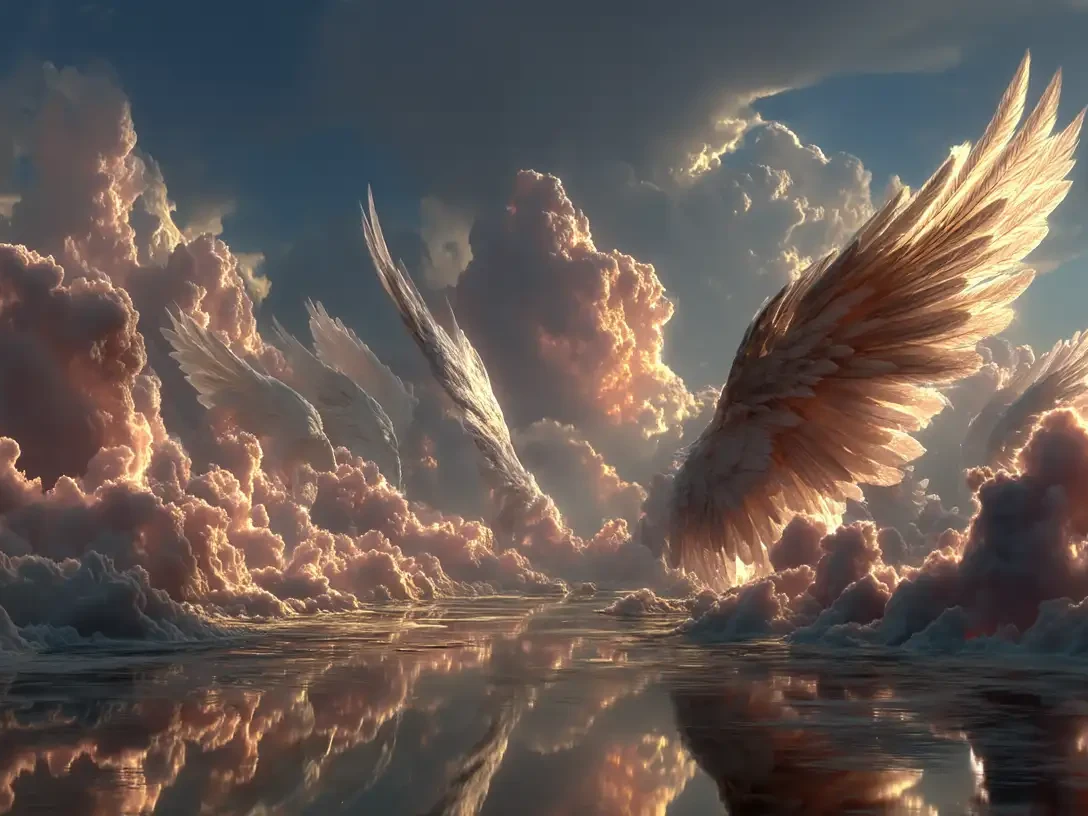 Angels
Feathered wings emerging from soft clouds, backlit by golden light, ethereal atmosphere.
Try This Prompt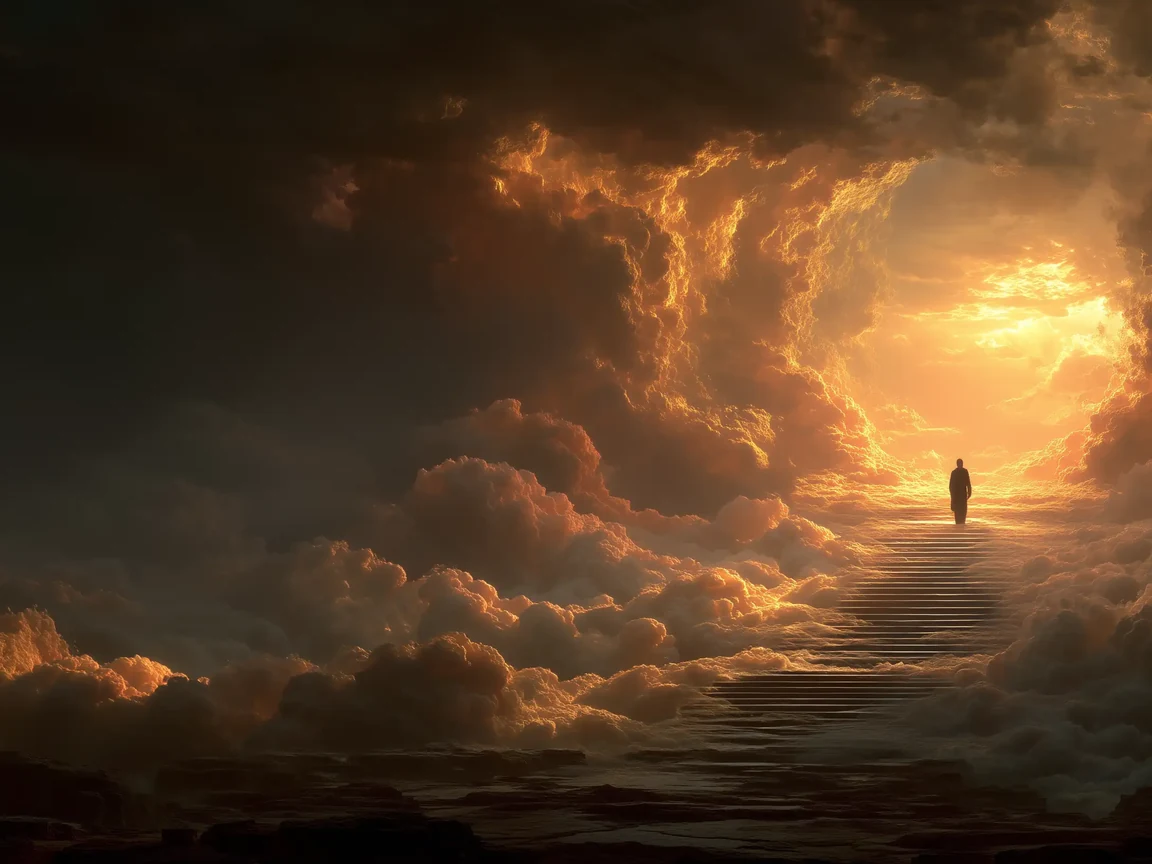 Angels
A figure silhouetted against overwhelming divine light, clouds parting, dramatic and reverent.
Try This Prompt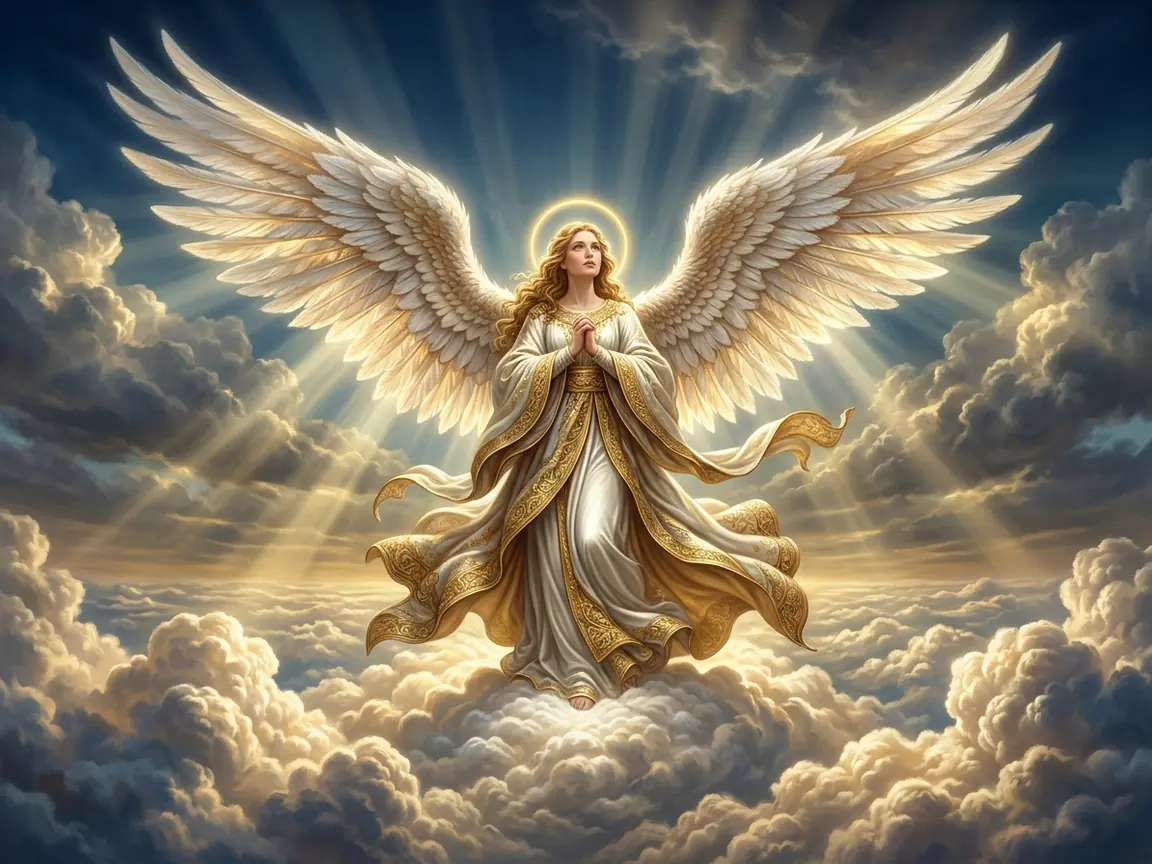 Angels
Radiant angel with vast feathered wings on a cloud, golden halo, white and gold robes, volumetric god rays.
Try This Prompt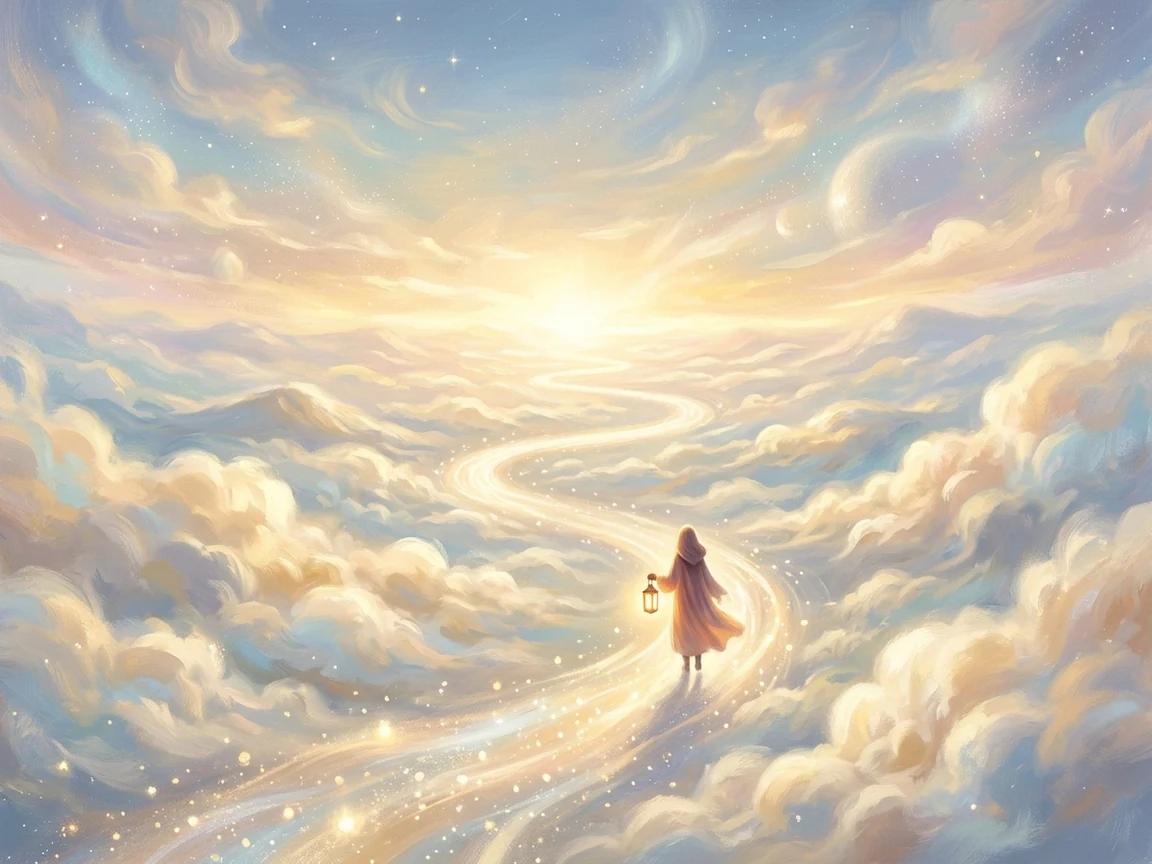 Memorial
Quiet memorial scene in a heavenly landscape, a gentle path of light to a glowing horizon, one figure with a lantern.
Try This PromptThree things that decide whether a heavenly image reads as convincing.
Build the scene from architecture, cloud layers and light direction, so the image reads as a location you could walk into instead of a decorative glow.
Run the same prompt as photoreal, oil-painting, Renaissance or fantasy concept art. Compare the outputs before choosing the direction for a cover, print or projection.
Widescreen works for film boards and projections, 4:3 for prints and book interiors, portrait for covers and phone wallpapers; each shape is generated rather than cropped.
Three steps from an idea to a finished piece.
Name what is in frame first (gate, throne, cloud sea, angel), then the light: sunrise, god rays, warm gold or cool blue.
Pick the aspect ratio for where the image will live, add a medium such as painterly or photoreal, then select an available model and check its trial or credit cost.
Check hands, faces, wings and any text-like artifacts; regenerate with one adjusted detail rather than stacking edits.
Illustrative scenarios with fictional names; these are not verified customer reviews.
Marta would generate a cloud-sea sunrise for the cover of a short devotional booklet, then rerun it in a warmer palette.
Daniel would compare a Renaissance style and a cinematic style of the same gate before choosing art for a church projection.
Hana would use a memorial direction with a single lantern for a condolence card and adjust the colour temperature first.
Heavenly gates, cloud seas, thrones, angel figures, sacred interiors and memorial scenes. Prompts are artwork directions, so results vary between models and runs.
Yes. Name a medium such as photoreal, oil painting, Renaissance or fantasy concept art, plus lighting and palette. Styles are prompt-driven, not guaranteed presets.
No. The same controls work for fantasy worldbuilding, film mood boards, album art and memorial design. Only the prompt changes.
Check your current plan terms and the model's usage rules before publishing. Review each export for unintended text, logos or malformed details.
Yes, a still can be used as the starting frame in the AI Heaven Video Generator, where clouds, light and halos move; motion quality depends on the video model you pick.