

Role-Specific Starting Points
Begin with a portrait direction built around a real professional context instead of a vague studio prompt.
Create a polished portrait for LinkedIn, a resume, a company profile, or a portfolio without settling for one generic corporate look.
Create Your Headshot







Prompt Guide
Model
Reference Image
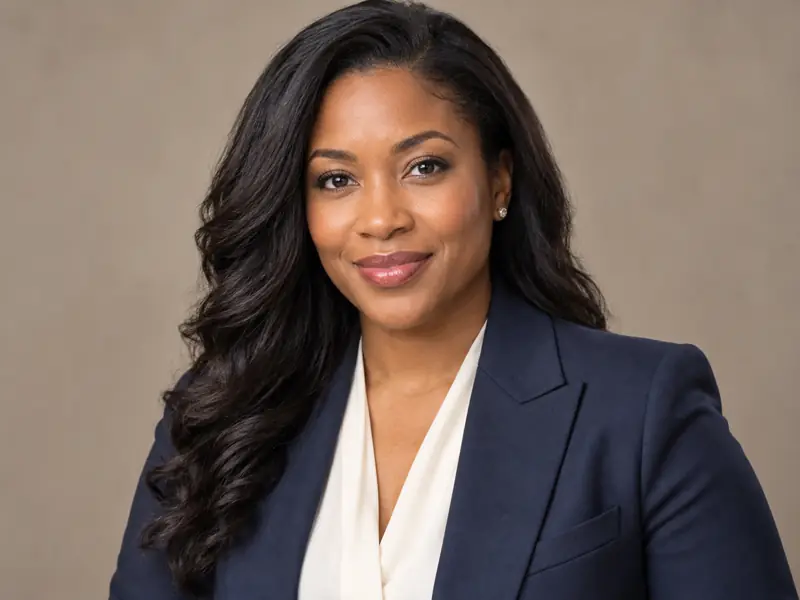
Use one clear role, setting, and expression at a time.
Start with executive, healthcare, creative, or client-facing direction and choose the portrait ratio you need.
Specify adult age, wardrobe, grooming, expression, background, lighting, and camera framing while keeping the request realistic.
Compare models, then review eyes, hair, skin, hands, clothing, and background geometry before downloading the strongest result.
Adapt a finished prompt for a credible portrait that fits the role instead of repeating the same office backdrop.
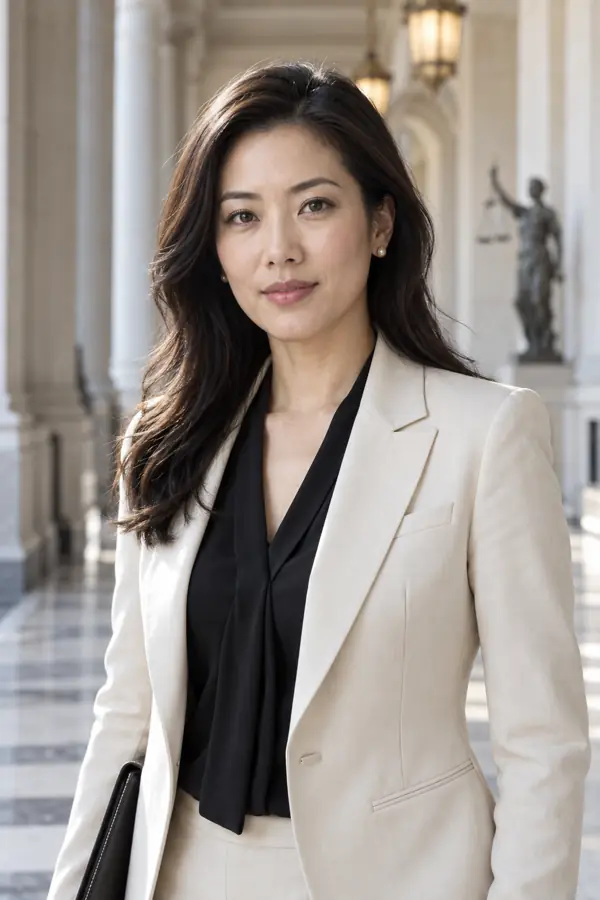 Legal & Academic
2:3 vertical ultra-realistic professional portrait of one conventionally beautiful East Asian woman attorney, clearly age 35, tailored cream blazer over a black blouse, elegant courthouse corridor, composed intelligent expression, balanced facial features, soft bright daylight, natural skin texture, premium editorial headshot, no text, no logo, no watermark.
Try This Prompt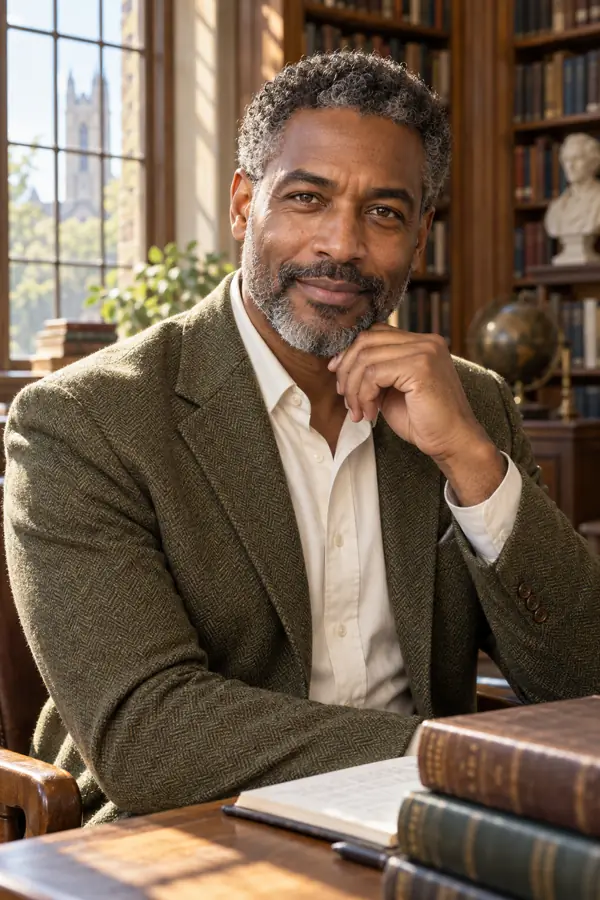 Legal & Academic
2:3 vertical ultra-realistic professional portrait of one distinguished and conventionally handsome Black male professor, clearly age 46, salt-and-pepper hair, tailored olive tweed jacket and cream shirt, sunlit university library, thoughtful warm expression, balanced features, natural skin detail, refined academic portrait, no text, no logo, no watermark.
Try This Prompt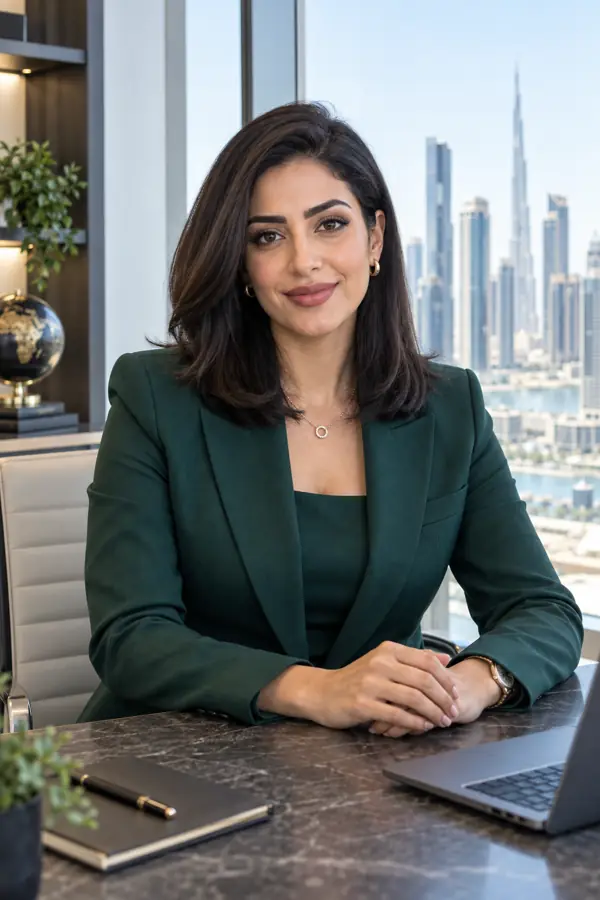 Finance & Leadership
2:3 vertical ultra-realistic professional portrait of one conventionally beautiful Middle Eastern woman financial advisor, clearly age 32, refined facial symmetry, sleek shoulder-length dark hair, deep emerald suit, bright skyline office, assured welcoming gaze, even natural daylight, premium corporate photography, no text, no logo, no watermark.
Try This Prompt Hospitality & Wellness
2:3 vertical ultra-realistic professional portrait of one conventionally handsome Japanese male executive chef, clearly age 39, balanced features, immaculate white chef jacket, bright refined restaurant kitchen with copper details softly blurred, calm confident half-smile, crisp daylight-balanced lighting, natural skin texture, no text, no logo, no watermark.
Try This Prompt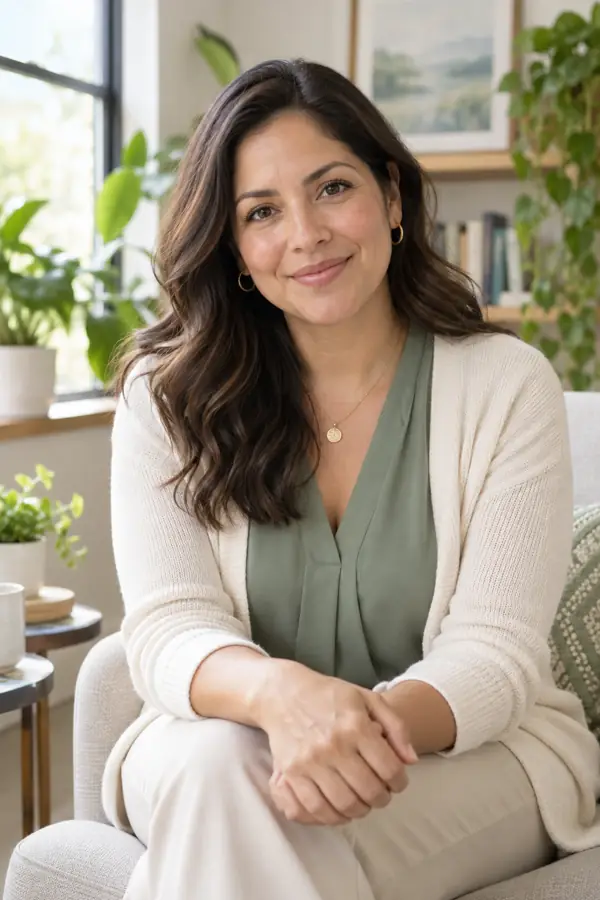 Hospitality & Wellness
2:3 vertical ultra-realistic professional portrait of one conventionally beautiful Latina therapist, clearly age 37, harmonious features, softly waved dark hair, tasteful sage blouse and cream cardigan, bright serene consultation room with plants, empathetic natural smile, flattering window light, realistic skin, no text, no logo, no watermark.
Try This Prompt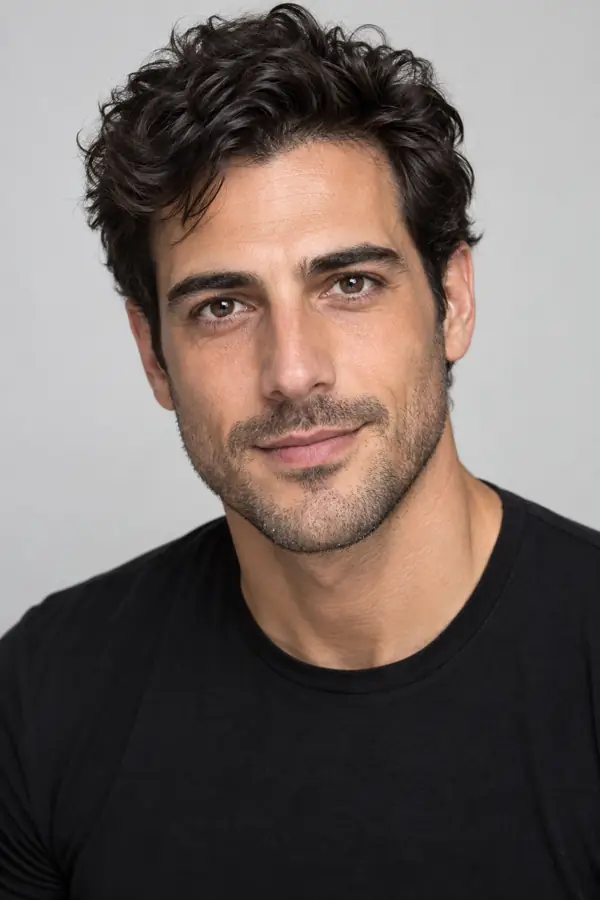 Creative Careers
2:3 vertical ultra-realistic casting headshot of one conventionally handsome Mediterranean male actor, clearly age 30, symmetrical expressive face, textured dark hair, fitted black crew-neck shirt, clean pale gray studio backdrop, open engaging expression, bright softbox lighting, realistic skin pores, crisp eyes, no text, no logo, no watermark.
Try This PromptBegin with a portrait direction built around a real professional context instead of a vague studio prompt.
Compare enabled image models when realism, lighting, or facial detail matters more than a single default.
Create square, classic, portrait, or vertical results for profiles, resumes, directories, and portfolios.
Review facial consistency, skin texture, wardrobe, hands, and background geometry before using the result.
Vary setting, wardrobe, and expression while keeping the portrait credible for the intended role.
Refine age, styling, lighting, pose, and framing instead of accepting a one-look template.
The AI headshot generator's role-specific presets made it easy to shape a polished portrait for my consulting profile without flattening my personality.
This AI headshot generator let me compare executive, medical, and creative directions before choosing the style that felt right for my portfolio.
The lighting and wardrobe guidance helped me write a focused prompt instead of guessing what makes a professional portrait work.
It creates a professional-style portrait from a written description or supported reference workflow. Results should still be reviewed for identity, facial, wardrobe, and background accuracy.
Yes. Choose a square or portrait ratio, describe professional wardrobe and a clean background, and keep the expression approachable and realistic.
Use one clear setting, natural daylight, realistic camera language, restrained retouching, and specific instructions for skin texture, eyes, hair, and clothing.
Usage rights can depend on the selected model and your plan. Review the applicable terms before using a generated portrait in advertising or paid client work.
Use honest disclosure when the image could materially misrepresent identity, credentials, or a professional situation. Do not use generated portraits to impersonate another person.