

AI Group Photo Generator
Prompt Guide
Model
Reference Image
AI Group Photo Generator
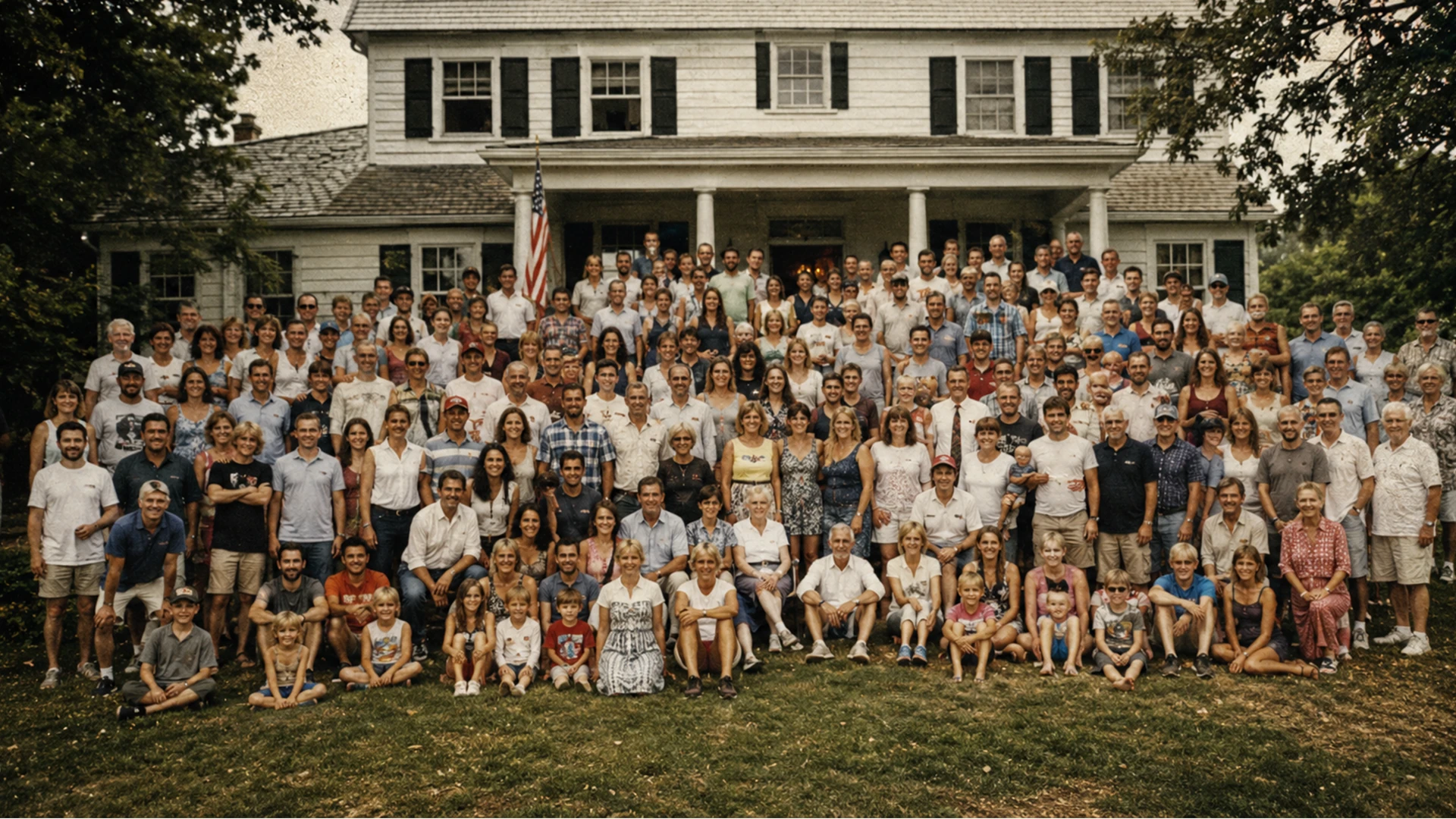
Create a full group photo without organizing a real photoshoot. Generate reunion portraits, team photos, school groups, wedding guest pictures, community photos, and vintage many-person scenes from simple prompts or reference images.
How to Create an AI Group Photo
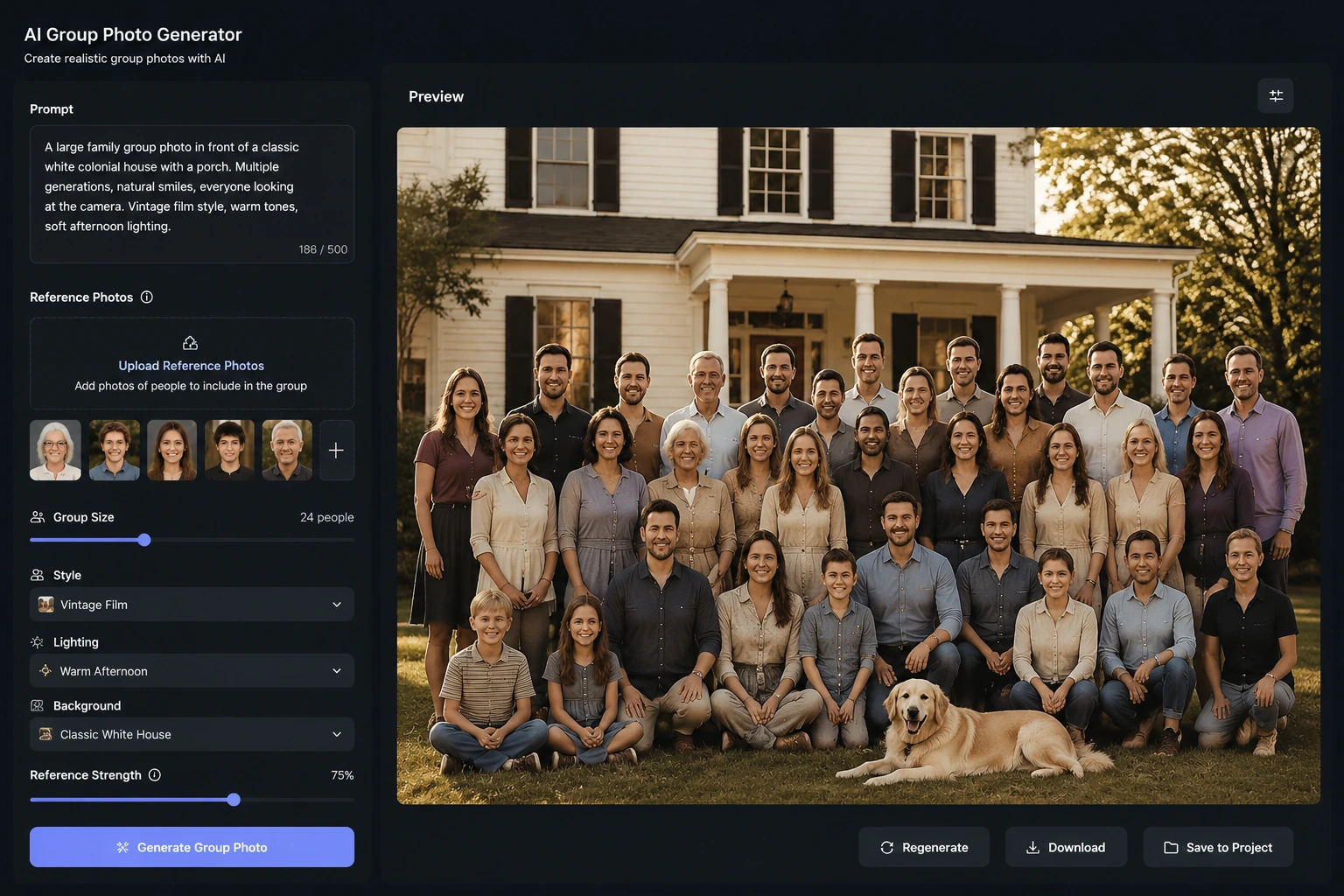
The AI group photo generator works best when you describe the people, location, arrangement, and photo style clearly.
Upload or describe the group
Start with a reference image or write a prompt that names the group size, ages, setting, clothing, and camera framing.
Choose the group photo style
Pick a realistic, vintage, studio, event, reunion, or editorial look so the AI can match the mood and lighting.
Generate and refine details
Review the composition, then adjust the prompt for face clarity, row spacing, background, color tone, and the number of people.
Group Photo Ideas You Can Generate
Use the AI group photo generator for scenes that would normally need planning, travel, staging, or a full photographer setup.
 Vintage Family Reunion
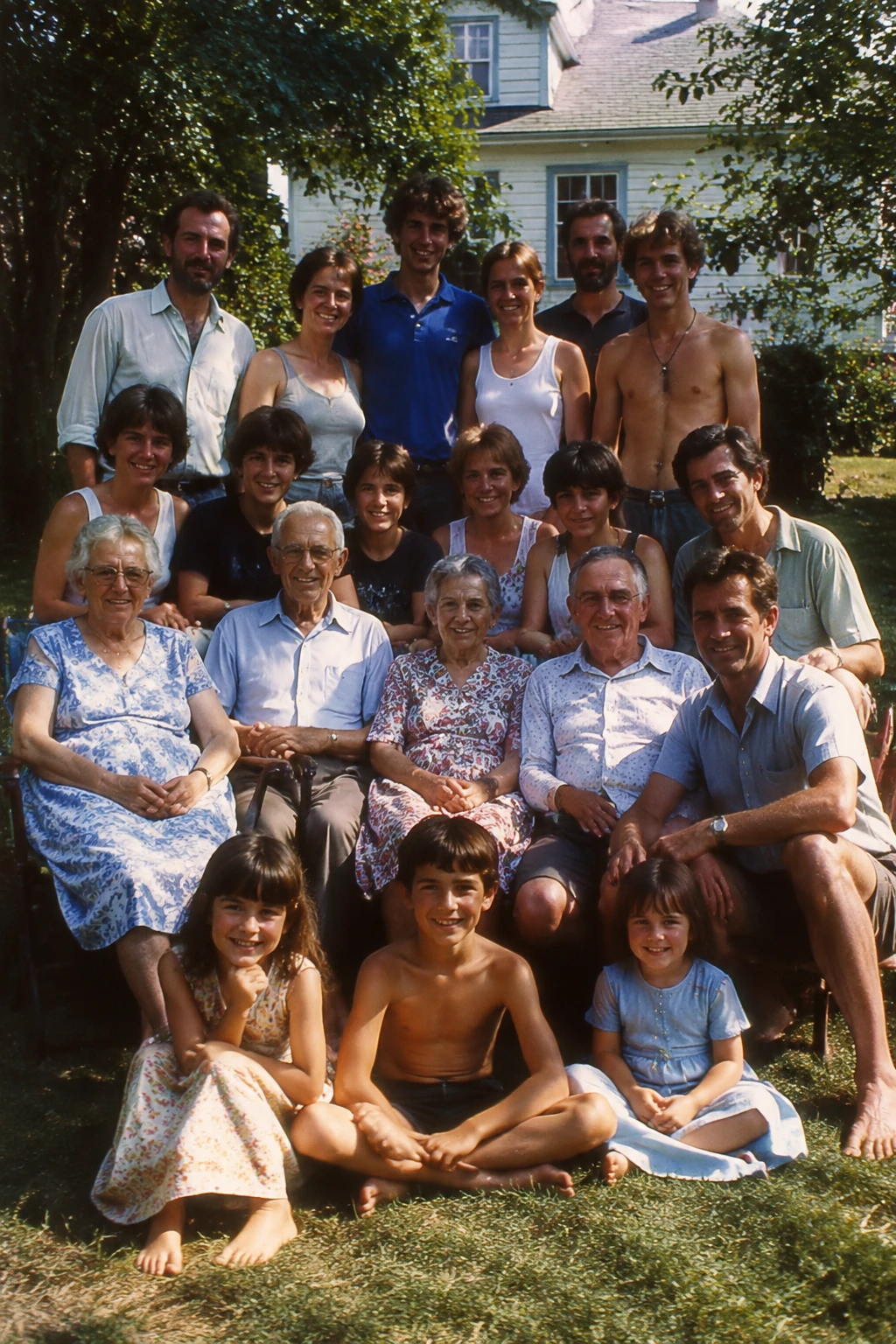
A nostalgic multi-generation family reunion group photo outdoors, many people arranged naturally in rows, warm summer light, vintage film color, realistic faces, no text.
Try This Prompt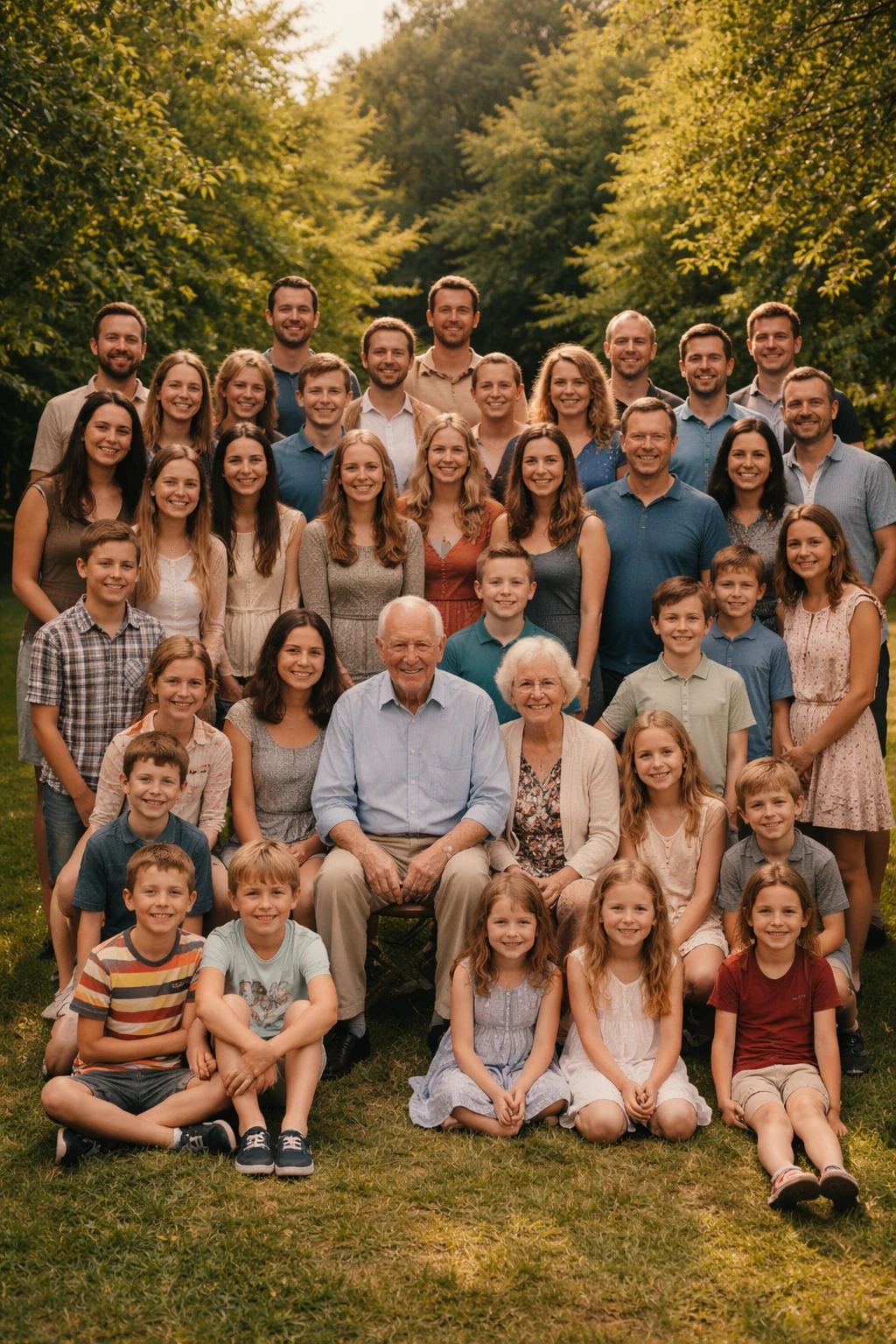 Vintage Family Reunion
A backyard family reunion film photo with many relatives standing and sitting in rows, warm afternoon light, candid realistic faces, no text.
Try This Prompt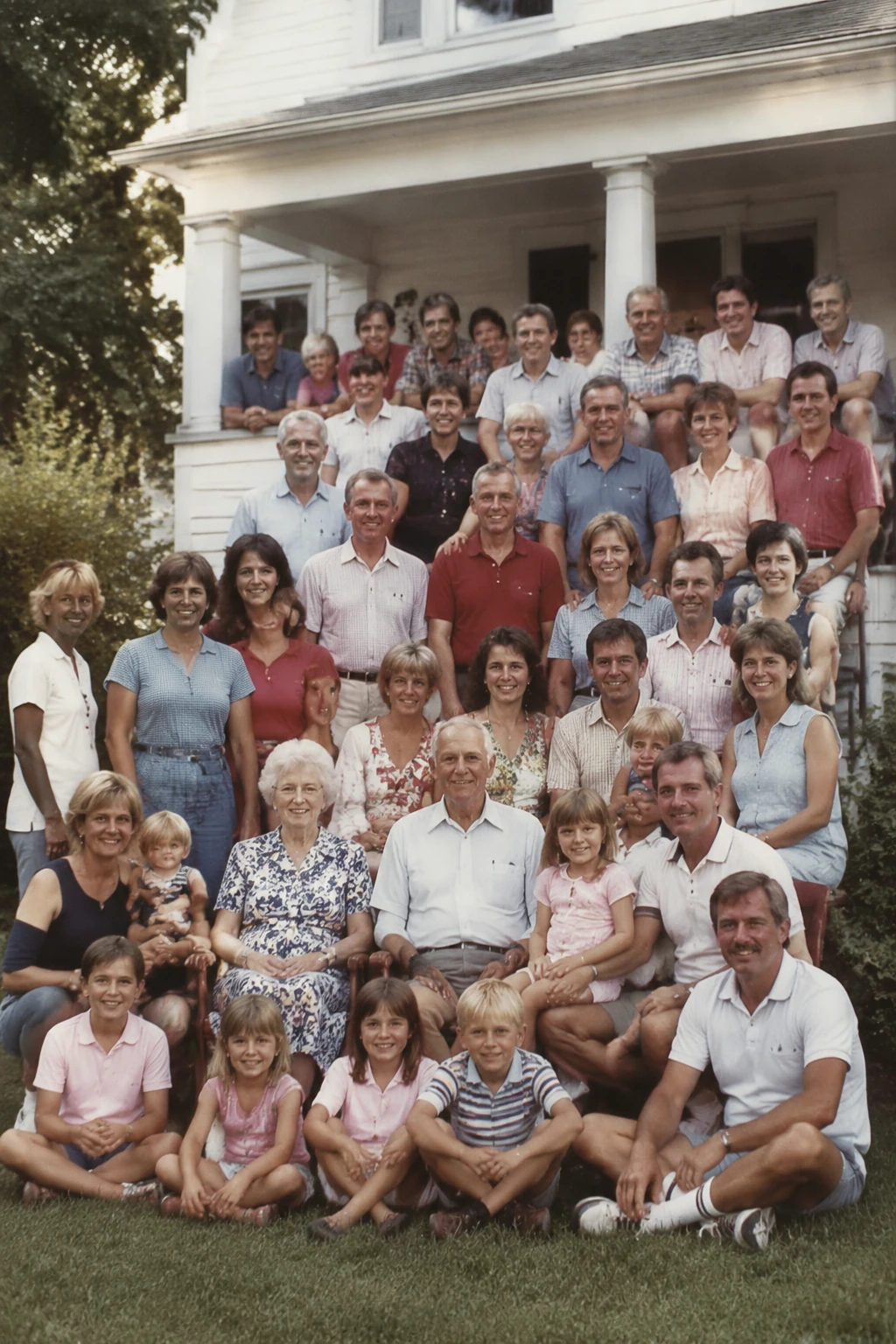 Vintage Family Reunion
A porch family reunion group portrait with several generations near a white house, soft vintage color, natural smiles, no text.
Try This Prompt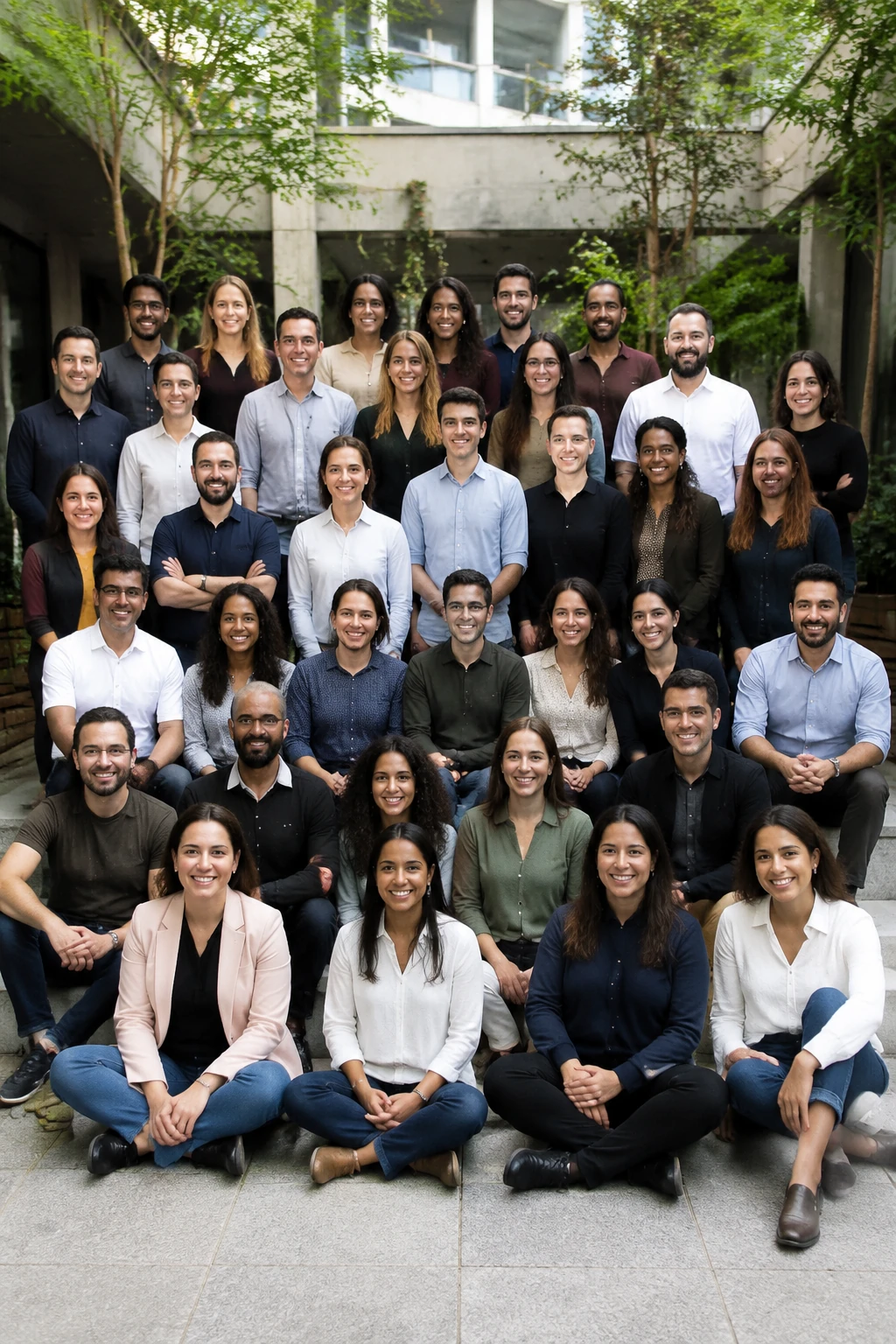 Team and Company Portraits
A realistic company team group photo with 30 people in smart casual clothes, natural smiles, modern office courtyard, balanced lighting, professional but warm, no text.
Try This Prompt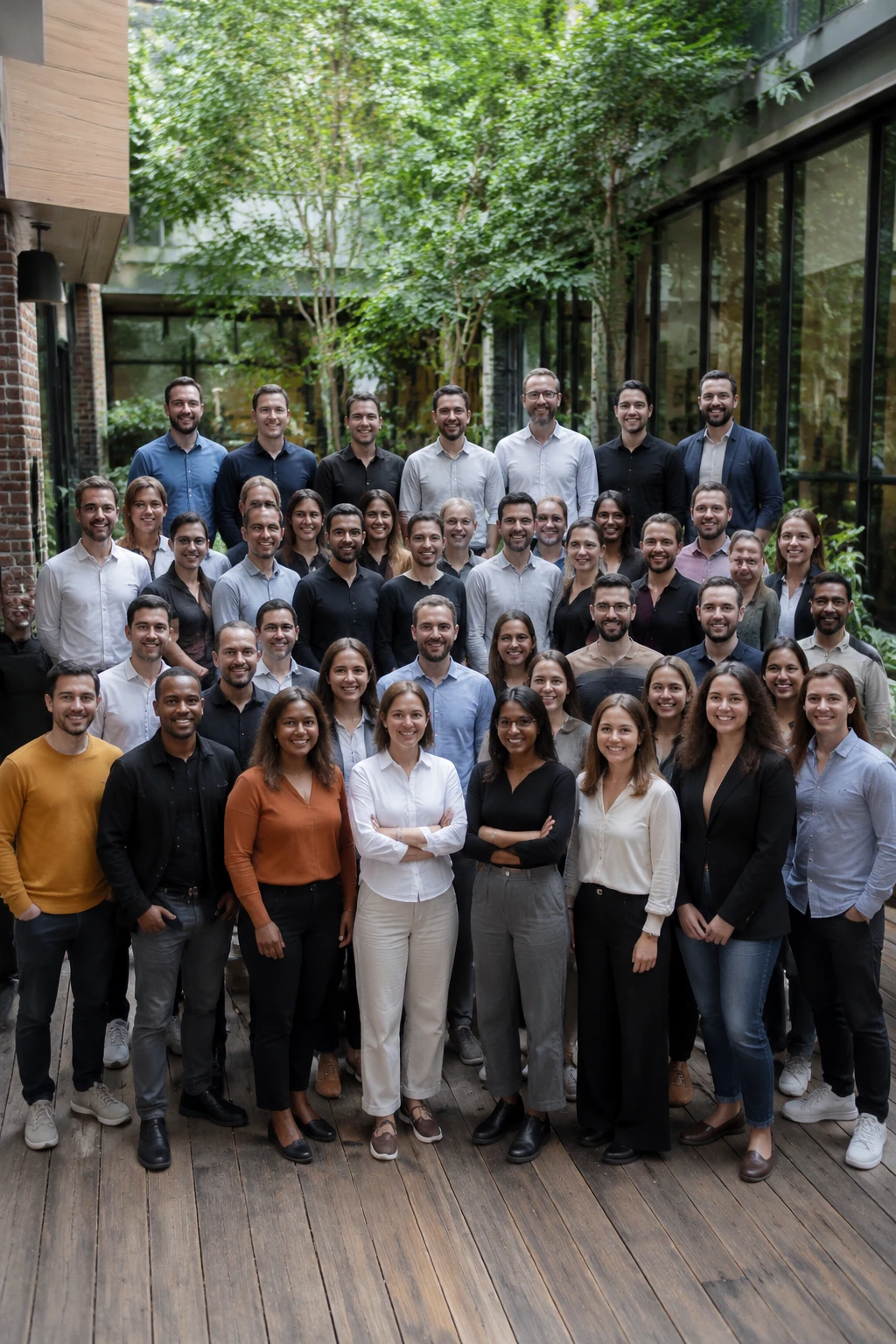 Team and Company Portraits
A professional office courtyard team portrait with a large staff group, balanced composition, realistic faces, no text.
Try This Prompt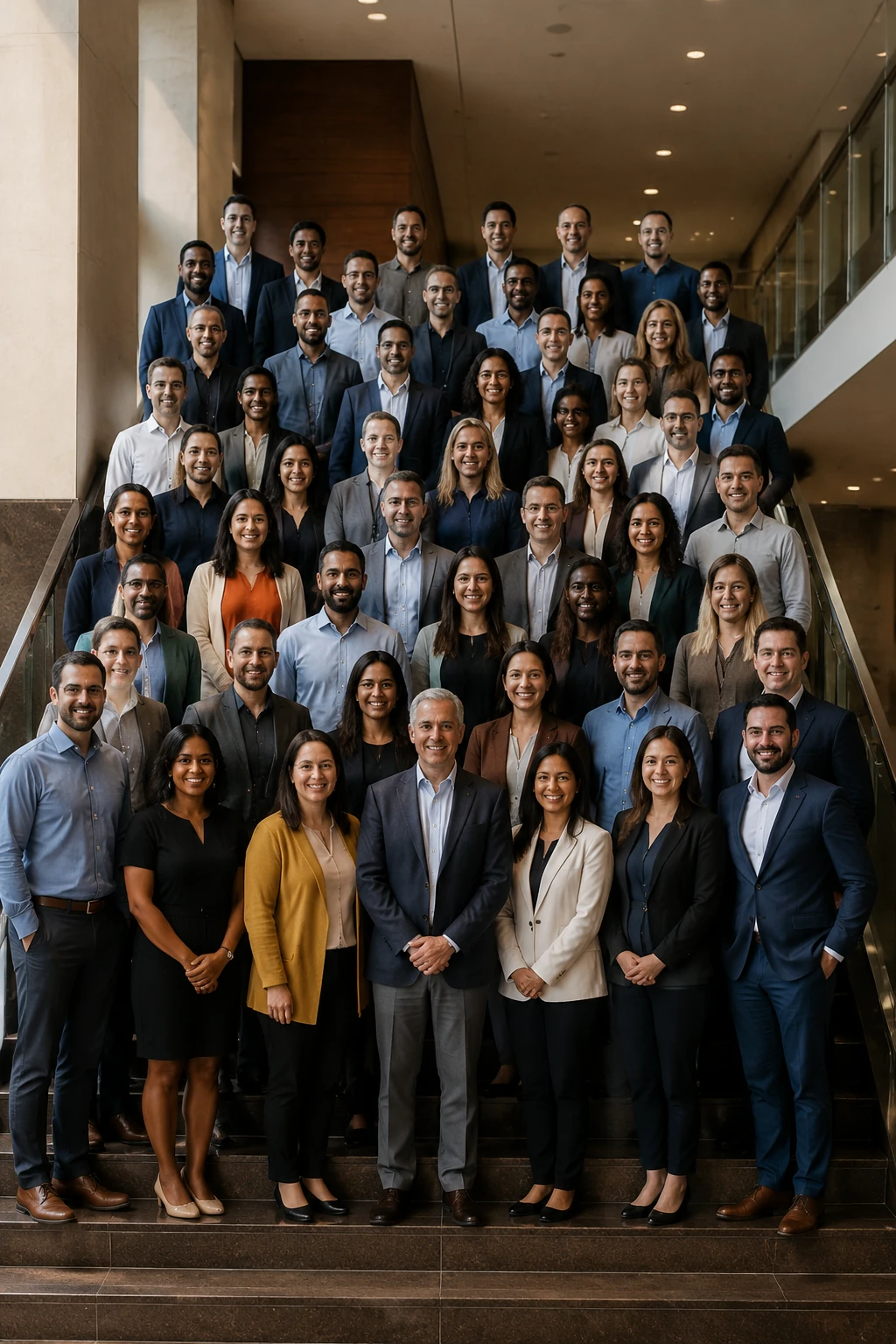 Team and Company Portraits
A conference team group photo after a company event, many people arranged in rows, clean business-casual style, no text.
Try This Prompt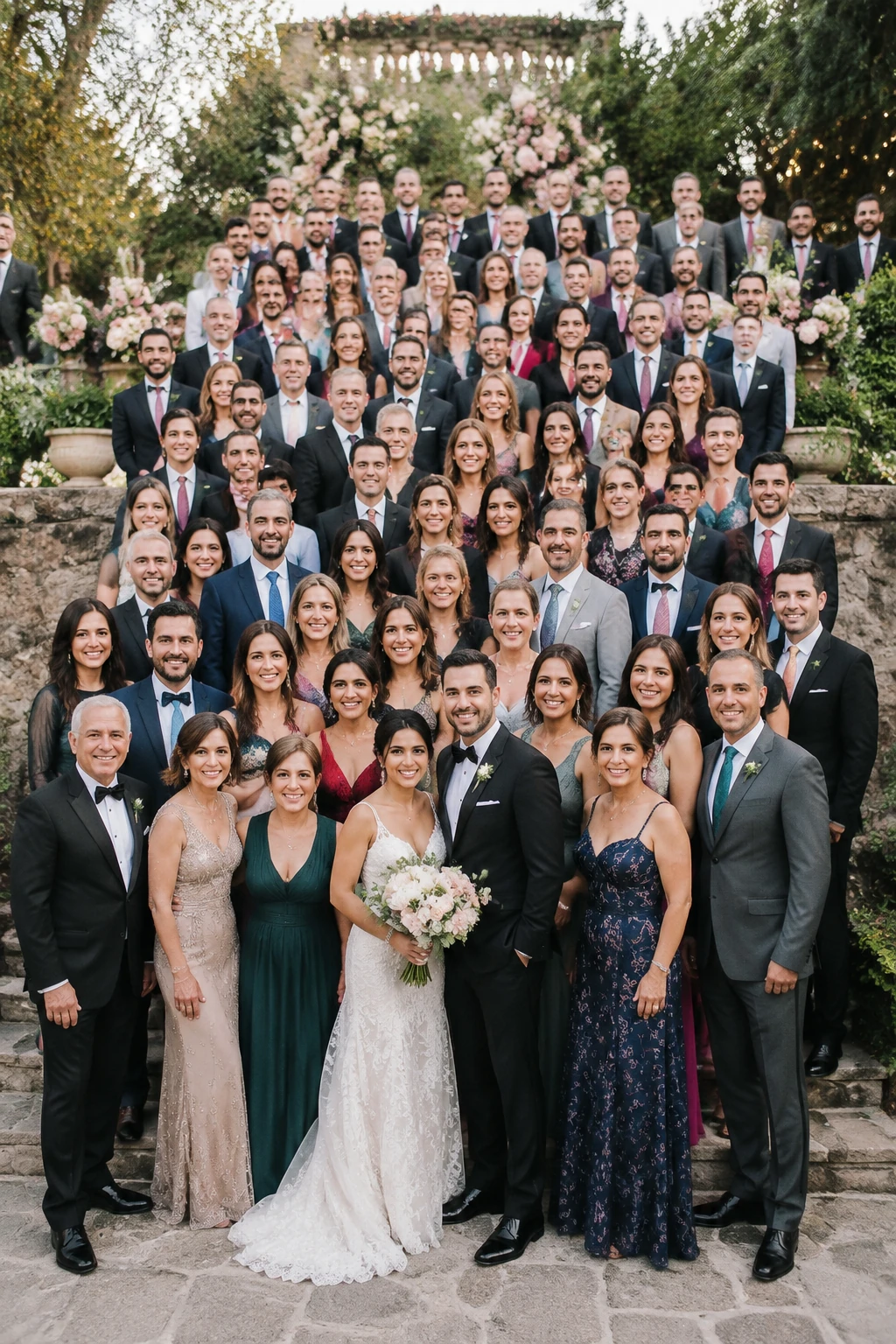 Wedding and Event Groups
A large wedding guest group photo outdoors after a ceremony, elegant clothing, many people arranged in layers, soft romantic light, realistic candid expressions, no text.
Try This Prompt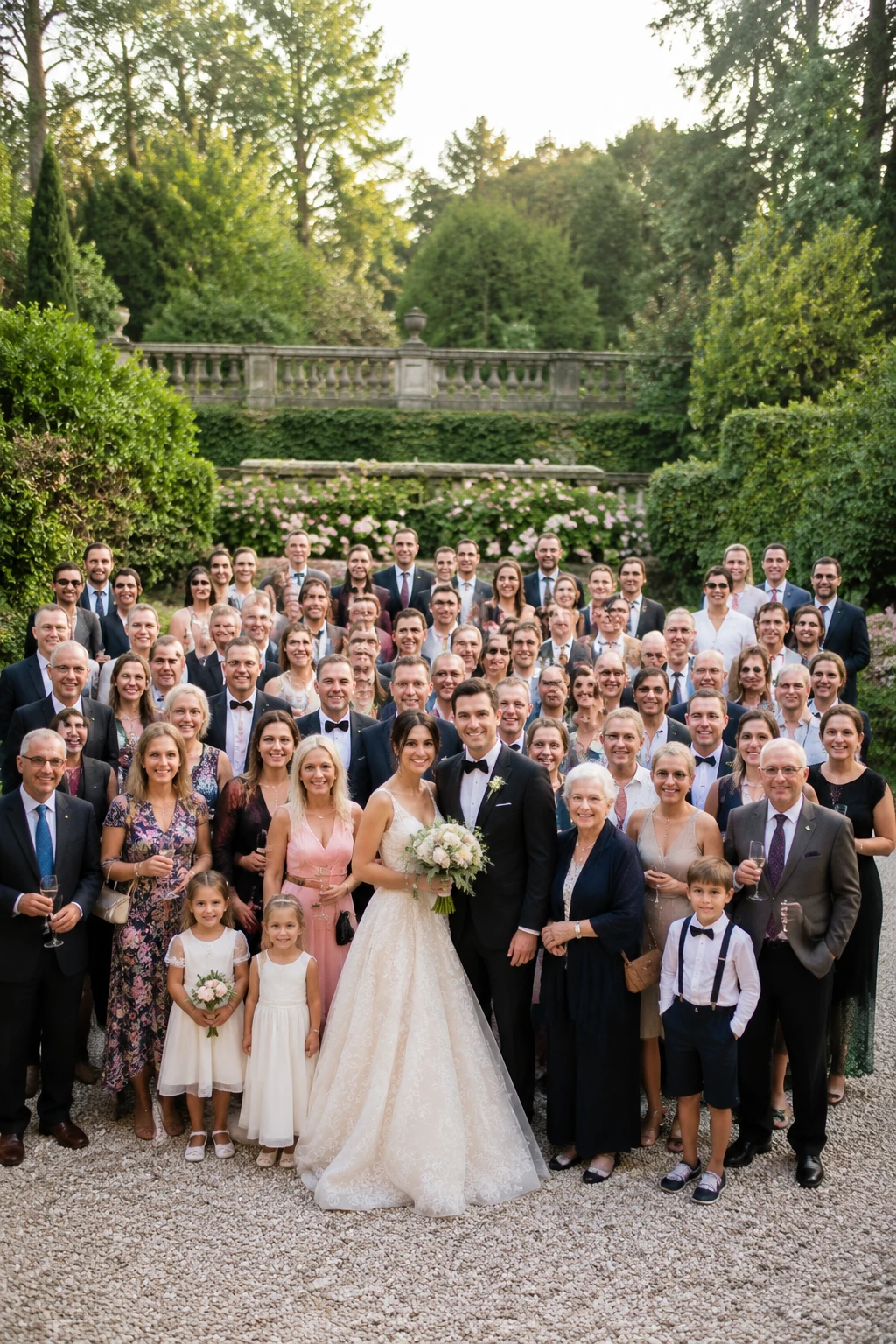 Wedding and Event Groups
A garden wedding guests group photo with a large crowd, elegant clothing, soft daylight, natural candid expressions, no text.
Try This Prompt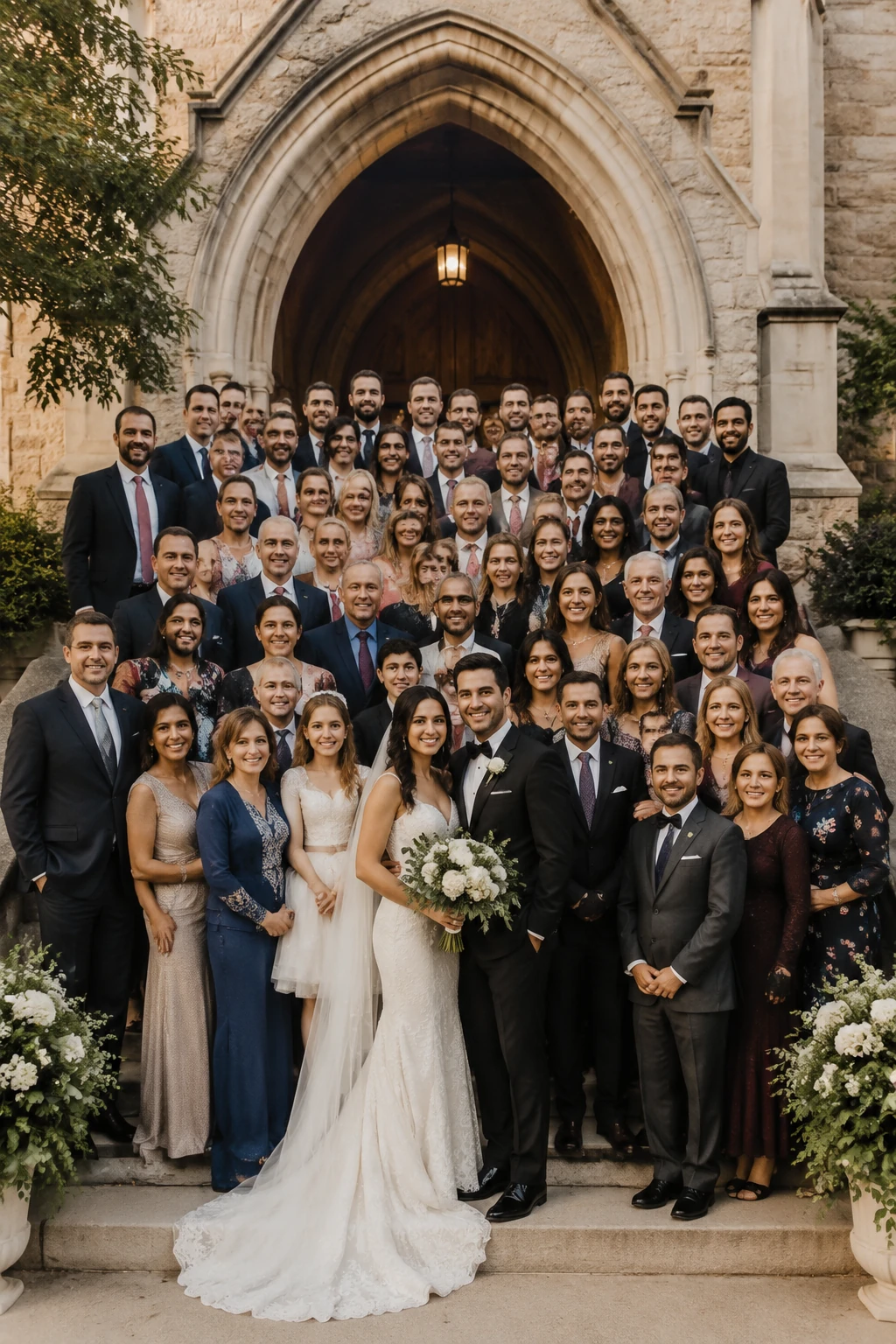 Wedding and Event Groups
A chapel steps wedding guest group portrait, many people arranged in tiers, warm realistic lighting, no text.
Try This PromptVideo prompt ideas for group photos
Turn a still group image concept into a short behind-the-scenes, reunion memory, event recap, or portrait reveal video.
AI Group Photo Generator FAQ
An AI group photo generator is a tool that creates a realistic group image from a prompt, uploaded reference, or style direction. It can help make reunion photos, team portraits, event groups, and concept images without a physical photoshoot.
Yes. Describe the approximate number of people, how they should be arranged, and the camera distance. For very large groups, use clear rows, wide-angle framing, and a simple background to help the image stay readable.
Yes, where upload is available, start from a reference photo to guide the layout, mood, colors, or setting. Then use prompts to improve clarity, add people, change the background, or create a new style.
Ask for warm film color, soft grain, natural summer light, slightly faded tones, and a documentary family-reunion look. Mention the era or camera style if you want a more specific result.
Use a high-resolution output, ask for natural faces and balanced spacing, avoid overcrowded prompts, and refine in smaller steps if the group has many people.