

Leave room for your own words
Ask for open sky, a clear wall or quiet space beside the subject. Add the final good-night line in a design editor when you need exact spelling and placement.
Prompt Guide
Model
Reference Image
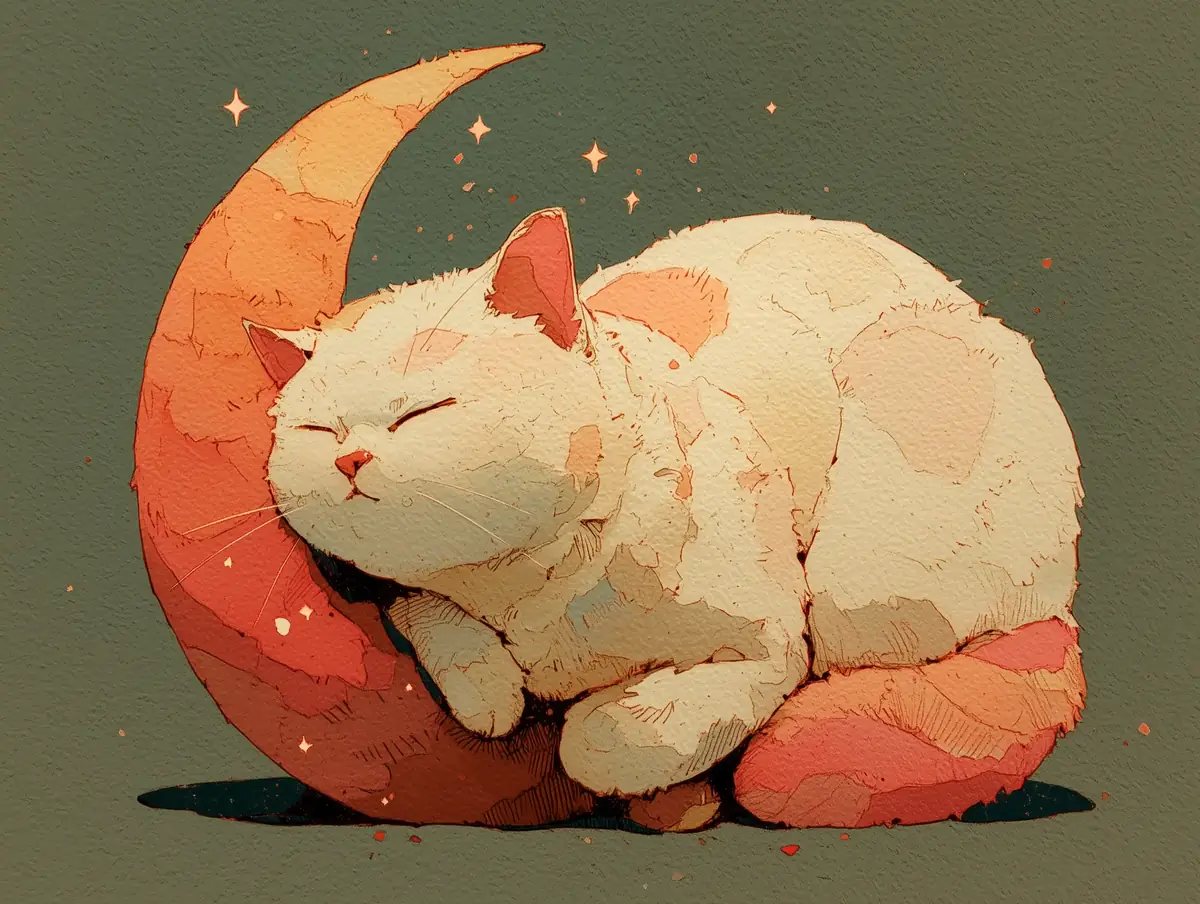
Sometimes a good-night message needs more than typed words. Use GlobalGPT's AI good night image generator to make a quiet scene for a friend, a bedtime card for family or a soft evening post—then add the exact message yourself.
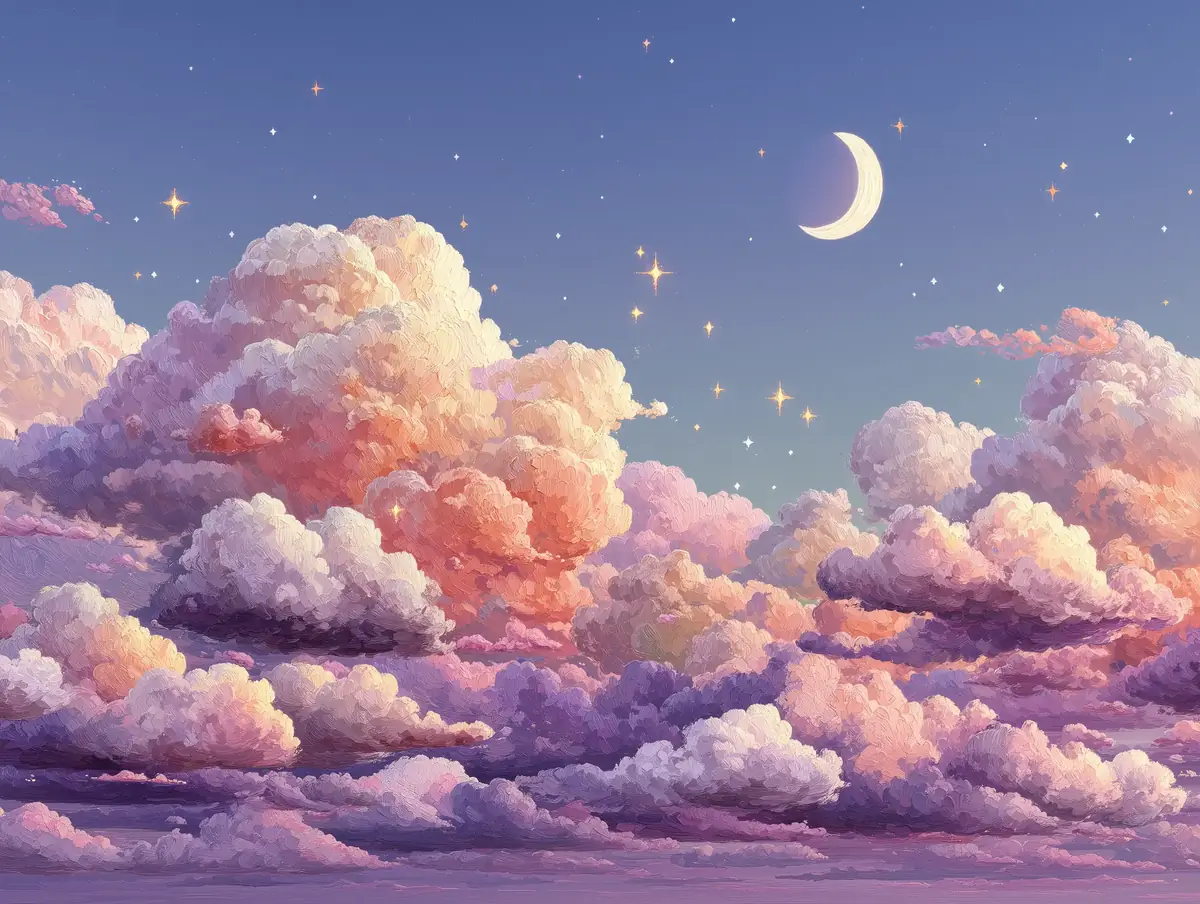
You do not need a finished concept. A subject, a light source and one mood are enough to begin.
Mention the main subject first, then add the details that matter: a cat curled on a crescent moon, a single lamp by the bed, or mist over a quiet lake. If you have a reference photo or sketch, describe what you want to keep.
Use a square for a chat message, a tall frame for a phone story or card, and a wide frame for a landscape scene. Choosing the ratio early helps the subject sit naturally in the picture.
Check faces, paws, tiny objects and any lettering before you send it. If the mood is right but one detail is off, keep the prompt and change only that detail for the next try.
Use these scenes as starting points. Keep the subject, change the colors or ask for more empty space where your own words will go.
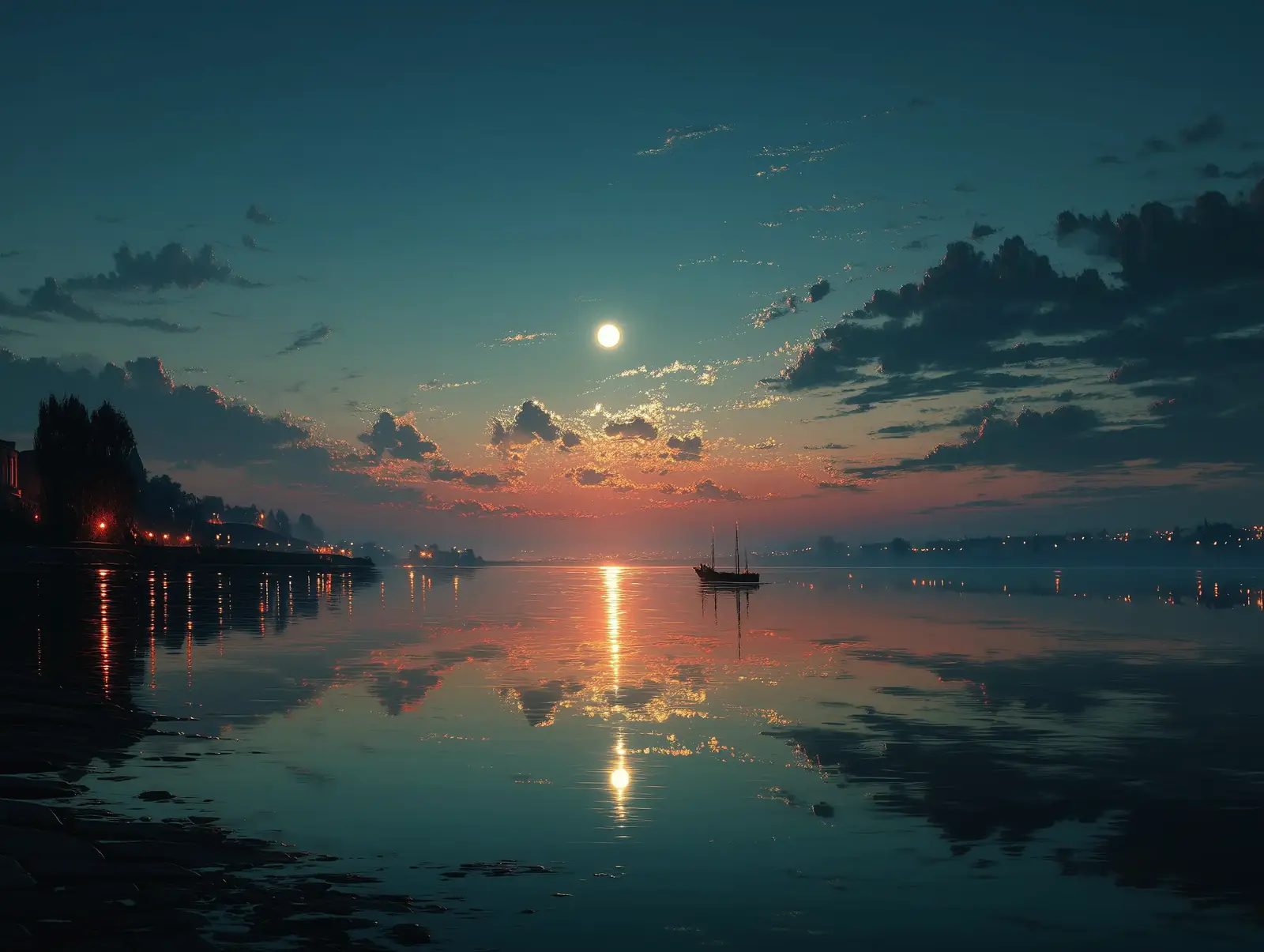 Moonlight & Nature
Quiet lake at night, silver moon reflection, a thin layer of mist, deep blue water, calm and spacious.
Try This Prompt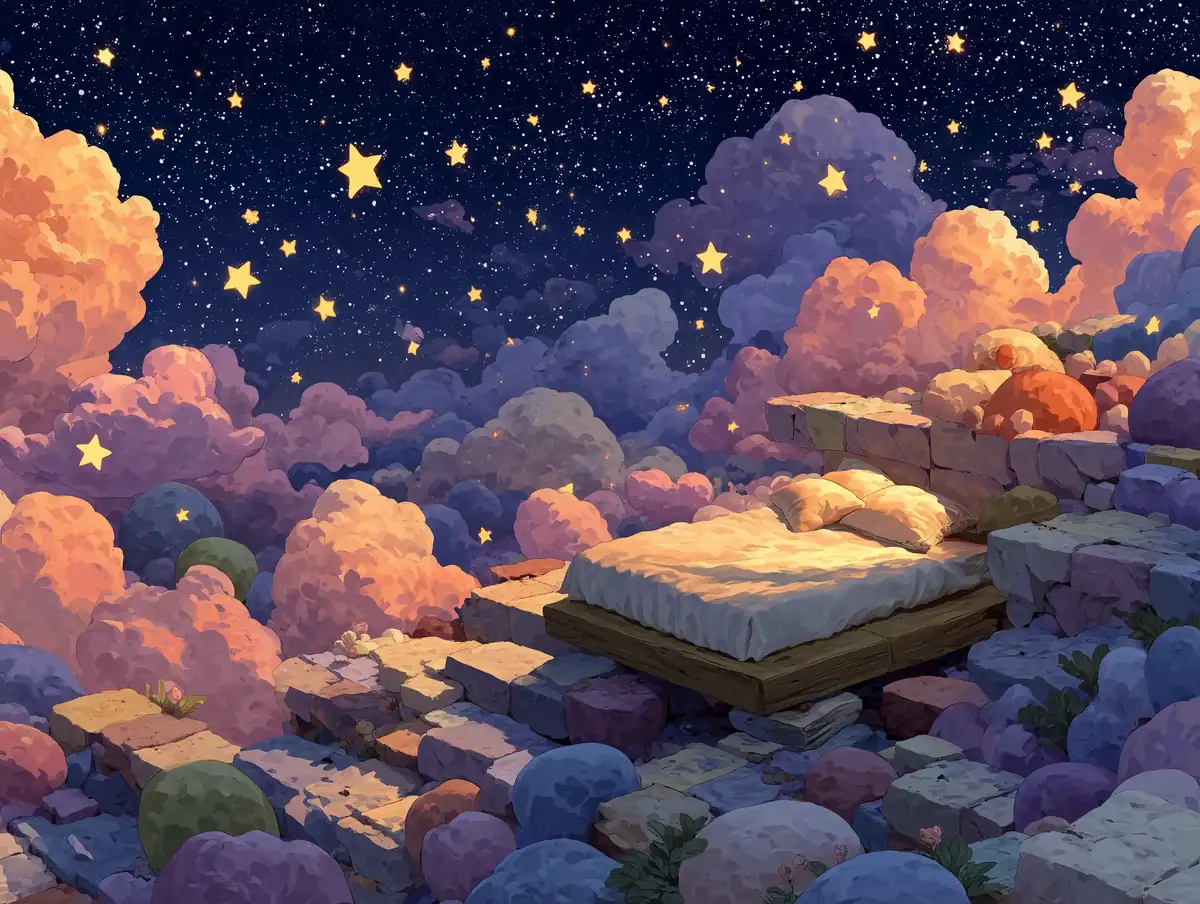 Dreamy Illustrations
Storybook bed floating among small stars, dusty lavender clouds, soft pastel light, peaceful bedtime feeling.
Try This Prompt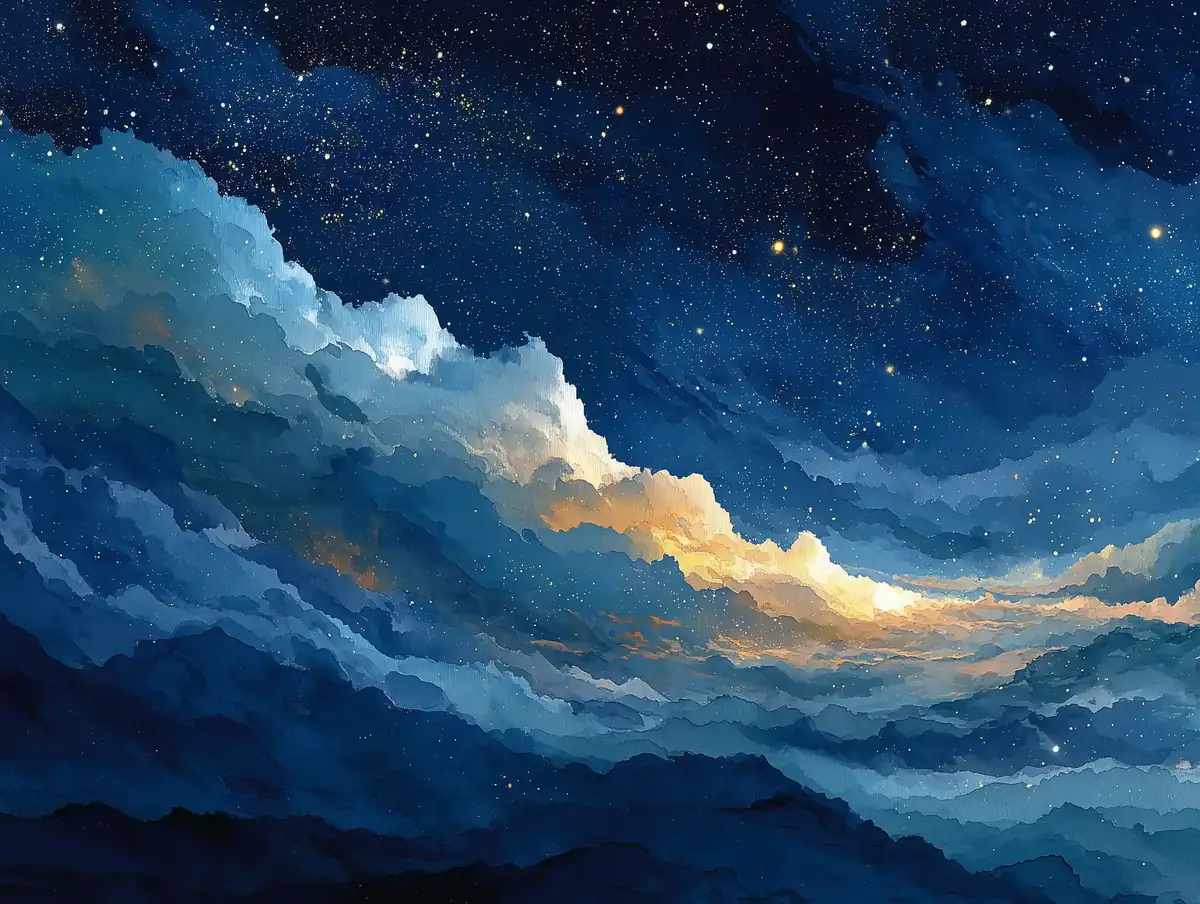 Moonlight & Nature
Loose watercolor washes of a deep-blue sky, scattered starlight, gentle paper texture, plenty of breathing room.
Try This Prompt Good-Night Greetings
Minimal still life with a glowing crescent moon, a few delicate stars and a dark-blue background; leave open space for a greeting.
Try This Prompt Cozy Evenings
Cozy bedroom, one warm reading lamp, an open book and soft shadows; intimate, quiet evening photography.
Try This Prompt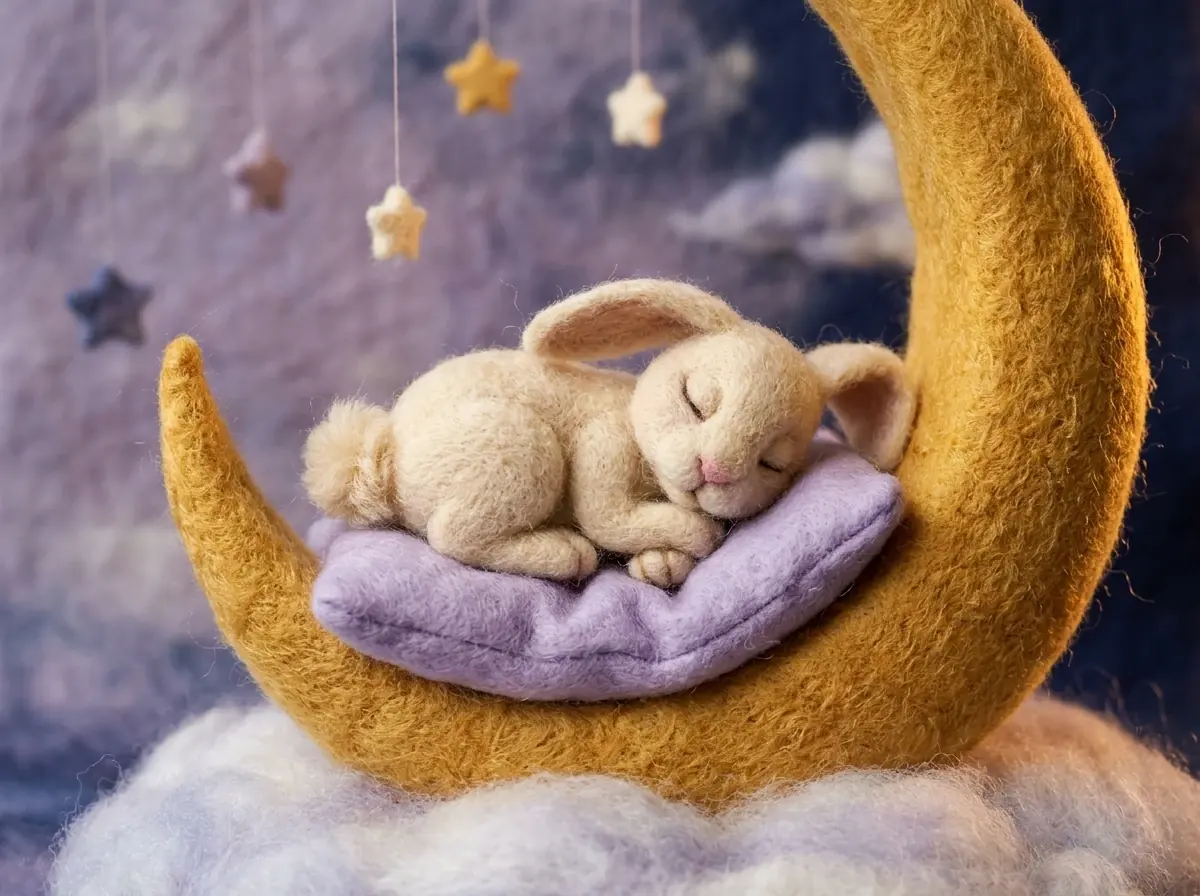 Cute Bedtime Animals
Handmade felt scene: one sleepy cream rabbit curled on a golden crescent moon, wool fibers, dusty lilac clouds, soft amber light.
Try This Prompt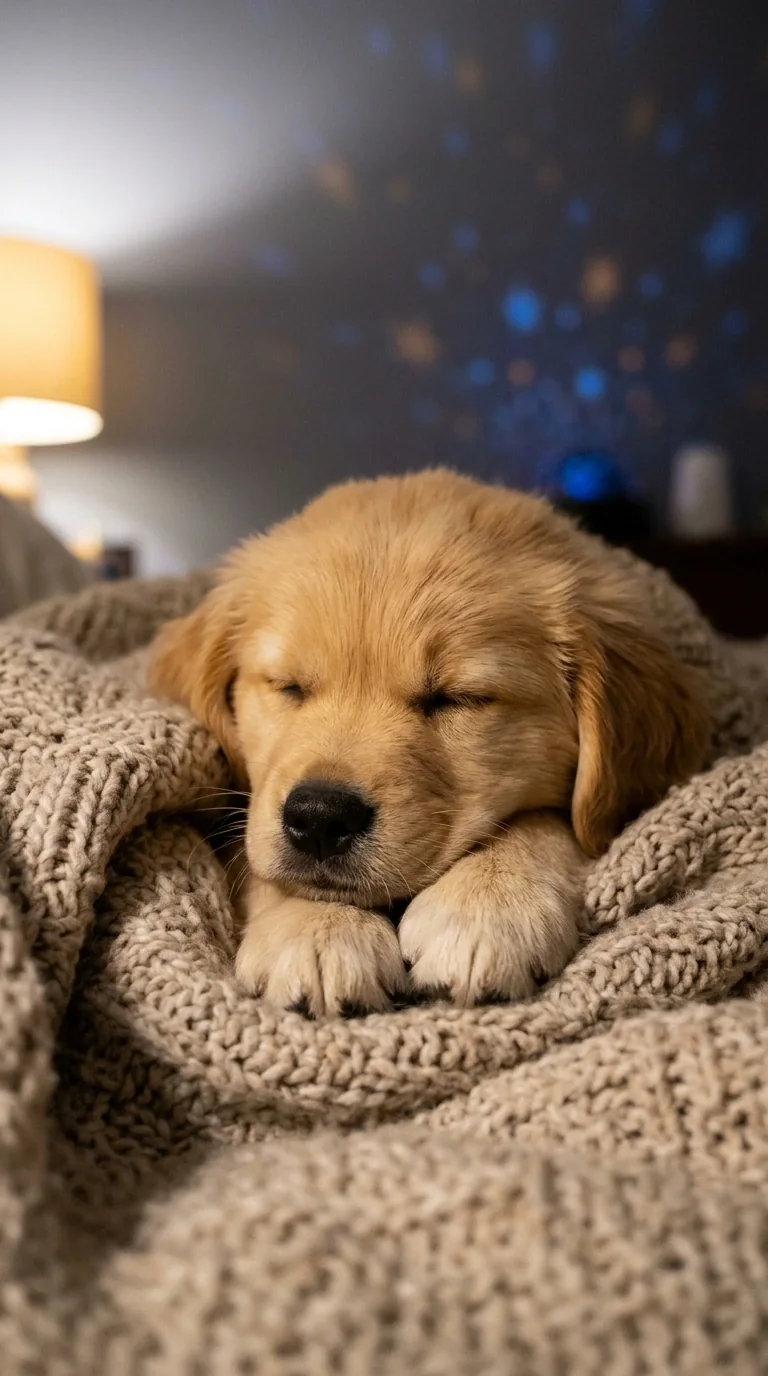 Cute Bedtime Animals
Sleepy golden retriever puppy tucked into an oatmeal blanket, warm bedside light, faint star-projector glow, natural portrait photo.
Try This Prompt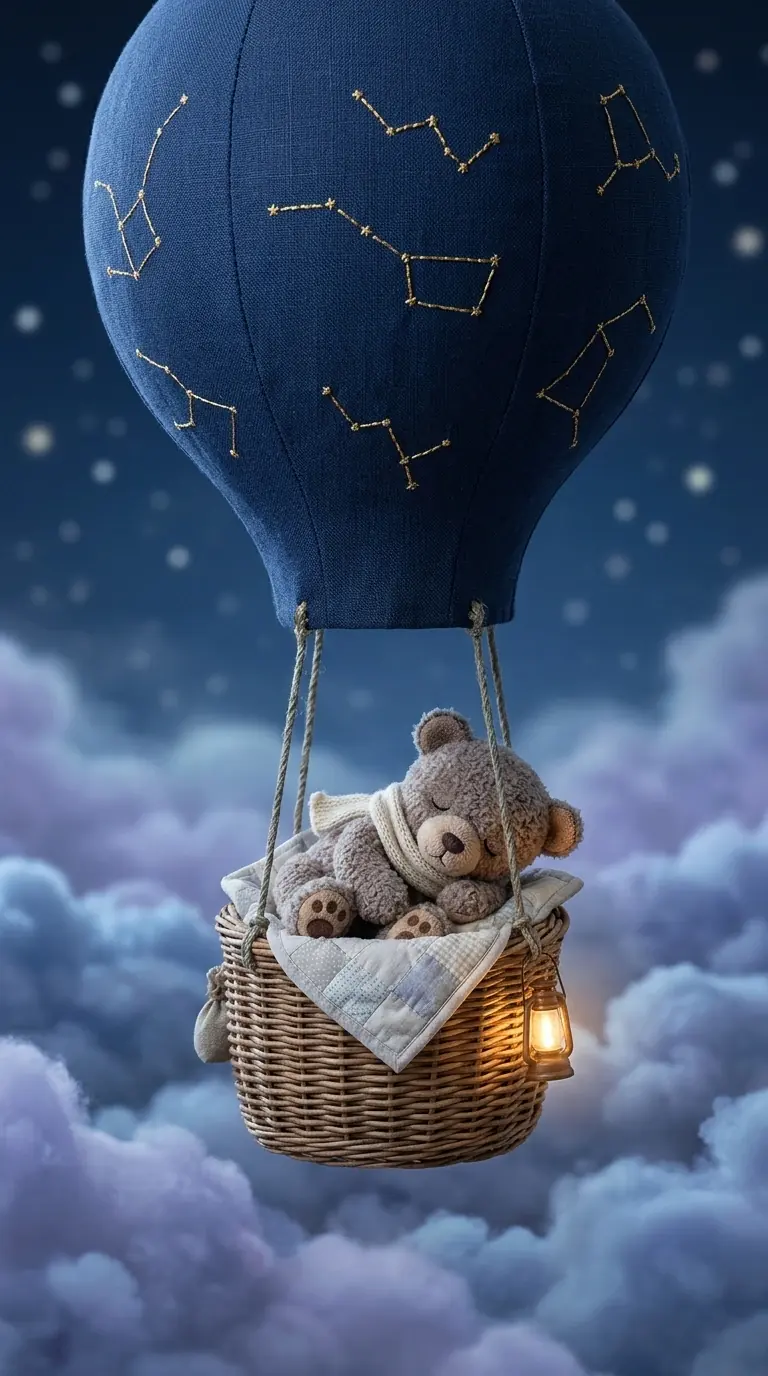 Dreamy Illustrations
Small plush teddy bear asleep in a basket beneath one midnight-blue balloon, lavender clouds, tactile storybook detail, tall composition.
Try This Prompt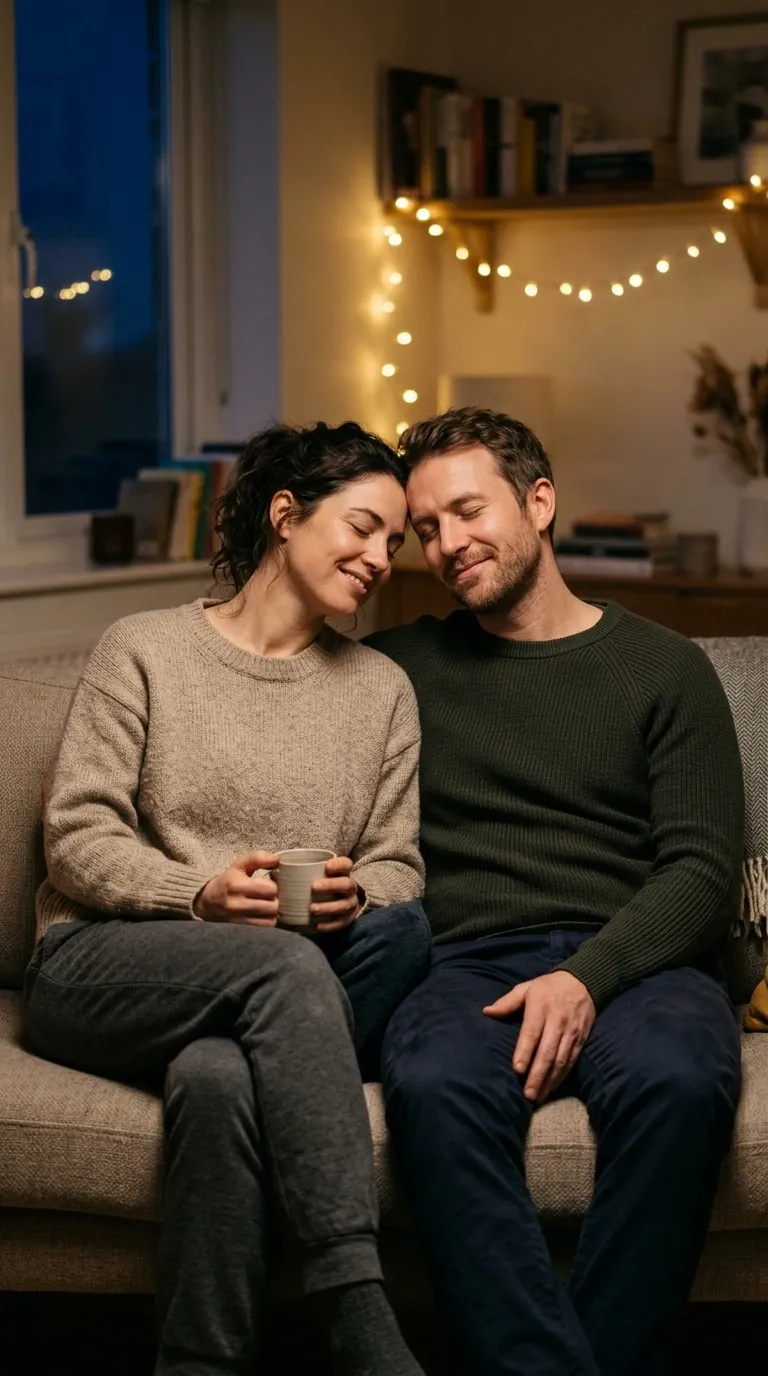 Cozy Evenings
Two adults sitting side by side on a sofa, temples lightly touching, eyes closed, warm fairy lights, quiet home portrait.
Try This Prompt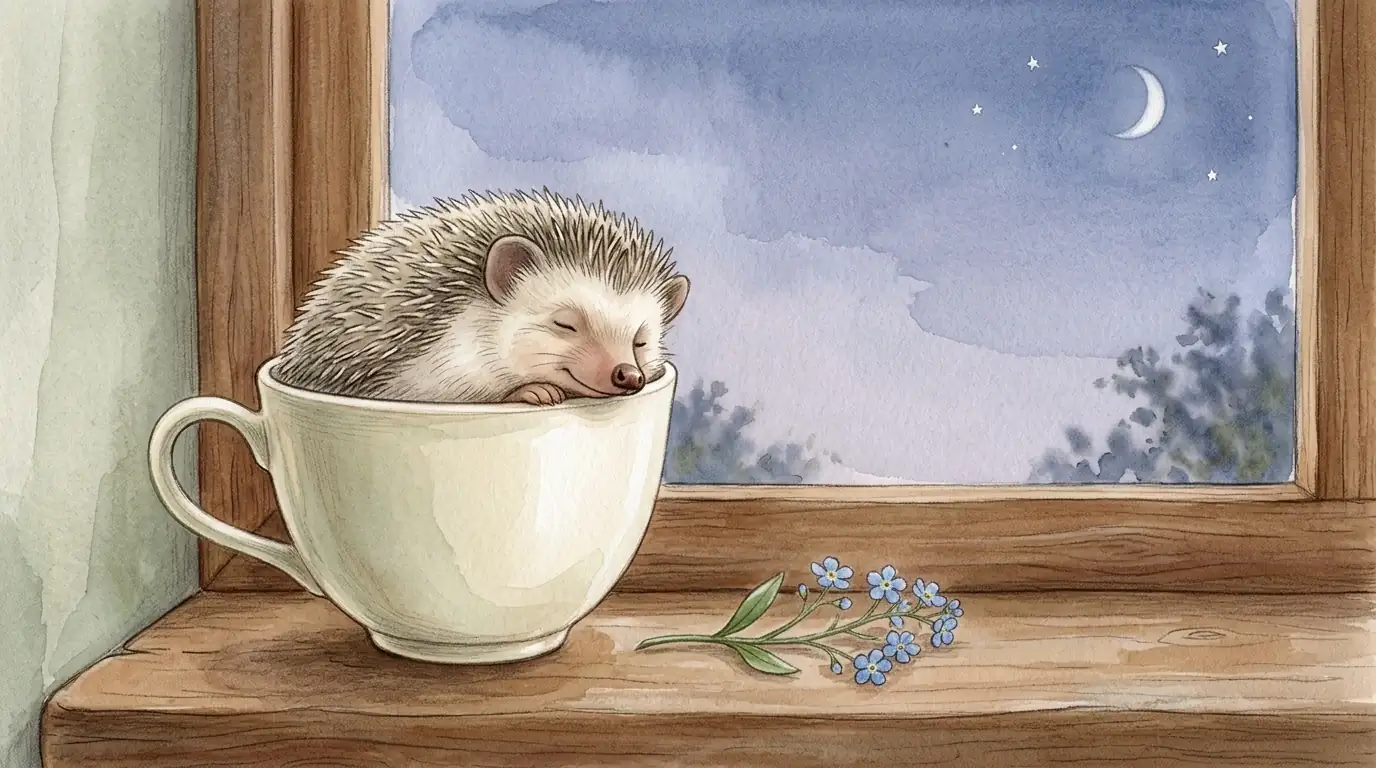 Cute Bedtime Animals
Tiny hedgehog asleep in a porcelain teacup on a windowsill, forget-me-not sprig, crescent moon outside, colored-pencil and watercolor texture.
Try This PromptA few practical choices can change the whole mood.
Ask for open sky, a clear wall or quiet space beside the subject. Add the final good-night line in a design editor when you need exact spelling and placement.
Watercolor can feel gentle, a felt scene can make a child smile, and a natural photo can suit a friend or partner. Start with the feeling, then choose the look.
If the first image is close, keep the scene and adjust one thing—warmer light, fewer stars, a closer crop or a different animal. Small edits are easier to judge than a brand-new prompt.
Yes. For clean, predictable lettering, generate the scene with some open space and add your message in a design editor afterward. If you ask the image model to write the words, keep the phrase short and check every letter before sharing.
Image models can still misspell short phrases or place them awkwardly. Quoted text and a simple layout may help, but adding the final words yourself is the reliable option.
Square is easy to send in a chat, 9:16 suits a phone Story, and 4:3 or 16:9 gives a landscape scene more room. Choose the ratio before generating so the main subject is composed for that frame.
If the selected model supports a reference image, you can upload a photo or sketch you have permission to use and say what should stay or change. The result is a new interpretation, so check faces and important details.
Check the terms for your GlobalGPT account and the model you used, especially for commercial work. You should also have permission for any people, pets, logos or reference images included in the prompt.