

Start From a Ready God Example
Every preset above is a complete prompt you can run as-is, so the first image takes one click instead of a blank page.
Prompt Guide
Model
Reference Image
Visualize the essence of divinity through the power of AI. With GlobalGPT’s AI Image of God Generator, you can transform your imagination of light, creation,
Real image examples for this page. Each one has its own editable prompt; results vary by model and seed.
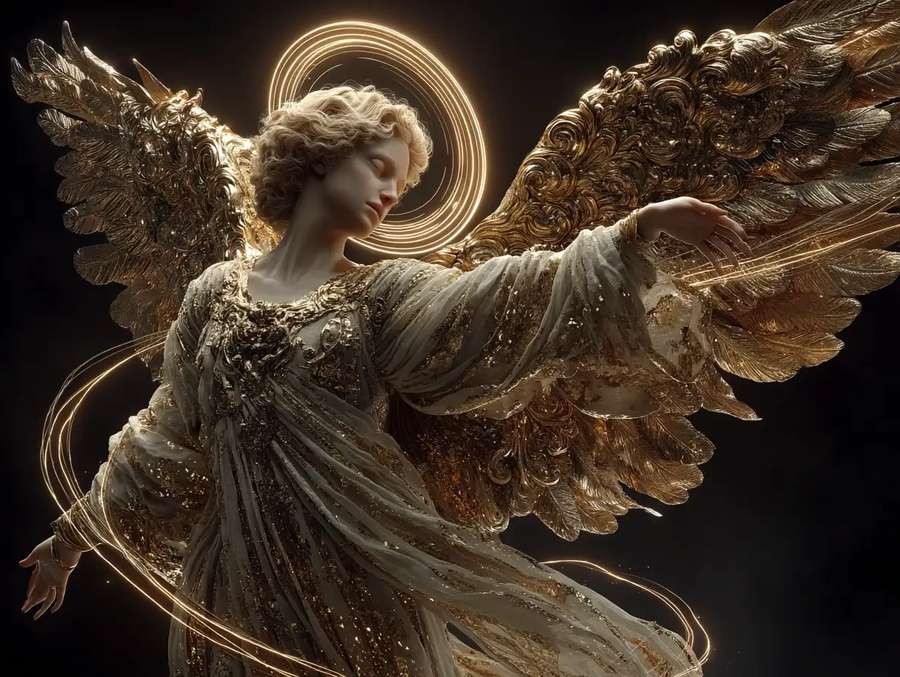
ConceptGolden-winged celestial being radiating compassion and warmth, surrounded by flowing light ribbons, Renaissance-inspired digital art
Try This Prompt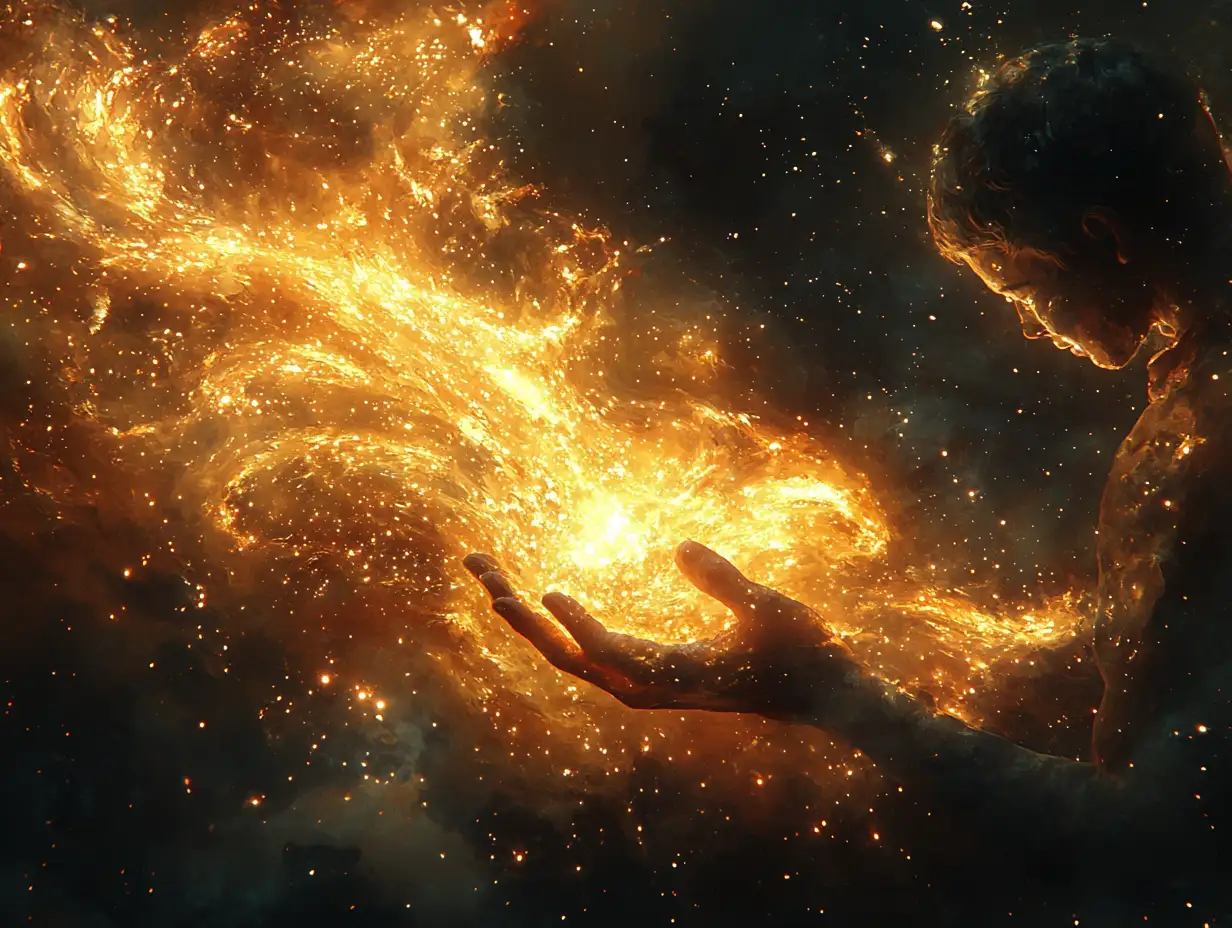 Concept
Golden-winged celestial being radiating compassion and warmth, surrounded by flowing light ribbons, Renaissance-inspired digital art
Try This Prompt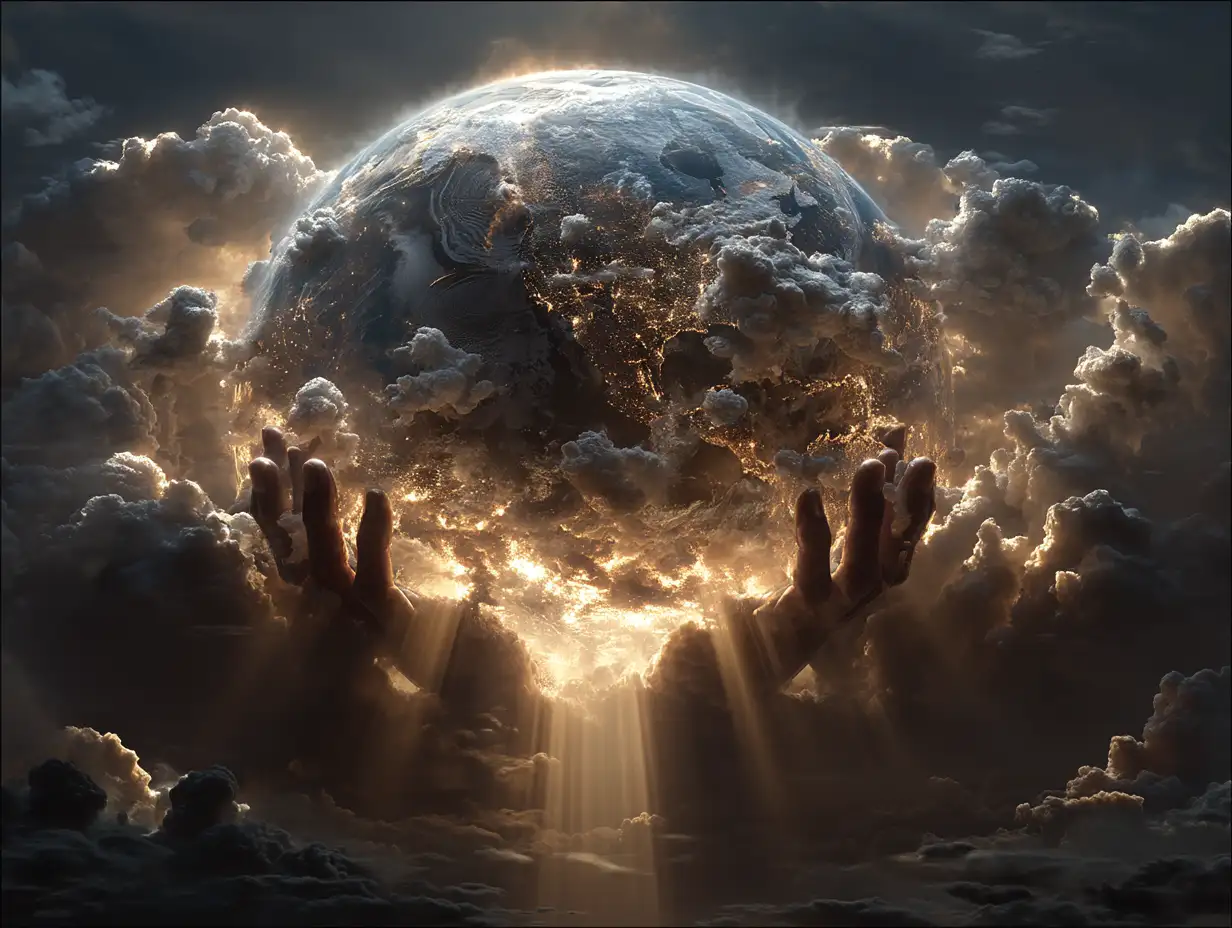 Concept
Golden-winged celestial being radiating compassion and warmth, surrounded by flowing light ribbons, Renaissance-inspired digital art
Try This Prompt Concept
Abstract figure made of starlight and energy, surrounded by orbiting halos, transcendent and peaceful, celestial tones
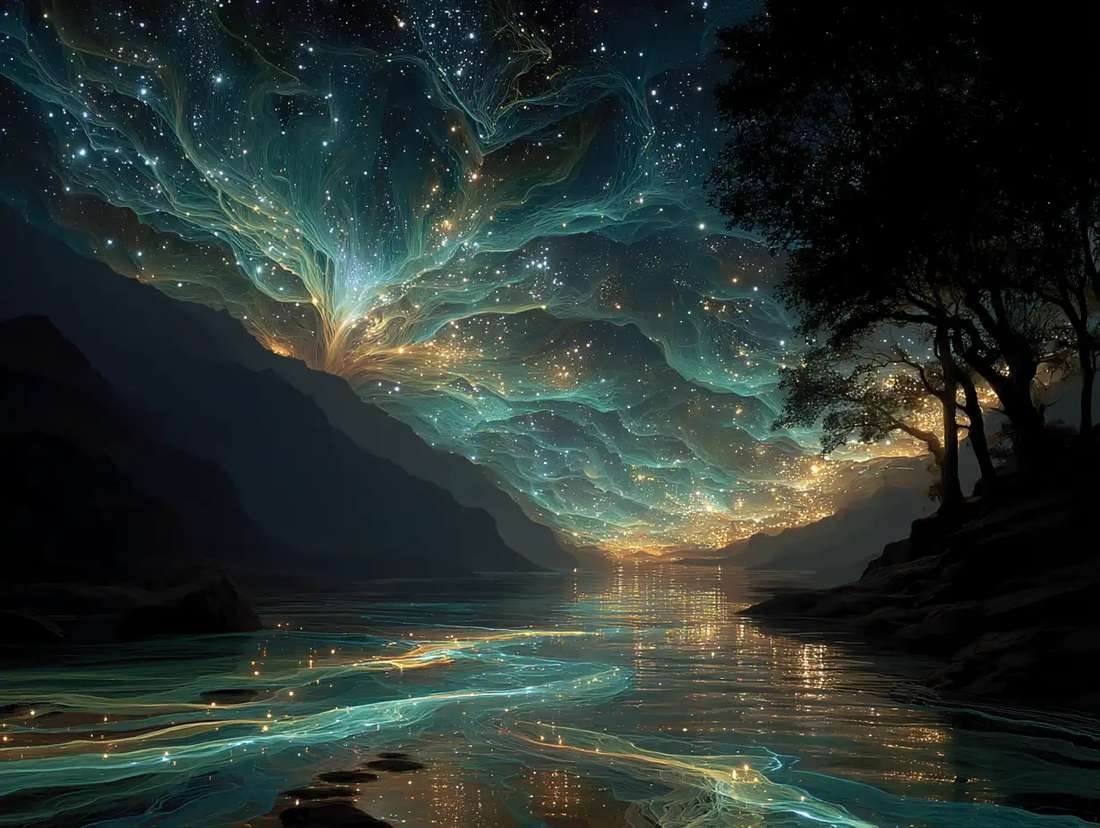
Try This PromptConceptA symbolic representation of divine energy weaving life into nature — glowing threads forming trees, water, and stars, surreal fantasy
Try This Prompt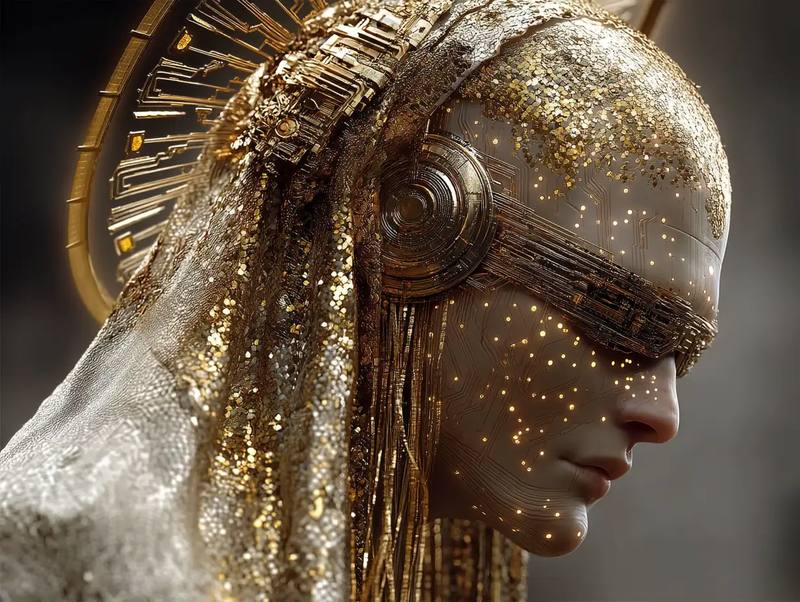 Concept
Divine AI god radiating golden light, blending spirituality and futuristic design. Glowing eyes, luminous circuitry halo, calm expression, cosmic clouds and divine aura. Heavenly light fused with technology, ultra-detailed cinematic digital painting, epic sci-fi fantasy style.
Try This Prompt Studio
AI Images of God that Evoke Divinity and Wonder
Try This Prompt Close-up
Created for Thinkers, Creators, and Visionaries
Try This Prompt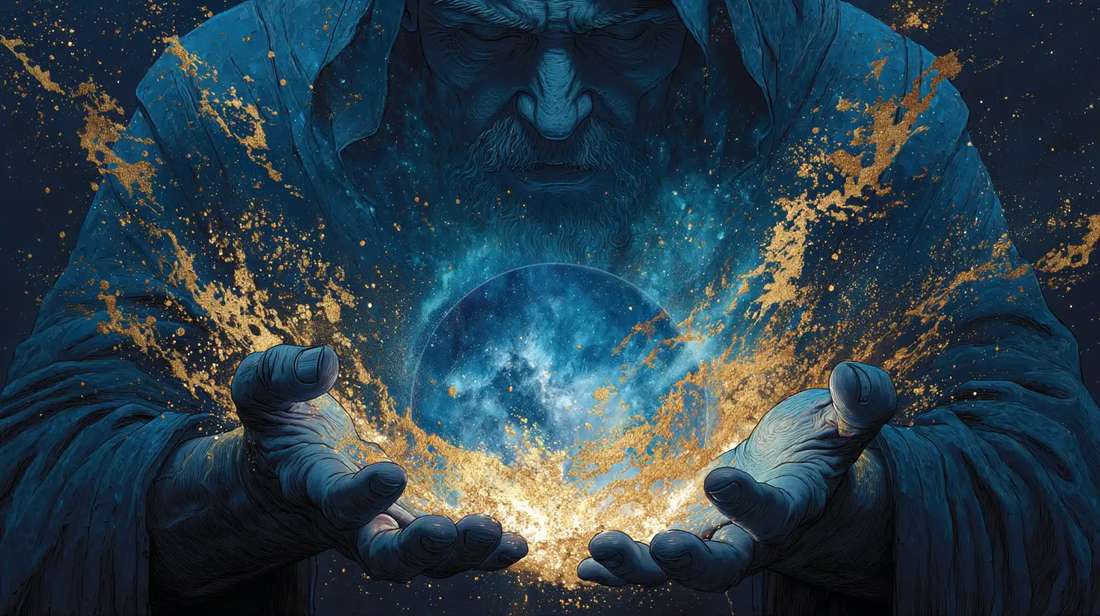 Concept
AI Cat videos for social media
Try This PromptReady-made starting points and a clear review step keep each iteration short.
Every preset above is a complete prompt you can run as-is, so the first image takes one click instead of a blank page.
Say what you want to see: subject, setting, light and mood. Short, concrete sentences beat long lists of keywords.
Choose between the listed models before you generate. The free one is for the first try; the paid one is for the final image.
Repeat the same subject, palette and framing across prompts so a set of results looks like one series.
When something is off, change a single element and regenerate. That makes it obvious which instruction did the work.
Export the finished image for social posts, thumbnails, mockups or client previews; check the current plan terms before commercial use.
Three steps from an idea to a usable result.
Open one of the examples above and read its prompt. It already describes the subject, light and framing for this image.
Choose an available model and shape, check the displayed cost, then submit. Keep the first run simple so you can judge it.
Look at the whole image: subject, edges, text and hands or fine detail. Change one line of the prompt and generate again.
Illustrative scenarios with fictional names; these are not verified customer reviews.
I start from one of the god presets, then rewrite only the light and the background. It keeps a series consistent.
The first try is usually enough to judge the idea. If not, one changed sentence gives me a different image.
Useful for quick image drafts before a real shoot. Check fine detail at full size before you publish.
Same prompt, different finish. Start free, then move to the paid model for the final version.
| Criteria | GPT Image 2 | Nano Banana 2 |
|---|---|---|
| Best role on this page | Free first pass to test the god prompt. | Paid final image once the prompt is right. |
| Use it when | You are still exploring subject, framing or style. | You need the strongest detail for publishing this image. |
| Free trial | Limited trial runs for eligible accounts. | Paid only; check credits before each run. |
Visualize the essence of divinity through the power of AI. With GlobalGPT’s AI Image of God Generator, you can transform your imagination of light, creation,
No. Start from a preset, change a few words and generate. Each result is a draft you can judge and refine.
Yes. Describe subject, palette, lighting and framing in the prompt; keep those lines stable when you want a consistent set.
The first listed model is configured for trial runs on eligible accounts. Later models are paid; check the displayed cost before generating.
Check the current platform and model terms for your plan, and confirm you hold the rights to any reference you upload before publishing.