

Prompts you can see and change
Start with a complete AI glowing effect photo prompt, then replace the subject, palette, scene, or camera angle without rebuilding it.
Start with a detailed AI glowing effect photo prompt that controls the light source, color spill, exposure, and mood. Generate neon portraits, dreamlike scenes, or luminous product shots with texture still intact.
Create a Glowing Photo







Prompt Guide
Model
Reference Image
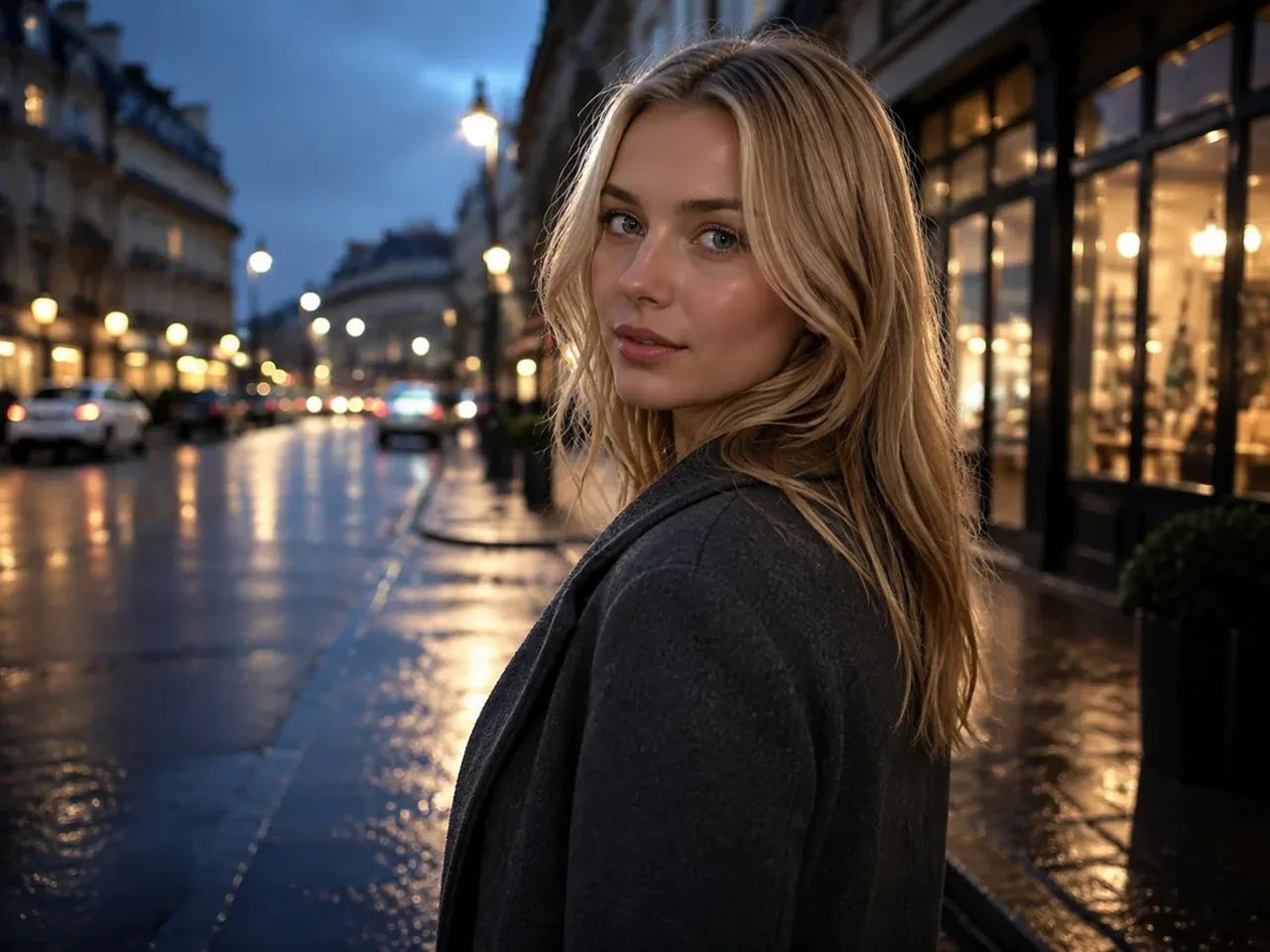
See how each AI glowing effect photo prompt uses precise light sources, color spill, and exposure notes for portraits, fantasy scenes, night photography, and product shots.
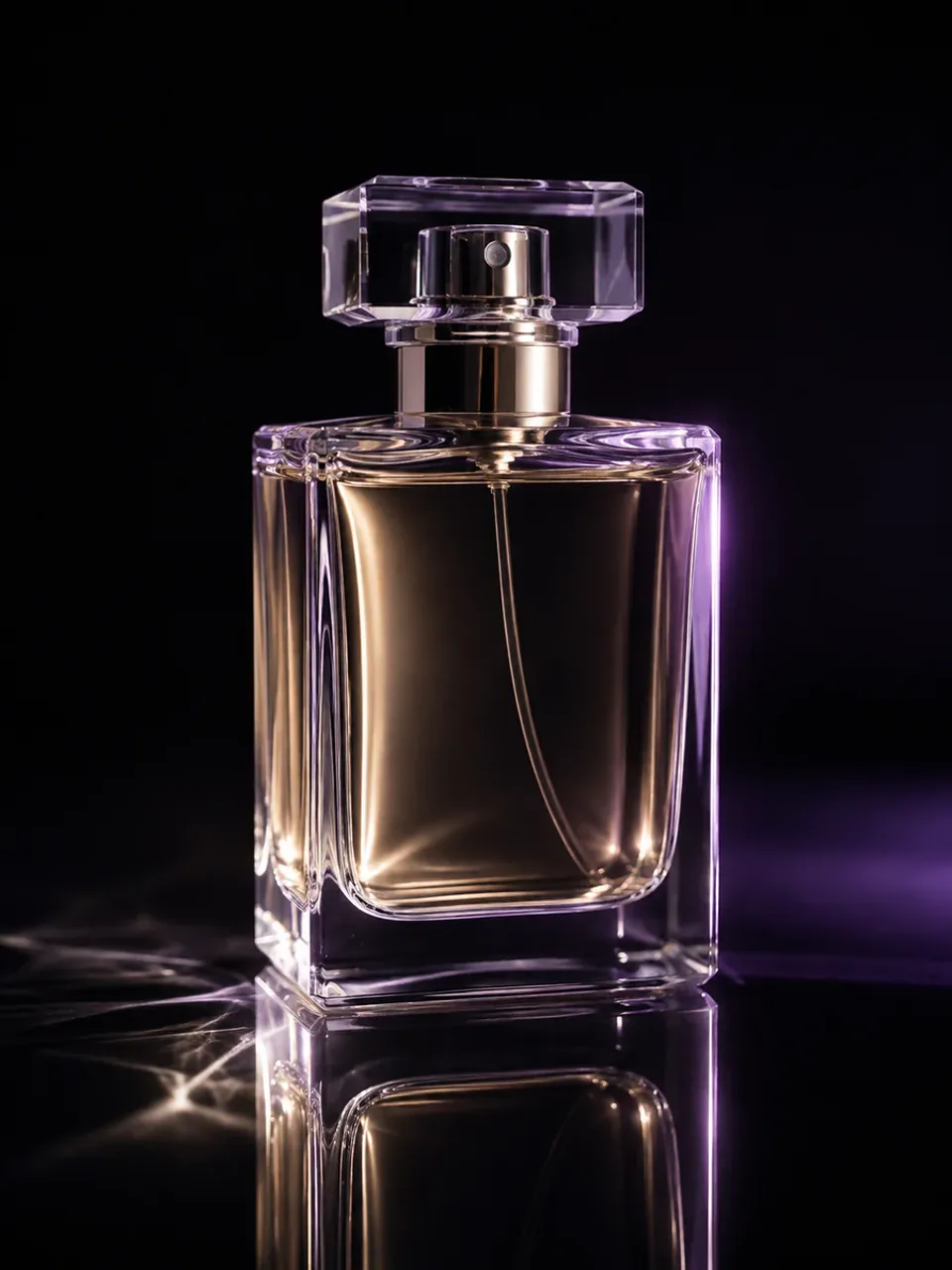 Luminous Products
Luxury photo of an unbranded clear perfume bottle on glossy black acrylic. Add subtle violet edge light and warm inner reflections to the glass, with controlled caustics and intact highlights; no label, text, logo, or watermark.
Try This Prompt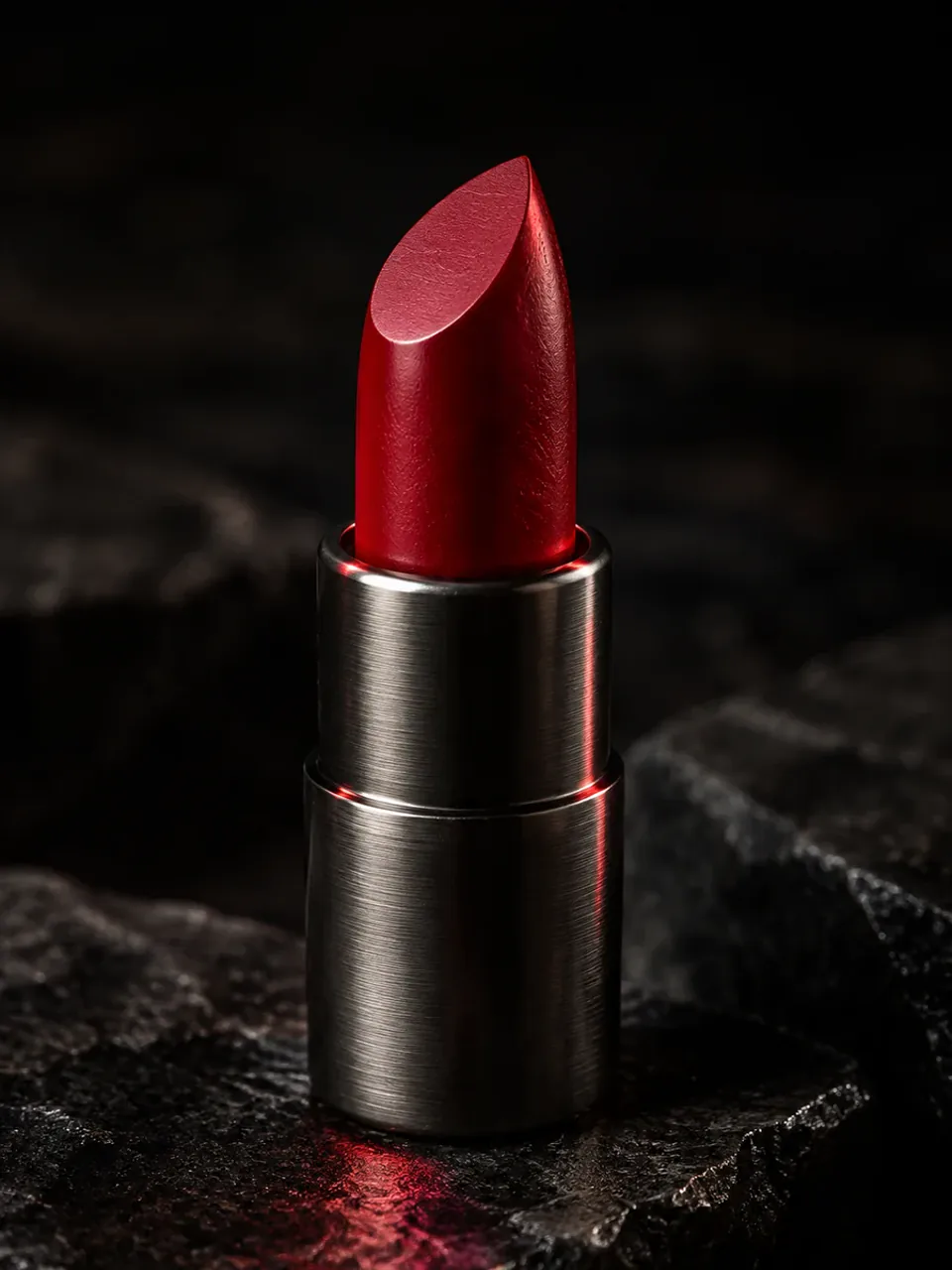 Beauty Products
Premium macro photo of an unbranded red lipstick on black stone. Add a restrained ruby glow to the lipstick edge and a small reflected highlight beneath it while preserving metal and wax texture; no text, logo, or watermark.
Try This Prompt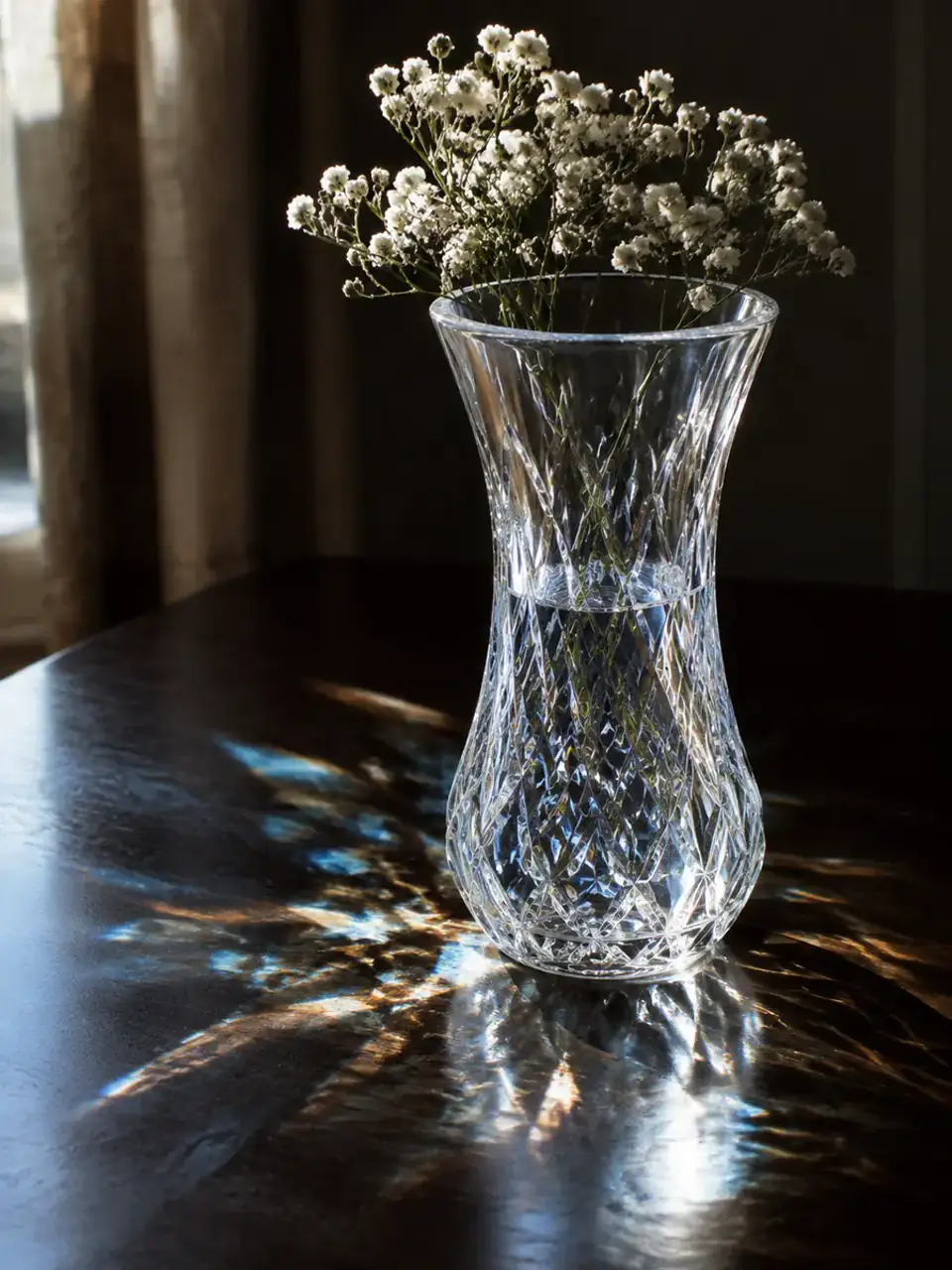 Glass & Crystal
Realistic crystal vase with delicate white flowers beside a window. Add natural prismatic light and soft golden caustics only where sunlight passes through the cut glass; preserve clear detail, no text, logo, or watermark.
Try This Prompt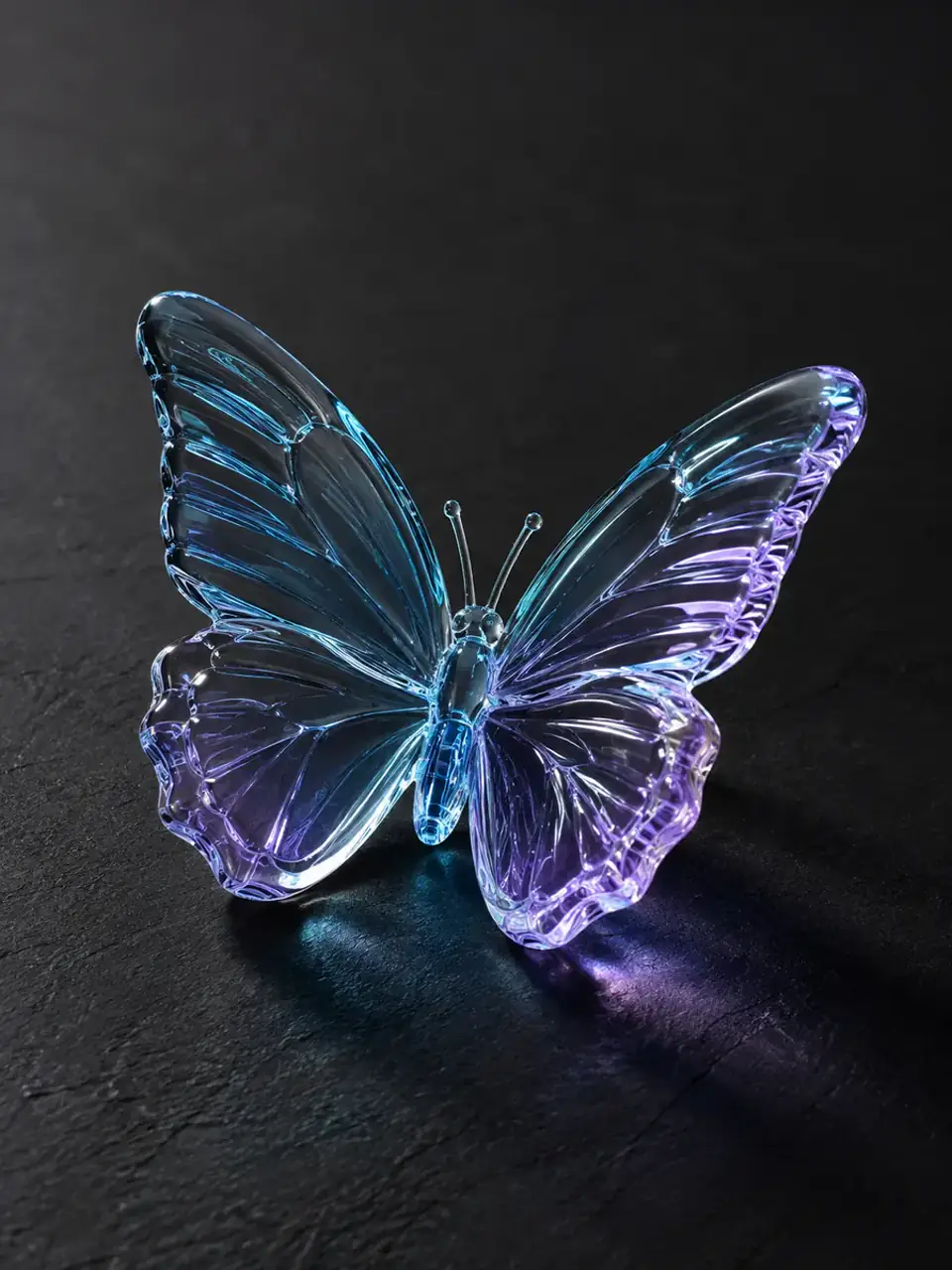 Glass & Crystal
Studio photo of a transparent glass butterfly on charcoal fabric. Add restrained blue and violet refraction along the wing edges and a faint matching reflection below; keep the glass crisp, no text, logo, or watermark.
Try This Prompt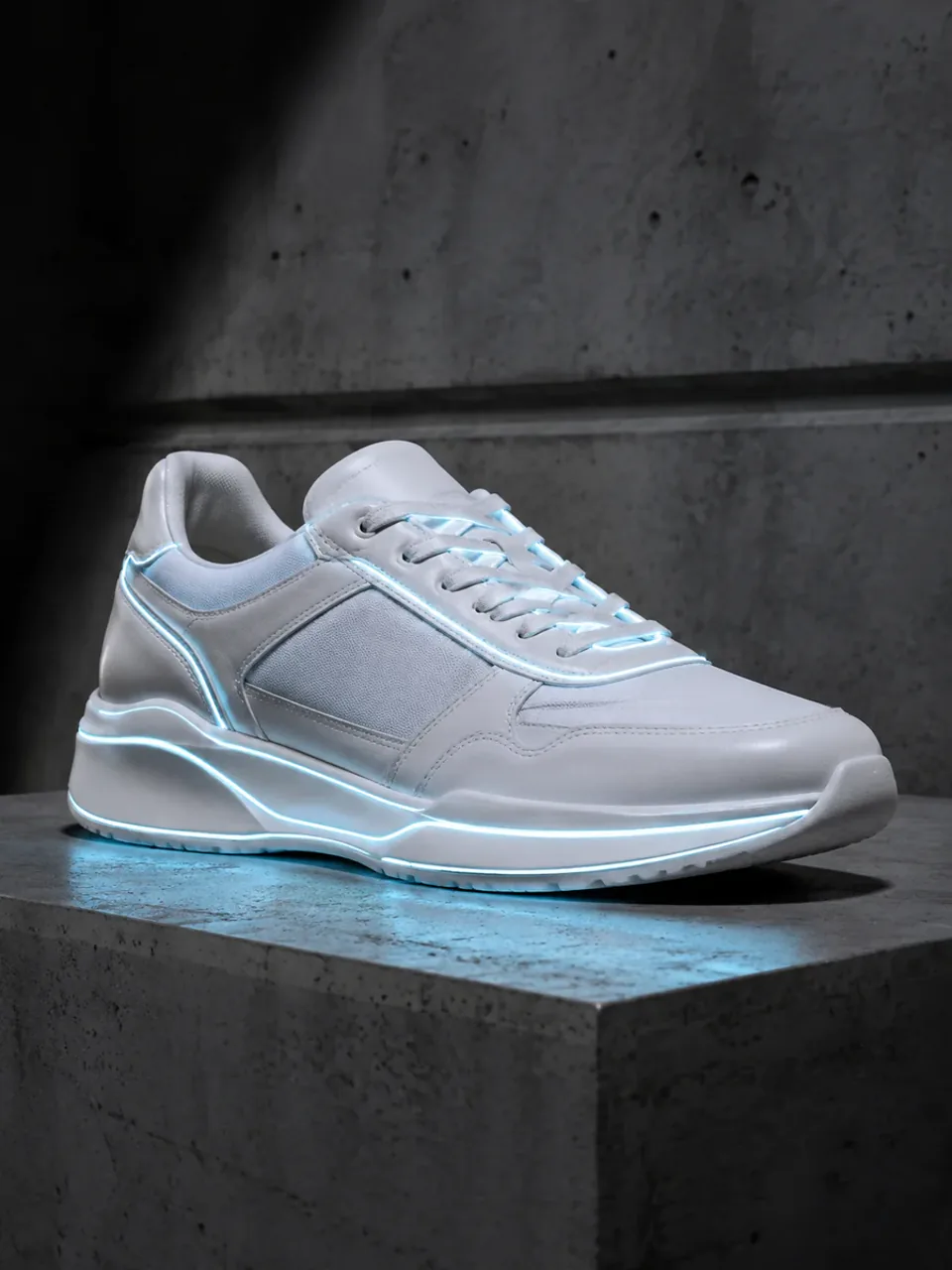 Everyday Objects
Clean product photo of an unbranded white sneaker on concrete. Add a subtle cool glow only along reflective piping and the sole edge, with a believable floor reflection; retain material texture, no text, logo, or watermark.
Try This Prompt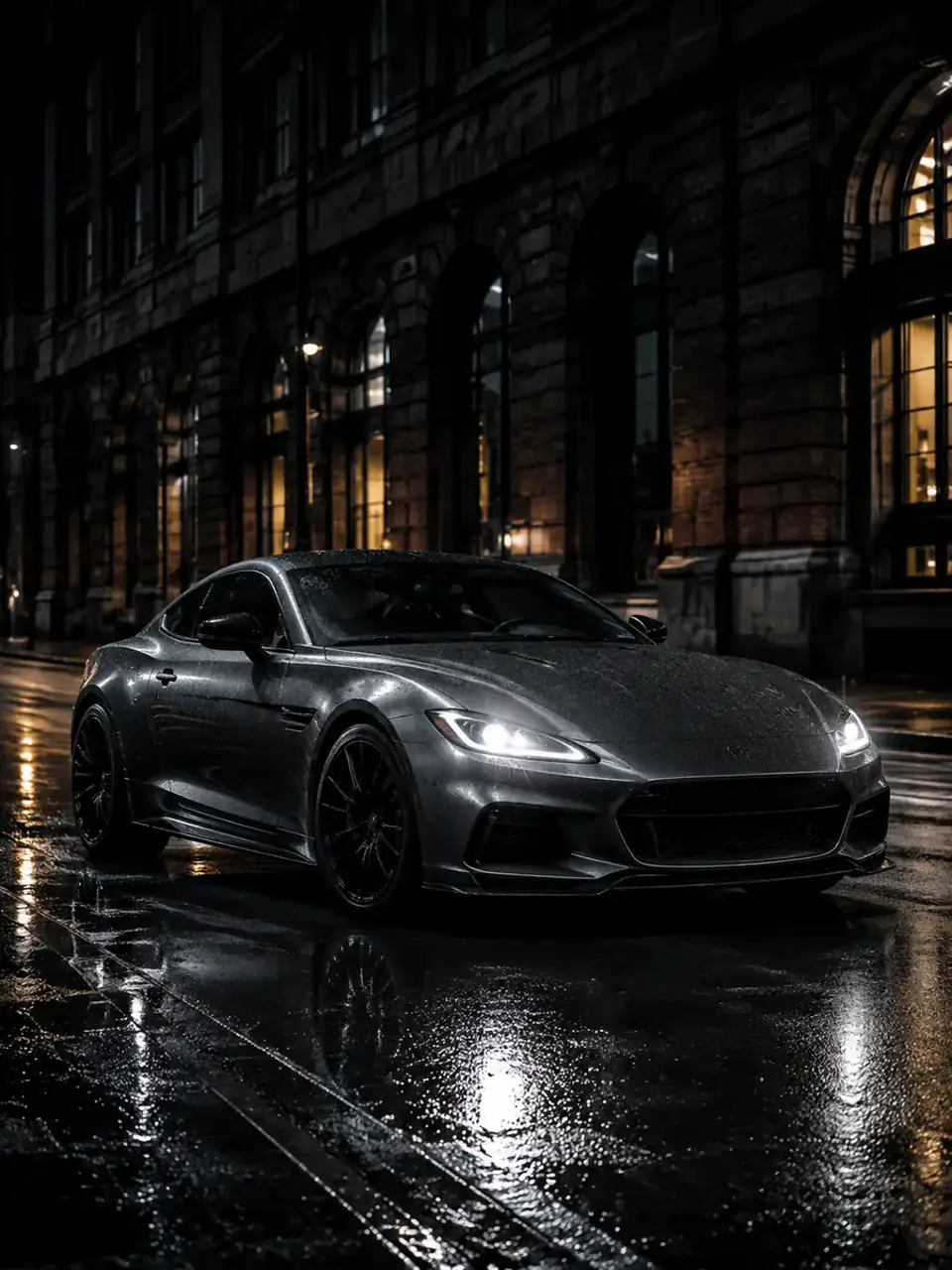 Night Scenes
Realistic low-angle photo of an unbranded dark sports car on a rainy city street. Add controlled headlamp glow, thin body-edge reflections, and warm building light in wet pavement; no neon wash, plate text, logo, or watermark.
Try This Prompt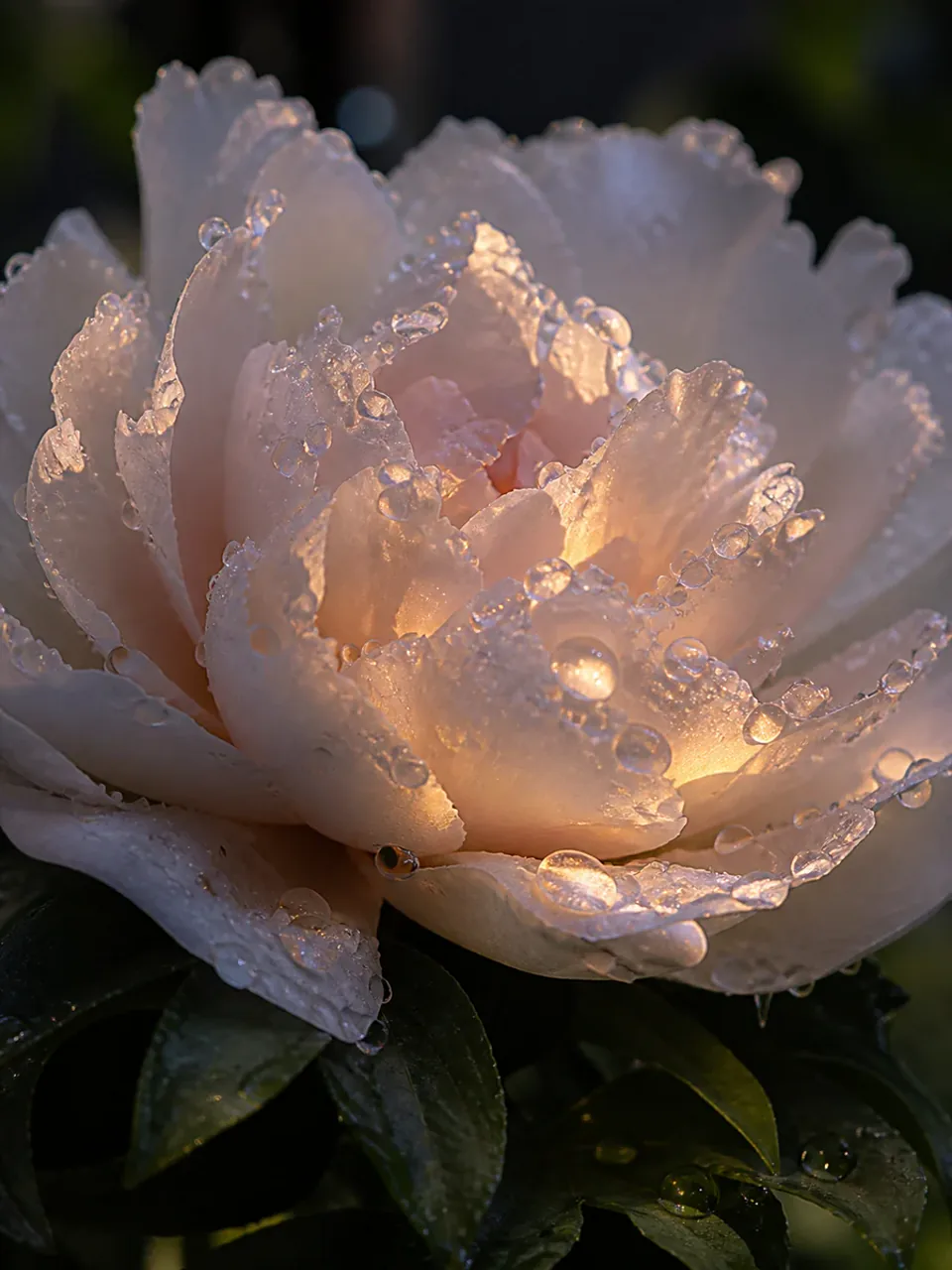 Nature
Macro photograph of a white flower covered in dew at blue hour. Add warm pinprick glints only inside selected droplets and a soft petal-edge glow from backlight; preserve botanical texture, no text, logo, or watermark.
Try This Prompt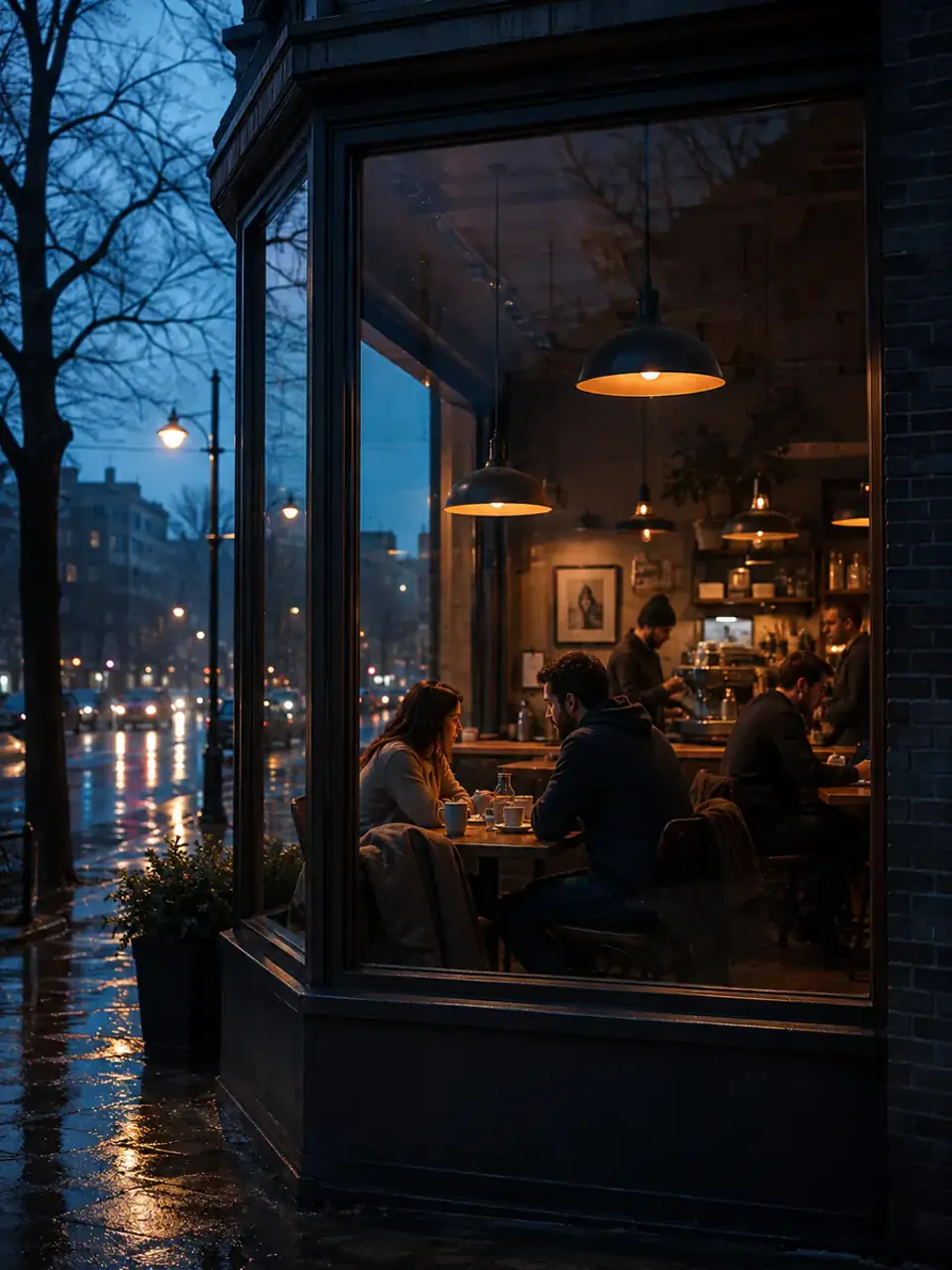 Night Scenes
Documentary street photo of a cafe window at dusk. Add believable warm glow from interior lamps, glass reflections, and light on the wet pavement while keeping the exterior naturally dark; no readable signs, logos, or watermark.
Try This PromptControl the lighting result before you generate instead of hoping a generic glow keyword is enough.
Start with a complete AI glowing effect photo prompt, then replace the subject, palette, scene, or camera angle without rebuilding it.
Preset prompts connect the halo, rim light, practical neon, or bioluminescence to believable spill and reflections.
Exposure safeguards help retain skin, fabric, glass, metal, and shadow texture instead of washing out the frame.
Move between electric portrait light, warm aura, natural bioluminescence, rainy city color, and product edge lighting.
Choose square, landscape, portrait, or story ratios before generating for feeds, covers, moodboards, or product concepts.
Adjust glow strength, color spill, background contrast, and atmosphere while your AI glowing effect photo prompt keeps the useful technical language.
Use an AI glowing effect photo prompt to move from a preset to a controlled lighting result in three focused steps.
Pick an AI glowing effect photo prompt for neon rim light, ethereal bloom, cyberpunk reflections, or product edge lighting as your starting point.
Change the subject, scene, glow colors, light source, and composition while keeping the exposure and texture instructions.
Choose a model and aspect ratio, generate the photo, then tighten color spill or glow strength if the first result is too flat or too bright.
Illustrative scenarios, not verified customer reviews.
The portrait preset gave me the rim-light vocabulary I was missing. I changed the jacket and colors, then generated a much cleaner profile image concept.
For a product moodboard, the glass and edge-light prompt kept the bottle readable instead of turning everything into a purple blur.
I liked being able to move from a soft botanical glow to a rainy city look without starting from an empty prompt each time.
Name the subject, scene, physical glow source, colors, light spill, exposure, texture, composition, and what to avoid. The presets here include those controls so you can edit the creative details instead of writing the lighting setup from zero.
Yes. Use soft aura light, warm halos, bioluminescent plants, moonlit florals, glass caustics, or precise product edge lighting. Neon is only one of the available visual directions.
Ask for controlled bloom, preserved highlight rolloff, readable shadows, realistic skin or material texture, and restrained haze. Also specify where the light originates and which nearby surfaces it should illuminate.
The examples cover adult portraits, fantasy environments, cinematic night scenes, cars, perfume bottles, and headphones. You can replace the subject while keeping the lighting structure that fits your scene.
Use a supported image-editing or reference-image workflow when preserving a specific person, product, or composition matters. This page focuses on prompt-led generation; only upload images you have permission to use.