

Choose the fox before the style
A red fox, arctic fox, and fennec fox need different ears, coat, and proportions. State the type first, then use the style and setting to guide the visual mood.
Prompt Guide
Model
Reference Image
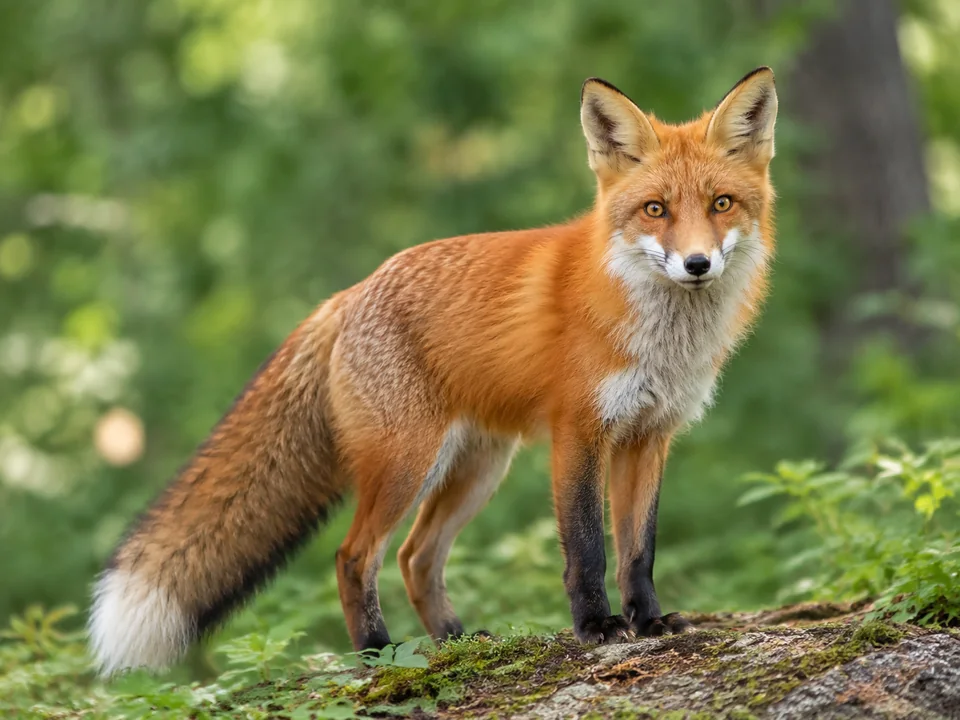
Choose a red fox in autumn light, an arctic fox in quiet snow, or an original woodland spirit. Shape the ears, muzzle, coat, and tail before adding a scene, so the final image feels intentional.
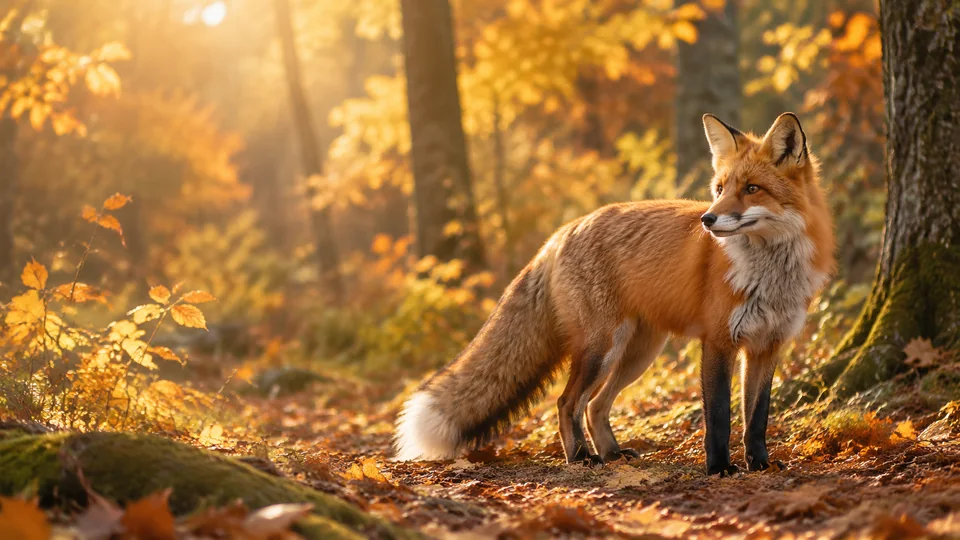
Choose one idea, keep the prompt focused, and inspect the details before using the result.
Pick a starting style in the ai fox image generator. Describe the main subject, pose, and intended use before adding background detail. Keep a small number of visual decisions so the result has one clear focus.
Choose the current image model and aspect ratio, then adapt one of the short prompts. Explore a realistic red fox, a soft watercolor scene, an original magical fox, or a graphic portrait. Name the fox type and pose, then keep one clear focus in the composition.
Review ear size, the narrow muzzle, paws, and the attachment of the bushy tail. Avoid a dog-like snout or a tail that merges into foliage; fantasy details should remain deliberate choices. If the result misses the brief, change one detail at a time. Check the current account and model access before generating again.
Browse distinct directions for the ai fox image generator, from a focused subject study to a more stylized concept. Each short prompt starts a different composition; sample artwork does not guarantee the same output.
 Wildlife
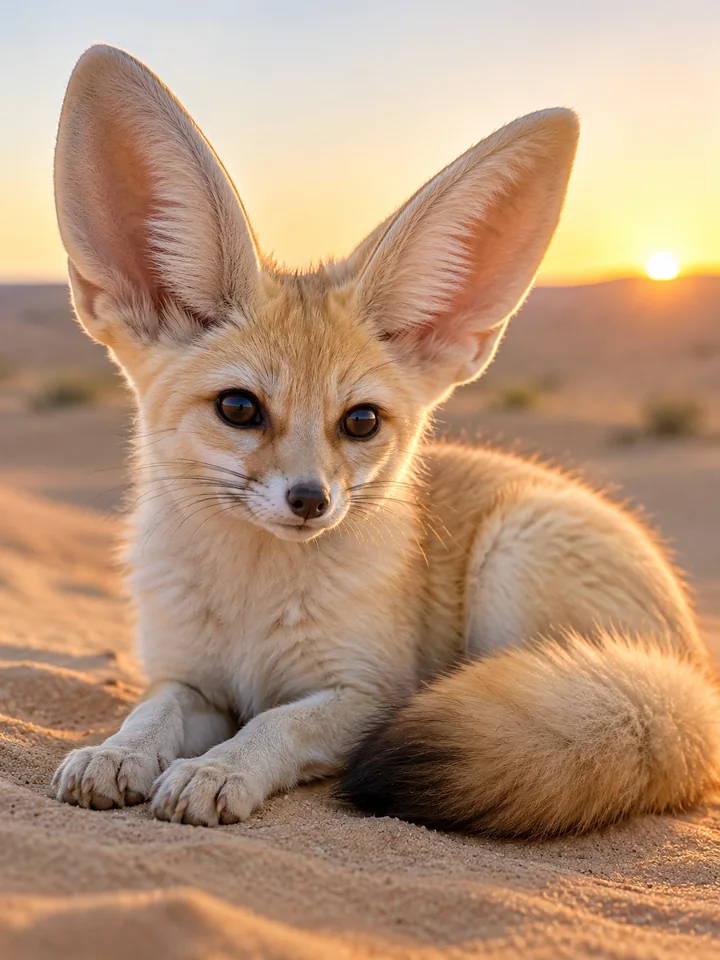
A fennec fox rests on pale desert sand, large natural ears, soft cream coat, gentle sunrise and realistic low-angle portrait lighting.
Try This Prompt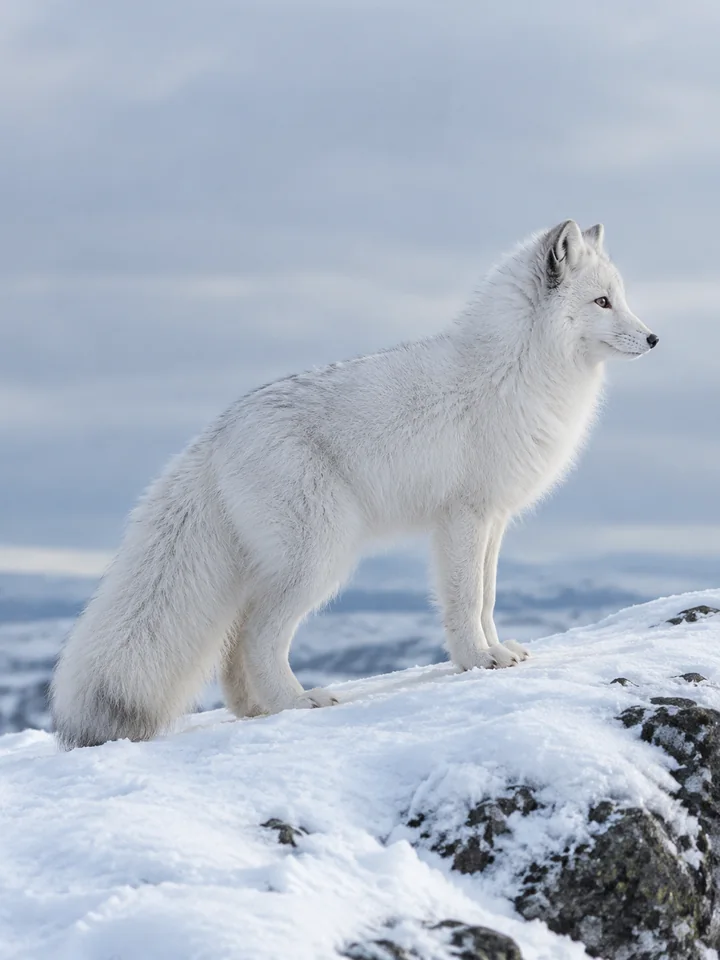 Wildlife
Show an arctic fox in a clear side profile on a snowy ridge, compact winter coat, soft gray sky and natural proportions.
Try This Prompt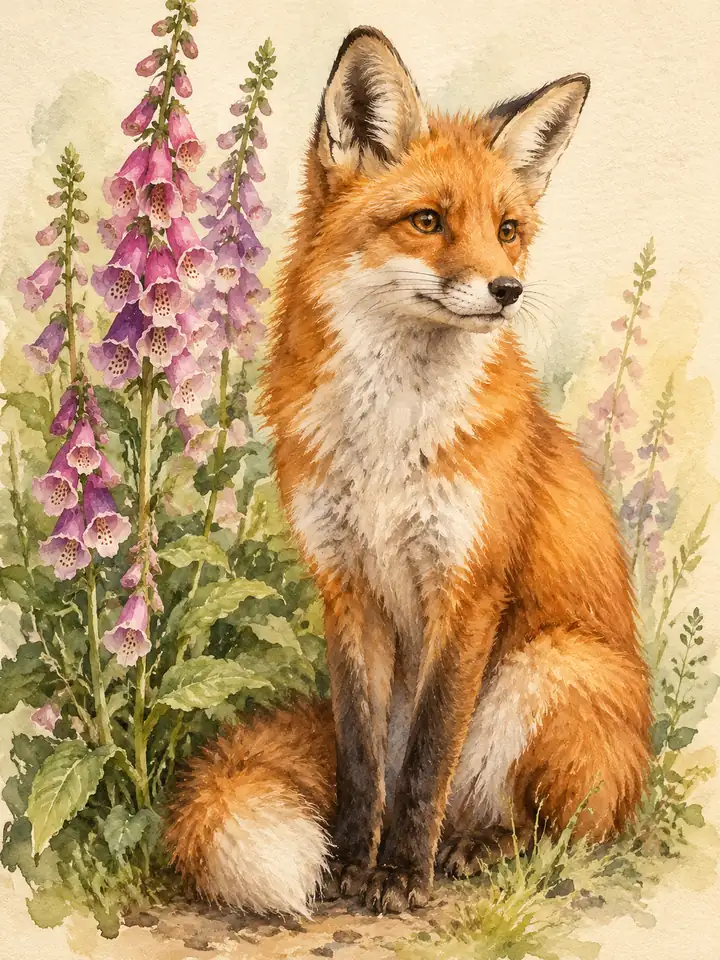 Watercolor
Paint a red fox beside loose foxglove stems, delicate watercolor washes, warm paper texture and a quiet upright three-quarter pose.
Try This Prompt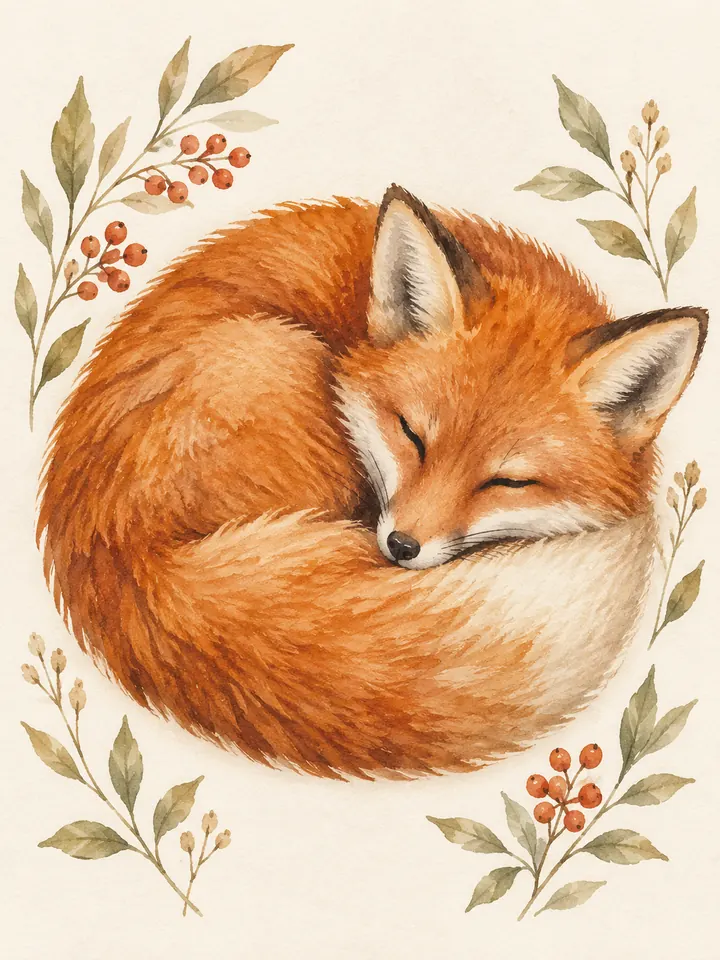 Watercolor
A curled sleeping fox with its tail tucked around the body, soft watercolor in rust and cream, simple botanical accents on ivory.
Try This Prompt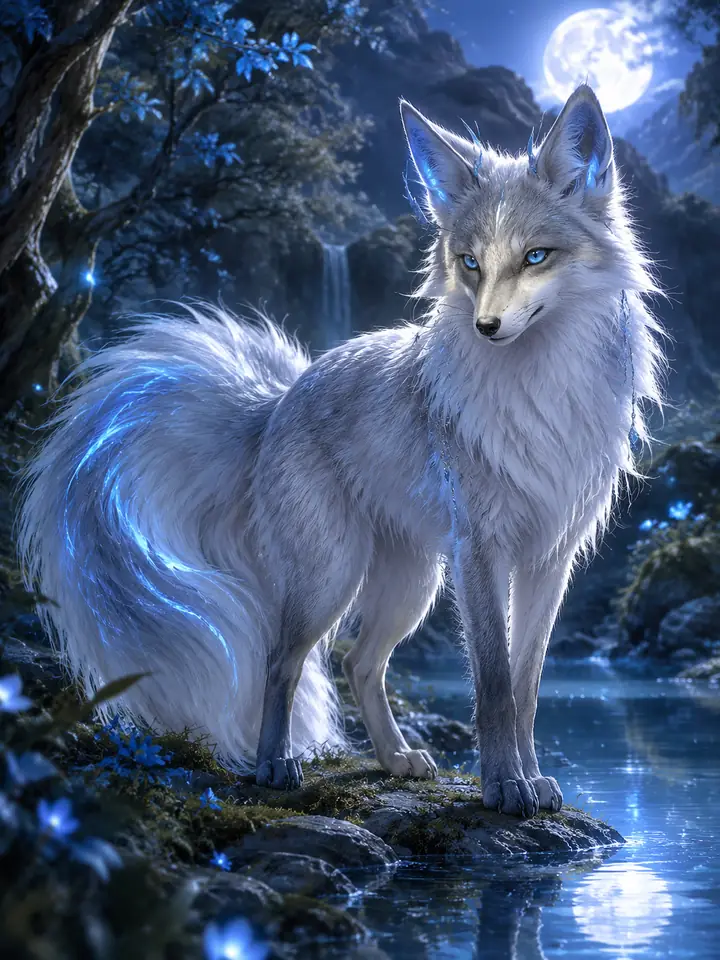 Fantasy
An original silver fox stands beside a moonlit pool, restrained blue highlights, natural tail shape and a softly painted magical forest.
Try This Prompt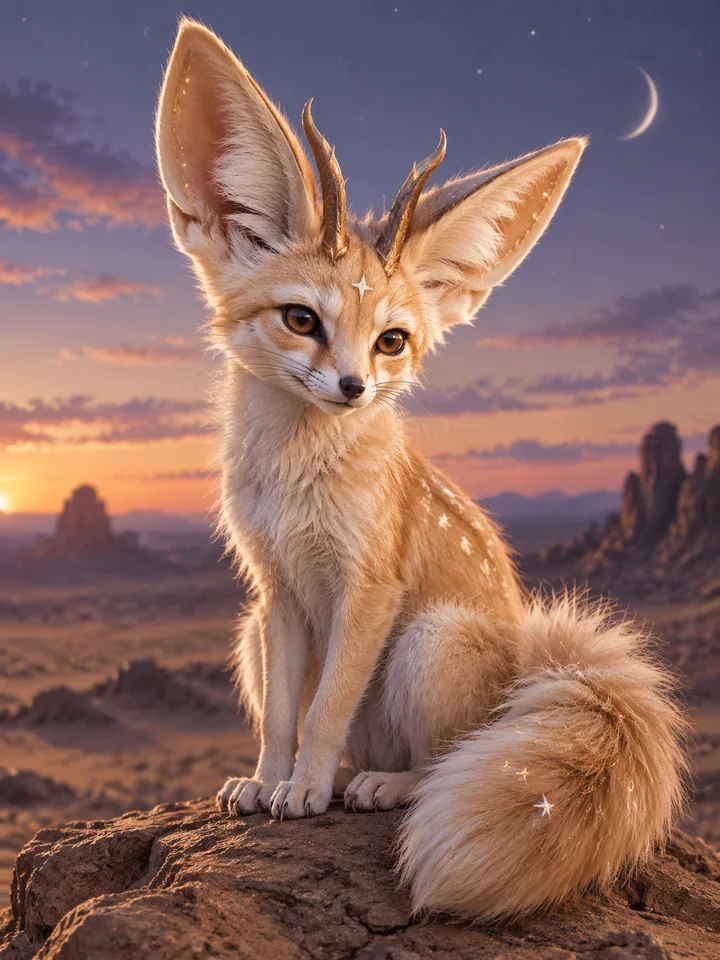 Fantasy
Create an original fennec-like fantasy fox with tiny star-like coat accents, seated on a desert rock beneath a muted twilight sky.
Try This Prompt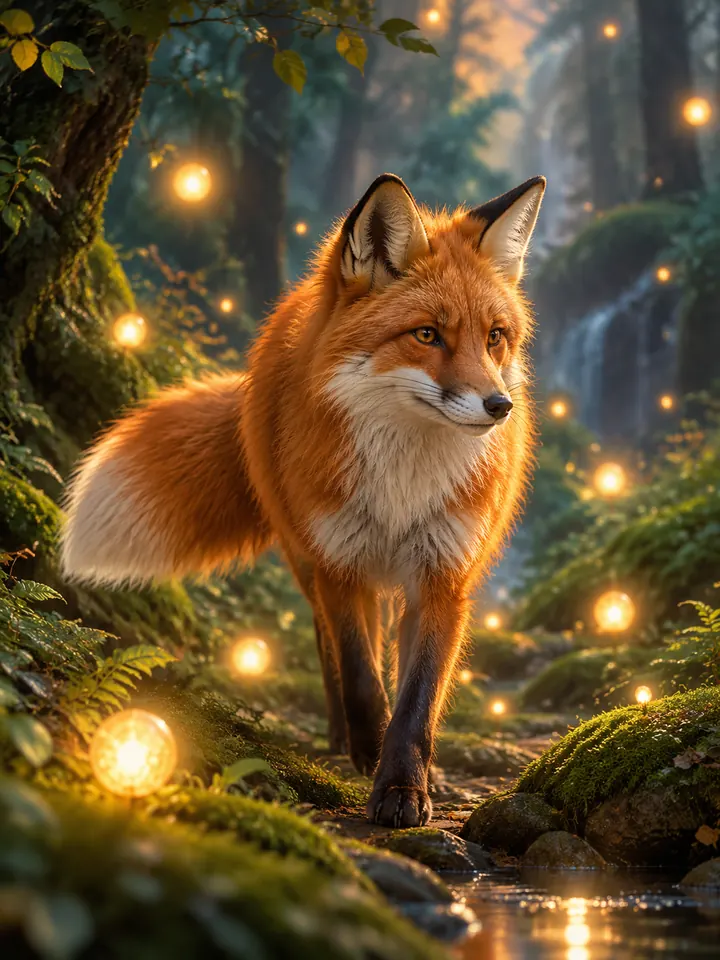 Fantasy
Illustrate an original red fox walking through floating woodland lights, gentle fantasy atmosphere, one clear tail and softly layered background foliage.
Try This Prompt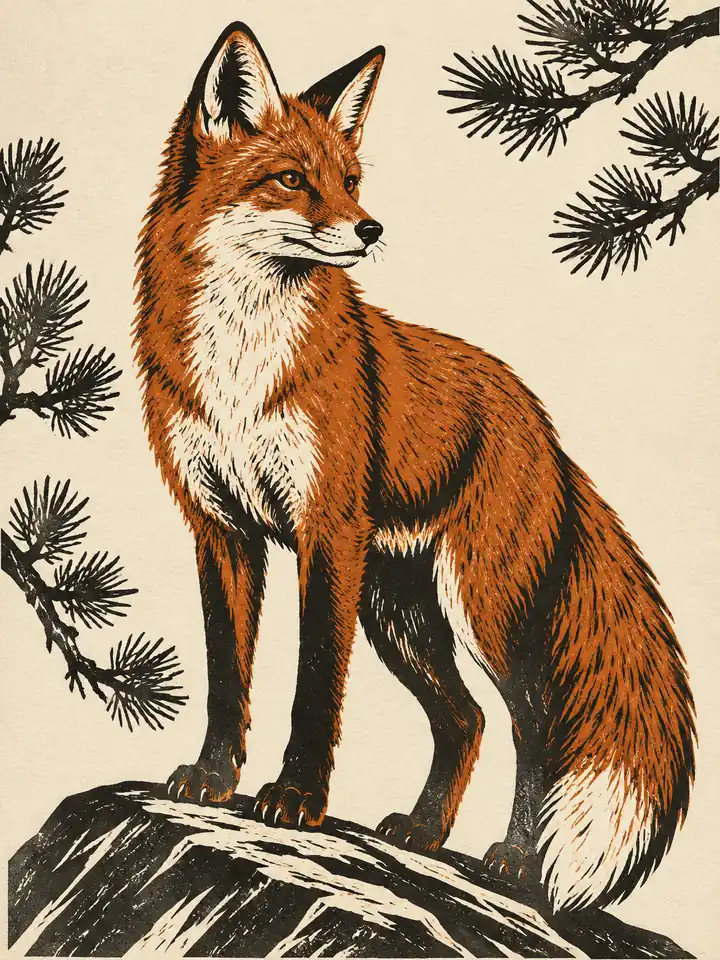 Graphic
Draw a standing fox in a bold woodcut illustration, rust and black carved shapes, sparse pine branches and a cream paper background.
Try This Prompt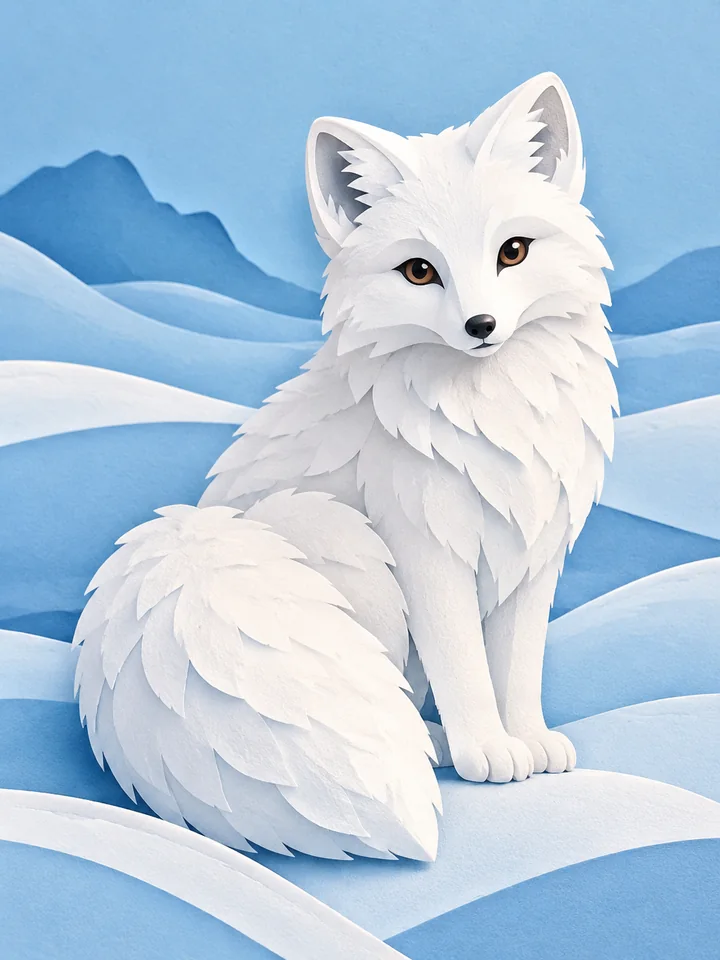 Graphic
Design a layered paper-cut arctic fox among simple blue snowdrifts, rounded clean edges, subtle paper shadows and a balanced poster composition.
Try This Prompt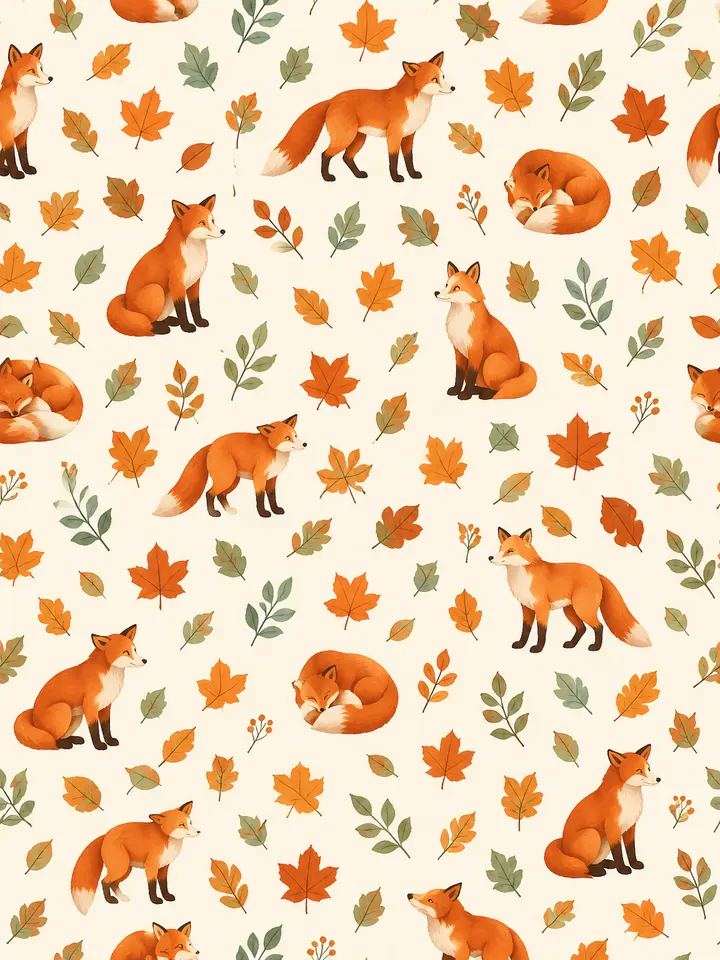 Graphic
Create a tidy repeating pattern of small fox silhouettes and autumn leaves, burnt orange and sage, consistent clean shapes without words.
Try This PromptThe ai fox image generator works best when the subject, style, and final use are clear. These choices keep the image focused while leaving room to explore original ideas.
A red fox, arctic fox, and fennec fox need different ears, coat, and proportions. State the type first, then use the style and setting to guide the visual mood.
Give the fox enough space for its full tail and ears. Side or three-quarter views can make the body clearer than a crowded scene with foliage crossing the subject.
Build a magical fox around one signature element, such as a luminous tail tip or moss-like accents. Keep the design original and inspect extra tails or added limbs carefully.
Compare visual approaches before generating. This is a creative planning guide, not measured model performance or a ranking.
| Criteria | Wildlife | Watercolor | Fantasy | Graphic |
|---|---|---|---|---|
| Prompt priority | Natural body shape and habitat | Soft washes and visible paper texture | One defining original detail | Clear silhouette and clean edges |
| Review before use | Check small details and fit for your intended project | Check small details and fit for your intended project | Check small details and fit for your intended project | Check small details and fit for your intended project |
Illustrative use cases for the ai fox image generator. These are fictional project briefs, not customer reviews, endorsements, or measured outcomes.
Create one clear subject study in the ai fox image generator, with a restrained background and enough room to inspect the silhouette.
Explore a painterly fox direction with visible brushwork, a limited palette, and a composition that leaves room for separately added text.
Use the ai fox image generator to develop a simple original visual concept, then review small details and prepare the final layout in a design editor.
General Arena preference results for a broad model reference. These are not subject-specific tests or a guarantee for GlobalGPT outputs.
| Rank | Model | Arena Rating | Votes | Rank Range | Price / Image |
|---|---|---|---|---|---|
| #1 | gpt-image-2 (medium) OpenAI / Proprietary | 1381.71 | 75014 | #1-#1 | 0 |
| #2 | mai-image-2.6-preview Microsoft AI / Proprietary | 1330.7 | 6418 | #2-#3 | - |
| #3 | grok-imagine-image-2.0 (low) SpaceXAI / Proprietary | 1315.6 | 2675 | #2-#4 | - |
| #4 | reve-2.1 Reve / Proprietary | 1301.61 | 7580 | #3-#4 | - |
Source: Arena Leaderboard
Try red, arctic, fennec, gray, or silver fox directions. Use coat, ear shape, and environment cues, then check the result because generated images can blend species traits.
Yes. Describe an original fox spirit or character with a limited palette, a readable pose, and one defining feature. Avoid overloading the prompt with incompatible styles or too many magical accessories.
Ask for a narrow fox muzzle, pointed ears, slender legs, and a bushy tail. Keep the animal clearly visible and remove collars or pet-dog expressions unless those are intentional design choices.
It can explore graphic fox concepts, but a generated raster image is not automatically a transparent, editable vector logo. Check the actual output and complete production artwork in an appropriate design editor.
Yes. Start with a short example direction, then change the fox type, palette, or setting. The result depends on the model and prompt; check current trial access in the model selector.