

Focused controls
Keep prompt, style, ratio, and quality choices together in one workflow.
Prompt Guide
Model
Reference Image
Turn a clear idea into polished family portrait generator visuals with practical controls and reusable styles.
Explore reusable directions before you generate.
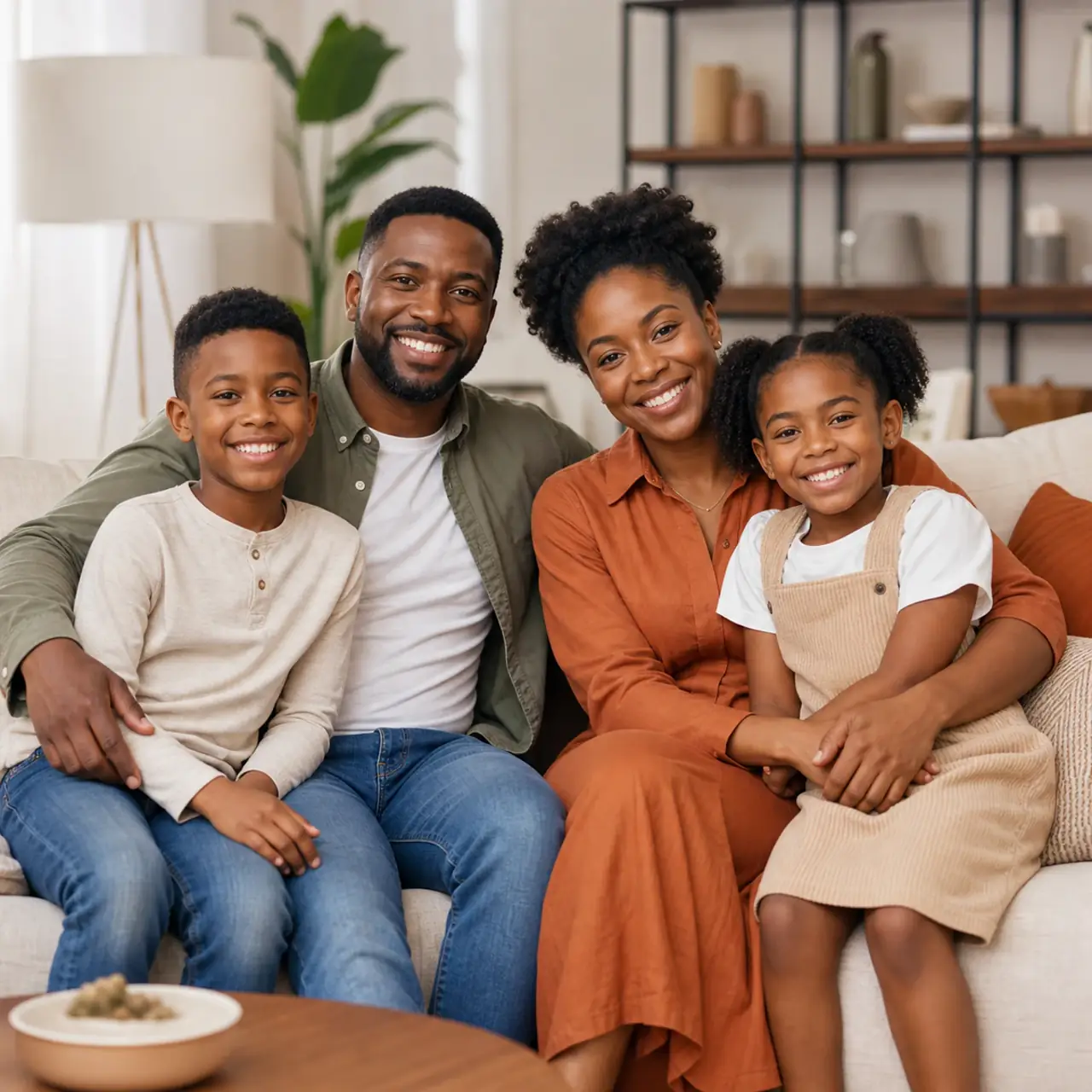
Featured resultThree-generation family sitting together in a bright living room, warm daylight, relaxed poses, natural skin tones.
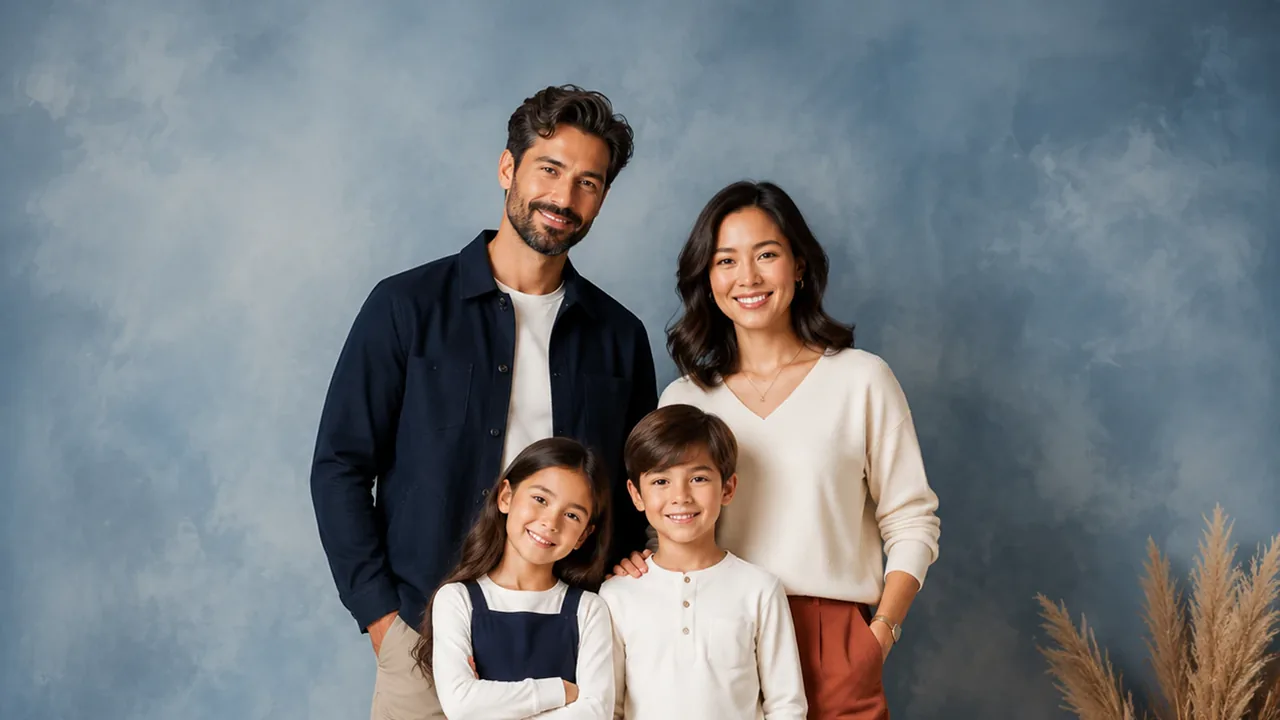
Try This StyleFeatured resultFamily of four posing against a seamless grey studio backdrop, coordinated neutral outfits, soft key light.
Try This Style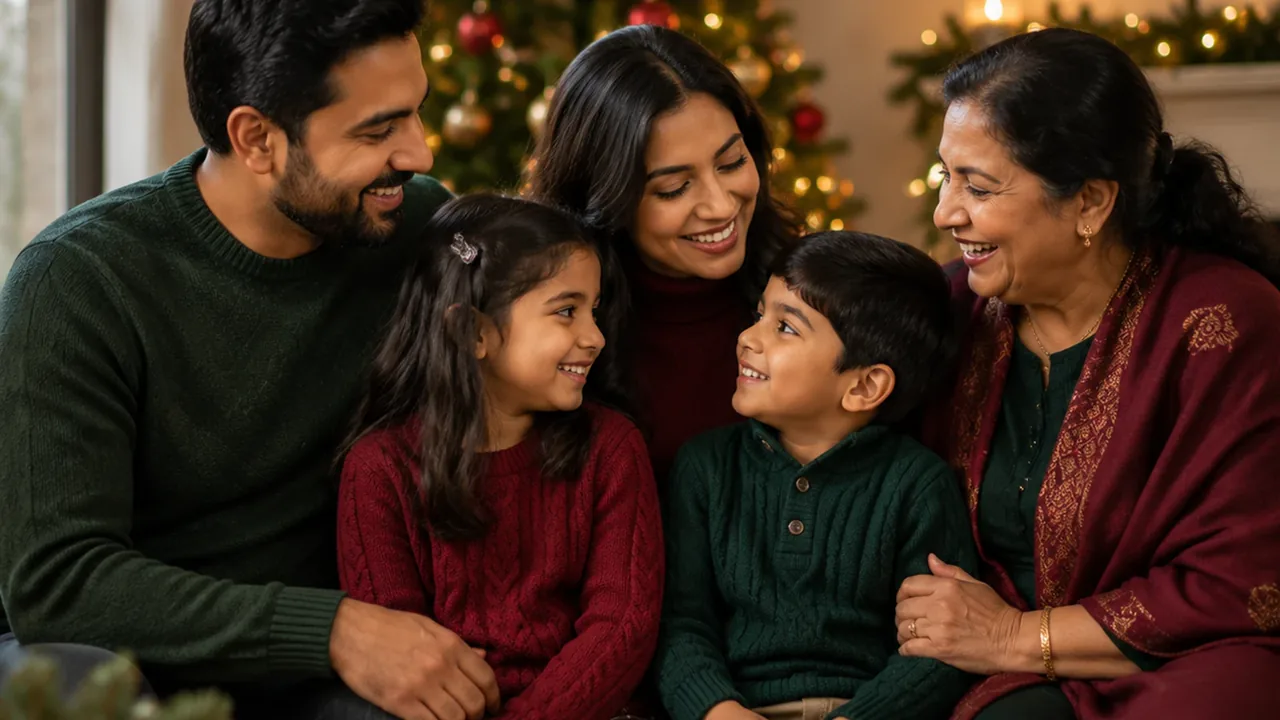 Featured result
Large family gathered around a holiday table with warm lamps and decorations, candid laughter.
Try This Style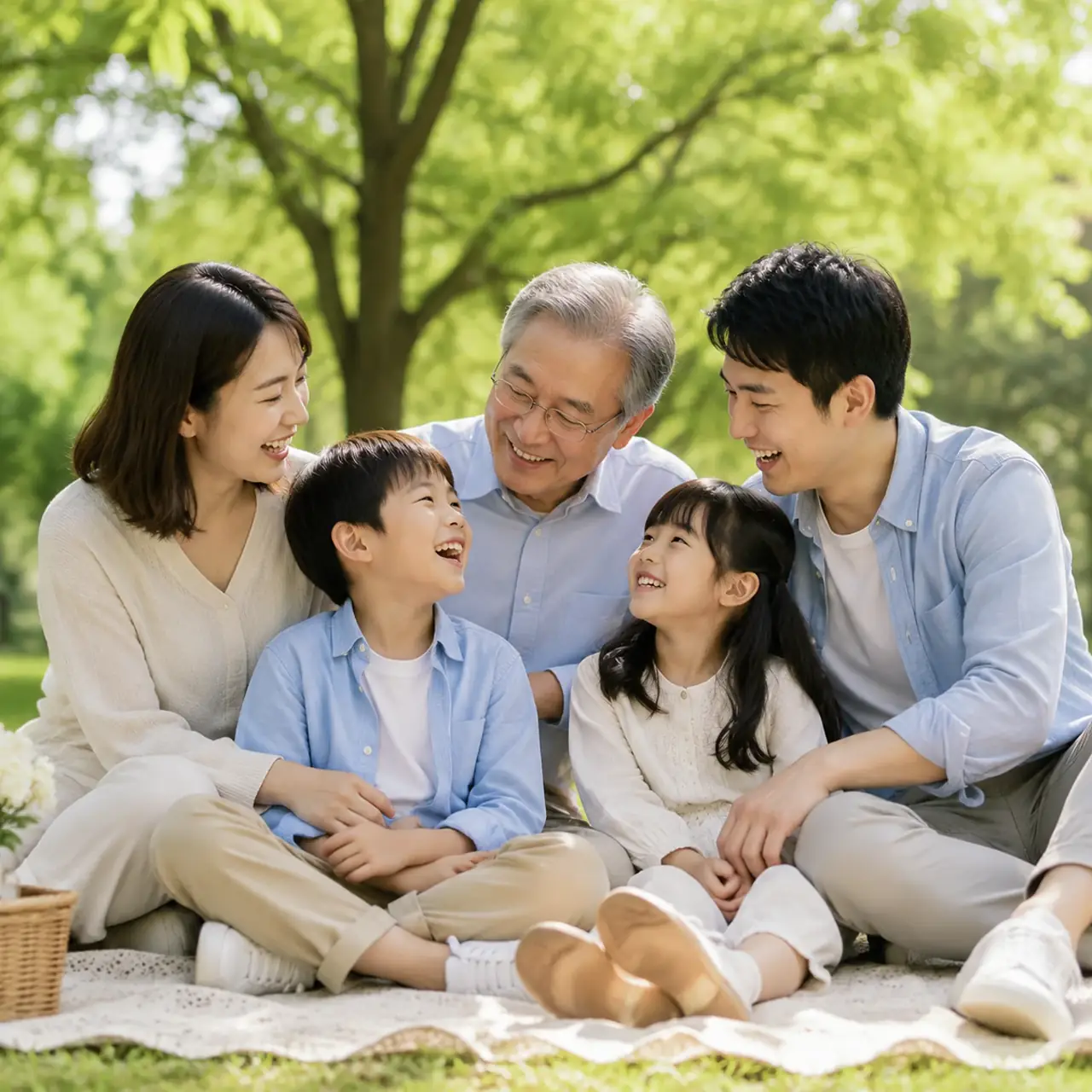 Featured result
Family of five picnicking on a green lawn under trees, basket and blanket, afternoon sun.
Try This Style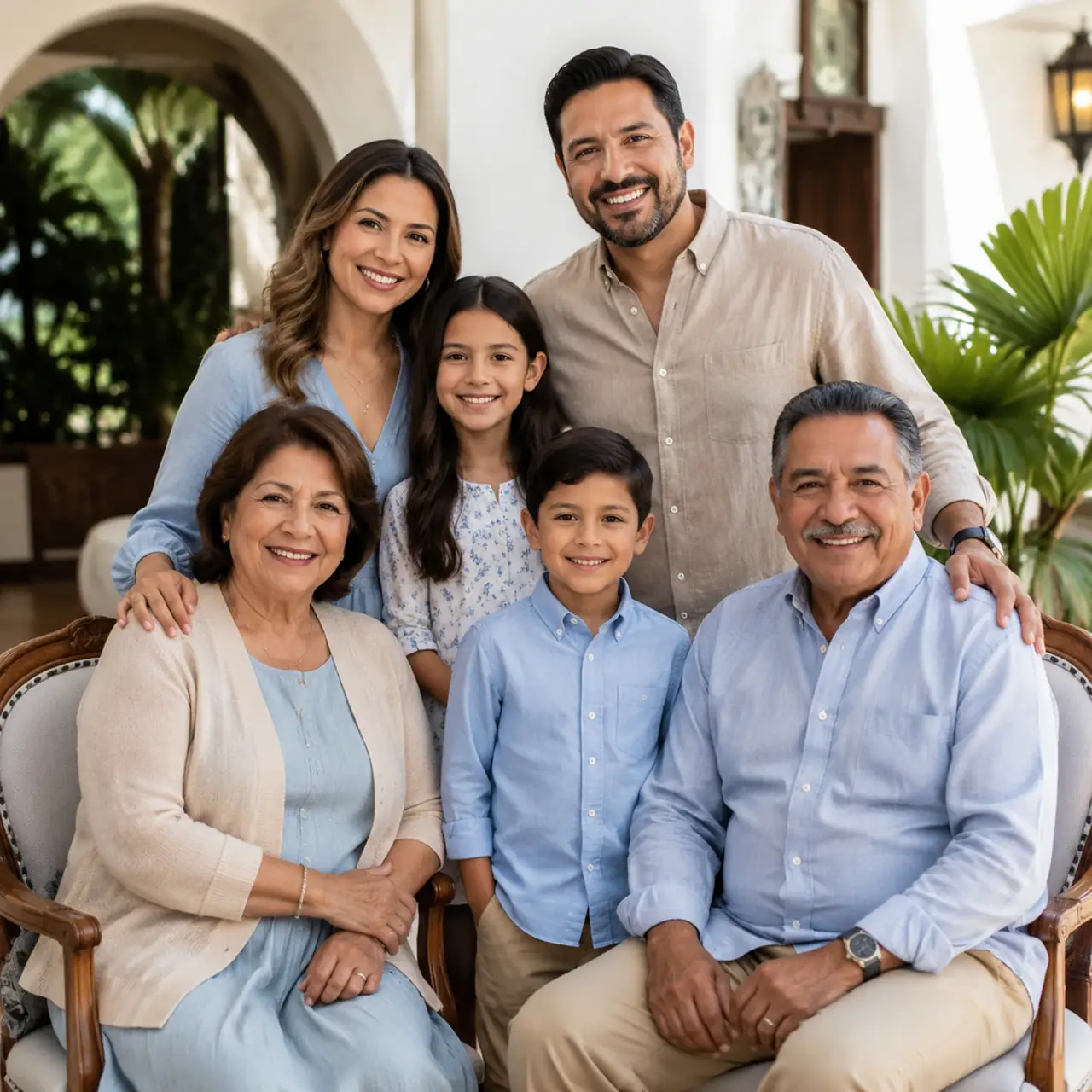 Featured result
Eight family members standing in two rows in a garden, soft overcast light, relaxed smiles.
Try This Style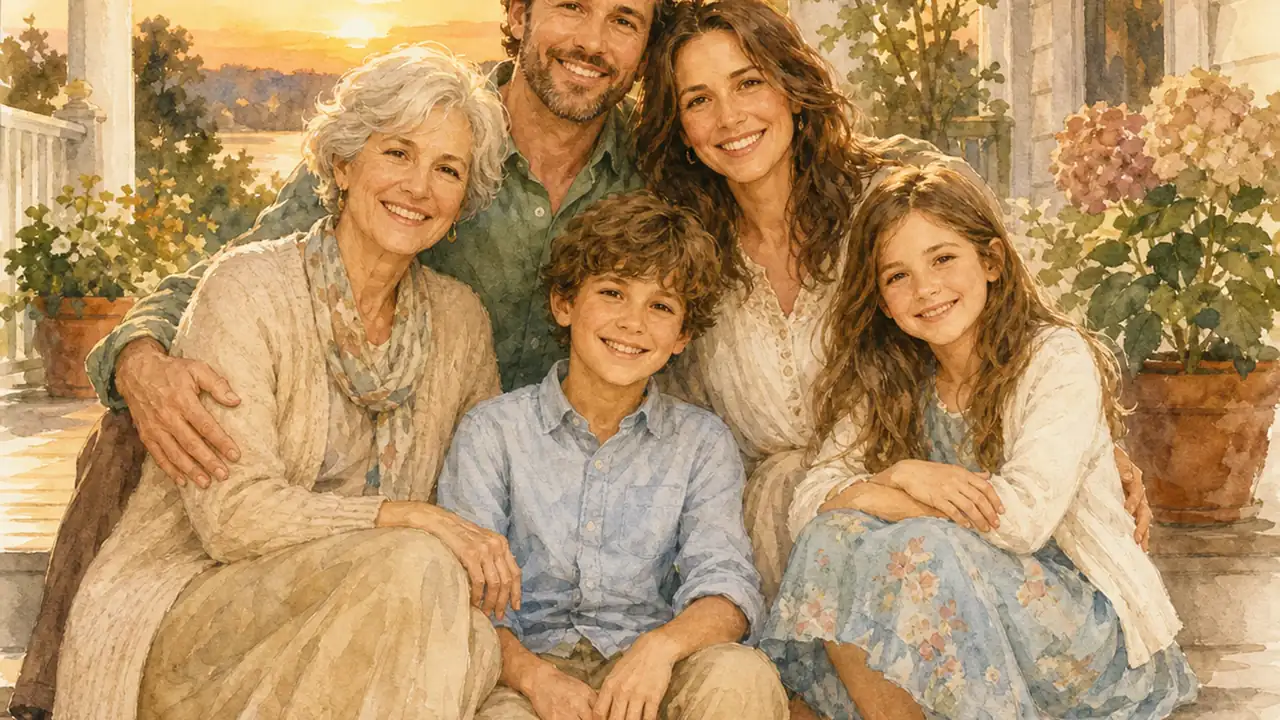 Featured result
Family sharing dinner around a wooden table, overhead warm light, hands and plates in motion.
Try This Style Featured result
Family walking hand in hand across a sunlit lawn, long shadows, golden hour.
Try This Style Featured result
Wedding party group portrait on stone steps, formal attire, soft directional light.
Try This Style Featured result
Two young children sitting side by side in warm window light, shallow depth of field, gentle expressions.
Try This StyleKeep prompt, style, ratio, and quality choices together in one workflow.
Start from proven examples and adjust the details for your own result.
Compare enabled models without rebuilding the whole workflow.
State the subject, style, mood, and key details for your ai family portrait generator output.
Pick a starting example, ratio, and model that match your intended use.
Review the result, adjust the prompt, and generate another version when needed.
The examples made it easier to start my ai family portrait generator project.
I liked keeping the main controls together instead of switching between tools.
The focused workflow helped me compare a few directions quickly.
AI Family Portrait Generator helps you create focused results from a prompt and reusable visual directions.
Yes. Start from an example, change the prompt and controls, then generate another direction.
Choose the ratio that matches where you will use the result, such as social, portrait, or widescreen content.
The workspace exposes enabled models so you can compare available workflows before generating.