

A body plan you can read
Choose whether the creature is four-legged with separate wings, a two-legged wyvern, or a wingless serpentine dragon. Explicit structure gives the model a clearer starting point.
Prompt Guide
Model
Reference Image
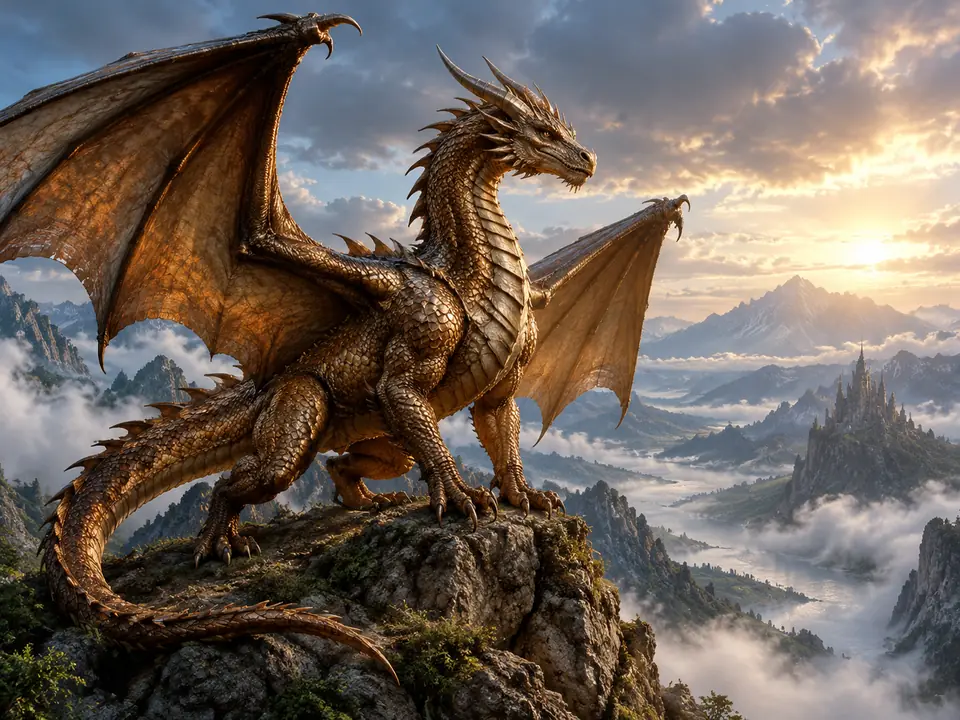
Create a winged mountain guardian, a flowing storm dragon, or a gentle hatchling. Define the body plan, horns, and wings before adding scales and elemental effects, giving every creature a clear identity.
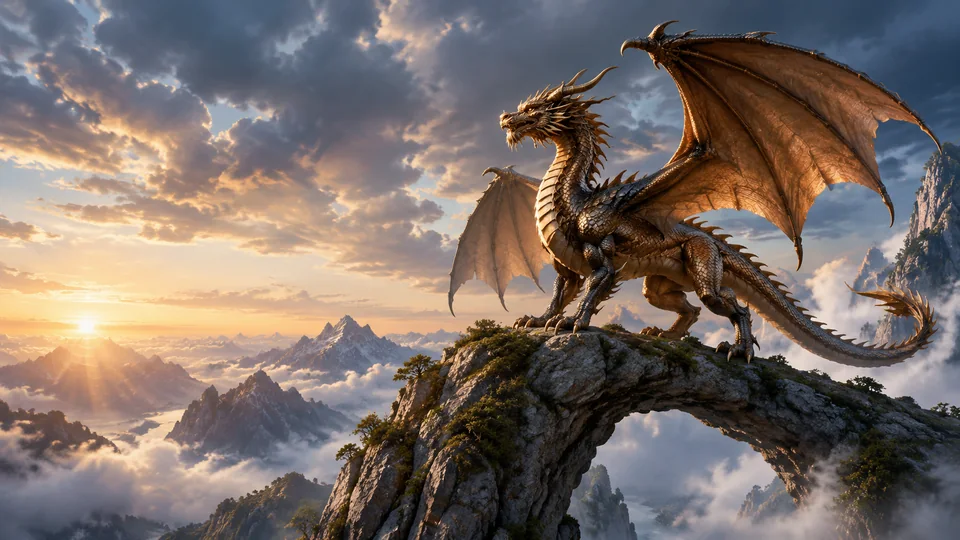
Choose one idea, keep the prompt focused, and inspect the details before using the result.
Pick a starting style in the ai dragon image generator. Describe the main subject, pose, and intended use before adding background detail. Keep a small number of visual decisions so the result has one clear focus.
Choose the current image model and aspect ratio, then adapt one of the short prompts. Choose a western dragon, a serpentine dragon, an elemental guardian, or a stylized hatchling. Keep the body plan explicit and the pose readable before you expand the world around it.
Check where every wing and limb joins the body, whether the tail stays continuous, and whether horns duplicate unexpectedly. A dramatic background should not hide a broken silhouette. If the result misses the brief, change one detail at a time. Check the current account and model access before generating again.
Browse distinct directions for the ai dragon image generator, from a focused subject study to a more stylized concept. Each short prompt starts a different composition; sample artwork does not guarantee the same output.
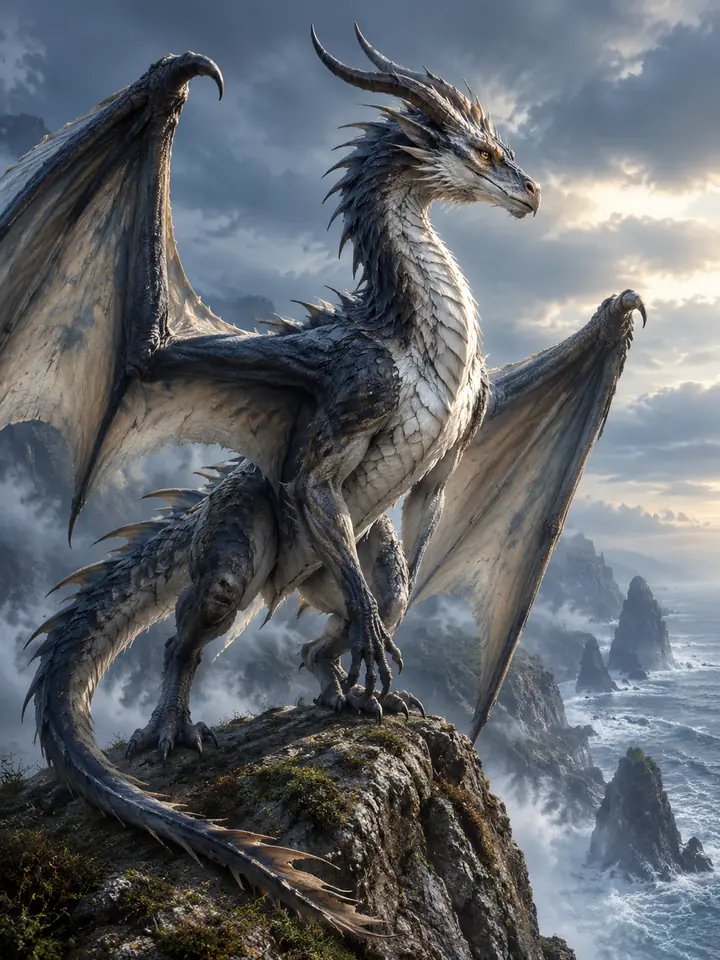 Winged Dragons
A winged storm-gray dragon perches on a coastal cliff, clear limbs and sweeping wings, sea mist and restrained cinematic fantasy lighting.
Try This Prompt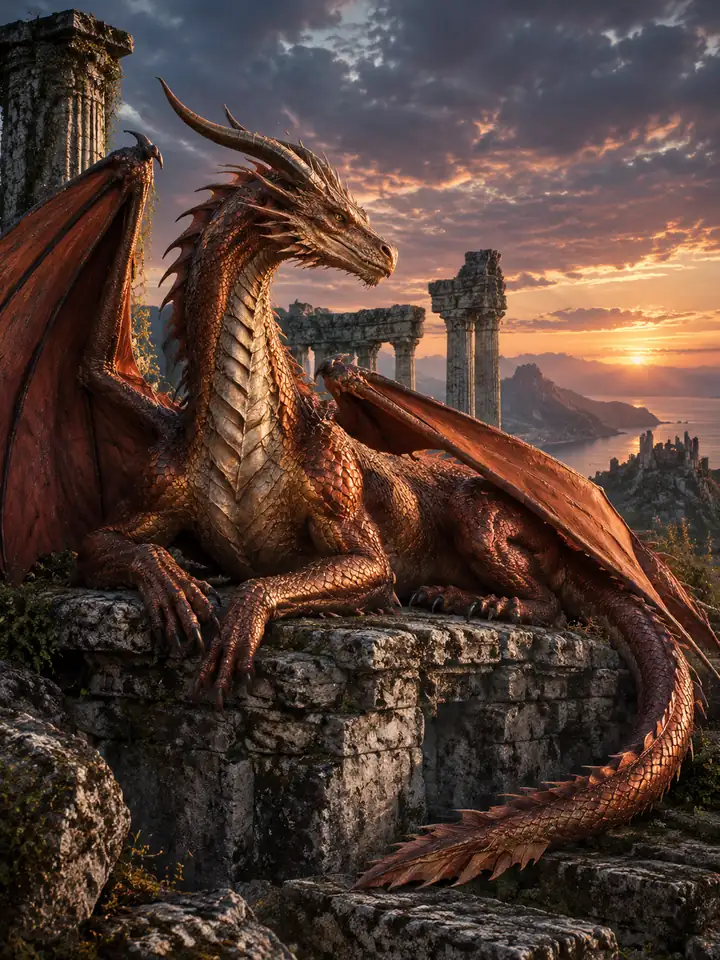 Winged Dragons
Show an original copper dragon resting across ancient stone ruins, four legs and two wings clearly arranged, dusk light and weathered textures.
Try This Prompt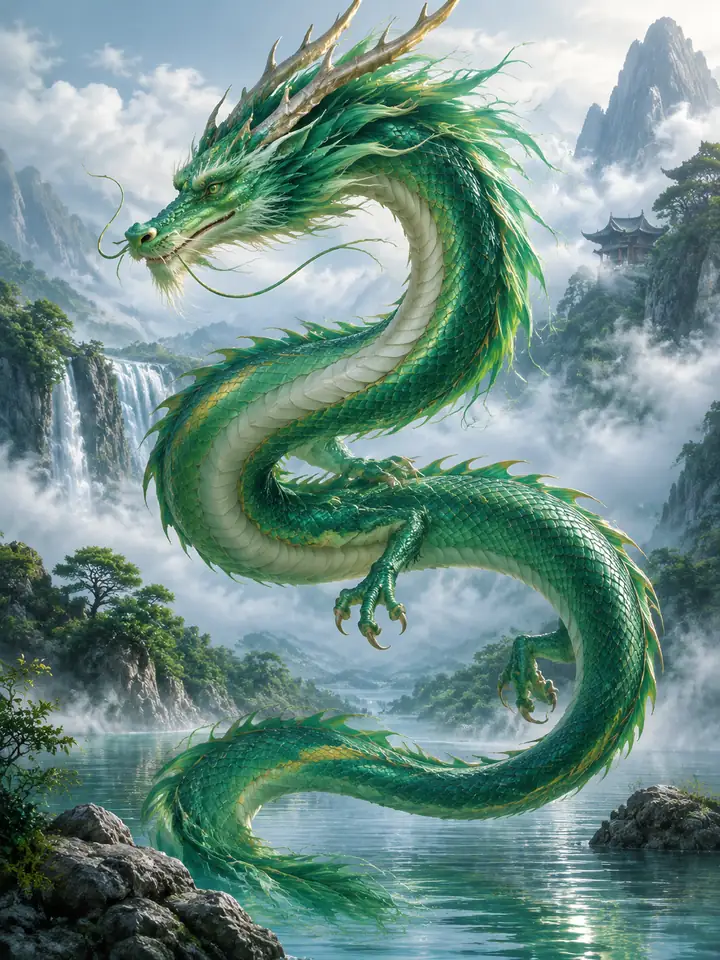 Serpentine Dragons
An original emerald wingless dragon curves above a calm river, one continuous body and tail, soft mist and elegant fantasy illustration.
Try This Prompt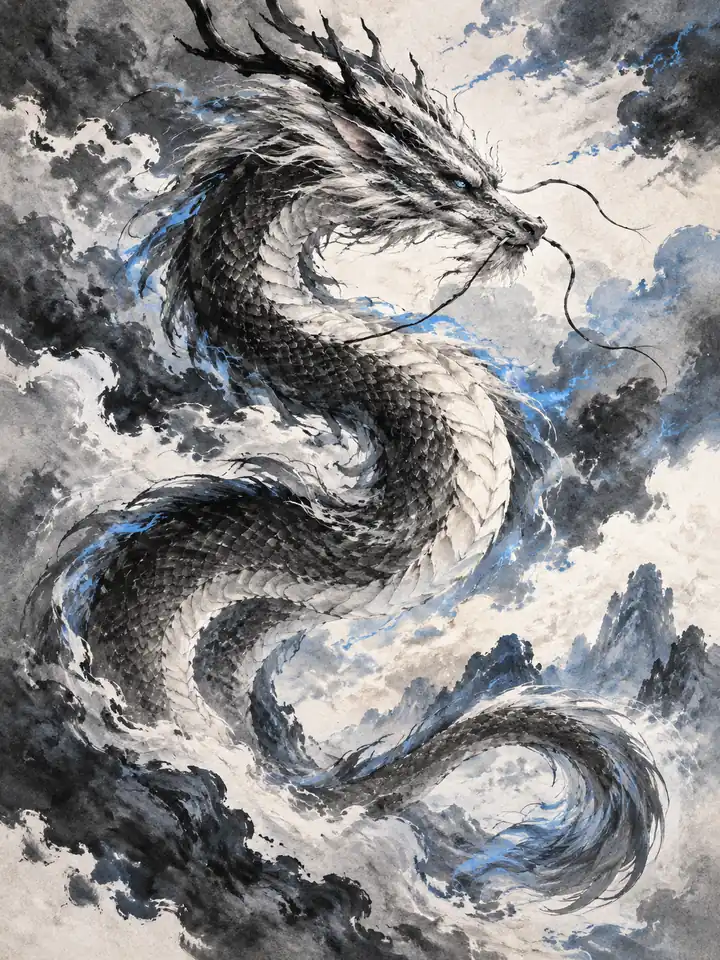 Serpentine Dragons
Create a long wingless storm dragon in expressive black ink, sweeping cloud shapes, restrained blue accents and clear breathing room on textured paper.
Try This Prompt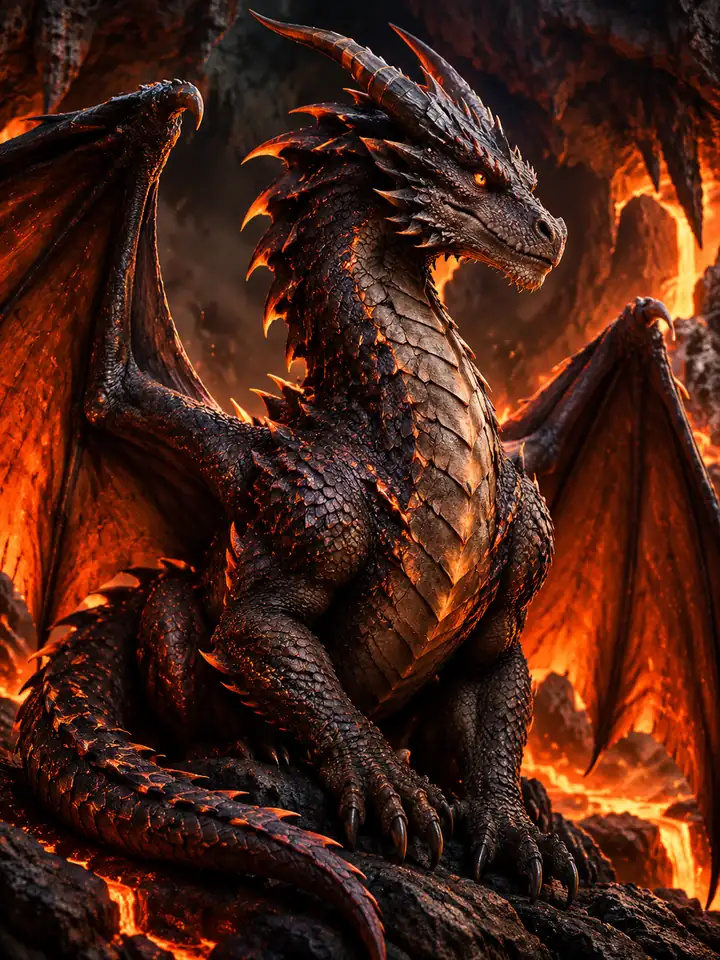 Elemental Guardians
An original charcoal dragon rests in a volcanic cavern, subtle ember scales, visible face and wing joints, controlled orange glow and dark stone.
Try This Prompt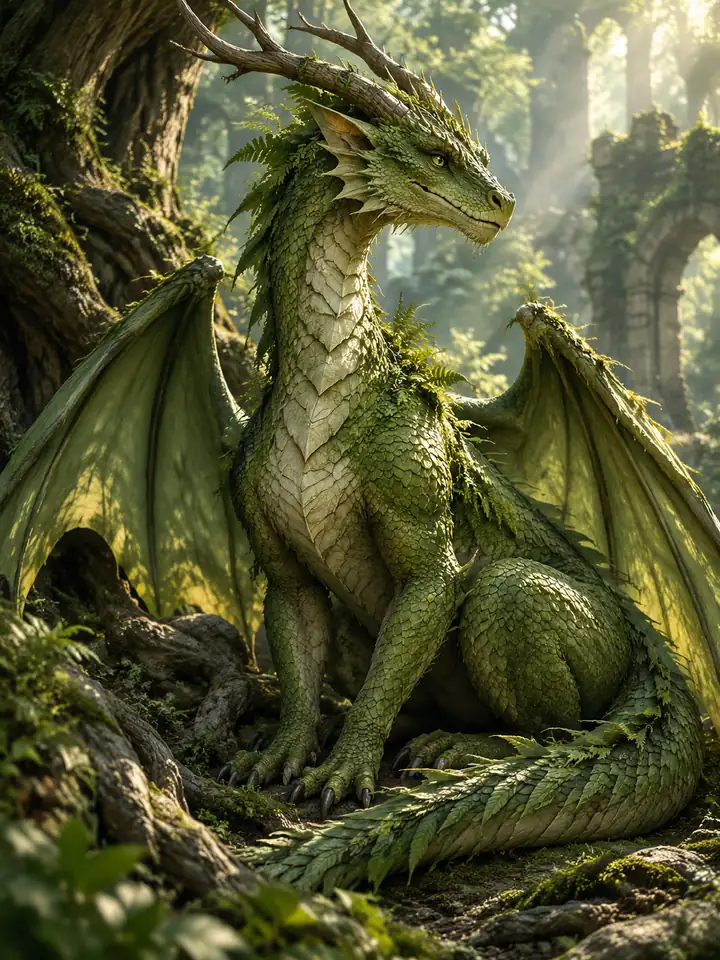 Elemental Guardians
Design an original forest dragon with moss-green scales and small fern accents, seated among ancient roots, one readable body and gentle filtered light.
Try This Prompt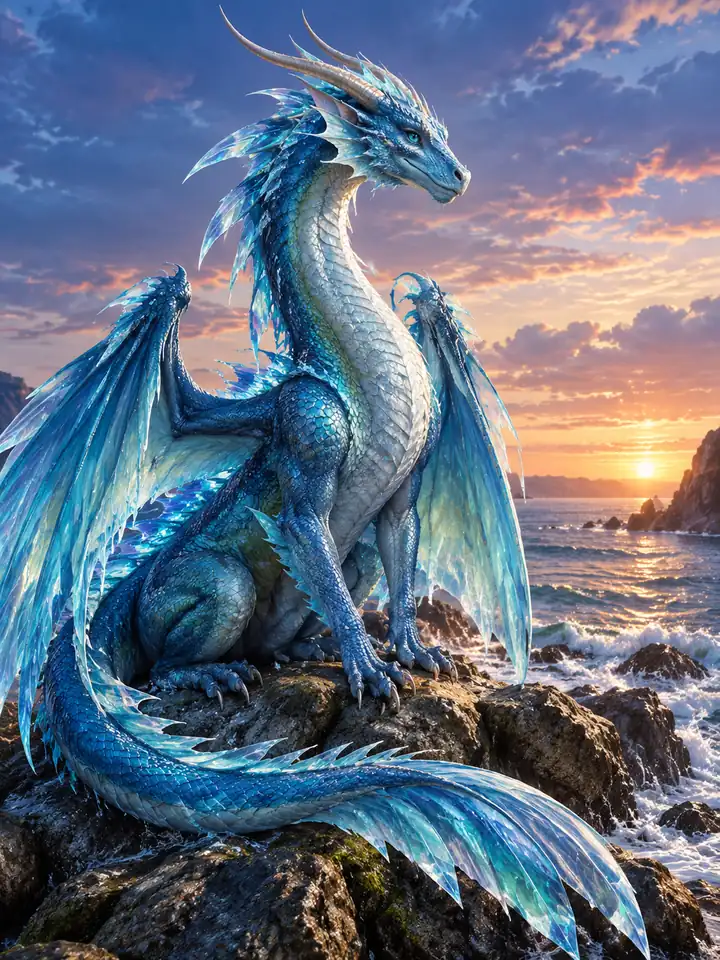 Elemental Guardians
Create an original sea-blue dragon on a tidal rock, restrained crystalline fins, clear continuous tail and softly painted coastal twilight.
Try This Prompt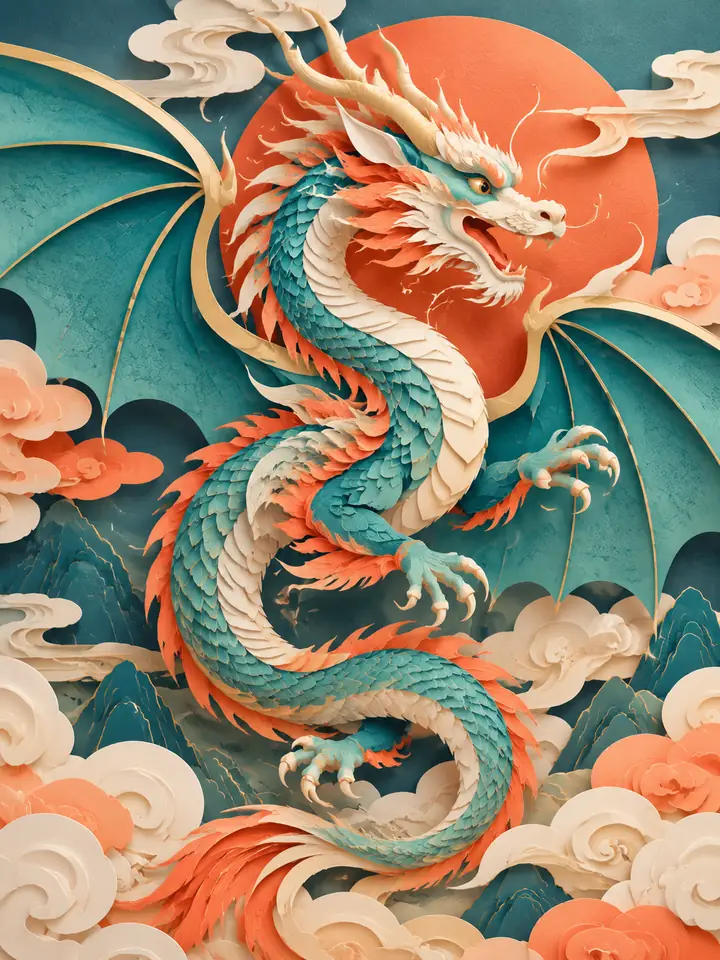 Stylized Dragons
Design an original paper-cut dragon with rounded teal wings, warm coral accents and layered cloud shapes, clean shadows and no lettering.
Try This Prompt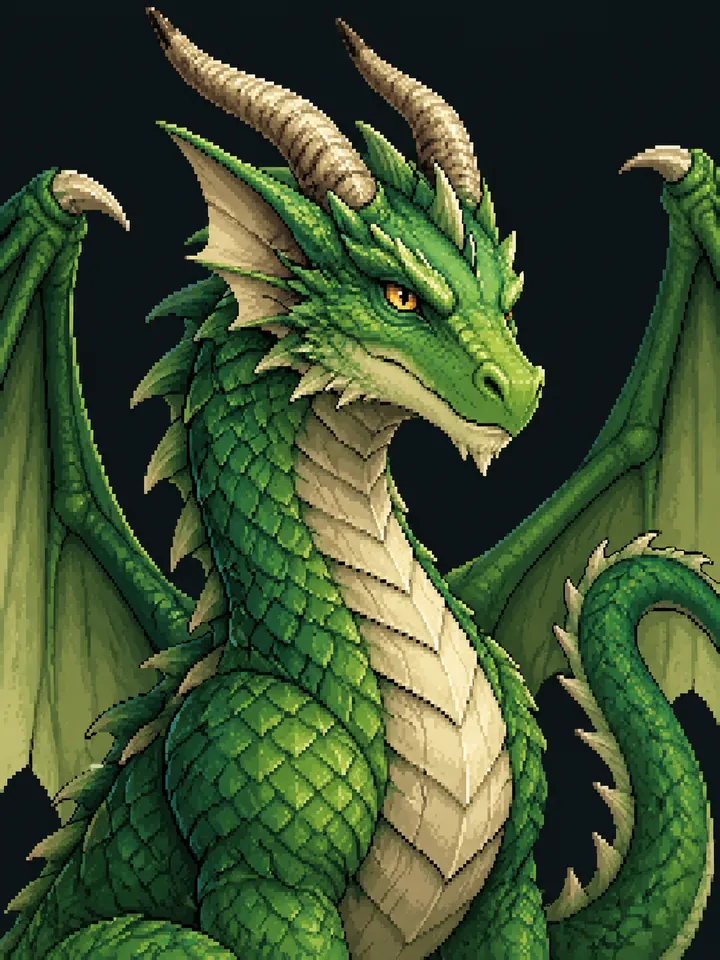 Stylized Dragons
Create a compact original dragon portrait in crisp pixel art, green scales, two clear horns, readable eyes and a simple dark background.
Try This Prompt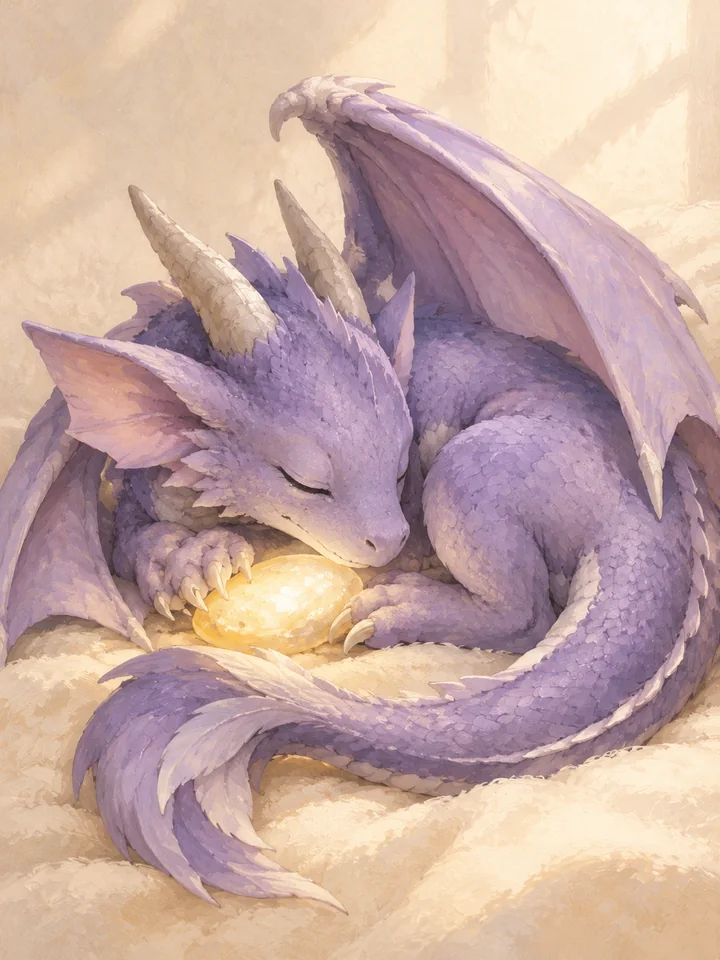 Stylized Dragons
Paint a sleepy original lavender dragon curled beside a glowing pebble, soft gouache texture, clearly arranged wings and a cozy cream background.
Try This PromptThe ai dragon image generator works best when the subject, style, and final use are clear. These choices keep the image focused while leaving room to explore original ideas.
Choose whether the creature is four-legged with separate wings, a two-legged wyvern, or a wingless serpentine dragon. Explicit structure gives the model a clearer starting point.
Use frost, ember, storm, or forest accents as a controlled palette and material direction. Keep one dominant element so glowing effects do not hide the face or wing joints.
Define a role such as guardian, companion, or ancient scholar, then add a habitat that explains its scale. Keep a short character brief for later images, while checking every output for drift.
Compare visual approaches before generating. This is a creative planning guide, not measured model performance or a ranking.
| Criteria | Winged Dragons | Serpentine Dragons | Elemental Guardians | Stylized Dragons |
|---|---|---|---|---|
| Prompt priority | Explicit limb and wing attachments | A continuous readable body | One element and a clear silhouette | Consistent shapes and friendly detail |
| Review before use | Check small details and fit for your intended project | Check small details and fit for your intended project | Check small details and fit for your intended project | Check small details and fit for your intended project |
Illustrative use cases for the ai dragon image generator. These are fictional project briefs, not customer reviews, endorsements, or measured outcomes.
Create one clear subject study in the ai dragon image generator, with a restrained background and enough room to inspect the silhouette.
Explore a painterly dragon direction with visible brushwork, a limited palette, and a composition that leaves room for separately added text.
Use the ai dragon image generator to develop a simple original visual concept, then review small details and prepare the final layout in a design editor.
General Arena preference results for a broad model reference. These are not subject-specific tests or a guarantee for GlobalGPT outputs.
| Rank | Model | Arena Rating | Votes | Rank Range | Price / Image |
|---|---|---|---|---|---|
| #1 | gpt-image-2 (medium) OpenAI / Proprietary | 1381.71 | 75014 | #1-#1 | 0 |
| #2 | mai-image-2.6-preview Microsoft AI / Proprietary | 1330.7 | 6418 | #2-#3 | - |
| #3 | grok-imagine-image-2.0 (low) SpaceXAI / Proprietary | 1315.6 | 2675 | #2-#4 | - |
| #4 | reve-2.1 Reve / Proprietary | 1301.61 | 7580 | #3-#4 | - |
Source: Arena Leaderboard
Yes. Specify a four-legged winged dragon, a two-legged wyvern, or a wingless serpentine dragon. Keep the limb and wing counts clear, then inspect the generated anatomy.
Describe the creature’s role, palette, horns, body plan, and one distinctive feature. Reuse that short brief for later images, but expect some variation rather than exact character consistency.
Use a readable side or three-quarter pose and avoid tangled combat scenes. Ask for clearly attached wings and one continuous tail, then inspect overlaps rather than accepting dramatic lighting as proof of correct structure.
It produces raster imagery and concept art. It does not create a rigged model, mesh, animation-ready character, or guaranteed orthographic reference sheet.
Yes. Choose one visual direction at a time, such as a painted mountain guardian or a rounded storybook hatchling. Start with a focused prompt, then adjust the mood or setting without changing every feature at once.