

Clear Visual Starting Points
Begin with curated ai doll generator directions instead of an empty prompt box.
Create original doll portraits and collectible concepts with expressive styling, hair, wardrobe and setting directions. Begin with a curated visual direction, then refine one choice at a time.
Create a Visual
Prompt Guide
Model
Reference Image
Move from a clear starting direction to a reviewed result in three focused steps.
Pick one of four ai doll generator presets or describe one focused outcome in your own words.
Define the subject, style, composition, lighting and details that must remain unchanged.
Check faces, hands, geometry, edges, continuity and unwanted artifacts. Change one variable at a time.
Explore distinct directions and adapt their prompts to your own project.
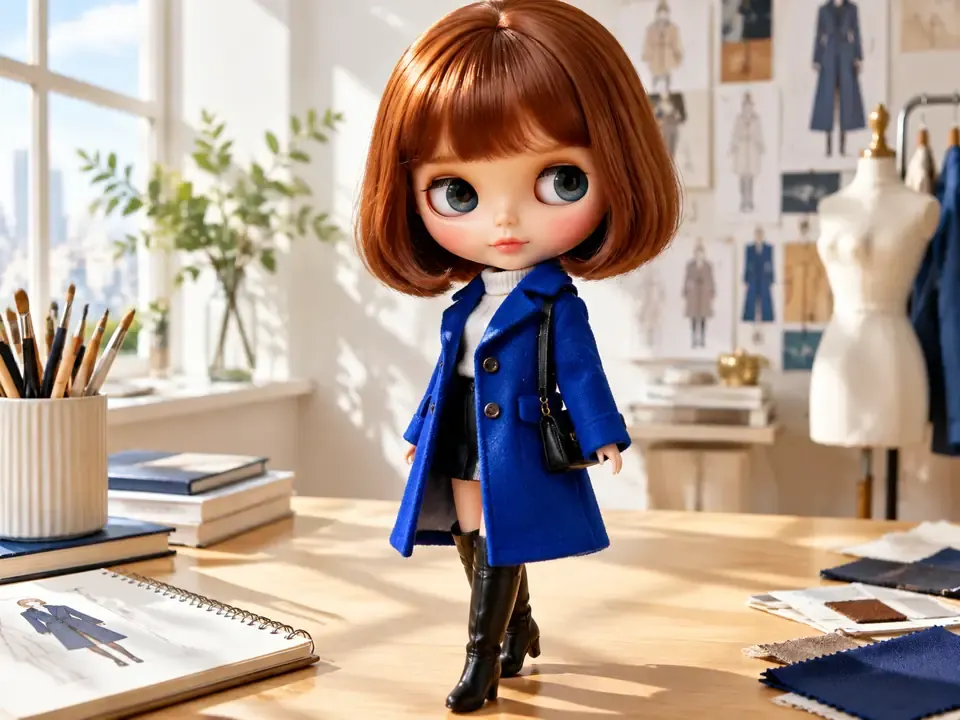
 Portraits
ai doll generator doll example blythe portrait 1 direction in 3:4 portrait: clear focal subject, polished composition, useful lighting and texture, no readable text, logo or watermark.
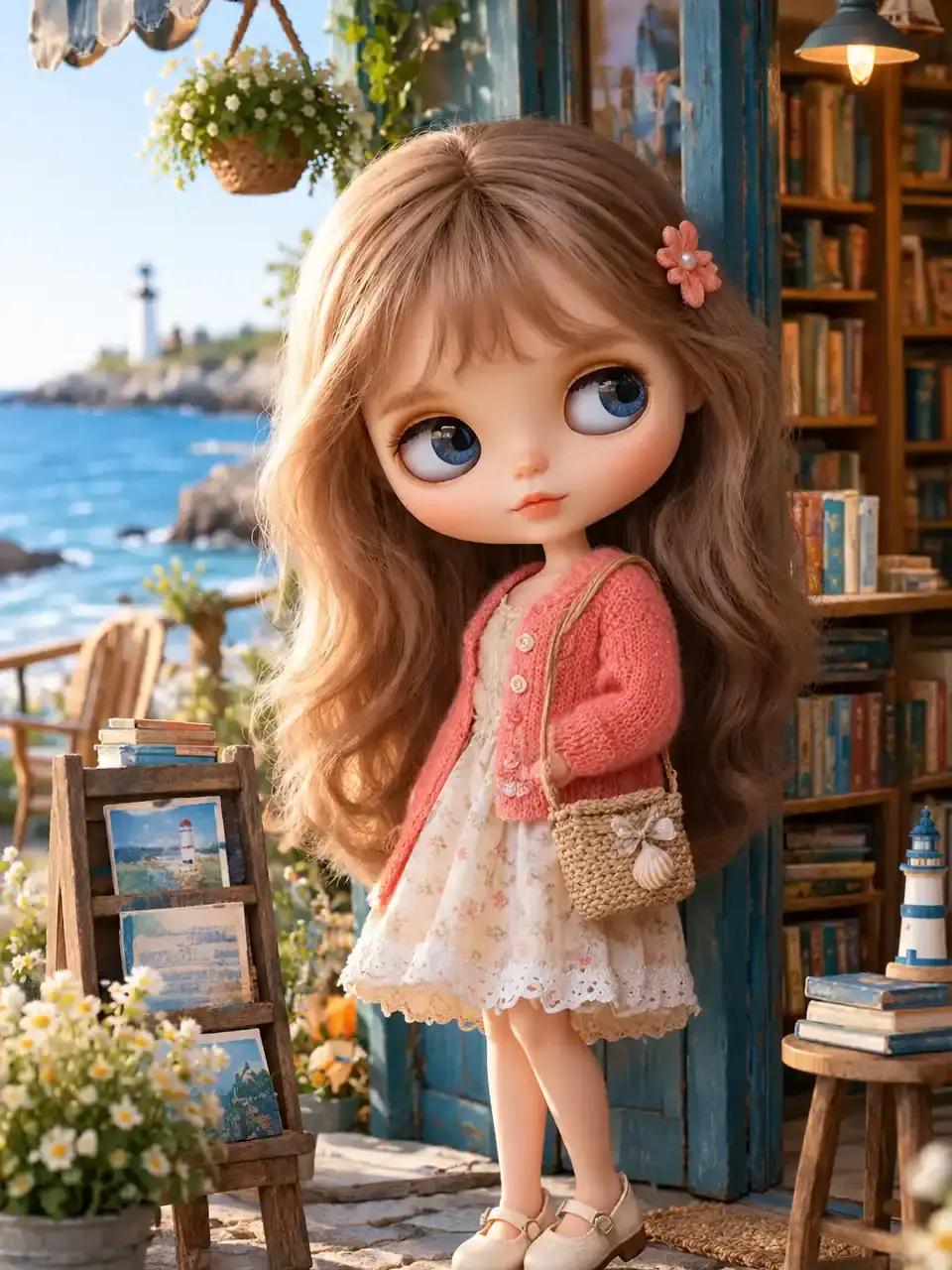
Try This Direction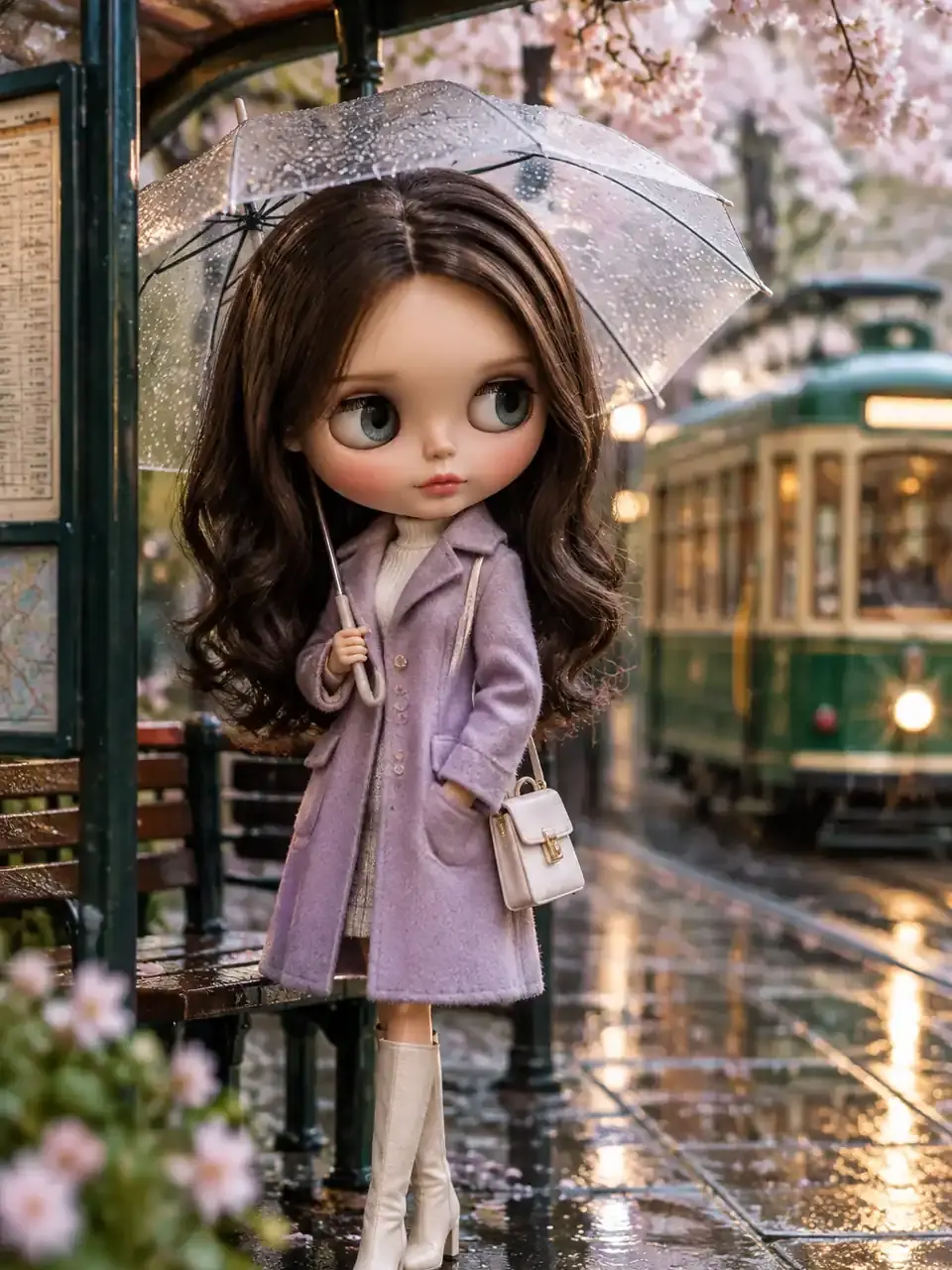 Editorial
ai doll generator doll example blythe portrait 2 direction in 3:4 portrait: clear focal subject, polished composition, useful lighting and texture, no readable text, logo or watermark.
Try This Direction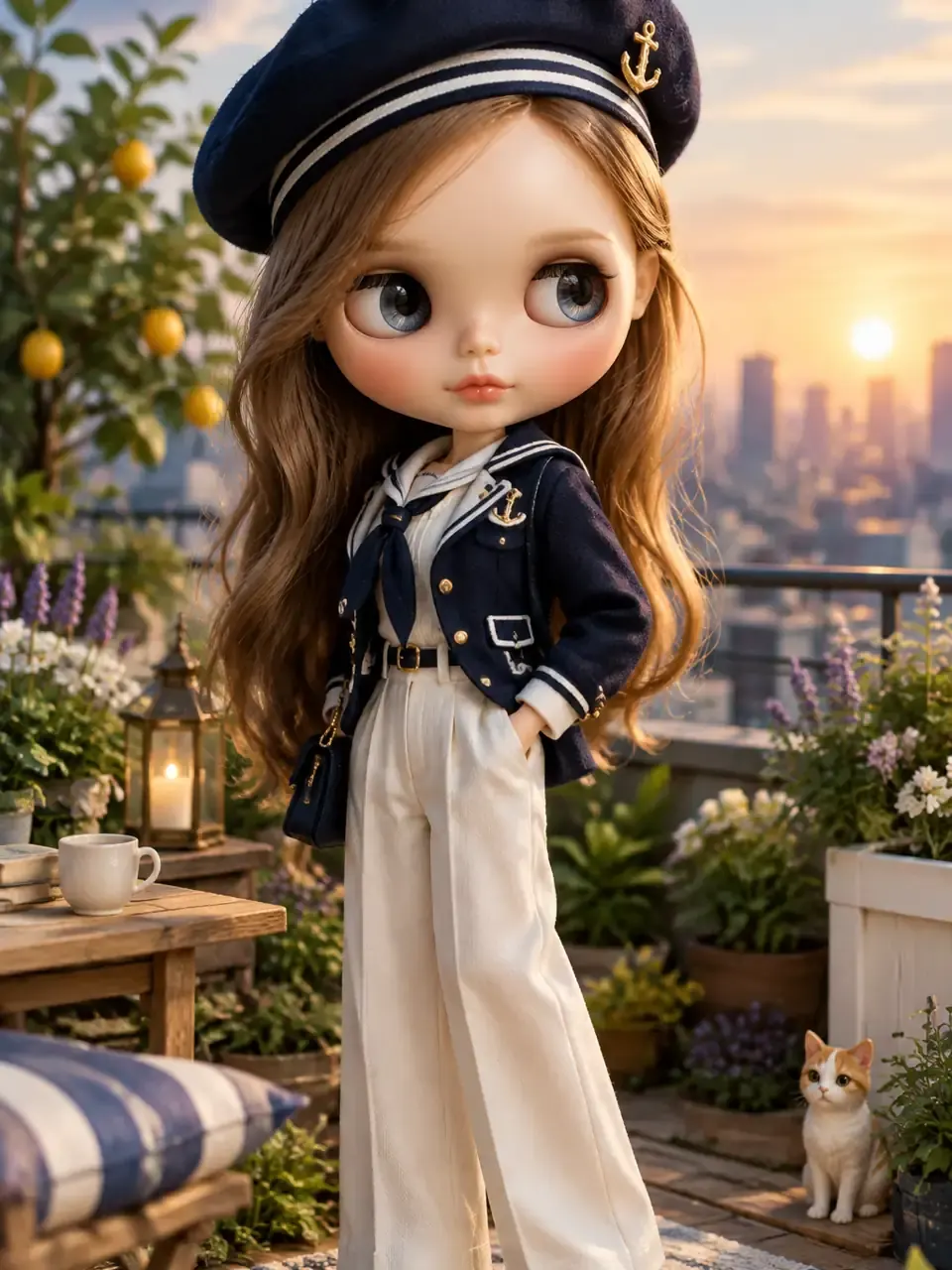 Lifestyle
ai doll generator doll example blythe portrait 3 direction in 3:4 portrait: clear focal subject, polished composition, useful lighting and texture, no readable text, logo or watermark.
Try This Direction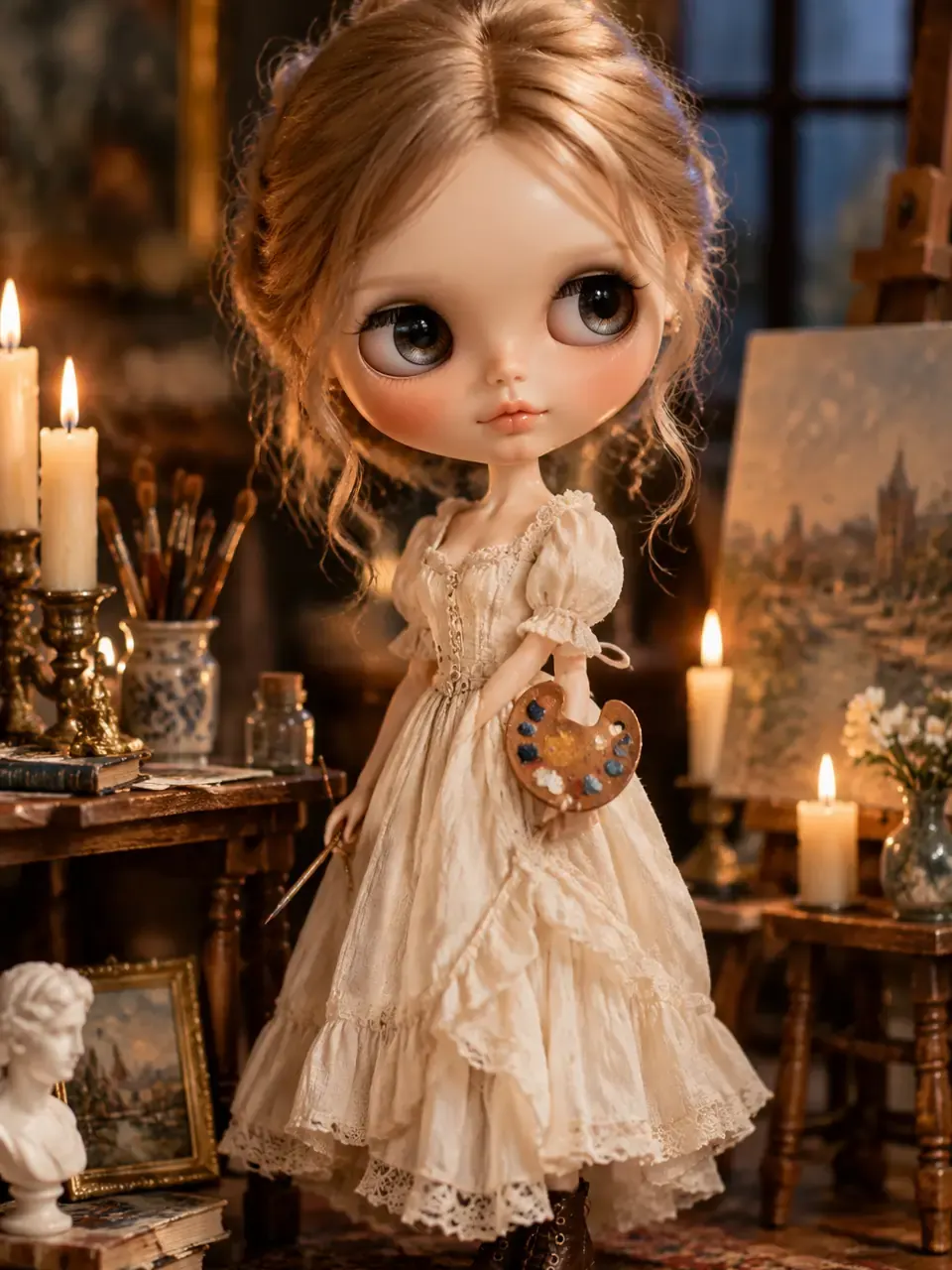 Story Scenes
ai doll generator doll example blythe portrait 4 direction in 3:4 portrait: clear focal subject, polished composition, useful lighting and texture, no readable text, logo or watermark.
Try This Direction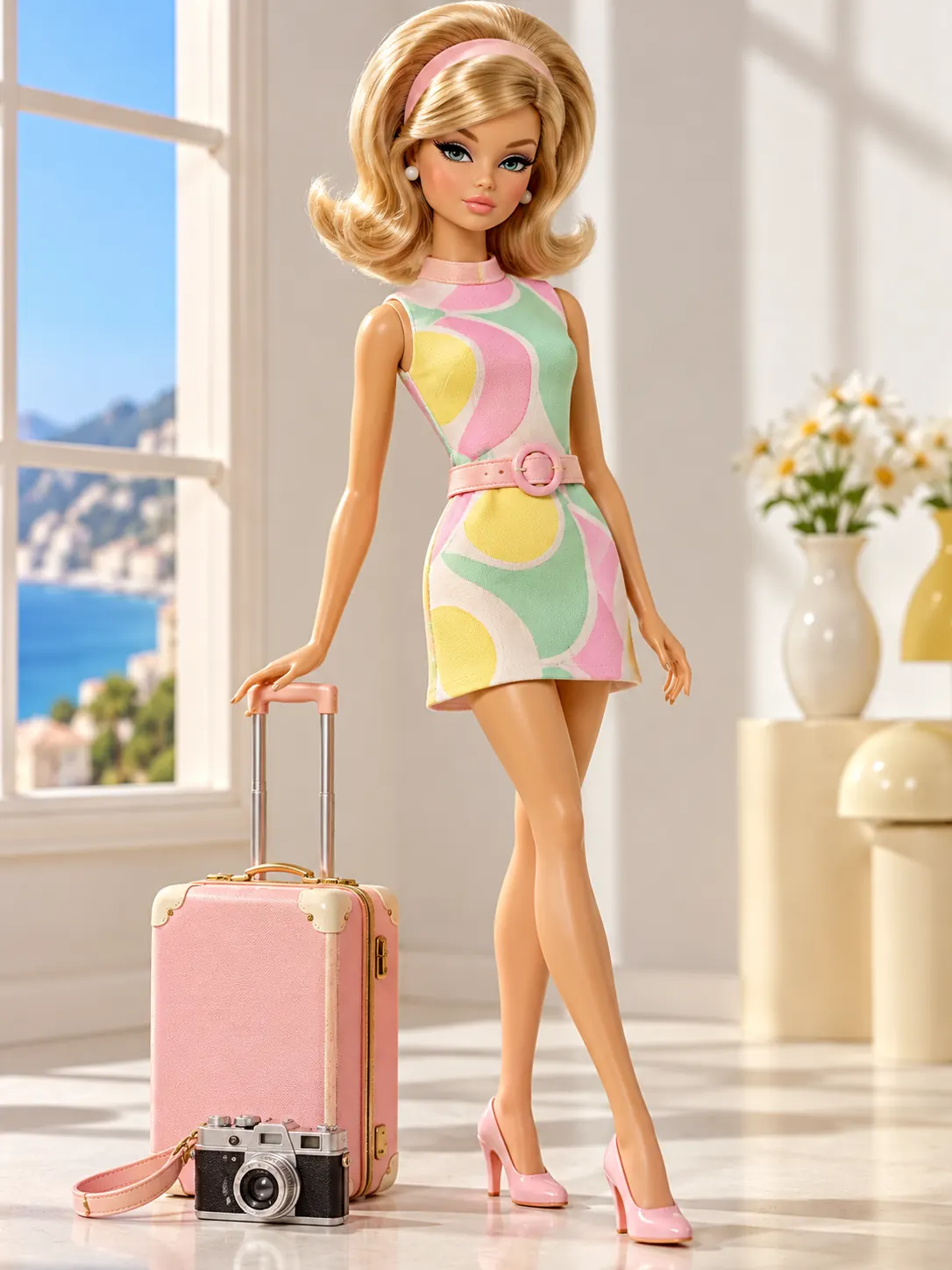 Portraits
ai doll generator doll example retro 1 direction in 3:4 portrait: clear focal subject, polished composition, useful lighting and texture, no readable text, logo or watermark.
Try This Direction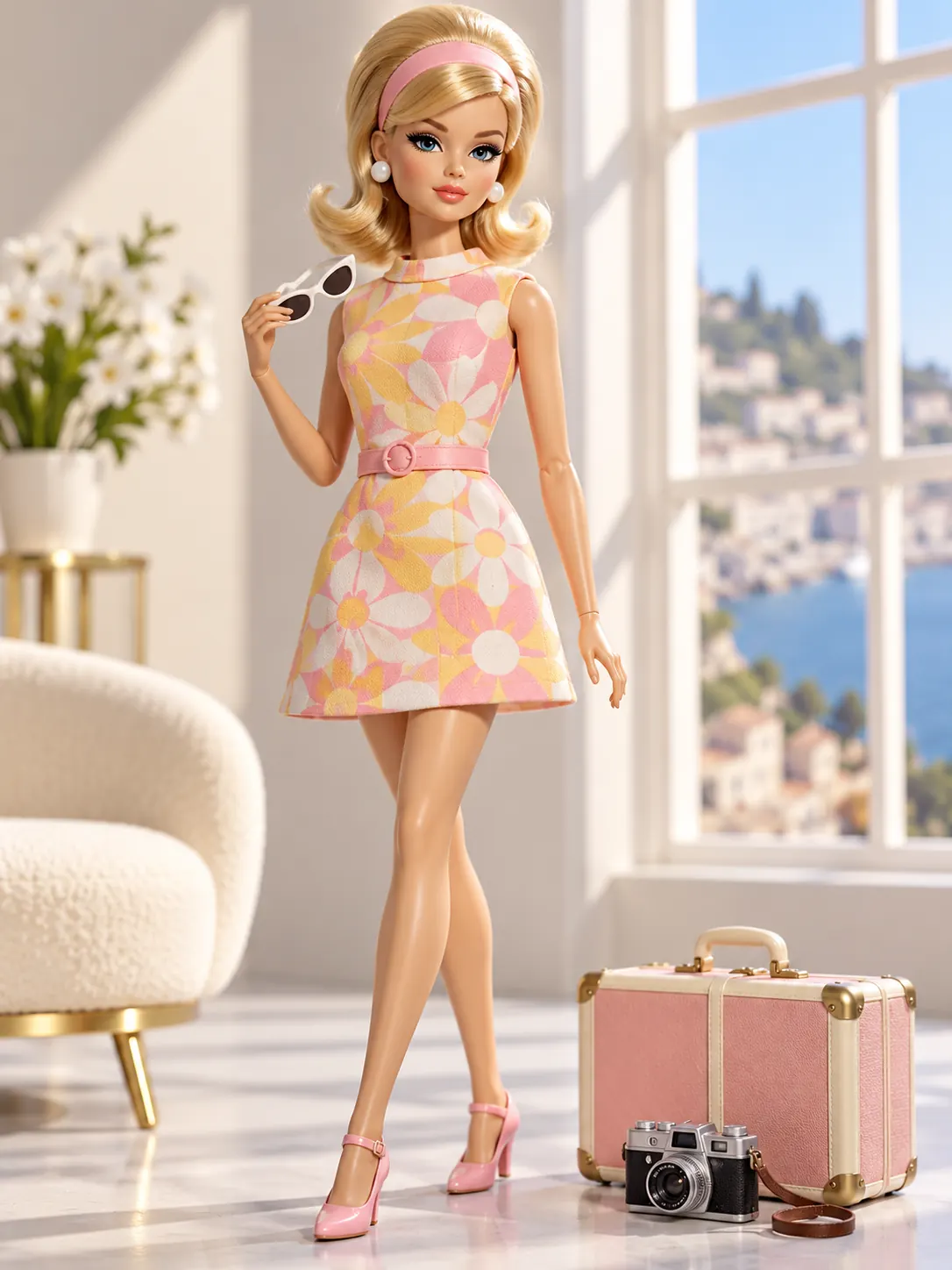 Editorial
ai doll generator doll example retro 2 direction in 3:4 portrait: clear focal subject, polished composition, useful lighting and texture, no readable text, logo or watermark.
Try This Direction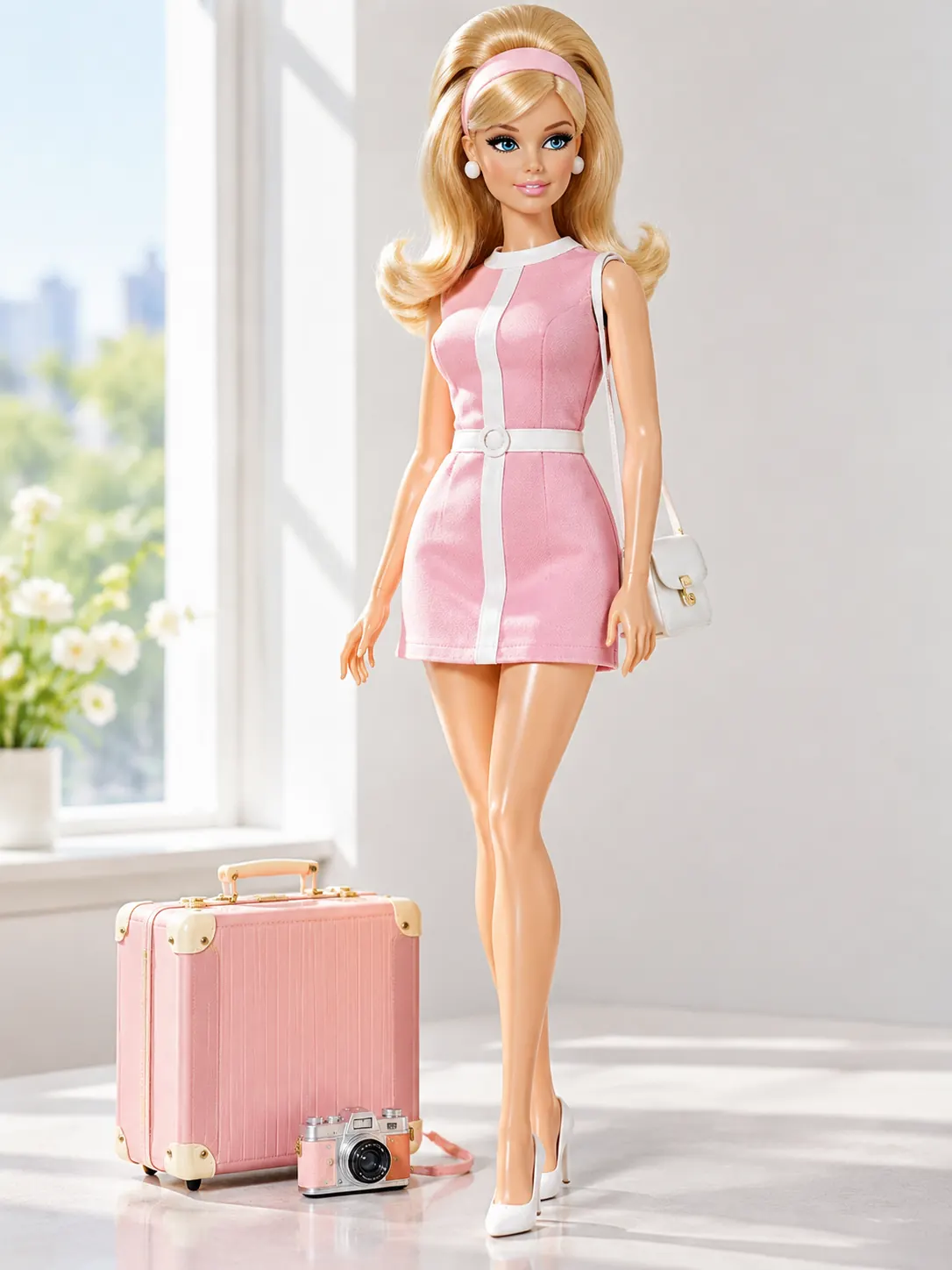 Lifestyle
ai doll generator doll example retro 3 direction in 3:4 portrait: clear focal subject, polished composition, useful lighting and texture, no readable text, logo or watermark.
Try This Direction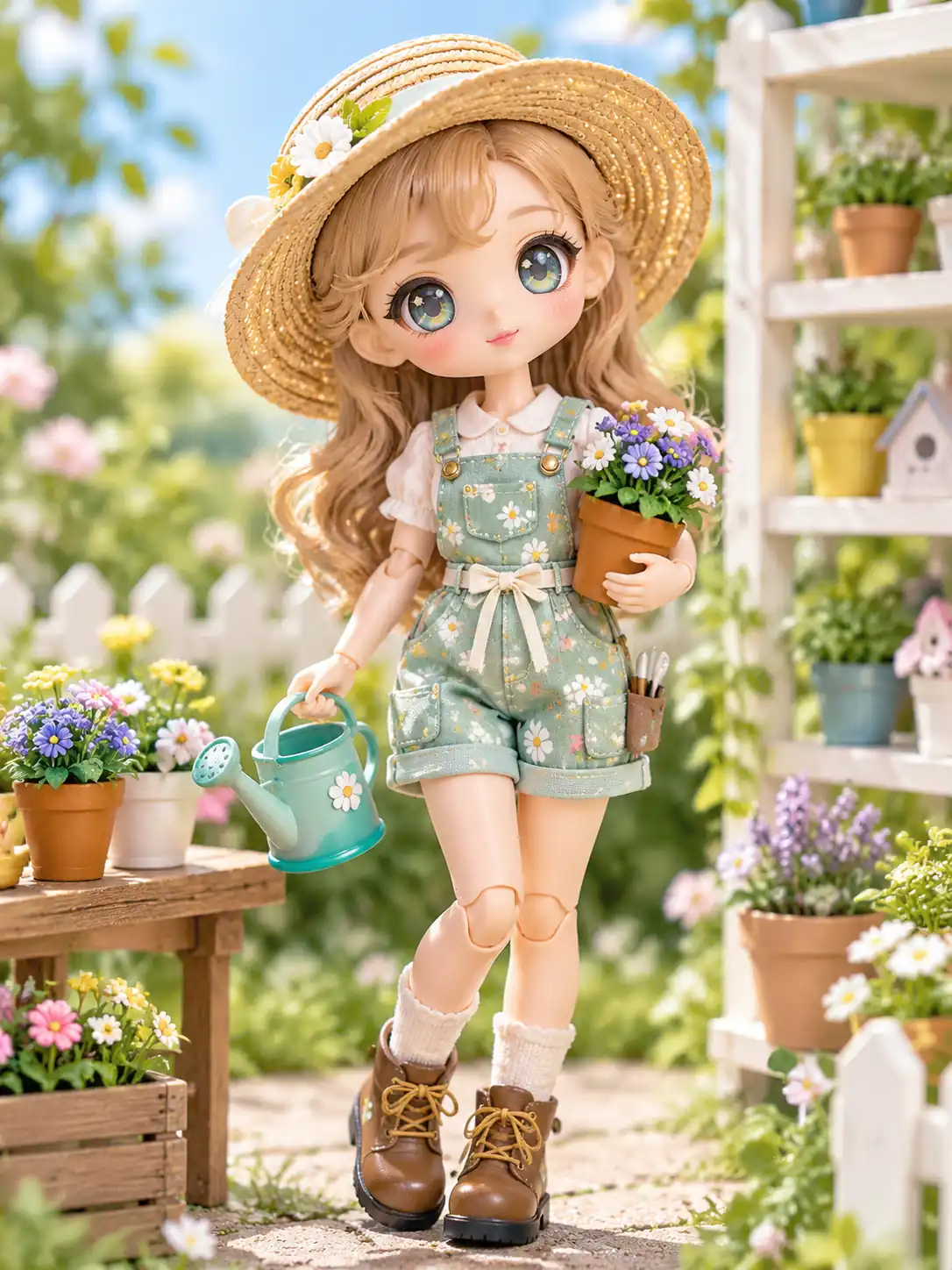 Story Scenes
ai doll generator doll example garden toy direction in 3:4 portrait: clear focal subject, polished composition, useful lighting and texture, no readable text, logo or watermark.
Try This Direction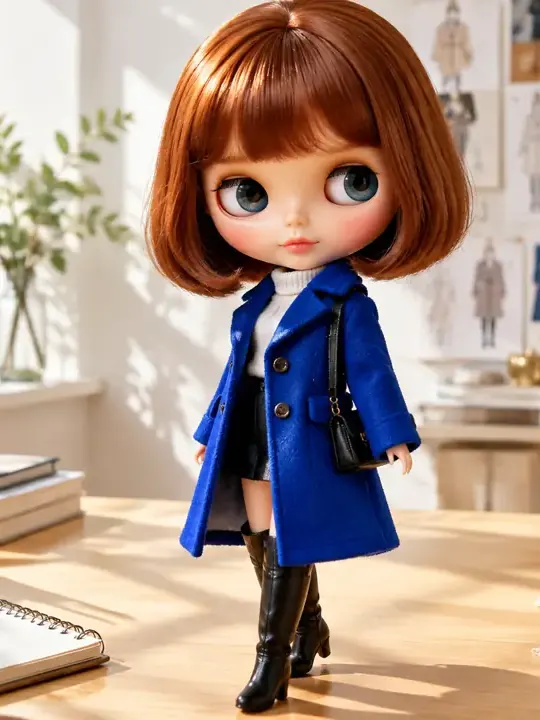 Portraits
ai doll generator doll example selfie direction in 3:4 portrait: clear focal subject, polished composition, useful lighting and texture, no readable text, logo or watermark.
Try This Direction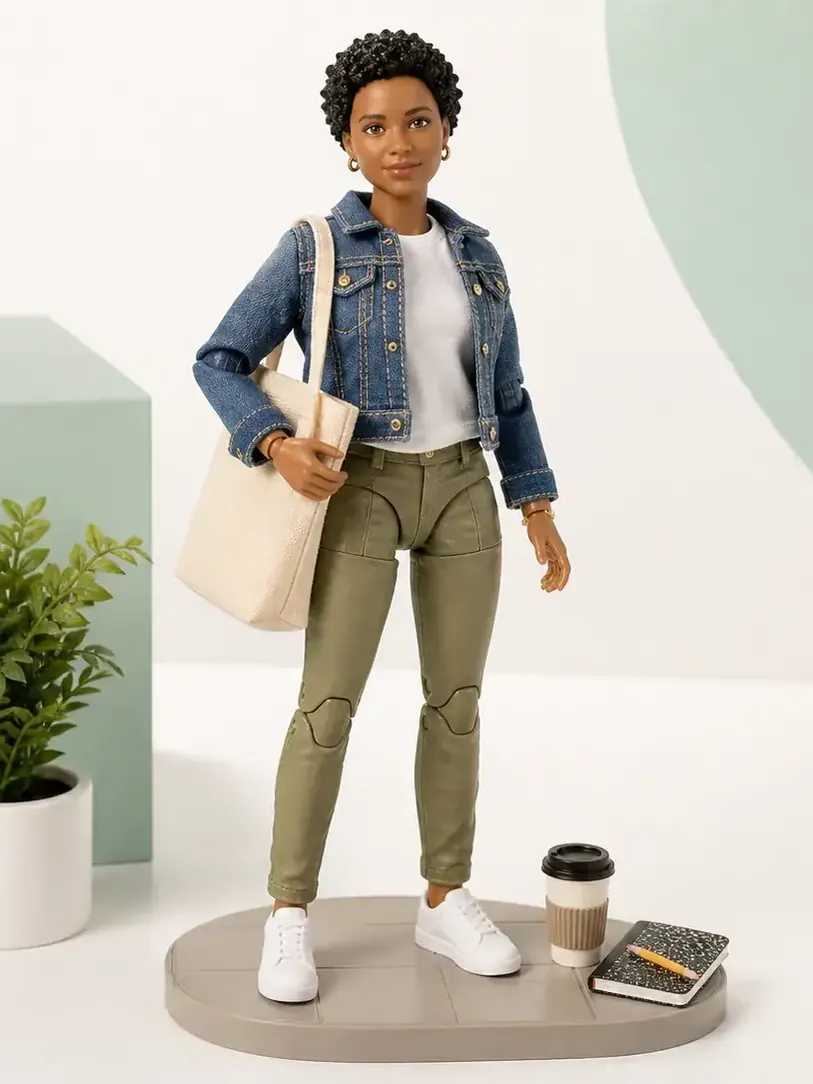 Editorial
ai doll generator doll example everyday direction in 3:4 portrait: clear focal subject, polished composition, useful lighting and texture, no readable text, logo or watermark.
Try This DirectionSpecific controls and review habits for a more useful result.
Begin with curated ai doll generator directions instead of an empty prompt box.
Choose a ratio that matches the page, feed, cover, portrait or presentation where the result will be used.
Change one subject, style, lighting or motion detail at a time so each new result is easier to compare.
Compare different creative directions across the workspace and examples without repeating the same media.
Inspect anatomy, geometry, edges, continuity, text and logos before saving or sharing.
Use each example as a practical starting point, then tailor it to your own subject and audience.
Fictional names are used for scenario-based product feedback, not verified endorsements.
The ai doll generator presets helped me choose a visual direction before I refined the prompt.
I could compare several styles without reusing the same Workspace media in the examples.
The review steps made it easier to catch artifacts before I used the final result.
Create original doll portraits and collectible concepts with expressive styling, hair, wardrobe and setting directions.
Yes. Use an example as visual direction, then rewrite the subject, setting, style and composition for your own project.
Shorten the request to one main subject and one action, state the camera or crop, and change one detail per generation.
Trial availability depends on the selected image model and account. Check the workspace before generating.
Review anatomy, geometry, continuity, unintended text, logos, rights to any reference material and whether the result matches your intended use.