

One Build, Several Art Directions
Keep the prompt identical and switch models to see the same hero as cinematic concept art, painterly illustration or anime-leaning art before you commit a portrait to the campaign.
Write one build - race, class, equipment, pose, setting - and see how different image models interpret it. Compare realism, painterly detail and concept-art polish before the character joins your campaign.
Create a DnD Hero







Prompt Guide
Model
Reference Image
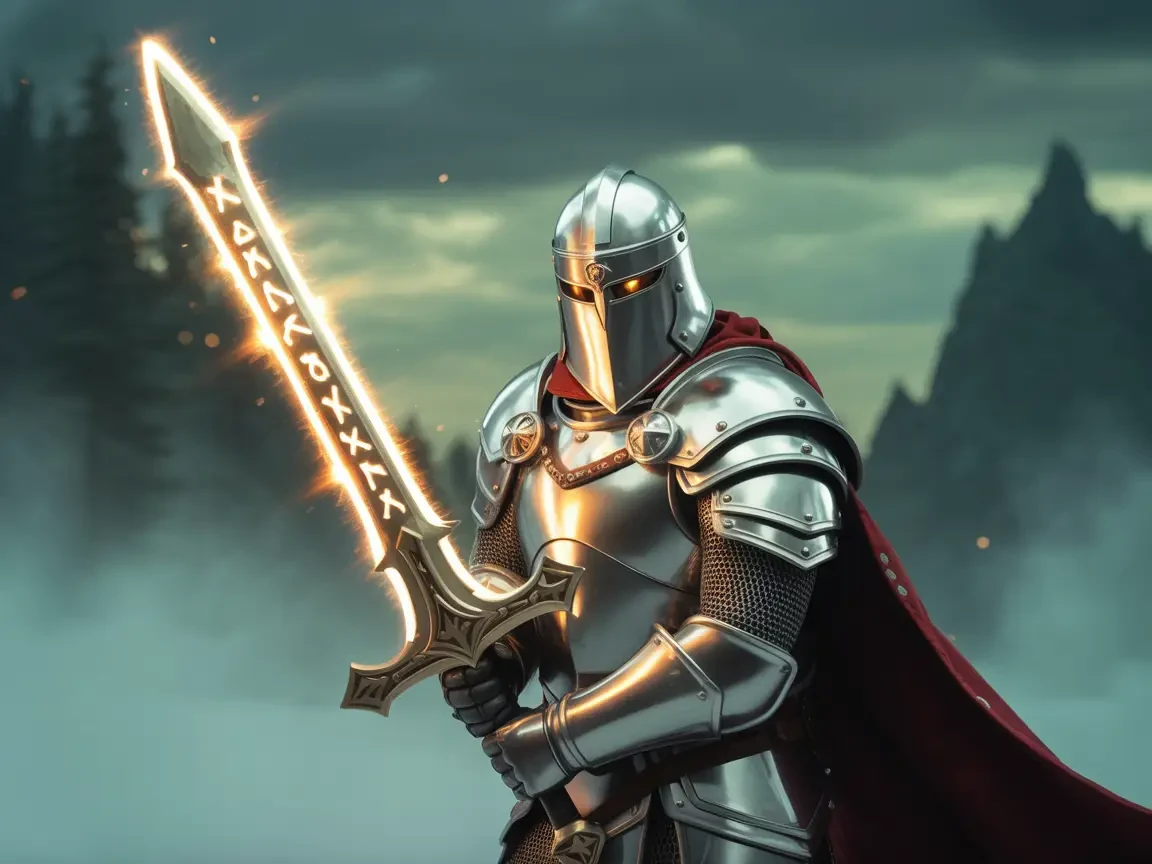
Six finished characters; open one and swap the race, class or gear.
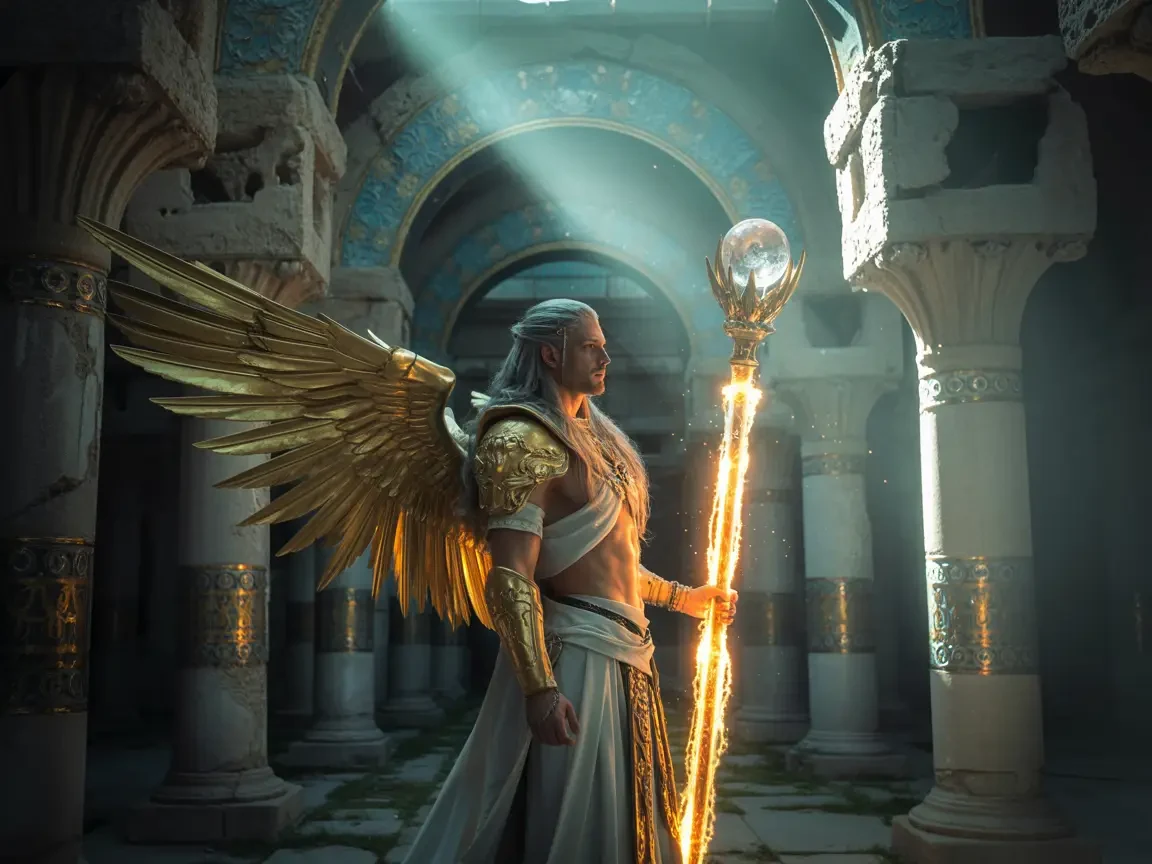 Paladin
Armoured paladin with golden wings and a glowing longsword, standing before a shattered cathedral window.
Try This Prompt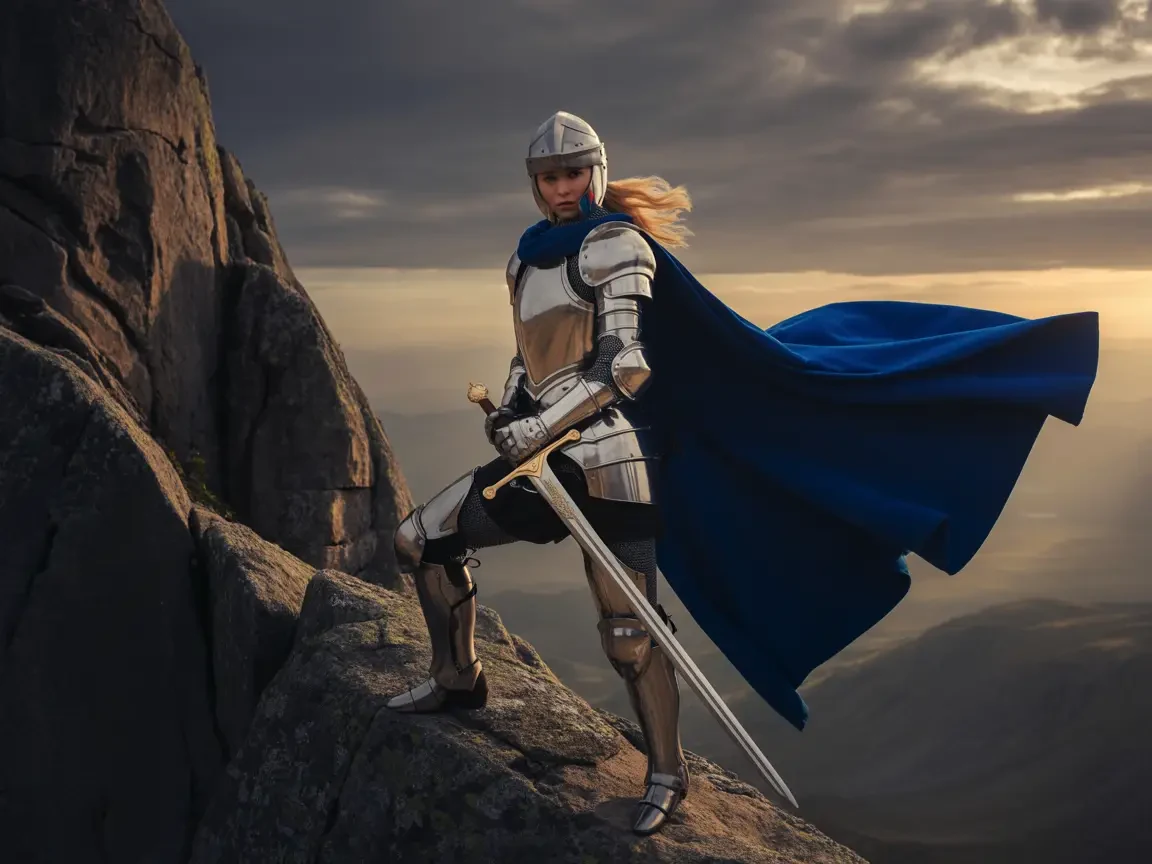 Human Knight
Human knight in plate armour and blue cape on a cliff edge, longsword planted, banner behind, dawn mist.
Try This Prompt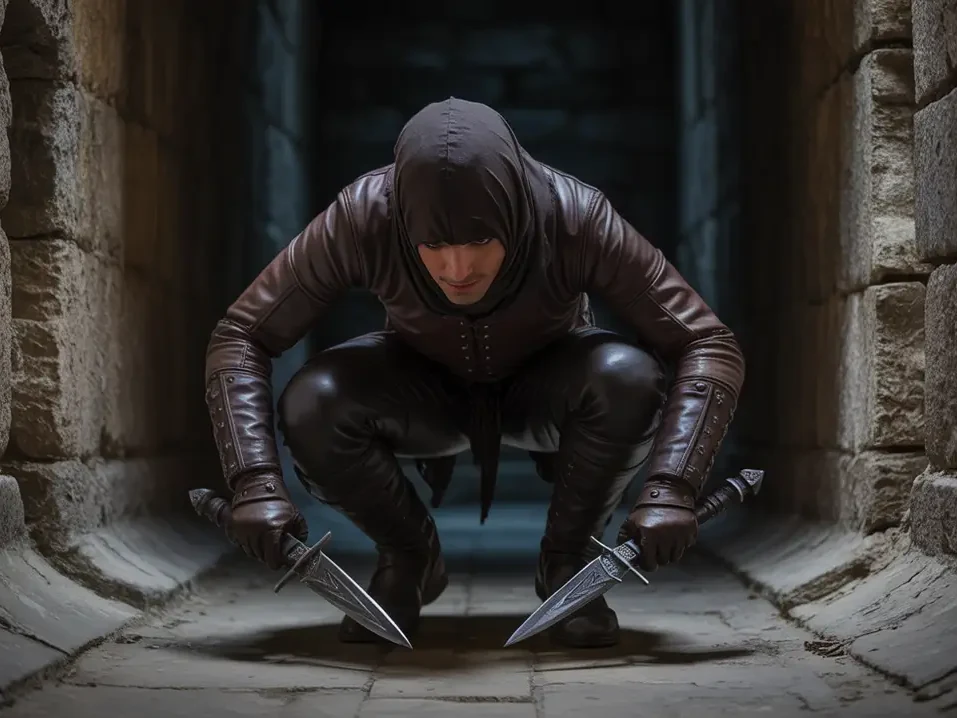 Halfling Rogue
Small hooded rogue crouched on stone stairs at night, twin daggers, leather armour, city lanterns below.
Try This Prompt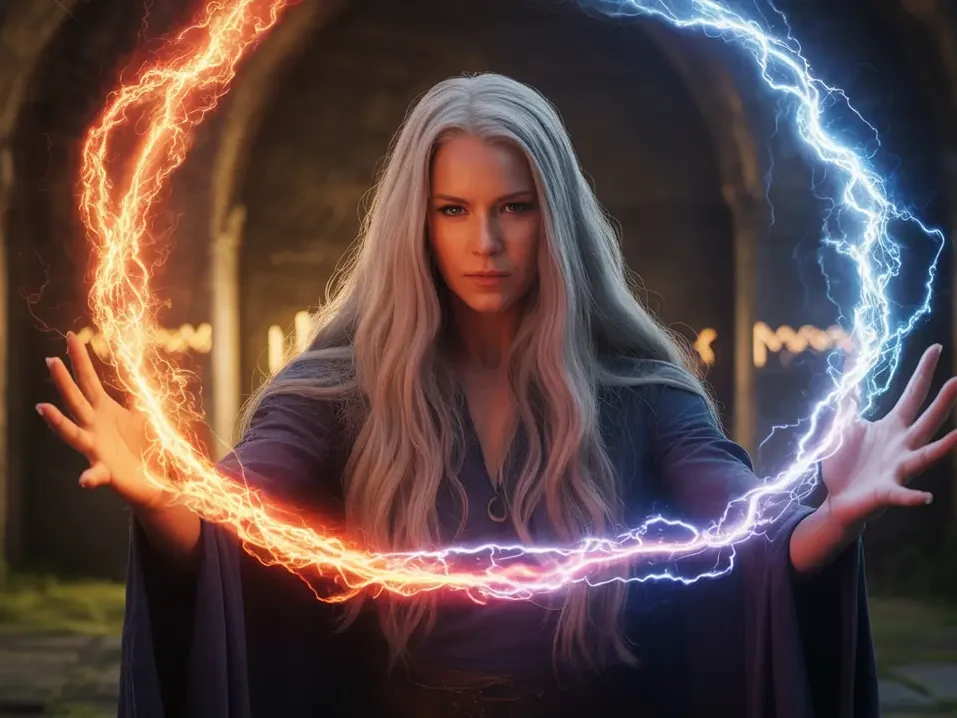 Sorcerer
Sorceress raising a ring of crackling arcane lightning, dark robes, windswept stone circle, cold purple light.
Try This Prompt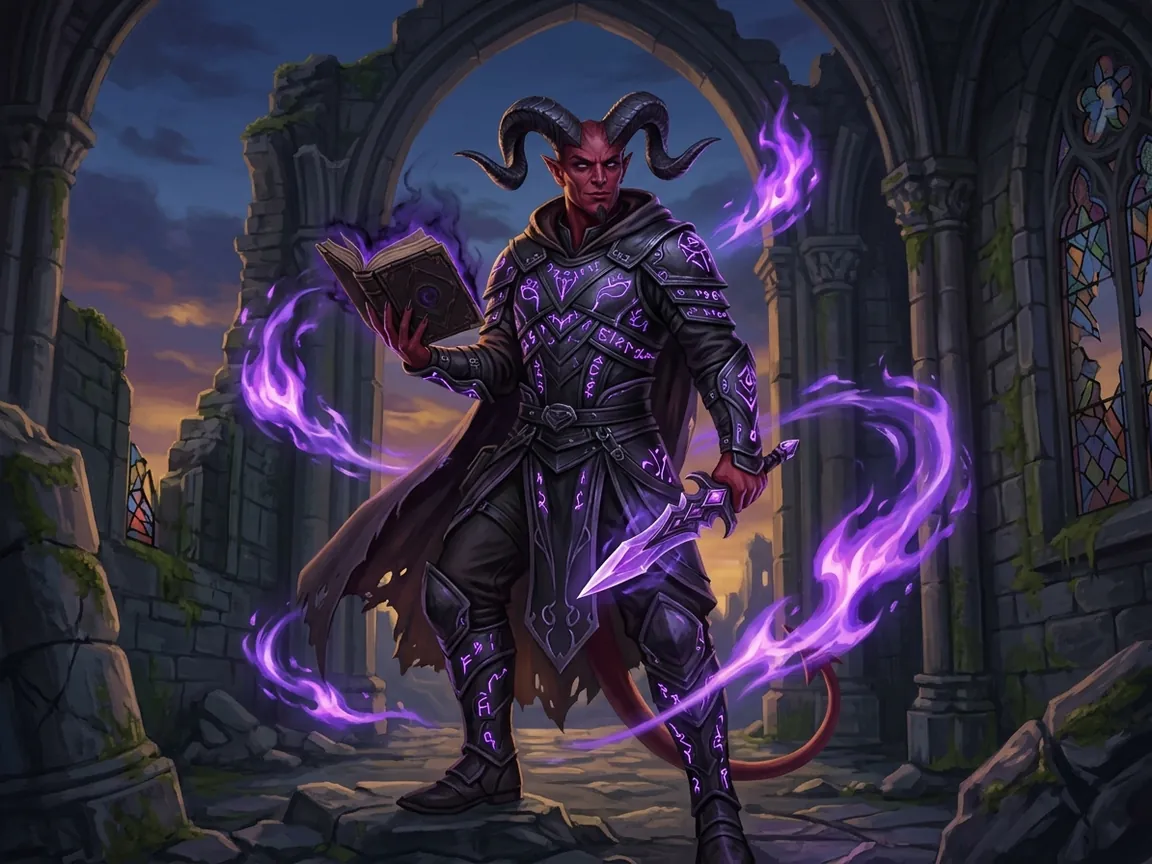 Tiefling Warlock
Tiefling warlock with obsidian horns, rune-etched leather armour, cursed grimoire and crystal dagger, violet flames.
Try This Prompt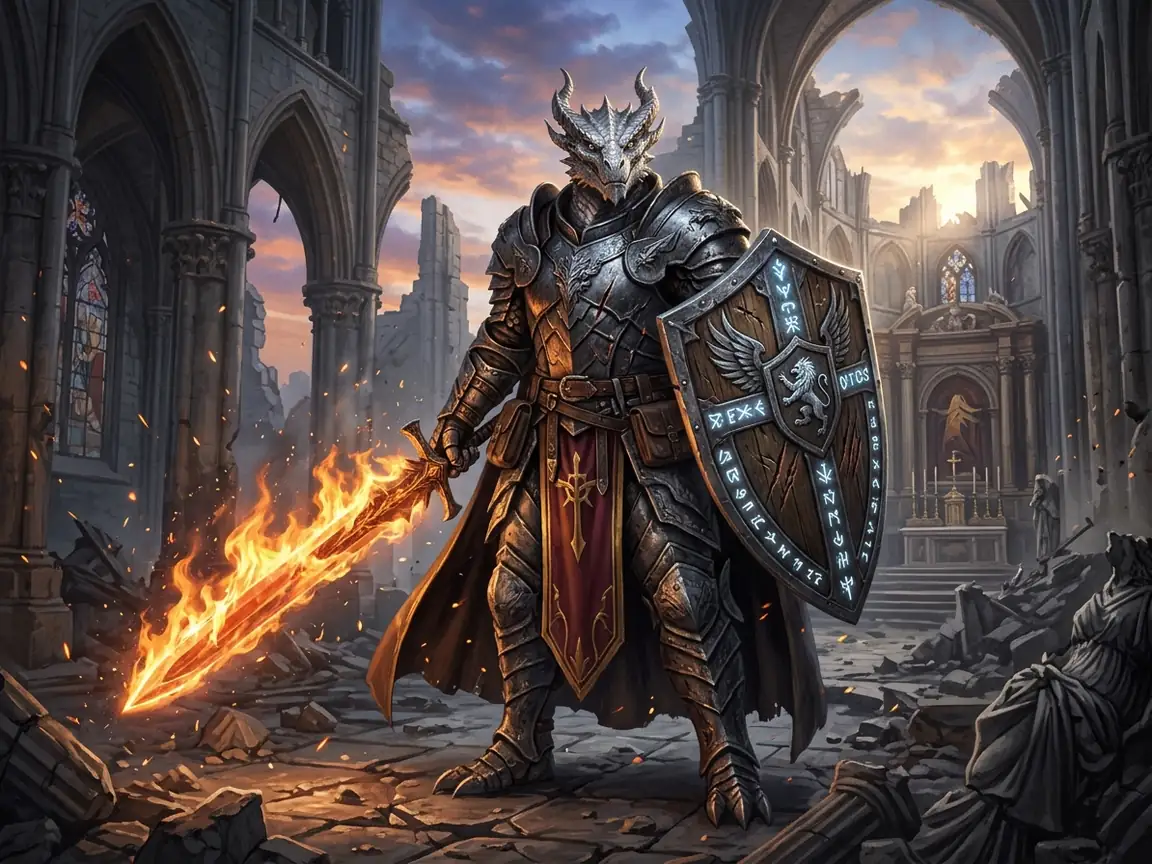 Dragonborn Paladin
Silver dragonborn paladin in blackened plate with rune-carved shield and flaming greatsword, ruined cathedral at dawn.
Try This PromptBuilt around how a table actually uses character art.
Keep the prompt identical and switch models to see the same hero as cinematic concept art, painterly illustration or anime-leaning art before you commit a portrait to the campaign.
Order the prompt race, class, equipment, pose, setting, style. Naming the shield, sword and armour explicitly is what keeps kit details from drifting between generations.
Use the same structure for a player character, a recurring villain or a tavern keeper; only the build and the framing change, so a campaign cast stays visually related.
Three steps that keep class identity readable.
Start with race and class, then the signature equipment: dwarf cleric with a heavy mace, engraved shield and holy travel pack.
Decide the camera framing (full body, three-quarter, portrait), the environment and the art style so mood and worldbuilding are clear.
Run the same prompt on another model, compare costume detail and lighting, and keep the version that matches your party's look before refining it.
Illustrative scenarios with fictional names; these are not verified customer reviews.
Jonah would build a full party of six in one afternoon by reusing the prompt structure and only changing race and gear.
Sofia would compare two models on the same tiefling warlock prompt to pick the darker concept-art look for a villain reveal.
Owen would generate a 3:4 portrait for each NPC card and keep the shield and armour wording identical for consistency.
Yes. Keep the prompt unchanged and switch models in the workspace. Costume and lighting will differ, and small details such as buckles or runes may change between runs.
Race, class, equipment, pose, setting, style. Naming the weapon, armour and shield explicitly gives the model a concrete kit to draw.
Yes. The same structure works for player characters, villains, shopkeepers and full campaign casts; adjust framing and mood for each role.
No. You need a race, a class and a few equipment words. Rules knowledge helps with lore-accurate details, but the tool only turns text into character art.
The first model in the list includes trial generations and other models may require credits; the limit is shown in the workspace before you generate. Registration is required.