

Metal and gem control
Name the metal, the stone cut and the setting and the render keeps the construction believable.
Prompt Guide
Model
Reference Image

Design a crown from a description: metal, gems, setting and light. Use it for royal portraits, jewellery mock-ups, fantasy game assets or a logo mark.

Royal, jewellery and fantasy crowns, plus one illustration — all reused from the current page.
Royal crownRealistic royal king crown in gold with a red velvet interior, detailed jewels, dramatic studio lighting on a black background.
Try This Prompt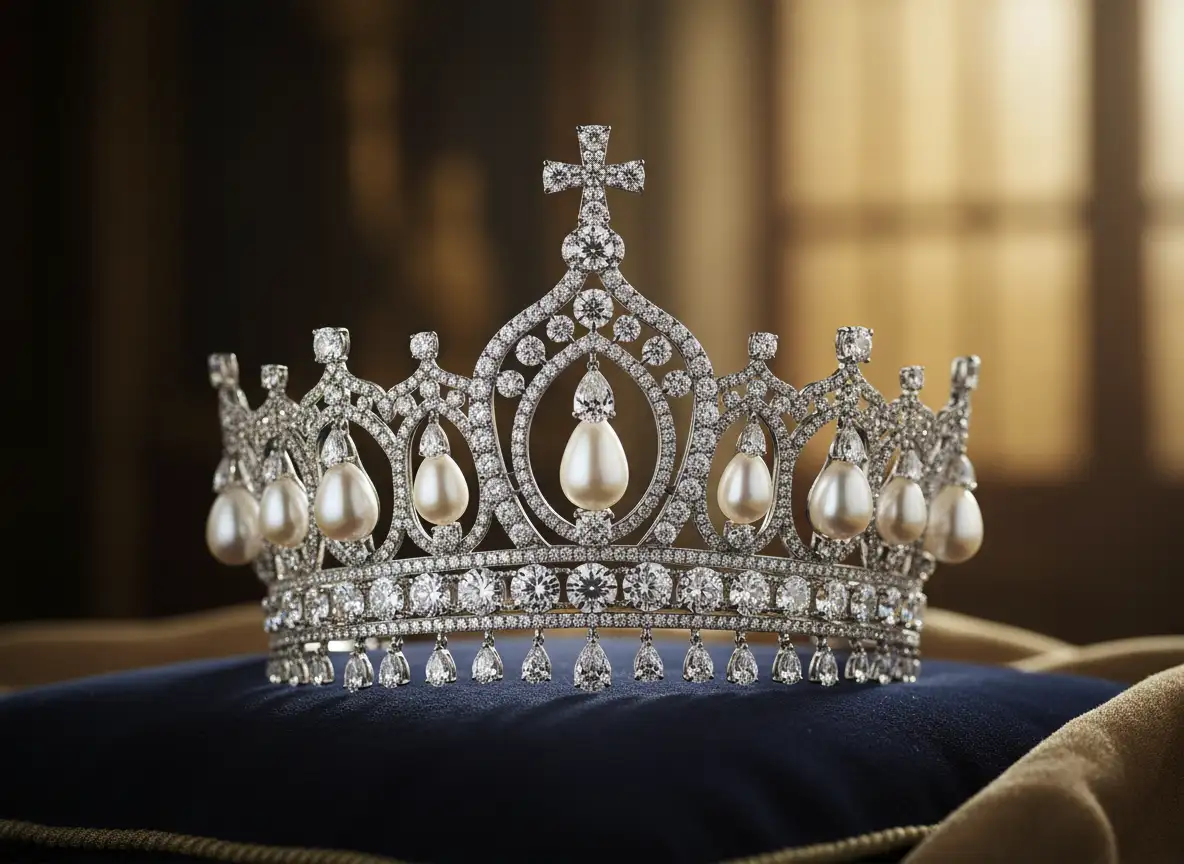 Jewellery
Ornate silver tiara set with pearls and clear crystals, resting on a navy blue cushion, soft window light.
Try This Prompt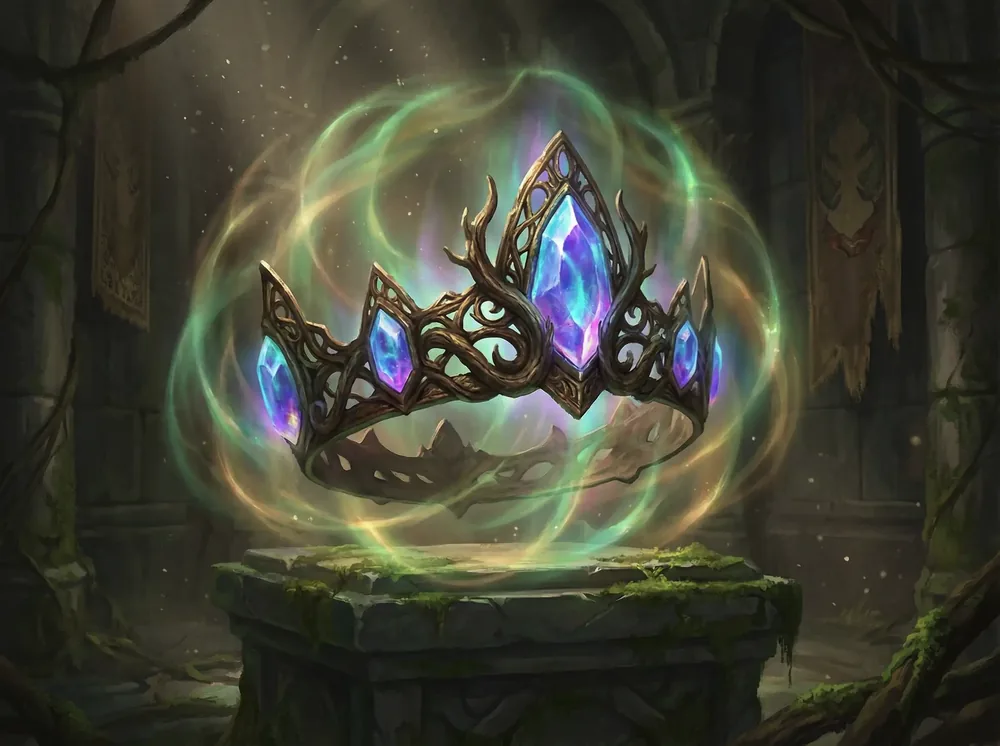 Fantasy
Mythical fantasy crown with glowing crystal shards, ancient metal, green and violet magical swirls, epic illustration.
Try This PromptRoyal crownOrnate gold and enamel crown with jewels on a crimson velvet cushion, candlelit stone chamber, painterly realism.
Try This Prompt Fantasy
Dark iron crown with jagged spikes and glowing red ember gems, smoky dungeon light, dramatic fantasy mood.
Try This Prompt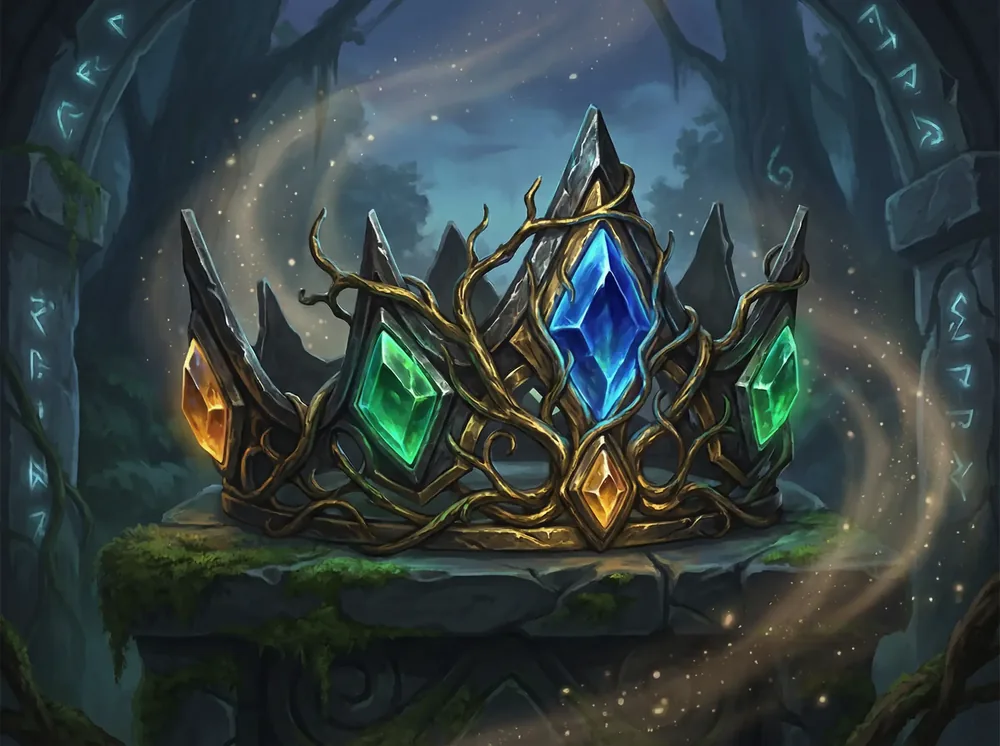 Jewellery
Multi-gemstone crown with green, blue and red stones and tall crystal peaks, cool rim light, dark stone backdrop.
Try This Prompt Royal crown
Gold crown set with emeralds and rubies on a deep red band, photographed from a low angle on a polished table.
Try This Prompt Jewellery
Delicate diamond tiara in silver filigree with floral scrollwork, displayed on black velvet, jewellery-catalogue lighting.
Try This Prompt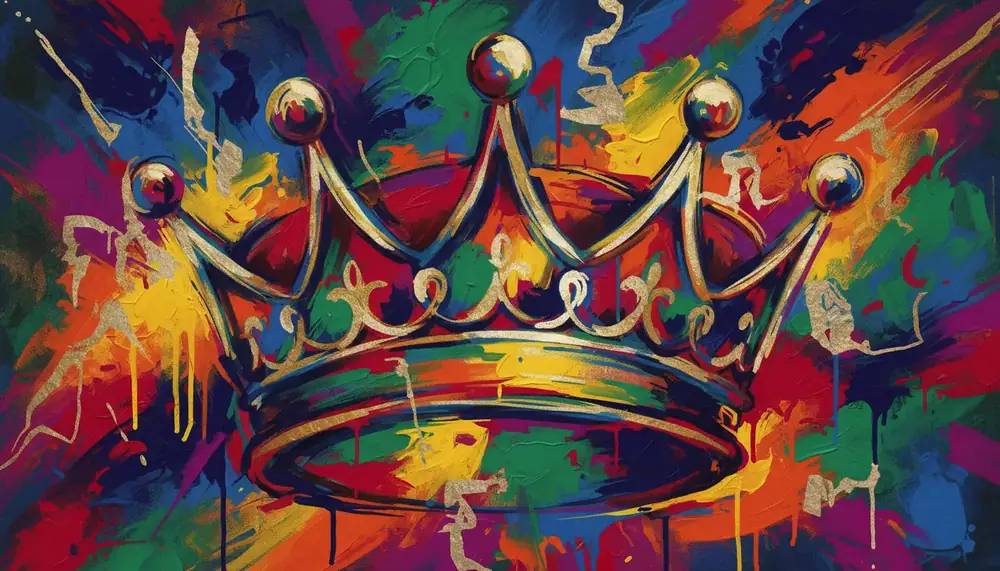 Art
Expressive illustration of a golden crown over a vivid paint-splatter background, street-art energy, bold colour.
Try This PromptWhat this page is built to do.
Name the metal, the stone cut and the setting and the render keeps the construction believable.
One prompt frame covers ceremonial crowns, catalogue stills and glowing fantasy artefacts.
Black velvet, crimson cushion or a stone chamber — the light and shadow follow the setting you describe.
1:1 for icons and logos, 3:4 for portrait hero shots, 16:9 for banners.
Upload an existing crown and keep its silhouette while changing the stones or the finish.
Start on the free entry model to test the silhouette before paying for a polished render.
Three steps from idea to final render.
Metal, band shape, stone type and where the light comes from — one sentence each.
Velvet cushion, black studio or a candlelit chamber changes the mood more than the crown itself.
Change one material or one stone at a time; keep the silhouette prompt unchanged.
Same prompt, different metal and gem detail.
| Criteria | Nano Banana 2 | GPT Image 2 |
|---|---|---|
| Best role here | Fast silhouette drafts and layout tests. | Final jewellery-grade detail. |
| Pick it when | You are testing crown shapes. | You need a polished still for print or a storefront. |
| Free trial | One free generation per new account. | Paid only. |
Illustrative scenarios with fictional names.
Naming the stone cut was the difference — the render finally read as a real setting instead of a gold blob.
The black-velvet backdrop made the crown usable straight away for a merchandise mock-up.
I kept one silhouette prompt and swapped only the stones, so the whole crown family looks like one collection.
Ceremonial crowns, tiaras, jewellery stills, fantasy artefacts with glowing crystals and flat logo-style crown icons.
No, a description is enough; a reference helps when you want to keep an existing silhouette.
Check the licence of the model you render with before using an image in a commercial product.
1:1 for icons, 3:4 for portraits, 16:9 for banners.
The first generation on a new account uses the free entry model; other renderers are paid. Compare the available AI image models before choosing a model for this image. For current subscription options, see GlobalGPT plans.