

Begin with the old ink
A faint wrist mark and a dense calf emblem are different starting points. Describe the visible shape and darkness so the concept responds to your reference rather than becoming an unrelated new tattoo.
Prompt Guide
Model
Reference Image
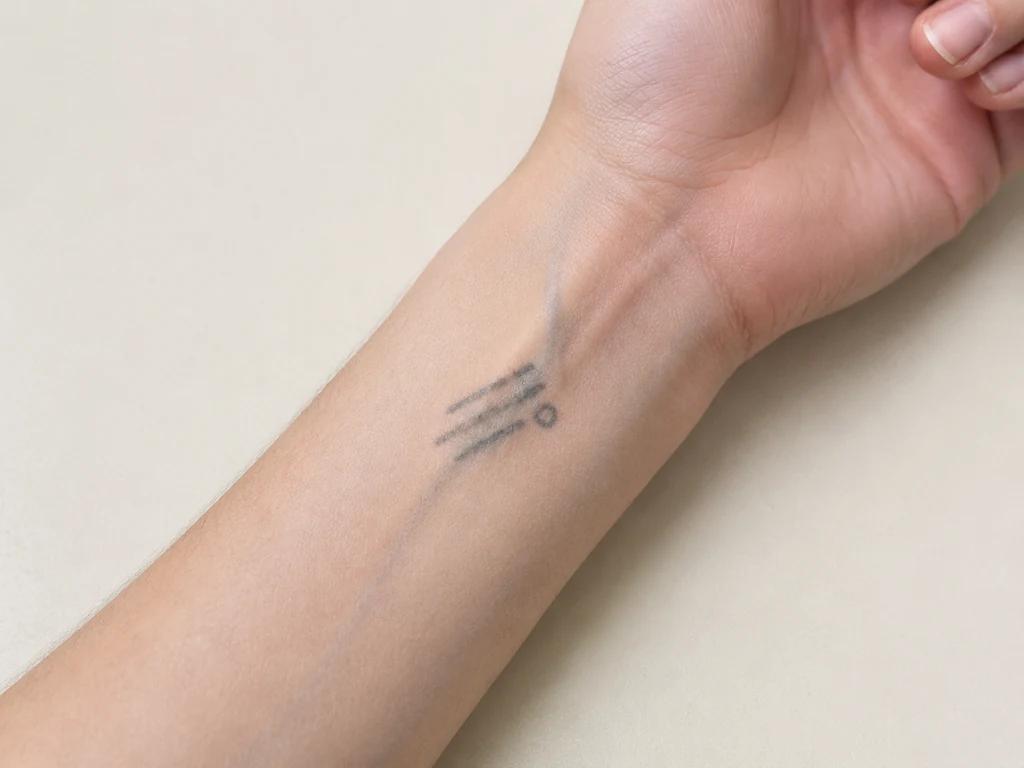
Give old ink a new visual direction. Explore cover-up tattoo concepts with GlobalGPT, compare styles and placement, then bring your favorites and the original photo to an experienced tattoo artist.
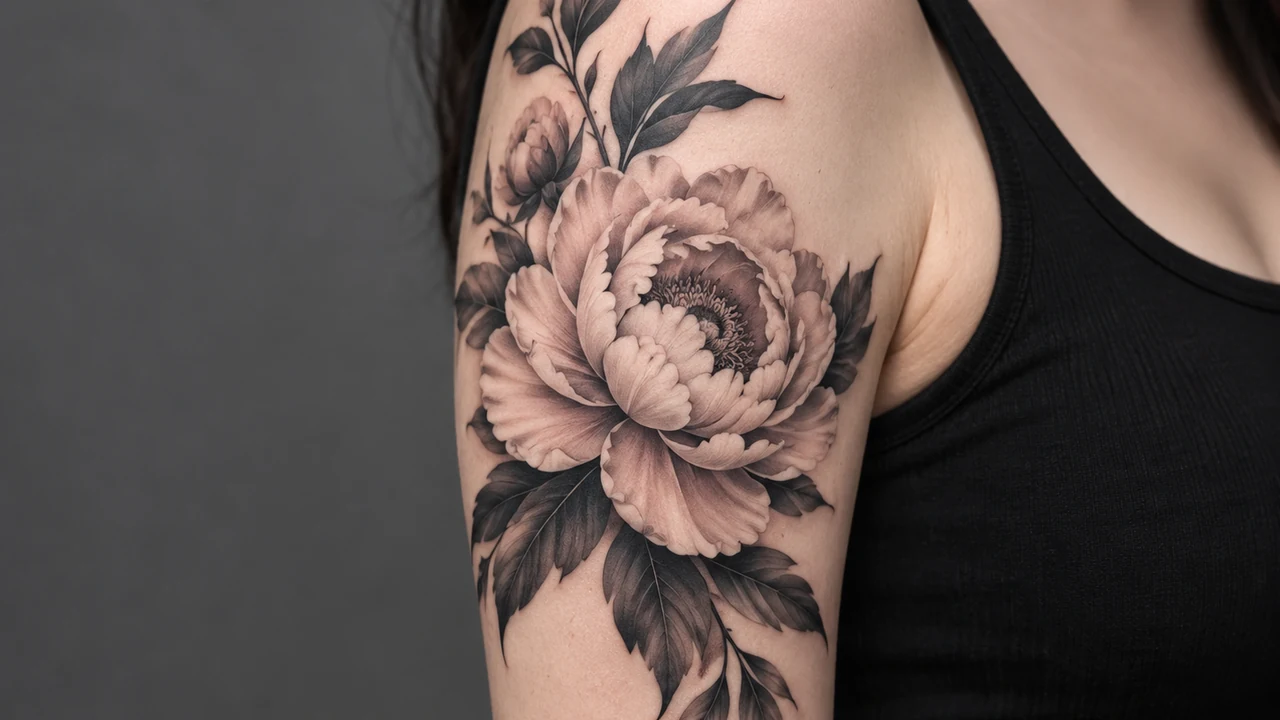
The AI cover up tattoo generator starts with what is already there. Keep the reference clear, the change specific, and the final decision grounded in an artist consultation.
Use a clear, well-lit photo that you have permission to edit. Include the whole tattoo and nearby skin so the placement is understandable. Avoid filters, strong perspective distortion, or an extreme close crop.
Note the placement, approximate size, and whether the old ink is faint, dense, or colorful. Choose a botanical, blackwork, Japanese-inspired, or illustrative direction and describe the mood you want to explore.
Review the AI cover up tattoo generator concept for placement, silhouette, detail, and changes to surrounding anatomy. AI may redraw or hide old ink unrealistically; a convincing image does not establish that the design can work on skin.
Download the concepts you like and keep the unedited reference beside them. Ask an experienced cover-up tattoo artist to assess size, color, dark areas, placement, and what needs a completely different design.
Ten independent AI tattoo concepts across four visual directions. These are inspiration images, not before-and-after results or evidence of successful coverage on a real person.
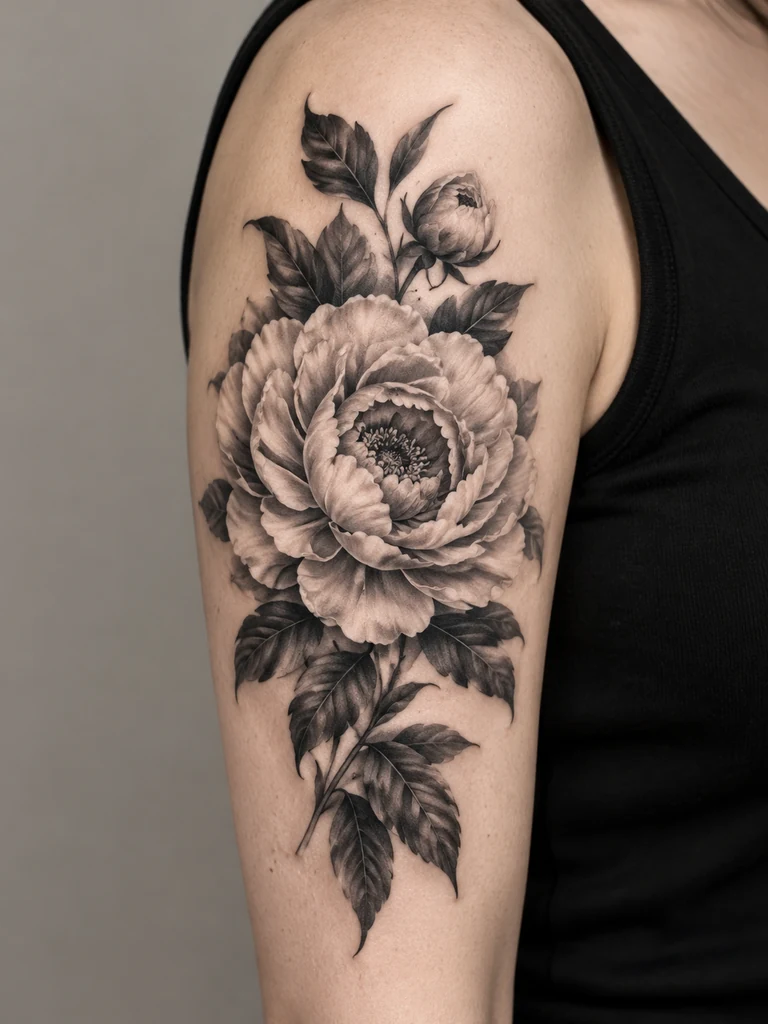 Botanical
A large floral cover-up concept for the upper arm, framed by dark layered leaves and soft botanical shading. Keep the silhouette broad and the flower center clear.
Try This Direction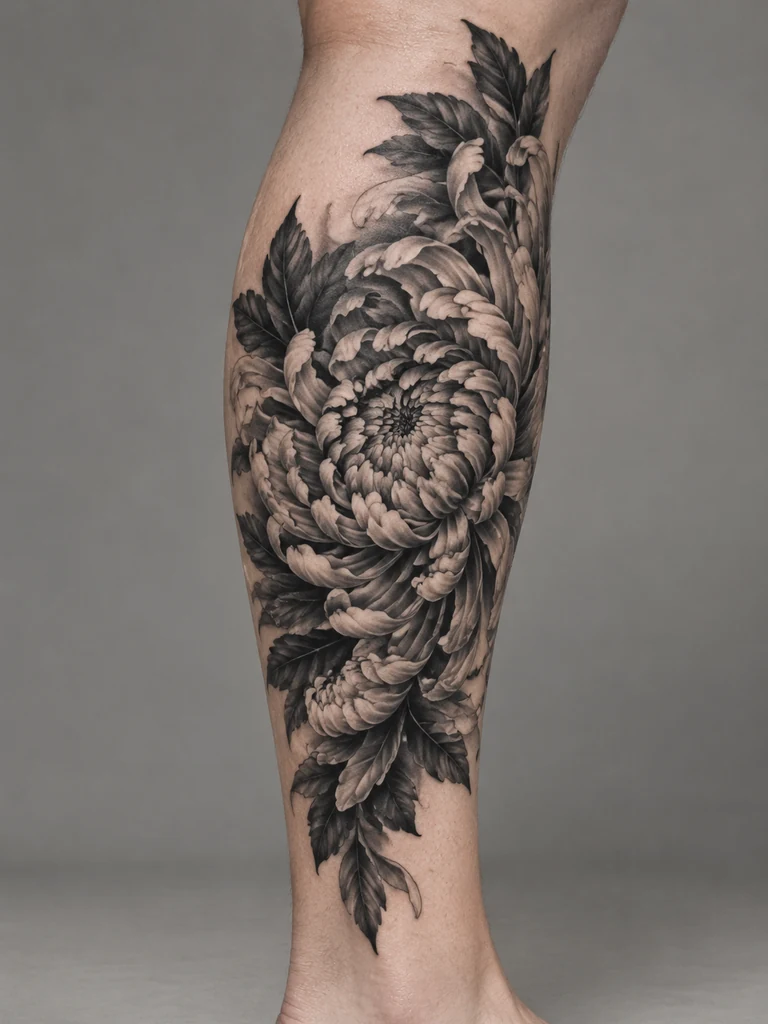 Botanical
A chrysanthemum tattoo concept wraps the calf with overlapping petals, dark leaves, and a gentle diagonal flow. Use varied shading rather than isolated fine outlines.
Try This Direction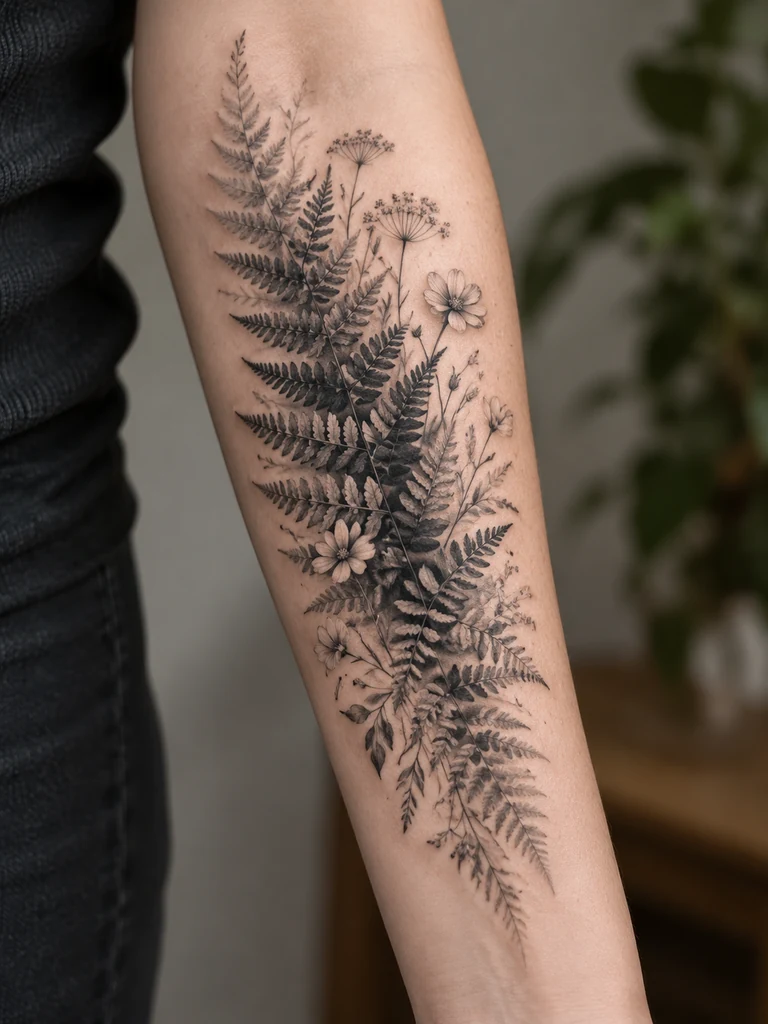 Botanical
A sweeping fern and wildflower cover-up concept follows the forearm. Layer dark fronds near the center and allow lighter botanical detail toward the edges.
Try This Direction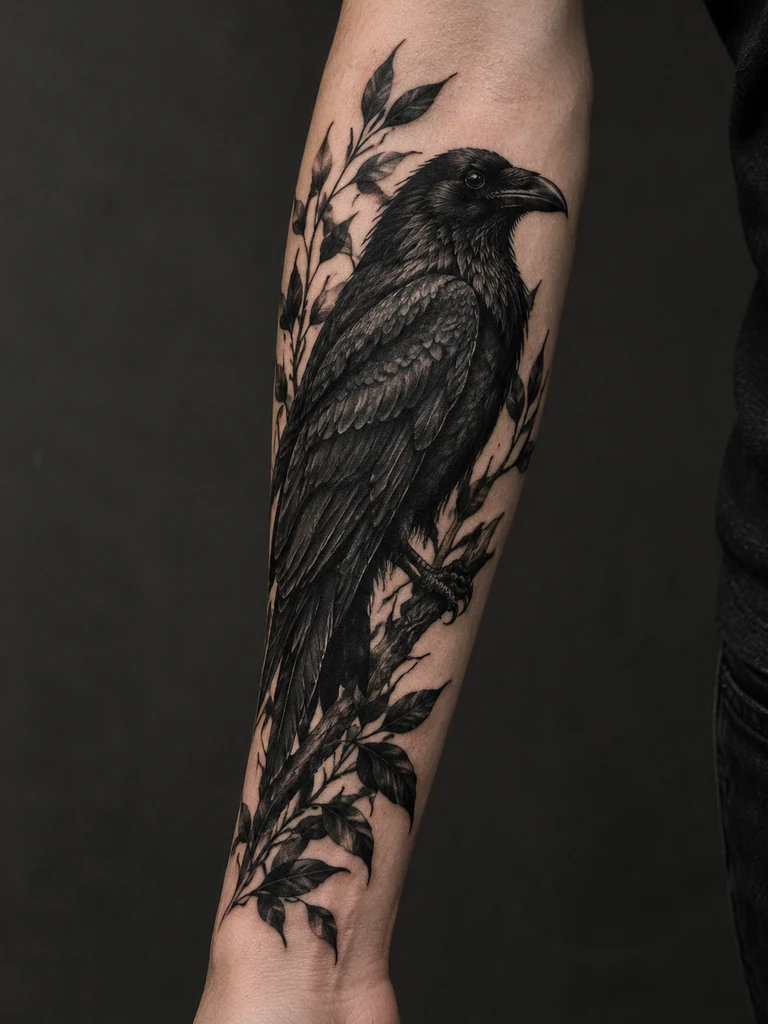 Blackwork
An intricate raven cover-up concept uses layered black feathers and shaded foliage across the outer forearm. Keep a clear bird silhouette and a restrained monochrome palette.
Try This Direction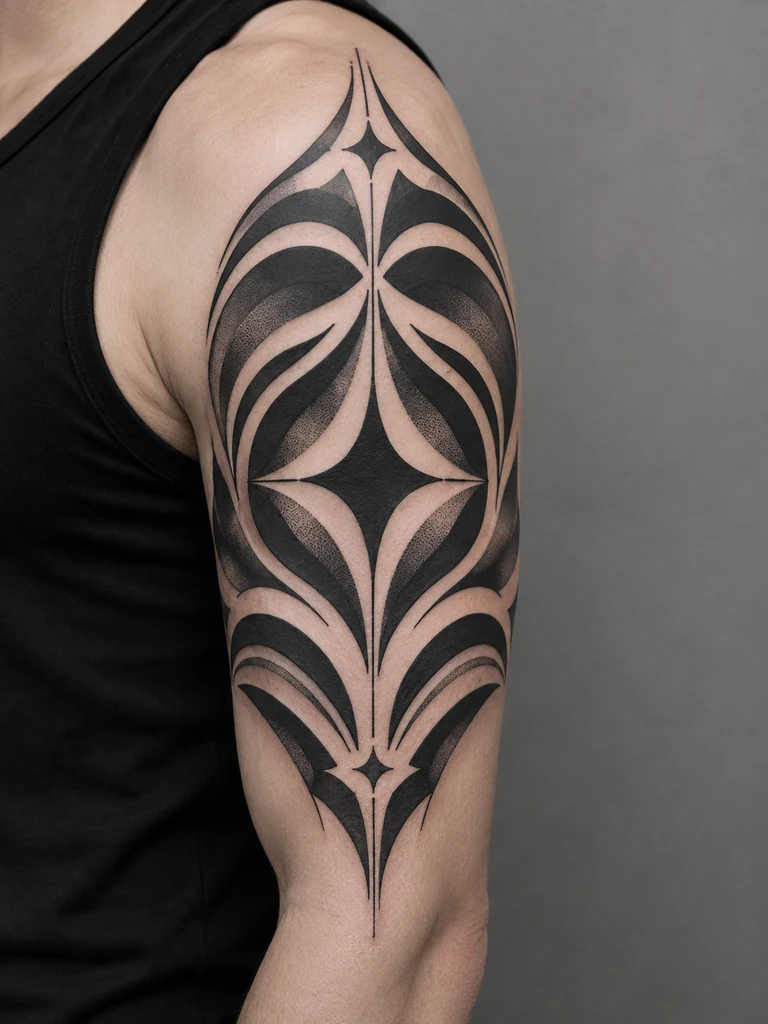 Blackwork
A geometric ornamental sleeve concept combines bold black forms with repeated curved borders. Follow the upper arm shape and preserve small areas of negative space.
Try This Direction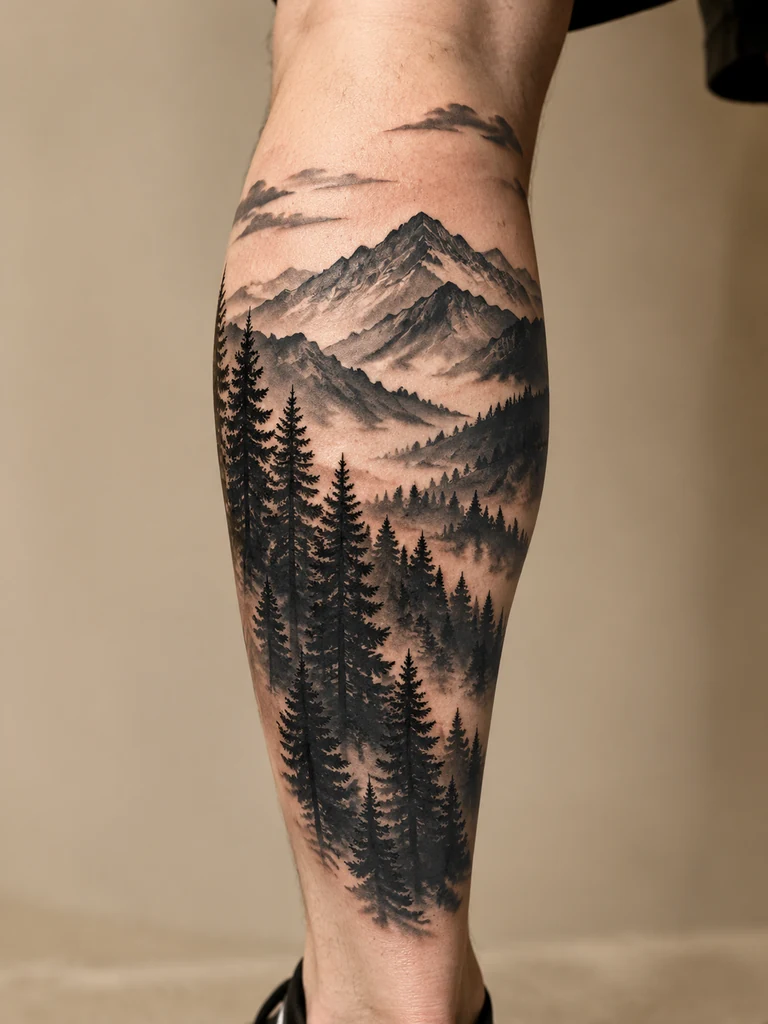 Blackwork
A mountain-and-pine calf tattoo concept uses dark forest shapes below a layered mountain silhouette. Connect the dark areas while keeping the sky open and uncluttered.
Try This Direction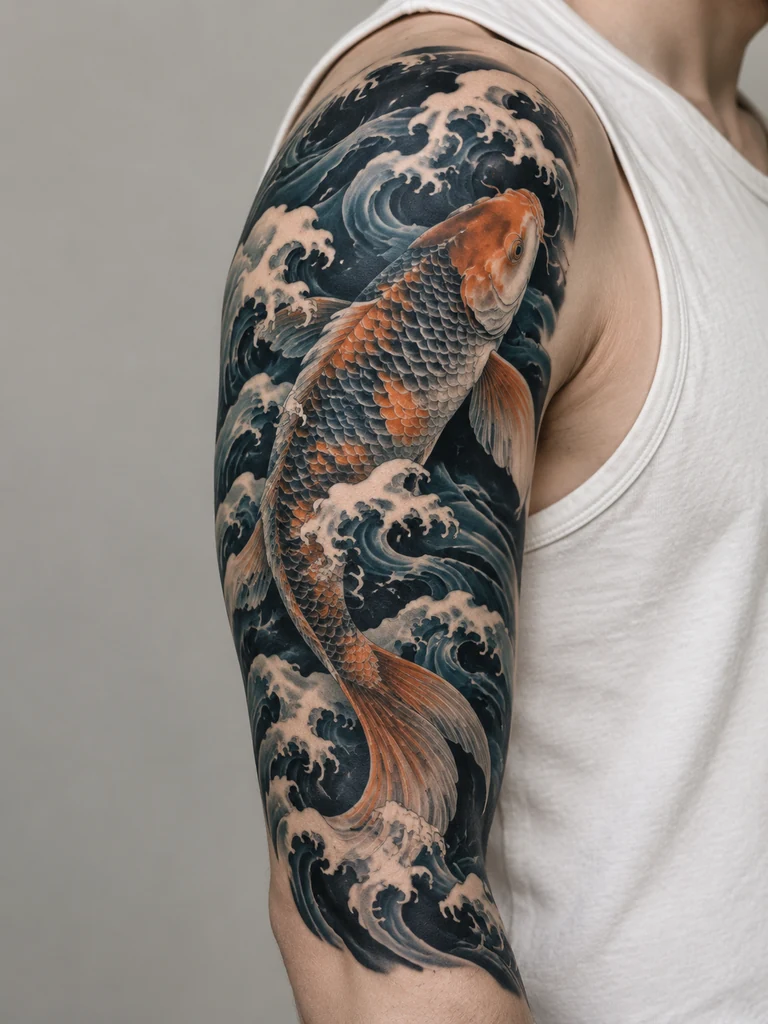 Japanese-Inspired
A Japanese-inspired koi tattoo concept combines an expressive fish with sweeping dark waves. Fit the design to the upper arm with layered scales and controlled contrast.
Try This Direction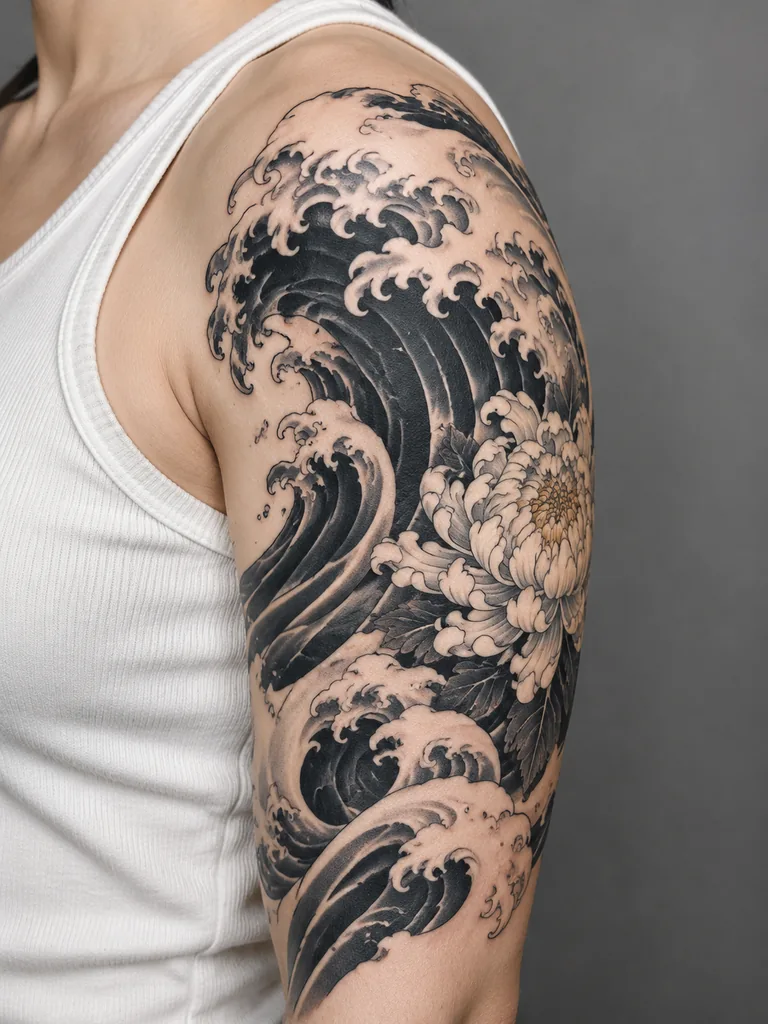 Japanese-Inspired
A shoulder wave concept combines a sweeping crest, dark water, and layered chrysanthemum petals. Emphasize broad movement and an artist-friendly silhouette over tiny isolated details.
Try This Direction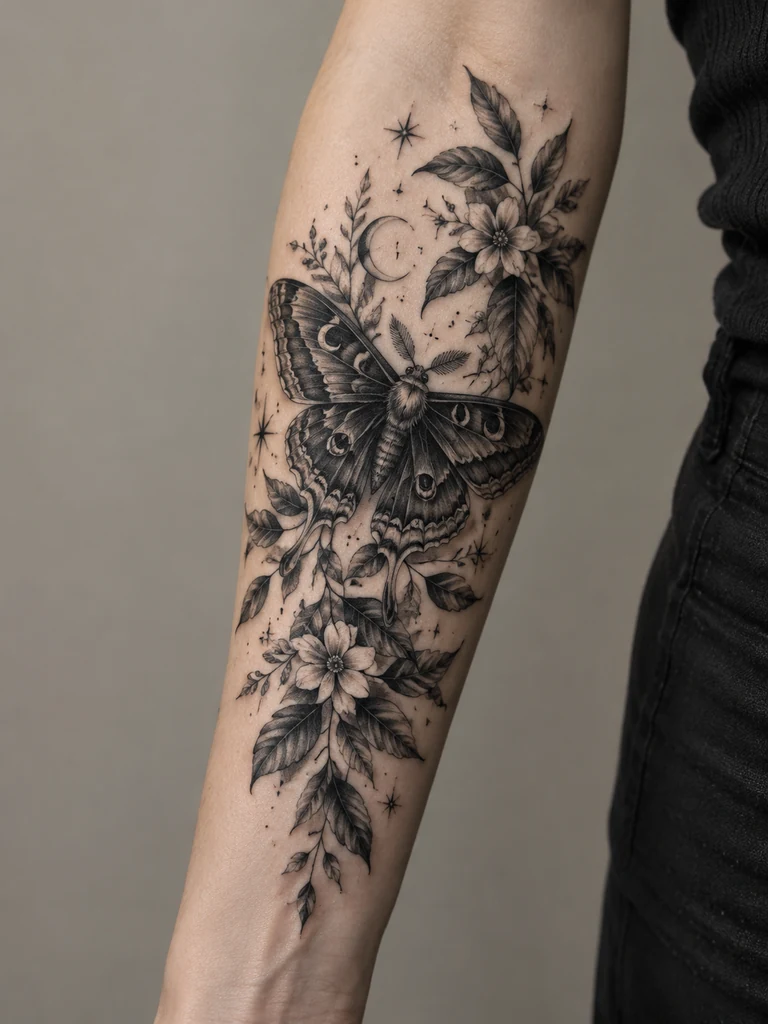 Illustrative
An illustrative moth tattoo concept spreads dark patterned wings over a night-garden arrangement. Use botanical framing and a clear central shape to organize the forearm composition.
Try This Direction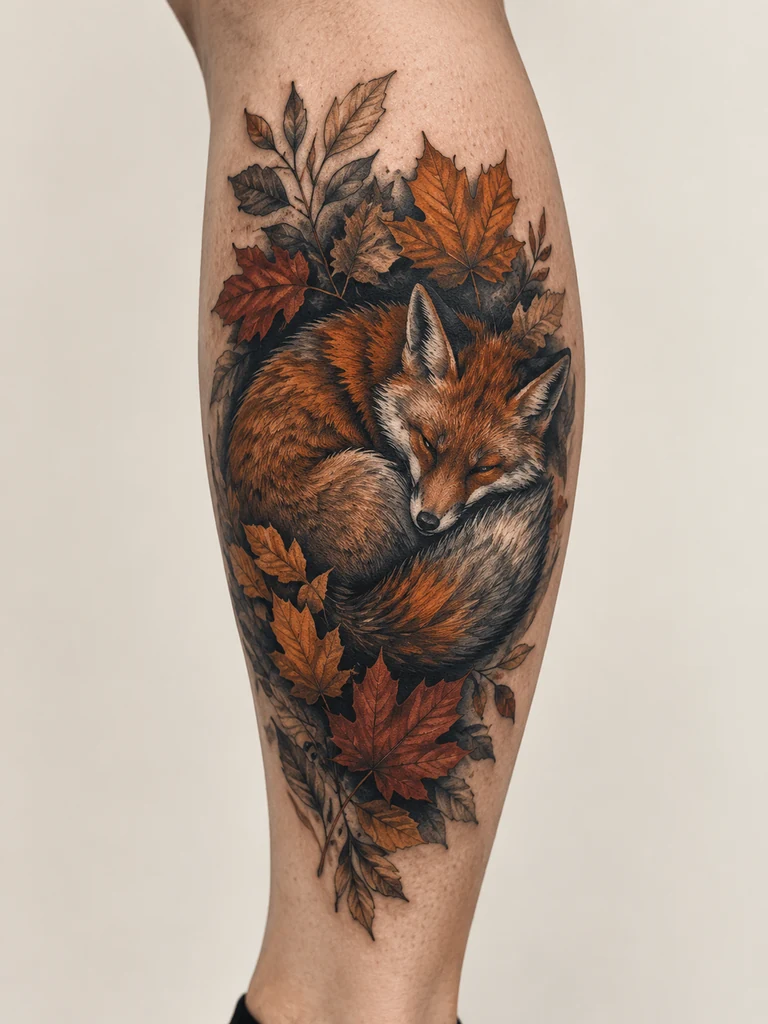 Illustrative
An autumn fox cover-up concept combines a curled fox silhouette, deep shaded fur, and layered leaves. Adapt the arrangement to the calf while preserving a readable animal shape.
Try This DirectionGive the AI cover up tattoo generator specific constraints instead of asking it to hide everything. A clear brief makes the visual discussion with your artist more productive.
A faint wrist mark and a dense calf emblem are different starting points. Describe the visible shape and darkness so the concept responds to your reference rather than becoming an unrelated new tattoo.
A shoulder, forearm, and calf offer different curves and space. Ask for a composition that follows the location, then inspect the generated anatomy and remember that the model may alter proportions.
Explore layered flowers, bold ornamental shapes, flowing waves, or an illustrated animal. Compare the overall silhouette and dark areas before adding small decorative details or mixing too many themes.
The presets are short enough to adapt. Swap the flower, animal, or placement, and say which features of the old tattoo should influence the direction. Change one important idea at a time.
AI artwork can erase lines or invent clean skin in a way real ink cannot. Use the result to communicate taste and ask your artist what would need to change; do not treat it as a finished stencil.
Save your original photo alongside two or three favorite concepts. Include what you like about the shape, contrast, and subject, plus anything you want to avoid, so your artist can explain practical alternatives.
Use the AI cover up tattoo generator to explore a direction, then choose the next step based on what you need. This compares workflows, not artist quality or model performance.
| Criteria | AI Concept Exploration | Artist-Led Custom Design | Existing Design References |
|---|---|---|---|
| Starting point | Your reference photo and a short visual brief | The actual tattoo, body placement, and an in-person discussion | A collection of images you are allowed to use for inspiration |
| Useful outcome | Several visual directions to discuss and refine | An assessed design approach adapted to your tattoo | A clearer sense of subjects, shapes, and preferred styles |
| Main limitation | May invent coverage, anatomy, or details that are not feasible | Needs consultation and individual assessment | A finished image was not designed around your old ink |
| Check before moving forward | Keep the unedited photo and label the result as a concept | Review relevant cover-up work and agree on realistic expectations | Discuss adaptation rather than copying someone else’s tattoo |
Fictional examples of how someone might organize a consultation. They are not customer reviews, real transformations, or claims about what a model will produce.
A person with a faded wrist mark explores fern and flower concepts with the AI cover up tattoo generator. They bring the original photo and two contrasting ideas to their artist rather than asking for a direct copy.
Someone with a darker forearm band compares broad ornamental shapes. They ask the artist where the concept ignores existing ink and what changes would make the composition more realistic.
A client uses an illustrated raven to explain their preferred mood. The artist checks the actual calf tattoo and proposes a different scale and layout; the AI image remains a conversation starter.
Selected Arena image-edit entries dated Oct 20, 2026. This broad leaderboard is not a tattoo coverage test, healed-result assessment, or evaluation of these concepts. Model variants may differ from GlobalGPT.
| Rank | Model | Arena Rating | Votes | Rank Range | Price / Image |
|---|---|---|---|---|---|
| #1 | gpt-image-2 (medium) OpenAI / Proprietary | 1461.78 | 212326 | #1-#1 | 0 |
| #2 | grok-imagine-image-2.0 (low) SpaceXAI / Proprietary | 1439 | 5936 | #2-#2 | - |
| #3 | mai-image-2.6-preview Microsoft AI / Proprietary | 1416.85 | 9013 | #3-#4 | - |
| #4 | muse-image Meta / Proprietary | 1404.9 | 66921 | #3-#5 | - |
Source: Arena Leaderboard
Use a reference photo and describe the design direction, placement, and features you want to explore. The workspace generates an image concept. Inspect it for unwanted changes and take it to a tattoo artist with the unedited source photo.
No. A generated image cannot establish real tattoo coverage, how pigments interact, or a healed result. An experienced cover-up tattoo artist needs to assess the existing ink and proposed design before you make a decision.
You can explore visual ideas for either, but their feasibility differs. Tell the model what is visible and use the result as a discussion aid. Ask your artist to evaluate density, color, size, and whether another approach is needed.
The model selector shows the current trial access. Nano Banana 2 offers one trial generation here; other displayed models may need account access or credits. The GPT Image 2 samples are illustrative, so trial output can look different.
Bring them to a consultation as inspiration, not as an approved stencil. Keep your original tattoo photo available and let your artist adapt the design. AI does not replace assessment of your skin, placement, ink, or personal suitability.