

App-inspired layouts
Explore fictional mobile and desktop chat layouts with bubbles, avatars, timestamps, and light or dark themes.
Prompt Guide
Model
Reference Image
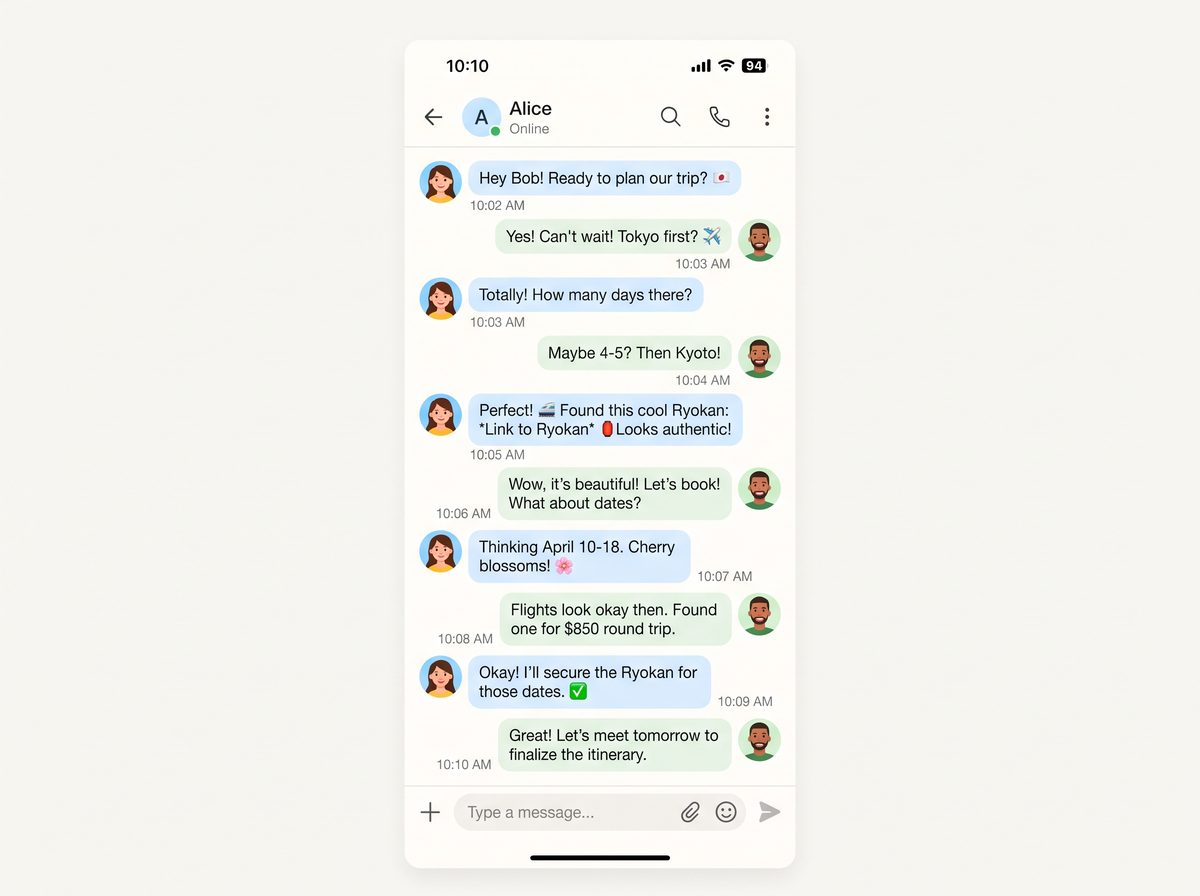
Turn fictional conversations into chat-style images with message bubbles, avatars, timestamps, and light or dark layouts. Explore app-inspired styles without official logos or branding.
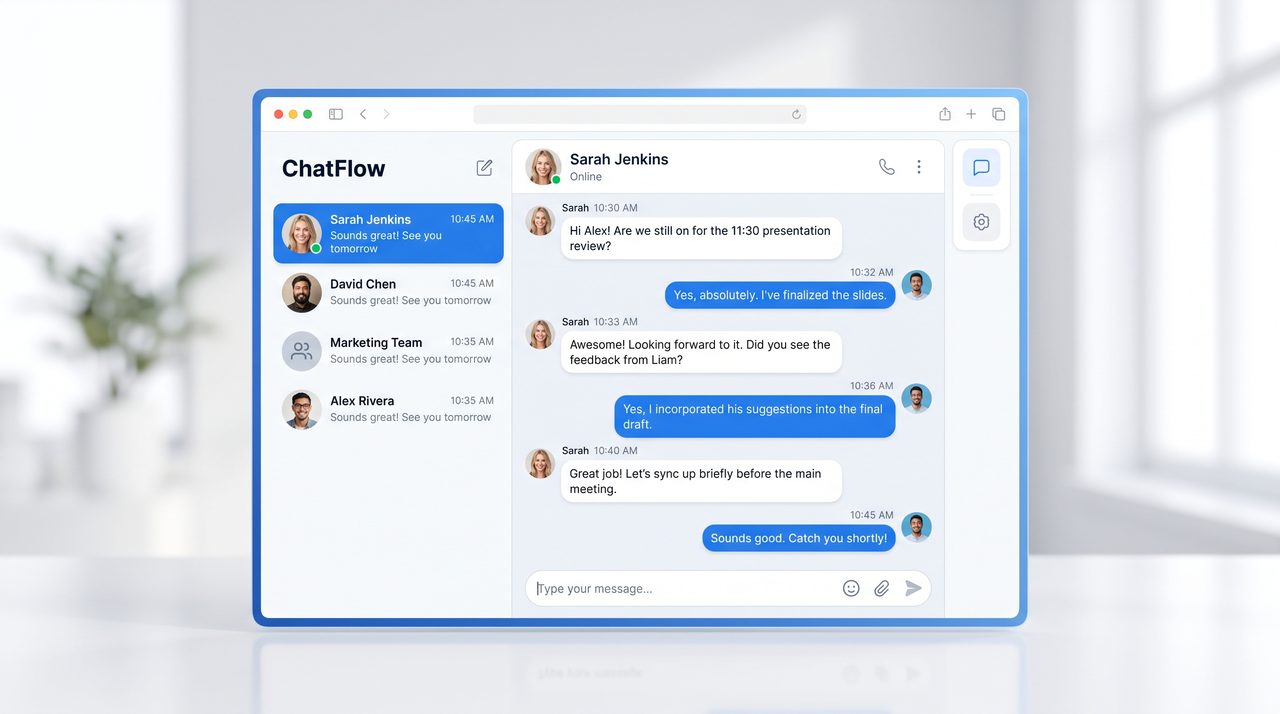
Browse short, vertical chat-style examples across group chats, direct messages, community threads, and support conversations.
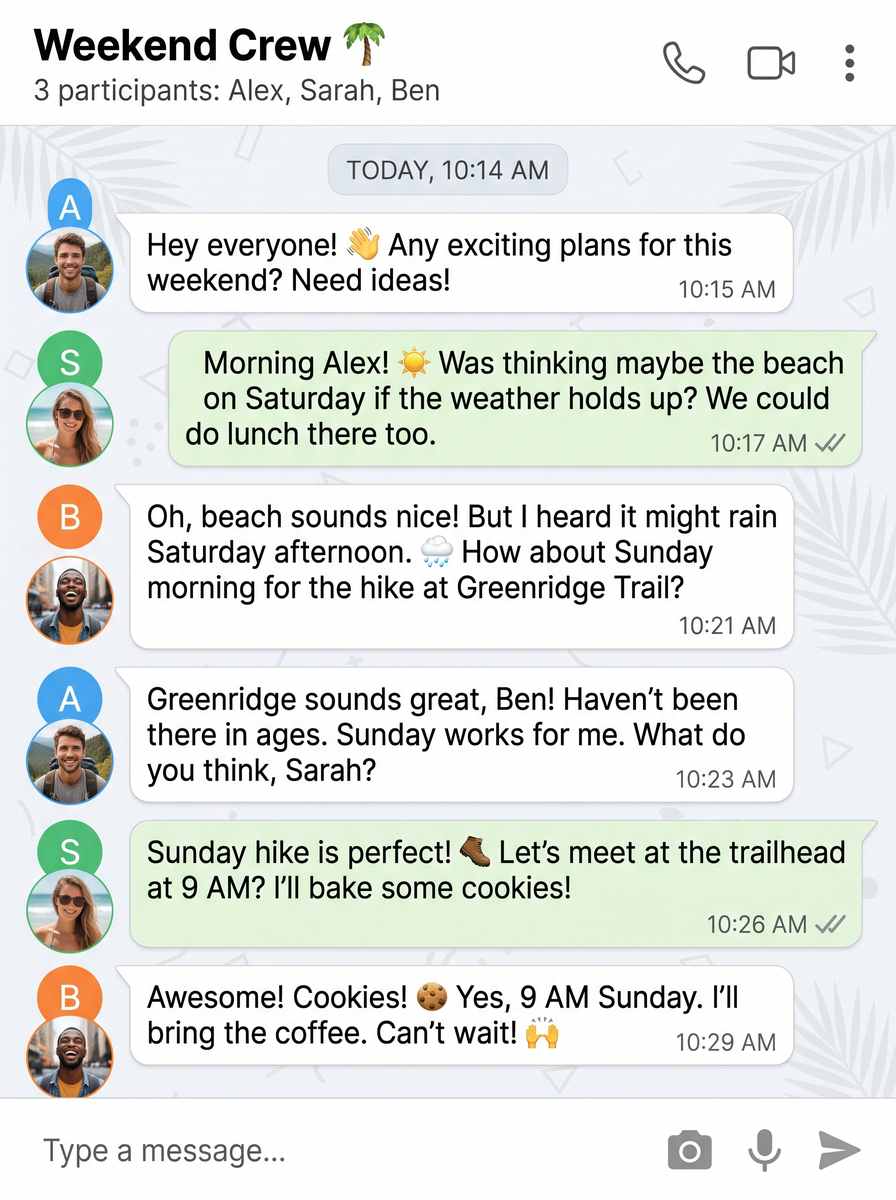 Group chat
Create a short fictional weekend group conversation in a green app-inspired mobile chat layout with avatars, timestamps, and compact message bubbles. No official logos or copied branding.
Create This Chat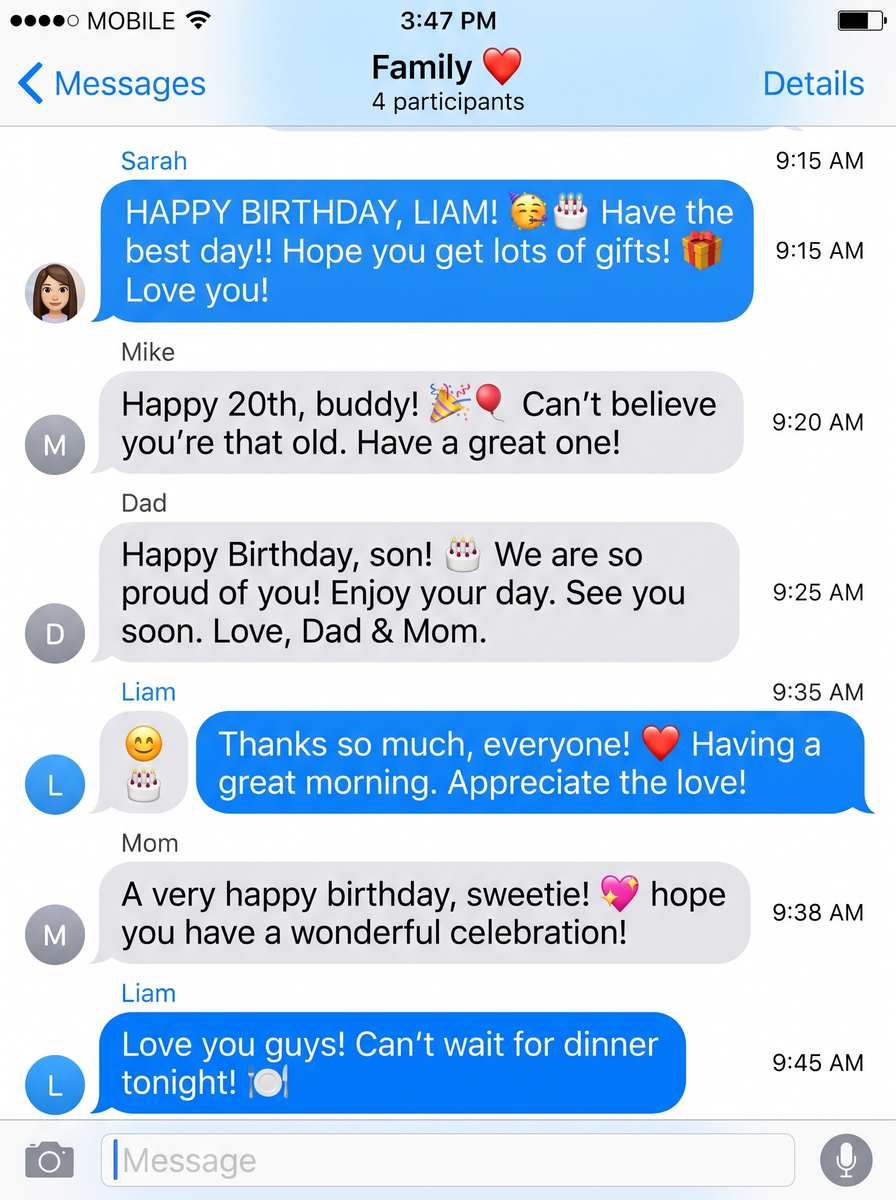 Family chat
Create a short fictional family planning conversation in a blue iMessage-inspired chat layout with light background, avatars, timestamps, and compact bubbles. No official logos or copied branding.
Create This Chat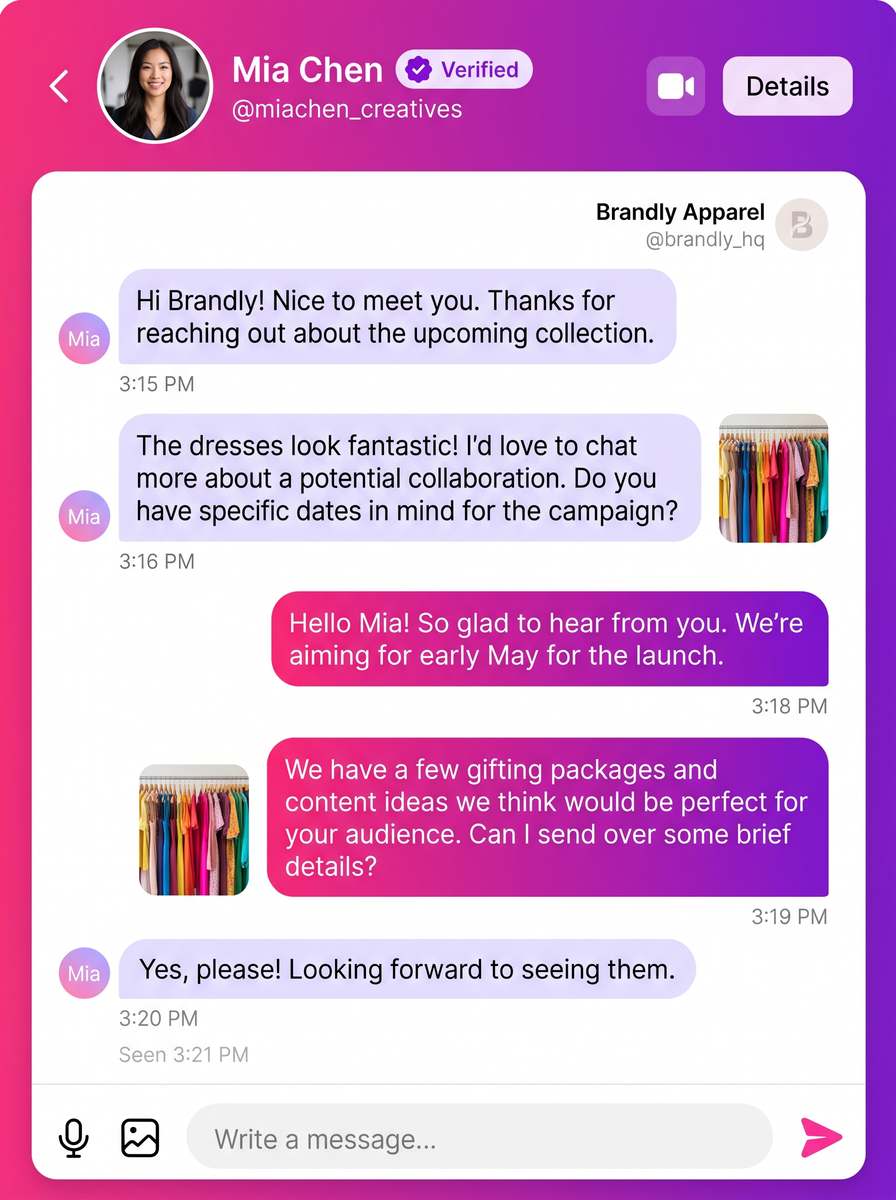 Direct message
Create a short fictional creator collaboration inquiry in a photo-sharing app-inspired direct-message layout with a colorful header and compact bubbles. No official logos or copied branding.
Create This Chat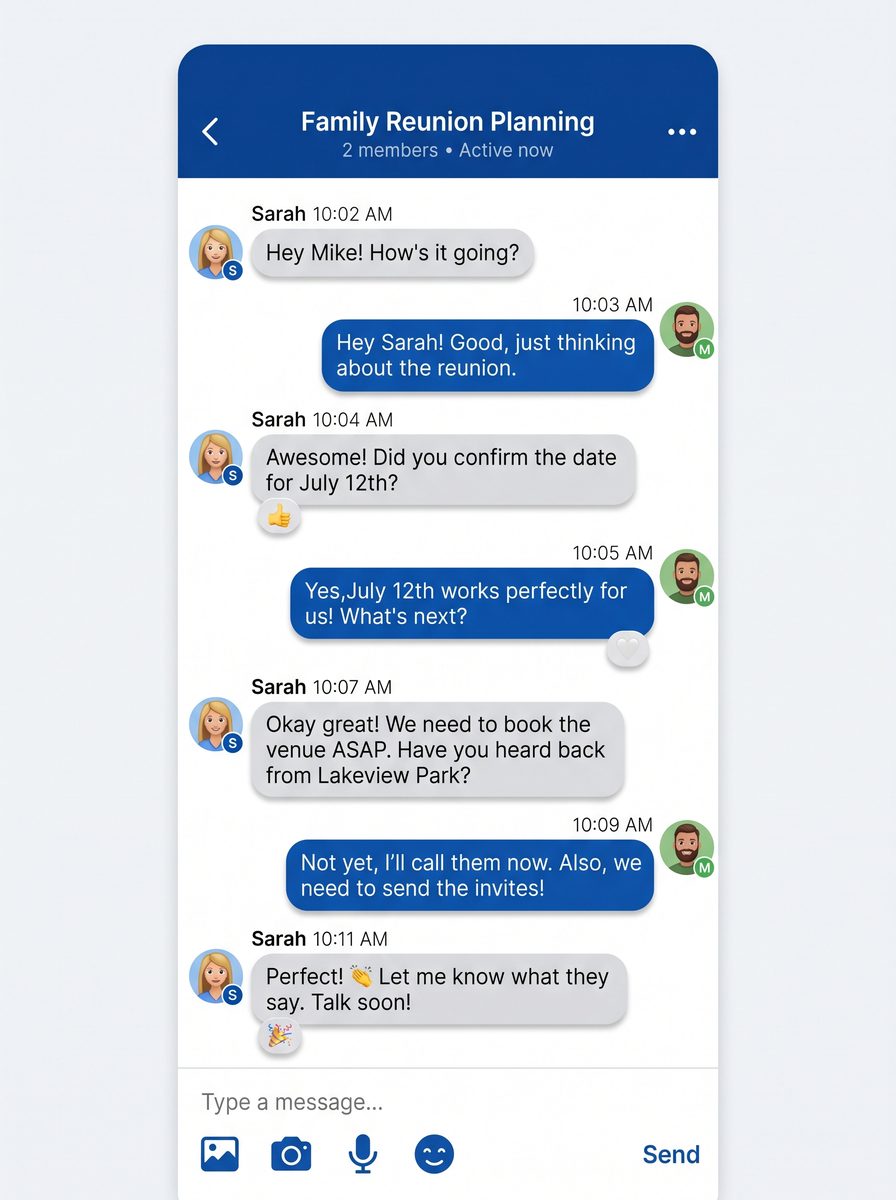 Event planning
Create a short fictional reunion planning conversation in a clean messenger-inspired layout with a blue header, avatars, and timestamps. No official logos or copied branding.
Create This Chat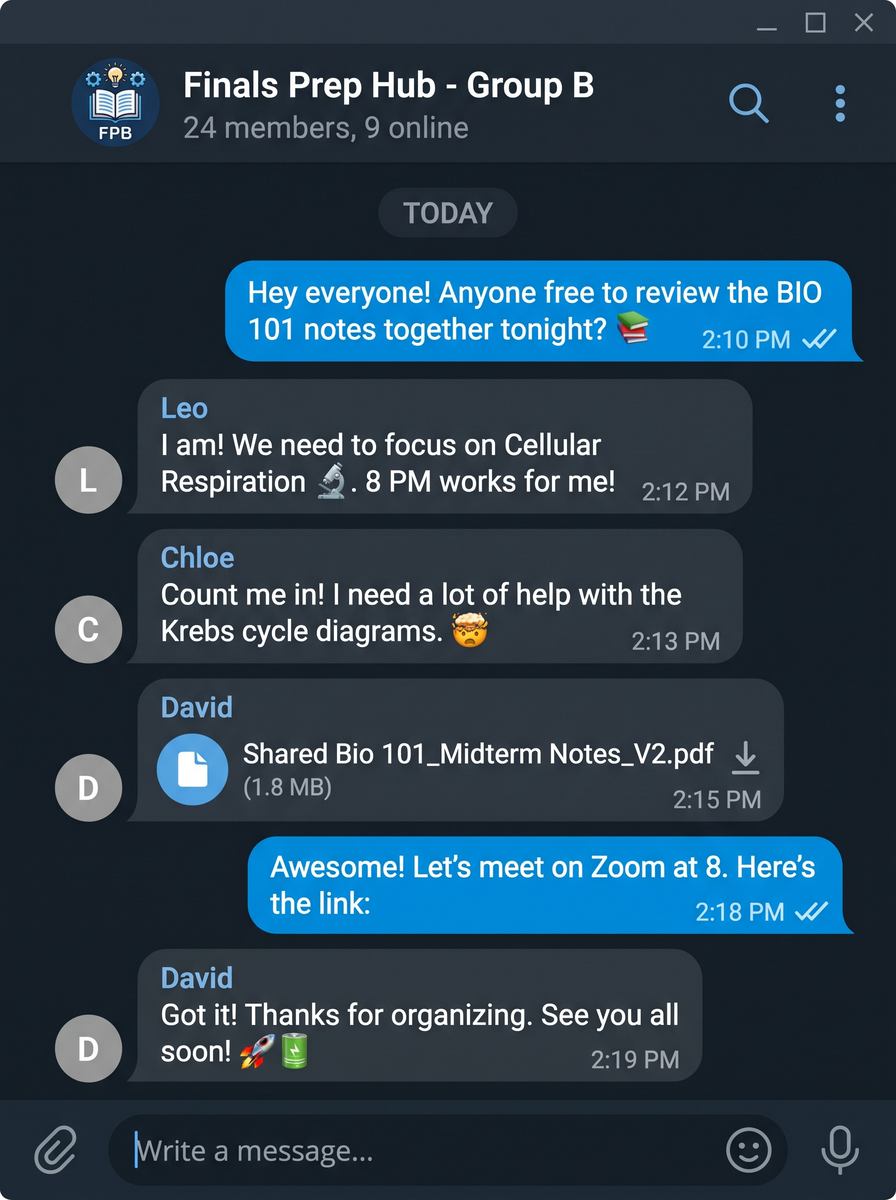 Study group
Create a short fictional study-group conversation in a dark community-chat layout with channel cues, avatars, and compact messages. No official logos or copied branding.
Create This Chat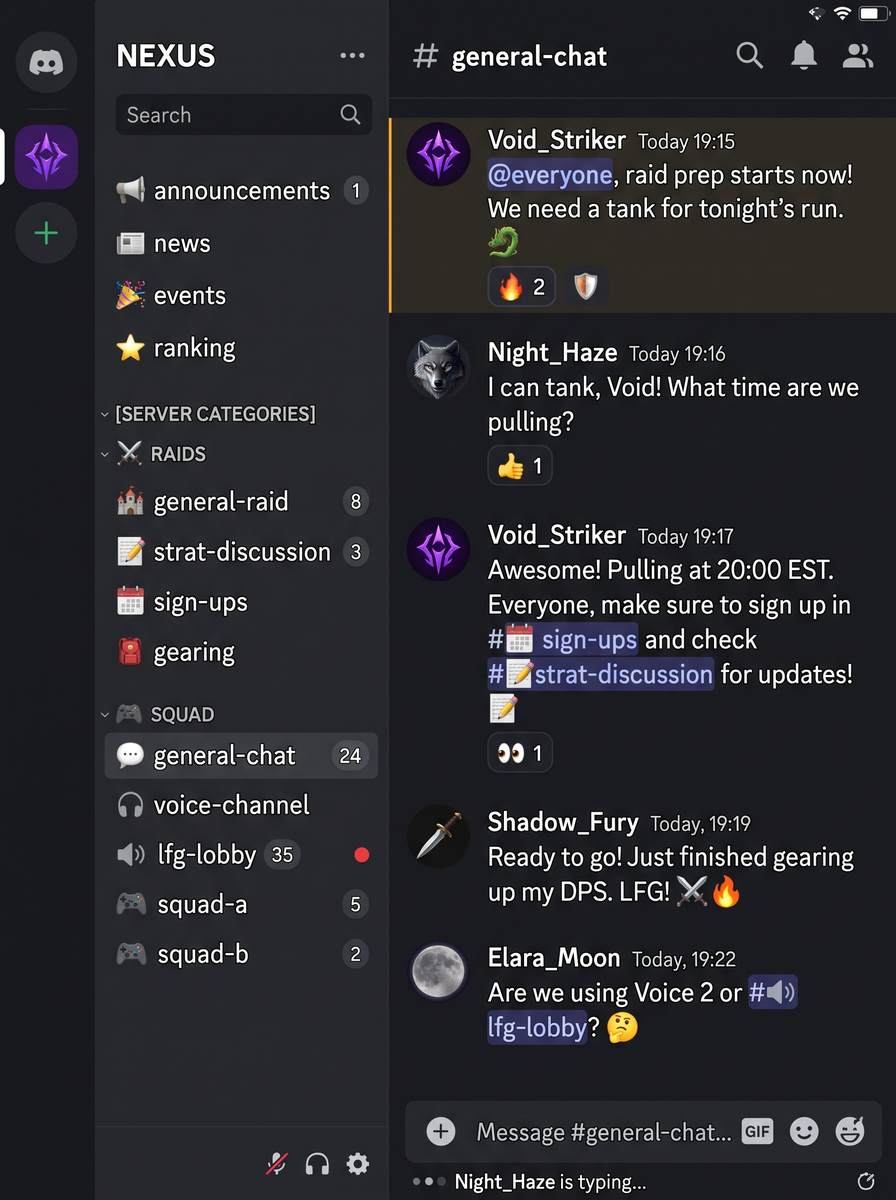 Gaming chat
Create a short fictional gaming-team conversation in a dark server-chat layout with member list, channel cues, and concise messages. No official logos or copied branding.
Create This Chat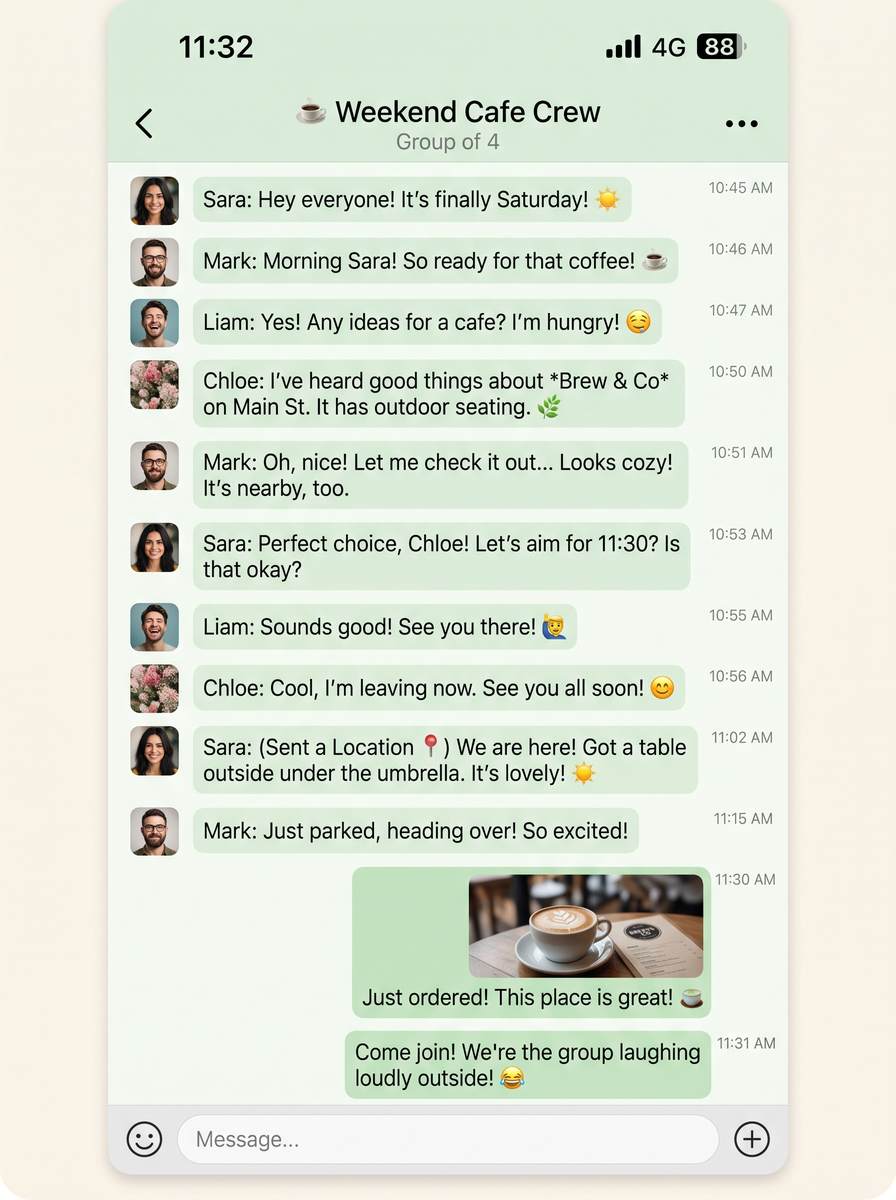 Casual chat
Create a short fictional cafe meetup conversation in a warm green messaging layout with timestamps, avatars, and compact bubbles. No official logos or copied branding.
Create This Chat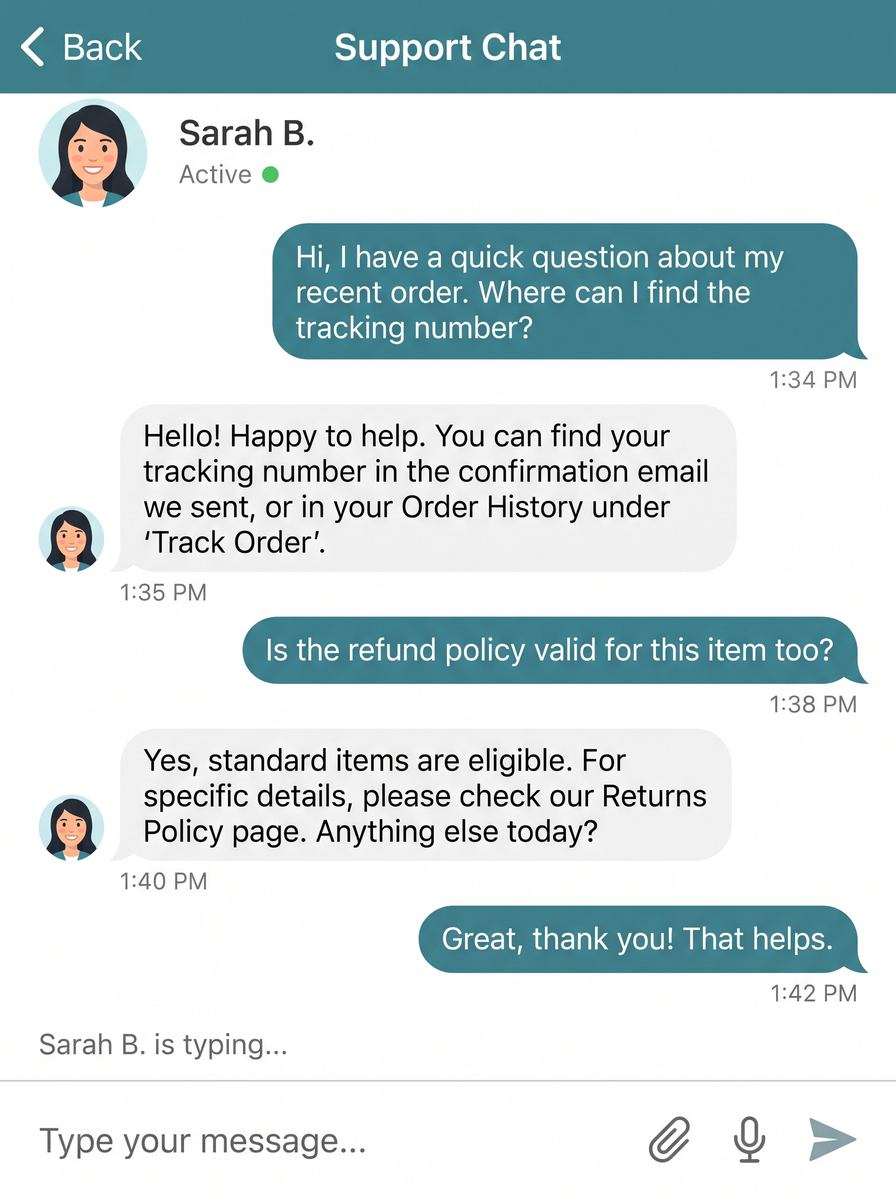 Support chat
Create a short fictional customer-support conversation in an original teal chat layout with an agent avatar, timestamps, and concise help messages. No official logos or copied branding.
Create This ChatExplore fictional mobile and desktop chat layouts with bubbles, avatars, timestamps, and light or dark themes.
Start from short portrait examples designed for social posts, mockups, and concept screens.
Create an app-like conversation image without relying on official logos or copied interface branding.
Describe the app-inspired layout, conversation, participants, theme, and message details you want to see.
Choose a portrait, landscape, or widescreen ratio and use an example as a starting direction.
Generate the static chat screenshot, review the bubbles and timestamps, then refine the prompt.
The examples made it easier to start my ai chat image generator project.
I liked keeping the main controls together instead of switching between tools.
The focused workflow helped me compare a few directions quickly.
It creates static chat-style images with fictional conversations, message bubbles, avatars, timestamps, and app-inspired layouts.
Yes. You can explore light, dark, mobile, desktop, group-chat, direct-message, community, and support directions.
Portrait is useful for vertical social posts and phone-style mockups; 4:3 and 16:9 work well for desktop or presentation layouts.
The page creates visual concepts inspired by common chat patterns. It does not promise an operating app, editable native components, or pixel-perfect copies of branded interfaces.