

An insect-first prompt
Keep the bee readable against its flower or background. Specify a side view or three-quarter angle, then review leg joints and wing placement instead of relying on a glossy overall impression.
Prompt Guide
Model
Reference Image
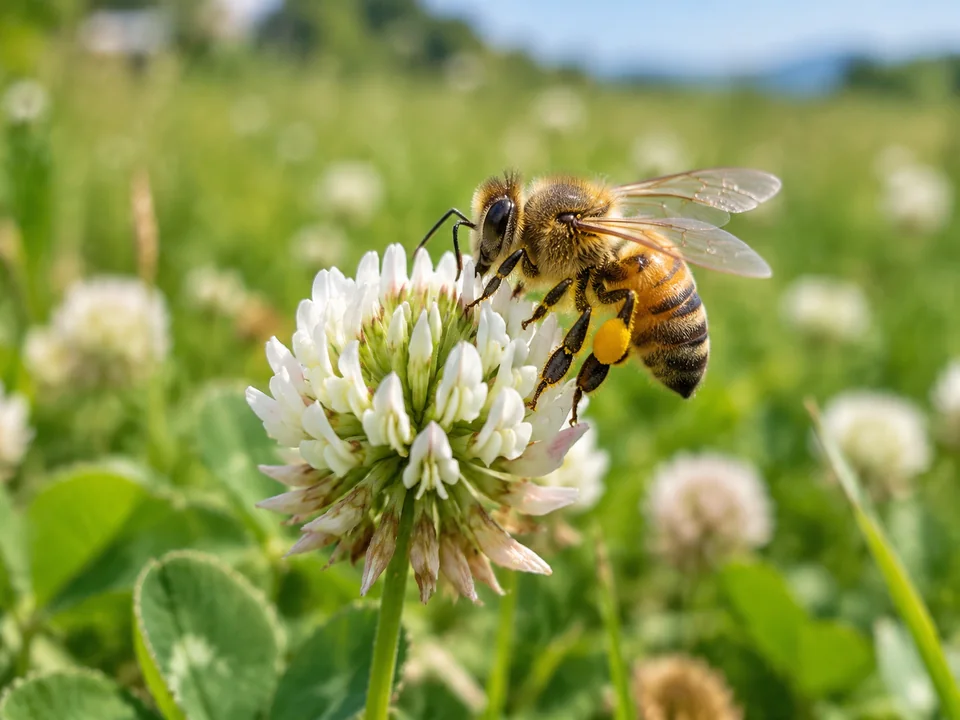
Bring a bee and its surroundings into focus: a pollen-dusted honeybee, a rounded storybook bumblebee, or a botanical study. Choose the mood and composition, then inspect the tiny details that make the image convincing.
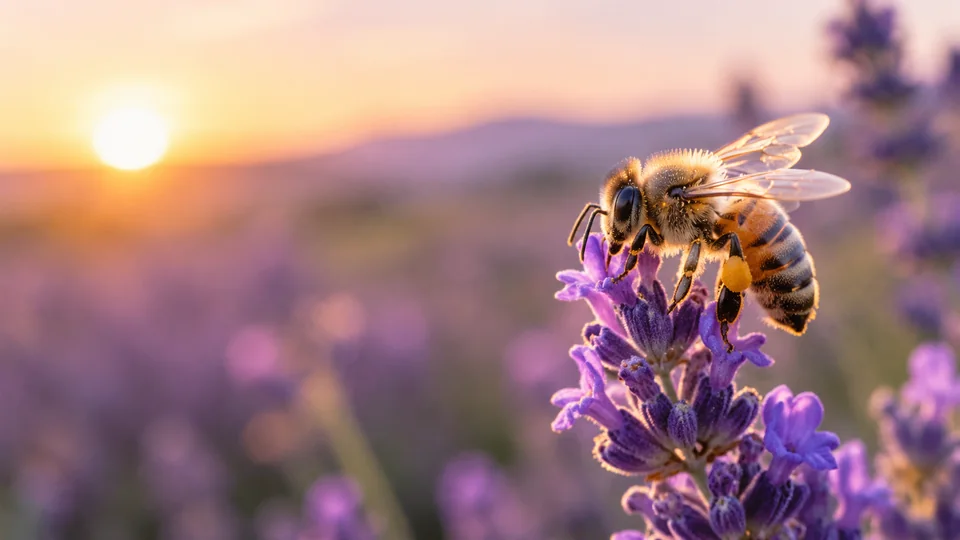
Choose one idea, keep the prompt focused, and inspect the details before using the result.
Pick a starting style in the ai bee image generator. Describe the main subject, pose, and intended use before adding background detail. Keep a small number of visual decisions so the result has one clear focus.
Choose the current image model and aspect ratio, then adapt one of the short prompts. Begin with macro realism, botanical watercolor, a friendly character, or a simple graphic bee. Keep the insect distinct from the flower and describe the style before adding scene details.
For realistic bee art, inspect antennae, legs, and wing attachments. Bees have six legs and two pairs of wings, though perspective may hide some; a plausible image is still not a verified scientific record. If the result misses the brief, change one detail at a time. Check the current account and model access before generating again.
Browse distinct directions for the ai bee image generator, from a focused subject study to a more stylized concept. Each short prompt starts a different composition; sample artwork does not guarantee the same output.
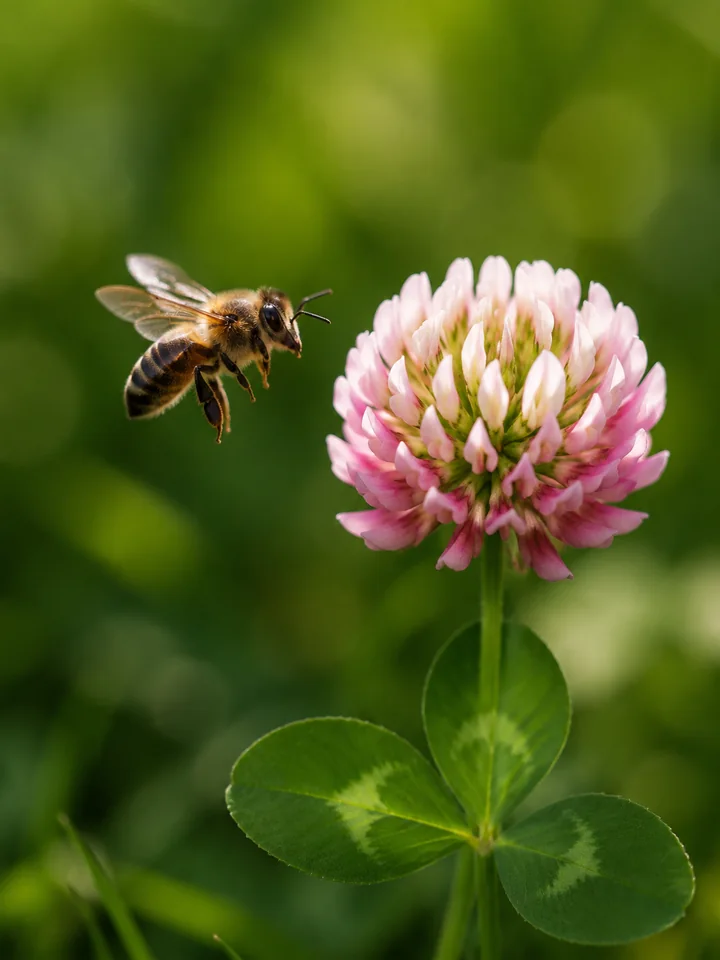 Macro Nature
A honeybee approaches a clover flower, wings naturally attached and motion suggested subtly, green bokeh and realistic shallow depth of field.
Try This Prompt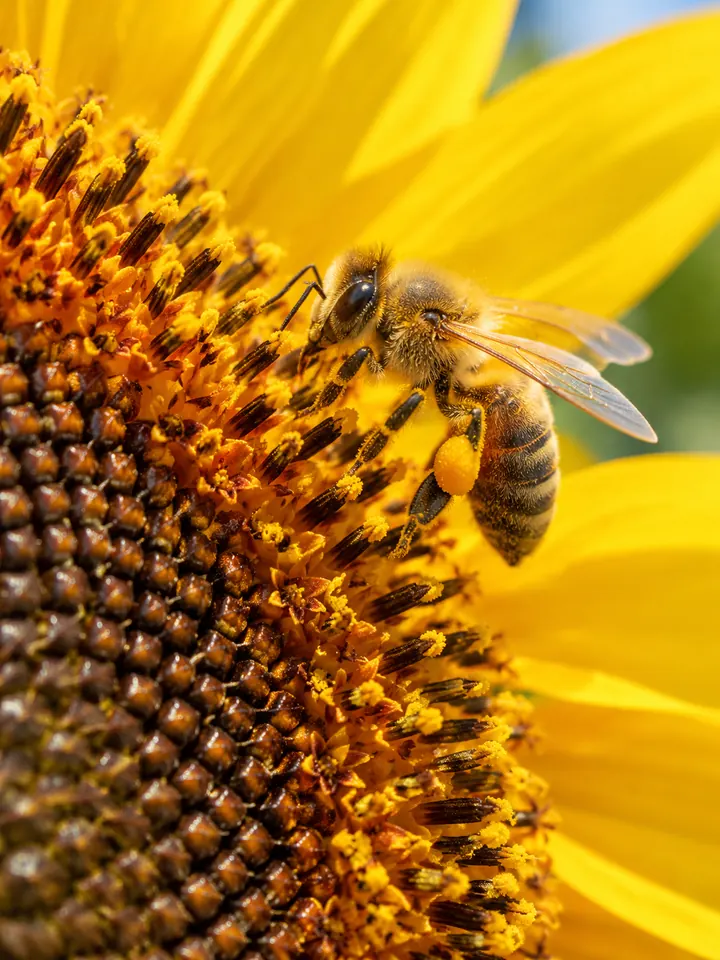 Macro Nature
Show a single honeybee on the edge of a sunflower center, visible pollen, natural proportions, warm daylight and crisp macro detail.
Try This Prompt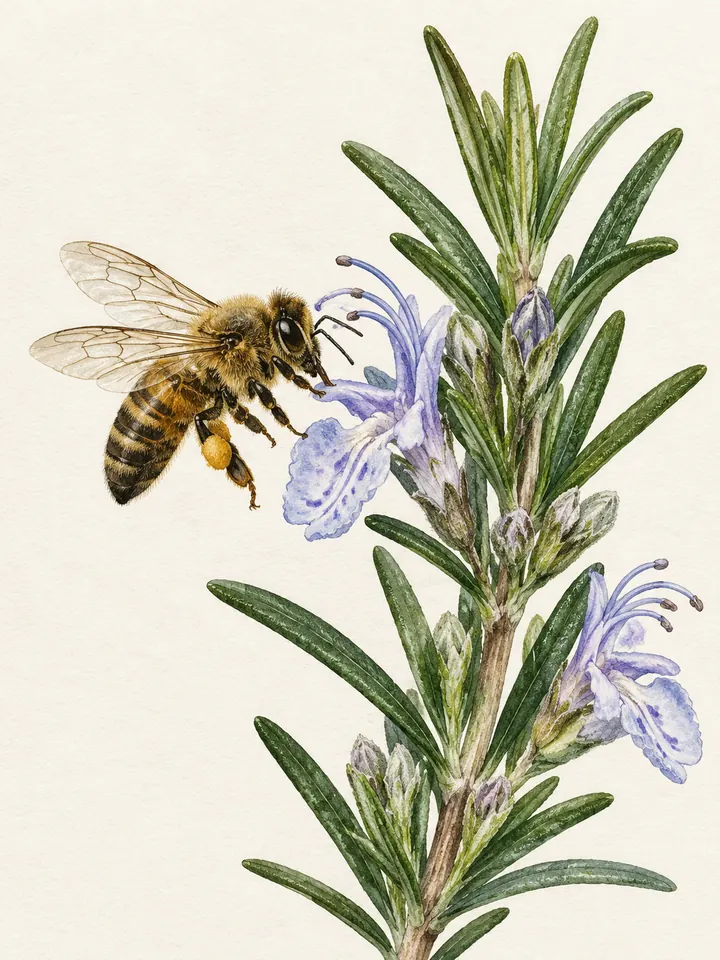 Botanical
Illustrate a bee beside a rosemary blossom with fine ink contours and muted watercolor, a clean botanical layout without labels.
Try This Prompt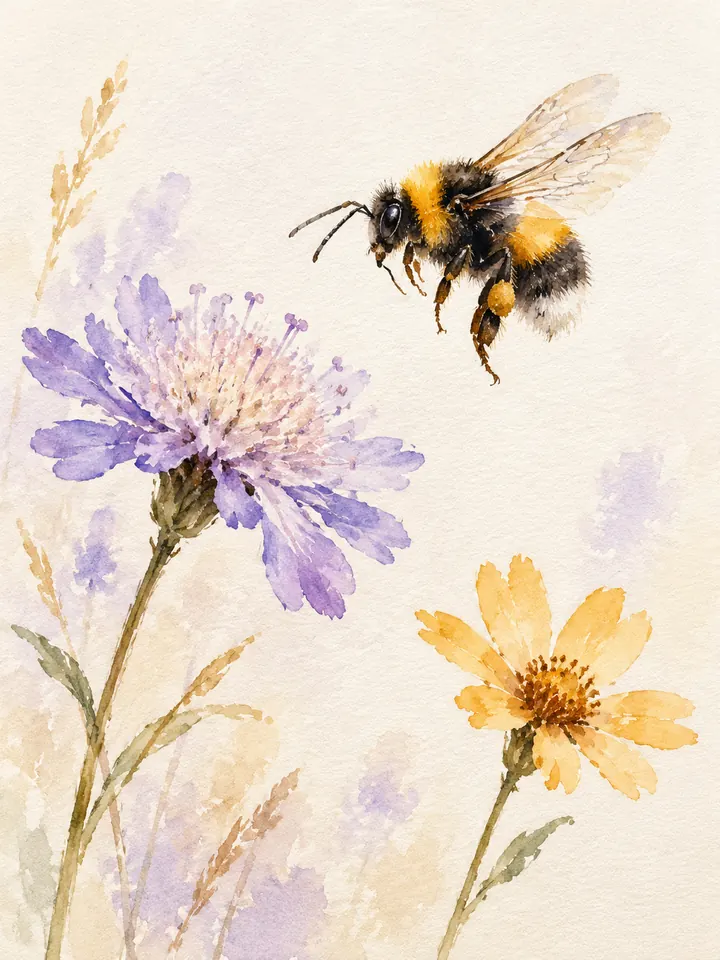 Botanical
Paint a bumblebee and two loose meadow flowers in soft watercolor, lavender and ochre washes, textured paper and a spacious composition.
Try This Prompt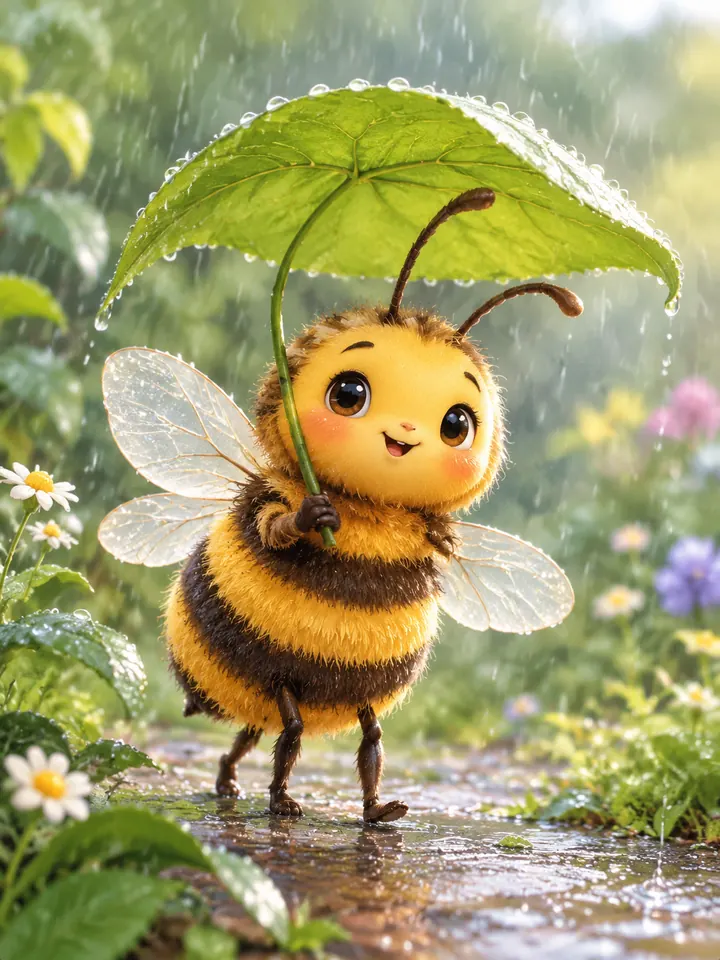 Characters
Create a friendly bee character carrying a tiny leaf umbrella, original storybook illustration, round body, soft rain and uncluttered garden scenery.
Try This Prompt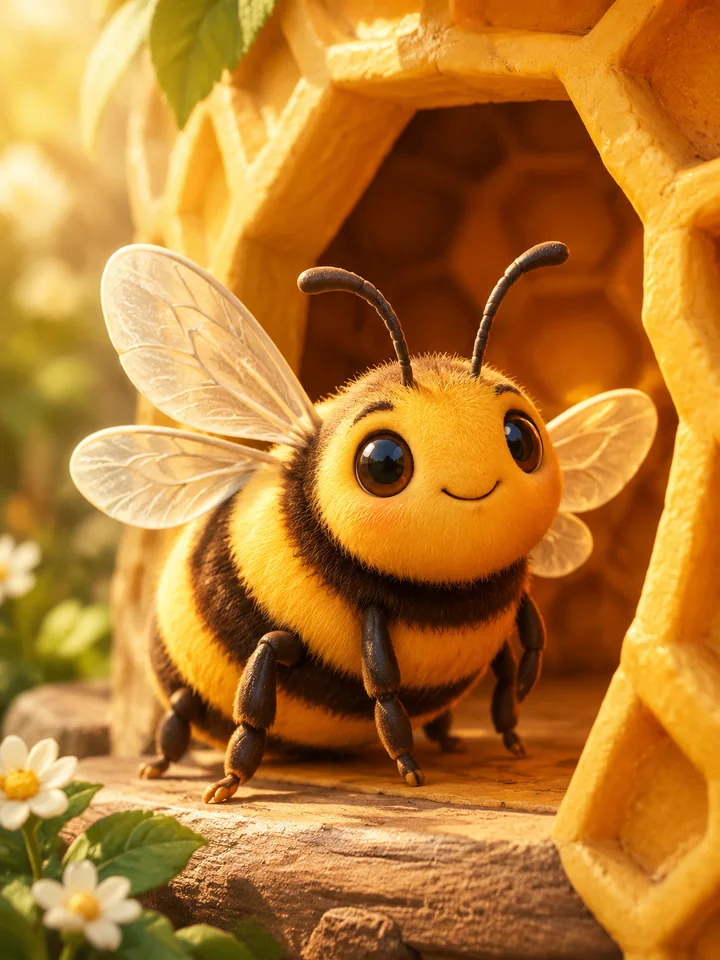 Characters
Illustrate a round bee resting at a simple honeycomb doorway, warm amber light, playful clay-like texture and clearly separated wings.
Try This Prompt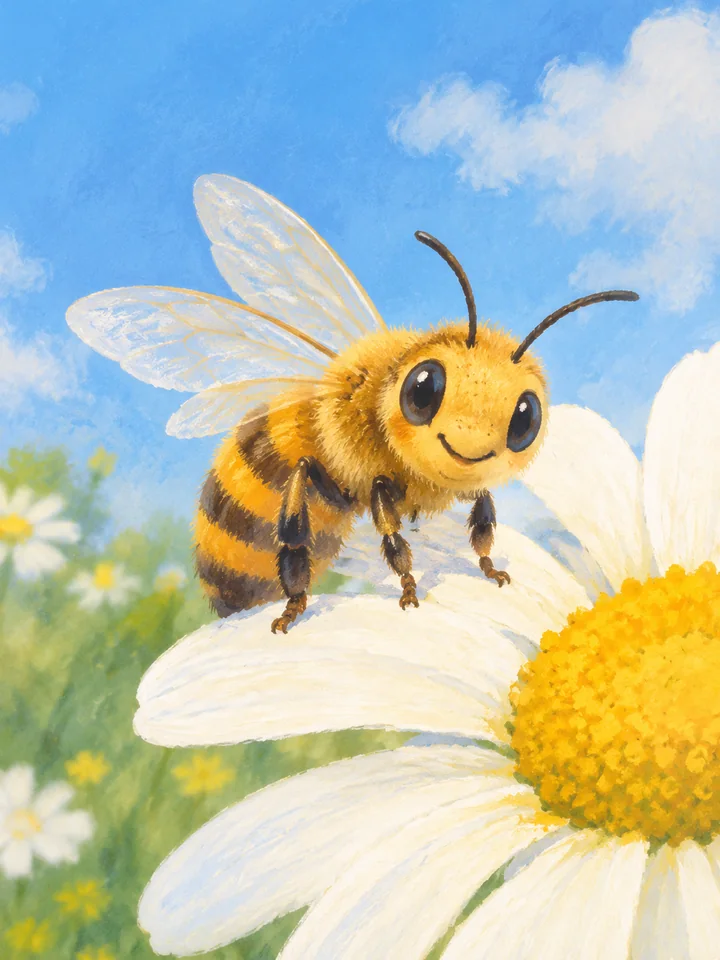 Characters
An original smiling bee rests on a large daisy petal, soft pastel gouache, a cozy blue sky and a simple readable silhouette.
Try This Prompt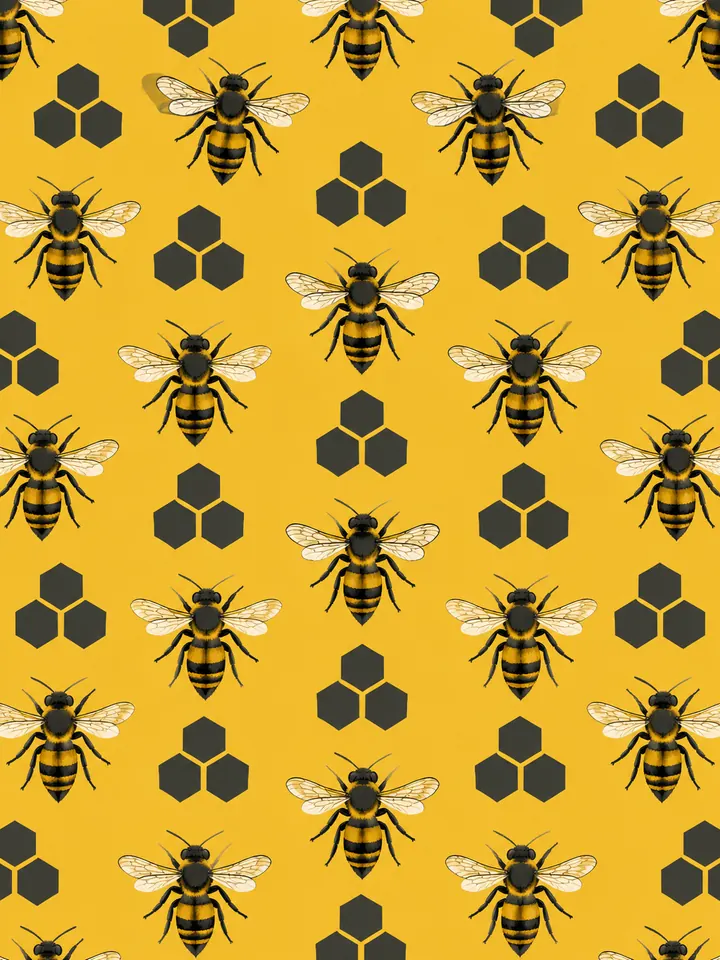 Graphic
Create an evenly spaced pattern of small bees and simple dark blossoms on a honey-yellow background, clean decorative shapes without text.
Try This Prompt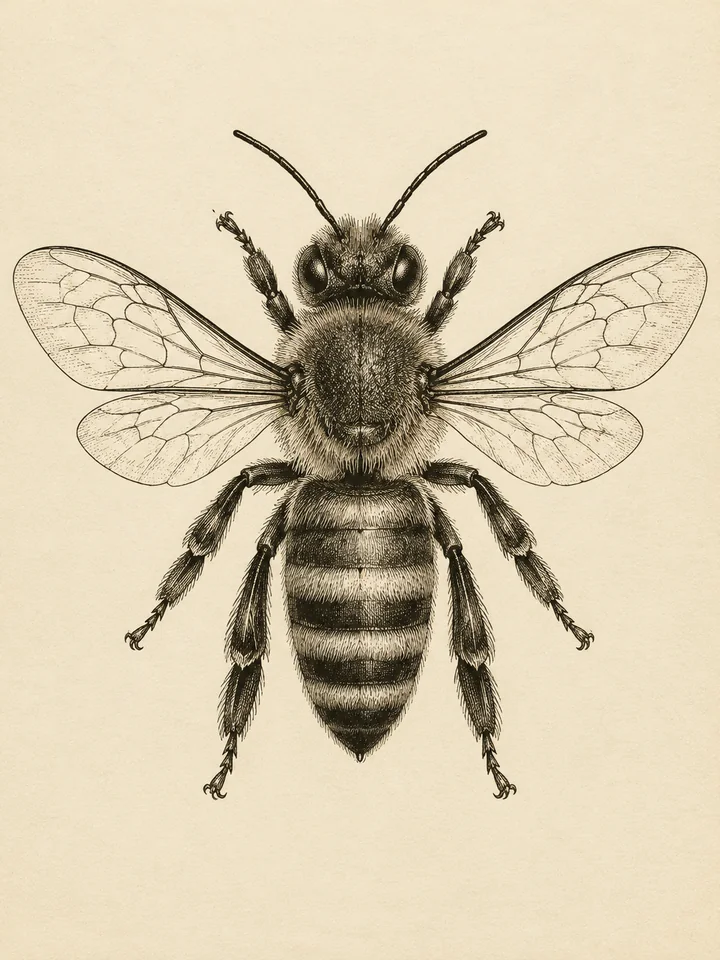 Graphic
Draw one bee in a vintage black-ink engraving style, fine crosshatching, balanced wings and clear legs on warm ivory paper.
Try This Prompt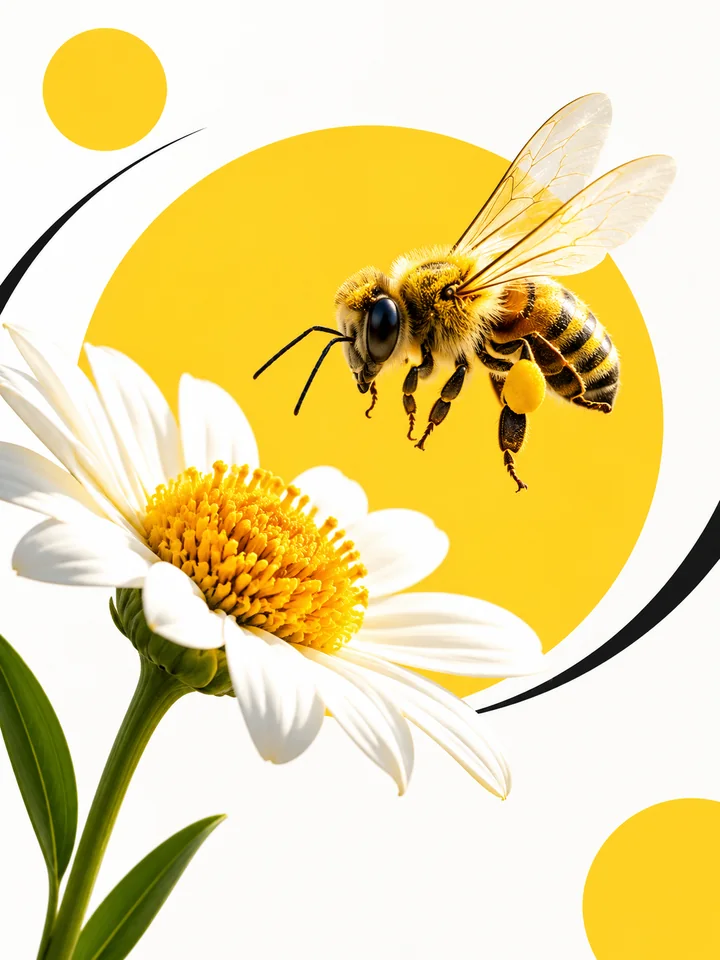 Graphic
Design a minimal bee-and-flower poster illustration using bold yellow circles, black curves and generous white space, without lettering.
Try This PromptThe ai bee image generator works best when the subject, style, and final use are clear. These choices keep the image focused while leaving room to explore original ideas.
Keep the bee readable against its flower or background. Specify a side view or three-quarter angle, then review leg joints and wing placement instead of relying on a glossy overall impression.
Pair one bee with a simple blossom or stem. A restrained palette and uncluttered background work for nature cards, editorial concepts, and pollinator-themed illustration.
For storybook or mascot concepts, choose rounded shapes, a readable expression, and consistent stripe colors. Avoid mixing photorealistic wings with unrelated cartoon facial details.
Compare visual approaches before generating. This is a creative planning guide, not measured model performance or a ranking.
| Criteria | Macro Nature | Botanical | Characters | Graphic |
|---|---|---|---|---|
| Prompt priority | Readable insect and flower separation | Fine contours and simple plant forms | Consistent character proportions | Clear silhouette and clean edges |
| Review before use | Check small details and fit for your intended project | Check small details and fit for your intended project | Check small details and fit for your intended project | Check small details and fit for your intended project |
Illustrative use cases for the ai bee image generator. These are fictional project briefs, not customer reviews, endorsements, or measured outcomes.
Create one clear subject study in the ai bee image generator, with a restrained background and enough room to inspect the silhouette.
Explore a painterly bee direction with visible brushwork, a limited palette, and a composition that leaves room for separately added text.
Use the ai bee image generator to develop a simple original visual concept, then review small details and prepare the final layout in a design editor.
General Arena preference results for a broad model reference. These are not subject-specific tests or a guarantee for GlobalGPT outputs.
| Rank | Model | Arena Rating | Votes | Rank Range | Price / Image |
|---|---|---|---|---|---|
| #1 | gpt-image-2 (medium) OpenAI / Proprietary | 1381.71 | 75014 | #1-#1 | 0 |
| #2 | mai-image-2.6-preview Microsoft AI / Proprietary | 1330.7 | 6418 | #2-#3 | - |
| #3 | grok-imagine-image-2.0 (low) SpaceXAI / Proprietary | 1315.6 | 2675 | #2-#4 | - |
| #4 | reve-2.1 Reve / Proprietary | 1301.61 | 7580 | #3-#4 | - |
Source: Arena Leaderboard
Describe the type of bee, its body shape, coat texture, and setting. Inspect the result before using it as a species-specific illustration; AI can mix characteristics between insects.
Use a clear side or three-quarter view and avoid a crowded swarm. Ask for natural antennae, six legs, and two pairs of wings, then check the actual result for extra limbs, detached wings, or merged flower petals.
Yes. Choose an original rounded character, simple stripes, and one expressive pose. The output is a raster concept; transparent backgrounds, editable vector files, and trademark clearance are not implied.
It can help explore visual ideas, but small anatomical details may be wrong. Use qualified references and expert review for scientific or educational material rather than treating generated art as verified evidence.
No. Examples show distinct prompt directions. Your chosen model, prompt, and current generation conditions can produce a different image. Check the model selector for current trial limits and access.