

Leave a placement area
Ask for an empty center, clear tabletop, or open side. This gives a product, portrait, or headline room to work without fighting decorative objects.
Prompt Guide
Model
Reference Image
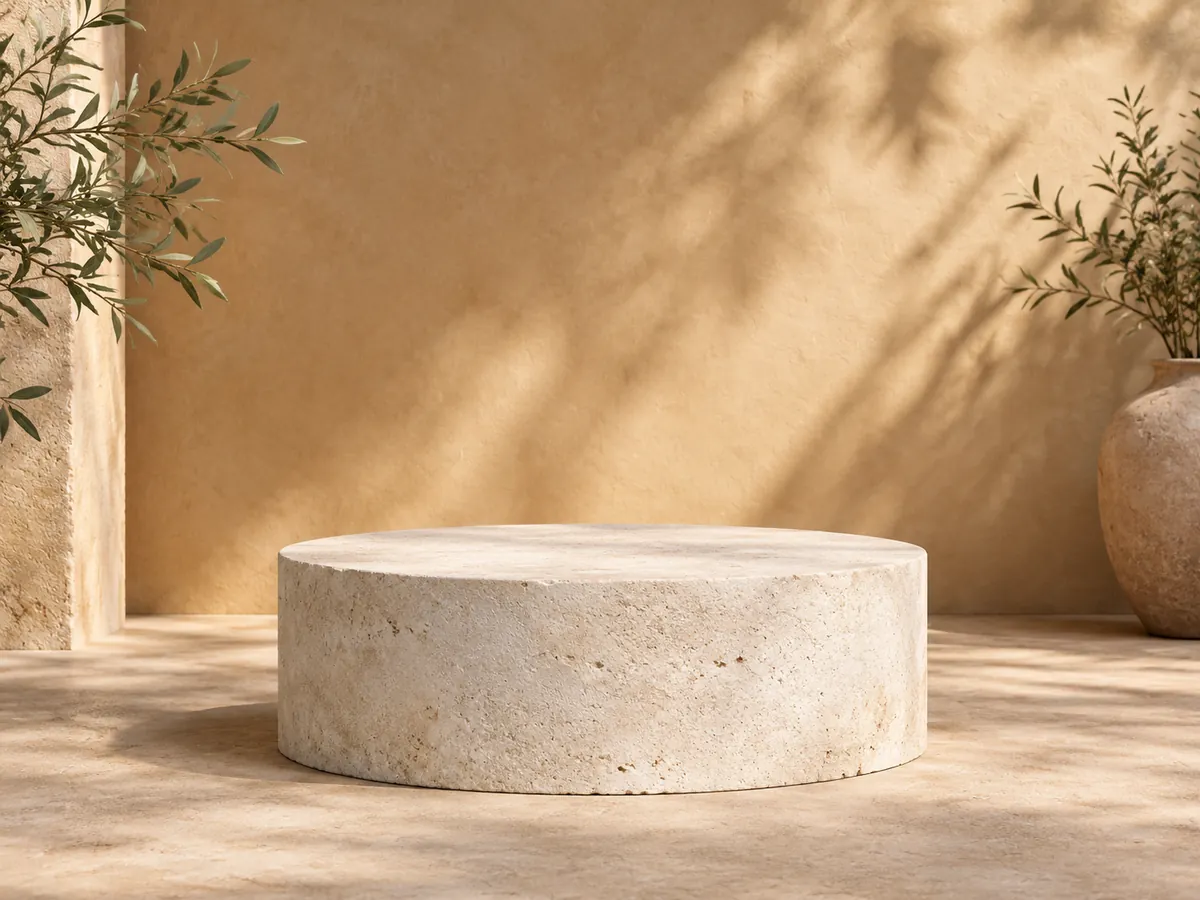
Give your next idea the right setting. Build product stages, clean studio backdrops, graphic layouts, and inviting environments with the AI background generator on GlobalGPT.
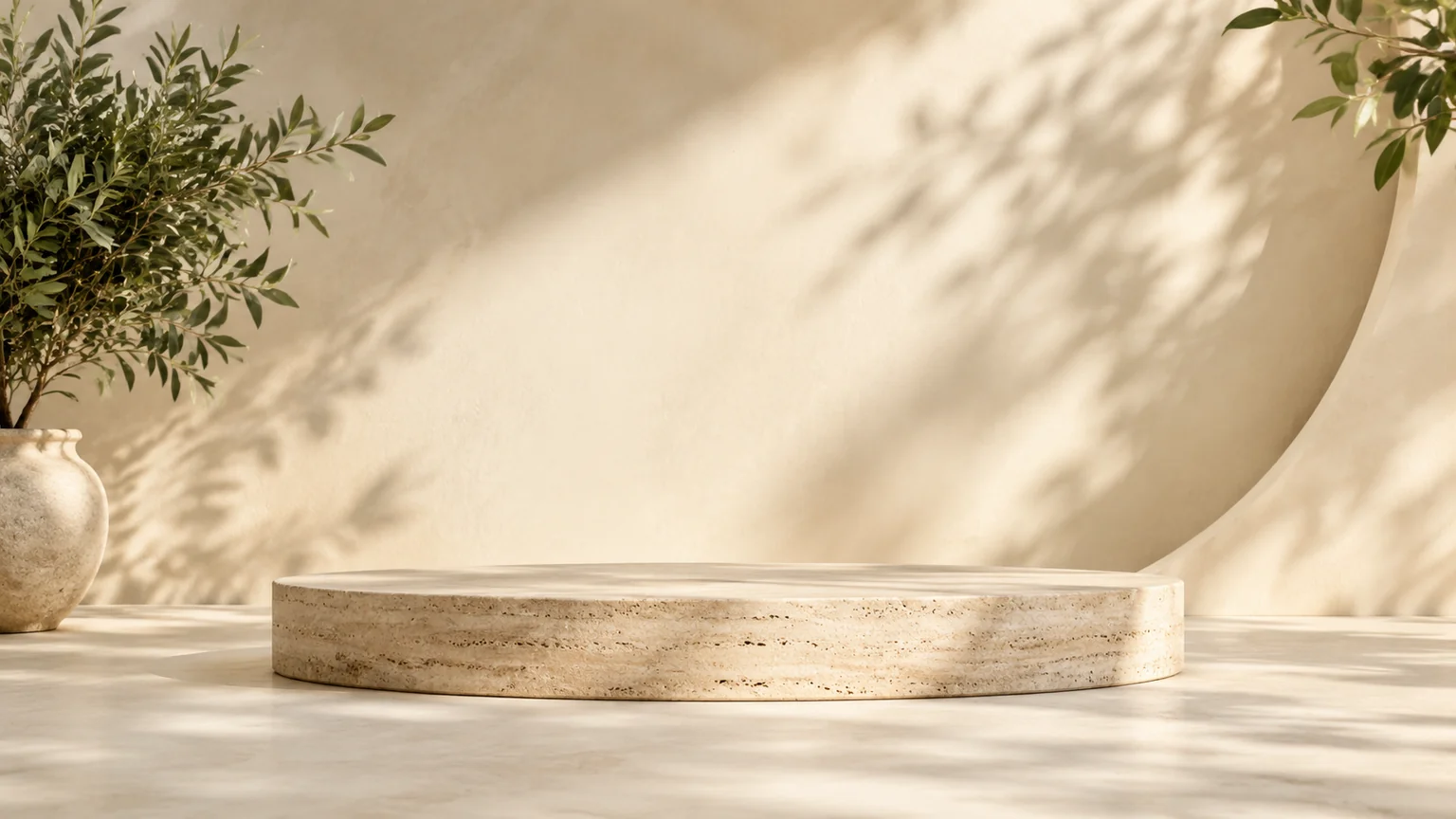
A useful AI background generator brief explains what the background will support. Leave room for the product, person, headline, or other element you plan to add.
Decide whether you need a product background, photo backdrop, website graphic, or environmental scene. Start with the matching workspace direction rather than combining several jobs.
Name the materials, palette, and lighting direction. An empty limestone platform with soft morning light is a clearer brief than an unspecified premium product scene.
Leave the important placement area empty. Choose an available format and review whether the perspective, shadows, and level of detail support the content you will add.
Place your product or text in your usual editor and inspect contrast and scale. If the source is a photograph that needs replacement, use the linked background-changing workflow.
Ten independent settings show where a custom background can help. Product stages remain empty, so the samples do not imply that a product has already been cut out or composited.
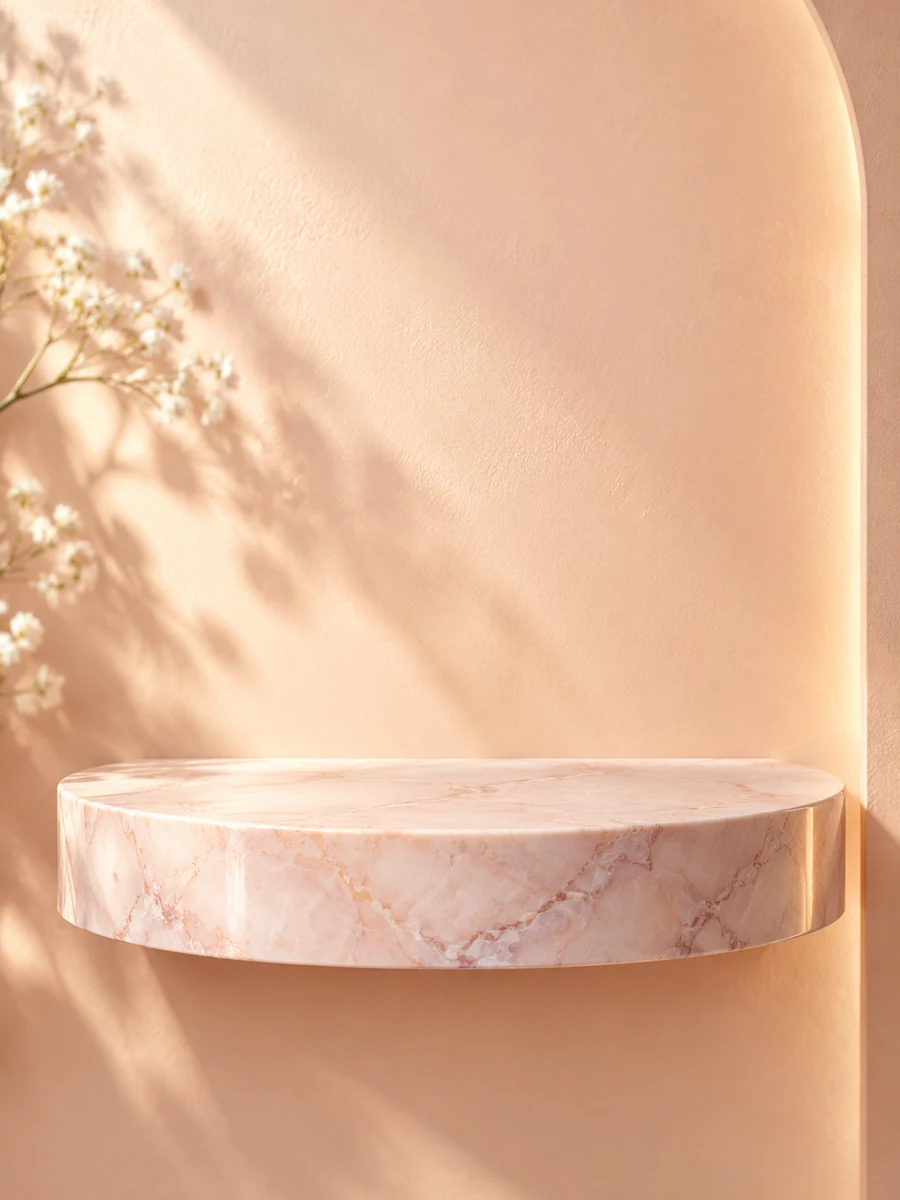 Product Stages
An empty blush marble display shelf against a pale peach wall. Warm side light, delicate reflected highlights, space for a cosmetic product, realistic photography.
Try This Prompt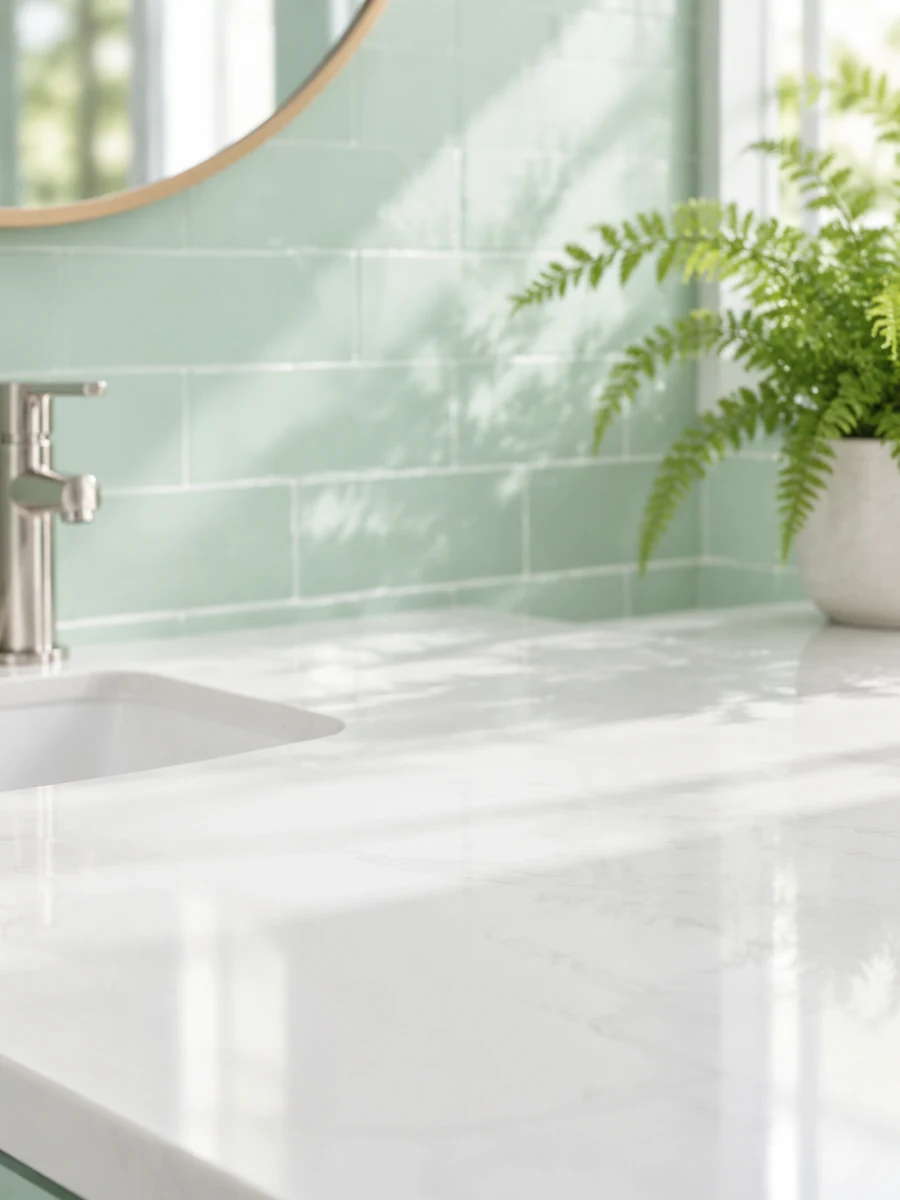 Product Stages
An empty white bathroom counter with soft mint tile and a blurred fern in the distance. Fresh diffuse daylight, clear product placement area, realistic materials.
Try This Prompt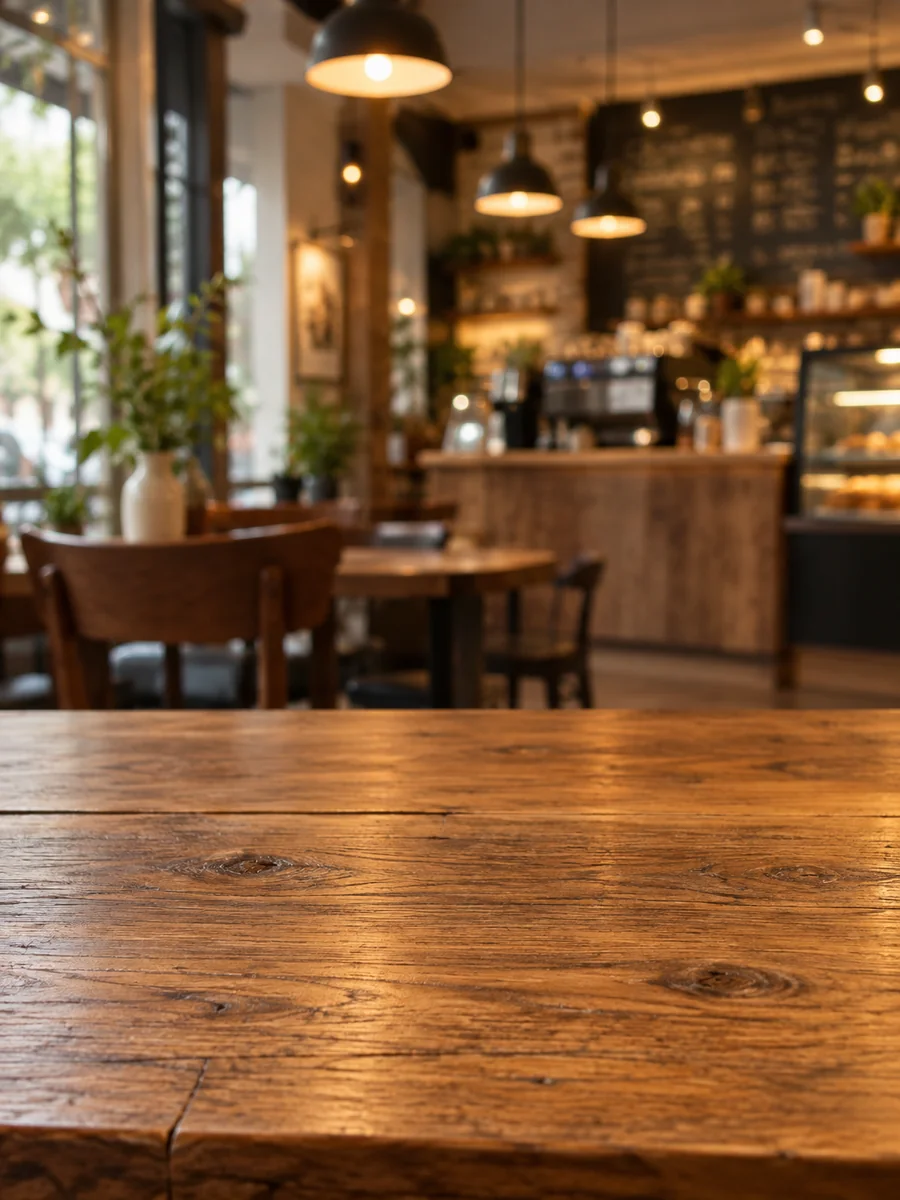 Product Stages
An empty rustic oak tabletop fills the lower part of a cozy cafe backdrop. Blurred warm pendant lights, rich natural grain, inviting space for a product.
Try This Prompt Studio Backdrops
An empty beige studio cyclorama with warm soft light and a subtle curved floor. Balanced shadows, spacious center, refined fashion photography background.
Try This Prompt Studio Backdrops
An empty cool blue paper photography sweep with a soft spotlight gradient. Clean curved edge, subtle floor shadow, crisp contemporary studio background.
Try This Prompt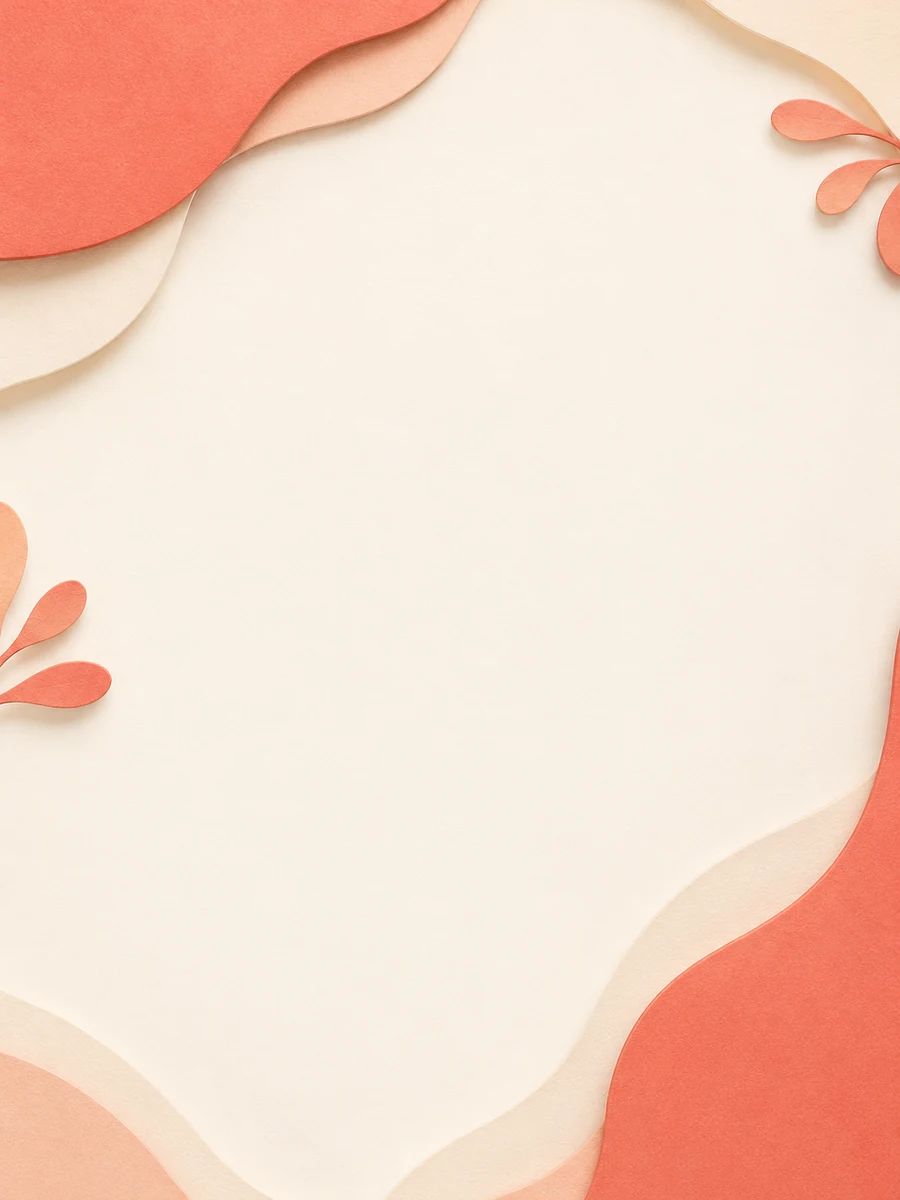 Brand & Web
Layered coral and cream paper shapes gather along the edges of a clean graphic background. Soft tactile shadows, generous central space, restrained brand palette.
Try This Prompt Brand & Web
A translucent violet wave curves along the lower edge of a dark plum graphic background. Soft luminous depth, calm open upper area, elegant digital design.
Try This Prompt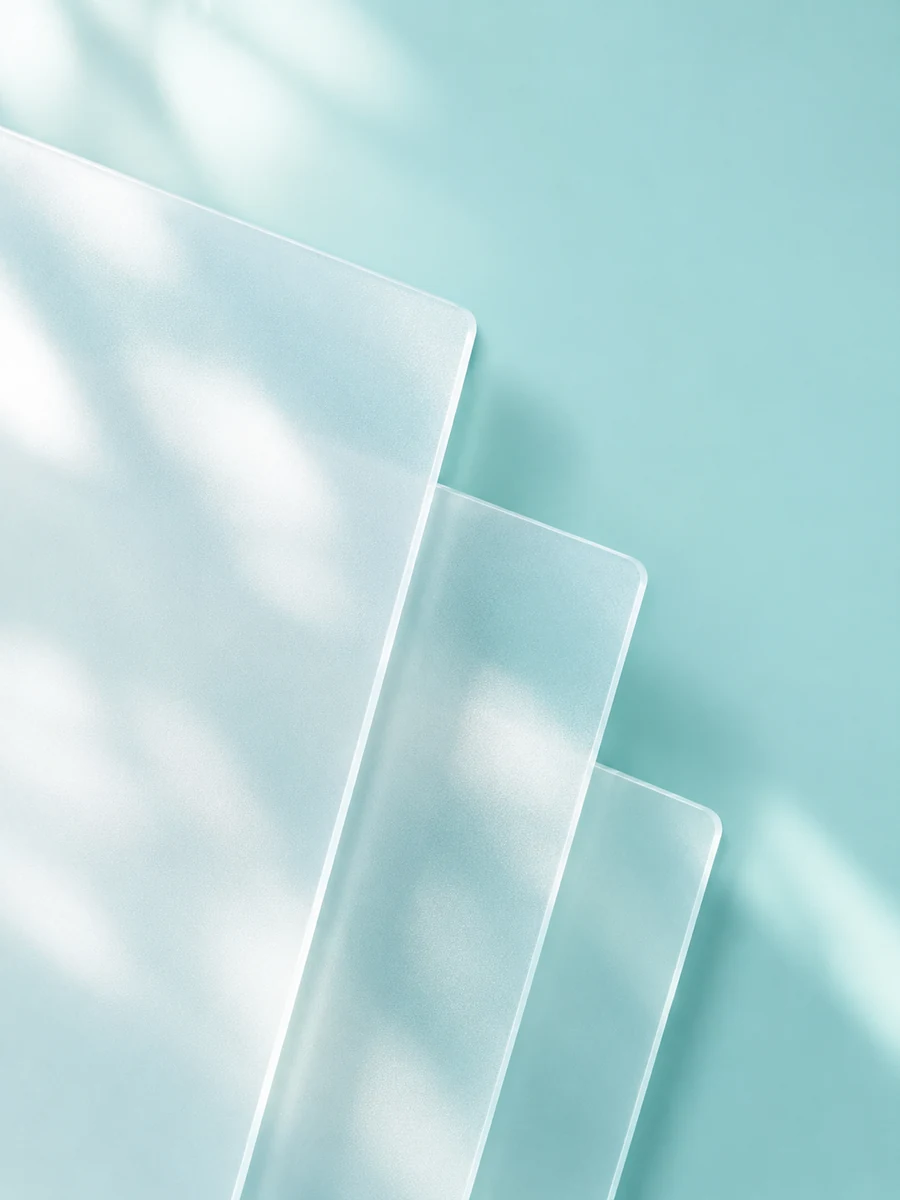 Brand & Web
Frosted translucent glass panels overlap along one edge of a pale turquoise background. Diffuse daylight, delicate soft reflections, uncluttered layout space.
Try This Prompt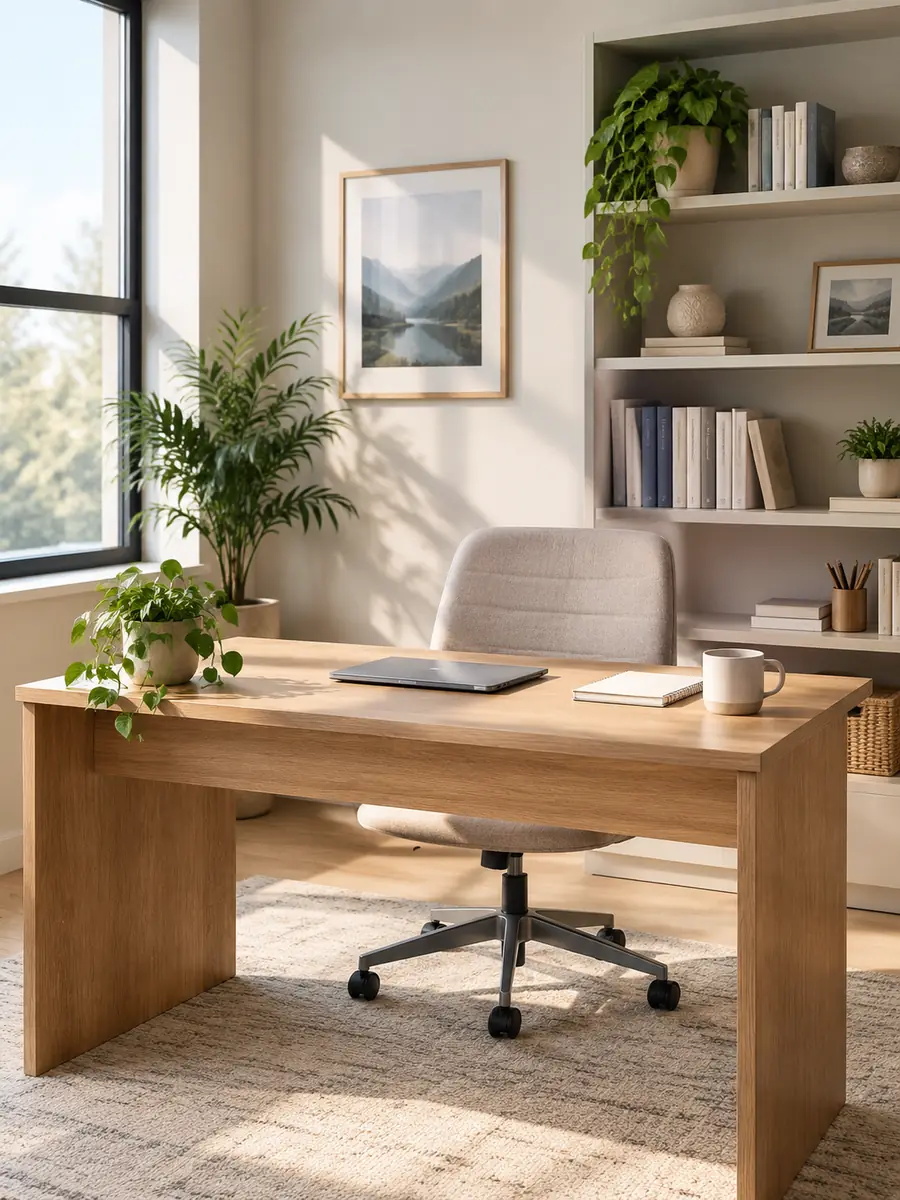 Environments
An empty tidy home office corner with a simple oak desk, neutral shelves and soft afternoon light. Natural proportions, discreet plants, professional virtual-meeting background.
Try This Prompt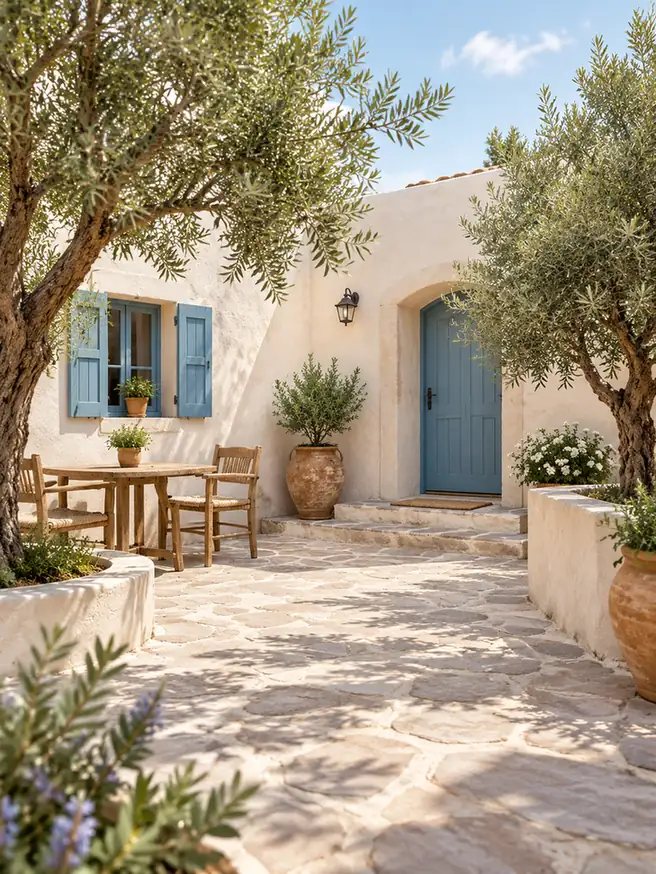 Environments
An empty sunlit Mediterranean courtyard with pale plaster walls, olive trees and soft stone paving. Gentle shadows, balanced perspective, inviting natural setting.
Try This PromptUse the AI background generator to shape the setting around your project. Practical choices about space and light matter more than a long string of style words.
Ask for an empty center, clear tabletop, or open side. This gives a product, portrait, or headline room to work without fighting decorative objects.
Limestone, paper, oak, glass, and plaster create different moods. Name one or two surfaces so the background supports a coherent product or brand direction.
Describe soft window light or a single studio source. When you add a subject later, check that the highlights and shadows agree with the generated setting.
A website background often needs calmer areas than a full illustration. Keep strong textures away from headlines and check contrast in the finished layout.
Try a studio sweep, quiet room, cafe surface, or garden courtyard. Original scenes can support content concepts without relying on the same stock-photo backdrop.
Creating a scene, removing a background, and replacing one are different jobs. Use the related tools when your starting point is an existing photograph rather than a blank image.
Choose the workflow that matches your starting point. This page creates background images; separate tools handle changing or removing the setting in an existing photo.
| Criteria | Generate a New Scene | Replace a Photo Background | Remove a Photo Background |
|---|---|---|---|
| Starting point | A written scene brief | A photo whose subject you want to keep | A photo whose background you want to remove |
| Intended result | A standalone background image | A subject placed in a different setting | A subject isolated from its original setting |
| Useful for | Product stages, graphics, and scene concepts | Portrait or product setting changes | Preparing a subject for another layout |
| Inspect closely | Perspective, lighting, and empty space | Subject edges and matching light | Hair, fine edges, and transparent areas |
Example use cases to help you plan a project. These are not customer reviews, measured results, or promises about what a model will produce.
An empty marble shelf gives a cosmetic concept a starting setting. Product placement happens in a separate editing step, followed by a check of scale and light.
A quiet indigo background leaves a clear side for a headline. The designer tests actual text contrast rather than choosing the most detailed illustration.
A simple home-office scene supports a visual concept. The creator reviews room proportions and avoids claiming it is a real location or a finished video effect.
Selected Arena entries dated Oct 8, 2026. Compare models before using the AI background generator. The text-to-image leaderboard offers broad model context. Its rankings do not measure product placement, background replacement, or performance on this page's individual prompts. Model variants may differ from GlobalGPT.
| Rank | Model | Arena Rating | Votes | Rank Range | Price / Image |
|---|---|---|---|---|---|
| #1 | gpt-image-2 (medium) OpenAI / Proprietary | 1381.71 | 75014 | #1-#1 | 0 |
| #2 | mai-image-2.6-preview Microsoft AI / Proprietary | 1330.7 | 6418 | #2-#3 | - |
| #3 | grok-imagine-image-2.0 (low) SpaceXAI / Proprietary | 1315.6 | 2675 | #2-#4 | - |
| #4 | reve-2.1 Reve / Proprietary | 1301.61 | 7580 | #3-#4 | - |
Source: Arena Leaderboard
It can create standalone scene images from text, including product stages, studio backdrops, web graphics, and environments. Describe the intended use, materials, lighting, and area you want to keep clear.
This workspace creates images; it is not a dedicated cutout tool. Use AI Background Remover for isolation or Change Photo Background Online when you want to change the setting around an existing subject.
You can generate an empty product stage or photo backdrop. Adding your actual product and matching its edges, scale, and shadows is a separate step unless your chosen editing workflow explicitly supports it.
Trial availability appears beside the models in the workspace. Only the unlocked model has the displayed trial allowance; other models may need account access or credits. Review current limits before generating.
Include a placement instruction such as empty tabletop, open center, or quiet left side. Review the result in your final layout, since generated objects or lighting may still need refinement.