

Start from a real visual direction
Reference materials, style presets and structured prompts help you define medium, mood, composition and color before you generate.
Prompt Guide
Model
Reference Image
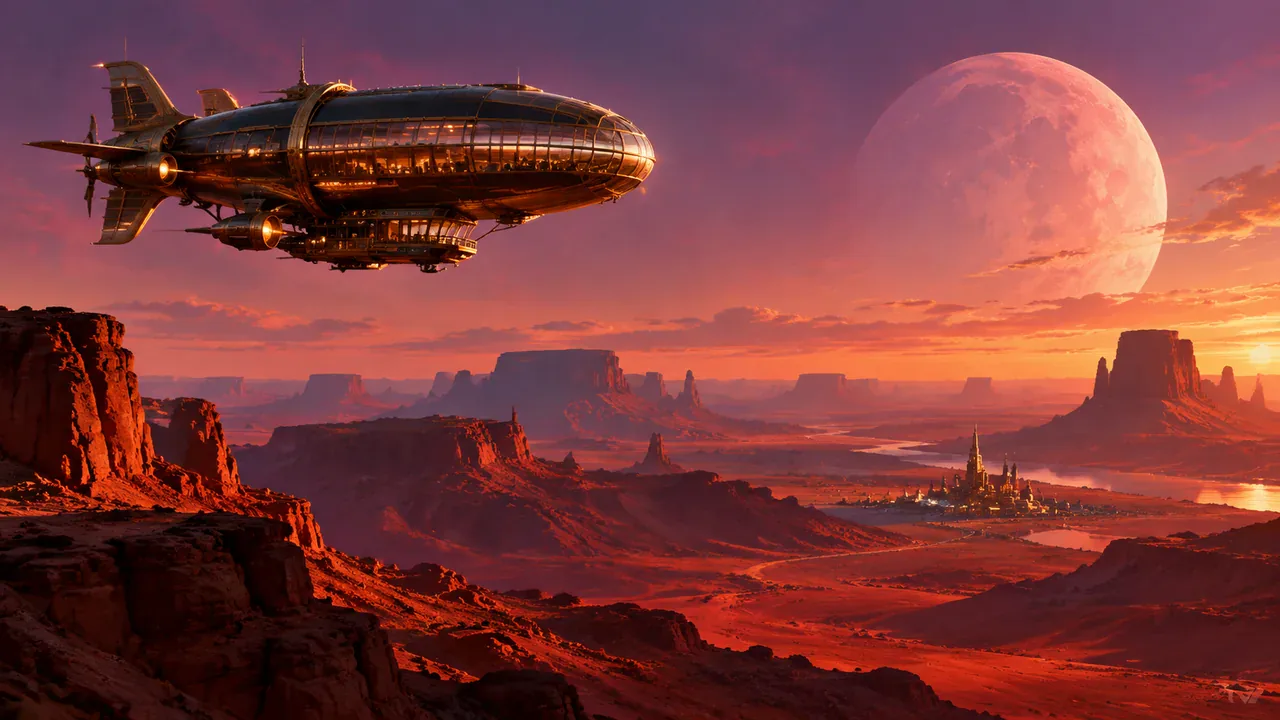
Create expressive illustrations, concept art, portraits and graphic compositions with a flexible AI art image generator that lets you choose the style, model and format.
Move from a rough idea to a usable visual in three focused steps.
Name the subject, medium or style, mood, lighting, camera angle and composition. Add constraints such as a color palette, aspect ratio or no readable text.
Pick a model that fits your goal, select a size such as 1:1, 4:3 or 16:9, then start with a reference prompt or one of the style examples.
Review the first result, adjust the prompt with clearer visual details, and download the version that best fits your concept, campaign or creative brief.
Use these prompts as starting points, then swap the subject, palette or medium to make the idea your own.
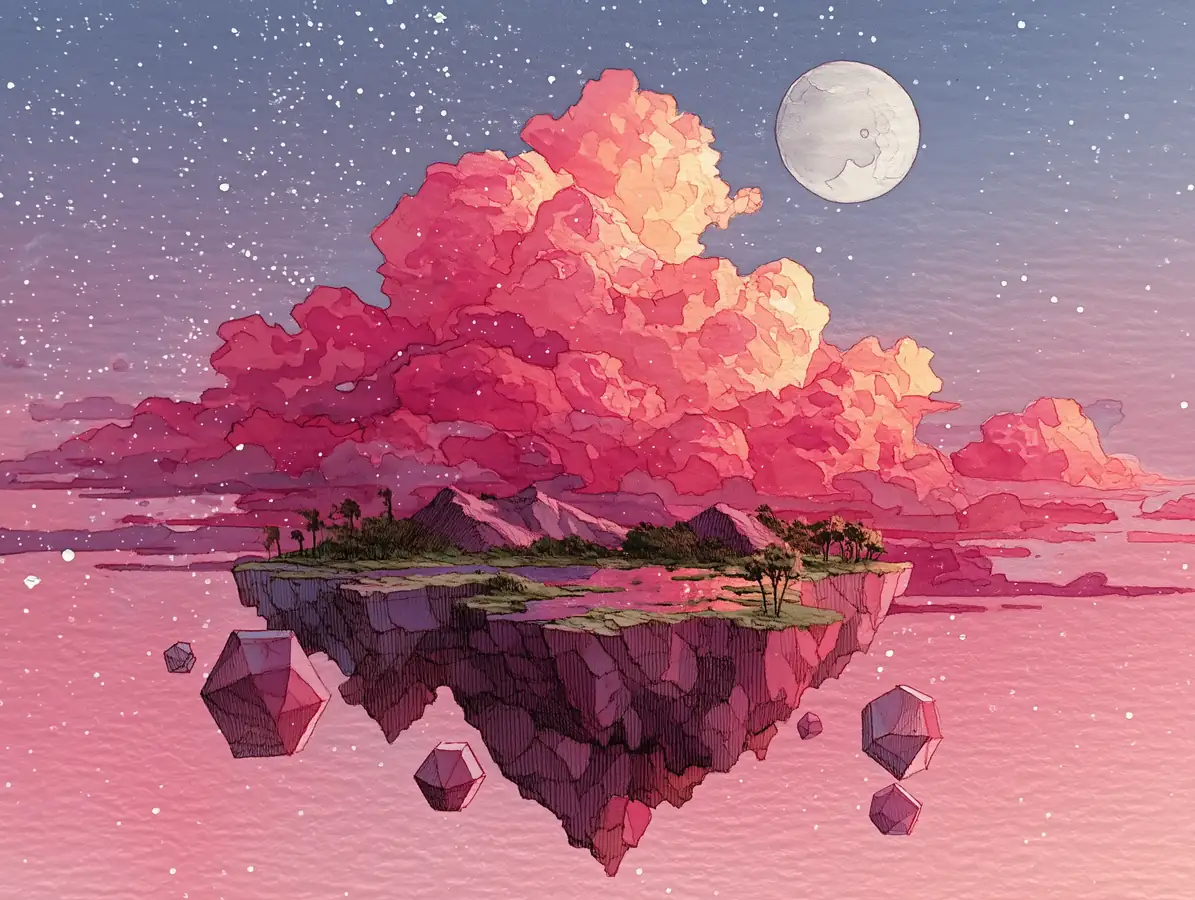
Dreamy Watercolor4:3 AI art image generator prompt: a floating island above soft pink clouds, hand-painted watercolor texture, gentle gradients, subtle ink outlines, pastel palette, calm editorial composition, no text or logos
Try This Style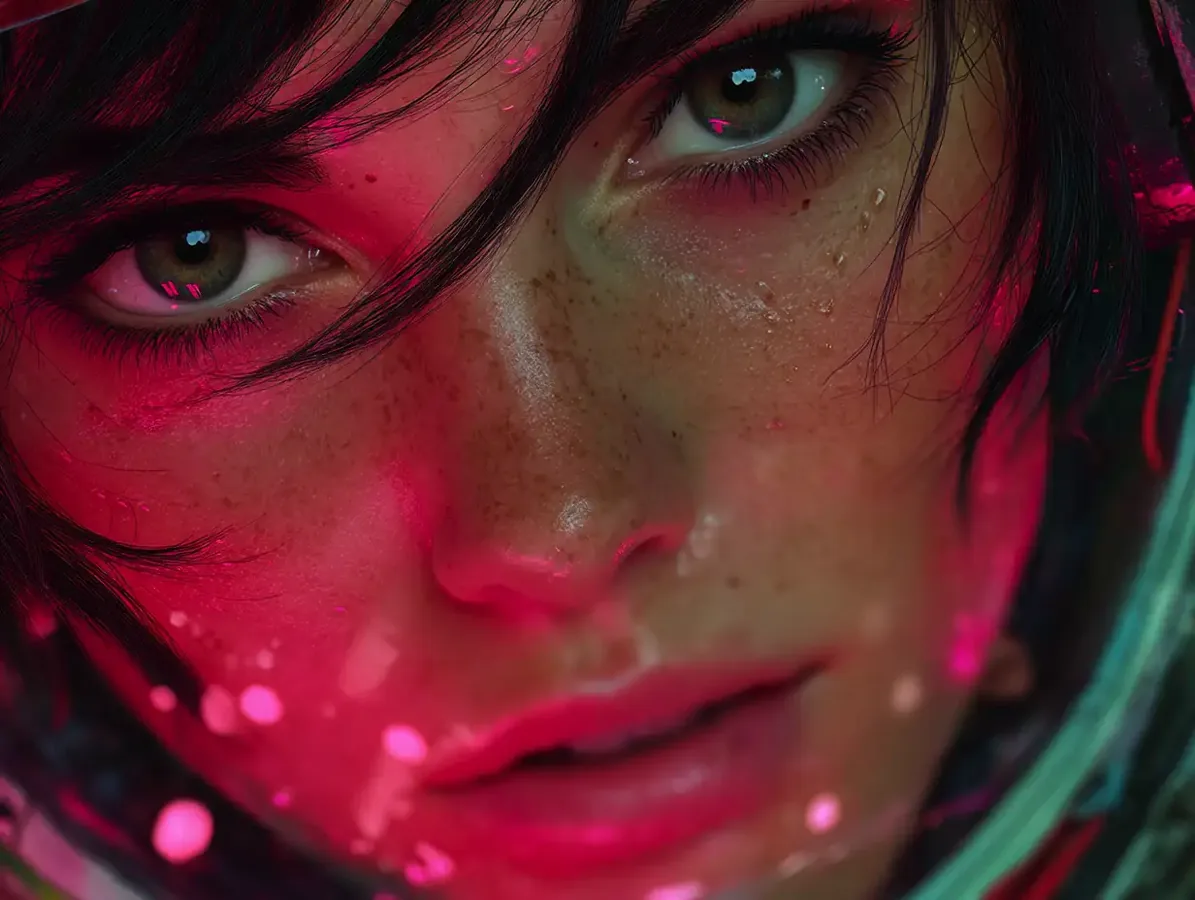 Digital Art
4:3 AI art generator prompt: a thoughtful portrait lit by magenta and cyan neon, glowing circuit details, cinematic contrast, soft bokeh highlights, polished cyberpunk mood, no text or logos
Try This Style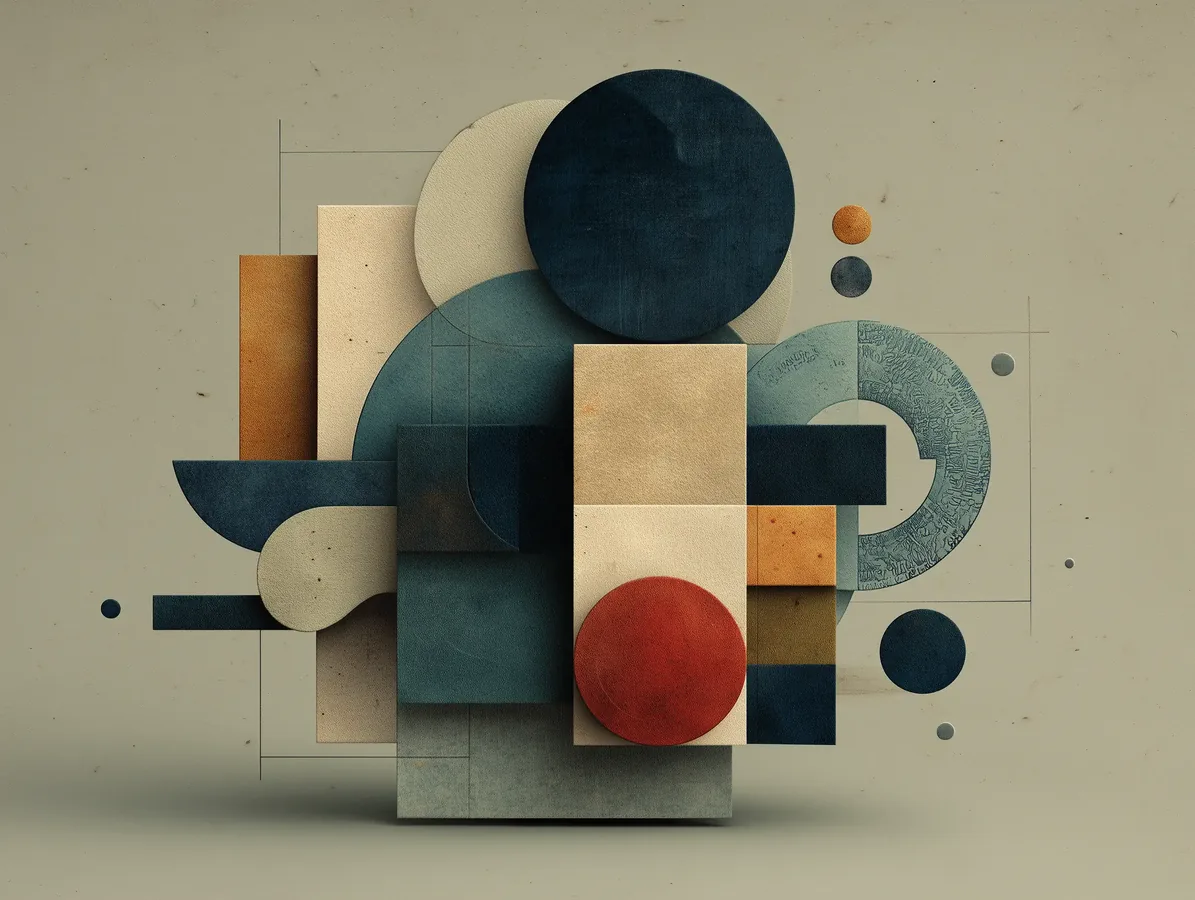 Graphic Design
4:3 AI art image prompt: minimalist geometric poster with circles, blocks and lines, muted beige and deep navy, precise symmetry, bold negative space, crisp vector finish, no text or logos
Try This Style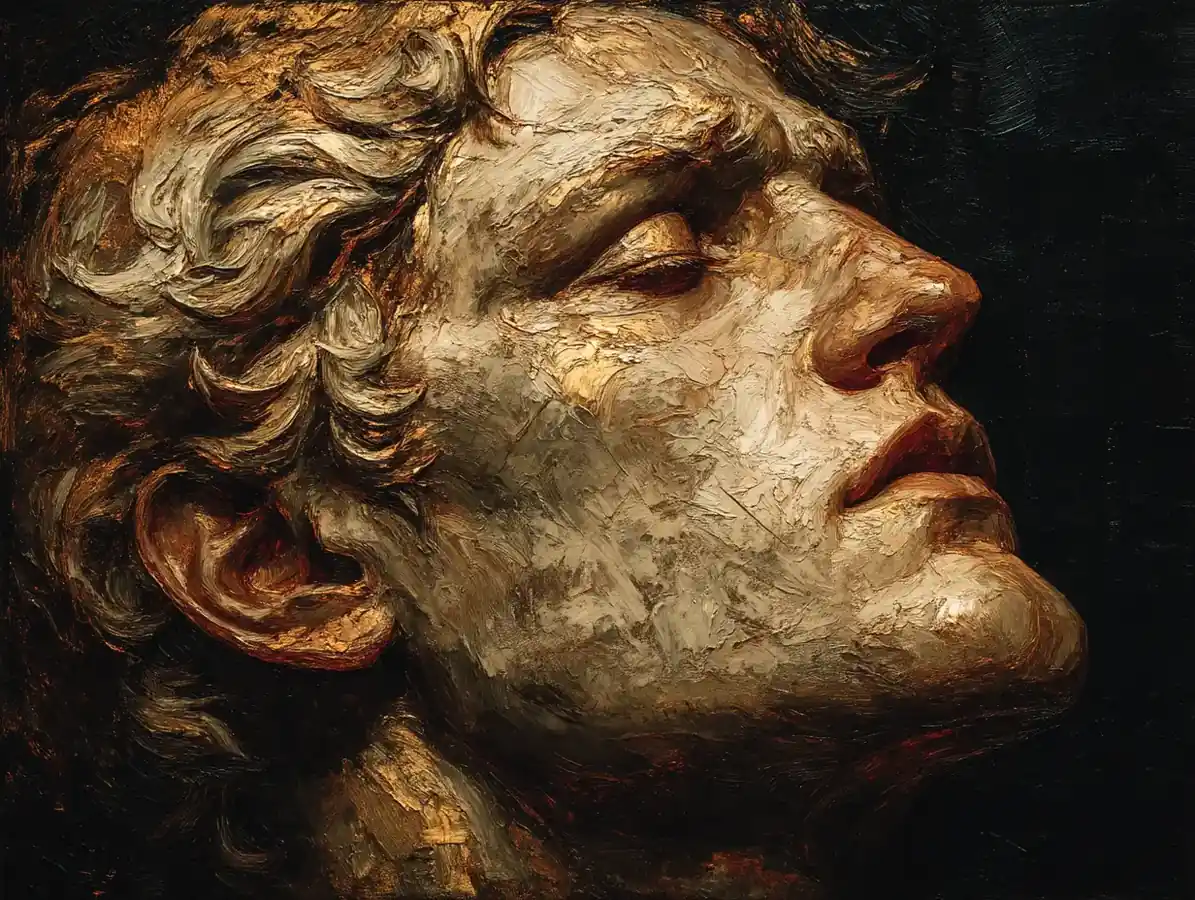 Oil Painting
4:3 AI art prompt: a mythic figure in a Renaissance oil-painting style, luminous gold light, layered brushwork, realistic anatomy, deep Baroque shadows, museum-quality composition, no text or logos
Try This Style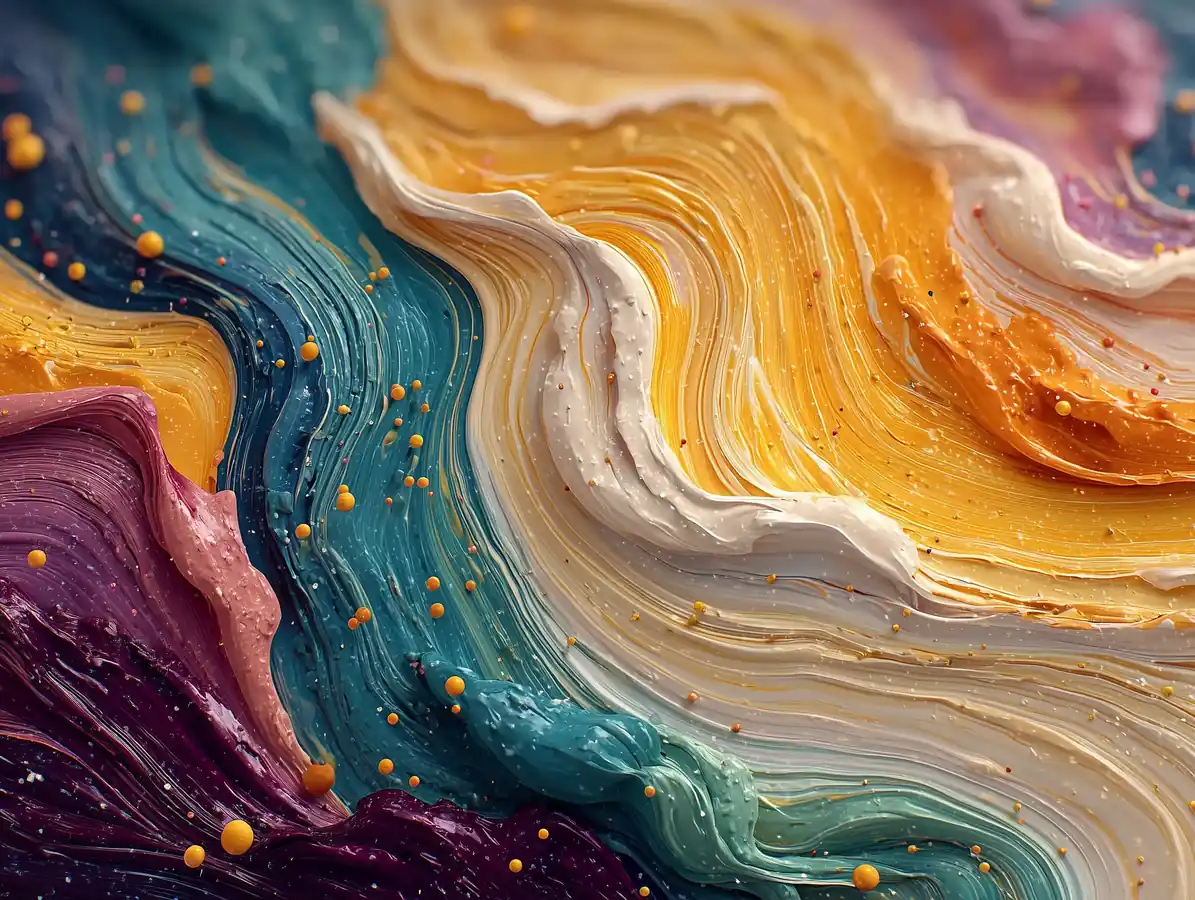 Abstract
4:3 AI art prompt: an abstract explosion of swirling colors, glossy paint textures, high-saturation gradients, strong movement and visual rhythm, contemporary gallery aesthetic, no text or logos
Try This Style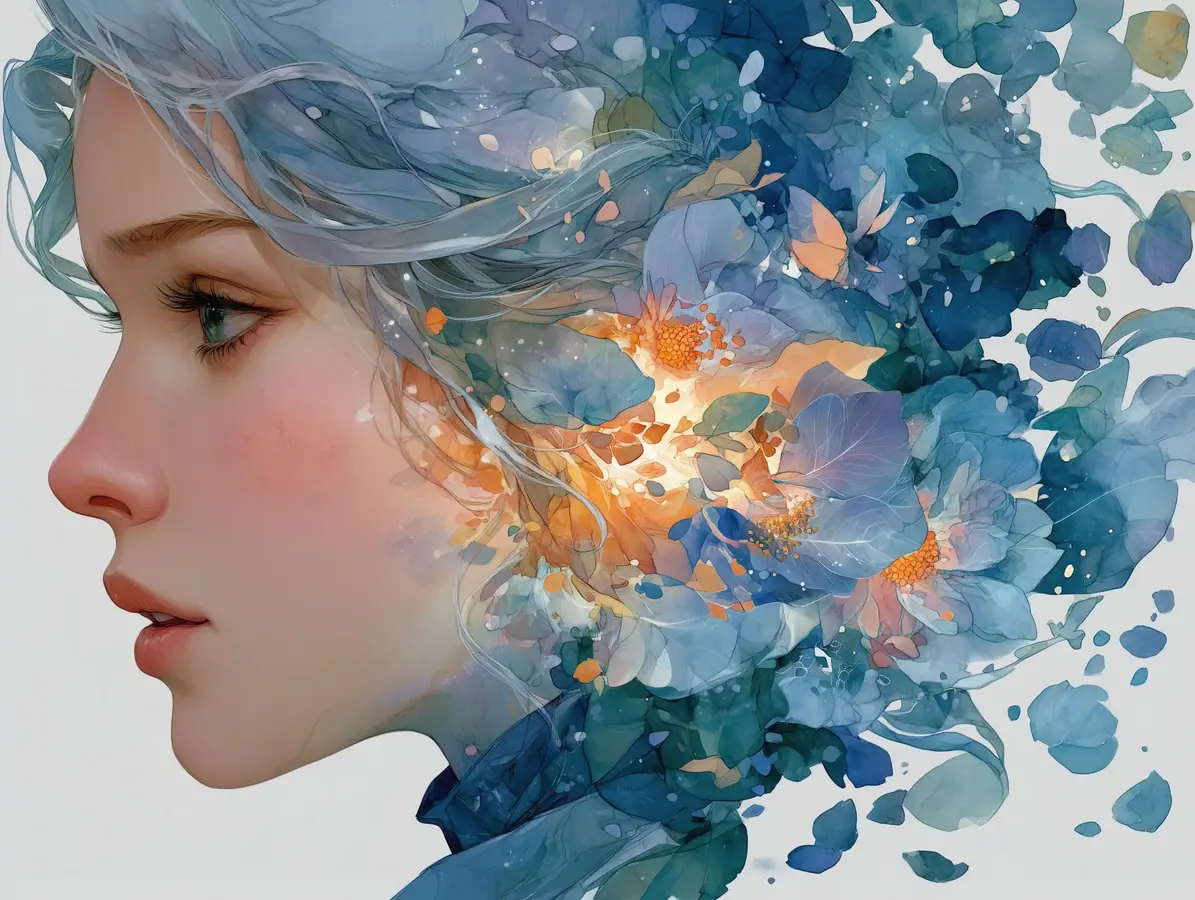 Portrait
4:3 AI art prompt: a surreal watercolor portrait surrounded by flowing pastel gradients and abstract flowers, soft brush textures, dreamlike atmosphere, elegant framing, no text or logos
Try This Style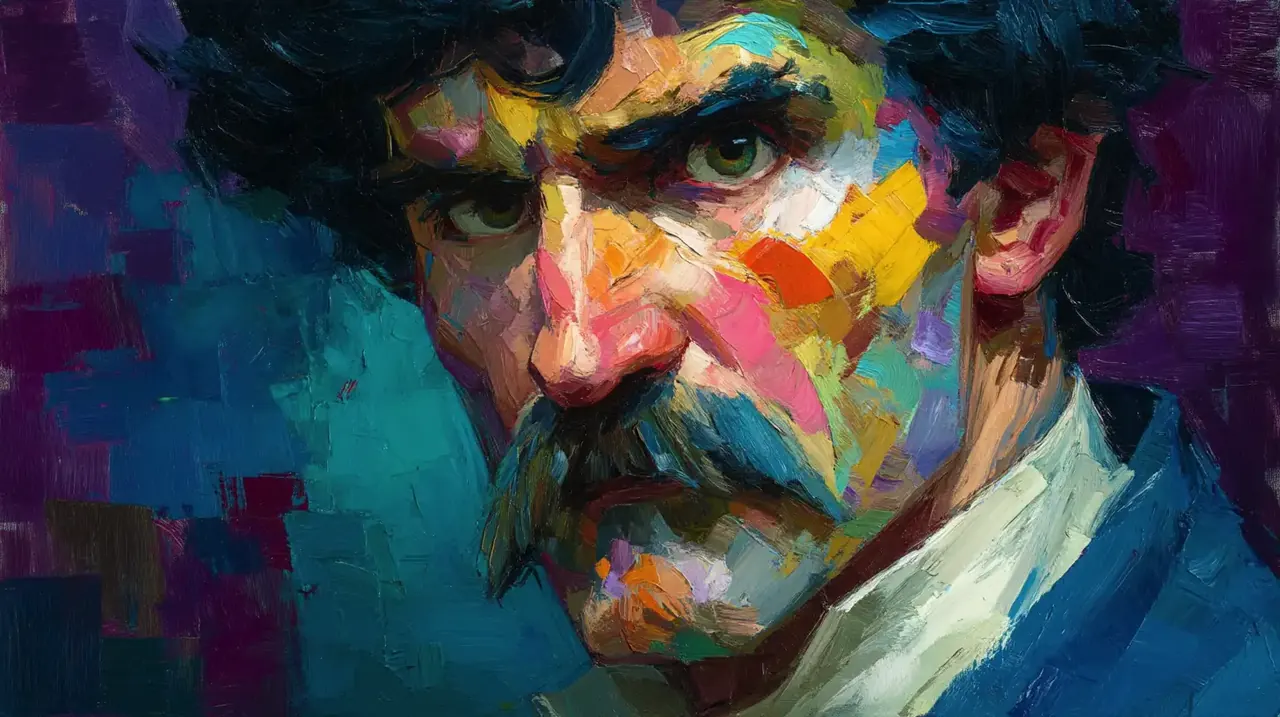 Editorial
16:9 AI art prompt: a wide editorial concept image blending expressive illustration, layered color fields and cinematic light, refined visual hierarchy for a creative brief, no text or logos
Try This Style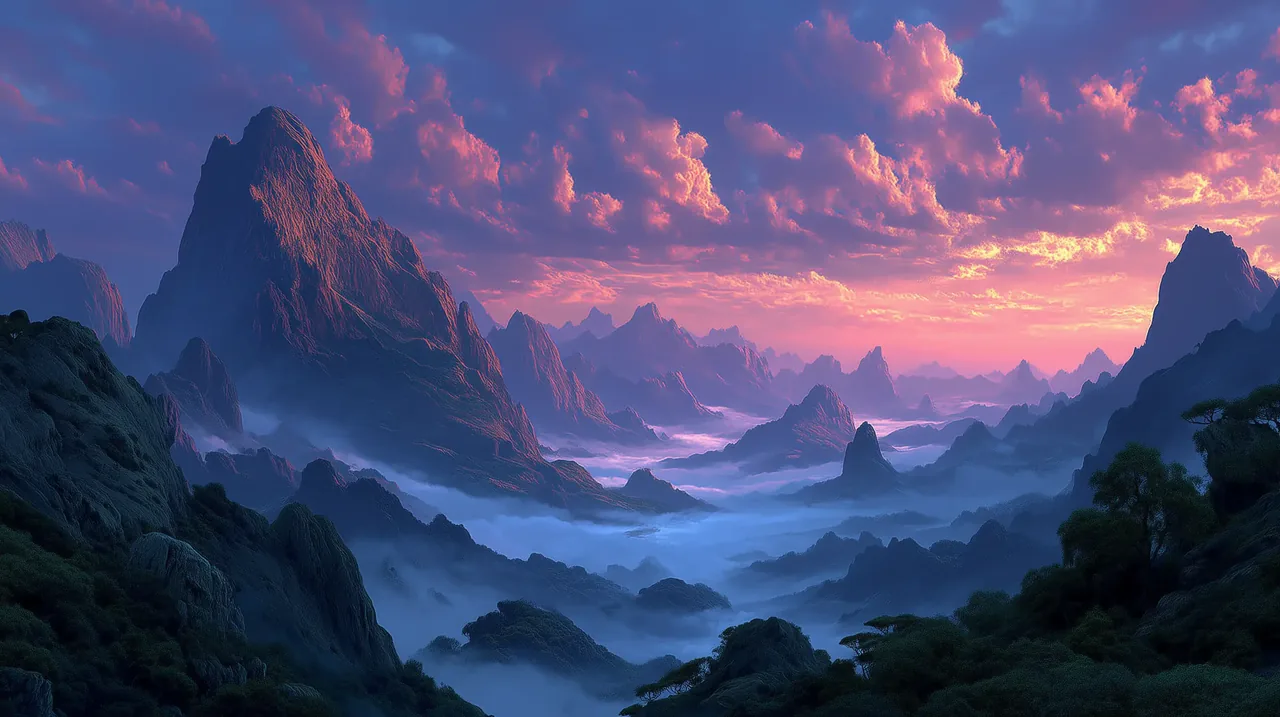 Brand Concept
16:9 AI art prompt: a polished visual moodboard for a creative brand, expressive color, tactile paper and paint textures, balanced composition with clear focal point, no readable text or logos
Try This Style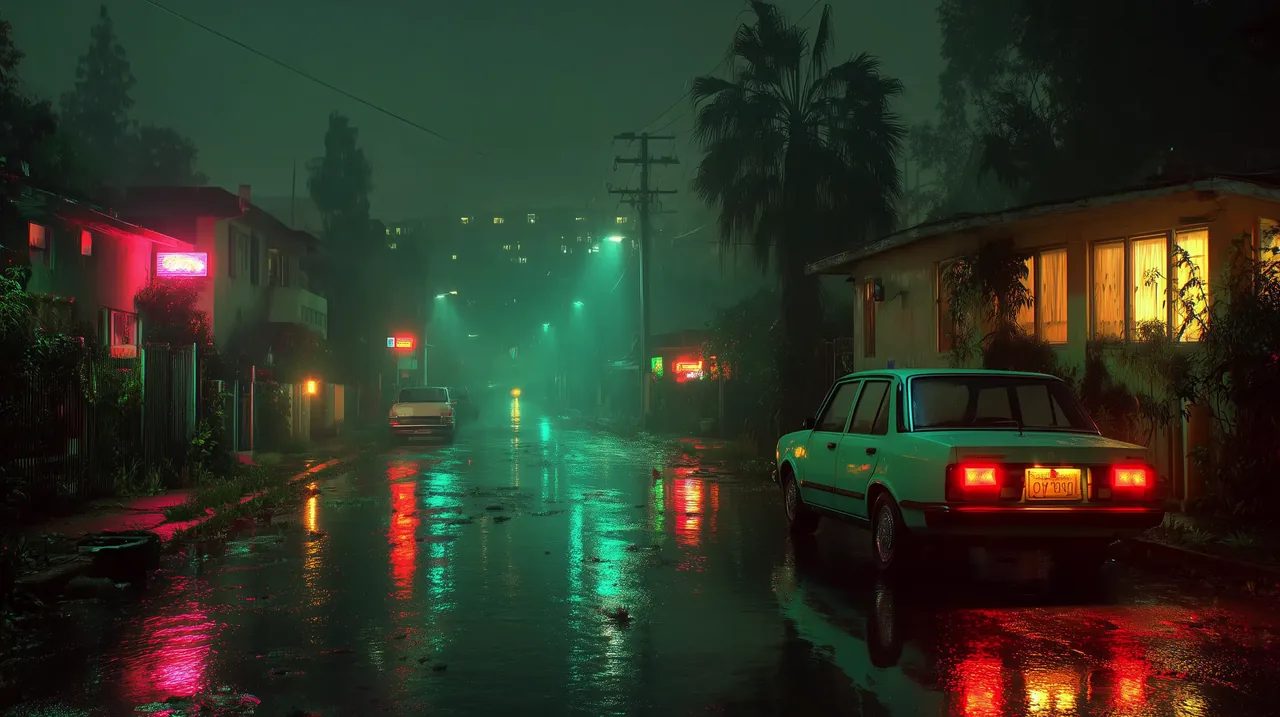 Motion Concept
16:9 AI art prompt: a dynamic keyframe of flowing brushstrokes and shifting color ribbons, atmospheric depth, cinematic lighting, designed as a starting frame for image-to-video, no text or logos
Try This StyleAbstract4:3 AI art image generator prompt: a contemporary gallery color study combining layered pigments, geometric fragments and soft gradients, tactile surface detail, intentional negative space, no text or logos
Try This StyleA practical workflow for exploring styles, comparing outputs and moving from inspiration to production.
Reference materials, style presets and structured prompts help you define medium, mood, composition and color before you generate.
Test the same art direction with several image models so you can choose the balance of speed, detail, style and control that fits the project.
Use square, portrait, landscape or vertical canvas options for concept boards, social posts, covers, presentations and campaign visuals.
Fictional workflow examples, not verified customer reviews.
I would start with the watercolor preset, keep the same palette across a few variations, and use the strongest composition in a moodboard.
The model picker makes it easier to compare a graphic poster direction with a more painterly result before I commit to a campaign concept.
For a visual brief, I would refine the camera angle and lighting in the prompt, then export the cleanest version for the next design step.
Yes. Try watercolor, oil painting, anime-inspired, abstract, graphic design, cyberpunk and other directions by changing the style language in the prompt or selecting a reference example.
Start with the subject, medium or style, composition, lighting, mood and color palette. Add camera or texture details when they matter, then refine one variable at a time.
Use a supported reference image when you want to guide composition or visual direction. Describe what should stay consistent and what should change, and review the result for unwanted artifacts.
Use 1:1 for profile graphics and square posts, 3:4 or 9:16 for portraits and mobile layouts, and 4:3 or 16:9 for presentations, covers and wide creative concepts.
Yes. Treat a strong still image as a keyframe or visual reference for a separate image-to-video workflow. Motion results depend on the selected video model and prompt.