

Clear Starting Points
Begin with curated ai action figure generator directions instead of an empty prompt box.
Turn a photo or prompt into a personalized collectible, boxed character, or original toy concept with clear materials, accessories and scale cues. Start from a curated visual direction, then refine one variable at a time.
Create a Figure







Prompt Guide
Model
Reference Image
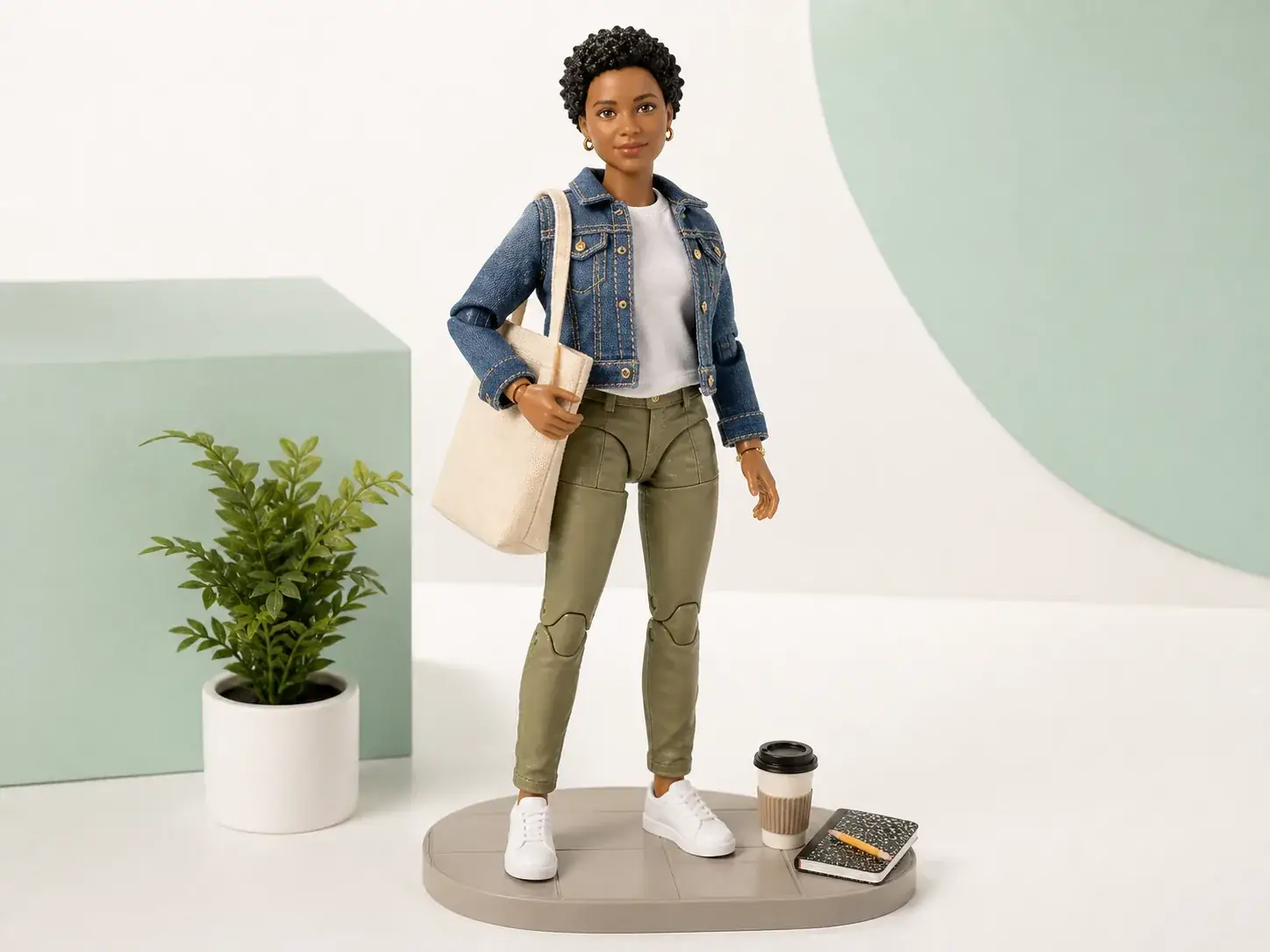
Explore six distinct collectible directions, from personalized figures and boxed sets to original characters and miniature dioramas.
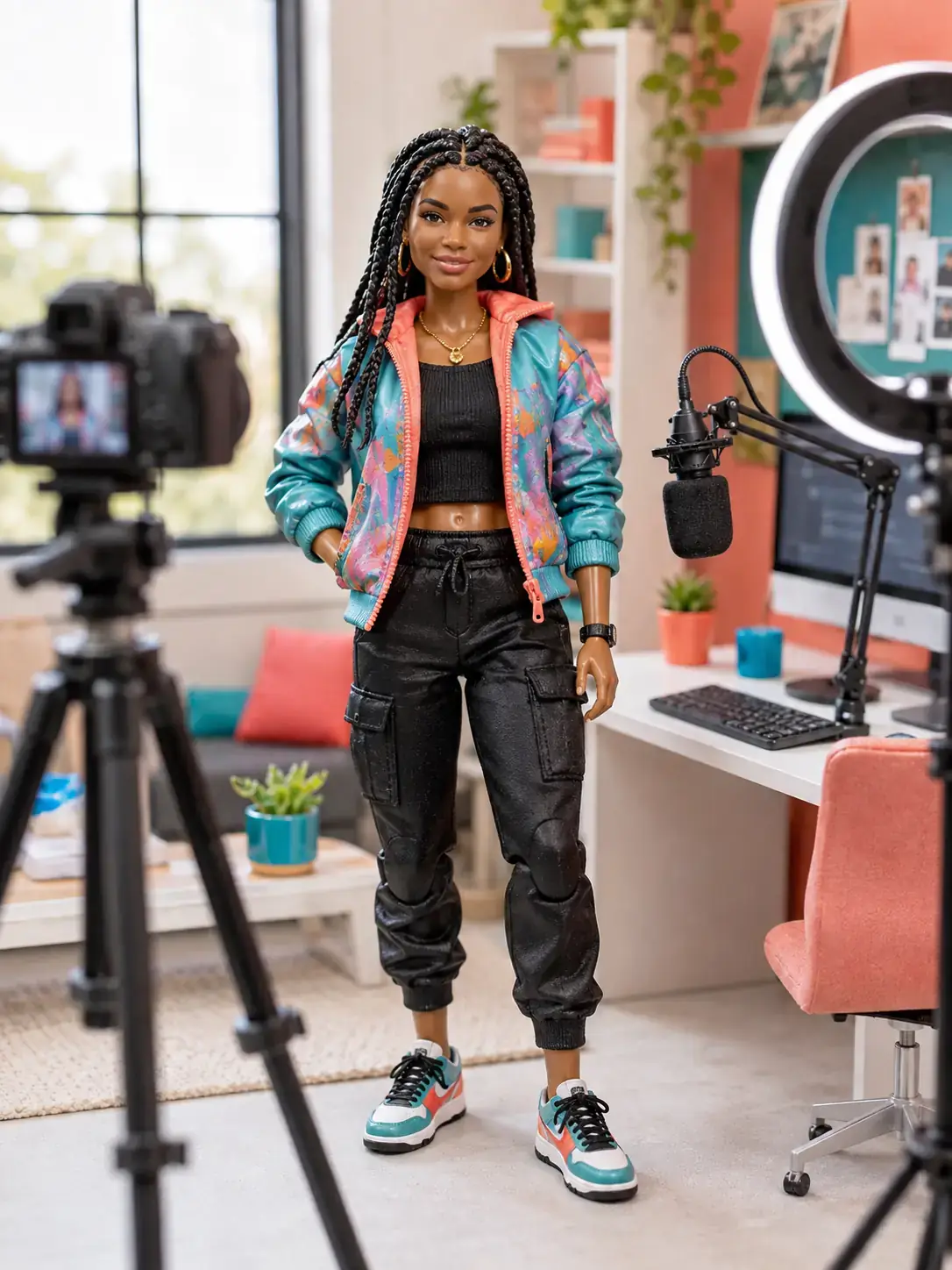 Personalized People
An articulated creator action figure in a colorful jacket stands beside a miniature streaming desk, camera and ring light. Use bright studio lighting and realistic toy materials.
Try This Direction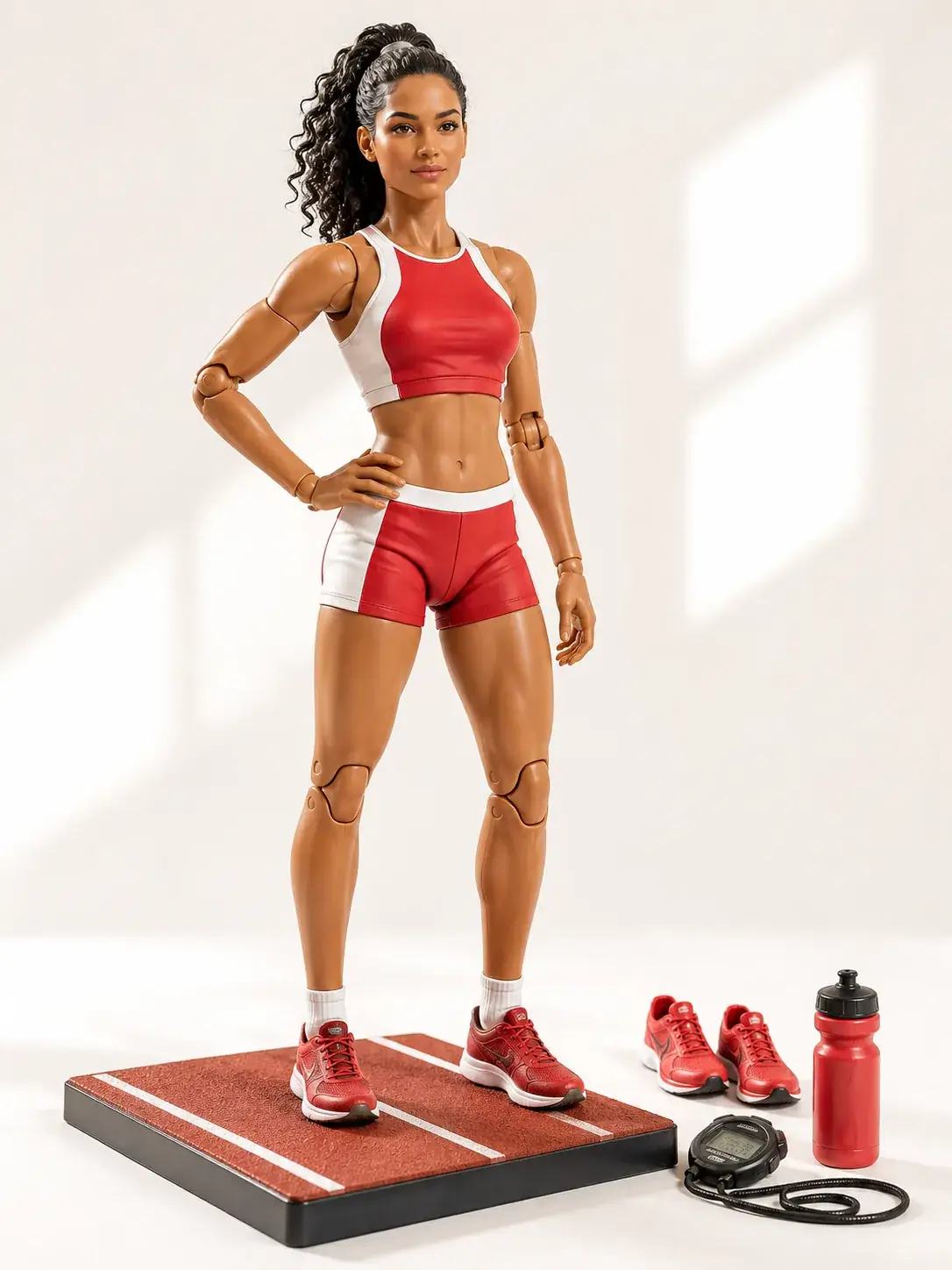 Personalized People
An articulated adult athlete figure in red sportswear stands on a small track base, with spare shoes and training accessories. Show visible joints and polished plastic.
Try This Direction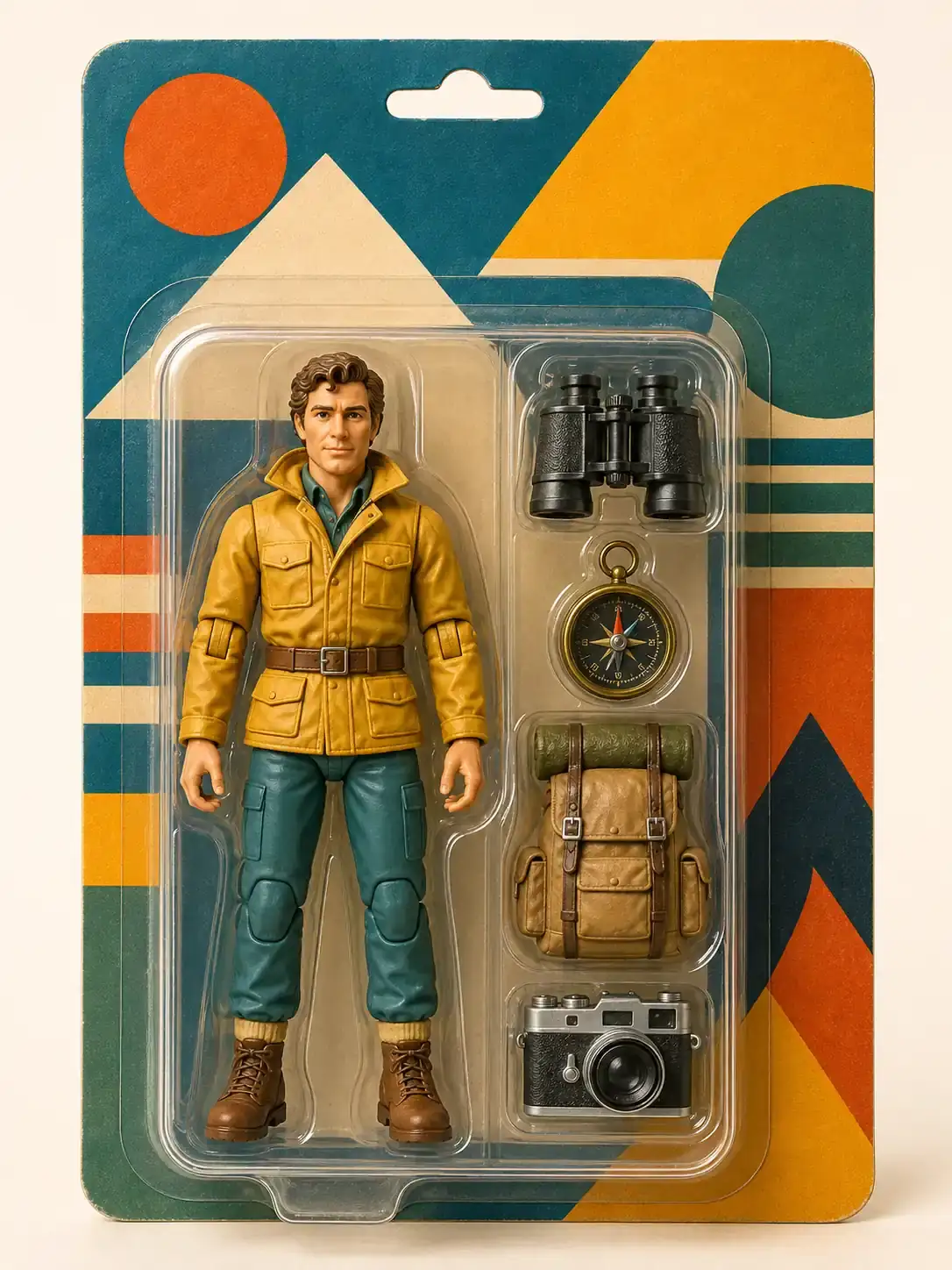 Boxed Collectibles
An original explorer action figure in a mustard jacket comes in a clear retro blister pack, with binoculars, compass and backpack accessories. Use abstract packaging without text.
Try This Direction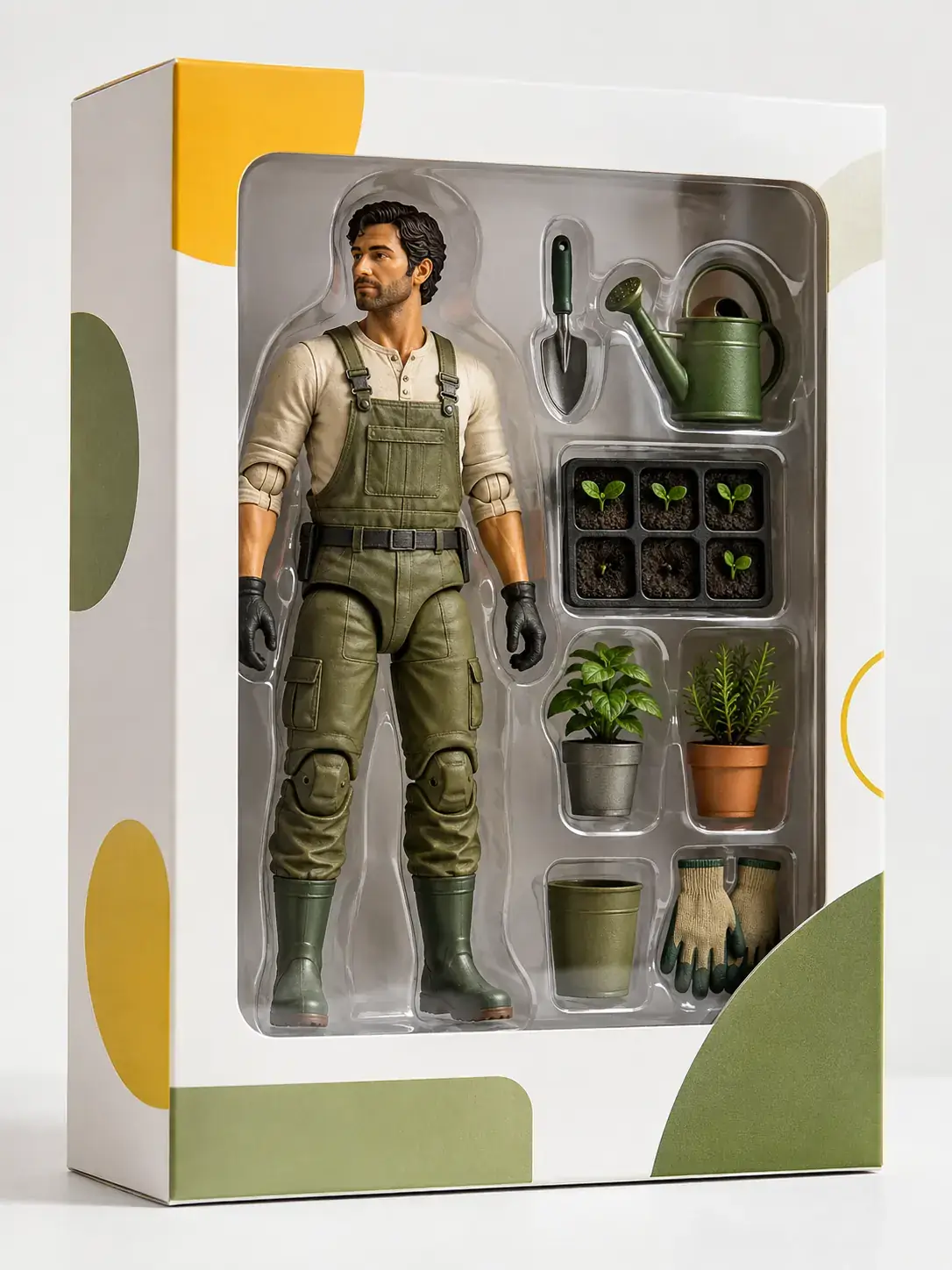 Boxed Collectibles
An articulated gardener figure in overalls sits inside a premium window box with tiny plants, watering can and tools. Use clean white packaging and soft green accents.
Try This Direction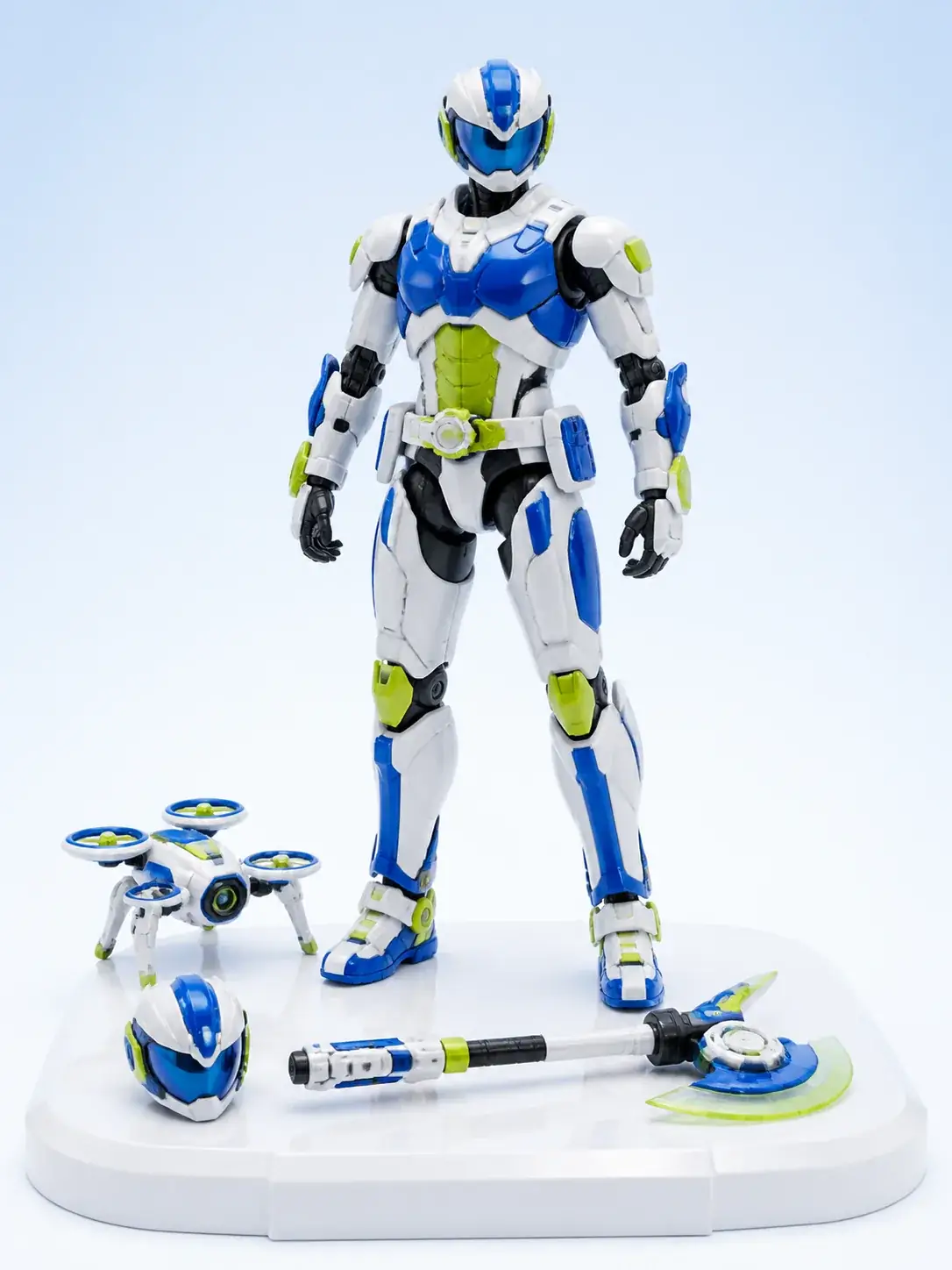 Original Characters
An original white-and-blue cyber ranger figure stands with a removable helmet and miniature drone. Show articulated armor, molded plastic and a bright studio backdrop.
Try This Direction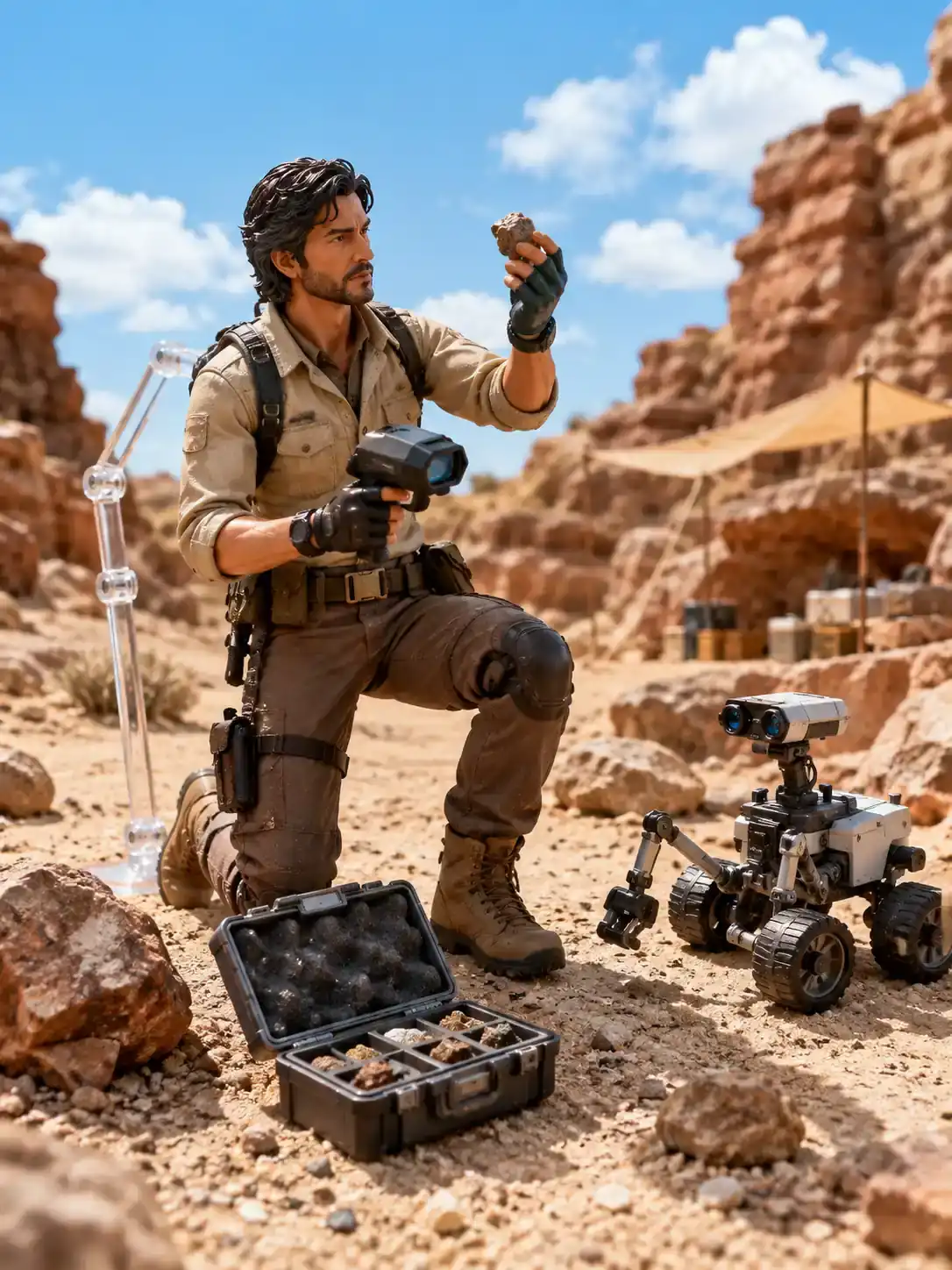 Dioramas and Duos
An articulated field scientist figure explores a miniature desert research site, with tiny samples, scanner and rover. Use a sunlit canyon setting and clear collectible scale.
Try This DirectionSpecific controls and review habits for a more useful result.
Begin with curated ai action figure generator directions instead of an empty prompt box.
Choose a ratio that fits a Story, channel post, cover, portrait or widescreen project.
Change one subject, style, lighting or motion detail at a time so comparisons stay useful.
Compare different directions across the workspace and examples without repeating the same media.
Inspect anatomy, geometry, edges, continuity, text and logos before saving or sharing.
Use each example as a practical starting point, then tailor it to your subject and audience.
Move from a clear starting direction to a reviewed result in three focused steps.
Pick one of the curated ai action figure generator presets or describe one focused outcome.
Define the subject, style, composition, lighting and details that must stay unchanged.
Review anatomy, geometry, edges, continuity, text and logos. Change one variable at a time.
Fictional names are used for scenario-based product feedback, not verified endorsements.
The ai action figure generator presets helped me choose a direction before I refined the prompt.
I could compare several formats without reusing the same workspace media in the examples.
The review steps made it easier to catch artifacts before I used the final result.
Turn a photo or prompt into a personalized collectible, boxed character, or original toy concept with clear materials, accessories and scale cues.
Yes. Use an example as visual direction, then rewrite the subject, setting, style and composition for your own project.
Shorten the request to one main subject and one action, state the crop or camera, and change one detail per generation.
Trial availability depends on the selected image model and account. Check the workspace before generating.
Review anatomy, geometry, continuity, unintended text, logos, rights to any reference material and whether the result matches your intended use.