

Hard-surface forms and materials
Direct the look with anodized aluminum, smoked glass, matte polymer, ceramic or composite surfaces. Precise bevels and seams make the model readable.
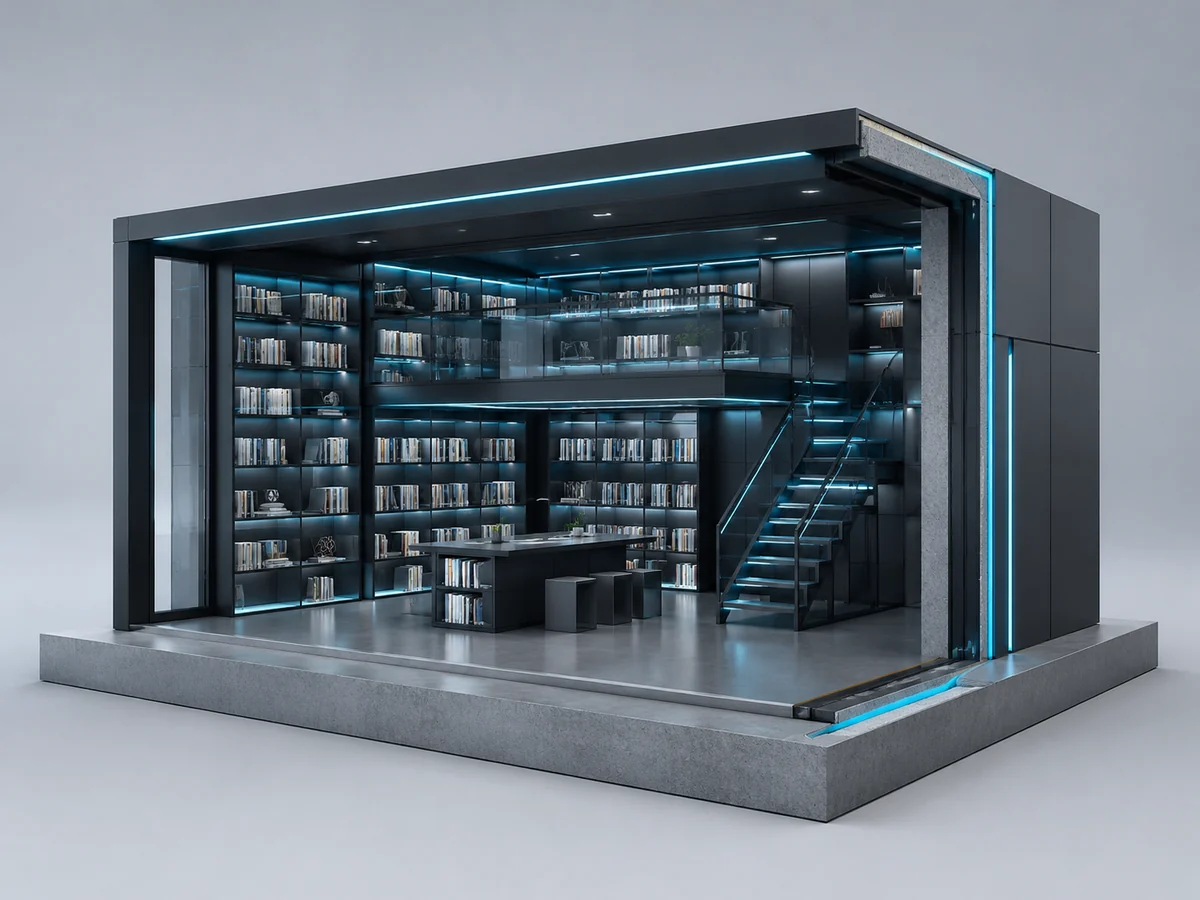
Use the 3D image generator to create images with the visual language of a modeling studio: hard-surface forms, visible panel seams, metal and glass materials, precise bevels and clear front, side and top planes. Use cutaways or exploded assemblies when the construction needs to be obvious.
Create an Image







Prompt Guide
Model
Reference Image
Start with a focused idea, generate a result and refine what matters.
Start with hard-surface product design, architectural CGI, industrial design or environment modeling. Name the main materials, seams and structural parts.
Use an orthographic or three-quarter camera. Specify thickness, bevels, panel gaps, cutaway sections or exploded spacing so the result reads as a modeled object.
Review the front, side and top planes, material boundaries, contact shadows and component alignment. Refine anything that looks flat, soft or photographic.
Explore hard-surface characters, architectural CGI, parametric materials and engineering assemblies with visible construction.
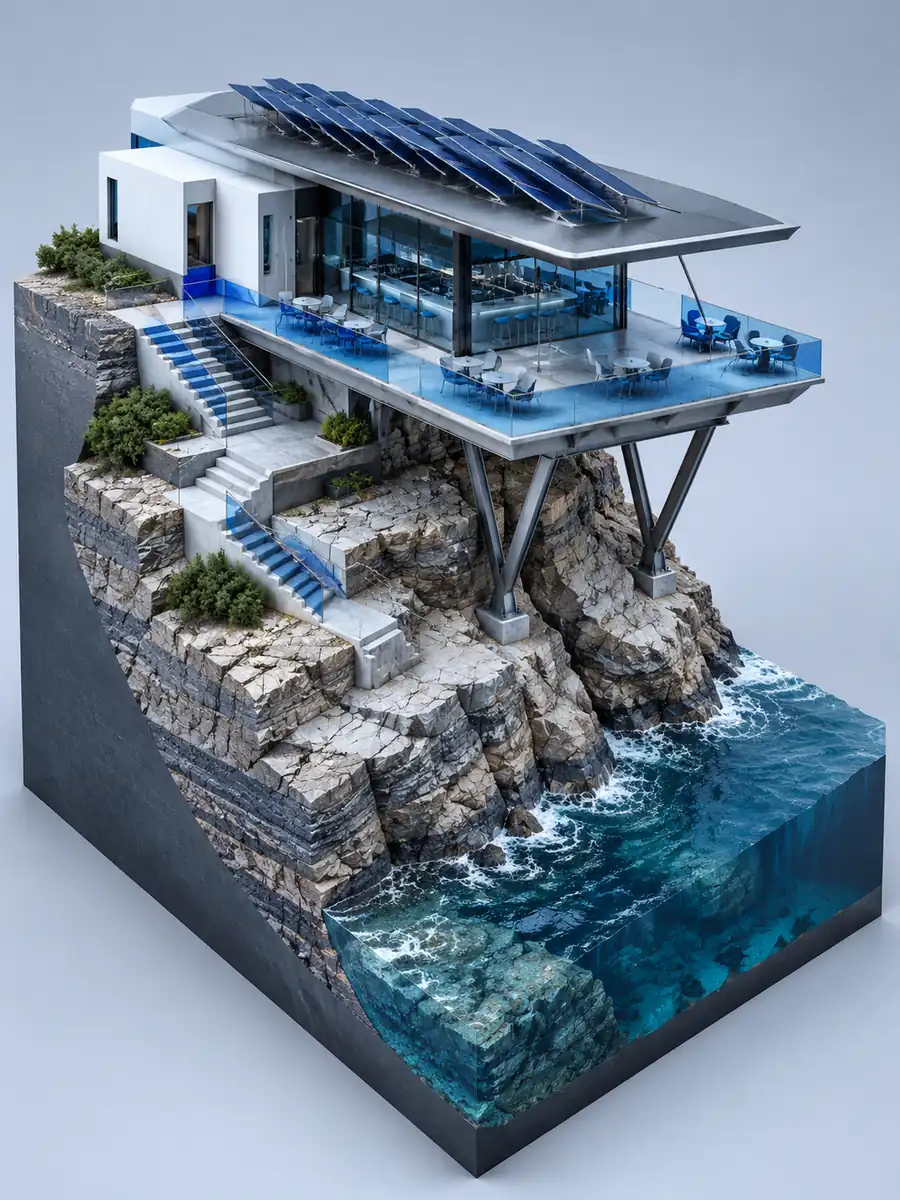 Architectural CGI
Create a futuristic 3D coastal café with composite walls, metal canopy, glass terrace and a thick stepped terrain base.
Try This Direction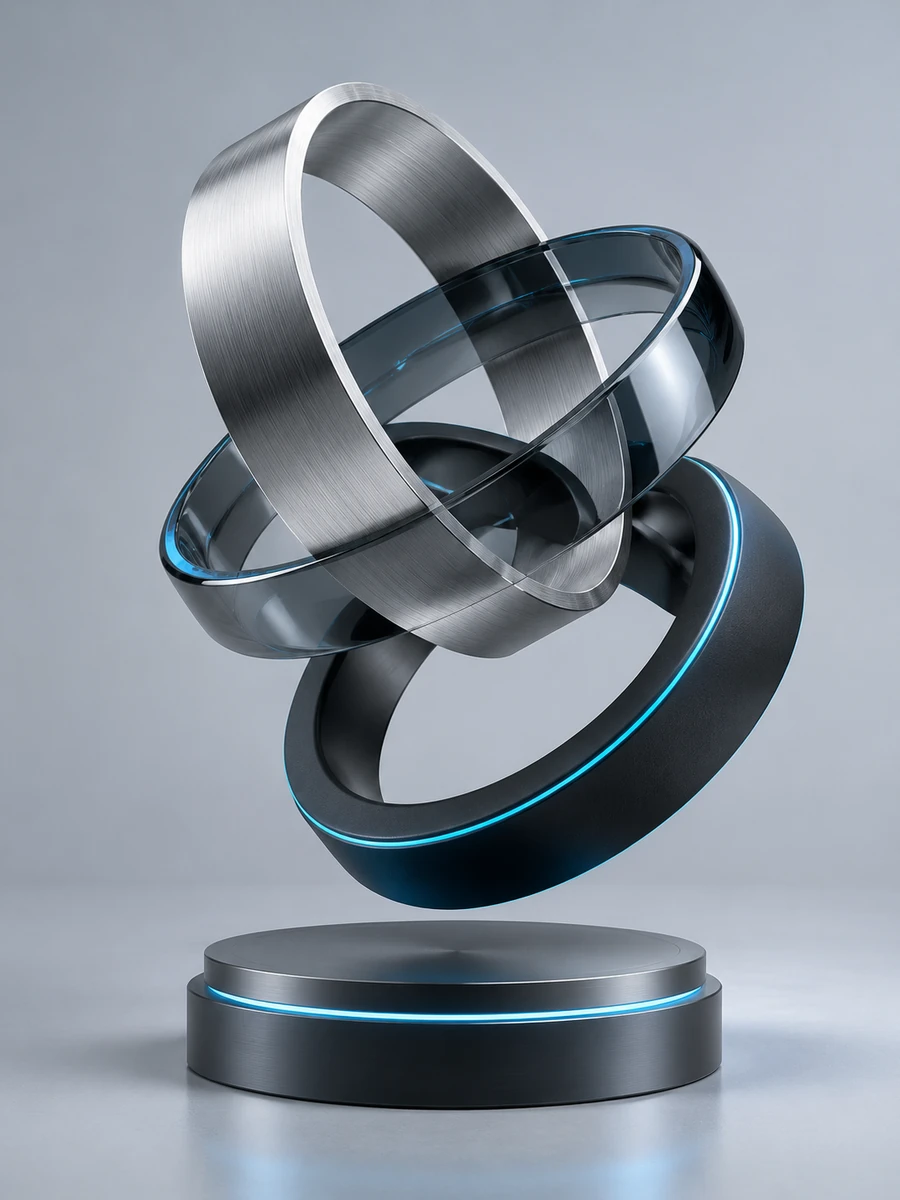 Parametric Design
Render a parametric 3D ring sculpture in aluminum, smoked glass and ceramic. Show wall thickness, inner surfaces and different axes.
Try This Direction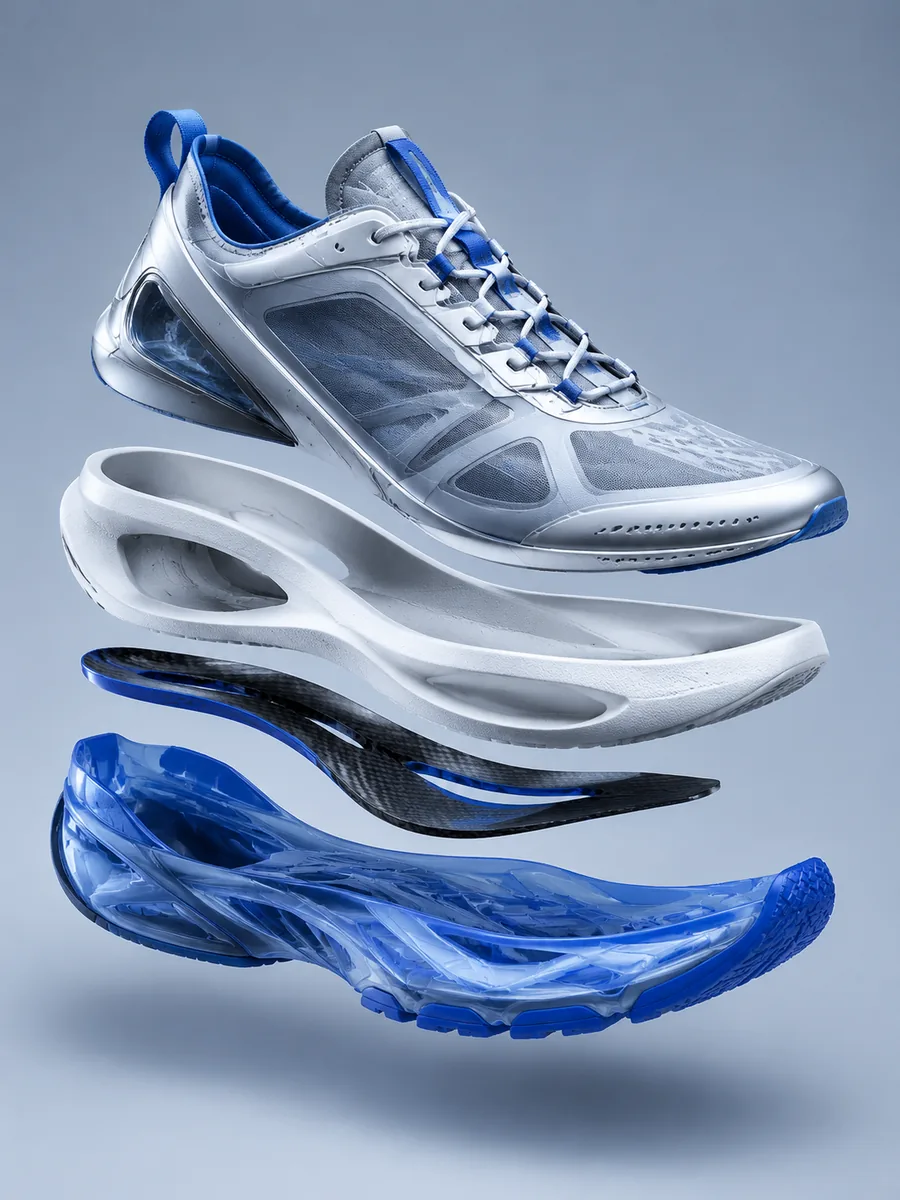 Engineering Products
Create an exploded engineering 3D sneaker with upper shell, foam carrier, carbon plate and thick outsole visibly separated.
Try This Direction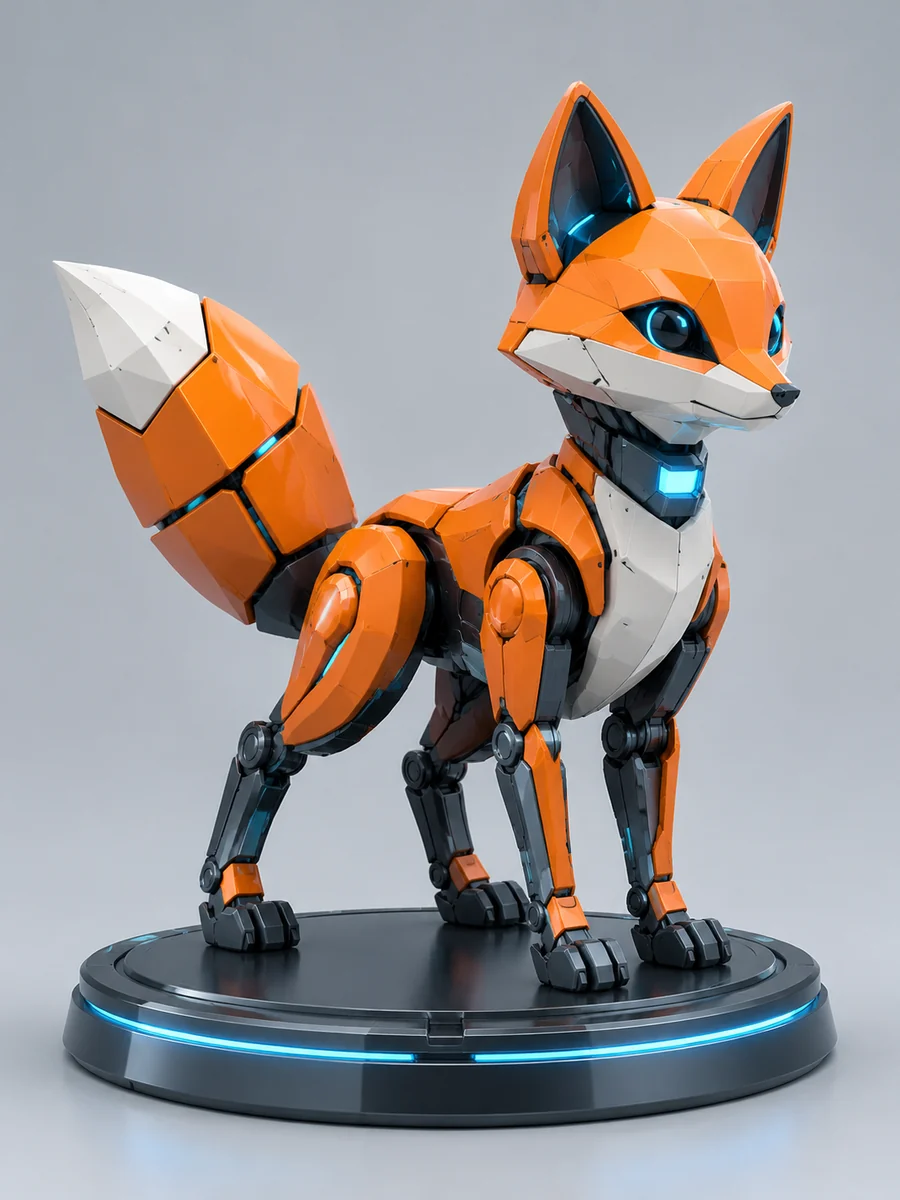 Hard-Surface Characters
Render a hard-surface 3D fox mascot with faceted panels, segmented tail, optical eyes, seam lines and a machined base.
Try This Direction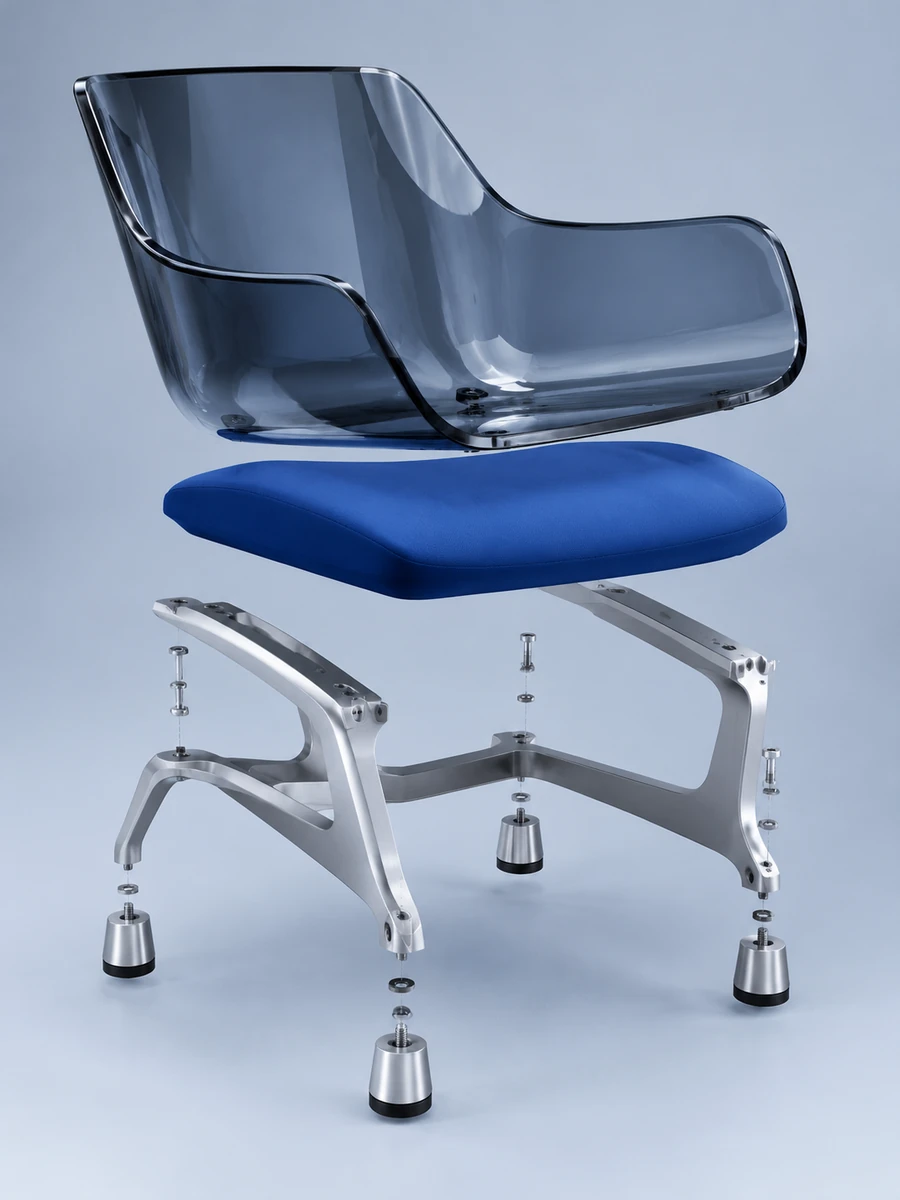 Industrial Design
Create an exploded industrial 3D chair with a molded shell, cushion slab, aluminum frame, feet and visible component gaps.
Try This Direction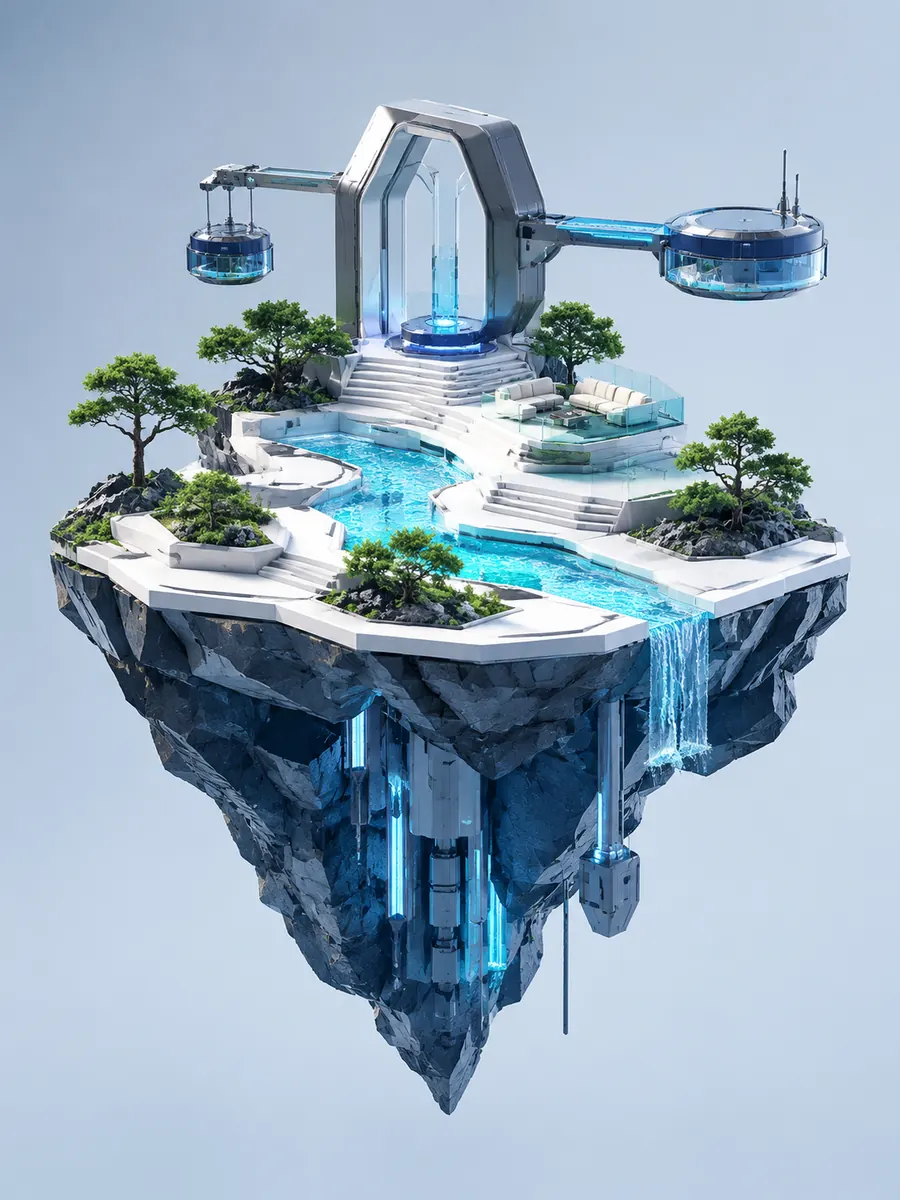 Environment Design
Create a technical 3D floating platform with a deep faceted underside, stepped terraces, cyan water channel and suspended modules.
Try This DirectionPractical choices that help you direct the result.
Direct the look with anodized aluminum, smoked glass, matte polymer, ceramic or composite surfaces. Precise bevels and seams make the model readable.
Use cutaways, sectioned walls and exploded assemblies to reveal thickness, inner surfaces, fasteners and front-to-back relationships.
Blue-gray backgrounds, crisp edge highlights and controlled ambient occlusion support a professional CGI modeling presentation.
Illustrative perspectives on this creative workflow. Names are fictional; these are not verified customer reviews.
Material, light and contact shadows are useful details when planning a dimensional concept image.
Product, character and environment examples help me separate the different kinds of 3D-style visuals I can describe.
I would review reflections and object connections carefully. A rendered image is a visual concept rather than an editable 3D mesh.
It creates still images with a technical 3D modeling appearance: hard-surface products, architectural cutaways, industrial assemblies, robotic characters and engineered environments.
This workspace generates rendered images. Editable meshes, CAD files and production-ready geometry require a separate 3D modeling workflow.
Name the modeling style, camera and construction: hard-surface CGI, visible bevels, panel seams, metal or glass materials, cutaways, exploded spacing and clear cast shadows.
Yes. Ask for a cutaway, section view or exploded assembly and specify the inner parts, wall thickness, alignment and gaps you want to reveal.