
Direct Every Shot With MiniMax H3.
Guide character, camera and sound in one creative context.
MiniMax H3 is an AI video model available in GlobalGPT’s Video Generator. It supports prompt-led creation, keyframes, and image, video and audio references, helping creators guide identity, movement, rhythm and sound from one workspace.
Native Multimodal Control.
Combine a character image, motion video and beat reference in one MiniMax H3 generation.
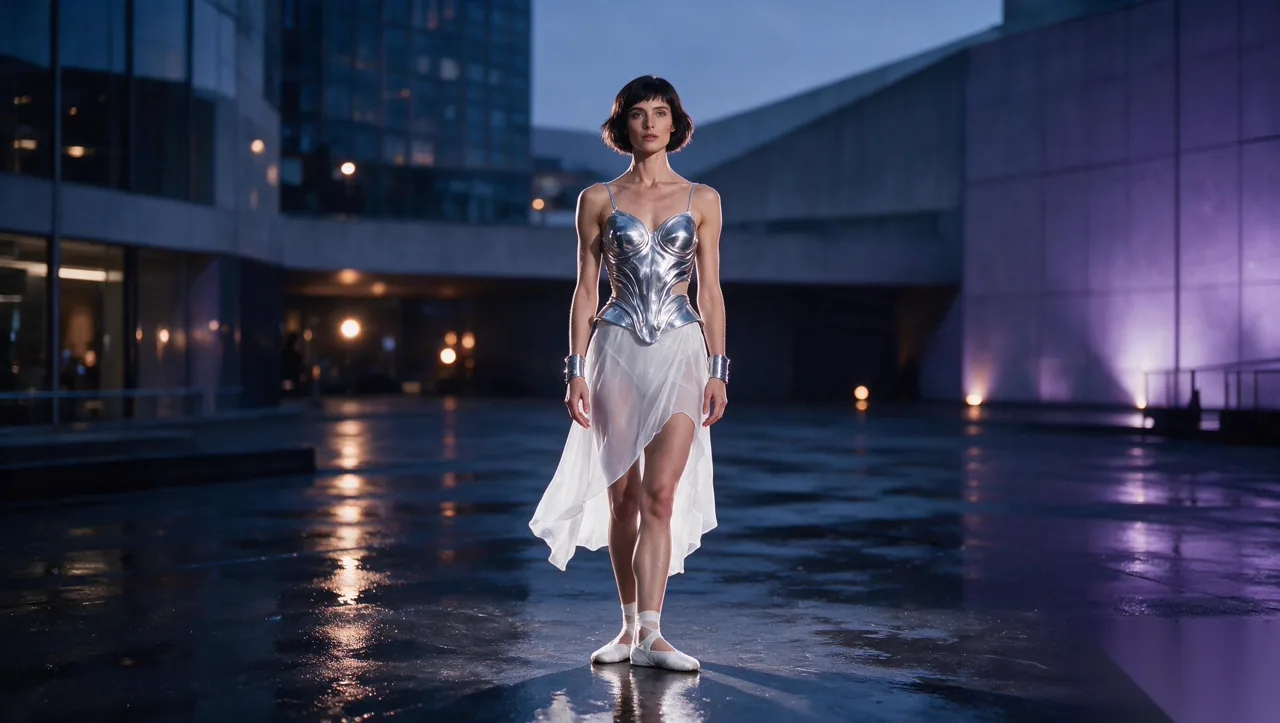
Where MiniMax H3 Leads.
Build With Multimodal References.
See the Model Direct the Scene.
Five distinct examples show character continuity, camera choreography, native sound, reference-led motion and multi-shot storytelling.
Stay With the Character.
Move from an establishing shot into an orbit and close-up while identity, wardrobe and atmosphere remain coherent.
Turn a Product Into a World.
Use a controlled macro push, material transformation and reveal to build a complete brand moment rather than a static product spin.
Let Performance and Sound Arrive Together.
Camera movement, spoken line and atmosphere share the same scene timing.
Carry Movement Into a New Subject.
Translate a physical rhythm into a new subject while keeping the action readable.
One Idea.
A Complete Sequence.
Plan several beats inside one generation—from the opening frame to the final reveal—with visual continuity across every cut.
From An Idea To A Finished Video.
Plan with an LLM, create references with GlobalGPT models, generate with MiniMax H3, then continue editing and refining the result.
Develop the concept, script, shot list and generation prompts with a language model.
Generate character images, motion clips and music with GlobalGPT’s image, video and audio models.
Bring those references into the Video Generator and create one coherent sequence with MiniMax H3.
Refine individual shots, continue editing the video and develop the result with other tools in the workspace.
Made for Ideas That Move.
From product reveals to compact stories, use MiniMax H3 when the camera, action and final frame all need direction.
Turn impact, transformation and a controlled orbit into one compact product film.
Build a discovery, chase and final reveal inside a concise social-first sequence.
Explore impossible worlds with readable camera movement before full production.
Carry one person and costume through reflection, tracking and close coverage.
MiniMax H3 Questions
What can I upload as a MiniMax H3 reference?
The GlobalGPT workspace is designed to support the reference types made available by the selected MiniMax H3 mode, including images and—where enabled—video or audio. Final upload limits should reflect the live generator configuration.
Can MiniMax H3 generate video with sound?
MiniMax H3 supports native audio workflows. Availability and output controls should be stated according to the mode currently connected in GlobalGPT.
Should I use Keyframes or References?
Use Keyframes when the opening, ending or transition is the main constraint. Use References when identity, motion, style or sound needs to guide the full clip.
How is MiniMax H3 different from Seedance 2.5?
The most useful comparison is not a generic “which is better” claim. Compare the exact mode you need: accepted references, native sound, shot control, output specification, duration and generation cost.
Can I use MiniMax H3 directly on this page?
Yes. The generator remains available beside this model guide, so you can switch modes, add references and generate without moving to a separate landing page.