

Make The Whole Visual Work.
Turn a complex creative brief into one finished image—where the subject, typography, information and layout belong together.
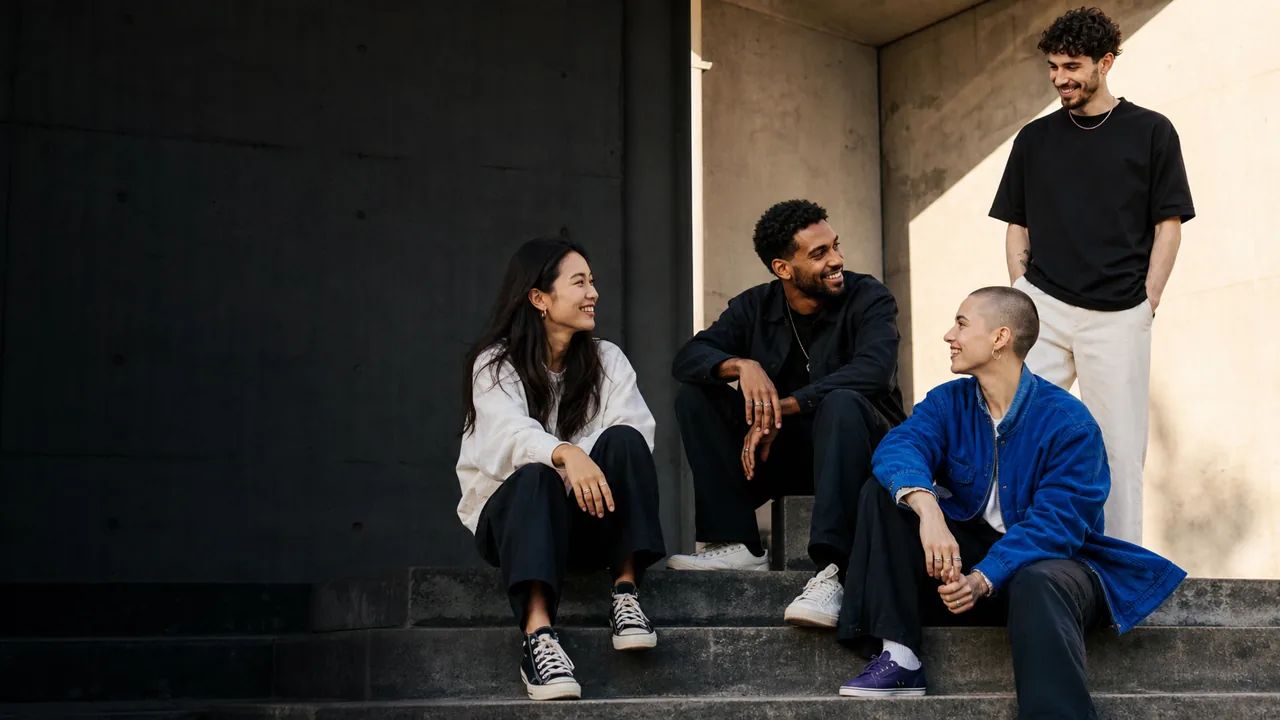
Choose the right image workflow.
When The Image Has A Job To Do.
Each example proves a different part of the page thesis, from structured information and exact copy to continuity and constrained editing.
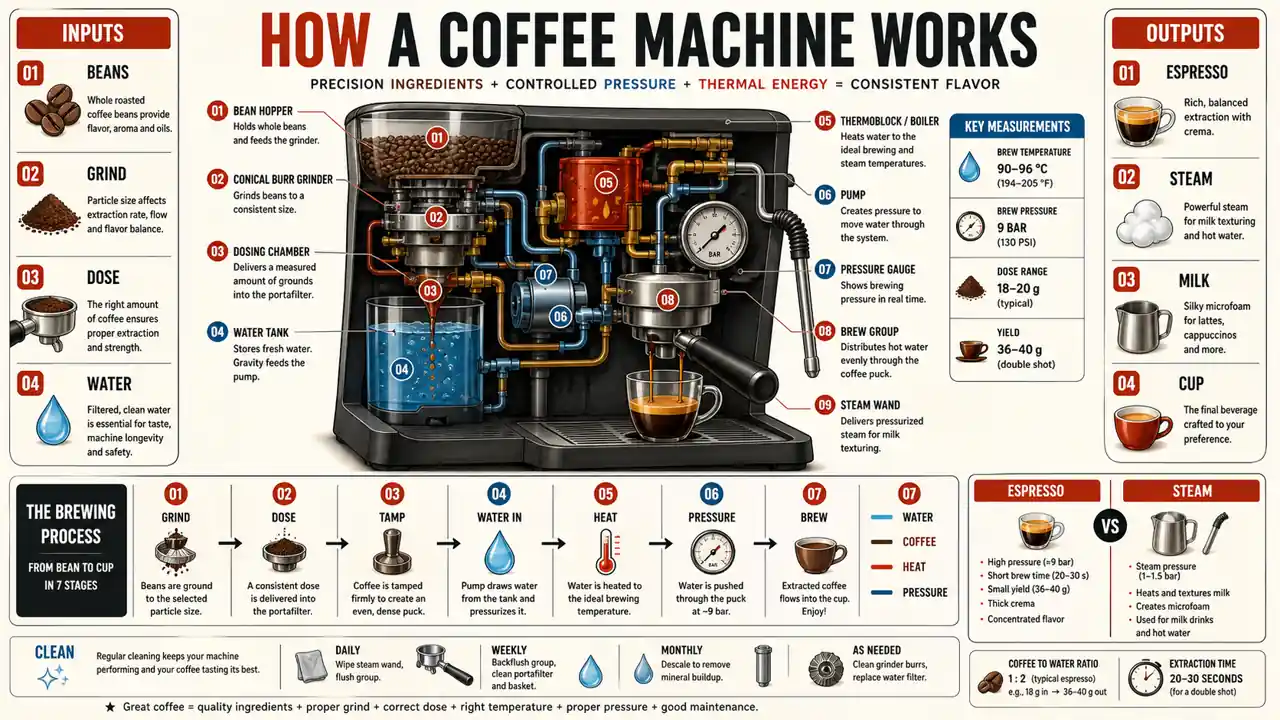 GPT IMAGE 2 · INFOGRAPHIC
Organize What People Need To Understand.
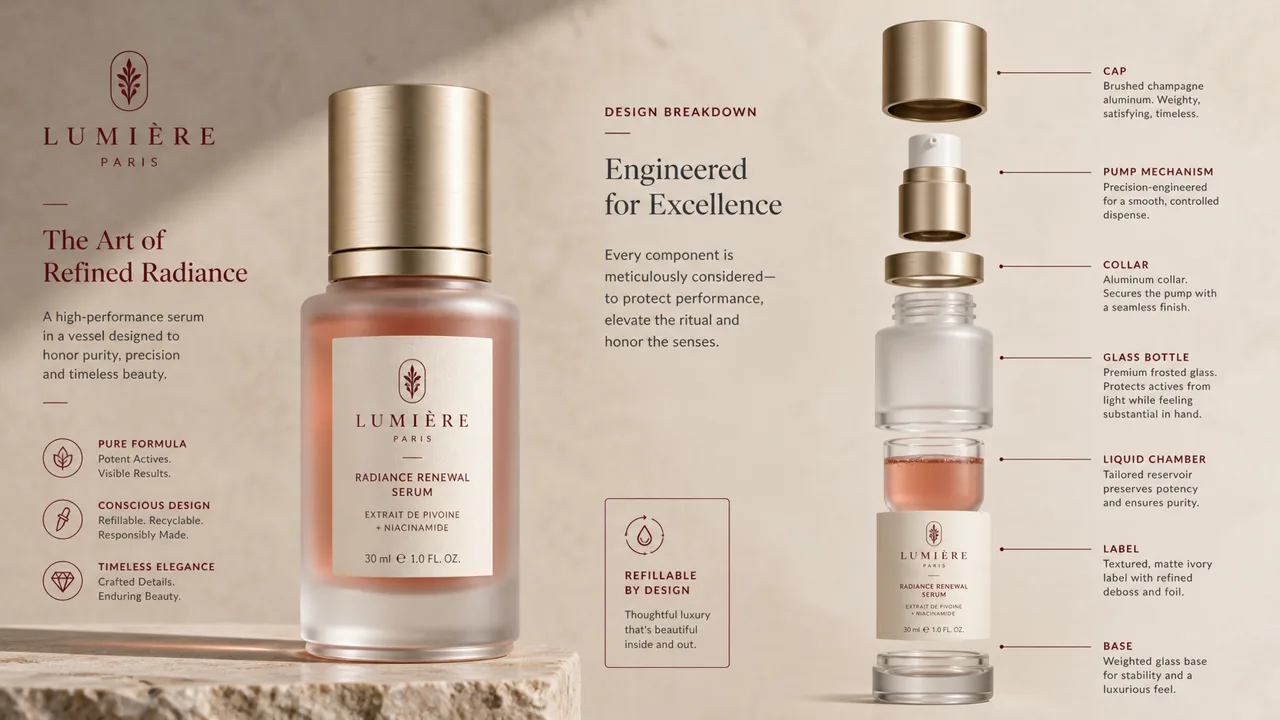
Turn a technical process into one readable visual hierarchy with labels, steps and relationships.
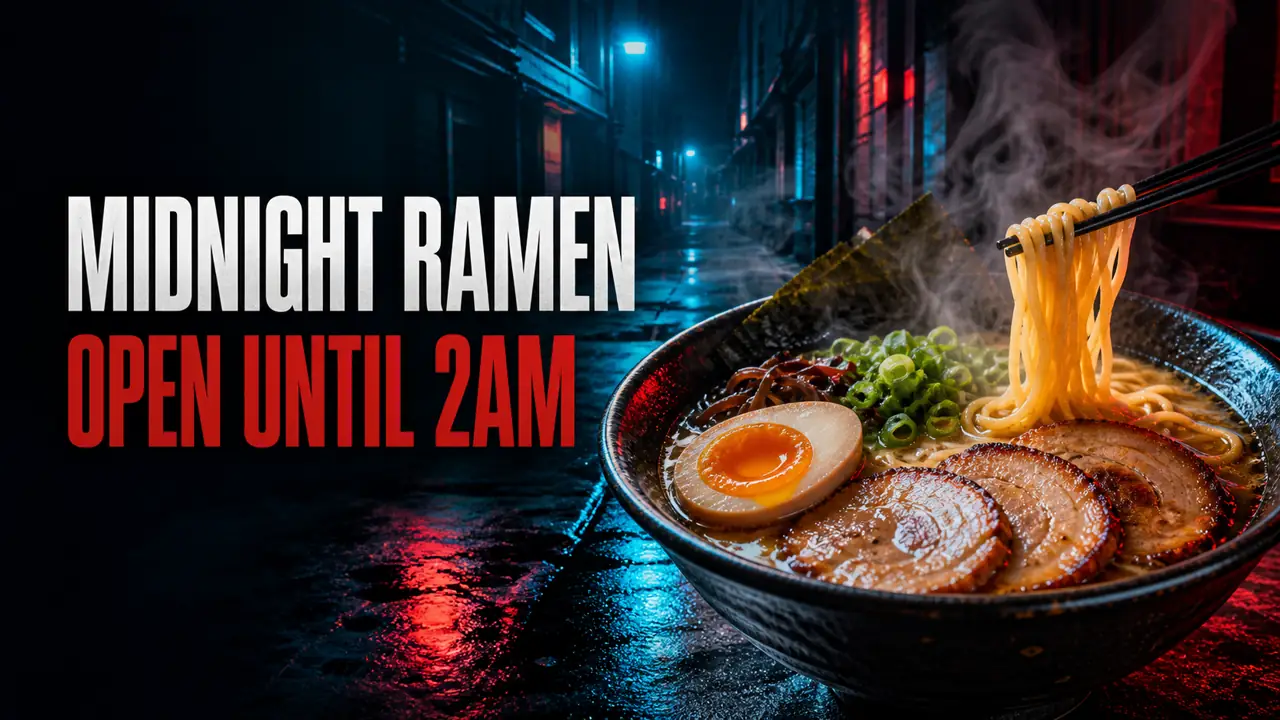 GPT IMAGE 2 · CAMPAIGN
Put Real Copy Inside The Creative.
Design around exact words instead of treating text as an afterthought pasted onto an unrelated image.
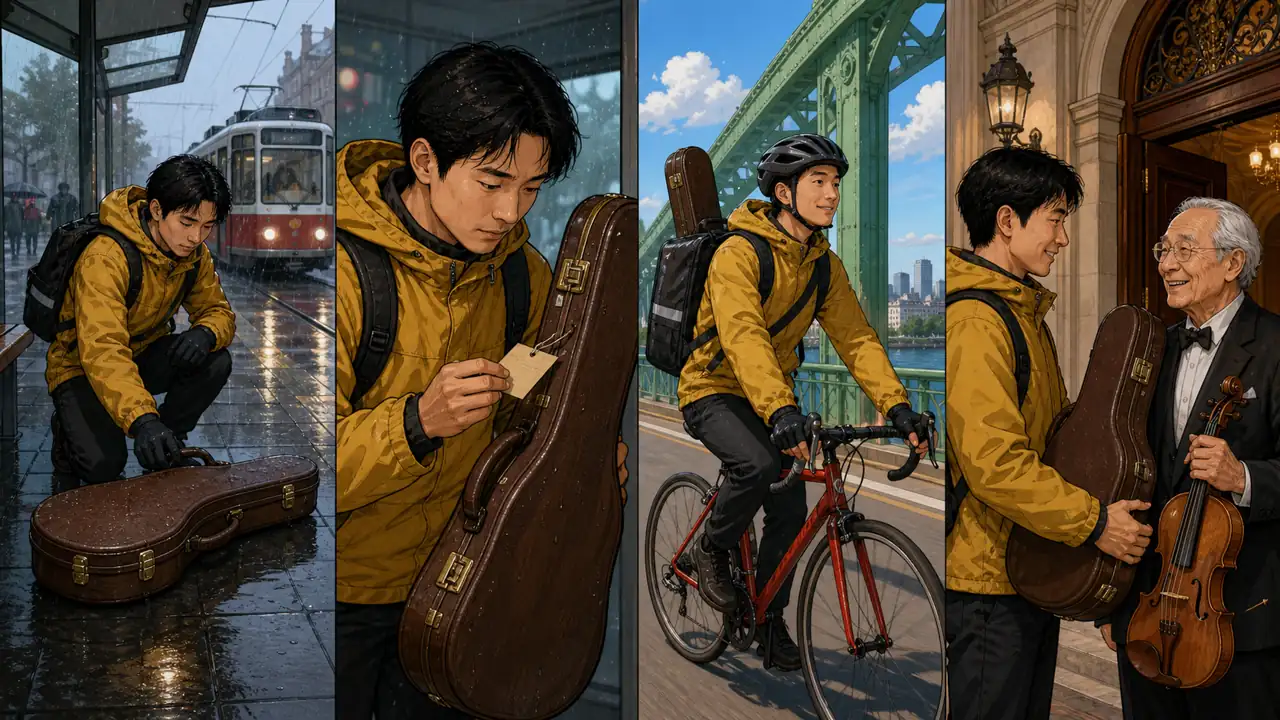 GPT IMAGE 2 · CONTINUITY
Continue The Story Without Redesigning It.
Carry a recognizable character, visual language and emotional tone into a new scene.
 GPT IMAGE 2 · PRODUCT EDITING
Change The Assignment, Not Everything Else.
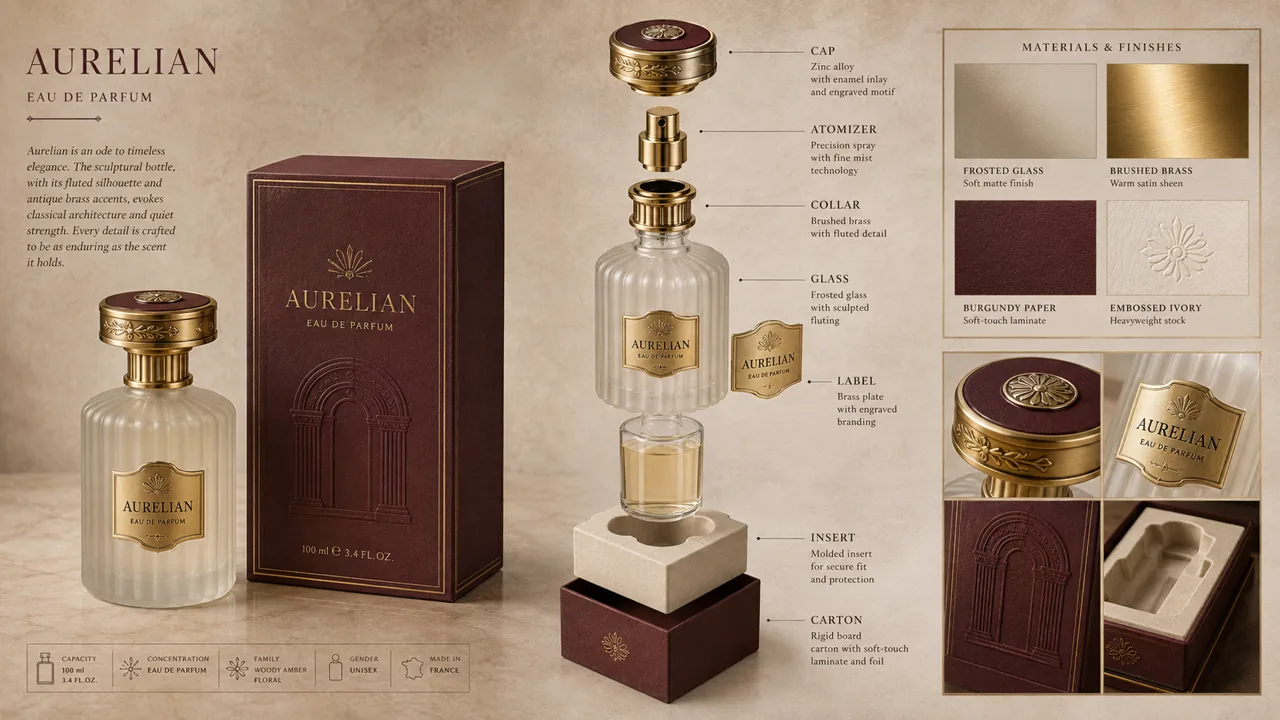
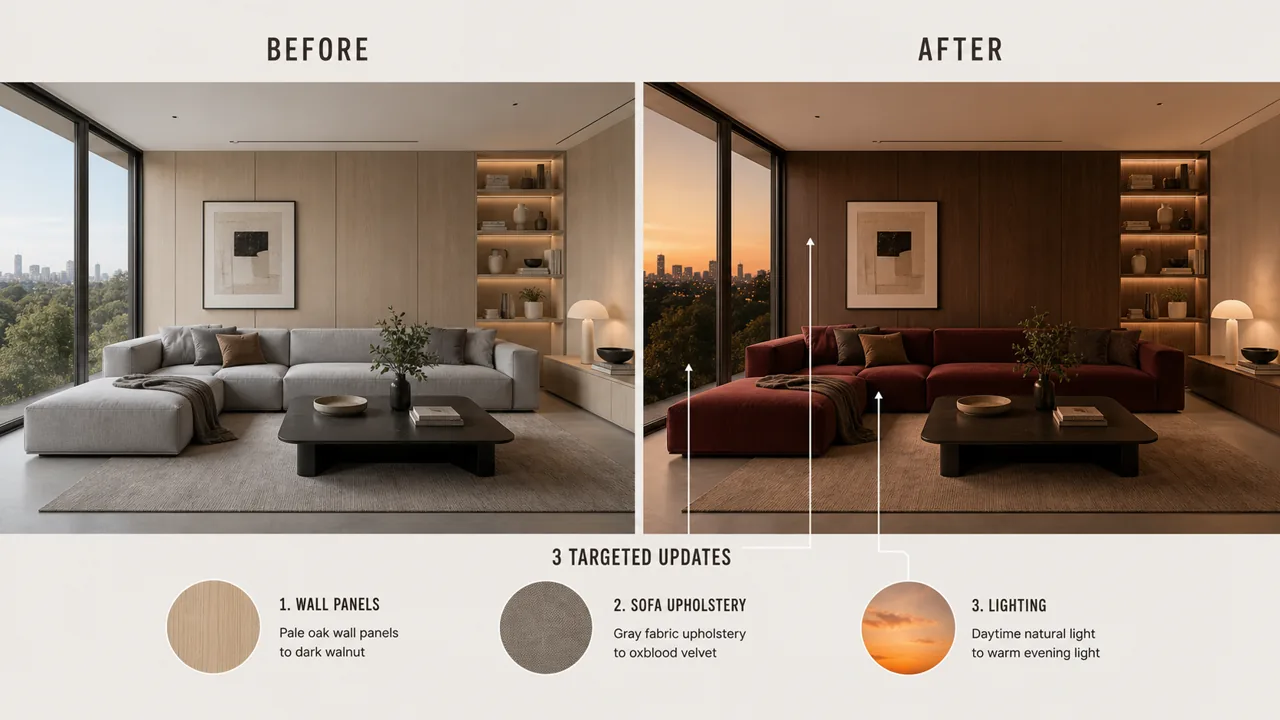
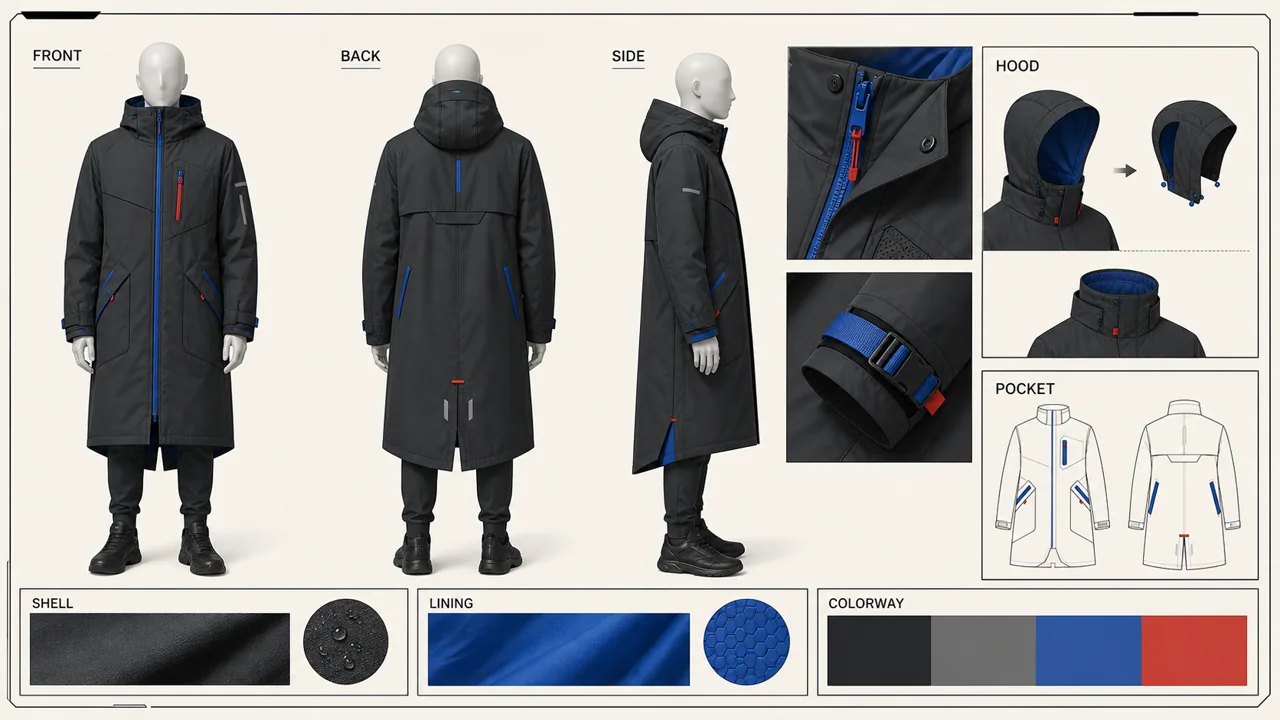
Break a product into controlled parts, then preserve its identity while changing materials, packaging or presentation.
Brief It Like A Real Deliverable.
Name The Output
Start with the job: an ad, infographic, comic page, character sheet or edited product image.
Define Text And Layout
Quote exact copy, describe placement and state what must remain unchanged.
Generate And Refine
Review the whole visual, then make small targeted changes instead of restarting blindly.
See It. Copy It. Make It Yours.
Four visual recipes for four different jobs. The complete prompt stays behind the copy button instead of filling the page.
Give GPT Image 2 Better Inputs.
The @ reference workflow belongs to GlobalGPT. It helps users activate the model; it is not presented as a GPT Image 2-exclusive capability.
Use a GlobalGPT language model to clarify audience, copy, structure and constraints.
Create or upload people, products, backgrounds and style references.
Use @ in GlobalGPT to explain what each uploaded image should contribute.
Generate the finished visual, then edit copy, layout or individual elements.
Different People. Different Deliverables.
Use cases are organized around the people doing the work. Every theme is distinct from the capability examples above.
Turn one sunscreen product into a polished coastal campaign with premium commercial framing.
Organize habitats, species and ocean depth into one museum-ready educational visual.
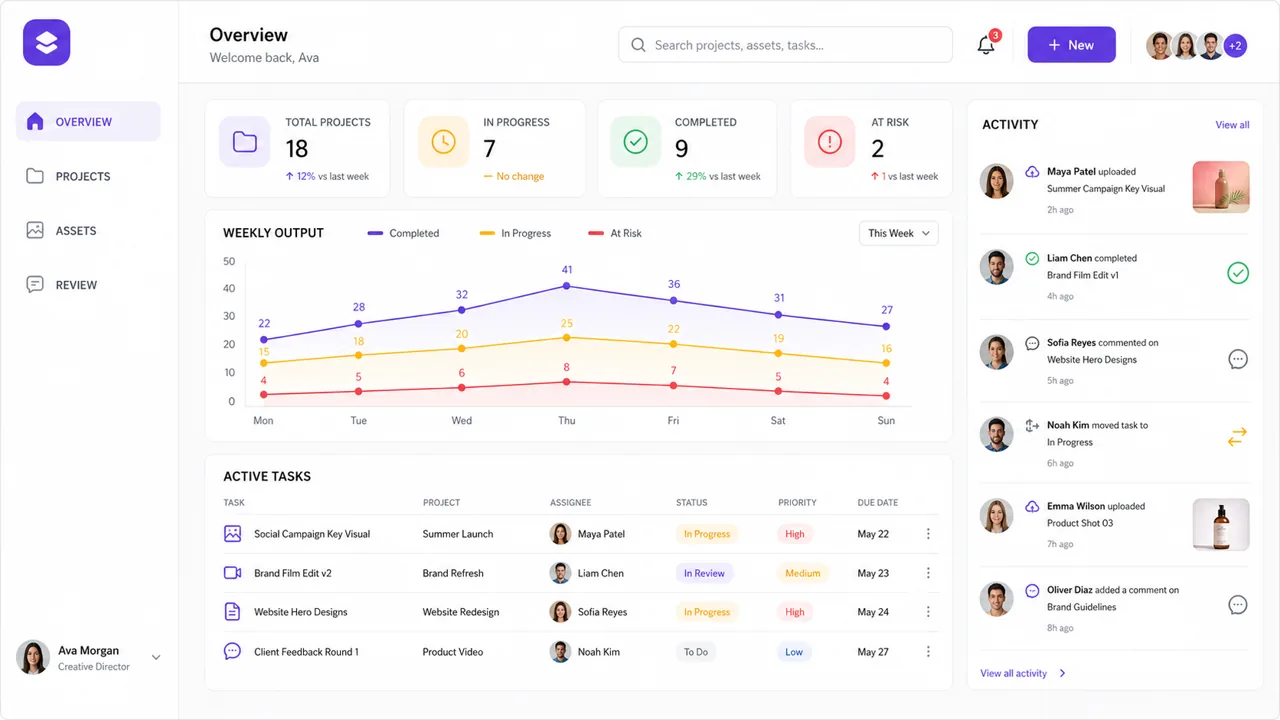
Create a cozy pottery livestream interface with readable chat, status and episode information.
Present an arctic field researcher across poses, expressions, equipment and clothing details.
GPT Image 2 Questions
What Is GPT Image 2 Best Suited For?
GPT Image 2 is best suited to image generation and editing jobs that combine subject matter, readable text and an intentional layout. In GlobalGPT, it is especially useful for infographics, campaign graphics, product presentations, interface concepts and iterative visual edits.
Can GPT Image 2 Create Readable Text Inside Images?
GPT Image 2 can render text inside generated images, but results still depend on copy length, layout complexity and prompt clarity. Quote the exact wording, state where it should appear and check every character before publishing the image.
How Do Image References Work With GPT Image 2 in GlobalGPT?
GlobalGPT lets you upload images and identify them with @ references in your prompt before generating with GPT Image 2. Explain what each reference contributes—such as the product, person, background or style—and state which details must remain unchanged.
How Should I Write a GPT Image 2 Prompt?
Start by naming the deliverable, then describe the subject, exact text, layout, visual style and constraints. For edits, separate what must change from what must stay the same, then refine one small part at a time.
How Much Does GPT Image 2 Cost and How Long Does It Take?
The current credit cost and available settings are shown in the GlobalGPT workspace before generation. Generation time can vary with demand and the selected workflow, so check the live workspace rather than relying on a fixed price or wait-time claim.
Can I Use GPT Image 2 Outputs for Commercial Work?
Commercial use depends on the current GlobalGPT terms, applicable model-provider policies and the rights attached to your prompts, references and output. Review those terms before publishing, and do not upload or imitate protected brands, copyrighted material or a person's likeness without the necessary permission.